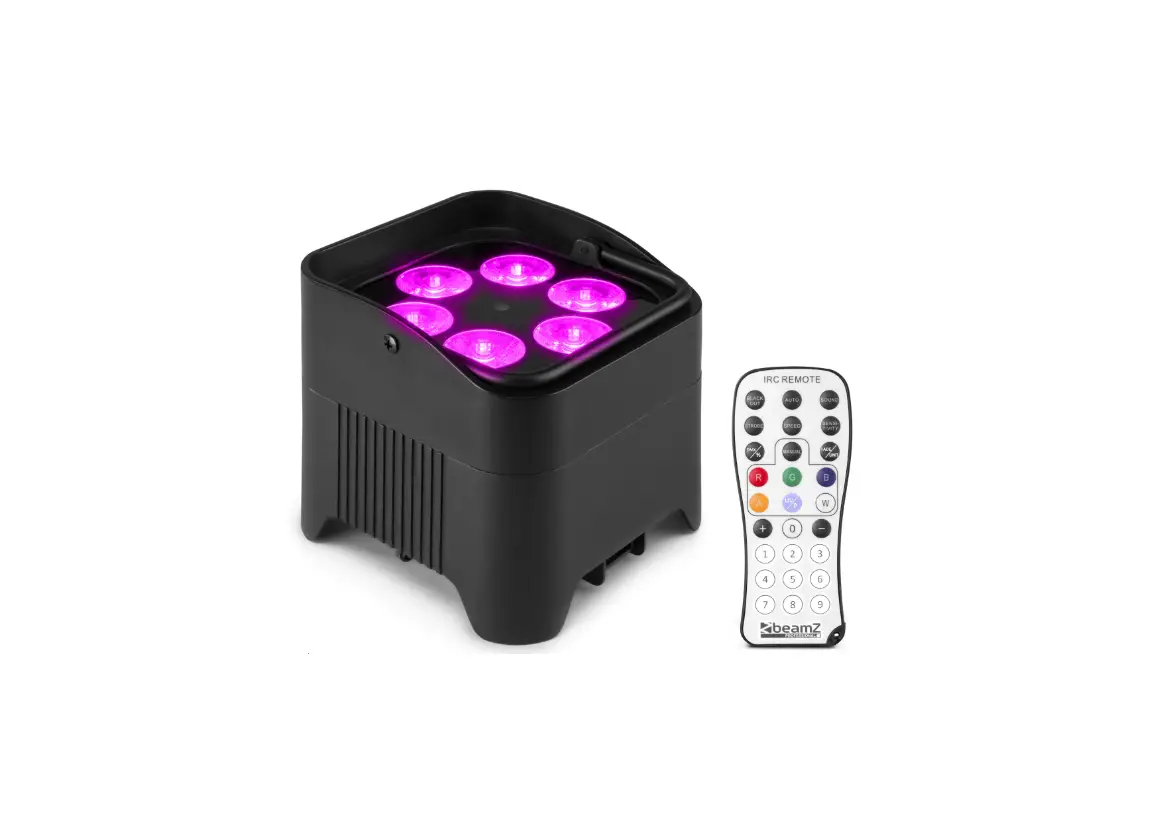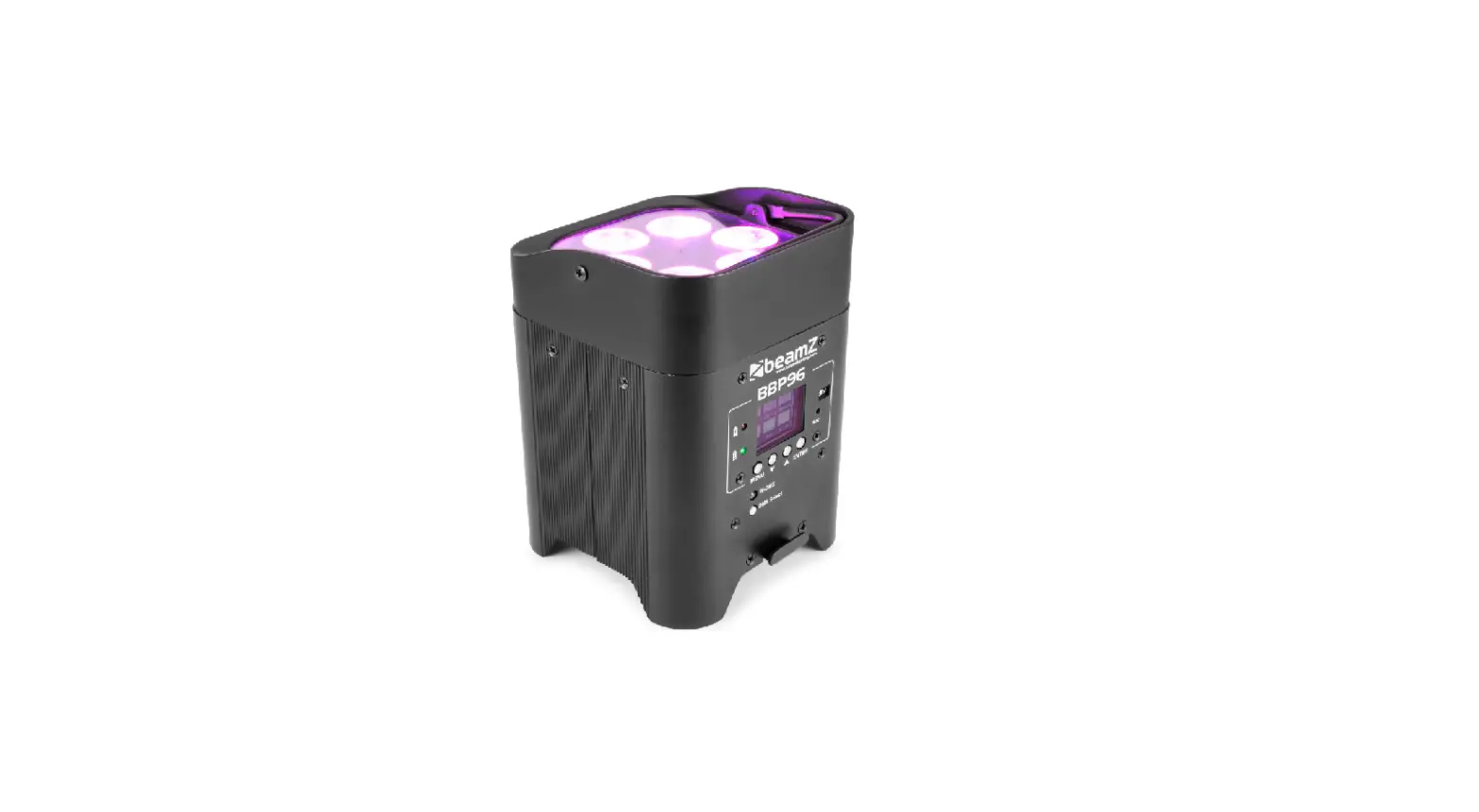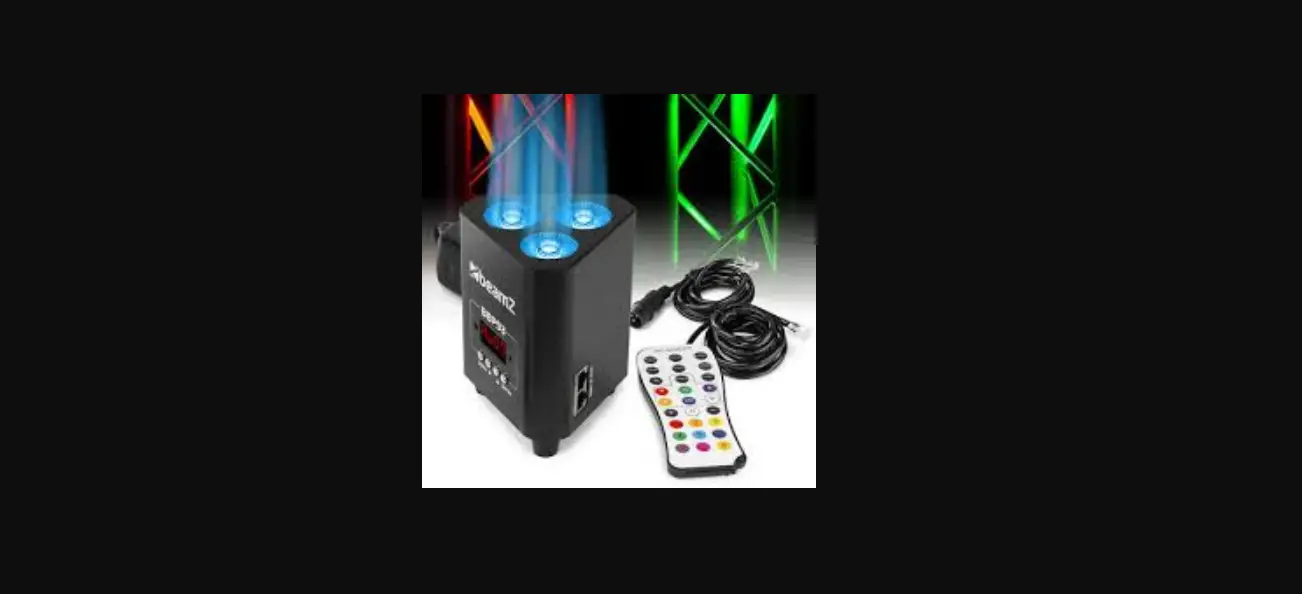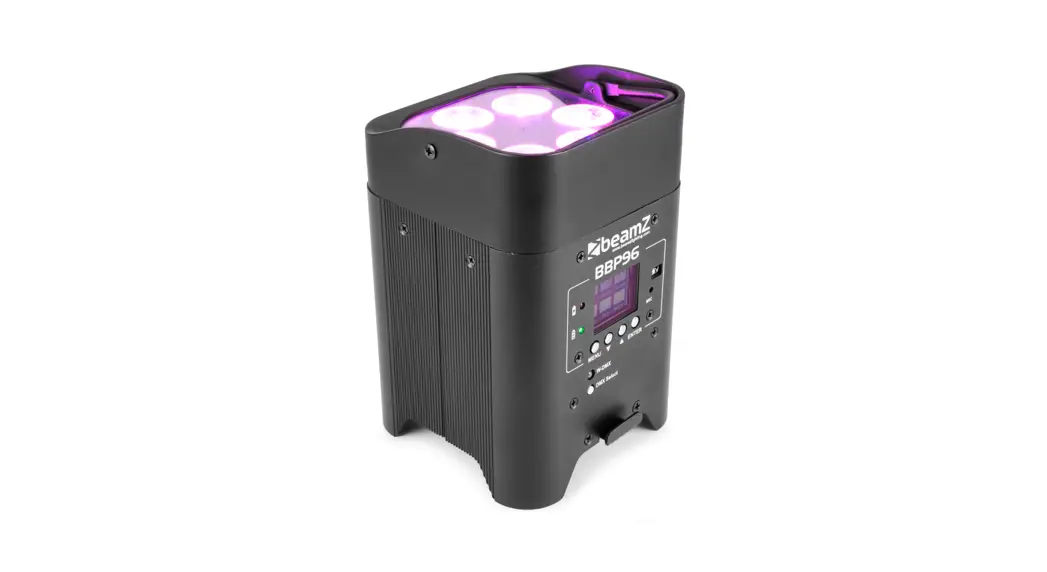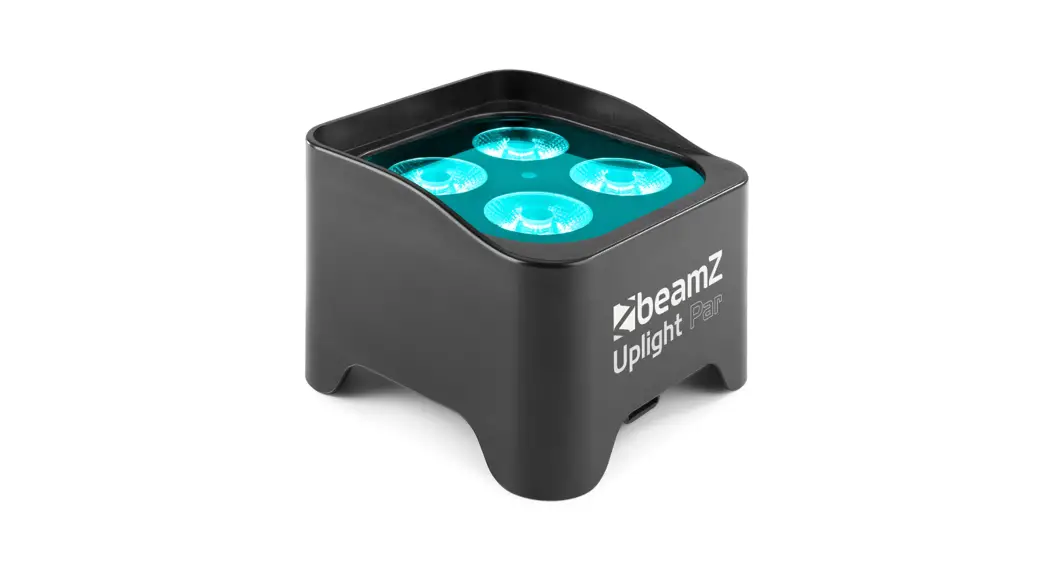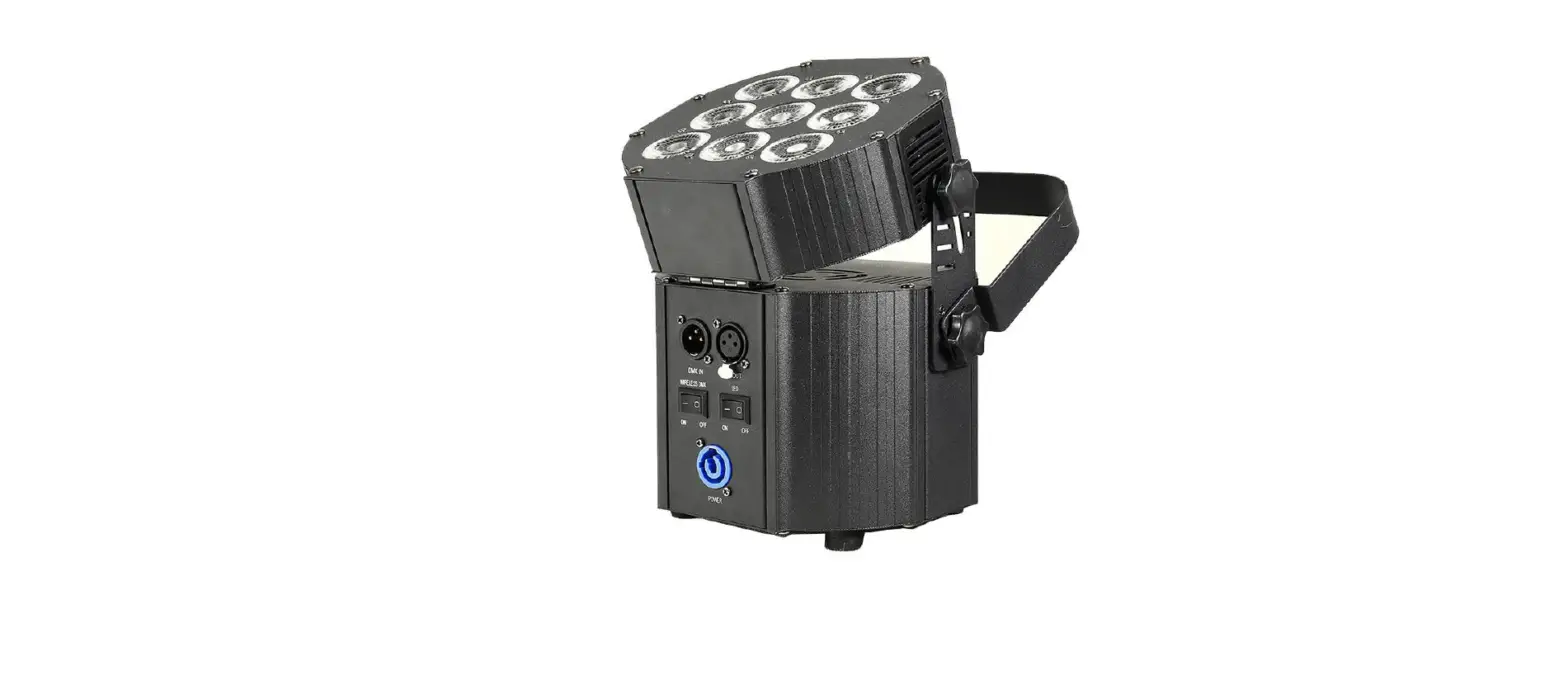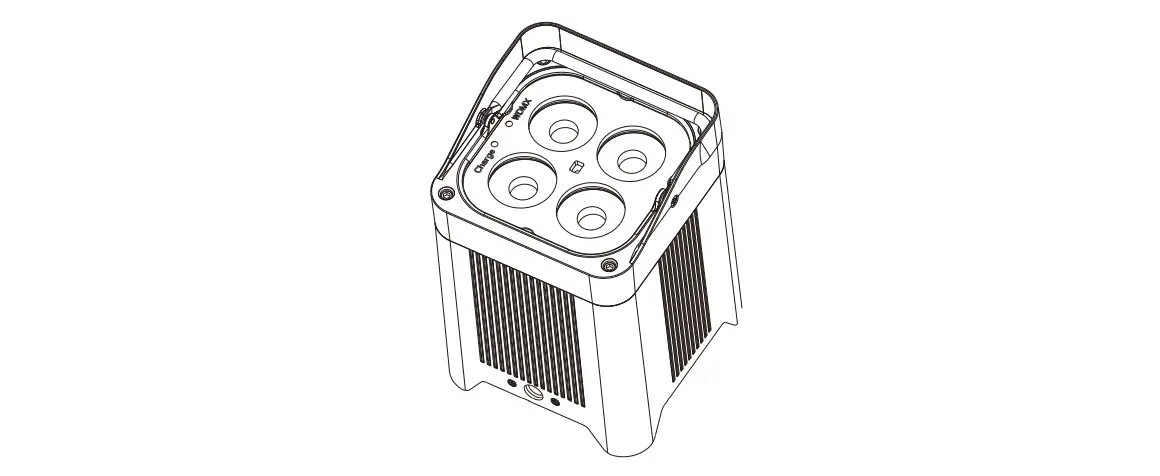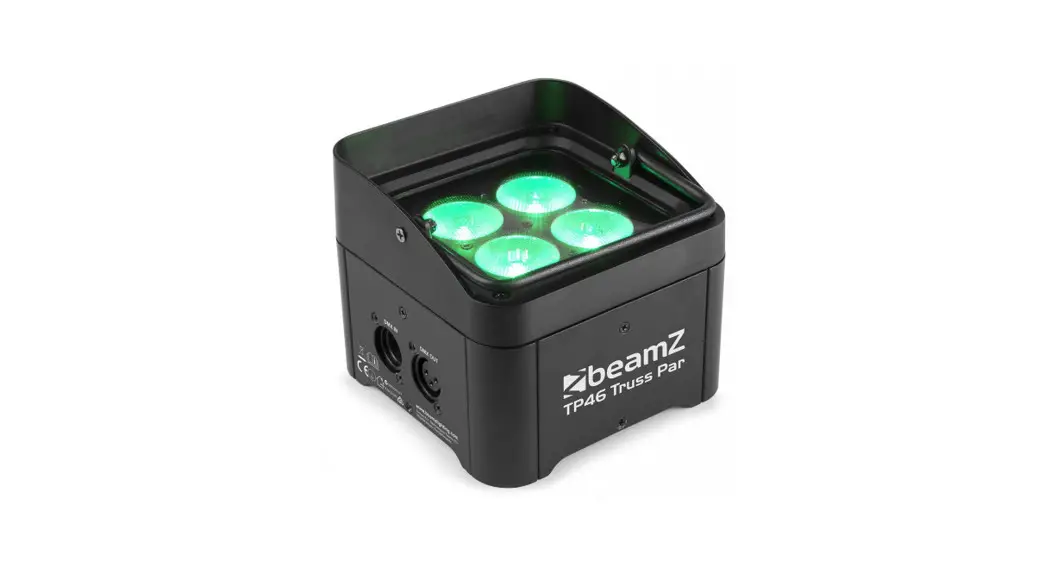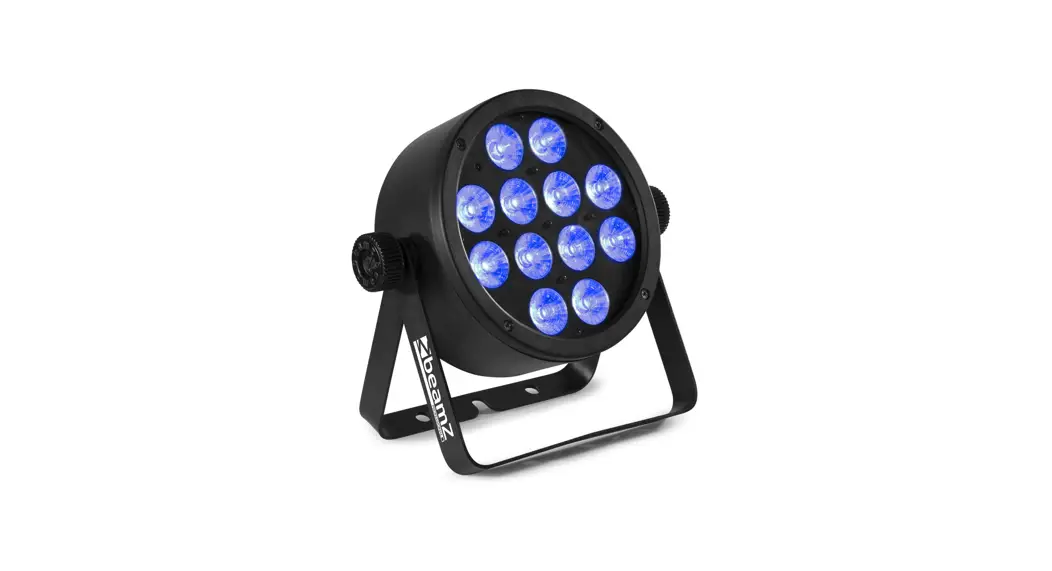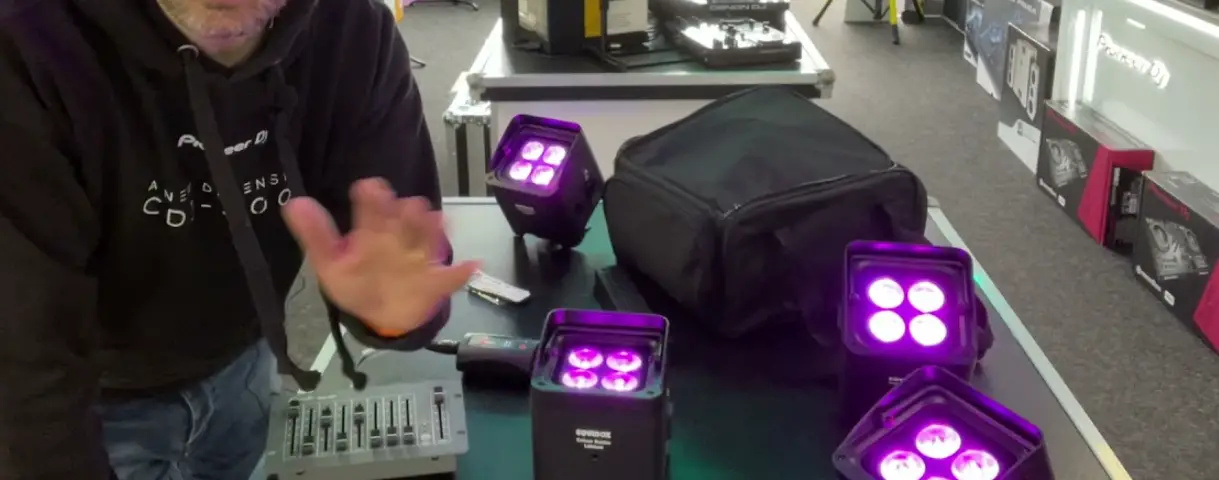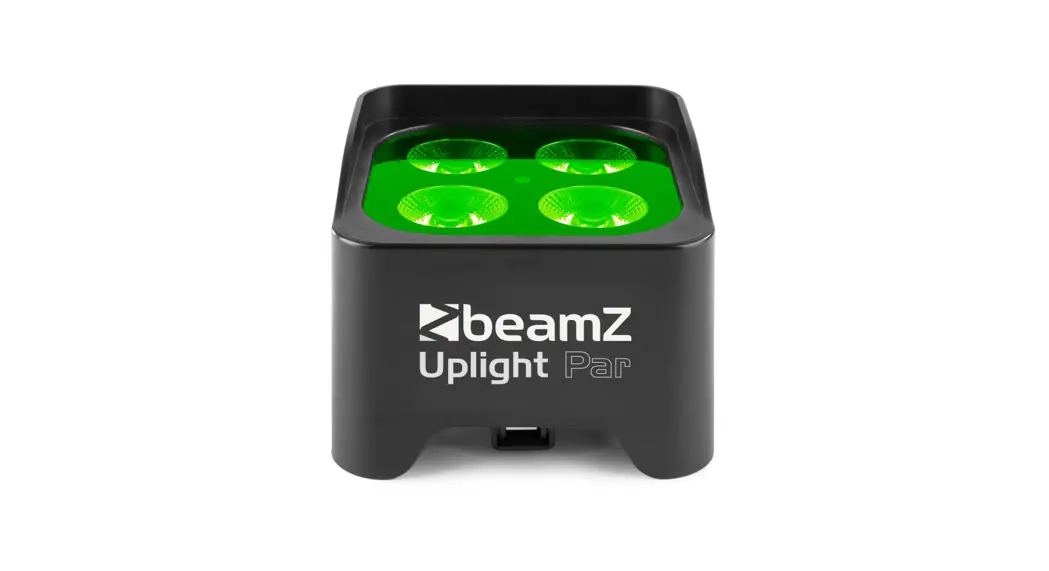
 BBP90 Battery Uplight Par
User Guide
REMOTE CONTROLLER
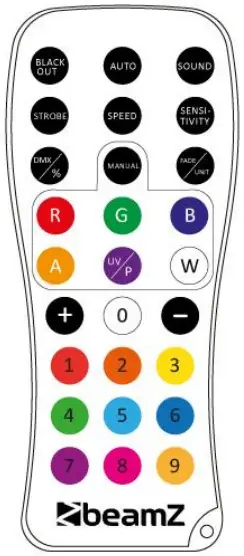
BLACKOUT
- Press <BLACK OUT> off existing modes.
- Press any color button to turn the lights on again.
AUTO
Automatic mode will enable you to run the automatic light programs. To turn on automatic mode:
- Press <AUTO> on the remote controller. Display shows ‘FF99″.
- Press <.> or <-> to choose between the different auto programs.
- Press <AUTO> again to turn off the auto mode.
SOUND
The sound mode will enable the product to respond to the music. To tum on the sound mode
- Press <SOUND> on the remote controller.
- Press <SENSITIVITY> and then press e> or e> to increase or decrease the sound sensitivity.
- Press <SOUND> again to turn off the sound mode.
STROBE
Activate the strobe function in automatic or sound mode.
- Press <STROBE> on the remote controller.
- Press e> or <-> to either increase or decrease the speed of the strobe.
- Press <STROBE> again to turn off the strobe. SPEED No Function
SENSITIVITY
To adjust sound sensitivity in sound mode.
- Press <SENSITIVITY> on the remote controller.
- Press <+> or <-> to Sher increase or decrease sound sensitivity.
- Press <SENSITIVITY> again to tum off the sensitivity mode
%
Select color gradual change mode.
- Press <%> on the remote controller. Display shows “CC00”.
- Press <.> or <-> to Sher increase or decrease the speed of the program.
- Press <%) again to turn off the gradual change mode.
MANUAL
Select one of eight static colors.
- Press <MANUAL> on the remote controller. Display shows.AU01″.
- Press oil or <-) to choose your static color.
- Press <MANUAL> again to turn off the manual mode.
FADE
To adjust the fade speed of the automatic program. the sound active program and the manual mode.
- Press <FADE> on the remote controller. The display shows”EE00″.
- Press 0.> or e) to either increase or decrease the speed of the program.
- Press <FADE> again to turn off the fade mode.
R,G,B,UV AND NUMBER 1-9
- Select static colour with the buttons <Ft>,<G>,<B>,<UV> or digit a> to <9>.
- Press <.> or <-> to either increase or decrease brightness.
| MENU | DESCRIPTION | |
| A001 | 001-512 | DMX address setting |
| u_100 | 000-100 | Battery level indicator |
| IRYE | yE | Turn on the remote control function |
| no | Turn off the remote control function | |
| 255 | 000-255 | Master dimmer 0-100% |
| R255 | 000-255 | Red dimmer 0-100% |
| 255 | 000-255 | Green dimmer 0-100% |
| B255 | 000-255 | Blue dimmer 0-100% |
| U2SS | 000-255 | UV dimmer 0-100% |
| F25S | 010-255 | Strobe speed from slow to fast |
| a.01 | 01-08 | Static color selectable |
| Call | 00-99 | Colour jumping. |
| 0.00E+00 | B0-99 | Colour gradual change. speed from slow to fast |
| CP01 | B0-99 | Colour pulse change. speed from slow to fast |
| SUNS | O-9 | Sound control. sensitivity from high to low |
DMX CHANNELS
| CHANNEL | FUNCTION | VALUE | DESCRIPTION |
| 1 | Master dimmer | 000-265 | Dim all. From dark to bright |
| 2 | Colour | 000-265 | Red 0-100%. from dark to bright |
| 3 | 000-255 | Green 0-100%. from dark to bright | |
| 4 | 000-255 | Blue 0-100%. from dark to bright | |
| 5 | 000-255 | UV 0-100%. from dark to bright | |
| 6 | Strobe | 000-009 | No function |
| 010-255 | Strobe from slow to fast | ||
| 7 | Function | 000-050 | No function |
| 051-100 | 8 kinds of color output | ||
| 101-150 | Colour jumping | ||
| 151-200 | Colour gradual change | ||
| 201-250 | Colour pulse change | ||
| 251-255 | Sound control |
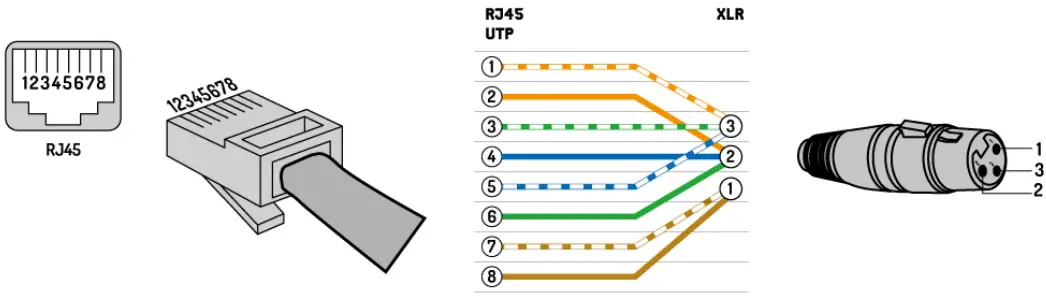
RJ45 TO DMX CABLE
YOUR FUTURE/YOUR SKILLS/YOUR PLATFORM
YOUR PARTY/YOUR EVENT
is a leading developer of lighting products, including intelligent DMX moving heads, wireless battery-operated DMX effects, static washes, sound-activated club effects, strobes & blacklights, LED lighting, fog and special effects machines, lasers, and indoor and outdoor architectural lighting, as well as lighting controllers and protective bags.
BEAMZLIGHTING.COM
150.588 V1.1