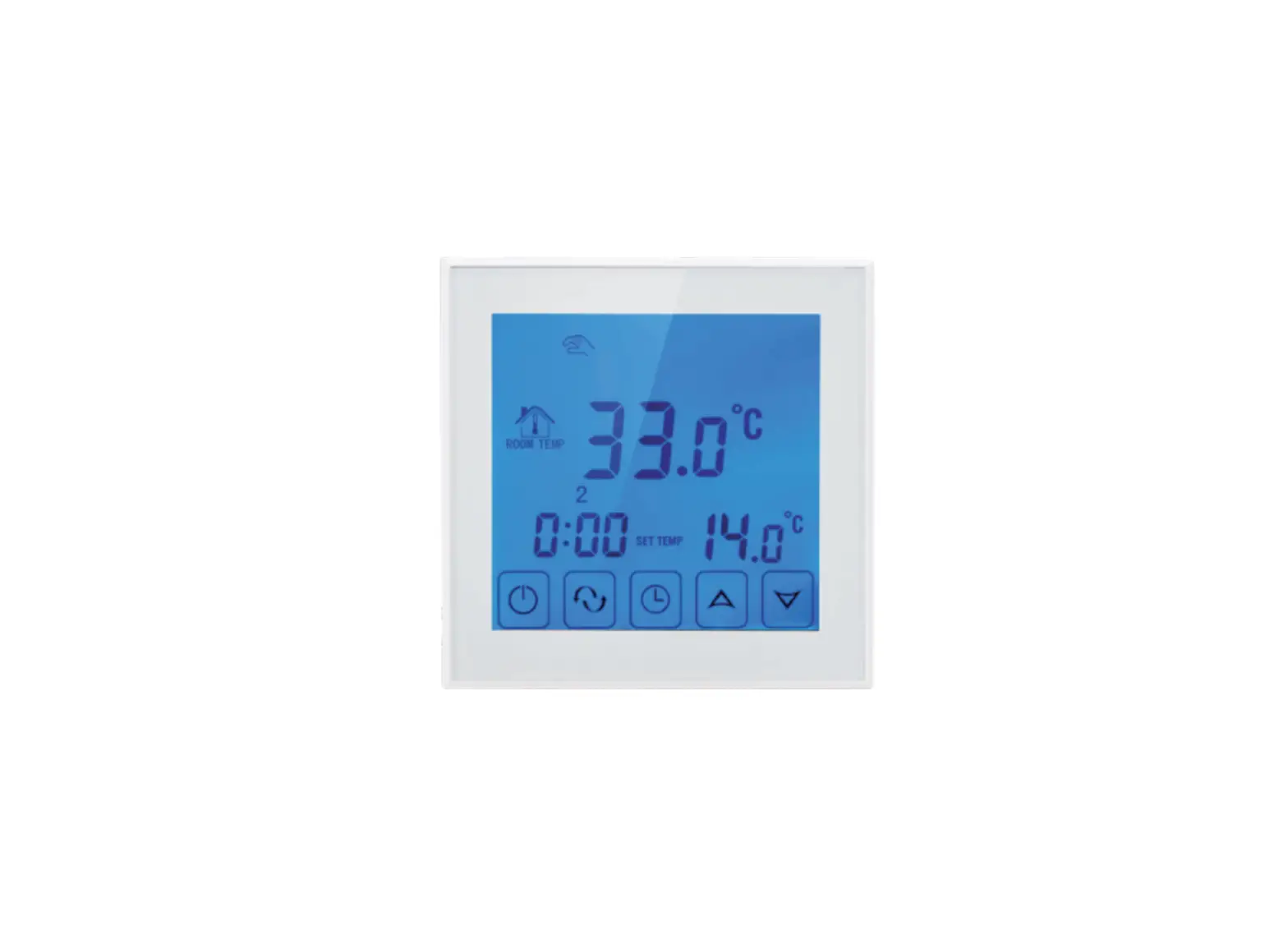
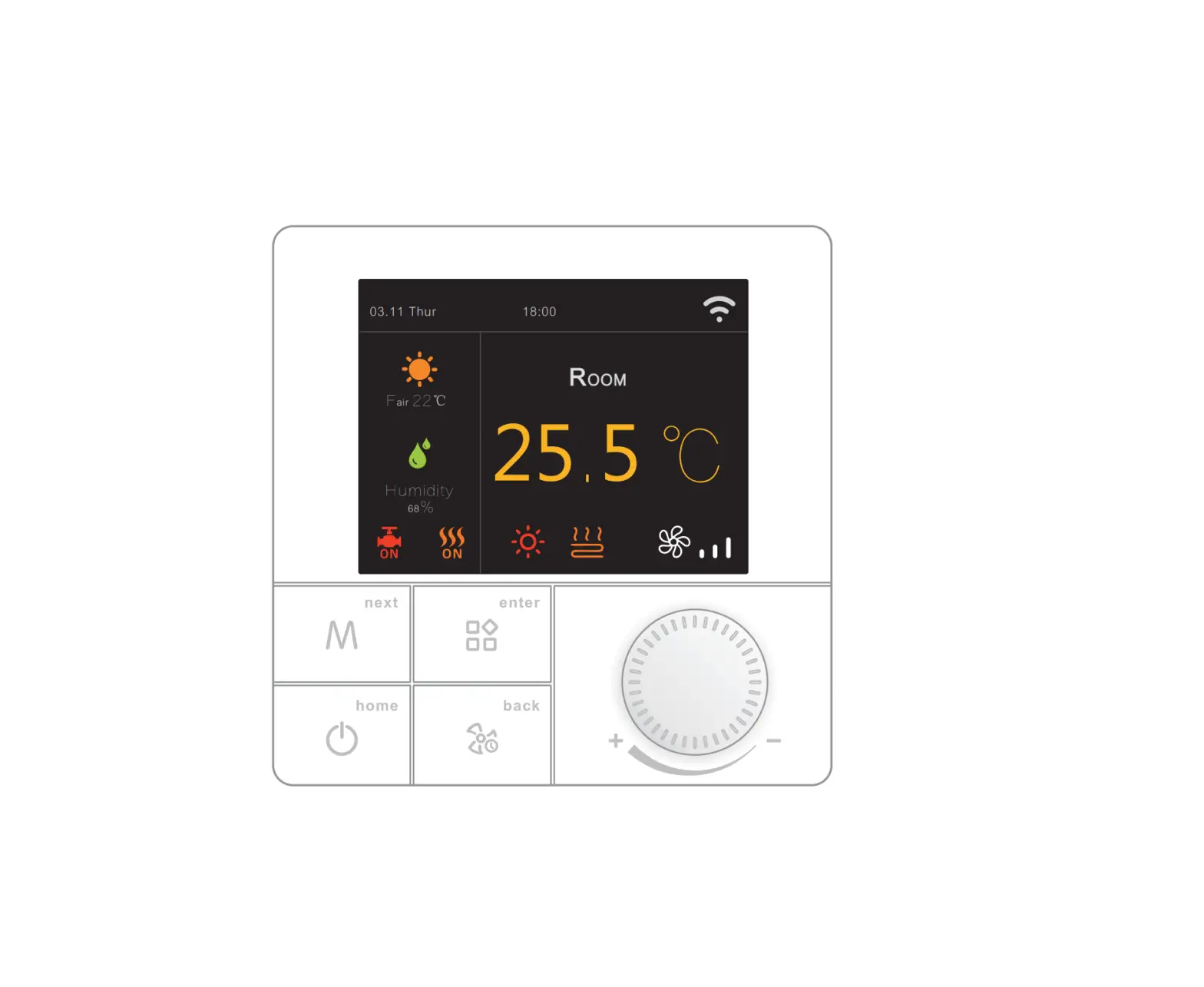
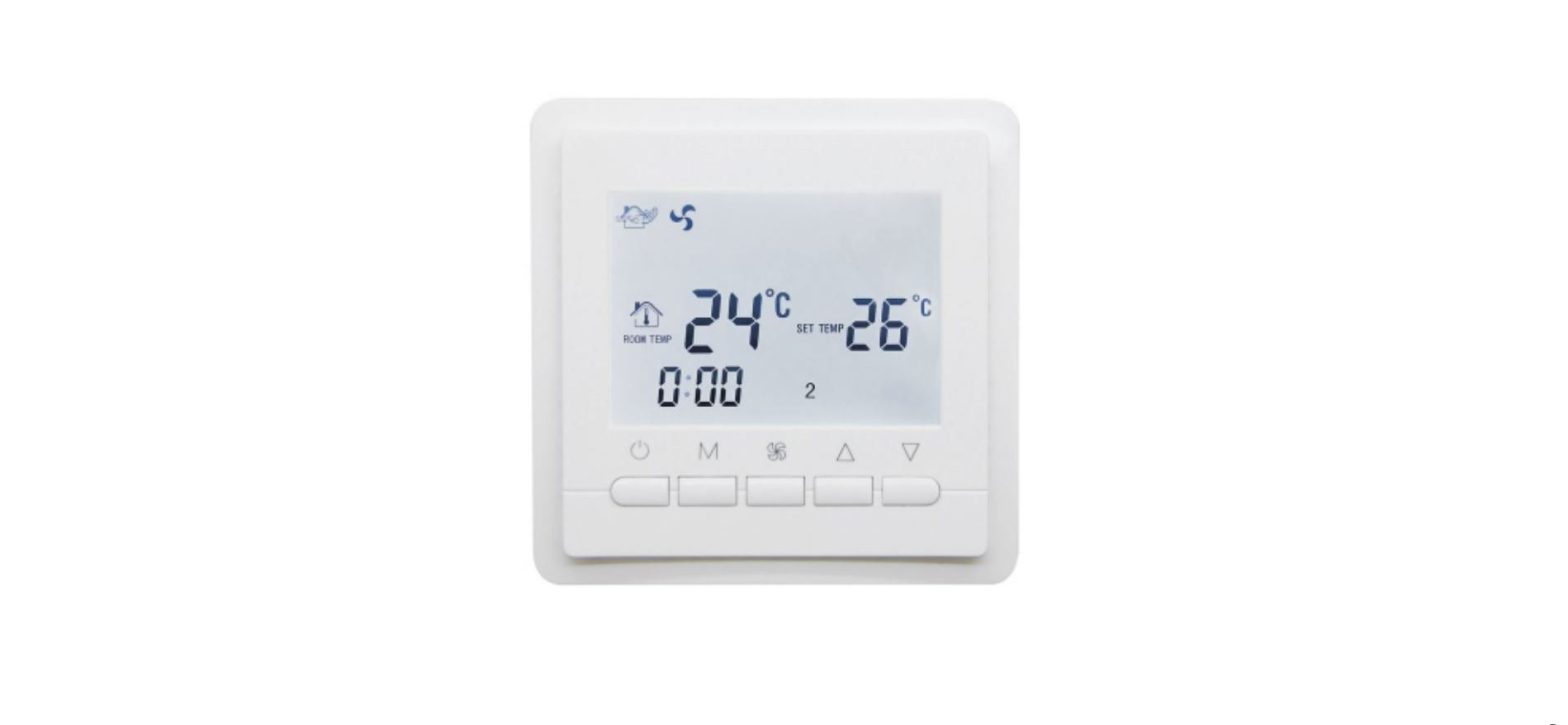
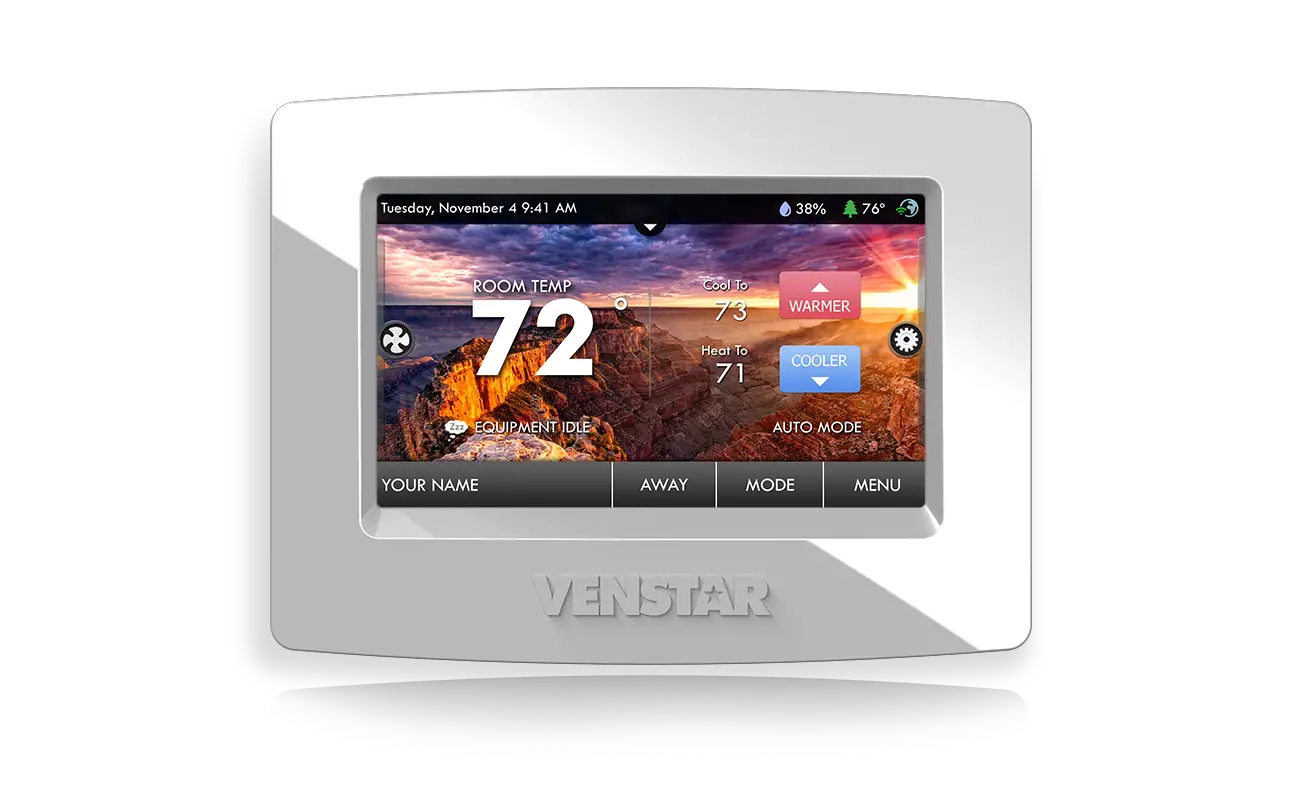
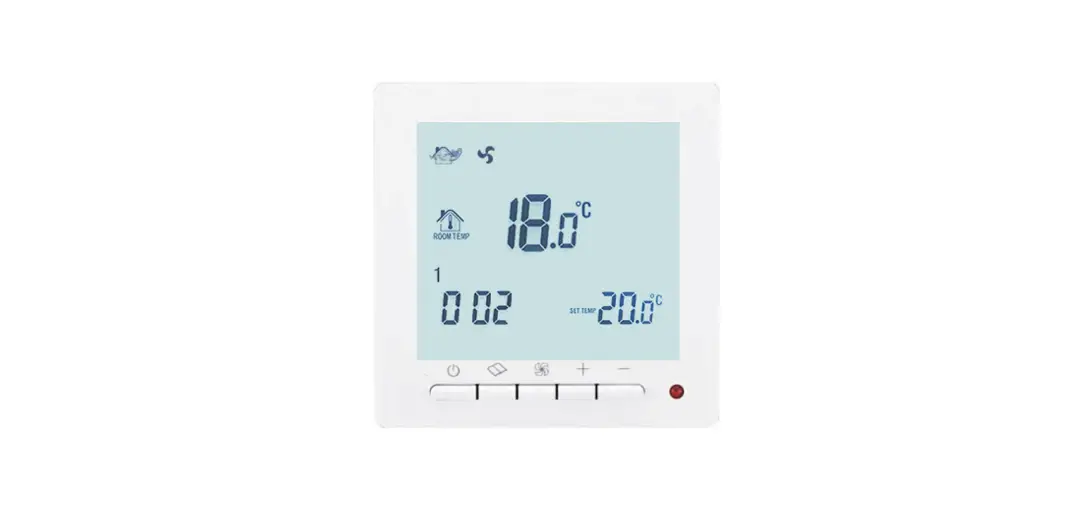
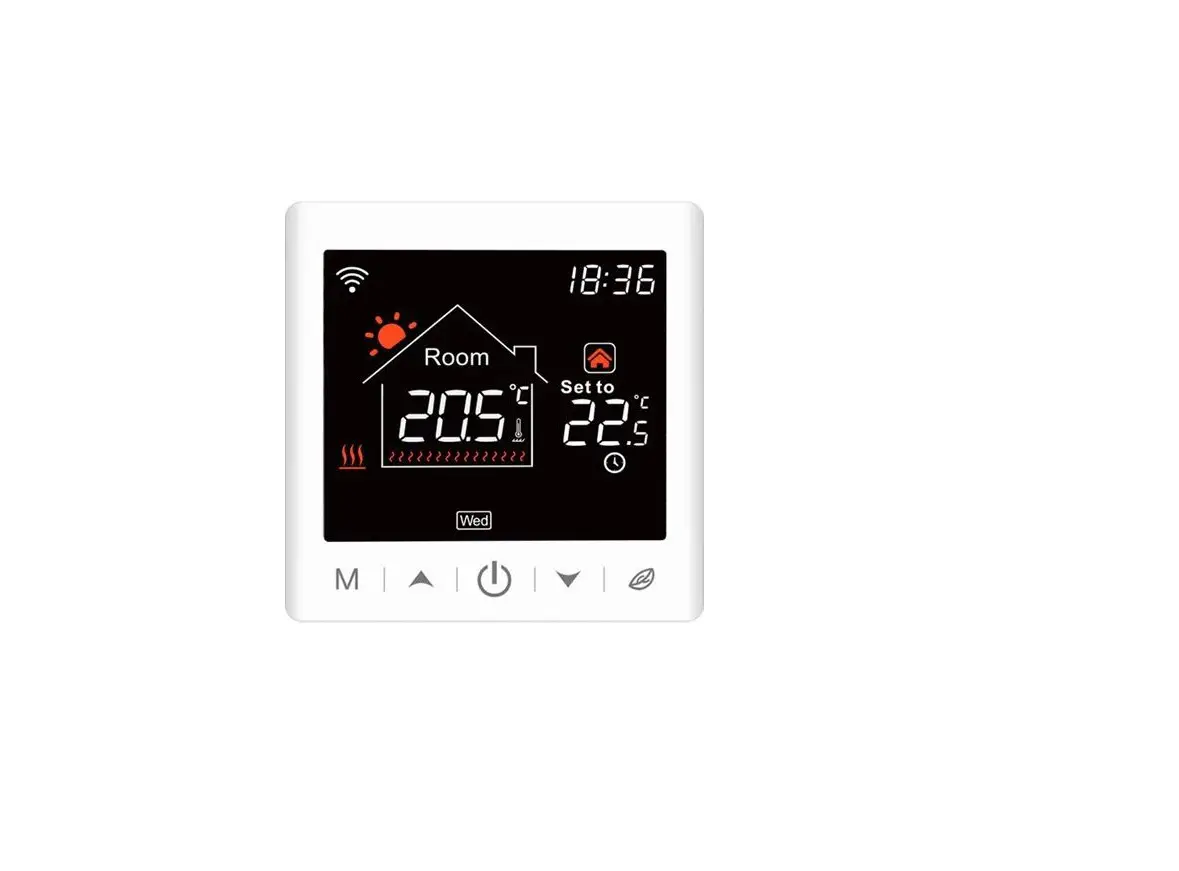
TDS72 Digital Screen Thermostat
Product Information
The TDS72WIFI-EP, TDS72WIFI-WP, and TDS72WIFI-WPB are models of
a boiler heating appliance. These models are equipped with WiFi
capabilities for remote control and monitoring.
The product features include:
- Temperature setting
- Fine-tuning reduction
- Keyboard lock
- Manual and automatic modes
- Entry phase programming
- Advanced parameter settings
- Multiple modes for different work/rest days
- Flexible time and temperature adjustments
Product Usage Instructions
To use the TDS72WIFI-EP, TDS72WIFI-WP, or TDS72WIFI-WPB, follow
these instructions:
- Temperature Setting: Use the keyboard to set
the desired temperature for your boiler heating appliance. - Fine-tuning Reduction: Adjust the fine-tuning
settings to reduce the temperature by small increments. - Keyboard Lock: Activate the keyboard lock
feature to prevent accidental changes to the settings. - Manual and Automatic Modes: Choose between
manual or automatic mode for controlling the heating process. - Entry Phase Programming: Enter the desired
settings for the entry phase to ensure efficient heating. - Advanced Parameter Settings: Access and modify
advanced parameters for customized heating control. - Modes for Work/Rest Days: Select the
appropriate mode based on your work/rest schedule. The available
modes are:- 5 + 2: 5 working days and 2 rest days
- 6 + 1: 6 working days and 1 rest day
- 7: All seven days of the week are considered
working days
- Time and Temperature Adjustments: Divide the
workday into 6 periods and adjust the time and temperature
accordingly. For rest days, divide into two periods and adjust time
and temperature settings as desired.
Follow these instructions to effectively use the TDS72WIFI-EP,
TDS72WIFI-WP, or TDS72WIFI-WPB boiler heating appliances for
optimal heating control and energy efficiency.
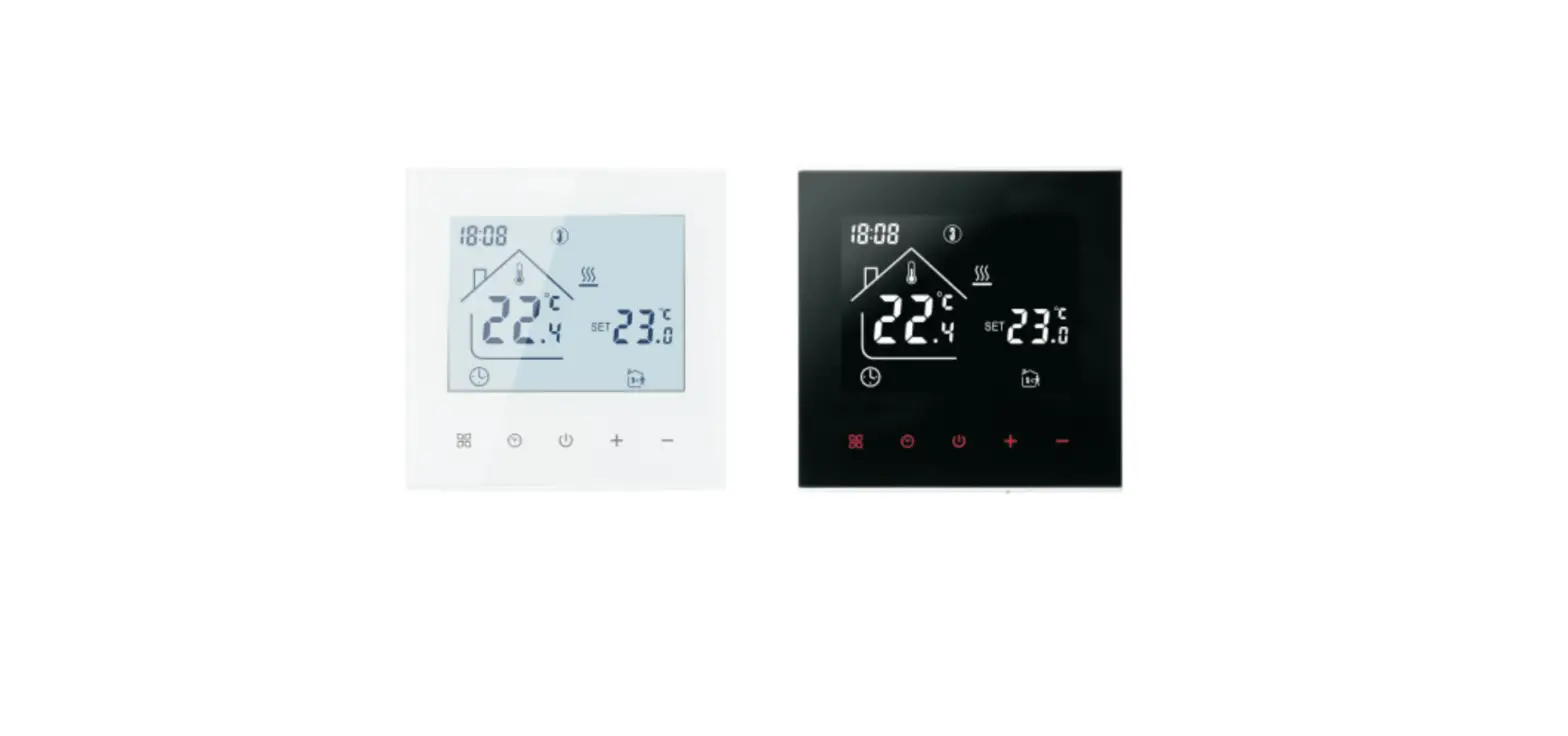
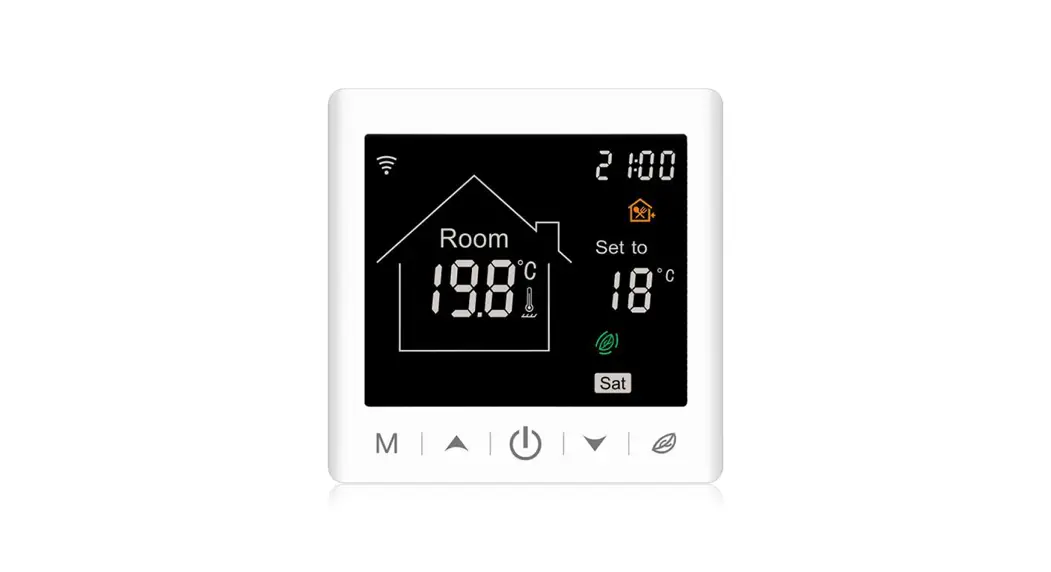
TDS72WIFI-EP
TDS72WIFI-WP
TDS72WIFI-WPB
TDS72WIFI-EP TDS72WIFI-WP TDS72WIFI-WPB 3A
For boiler heating appliances
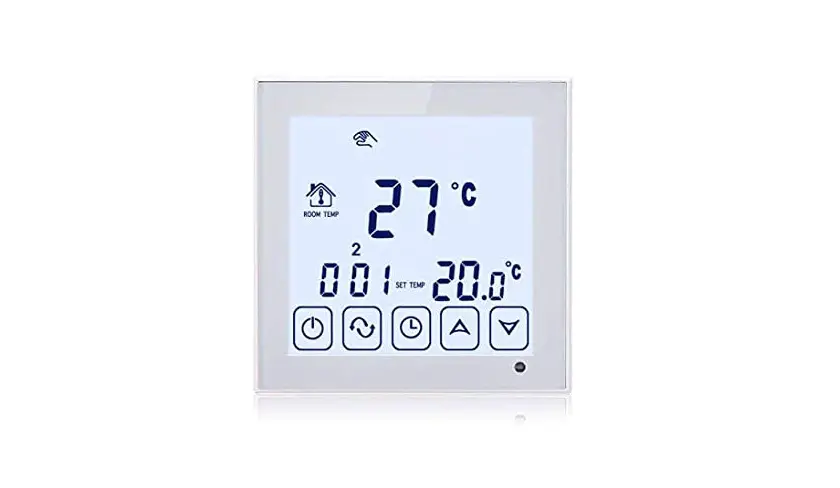
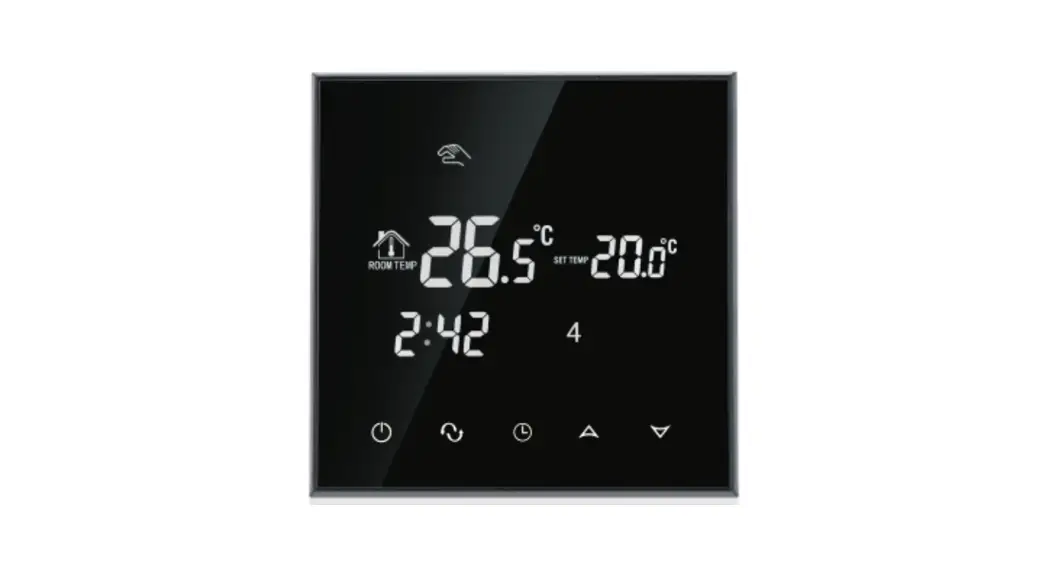
set temperature
Fine-tuning reduction
Keyboard lock Manual automatic
Enter Settings Current temperature Heating Fine-tuning increase
Entry phase programming Enter advanced parameters
There are three modes 5 + 2 means 5 working days and 2 rest days 6 + 1 means 6 working days and I rest day 7 means seven days in a week are working days The workday is divided into 6 periods, And it can adjust the time and temperature The rest day is divided into two periods, and the time and temperature can be adjusted
TDS72WIFI-EP TDS72WIFI-WP TDS72WIFI-WPB