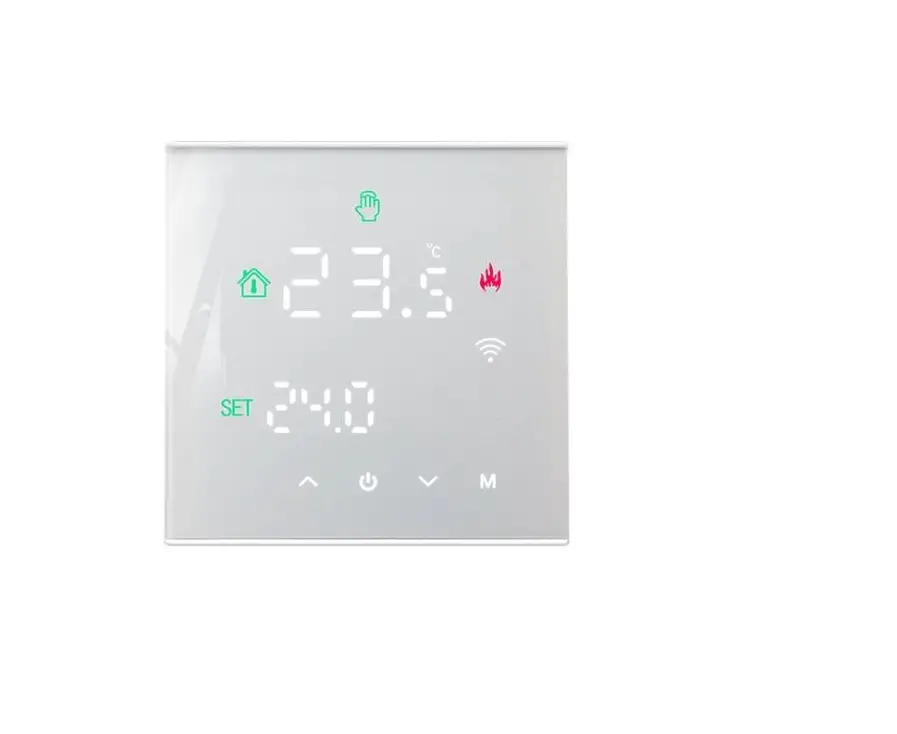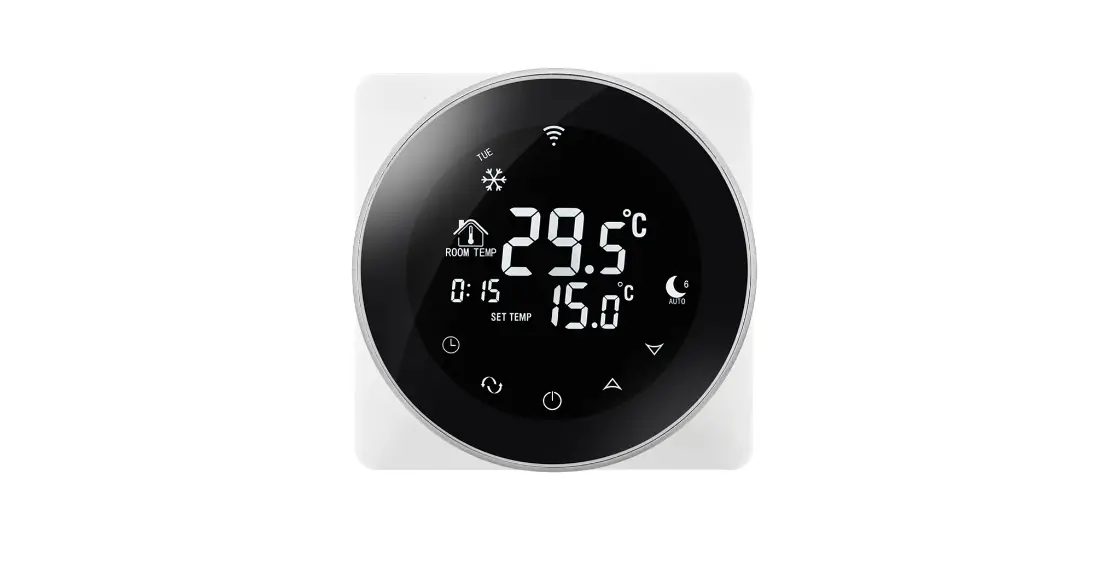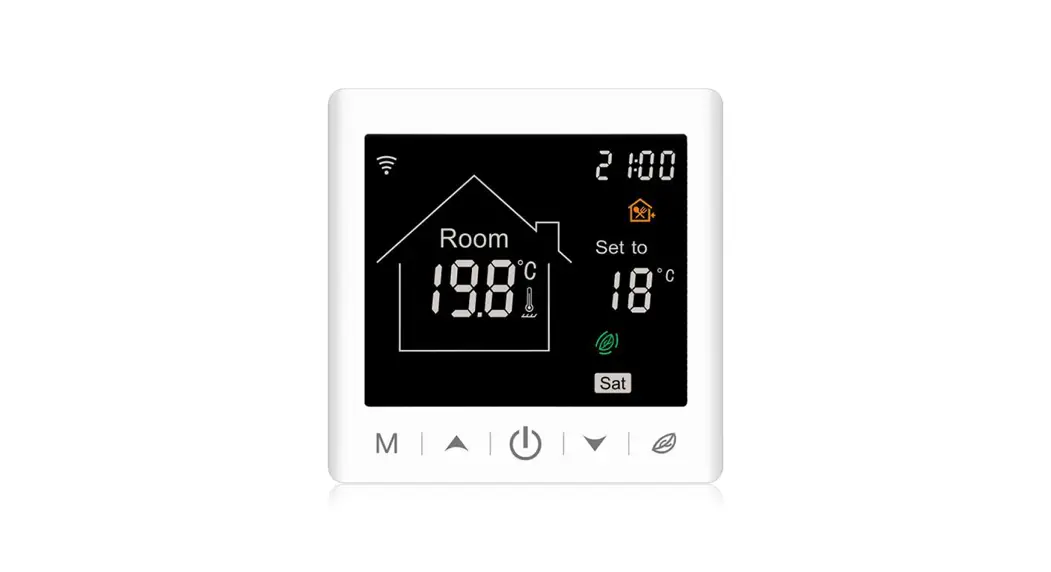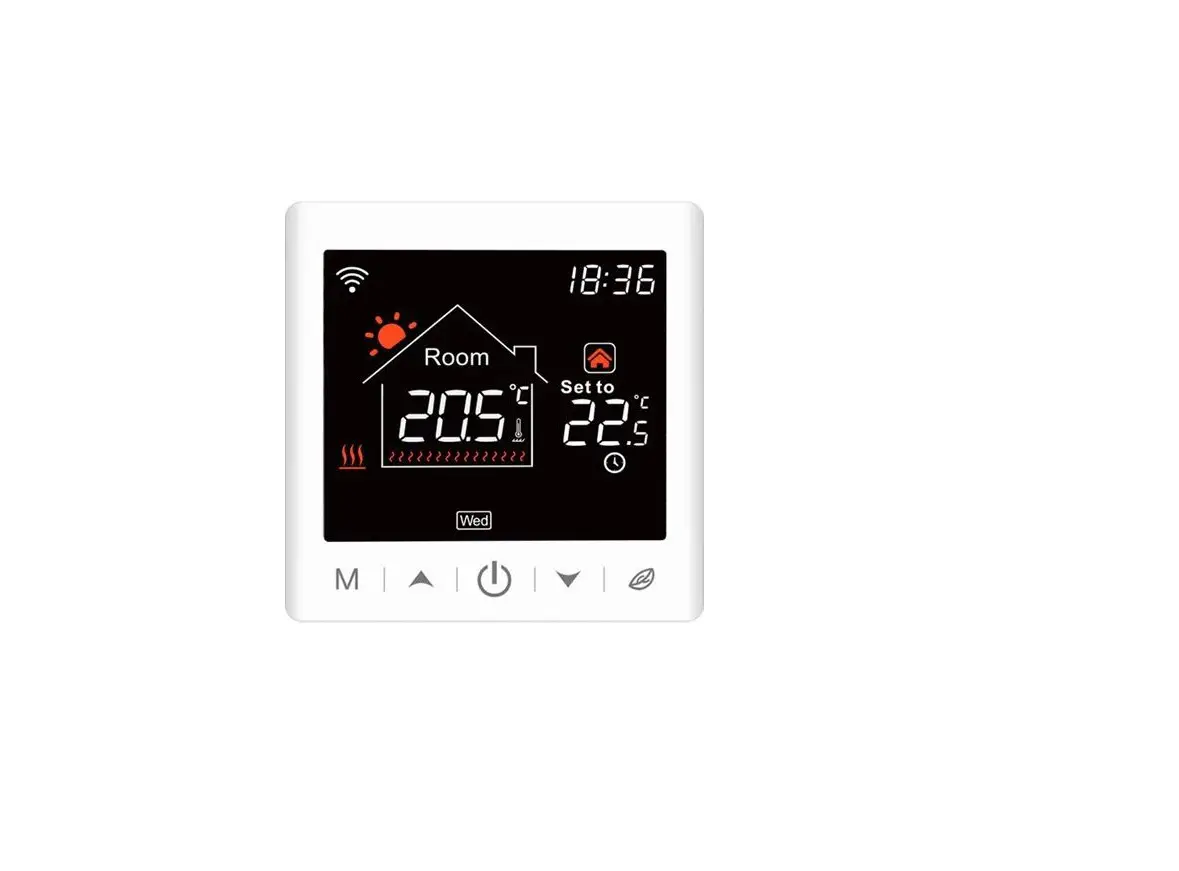

BEOK TGW60 Glass Screen Thermostat
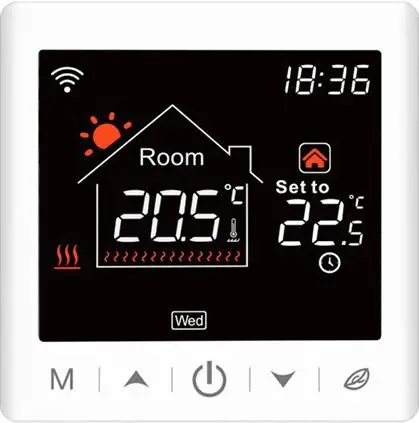
Product Summary
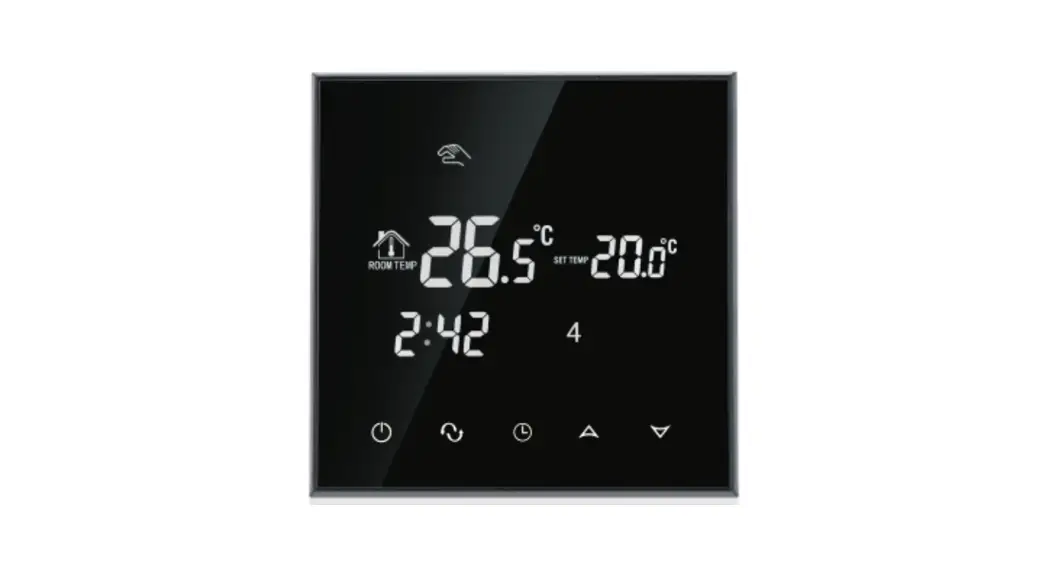
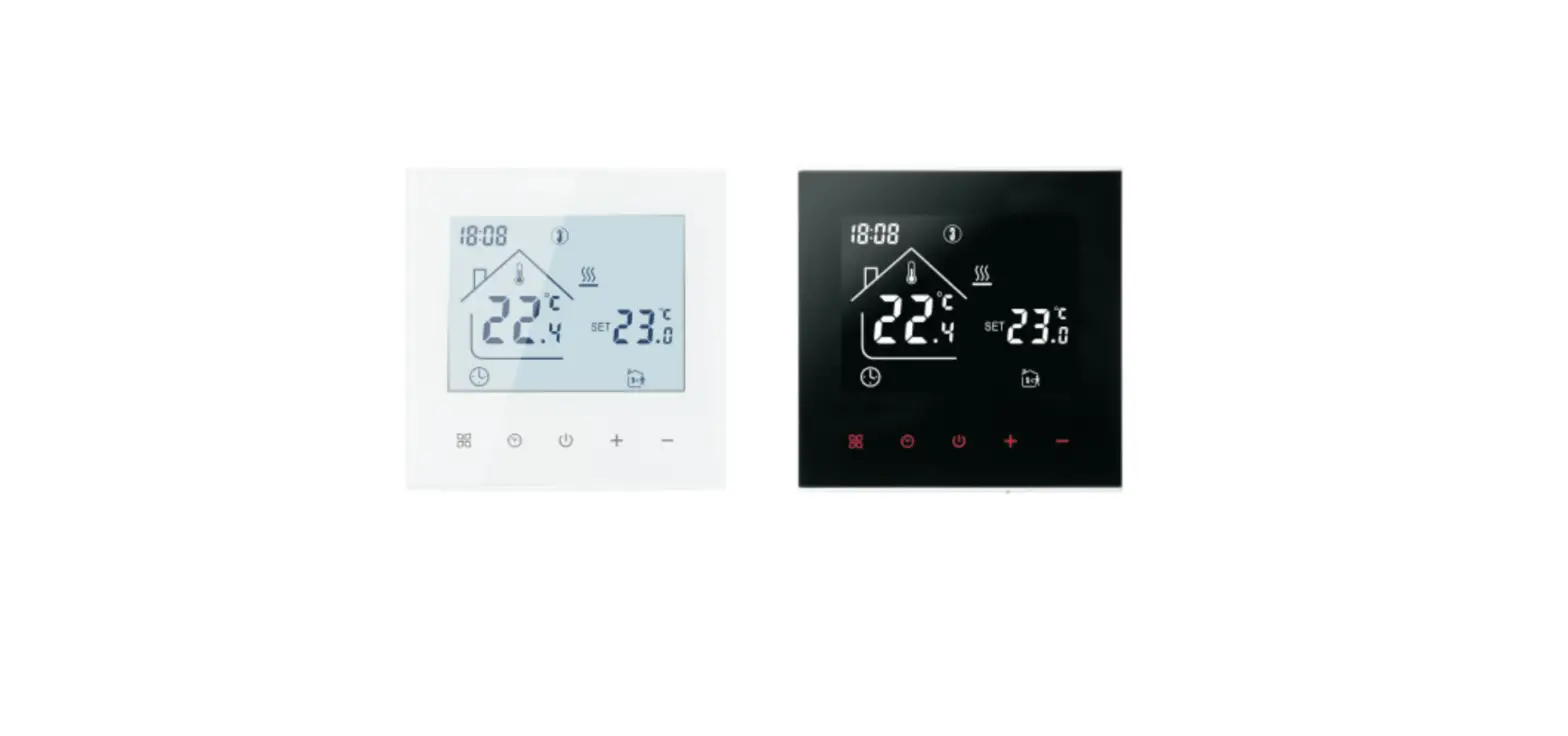
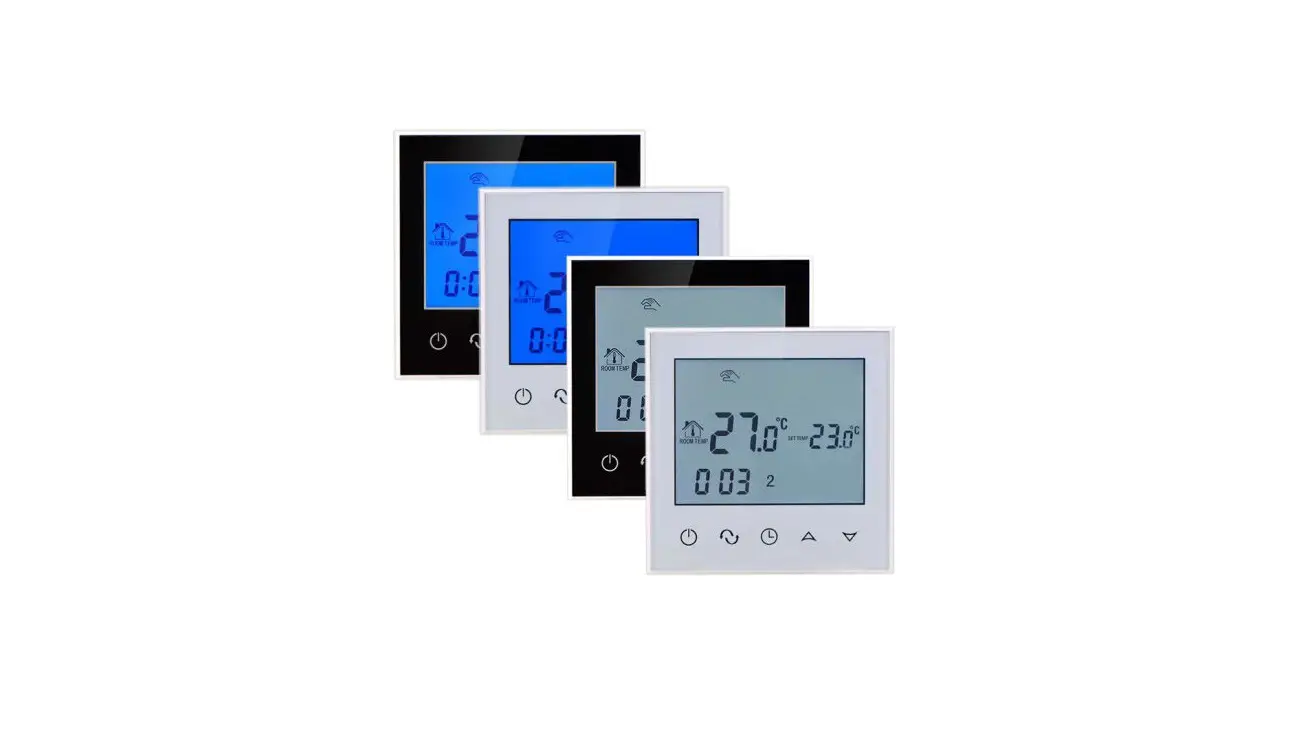
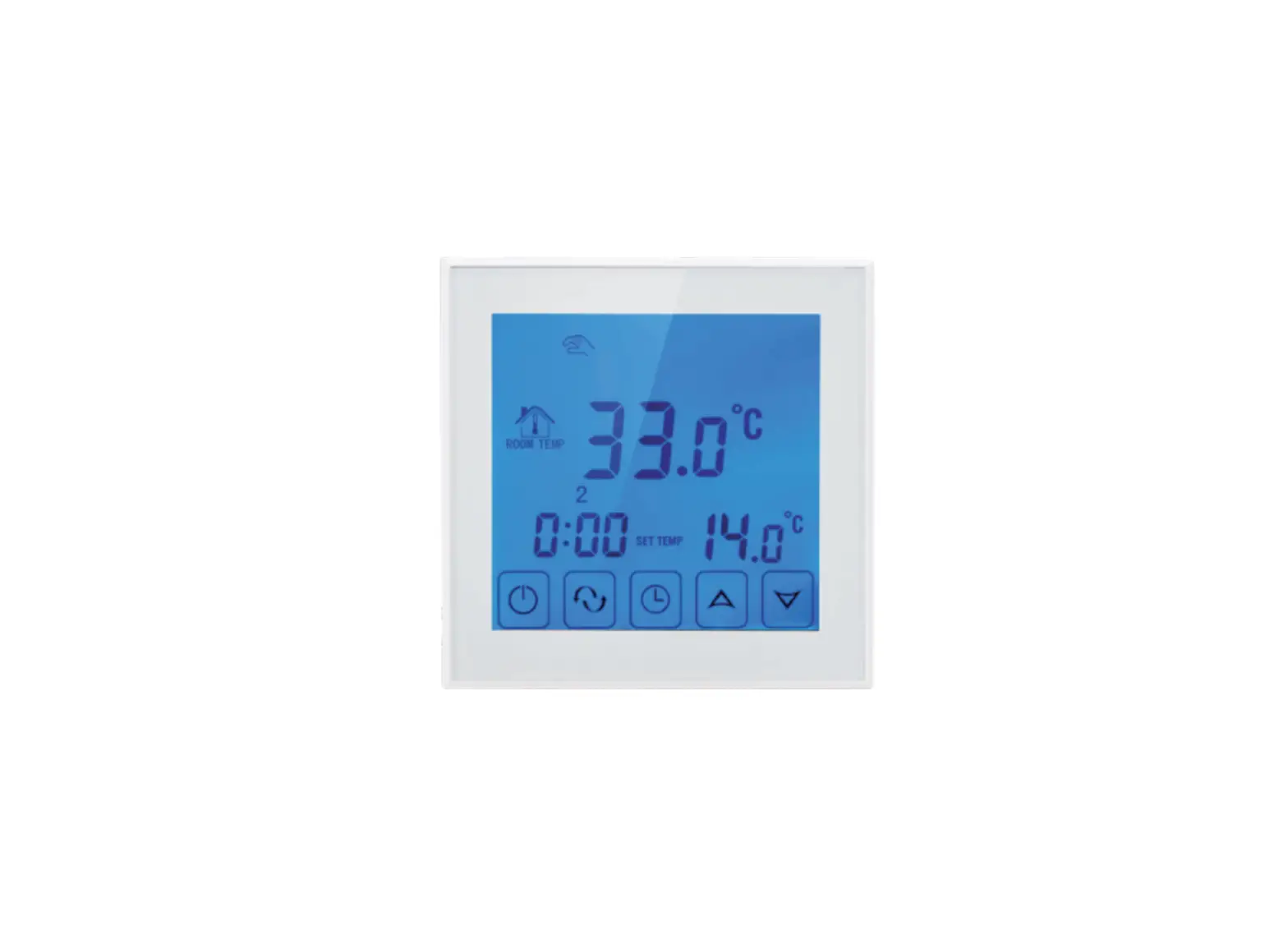
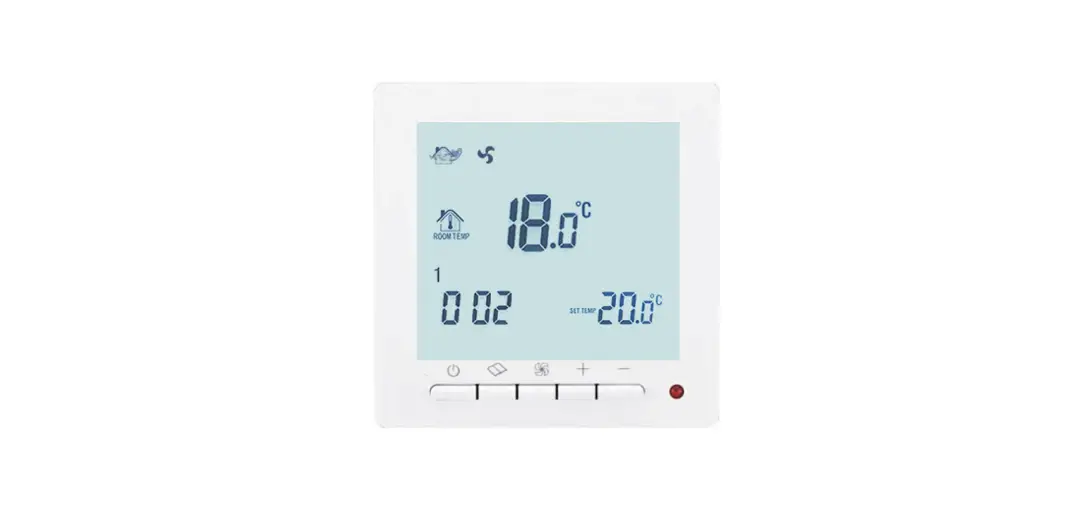
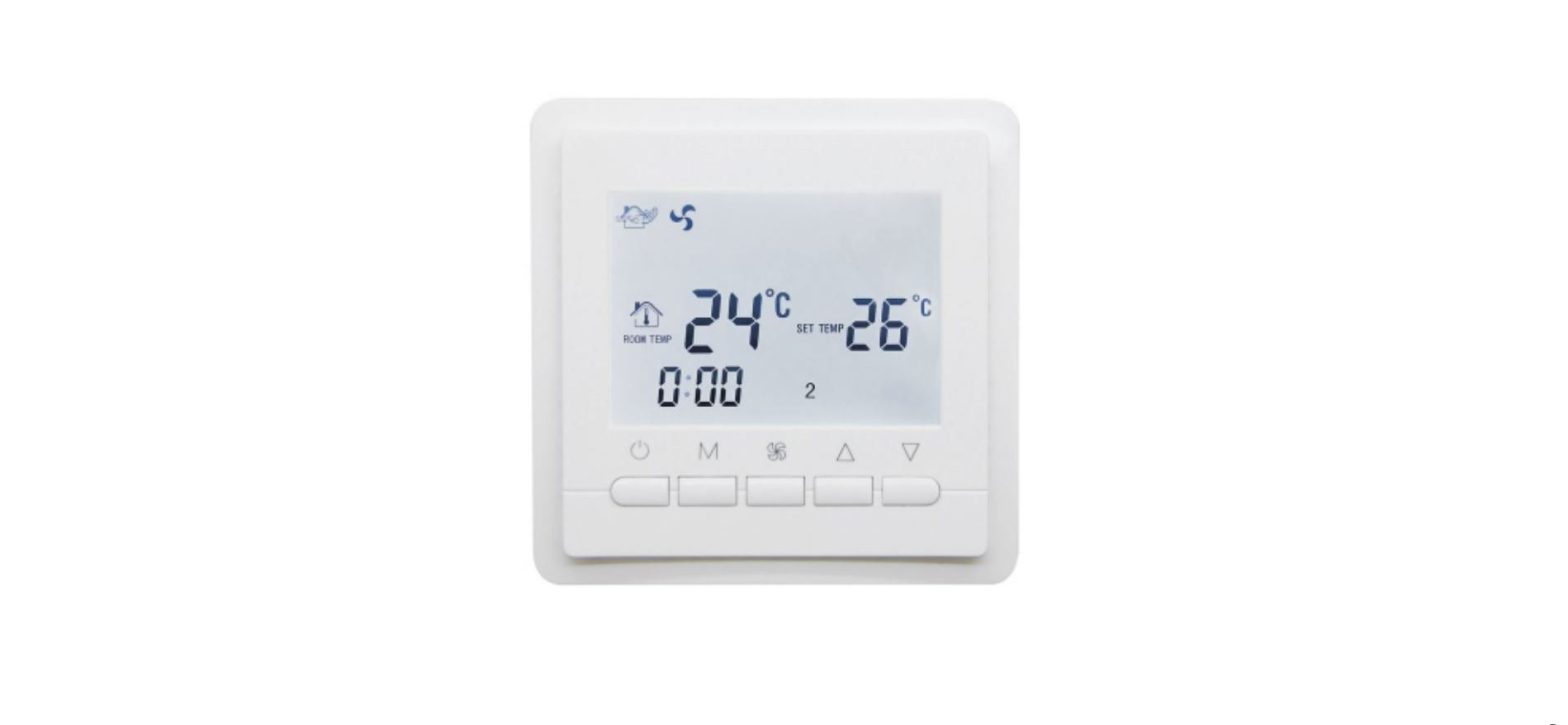
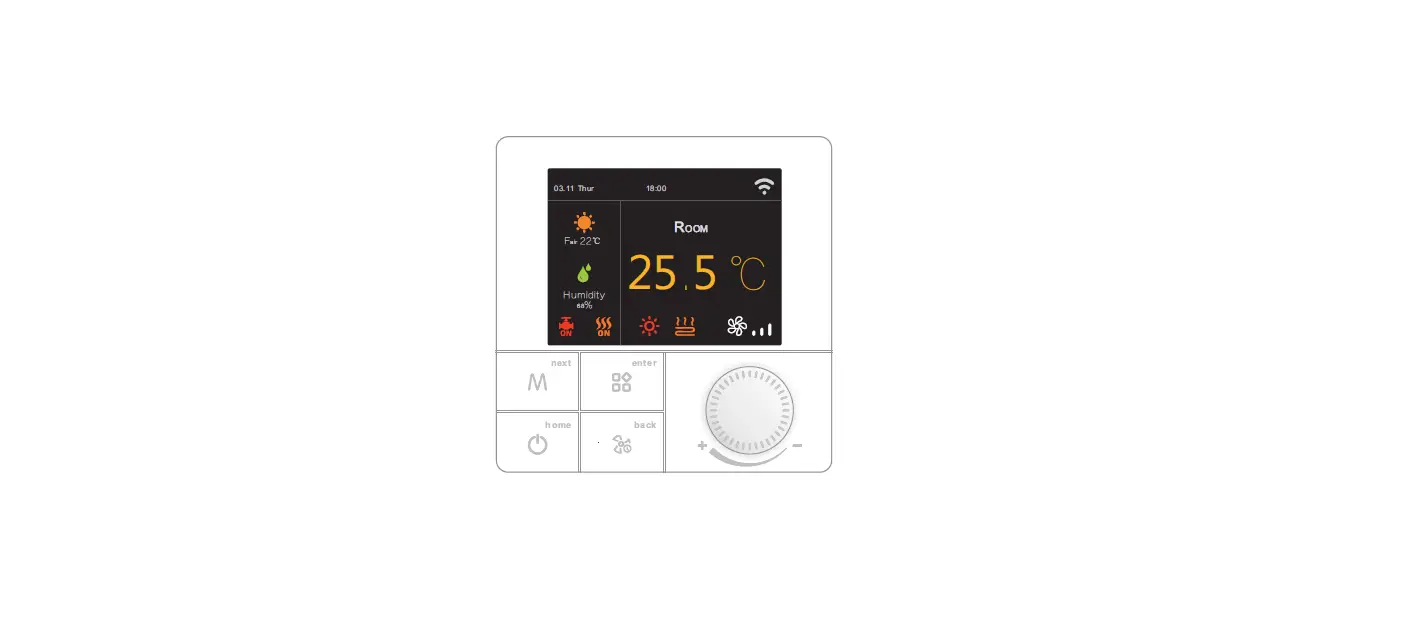
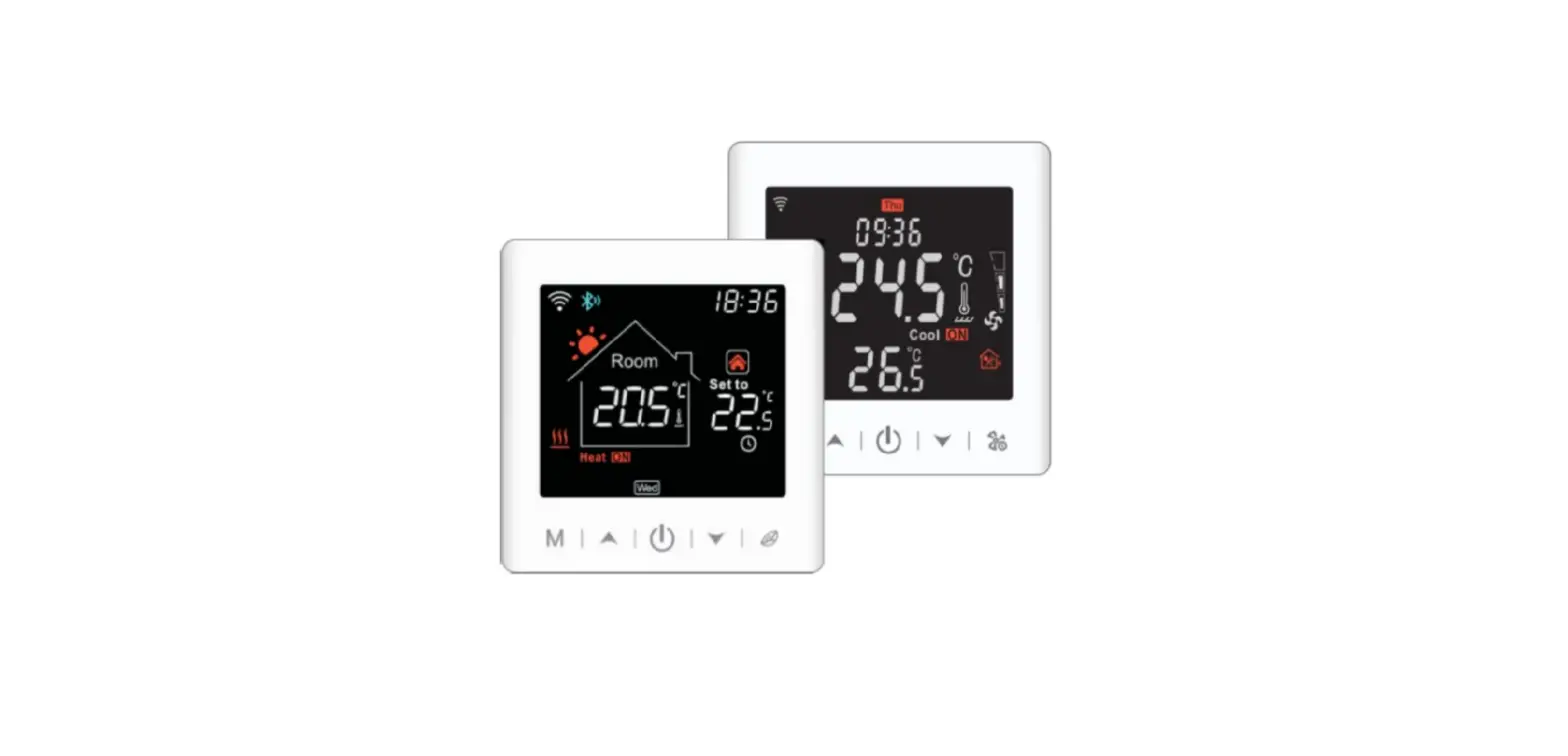
TGW60 series thermostats are luxurious programmable thermostat with large screen display.It is applied to temperature control of industrial, commercial and domestic room,and start of control heating applicance, especially used in the floor-heating systems.
Technical Parameter
| Power Supply | 100 ~ 240V |
| Current Load | ≤3A(water heating/gas boiler) ≤16A(electric heating) |
| Power Consumption | <1W |
| External Material | PC+ABS (flame retardant) |
| Sensing Element | NTC |
| Set Temp. Range | 5-95℃ |
| Floor Set Temp. Range | 5-60℃ |
| Accuracy | ±1℃ |
| Dimension | 86x90x14mm |
| Ambient Temp. | 0-45℃,5-95%RH(Non-condensing) |
| Storage Temp. | -5~55℃ |
| Timing Error | <1% |
Main Functions and Characteristics
- Model design same as a cell phone
- Large screen display and touch button
- Power-off memory function
- Real-time data save function
- 5+2 or 6+1or 7days six periods program schedule
- Anti-freezing function
- 3 sensor modes can be setting
- Selectable 80mmx80mm European hidden box.
- With child lock function
User Interface Explanation
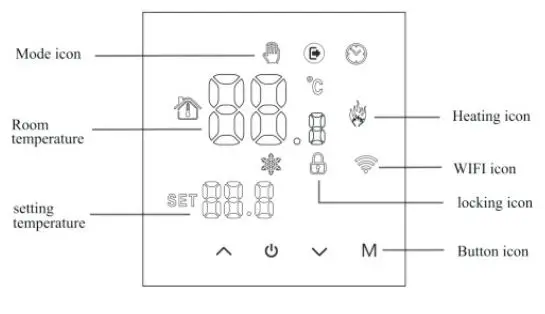
Model Definition
- EP: For Electric Floor Heating System, 16A
- WP: For Water Floor Heating System, 3A
- WPB: For Gas Boiler Heating System, 3A
- For example: TGW60-EP TGW60-WP TGW60-WPB
Model Spec
| Current Week Loading Program | Controlled Objects | |
| TGW60-EP | 16A | For electric heating appliances |
| TGW60-WP | 3A | For water heating appliances |
| TGW60-WPB | 3A | For gas boiler |
Wiring Digram
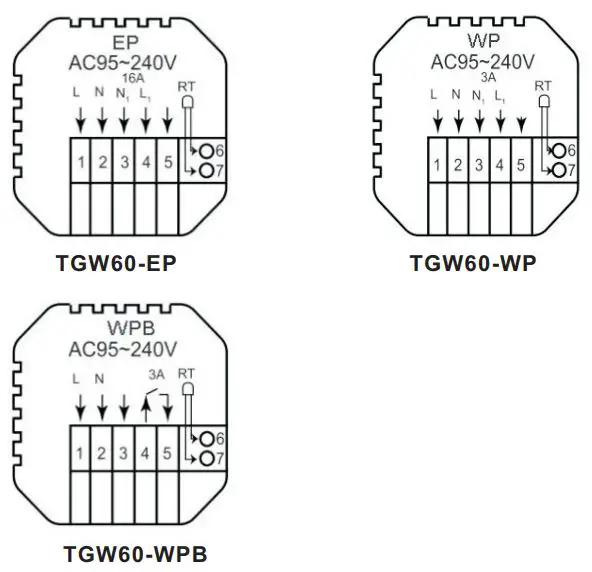
Thermostat Operation Instruction
- Setting Power on/off
Press to turn on/off the power.
 - Setting Temperature
Press to set the temperature.
 - Setting the Clock
Long press M and to set minute, hour and week.
Pressfor adjusting. - Setting the Manual Mode.
Manual mode means non-programmable mode.
Press M then will display in the s creen, it is in manual mode.
Press to set the temperature. - Setting the Child Lock
Long press to enter into child lock mode, will display.
 - Long press again, the child lock will be disappeared.
- Setting the Programmable Mode.
Press and hold M into programmable mode. 12345 and time will display. 12345 display in the position of week means 5+2;
Pressto change the time.
Press M to do the temperature adjustment.
Press to change the temperature;
Press M to do the next period adjustment.
Pressto exit and save.
 to turn on/off the power.
 to set the temperature.
 will display in the s creen, it is in manual mode.
 will display.
If you want to make temporary adjustment in any period,
press  or when
  will display. When finish the setting, all will confirm automatically.
Press M to switch operation between manual mode and programmable mode.
| Period | Period Icon | Defaulted Time | Defaulted Temp. | |
|
Week | 1 | 6:00 | 20℃ | |
| 2 | 8:00 | 16℃ | ||
| 3 | 11:30 | 16℃ | ||
| 4 | 12:30 | 16℃ | ||
| 5 | 17:30 | 22℃ | ||
| 6 | 22:00 | 16℃ | ||
| Weekend | 1 | 8:00 | 22℃ | |
| 2 | 23:00 | 16℃ | ||
Remark:
The defaulted temperature of period3 and period4 is the same as period2. Please change it according to the request.
Advanced Setting
- In the state of power-off, press the M key and the key for 5 seconds to enter the advanced option setting.
- Press M to e nter the next option, press and
 to adjust, and press to exit.
 to adjust, and press
| Display Code | Function | Setting And Options | Factory Defult |
| 1ADJ | Temp. compensation | -9.9-9.9℃ | -2℃ |
| 2SEN | Sensor selection | IN: Internal sensor OUT: Floor sensor ALL: Both internal sensor and floor sensor | IN |
| 3LIT | Modify the temp. limit | 5-60℃ | 35℃ |
| 4DIF | Temp. difference start | 0.5-10℃ | 1℃ |
| 5LTP | Antifreeze function | OFF:Close anti-frozen ON:Open anti-frozen | OFF |
| 6PrG | Weekly programming mode | 0: 7 days programmable 1: 6+1 programmable 2: 5+2 programmable | 2 |
| 7rLE | Primary and secondary reverse selection | 00: close the main and auxiliary reversal 02: auxiliary reversal | 00 |
| 8dLy | Passive linkage output delay time | 0-5min | 0 |
| 9HlT | Set upper temp. limit | 35-95℃ | 60 |
| RFAC | Restore factory defaults | long press up button to adjust the display “—”, press power button to restore the factory settings | – |
Sensor error:
Please select the right sensor mode. If select the different mode or there is error of sensor, Err will display on the LCD screen, the thermostat will stop heating till the problem is solved.
Installation Instruction
This product is suitable for standard 80*80mm wall box and 60 mm european round box.
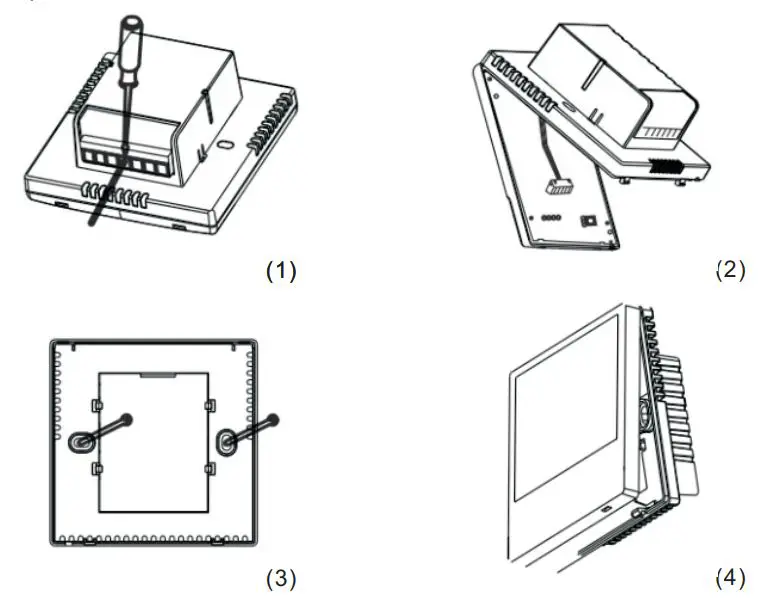
- Connect the power box according to the wiring diagram.
- Separate the power supply from the control board cable.
- Screw the power supply into the box of 86.
- Connect the power board to the board line, and align the buckle at 30 degrees to complete the installation.
ATT:
Thank you for buying this product!
Please read this manual for complete instructions on installing and operating your thermostat. If you require further assistance, please feel free to contact us.
In the box you will find
| Model | TGW60-EP | TGW60-WP | TGW60-WPB |
| Thermostat | √ | √ | √ |
| User Manual | √ | √ | √ |
| Screws | √ | √ | √ |
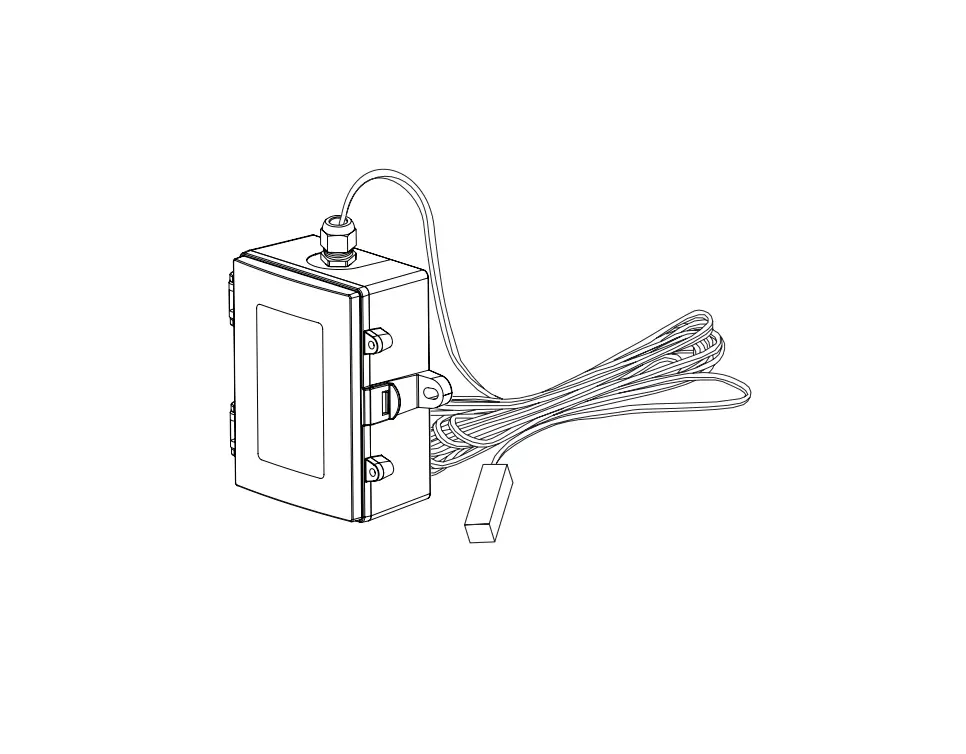
| External sensor | √ |
Our Service
We offer the warranty of 24 months from the sales day.
During the warranty, if it is belong to the quality issue, we will fix or replace them for you by free after test them.
If it is not quality problem or beyond the warranty time, we will charge for the after-sales service.
warning
The symbol means the unit is being installed, it may cause electrical shock hazard during maintaining, so please make sure it is operated by the professional technical worker.