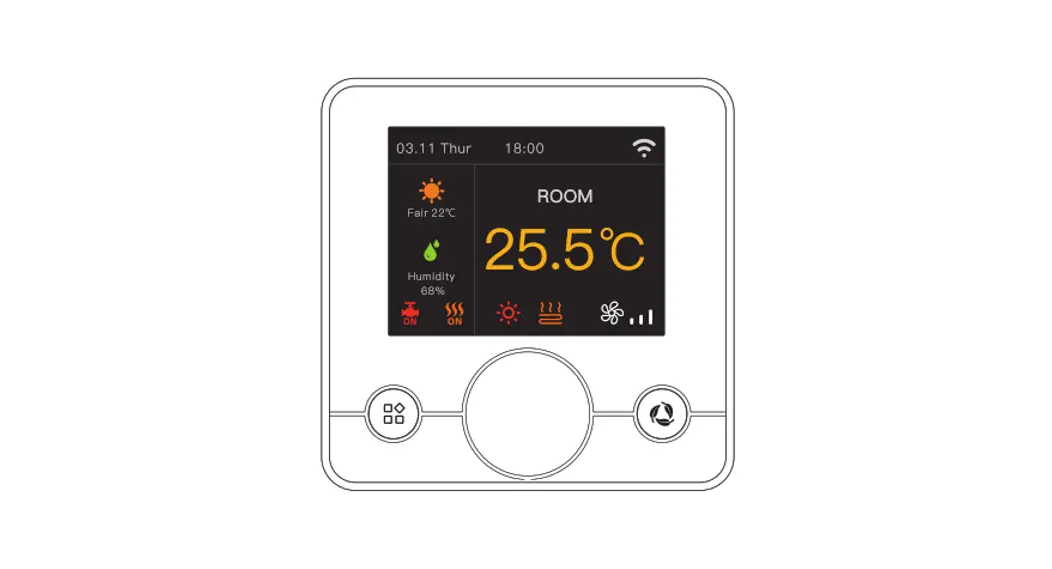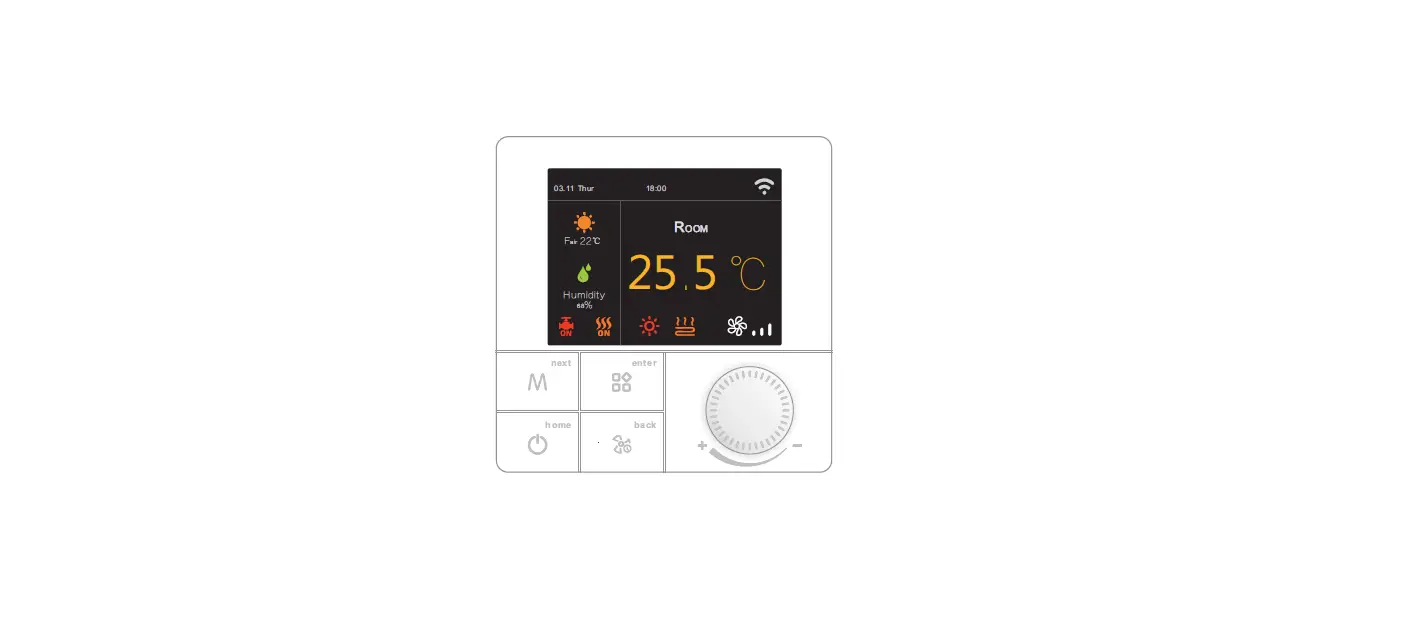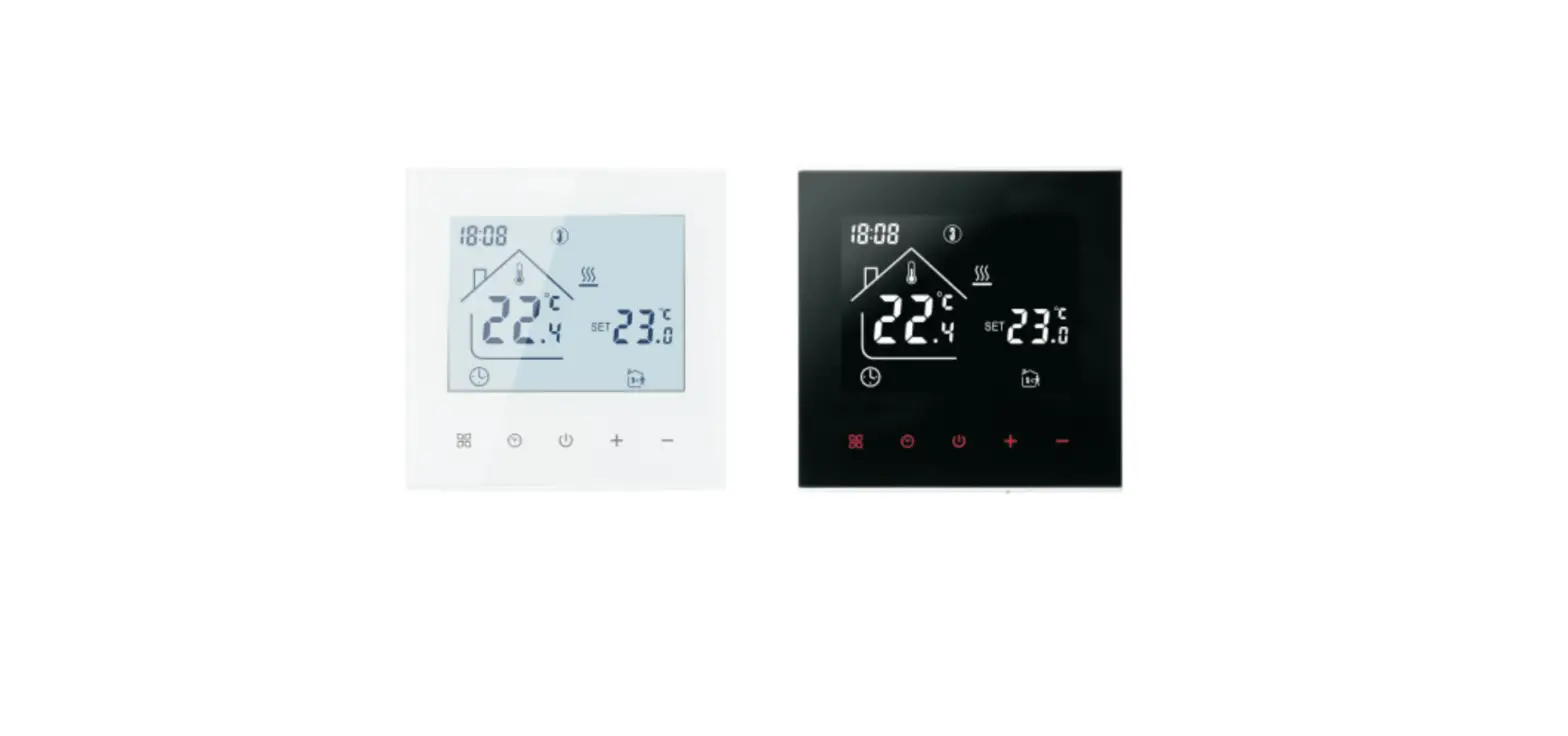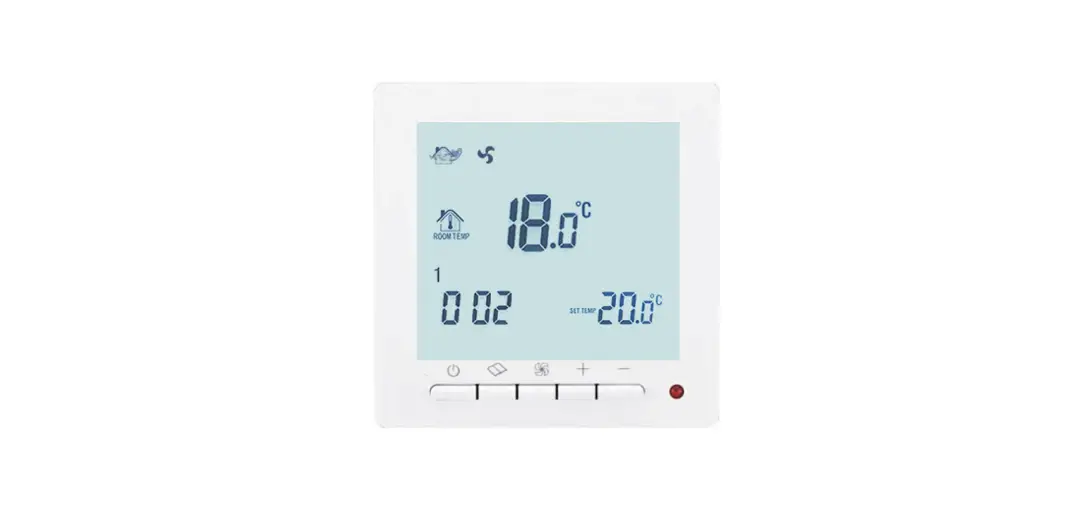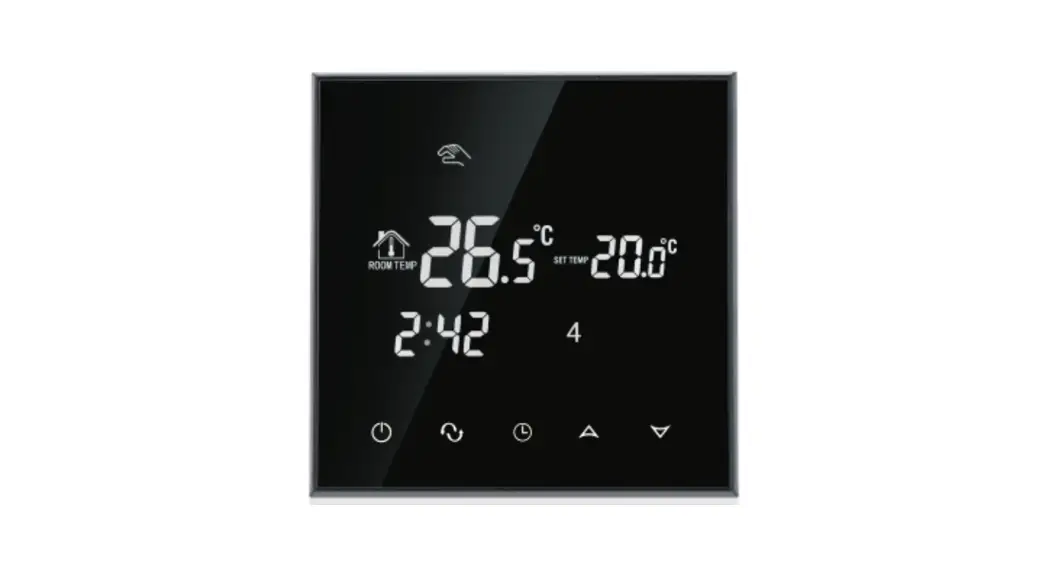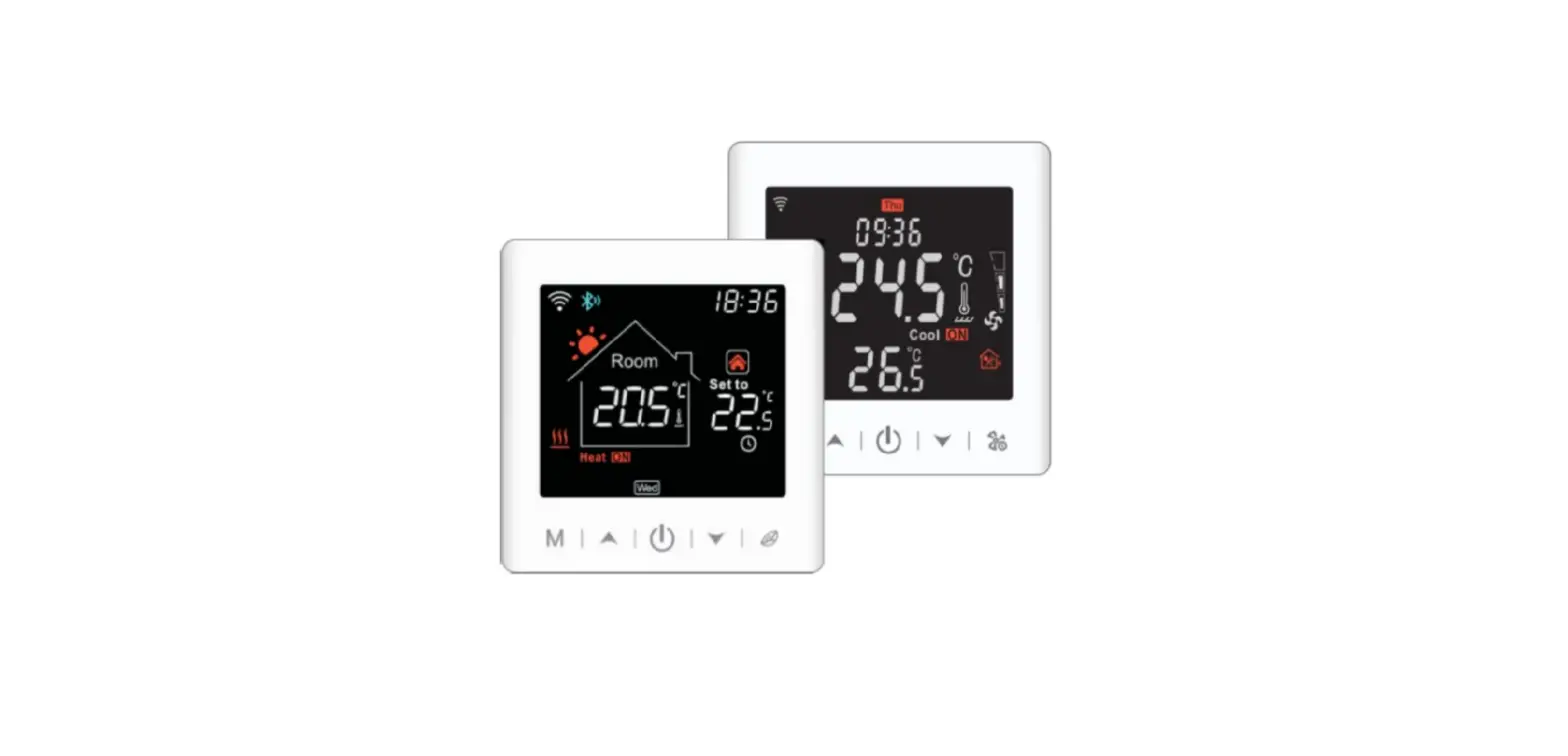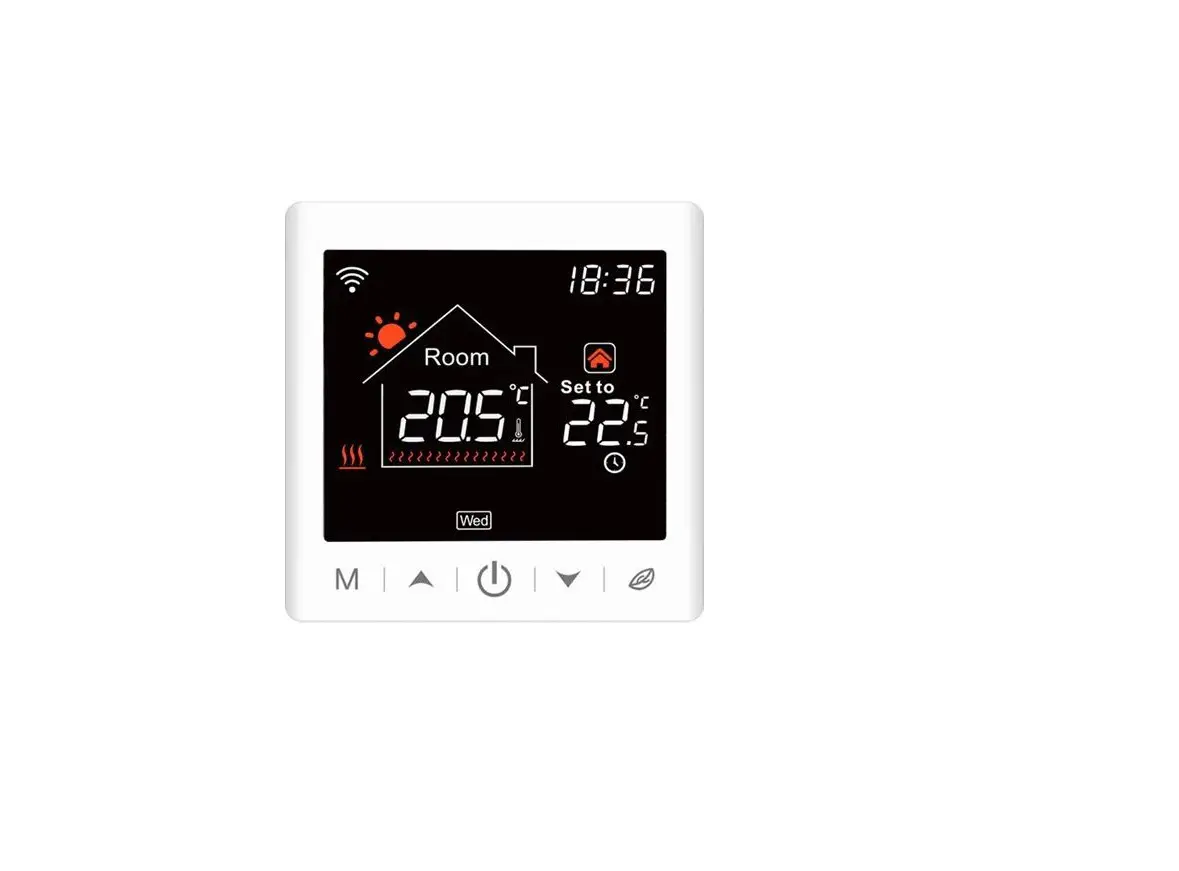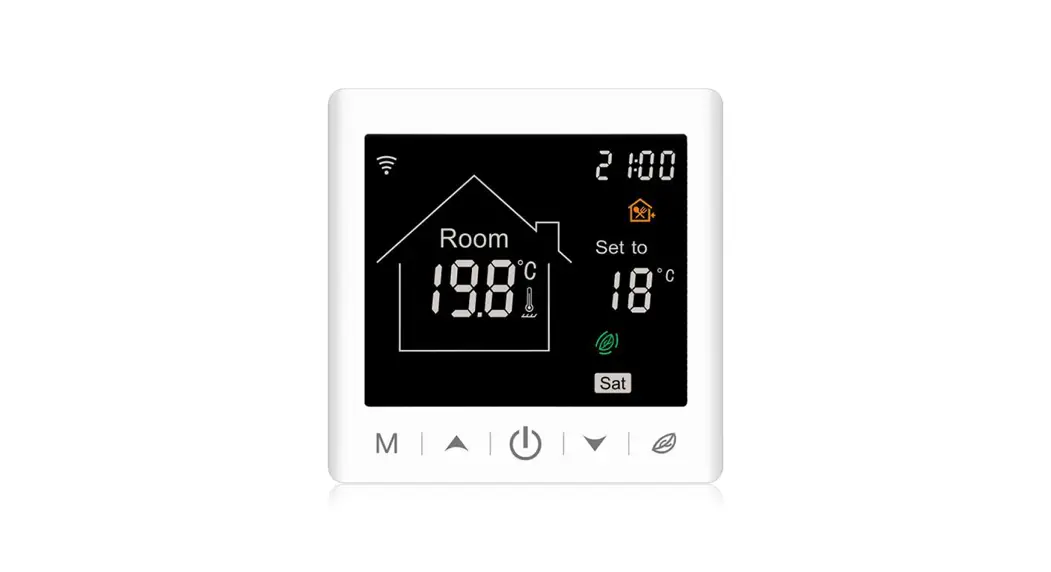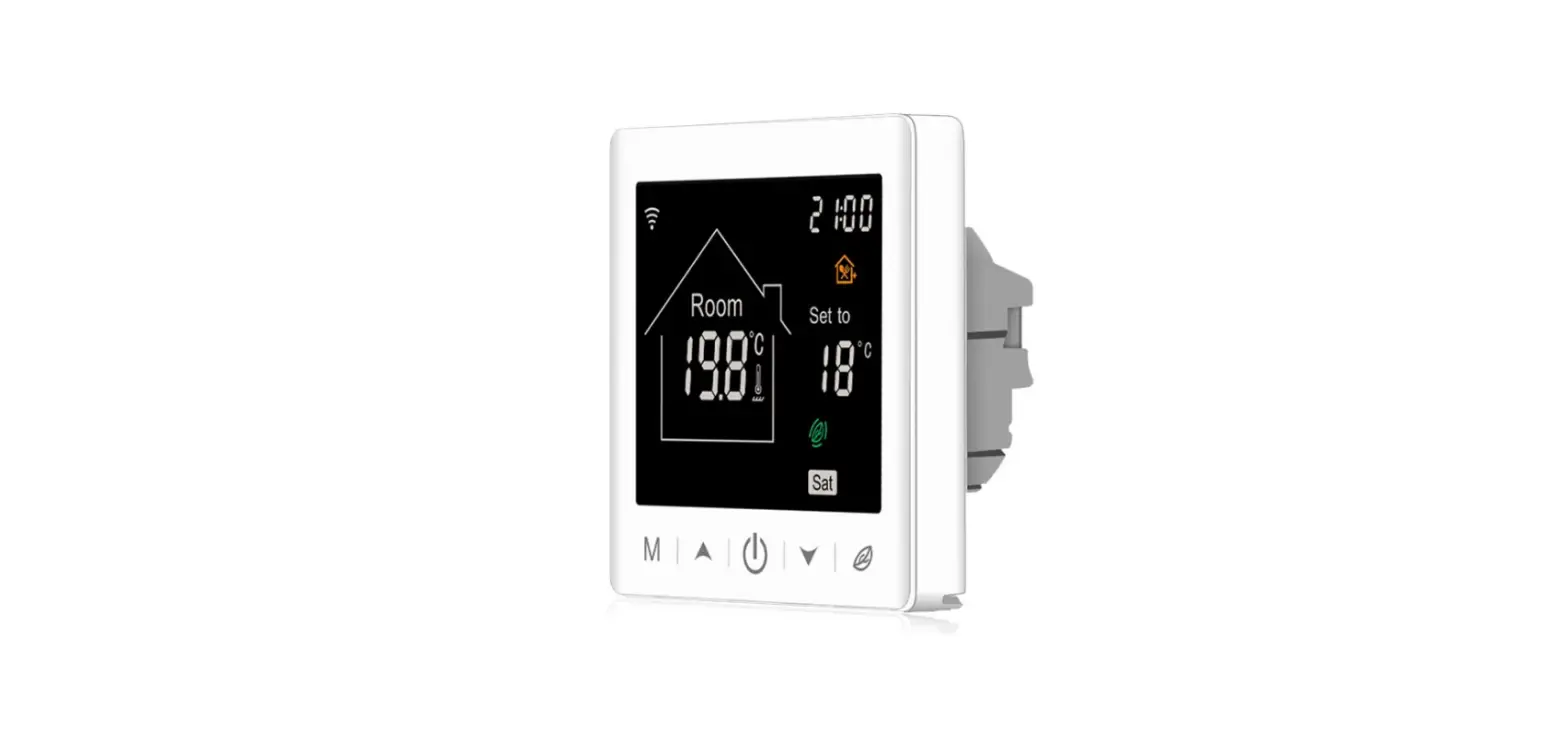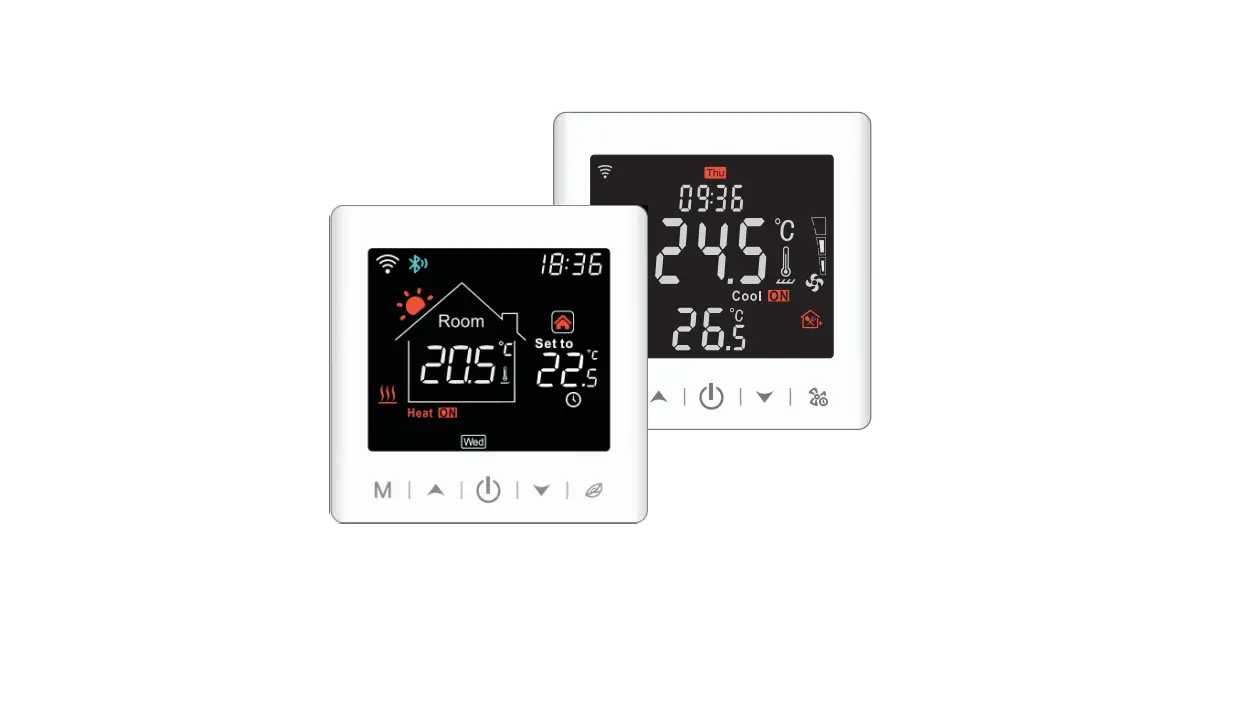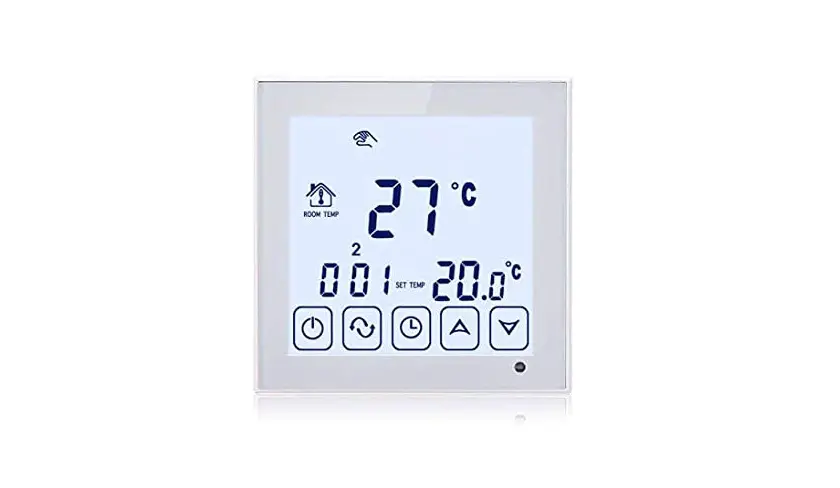

BEOK TCR7 Series RGB Colorful LCD Screen Smart Thermostat
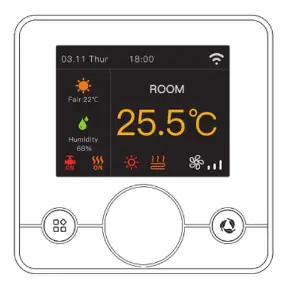
Product Overview
Product Overview
This series of thermamost has Floor Heating, Fan Cal, and integrated vision, meeting the requirement under different sonerios
| Version | System mode | Model | Application |
| Floor heating |
Heating | EP | Built-in & floor sensor, floor limit sensor+ Weekly programming |
| WP | A NC/NOdual-output+ Weekly programming | ||
| WPB | A NC /NO dual-output+ Weekly programming+ Potential-free output | ||
| Fan Coil | Heating /Cooling/ Ventilation | Ac2 | Timer task+ 2-pipe system |
| Ac2- 485 | ‘Timer task + 2-pipe system+ 485Modbus (optional) | ||
| Ac4 | ‘Timer task + 4-pipe system+ 485Modbus (optional) | ||
| Integrated | Heating/ Cooling/ Ventilation/Floor heating / Floor heating+ Heating | AWY | Floor heating & fan coil, weekly programming + Potential-free output + Timer task + 485Modbus (optional)+ Door card (optional) |
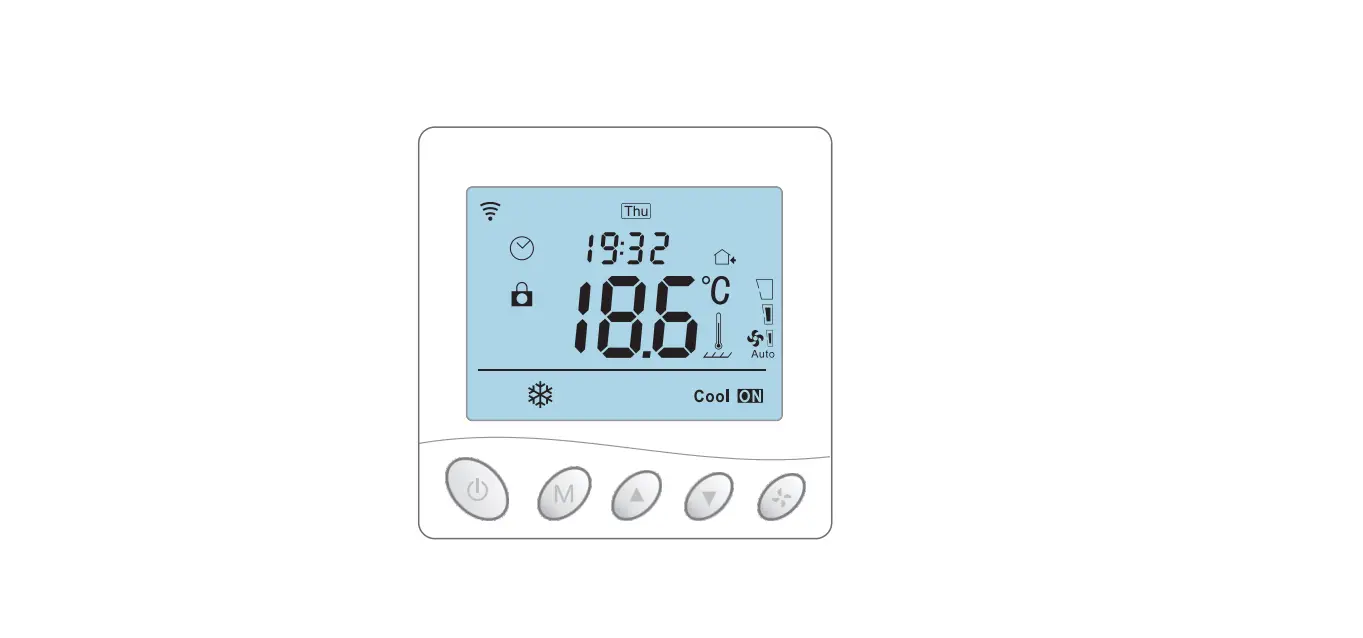
Display Symbols
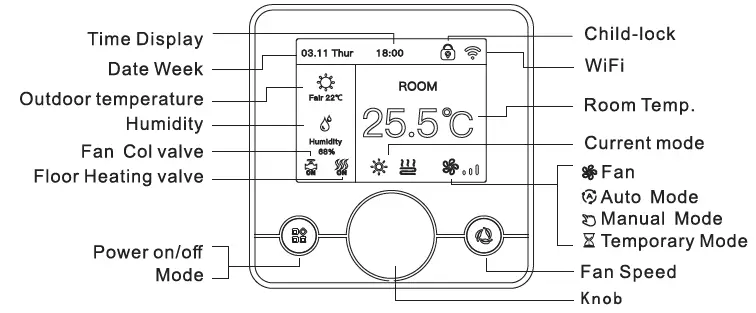
Temperature Control Mode(Floor Heating/Integrated)
- Auto Mode
Weekly-DRC:ted program, up to 6 heating events can be set per day. Heading events, workdays and temperature can be separately customized based on personal routines. - Manual Mode
The thermostat works based on manually-set temperature, disconnecting from auto mode. - Temporary Mode
Thermostat wor1al based on manually-set temperature temporarily and tllen shifts beck to auto mode till next event.
User Operation
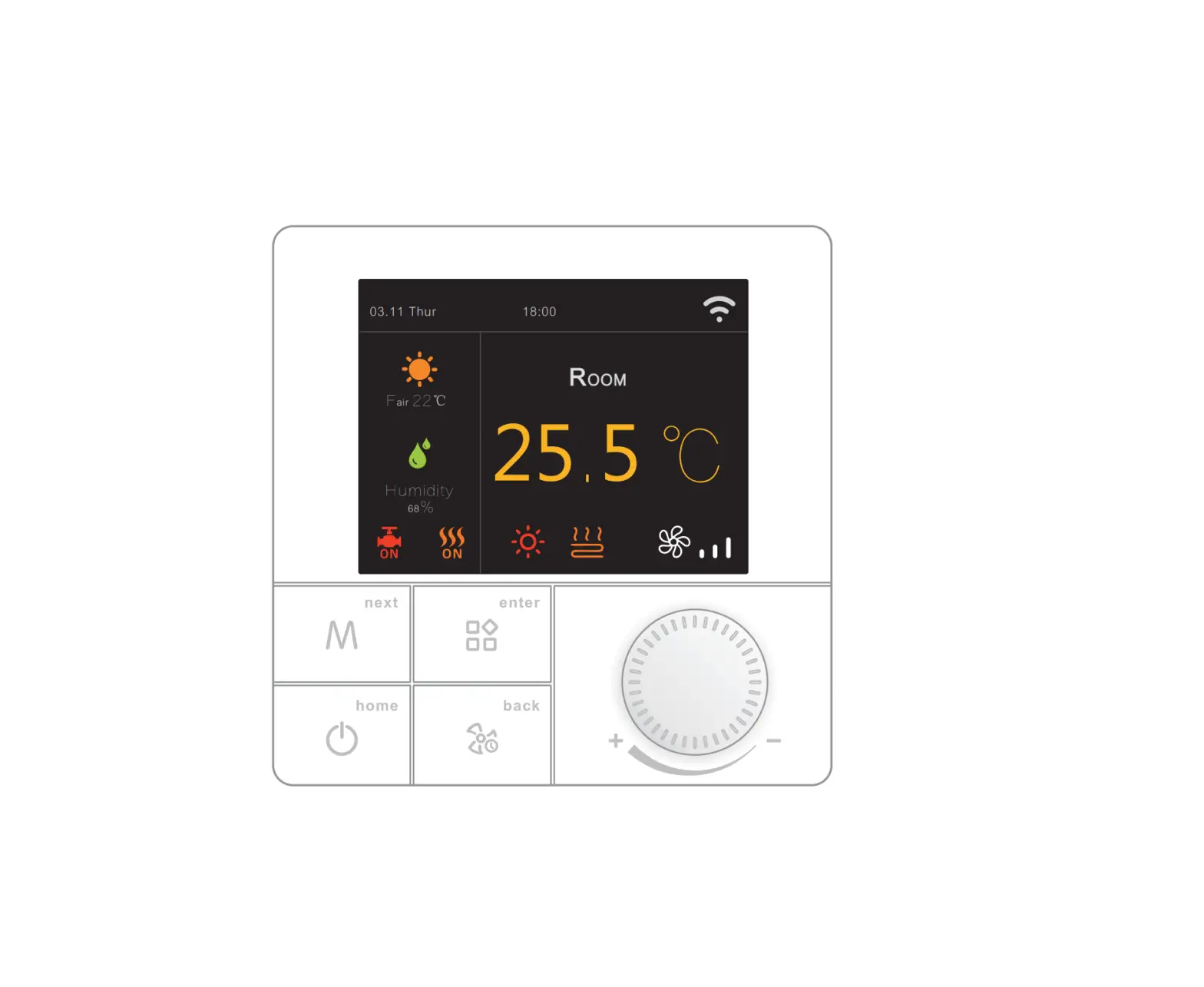
- Power on/off: Press the menu button shortly to tum on/off the thermostat.
- Temp setting: Relate the handwheel’ button ‘to change the set temperature by 0.5’C.
- system mode: Presa • menu button • shortly to switch cooling/heating/ventilation. (Fan Coll)
- press menu button shortly to switch CDOlinglheeting/venliletionlftoor heating/ floor healing+ healing. (lnlagralad)
- Enter menu: Press ” enter the menu Interface.
- Temp control mode: Prass•menu button • shortly ID swild1 manual/auto mode. (Floor heatiig)
- Prass•fan button • shortly ID swild1 manual/auto mode. (lnlllgral8d, floor heating)
- Child-lock: Press’ M ‘+ • menu button “f0r 3 seconds to ac:tlvate child-lock.
Auto-mode Setting
When device i& off, press •wheel button • to enlarge menu page, choose “period selling’ ID set pa, monetary, then preSS login button) • to save and axit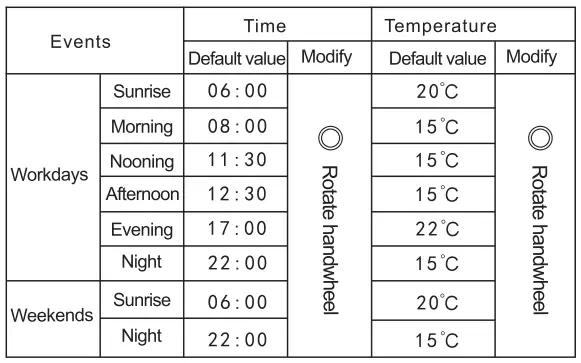
Advanced Setting (Usually for Professional Technicians)
Choose “advanced 8811ing’ on menu page and put in p868WOl’d 123456 to enter advanced selling page, set parameters then press login button to save and exit
| Meaning | 0 Rotate handwheel | Default value |
|
Sensor Mode | Built-in Sensor Floor Sensor Built-in Control&Floor Limitation | IN |
| Burt-in Sensor Calibration | -5-5°C | – 3 °C |
| Burt-inMaxSettingValue | 5- 95 “C | 50 °C |
| Floor Max Setting Value | 10- 95 °C | 50 °C |
| Limitation Value | 20- 95 °C | 35 °C |
| Output Jitter Control | 0- 5 °C | 1 °C |
| Anti-Freeze Protection | ON/ OFF | OFF |
|
Linkage Mode | Non inverting Inverting Inverting Inverting and Anti-Freeze closed |
Noninverting |
| Linkage lime Delay | 0-5Min | 0Min |
| Weekday Mode | Monday to Friday/Monday to Saturday /Mondyato Sunday/ | 2-day |
| Boot Type | Function Off/Function On/Function Saved | OFF |
| Temperature Unit | °F /° C | “C |
| Child Lock Type | None Lock All All but power | None |
| Control Mode | All/Air/Floor | Floor |
| Cloud Region | CN / US / EU | CN |
| Reset All Settings | I | I |
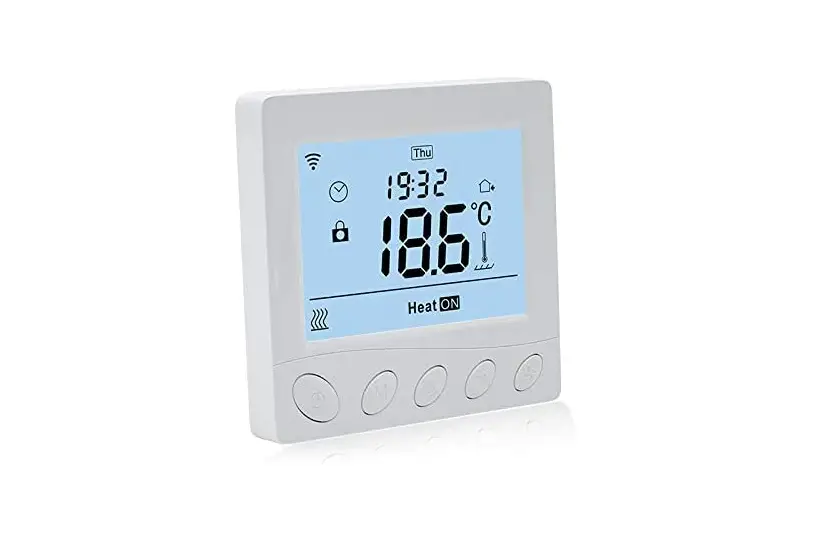
RGB Colorful LCD Screen Smart Thermostat
- Scan QR code to finish network configuration swiftly, easy and conveniently.
- The programmable device, multiple periods allowed to set per day.
- 2.8 inches ultra-large colorful LCD screen, delicate visual effect.
- The device can be controlled by voice through Amazon Alexa and Google Assistant
Parameter
- Supply voltage AC100~240V;50~60Hz
- Power consumption 1W Max (Wi-Fi 3W Max)
- Temp. setting range 5~95℃
- Floor limited range 20~90℃
- On/off deviation – 0.5~10℃, Factory setting ±1℃
- Ambient temperature – 5~50℃
- Protection level I P 20
- Shell material Anti-Flammable PC
Sensor failure
Please select work mode of sensors correctly. When It shows EO/E1 error, the thermostat will stay power-off till the error is eliminated.ED: the built-in sensor is short-circuited or disconnected. E1: floor sensor is short-circuited or disconnected.
Timer Task Setting (Fan Coil/Integrated) Press” wheel button”to enter the menu. Tum the knob” wheel button “, choose “Auto Mode”, and then choose “Schedule”. Set the parameters by turning the knob, then press” menu button • to save and exit to home page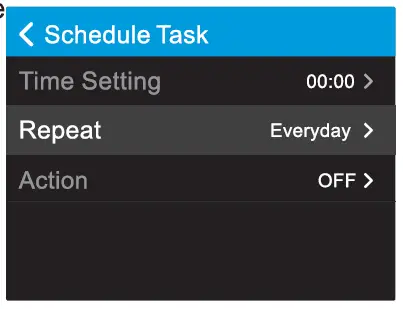
Dimensions (Unit: mm)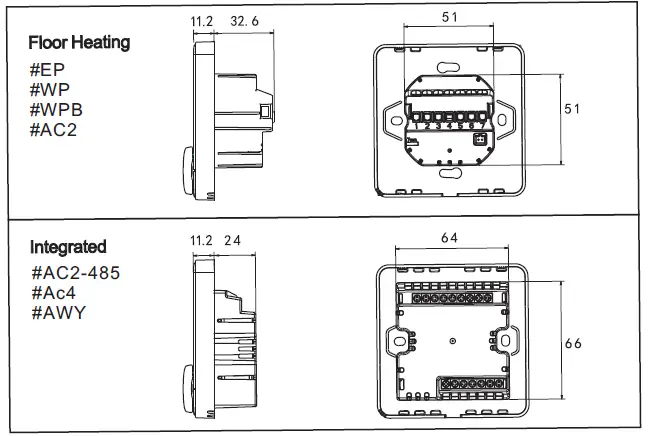
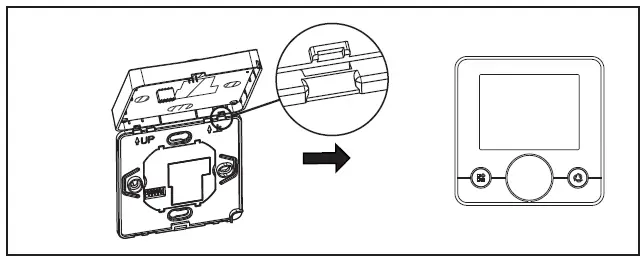
Mounting Steps
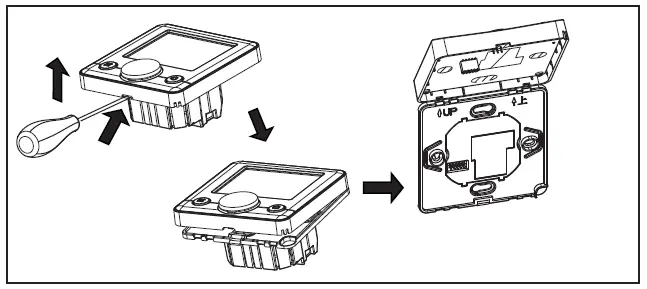
The thermostat adopts a pre-guide and limited snap-fit design. It is easy to mount.
- Release the front cover by inserting a head screwdriver into the bottom crack.

- Insert the wires and then fix these wires with screws. The suggested wire-stripping length is 7-9mm.
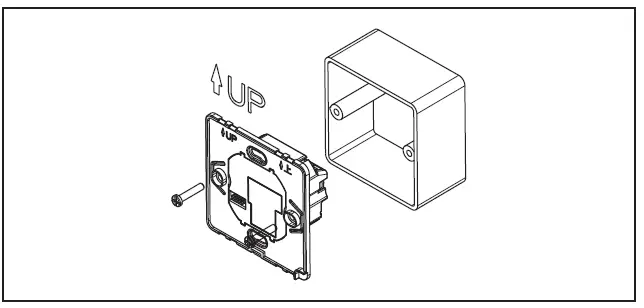
- Mount backing plate into wall-cassette, put screws and then fix the thermostat. Make sure that the thermostat is fixed without deformation. Suggested torque is 0.2-0.4N.m (2.0-4. 1kgf.cm).

- Re-mount the front cover via a snap-fit connection.

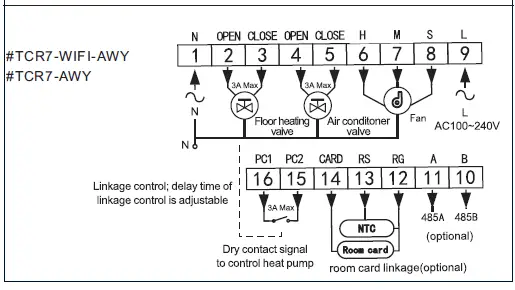
Connecting Diagram
The thermostat operates in full capacity in areas with an altitude of less than 2500 above sea level. The power rating of external load should be less than or equal to 80% rated power of the thermostat in areas with an altitude of 2500m to 4200m.
Floor Heating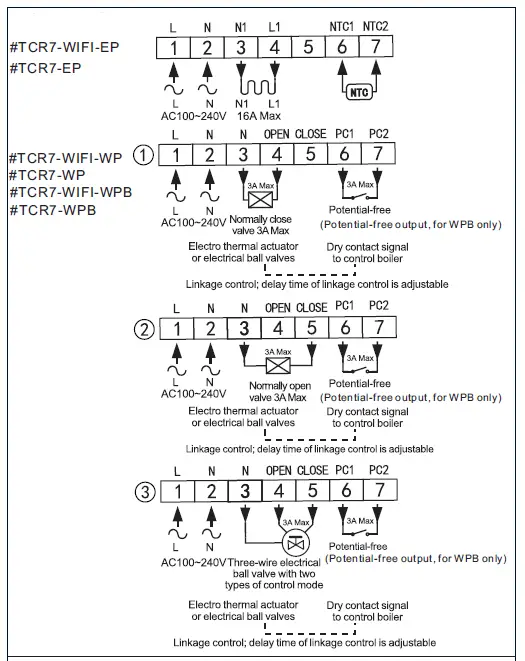
Fan Coil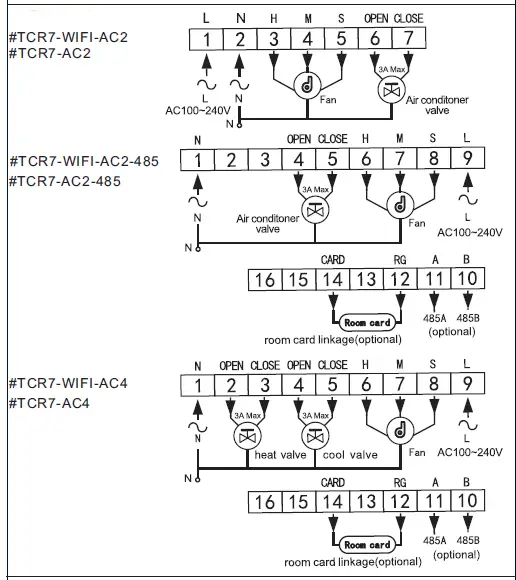
Integrated