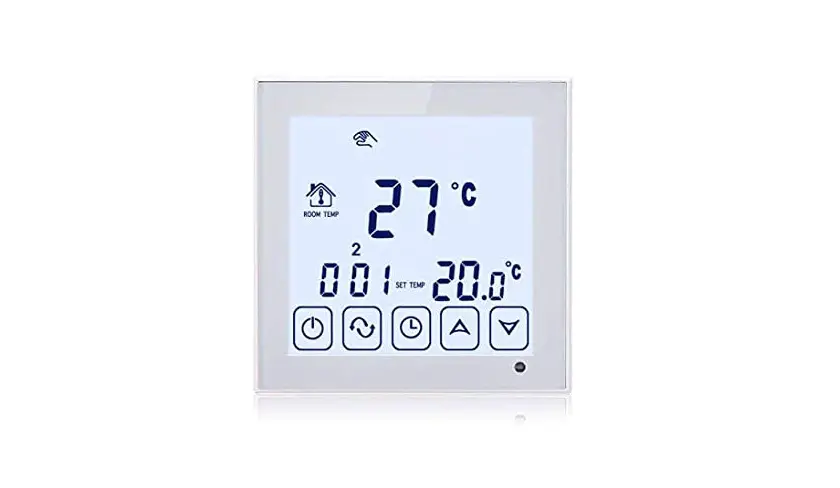
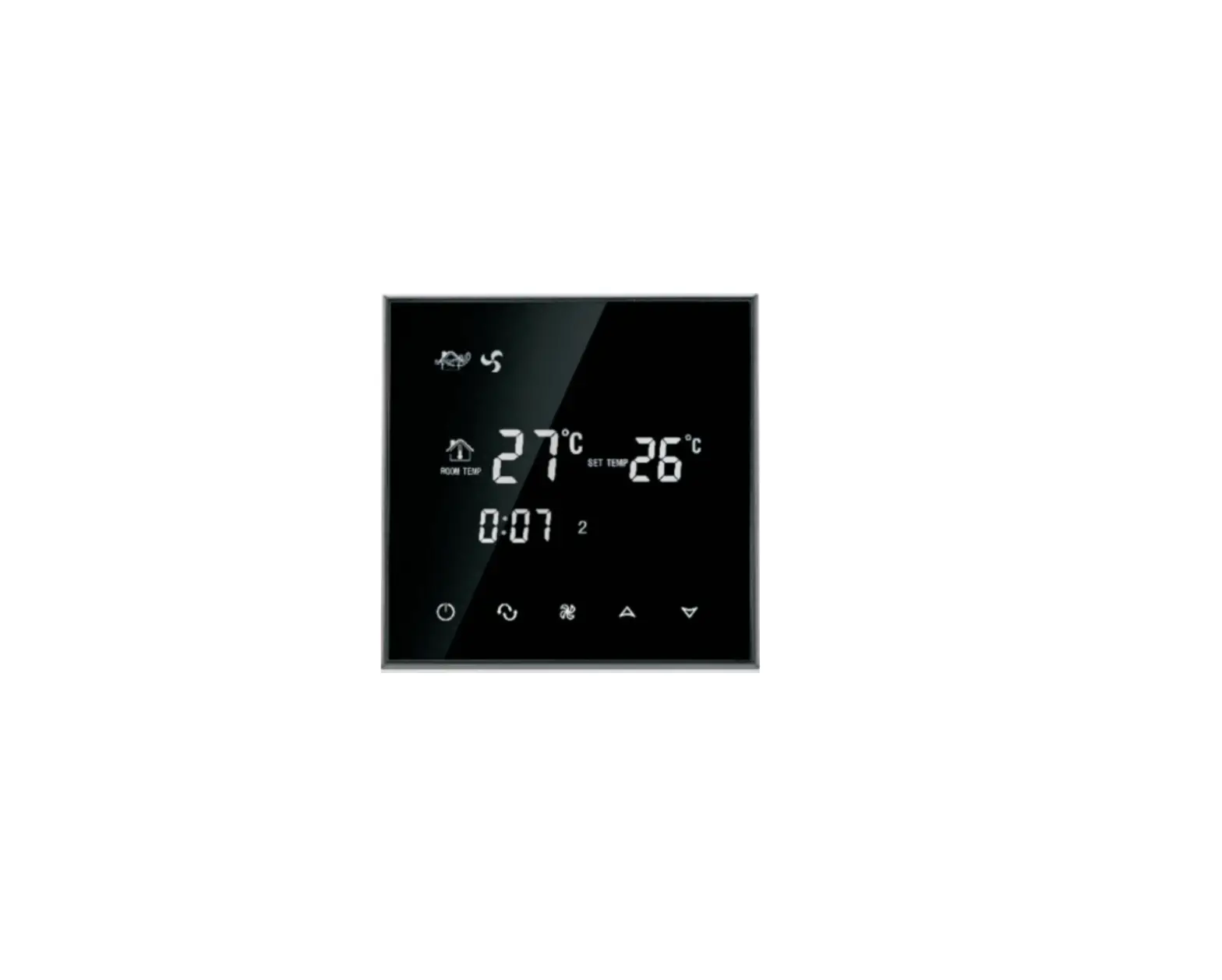
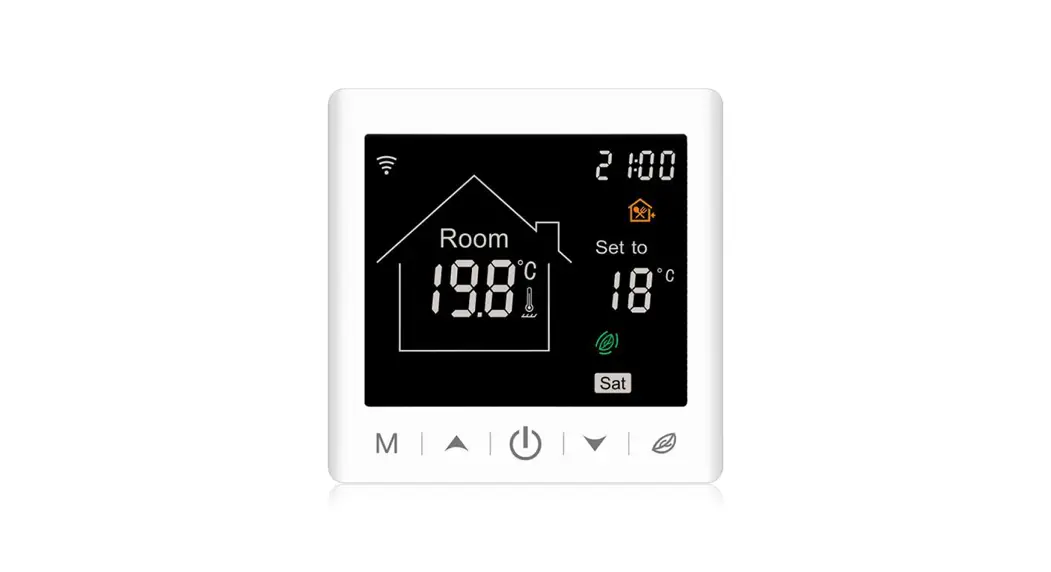
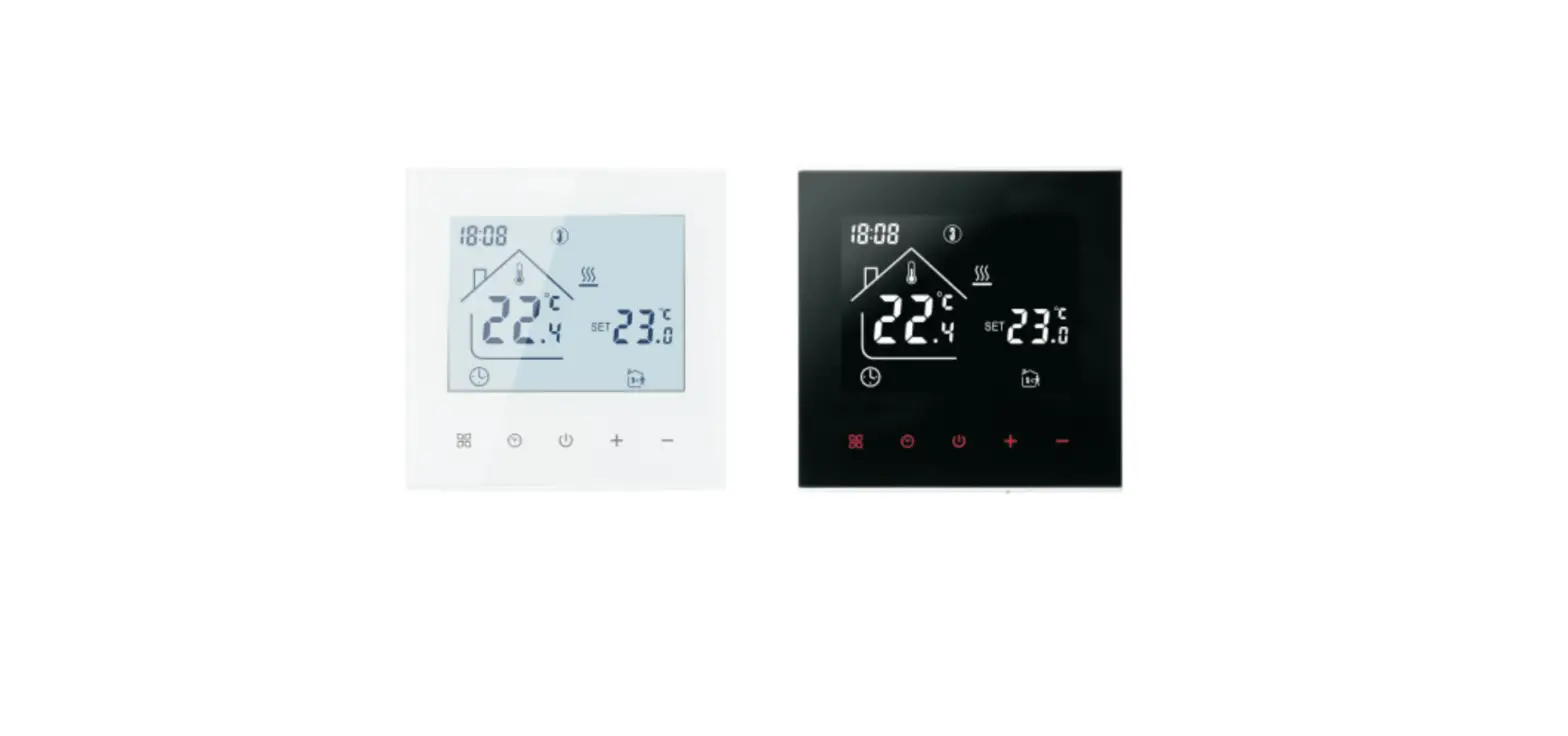
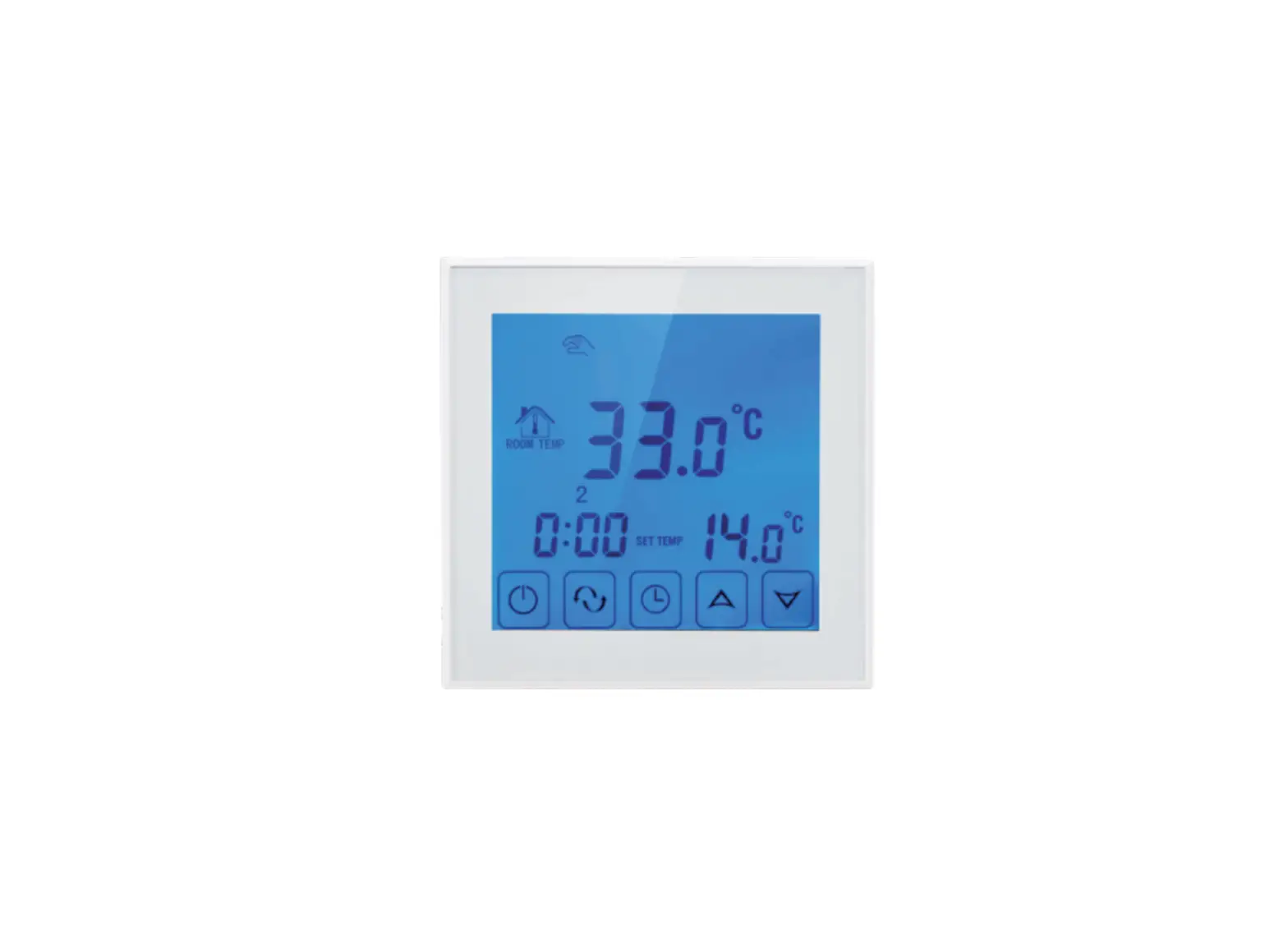
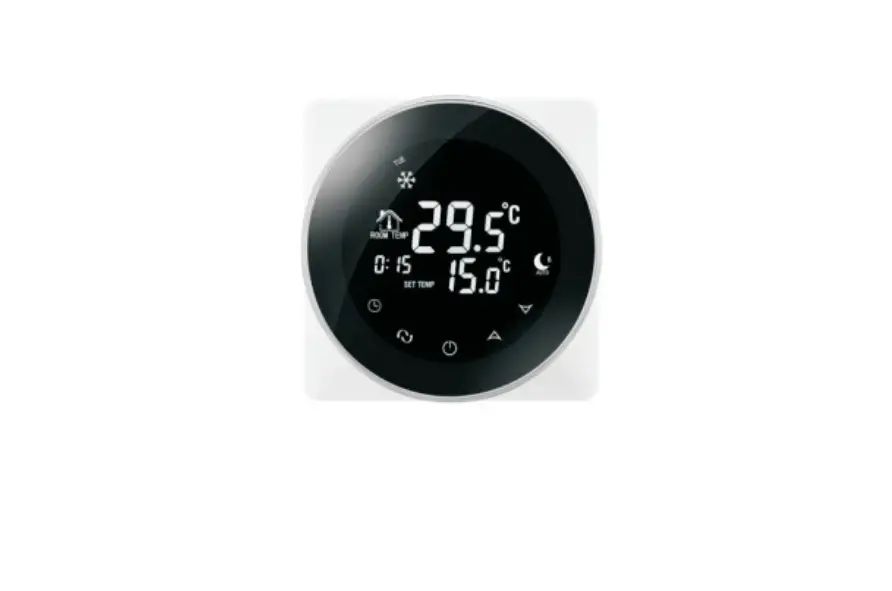
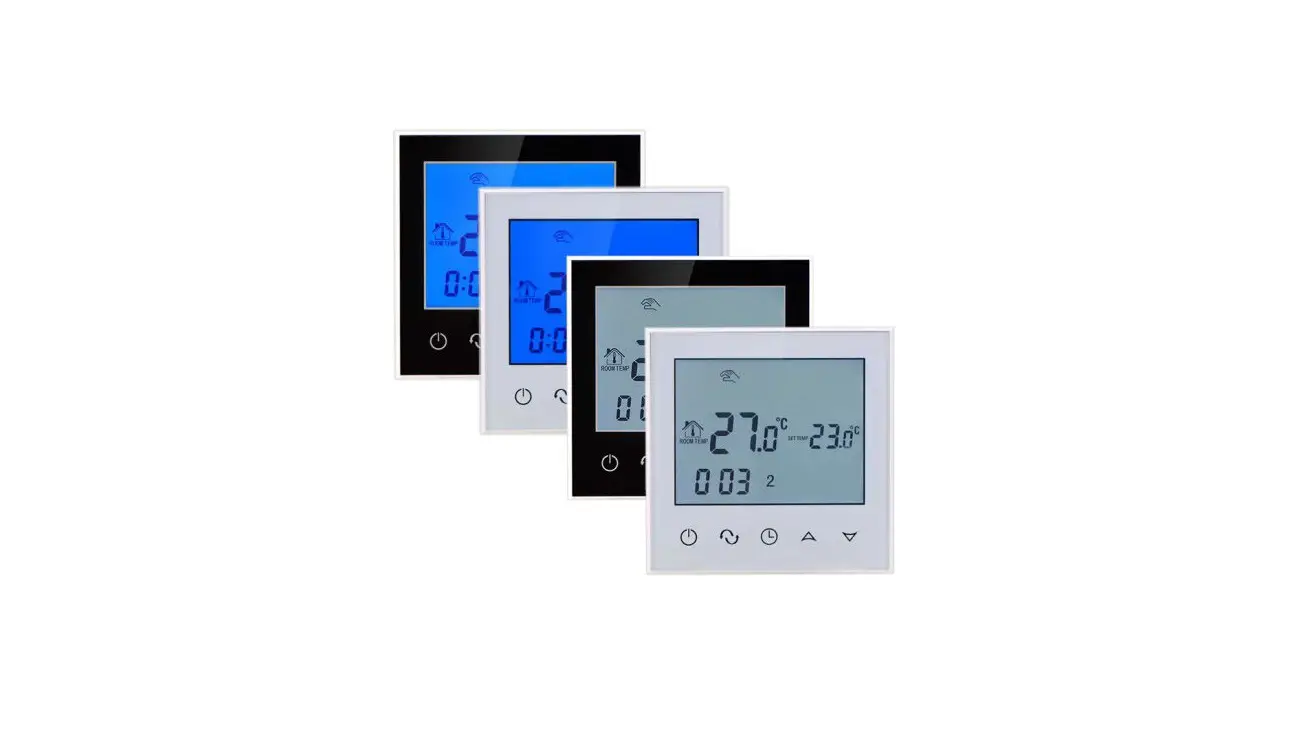
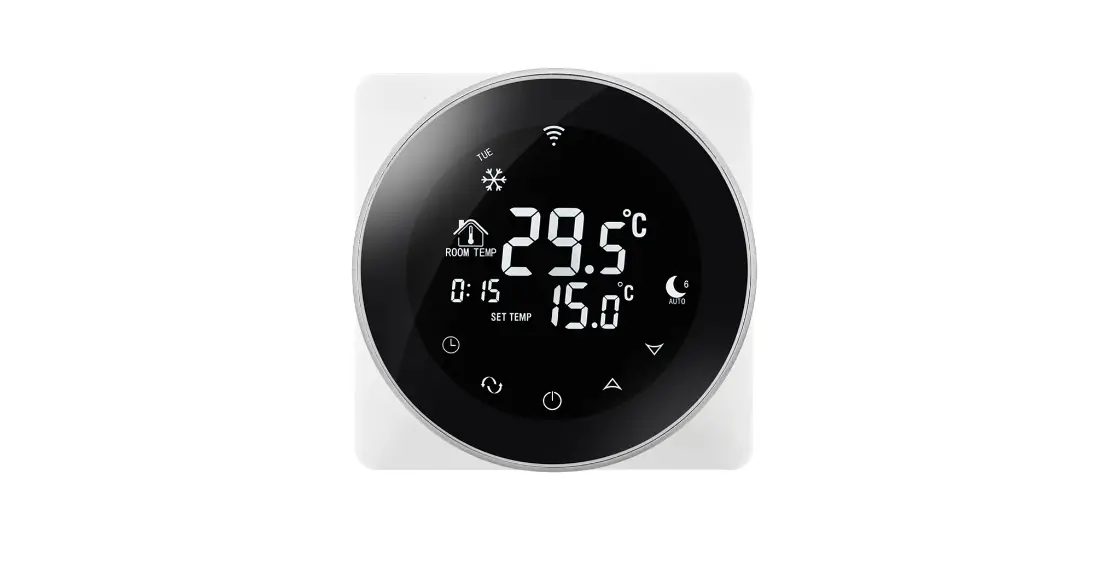
TDS75 Touch Screen Thermostat
Product Information
The TDS75 Touch Screen Thermostat is a digital heating liquid
crystal temperature controller. It utilizes an advanced
microcomputer control chip to accurately detect the temperature
through a high-precision sensor inside the thermostat. This
thermostat is designed to automatically turn on and off the load
(electric heating device or valve) in real-time to maintain a
constant temperature indoors.
Technical Parameters
- Power Supply: 200 ~ 240V
- Frequency: 50 ~ 60Hz
- Current Load: 3A (water heating/gas boiler), 16A (electric
heating) - Power Consumption: Not specified
- Sensing Element: Not specified
Product Usage Instructions
- Ensure that the power supply is within the specified range of
200 ~ 240V and the frequency is between 50 ~ 60Hz. - Connect the thermostat to the appropriate load (electric
heating device or valve) according to the specific installation
requirements. - Place the thermostat in a suitable location where it can
accurately detect the temperature of the room. - Power on the thermostat and wait for it to initialize.
- Use the touch screen interface to set the desired temperature
for maintaining a constant indoor temperature. - The thermostat will automatically compare the set temperature
with the detected temperature and control the load (electric
heating device or valve) to turn on or off accordingly. - Monitor the display screen for real-time temperature
information and adjust the settings as needed. - In case of any issues or abnormalities, refer to the user
manual for troubleshooting steps or contact customer support for
assistance.
TDS75 TOUCH SCREEN THERMOSTAT
I. Product Summary:
The digital heating liquid crystal temperature controller adopts the most advanced microcomputer control chip in the world, and detects the temperature through a high-precision sensor inside the thermostat. And in real time, compared with the temperature set by the user, the load (electric heating device or valve) is automatically turned on and off to achieve the purpose of maintaining the indoor constant temperature.
II. Technical Parameter:
Power Supply Current Load Power Consumption Sensing Element
200 ~ 240V 50 ~60Hz 3Awater heating/gas boiler) 16A(electric heating) <0.3W
NTC
Set Temp. Range Accuracy
5-60 ±1
III. Main Functions and Characteristics
1. Large screen display and touch button
2. Power-off memory function 3. Real-time data save function 4. 5+2 or 6+1or 7days six periods program schedule 5. Anti-freezing function 6. 3 sensor modes can be setting 7. Selectable 80mmx80mm European hidden box. 8. With child lock function
IV. Button Function
Power on/off;
M
Mode button: switch manual, automatic time control, temporary manual, long press time, hour, minute, week settings.
Upper button: temperature plus, plus parameters;
Lower button: temperature minus, minus parameter.
V. Display and Function Description
Manual control, flashing for temporary manual control, no display for automatic control Heating The first period, get up in the morning; The second time, go out in the morning; The third time, go home at noon; The fourth time, go out at noon;
The fifth time, go home at night; The sixth period, sleep at night;
The antifreeze function is turned on.
Press M and unlock or unlock at the same time.
VI. Model Specific
Week Program
Controlled Objects
TDS75WIFI-EP 16A
For electric heating appliances
TDS75WIFI-WP
3A
TDS75WIFI-WPB 3A
For water heating appliances For gas boiler heating appliances
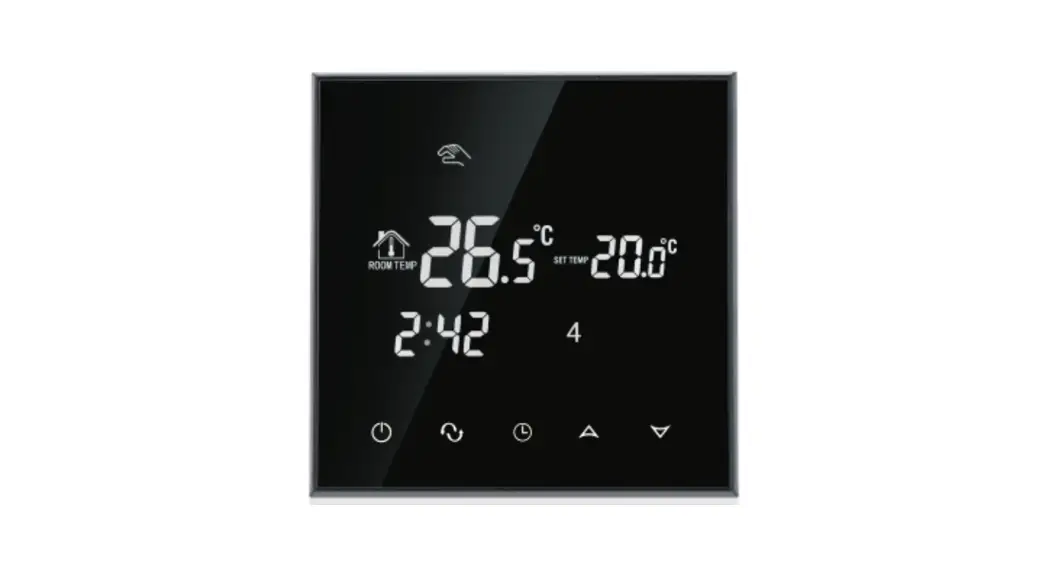
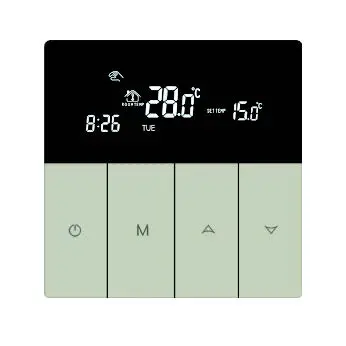
VII. User Interface Explanation
Manual Antifreeze Child lock
Room temperature Out temperature
Clock
Manual/Automatic
Power on/Power off
Heating
Six time periods Setting temperature Week
Up Down
VIII. Wiring Diagram
TDS75WIFI-EP
TDS75WIFI-WP
TDS75WIFI-WPB
IX. Thermostat Operation Instruction
1. Setting Power on/off Press to turn on/off the power.
2. Setting Temperature
Press
to set the temperature.
3. Setting the Clock
Press the M key for 3 seconds to set the minutes, hours, and weeks.
Press
for adjusting.
4. Setting the Manual Mode.
Manual mode means non-programmable mode.
Press M, then
will display in the screen, it is in manual mode.
Press
to set the temperature.
Press the M key for 3 seconds to set the minutes, hours, and weeks.
5. Setting the Child Lock
Press M and at the same time in the on state , T1w1 ill display.
Press Mand at the same time in the on state again , T1w1 ill disappear .
6. Setting the Programmable Mode.
Press the M and
will display.
at the same time in the off state. LOOP and 12345
Press
to select the control way: 5+2 or 6+1 or 7 days programmable.
12345 display in the position of week means 5+2;
123456 display in the position of week means 6+1;
1234567 display in the position of week means 7 days programmable.
Press M to do time adjustment.
Press
to change the time;
Press M to select the periods.
Press
to change the temperature ;
Press M again to do time adjustment.
will disappear in automatic control state. You can directly press
to adjust temperature, This will return to manual mode.
Press M to switch operation between manual mode and programmable
mode.
Period
Period Icon Defaulted Time Defaulted Temp.
1
6:00
20
2
8:00
15
Week
3
11:30
15
4
12:30
15
5
17:30
22
6
22:00
15
1 Weekend
2
8:00 23:00
22 15
Remark: (1) The defaulted temperature of period3 and period4 is the same as period2. Please change it according to the request. (2) When setting temperature is 00, this period is power off. (3) How to check floor temp?
In the power on state, long press and hold M then press to check floor
temp., OUT TEMP will display.
7. Advanced Setting
In the state of power-off, long press and hold M then press into advanced setting mode. Then press M to set relative item.
Display Code
Function
Setting And Options
Factory Default
SEN OSV
Sensor mode
Set temp. range for floor sensor
0:Internal sensor 1:Floor sensor 2:Both internal sensor and floor sensor
5-99
0 42
DIF
SVH SVL ADJ FRE PON DFI
Precision for floor temp. High limit temp. for internal sensor
Low limit temp. for internal sensor
Measure temp.
Frost-protection
Power memory
Precision for room temp.
1-9
5-99 5-99
Check and calibrate the actual room temp.
00Off 01On 00Off 01On 0.5-3
2
35 5 0.5accuracy calibrate 00 00 1
FAC
Factory setting
08Just display 00Factory reset
08
Remark: Antifreeze function: The thermostat is in the off state. When the indoor temperature is lower than 5 °C, the electric valve is opened. When the indoor temperature rises to 7 °C, the thermostat automatically turns off the output.
Sensor error: Please select the right sensor mode. If select the different mode or there is error of sensor, Err will display on the LCD screen, the thermostat will stop heating till the problem is solved.
Special note: installing cable please choose: plumbing 1.5-2.5mm2 hard wire.
X. WIFI Connection
Smart Life APP Download
Android Download
IOS Download
Click the Add Device button in the upper right corner, or click Add Device. Be sure to turn on your phone’s Bluetooth. Only 2.4G status configuration can be added for WIFI access on mobile phones (the name and password can only use numbers and letters, not symbols).
In the power off state, press up and hold on for 10 seconds.
During configuration, the short blink is valid for 2 minutes (press the up key for 10 seconds when shutting down the machine repeatedly: slow flashing indicates AP network mode).
set temperature
Fine-tuning reduction
Keyboard lock Manual automatic
Enter Settings Current temperature Heating Fine-tuning increase
Entry phase programming Enter advanced parameters
There are three modes 5 + 2 means 5 working days and 2 rest days 6 + 1 means 6 working days and I rest day 7 means seven days in a week are working days The workday is divided into 6 periods, And it can adjust the time and temperature The rest day is divided into two periods, and the time and temperature can be adjusted
TDS75WIFI-EP TDS75WIFI-WP TDS75WIFI-WPB