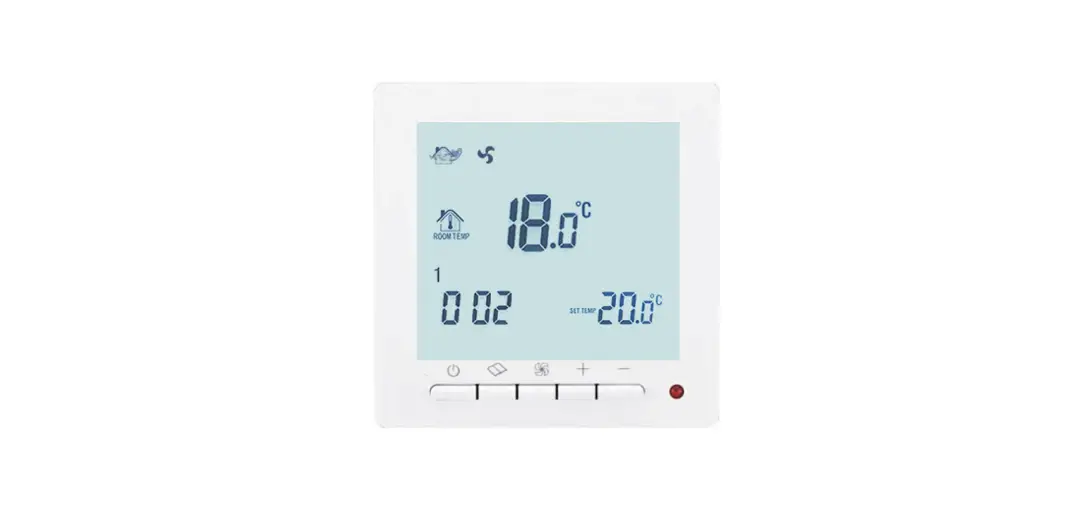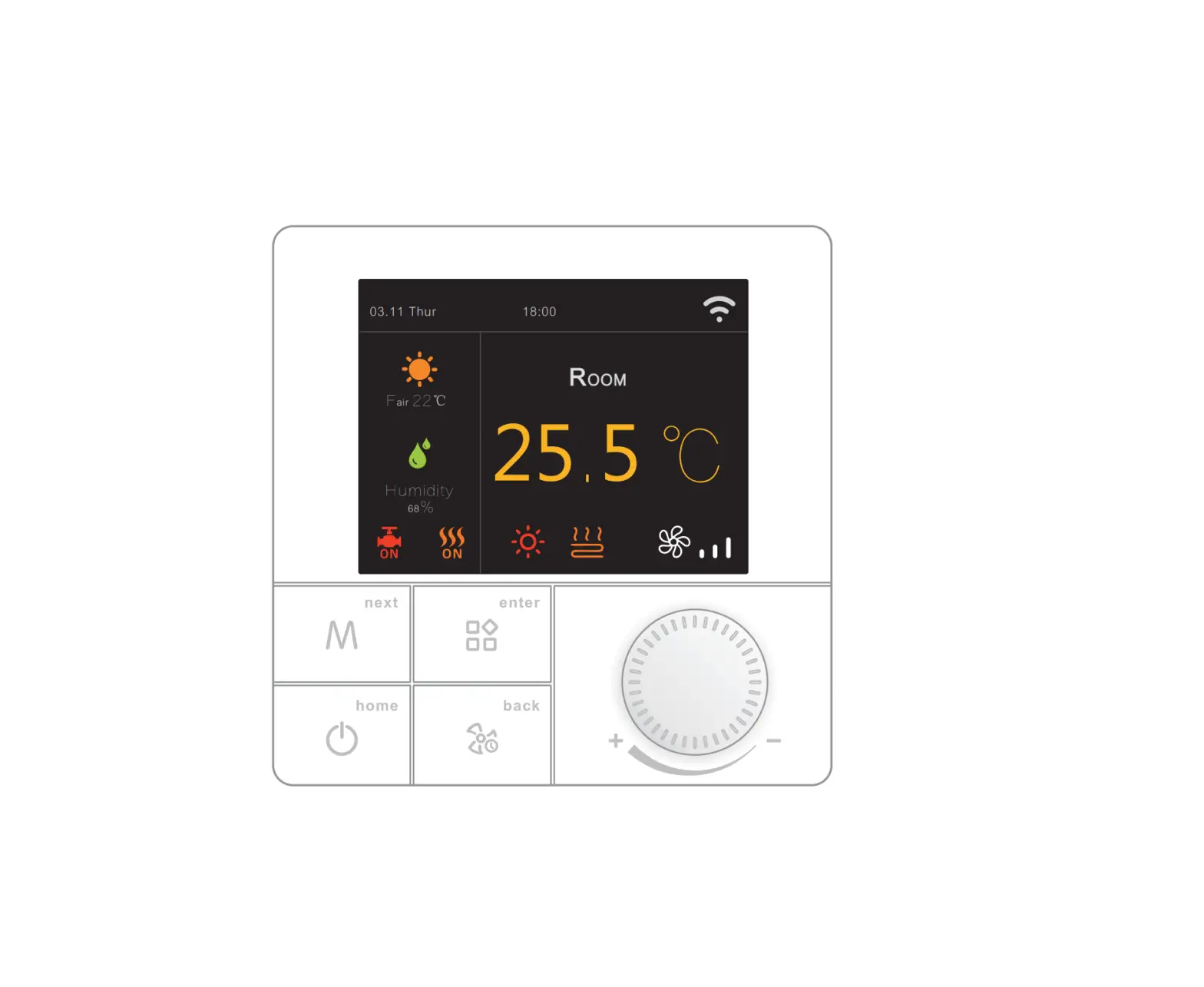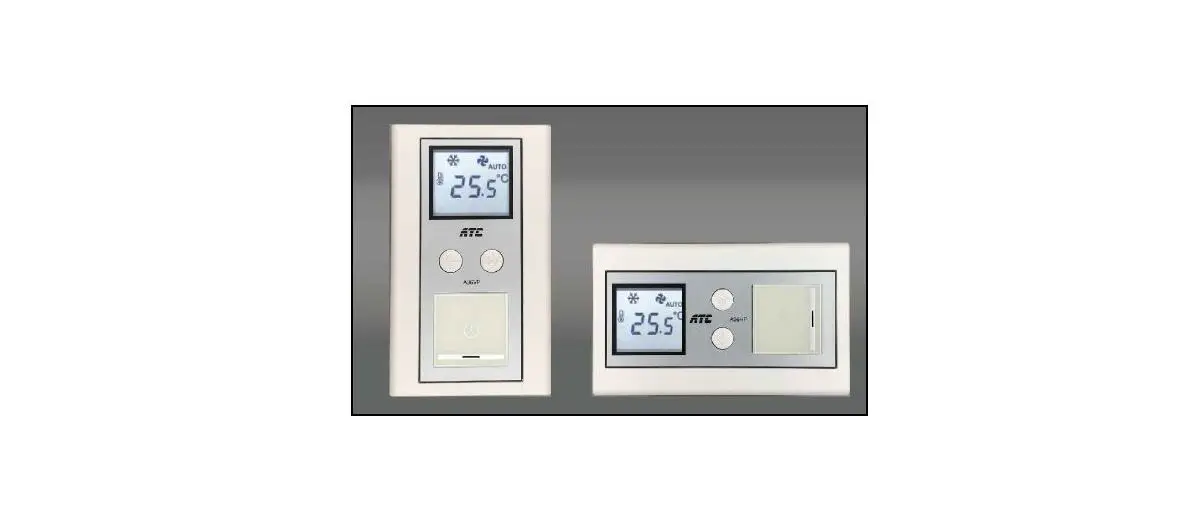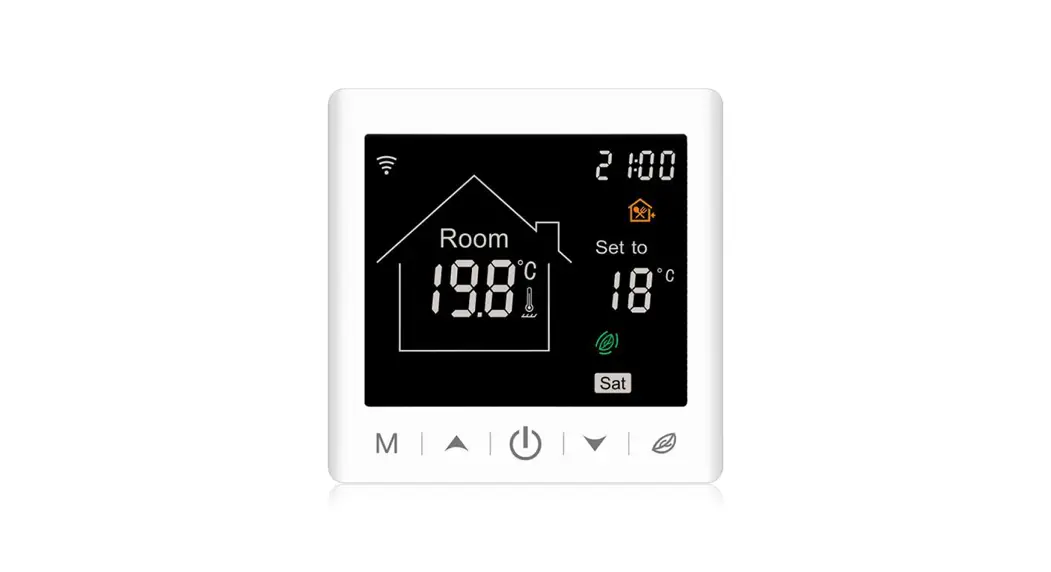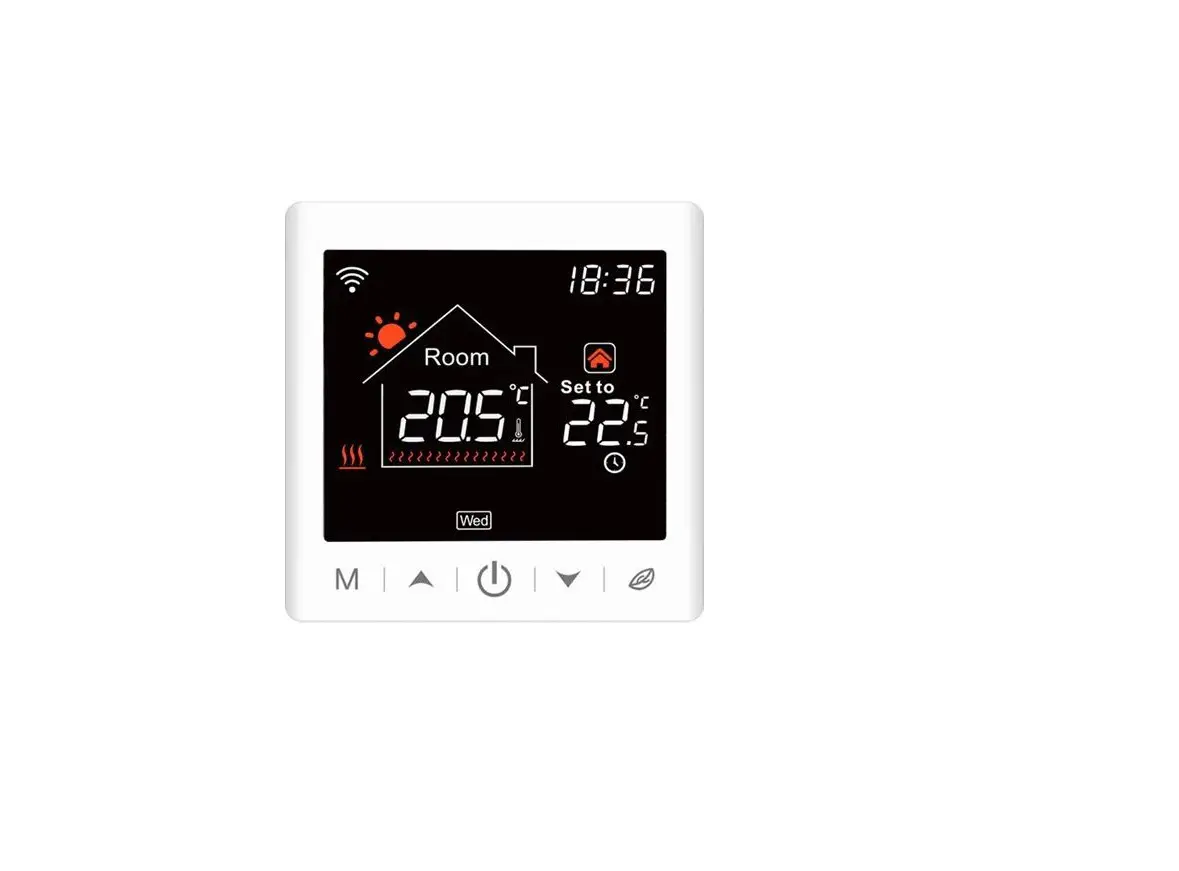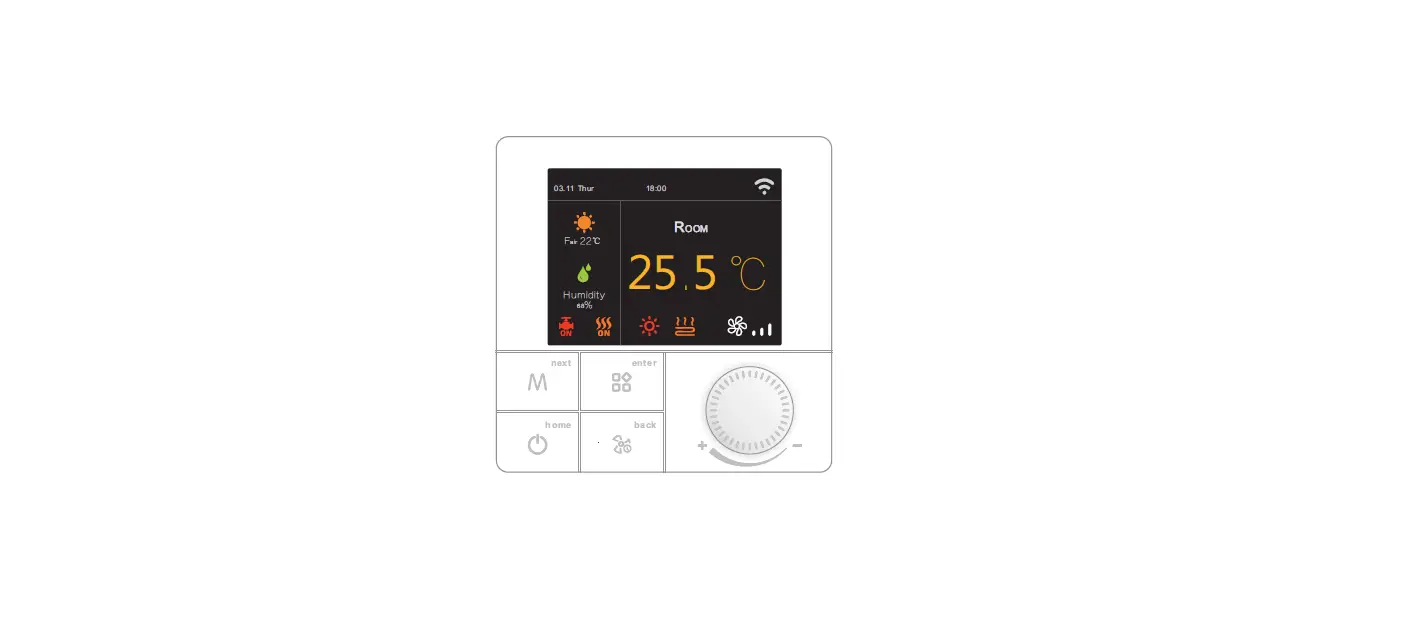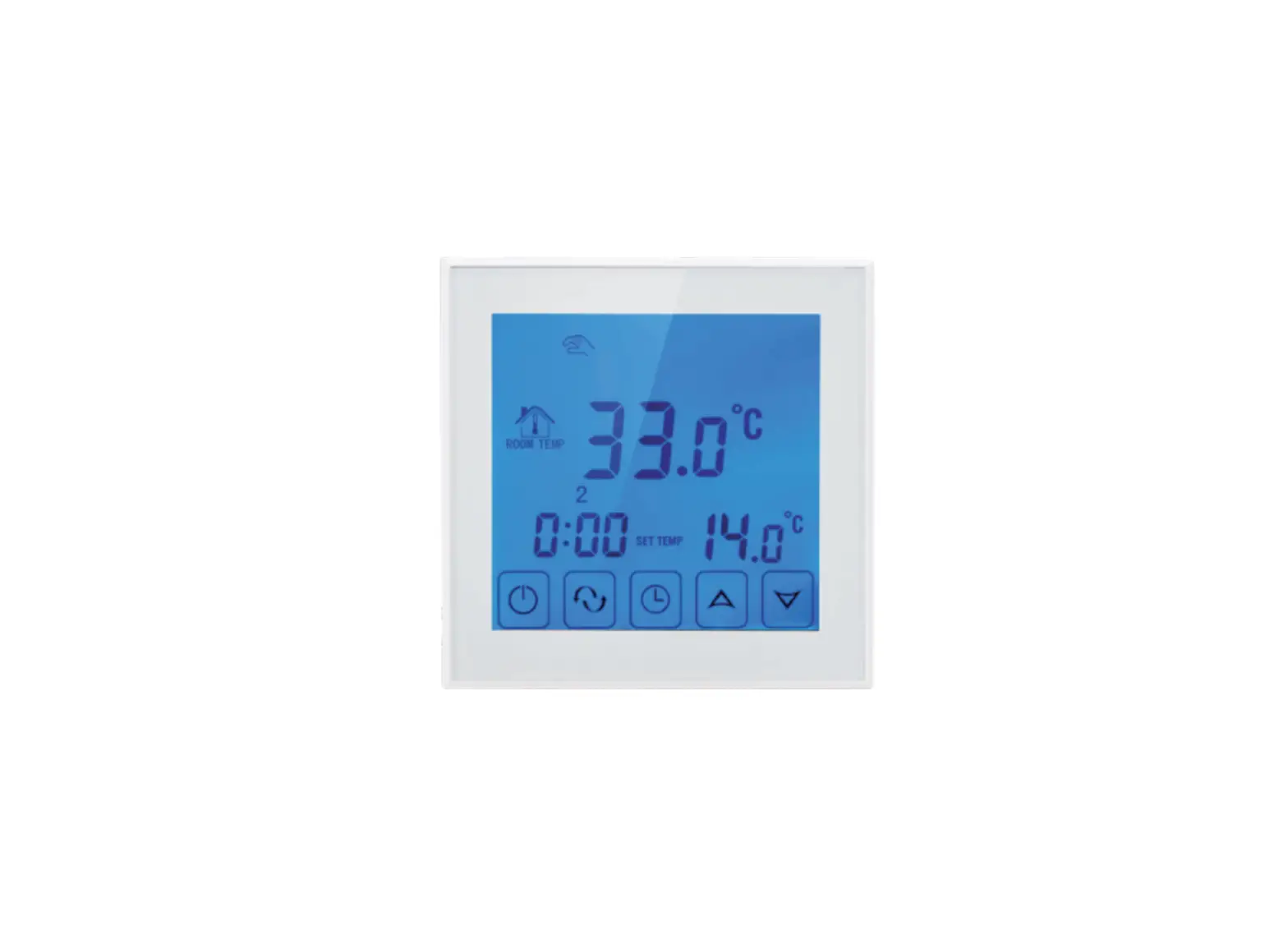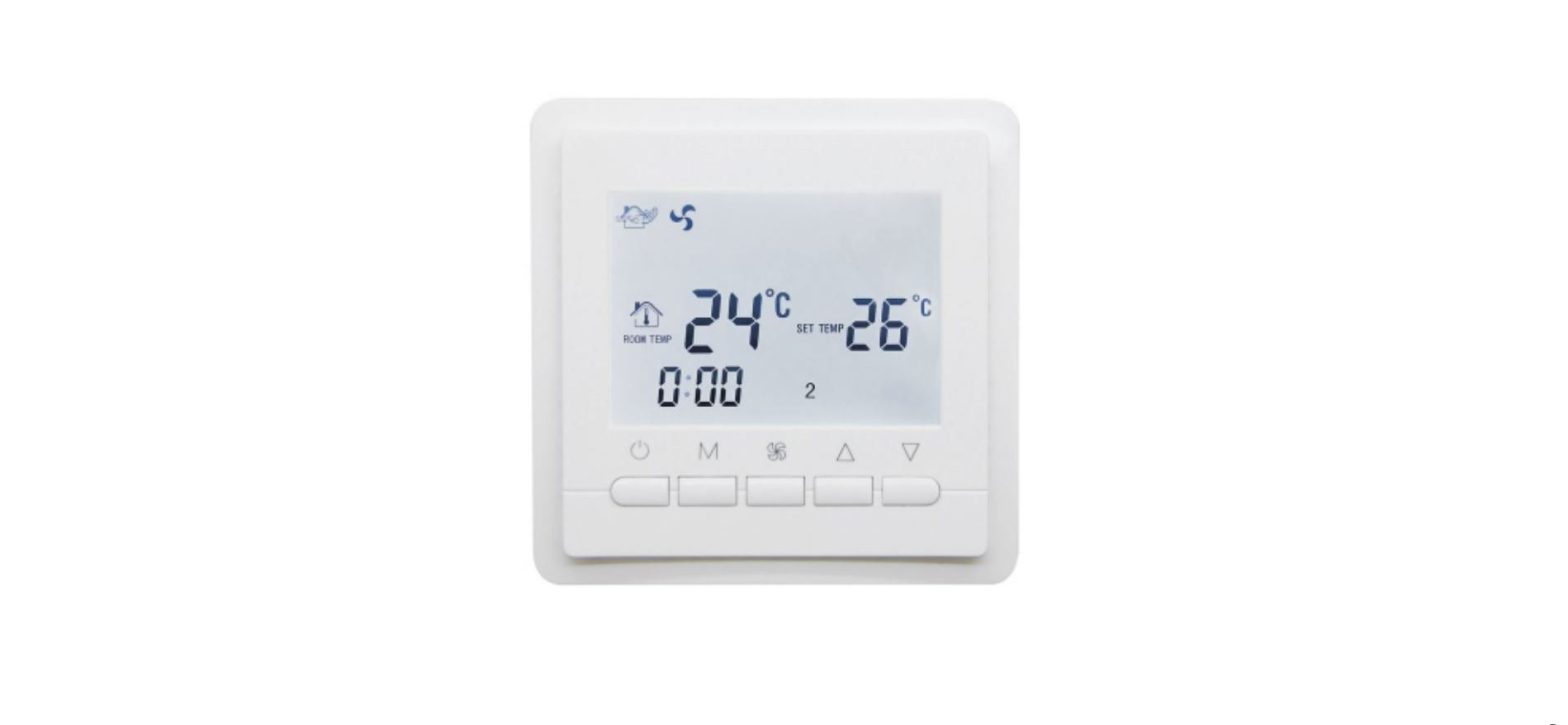

BEOK TOL43-AC LCD Screen Thermostat
Product Summary:
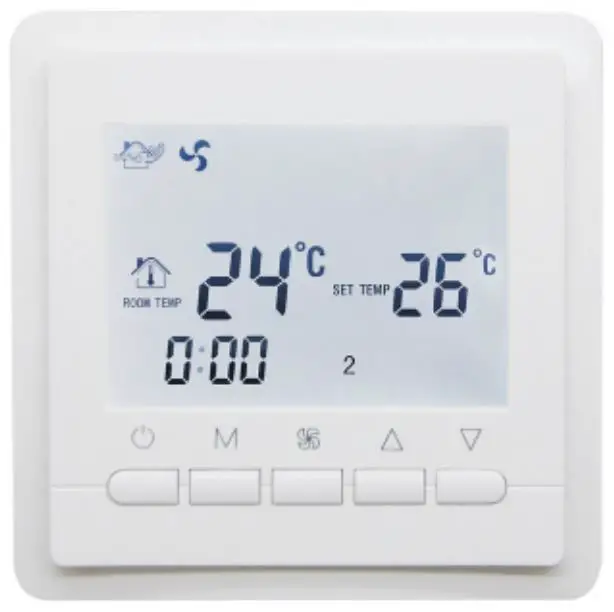
TOL43-AC Series thermostats are designed to control the fans and valves in air conditioner applications via comparison of the room temperature and setting temperature as reaching the aim of comfort and saving energy.
Technical Parameter:
| Power Supply | AC200~240V, 50/60HZ |
| Current Load | 3A~5A |
| Power Consumption | <0.5W |
| External Material | PC+ABS (flame retardant) |
| Sensing Element | NTC |
| Set Temp. Range | 10℃ – 40℃ |
| Accuracy | ±1℃ |
| Dimension | 86x86x13.3mm |
| Ambient Temp. | 0-45℃,5-95%RH(Non-condensing |
| Storage Temp. | -5~55℃ |
| Installation Box | 80x80mm |
Main Functions and Characteristics
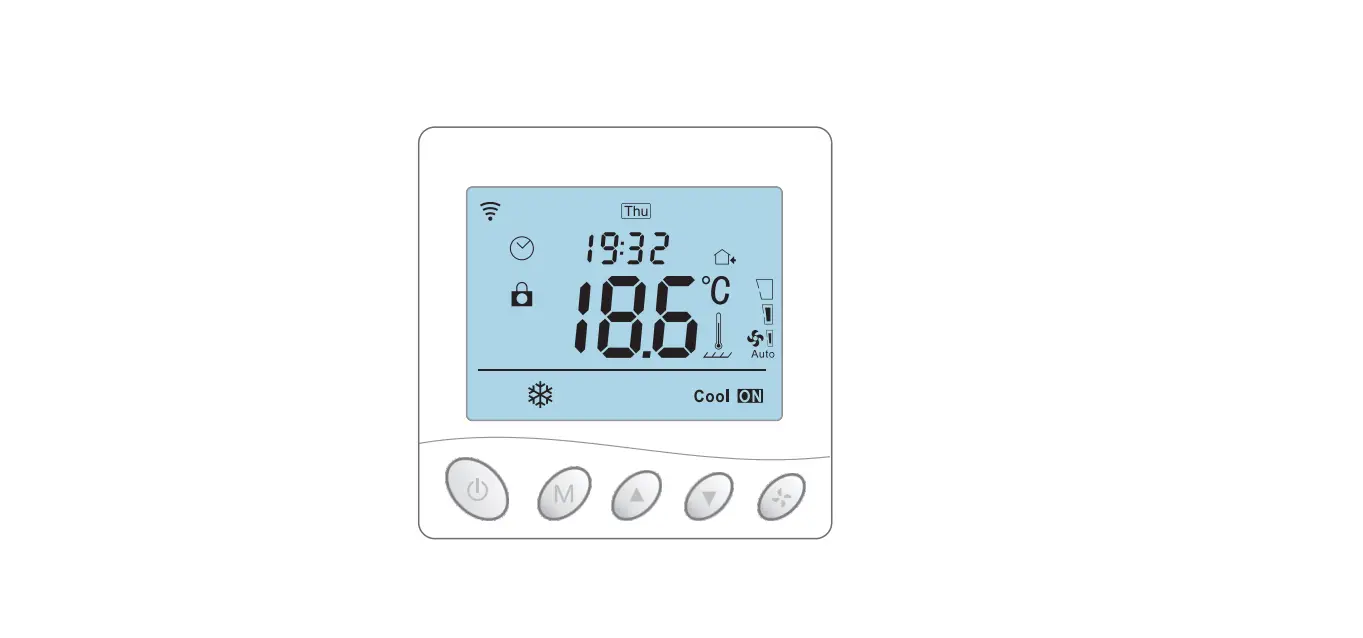
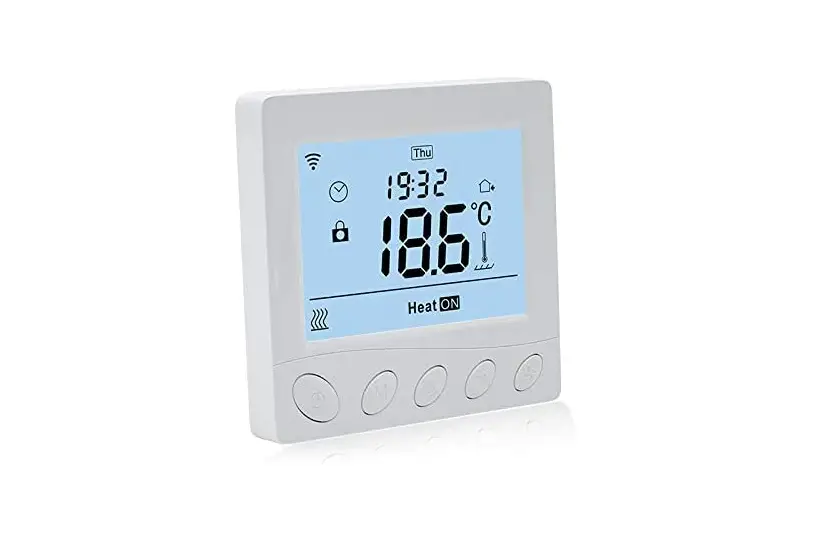
- Square LCD display, more clear to see.
- Blue or white back light for customer choose.
- Two pipe or four pipe for choice.
- Fan speed+auto.
- Timer switch function, 4 period settings.
- Selectable 80mmx80mm hidden box.
- Room temp calibration function.
- Precise comfort control keeps temperature within1°C of the level you set.
User Interface Explanation
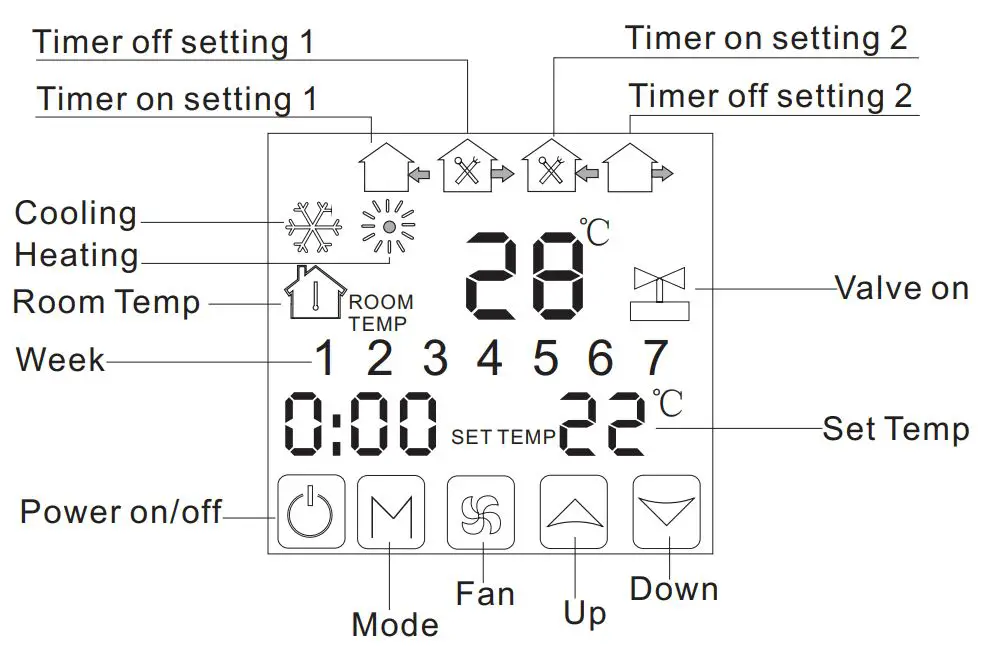
Model Definition
- AC 2: Two pipes, for air conditioning
- AC 4: Four pipes, for air conditioning
- For example TOL43-AC2
Model Spec
| Spec | Fan Speed | Timer Switch | Fan coil controllable | |
| TOL43-AC2 | 2 Pipe | 3 Fan speed+Auto | √ | √ |
| TOL43-AC4 | 4 Pipe | 3 Fan speed+Auto | √ |
Wiring Diagram
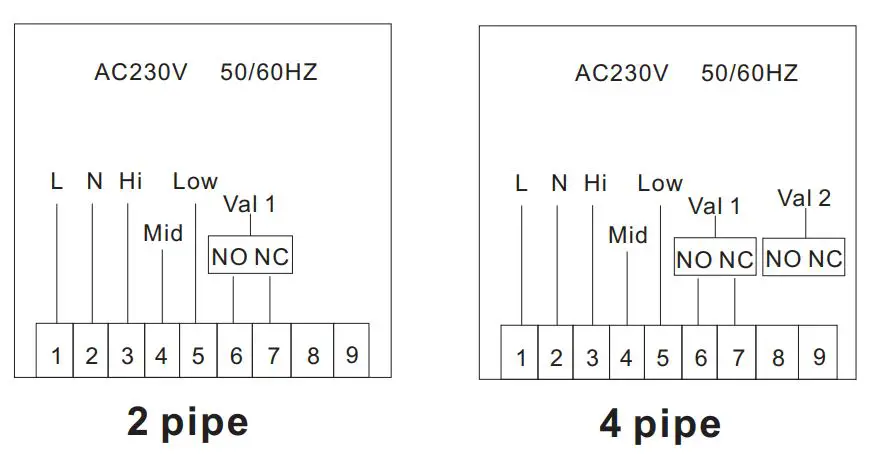
Operation Instruction
Setting Power on/off
Press to turn on/off the power.
Setting Temperature
Press to set the temperature. Factory default is 26 ℃.
Setting the System Mode
Press M to select heating, cooling or Factory Default is ventilation.
Setting the Fan Speed
- Press
 to select the fan speed.
  is Low speed(Factory default);
-
 is Mid speed;
  is High speed;
 is Auto speed.
 to select the fan speed.
 is Low speed(Factory default);
 is High speed;
 is Auto speed.
In auto mode, the fan will run according to the comparison of room temperature and set temperature.
Setting the Day Program Schedules.
- Press and hold M for 3 sec., hh will flash in the position of hh: mm.
- Press
 to adjust the hour.
 - Press M , mm will flash in the position of hh: mm.
- Pressto adjust the minute.
- The above is the steps to set real-time.
- Then go into day programmable setting.
- Press M , 1 (for example) will flash in the position of 1234567.
- Pressto adjust the week.
- Press M , period 1Press M , period 1
- Pressto adjust the hour.
- Press M , period 1 and mm will flash.
- Pressto adjust the minute.
- Press to confirm the setting;
- Press M , period 2 and mm will flash.
- Press to adjust the minute.
- Pressto confirm the setting
- Press M , period 3 and hh will flash.
- Press M , period and mm will flash. Pressto adjust the minute.
- Pressto confirm the setting;
- Press M , period 4 and hh will flash. Pressto adjusts the hour.
- Press M, period 4and mm will flash.
- Presto adjust the minute. Pressto confirm the setting;
- Press M, the loop will display in the screen. One-day programmable setting is finished.
Setting the Regular Boot
Press M for more than 3 seconds, after setting the time, press until and “hh” twinkling. press to adjust the hours.
After the adjustment of hours, press M until the “mm” twinkling, press to adjust the minutes. After the completion of all adjustments,press to confirm, then does not twinkle, Regular boot setup is complete.
The operation of canceling Regular boot is the same, press M to the state of Regular boot, then pressing,the is twinkling, Regular boot has been canceled.
Setting the Off Timer
After the setting of Regular boot, press M again, until and “hh” twinkling, press to adjust the hours. After the adjustment of hours is complete,press
 until the “mm” twinkling, press to adjust the minutes. After the completion of all adjustment, press to confirm, then does not twinkling, Off timer setup is complete.
The operation of canceling Off timer is the same, press M to the state of Off timer, then pressing , the is twinkling, Off timer has been canceled. The setting of the third period and forth period are same with the first and second period, the icons are 9 on, off/into the room, out of the house
Setting the Circulation of Timer Switch
After setting the time of timer switch, press the M ,there will be “LooP”, then press,week display area will displays the day of the week, or the transformation of “12345″ “123456″,or “1234567″.
If the screen only displays the day of the week, then the timer switch setting is valid only for the day. If it displays “12345″,then the timer switch is valid from Monday to Friday,
and Saturday and Sunday will be invalid.
If it displays “123456″,then the timer switch is valid from Monday to Saturday, and Sunday will be invalid. If it displays “1234567″,then the timer switch is valid everyday.
Advanced Setting Mode
Temperature Adjustment
(Attn: Only when your room temperature is different with actual temperature, you do this operation.)
In power-on status, press about 7 seconds, then “XX X” will display on the bottom of the screen. For Example: “26 5” means temp is 26.5℃ then you can press to modify the temperature. It will confirm automatically after correct temp twinkling 7 seconds.
Fan Coil Controlling Mode Setting(Only for 2 pipe)
(You can select the fan coil In control & Out of control.)
In power-on status, press about 7 seconds, “XX X” will display on the bottom of the screen, then continue to press again, “F00” or “F01” will display.
Press to choose “F00” or “F01”
In “F00” mode, when room temperature reaches to the setted temp, the fan coil stops working. In “F01” mode, when room temperature reaches to the setted temp, the fan coil goes on working.
Installation Instruction
This product is suitable for standard 80*80mm wall box.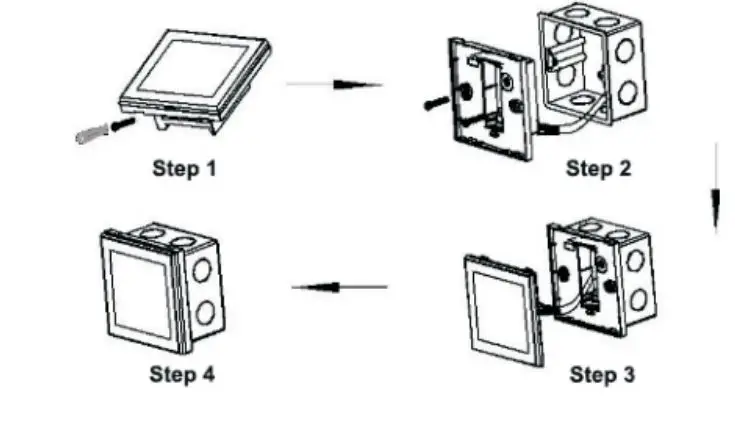
- Connect the line of power and valve into the terminals. Fix the wall plate into the wall box by a screwdriver.
- Connect the lines with the LCD board.
- Connect the LCD board into the wall plate.
NOTICE: The installation wire should be 1.5-2.5mm .2
ATT:
Thank you for buying this product!
Please read this manual for complete instructions on installing and operating your thermostat. If you require further assistance, please feel free to contact us.
In the box you will find:
| Model | TOL43-AC |
| Thermostat | √ |
| User Manual | √ |
| Screws | √ |
Our Service:
We offer the warranty of 24 months from the sales day. During the warranty, if it is belong to the quality issue, we will fix or replace them for you by free after test them.
If it is not quality problem or beyond the warranty time, we will charge for the after-sales service.