
1-800-295-5510
uline.com
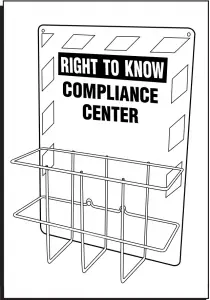
SDS COMPLIANCE CENTER
TOOLS NEEDED
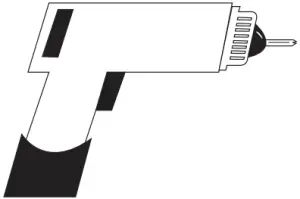 Drill
Drill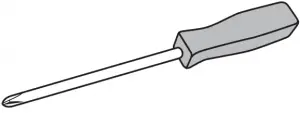 Phillips Screwdriver
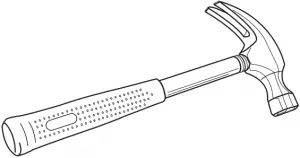 Hammer
INSTALLATION
 NOTE: Before drilling holes in wall for mounting, be sure there are no pipes or wires in the wall which could be hit by the drill bit.
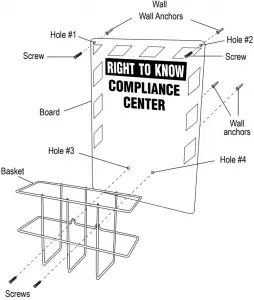
- Using the board as a template, mark 4 holes on the wall. Use a 1/4″ bit to drill holes.
- Gently tap the wall anchors into place until the face of the wall anchor is flush with the wall surface.
- Mount the board to the wall with screws through holes #1 and #2. Tighten screws into wall anchors until secure.
- Mount the wire basket to the board with screws through holes #3 and #4. Tighten screws into wall anchors until secure.
0721 IS-15383