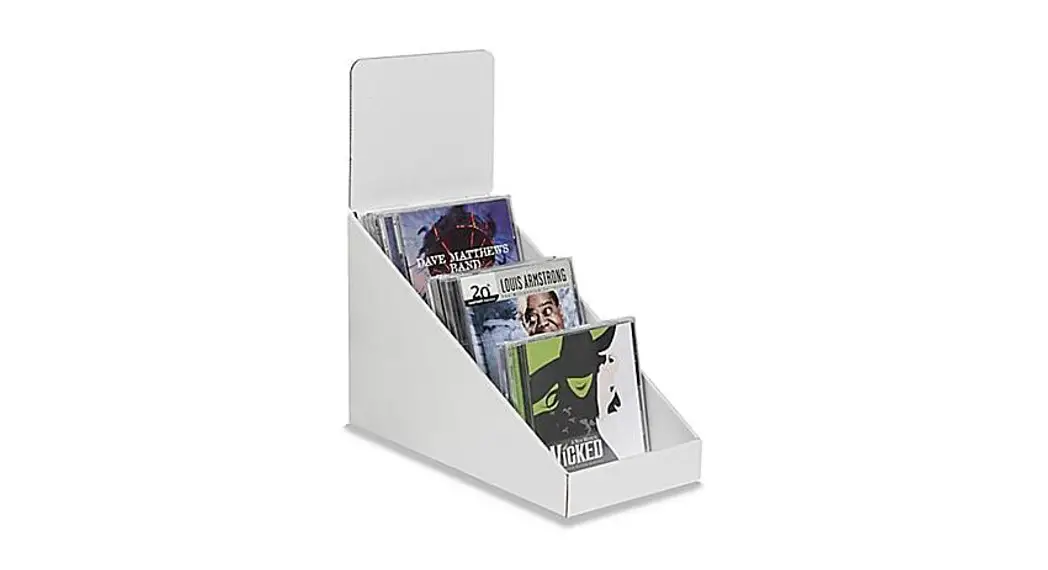

0521 IS-12330 3 TIER CD DISPLAY
1-800-295-5510
uline.com
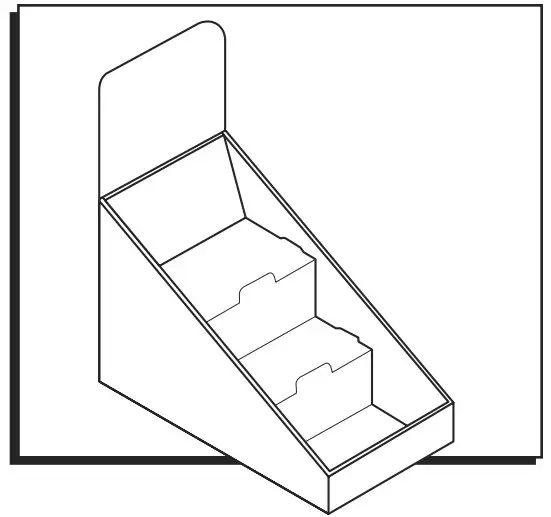
ASSEMBLY
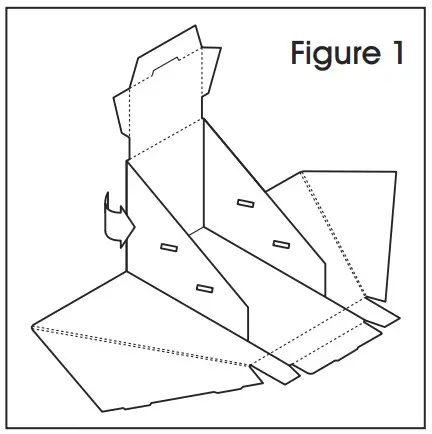
- Pre-break scores on display and square up the side panels. (See Figure 1)

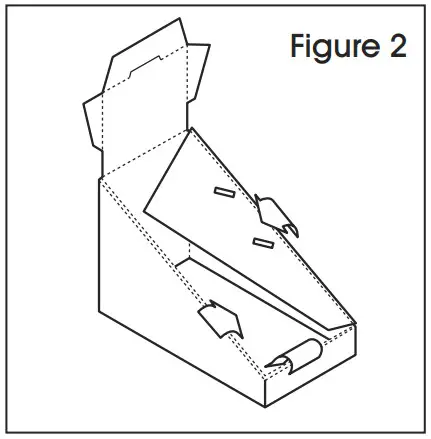
- Fold over side flaps and front lip. Lock them into the slots at the display bottom. (See Figure 2)

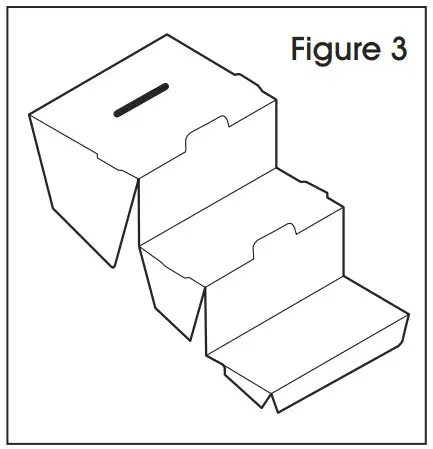
- Pre-break scores on the insert and fold into step formation as shown. (See Figure 3)

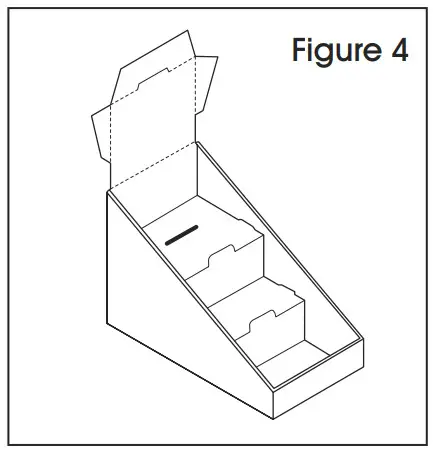
- Place insert in the display. The tabs on the side of the insert should align with and snap into the slots on the side panels of the display. (See Figure 4)

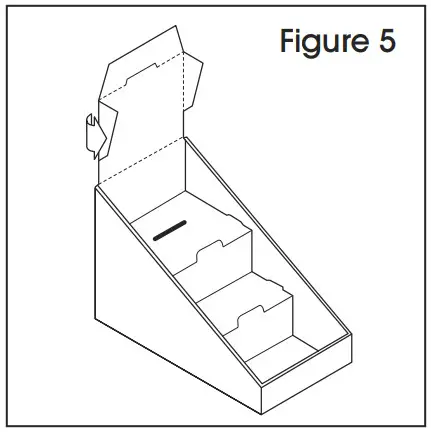
- Fold in angled side flaps on the back panel. (See Figure 5)

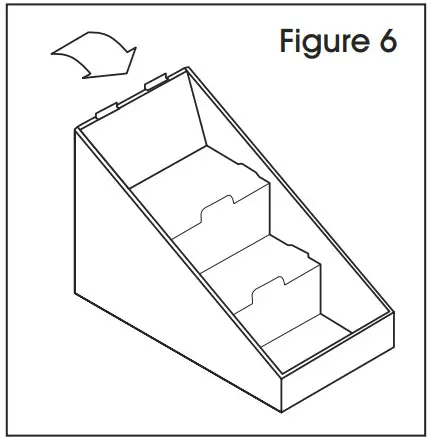
- Fold over the back panel and snap the tab into the slot on the top tier of the insert. (See Figure 6)

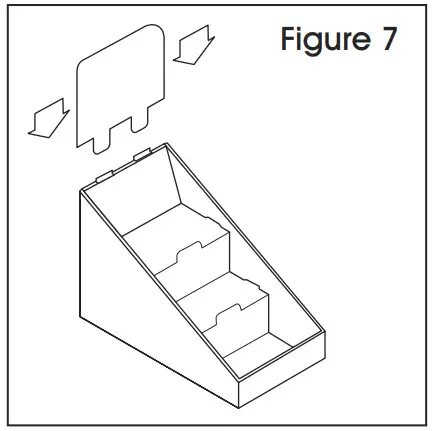
- Insert header. Header tabs should slide into slots on the back panel scores. (See Figure 7)