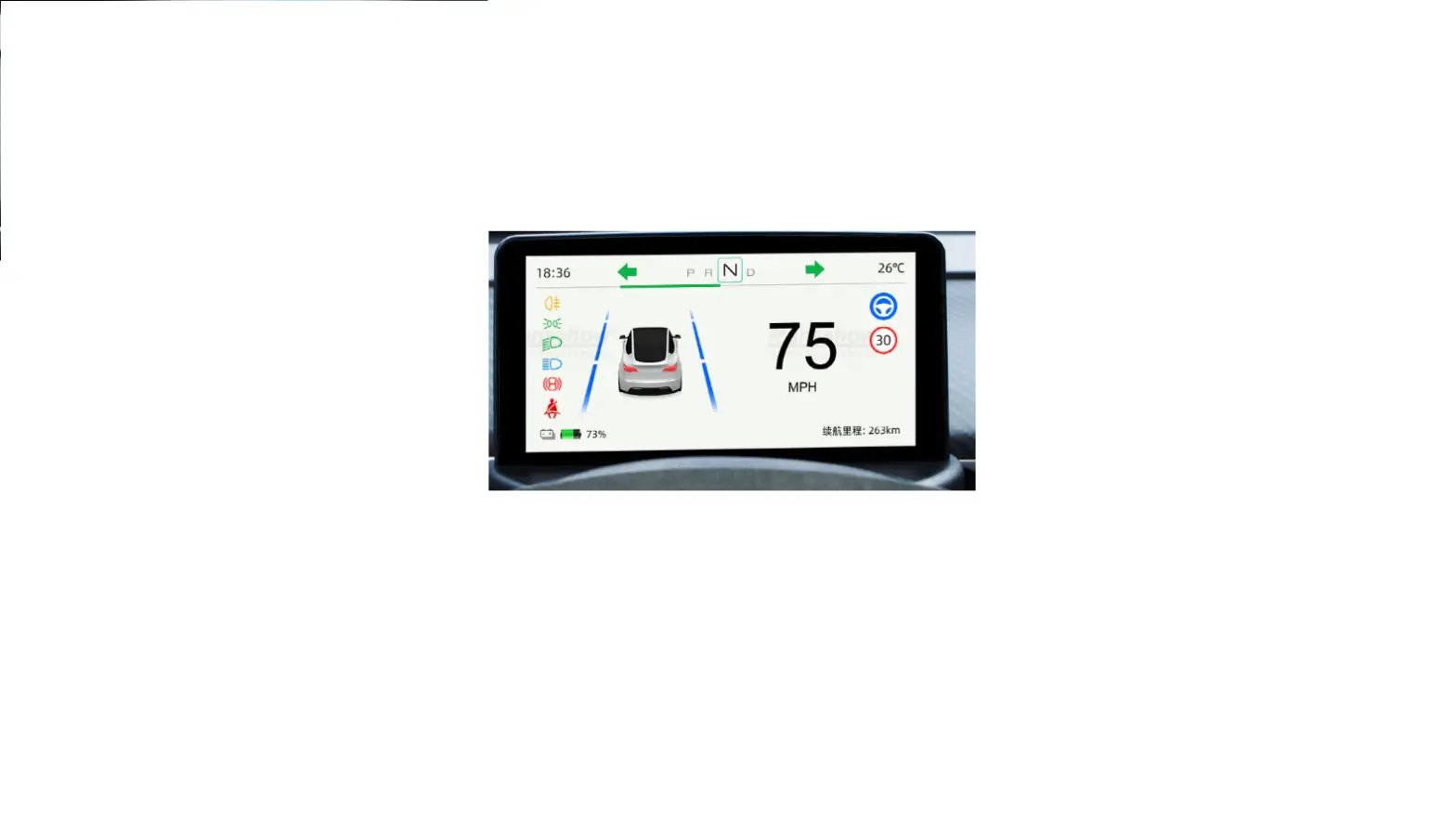
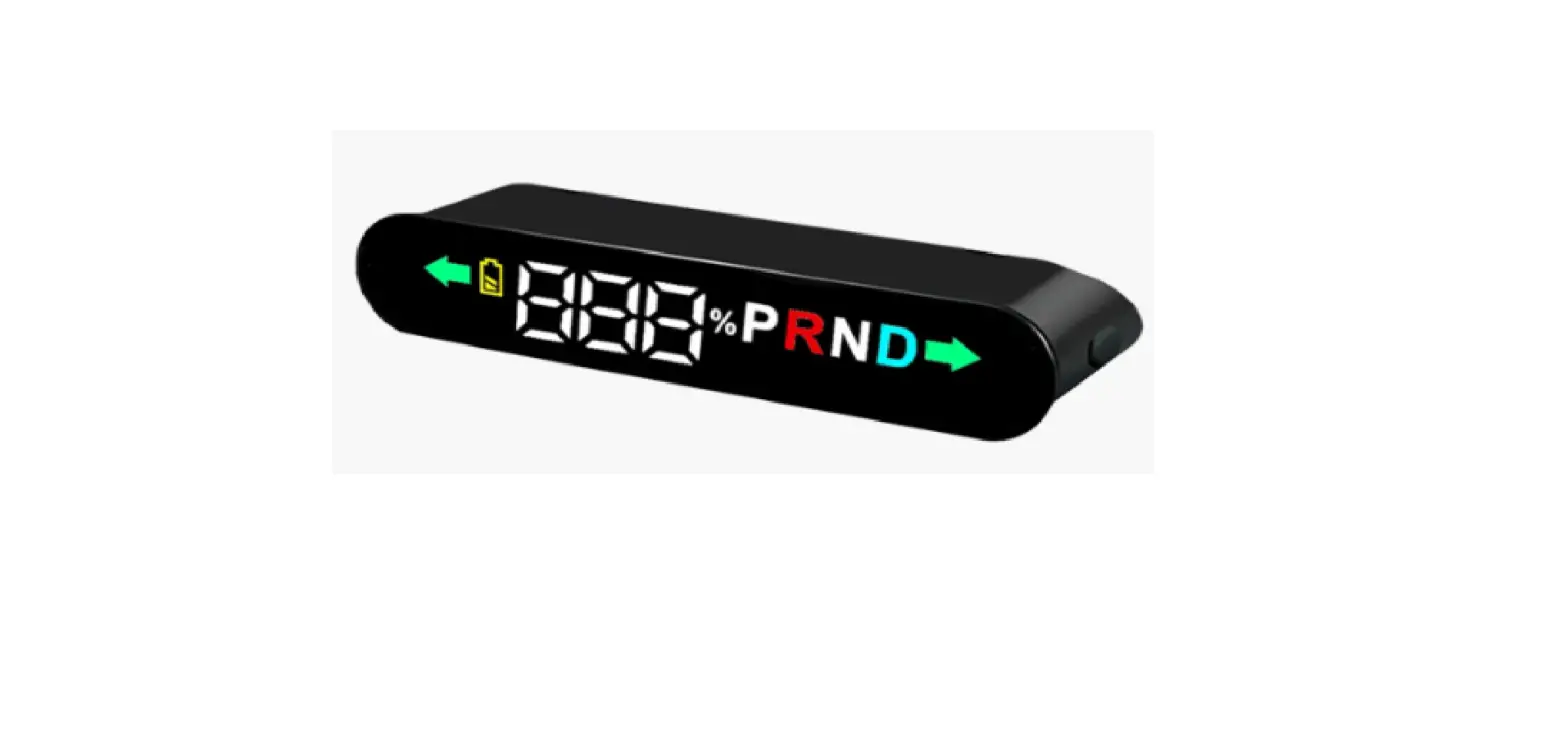
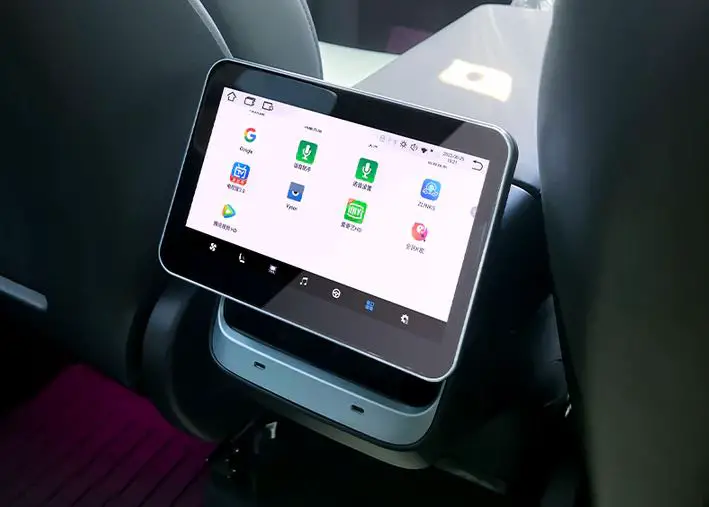
3/Y Ultra Mini Screen Display
Model 3/Y Ultra Mini Screen Display
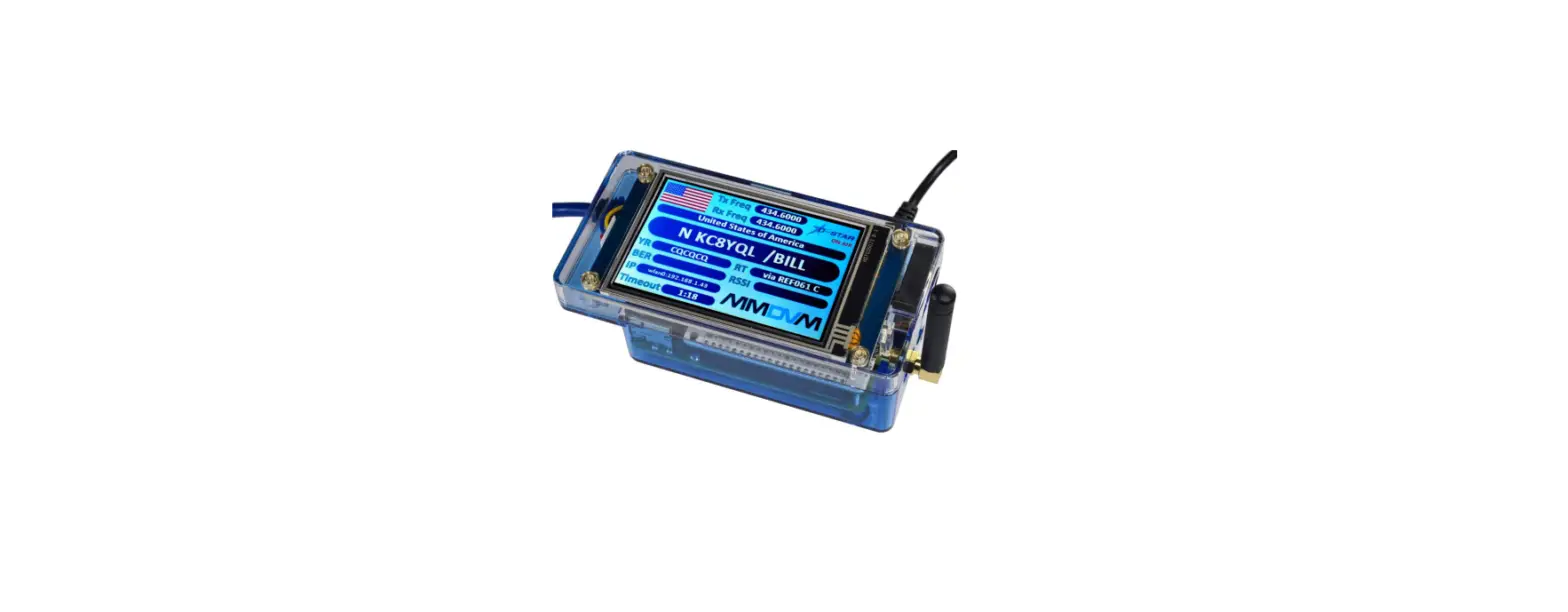
The Model 3/Y Ultra Mini Screen Display is a device that can be
installed in your Tesla Model 3 or Model Y to provide a small
screen display for various information and functions.
Product Usage Instructions
Intel Version
- Slide the steering wheel to the bottom and then turn left to
move the steering wheel to the outermost position. - Using a pry board, pry up the cover in the driver’s footwell to
reveal the harness plug. - Follow the instructions in the picture to pull the harness to
the upper part and plug it into the screen. - Install the cover back.
- Pull the harness to the side of the passenger’s footwell.
- Remove the upper and side cover of the passenger’s
footwell. - Find the second gray plug of the host above the passenger’s
footwell and connect it to the plug.
AMD Version
- Slide the steering wheel to the bottom and then turn left to
move the steering wheel to the outermost position. - Using a pry board, pry up the cover in the driver’s footwell to
reveal the harness plug. - Follow the instructions in the picture to pull the harness to
the upper part and plug it into the screen. - Install the cover back.
- Pull the harness to the side of the passenger’s footwell.
- Remove the upper and side cover of the passenger’s
footwell. - Connect the plug to the white plug under the A pillar of the
front right seat. - Connect the plug to the blue plug under the A pillar of the
front right seat.
Note:
- The installation instructions may differ slightly from the
actual operation. If there are any differences, please follow the
actual situation or contact customer support. - Do not disassemble any part by yourself as any improper
operation will not be covered by the warranty. - If you have any questions or concerns, you can contact customer
support via phone/whatsapp at +86 130 4421 9654 or email at
[email protected] during working hours (UTC+8): 9:00AM – 18:30PM
(Monday to Sunday). You can leave a message at other times.
Model 3/Y Ultra Mini Screen Display Installation Manual
Note: 1.The installation instructions may differ slightly from the actual operation. If there are any differences,please follow the actual situation or contact us. 2.Warning: Please do not disassemble any part by yourself,any improper operation will not be covered by our warranty.
Aftersale Contact: phone/whatsapp : +86 130 4421 9654 Email: [email protected]
Working Hours (UTC+8): 9:00AM – 18:30PM (Monday to Sunday) Please leave a message at other times
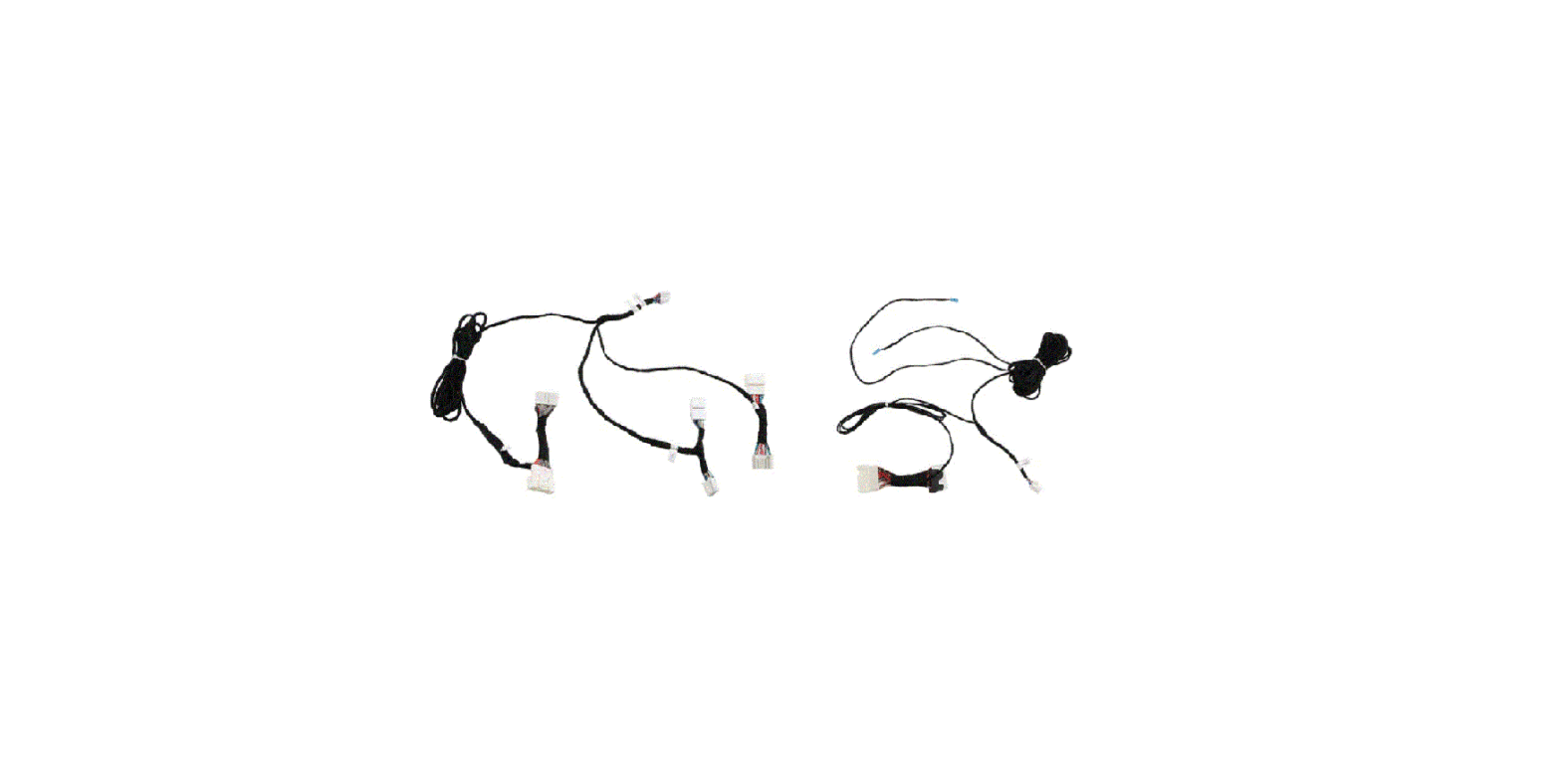
plug : AMD version power plug-right door A pillar footwell
plug : AMD CANBUS adapter cable-right door A pillar footwell
plug : Display power plug
plug : spare upgrade cable
plug :Intel version power and CANBUS plug-computer
Model 3/Y Ultra Mini Screen Display Installation Manual
Intel Version
1. Slide the steering wheel to the bottom and then turn left to move the steering wheel to the the outermost position
2. Pry up the cover with a pry board
3. Then pry the harness plug from the upper cover plate of the driver’s footwell and pull the harness to the upper part according to the instructions in the picture and plug it into the screen
4. Install the cover
harness wiring diagram
Model 3/Y Ultra Mini Screen Display Installation Manual
5. Pull harness to the side of passenger’s footwell
6. Remove the upper cover of the passenger’s footwell
7. Remove the side cover of the passenger’s footwell
8. Find the second gray plug of
the host above the passenger’s footwell and connect it to plug
Model 3/Y Ultra Mini Screen Display Installation Manual
AMD Version
1. Slide the steering wheel to the bottom and then turn left to move the steering wheel to the the outermost position
2. Pry up the cover with a pry board
3. Then pry the harness plug from the upper cover plate of the driver’s footwell and pull the harness to the upper part according to the instructions in the picture and plug it into the screen
4. Install the cover
/
harness wiring diagram
Model 3/Y Ultra Mini Screen Display Installation Manual
5. Pull harness / to the side of passenger’s footwell
6. Remove the upper cover of the passenger’s footwell
7. Remove the side cover of the passenger’s footwell
8. Connect the plug to the white plug under the A pillar of the front right seat
9. Connect the plug to the blue plug under the A pillar of the front right seat