Contents hide

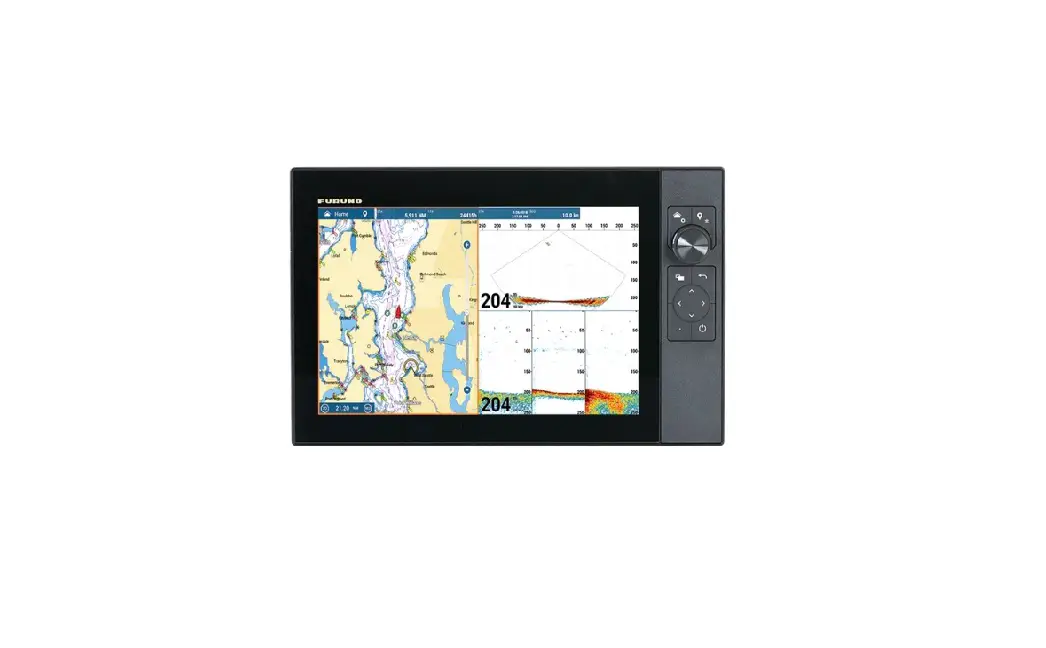
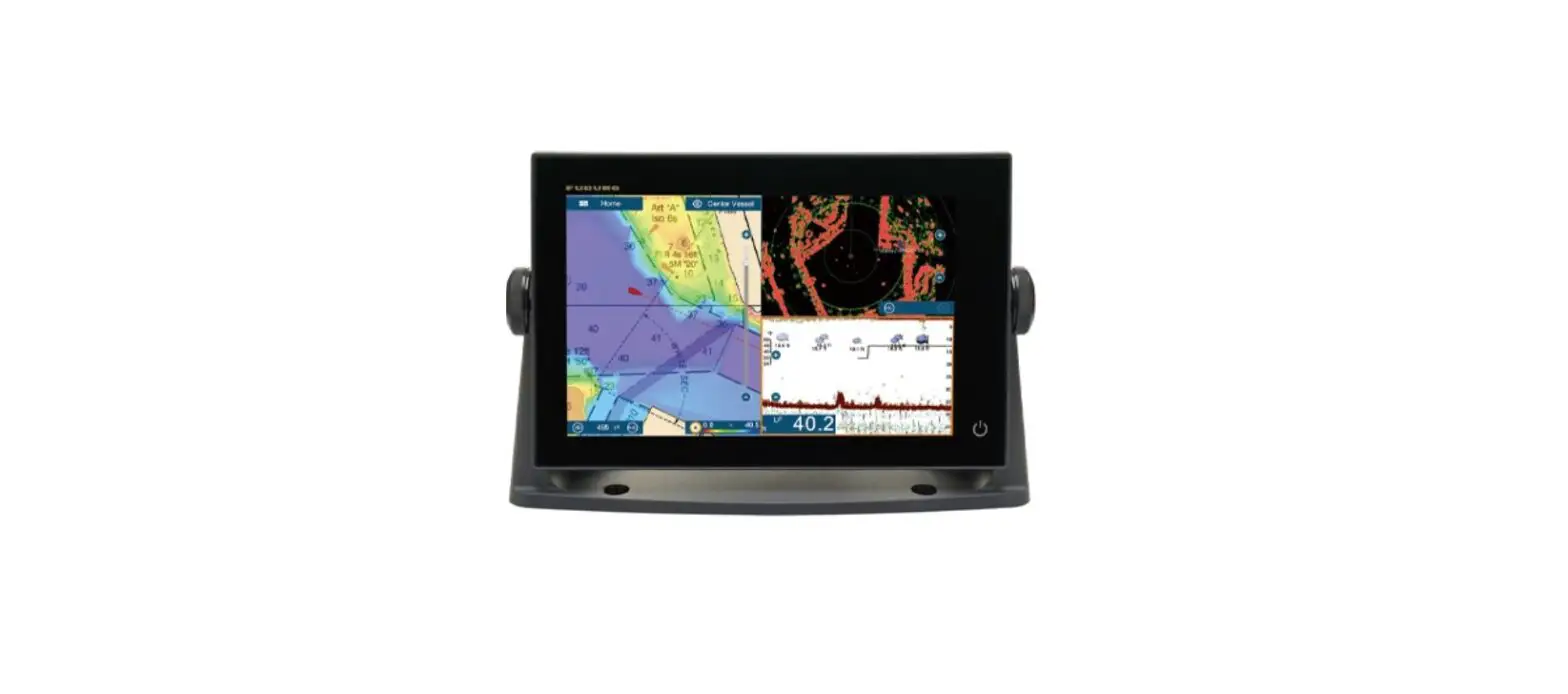
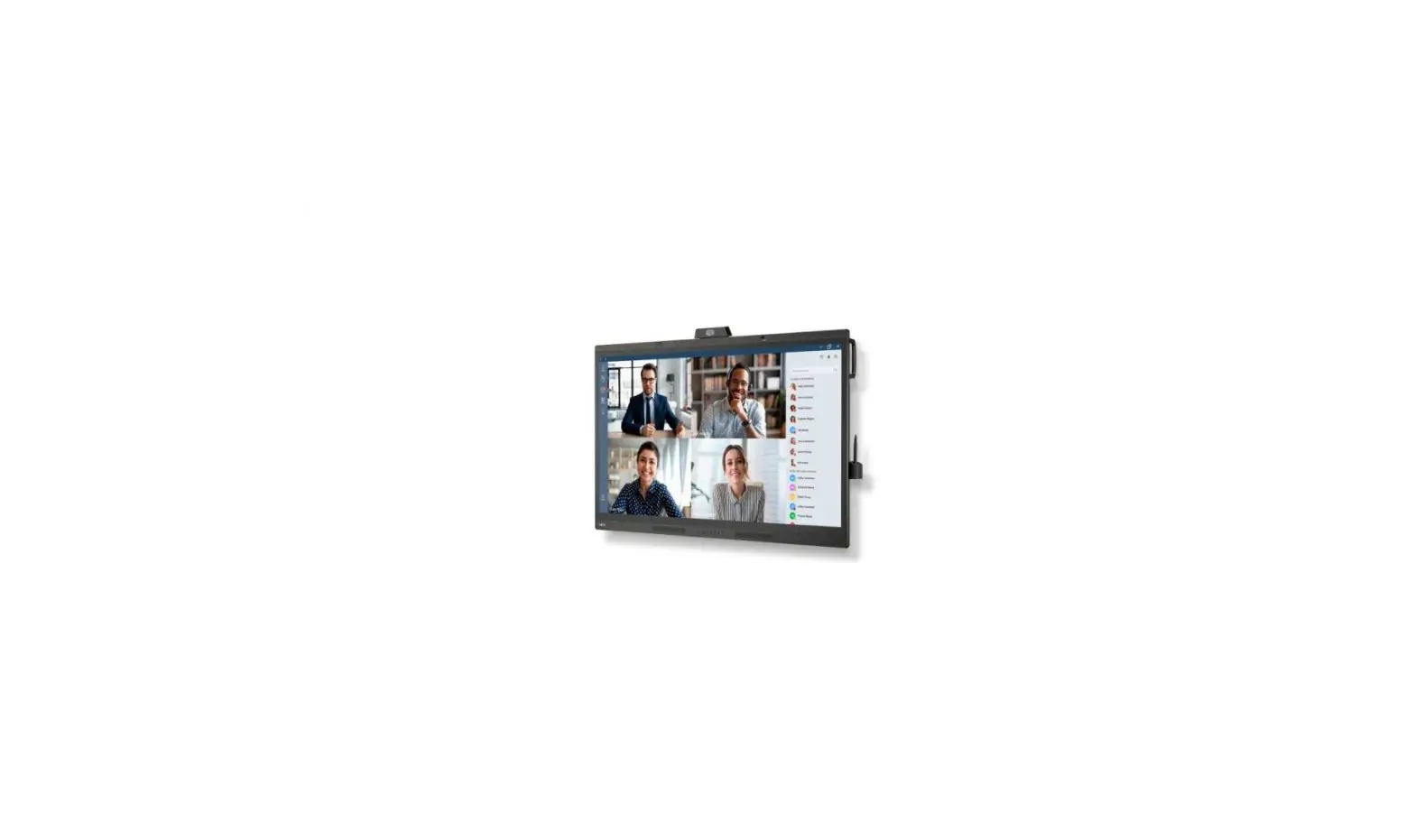
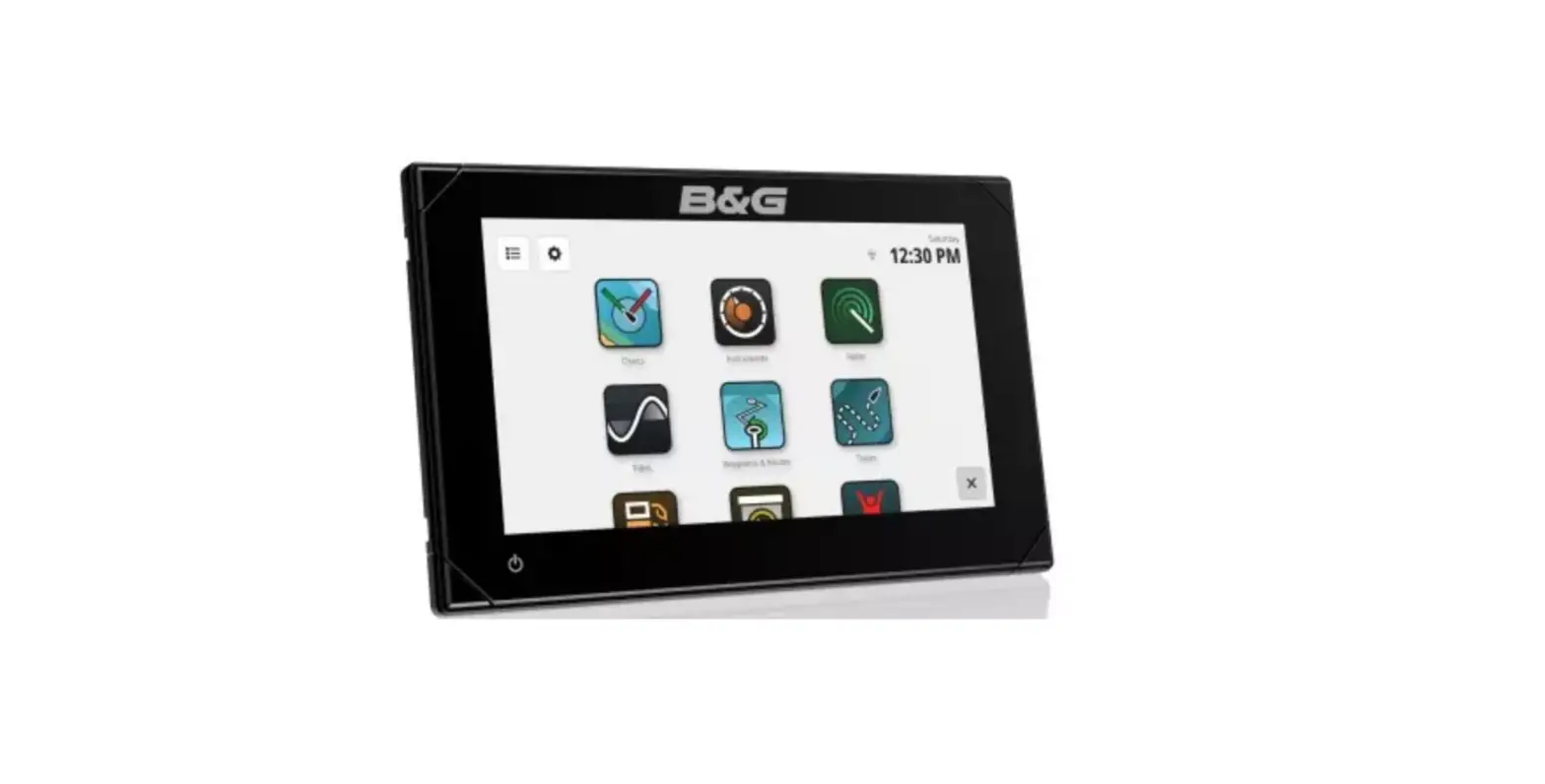
FURUNO SFD-1010-1012 10-12 Inch Flex Function Display
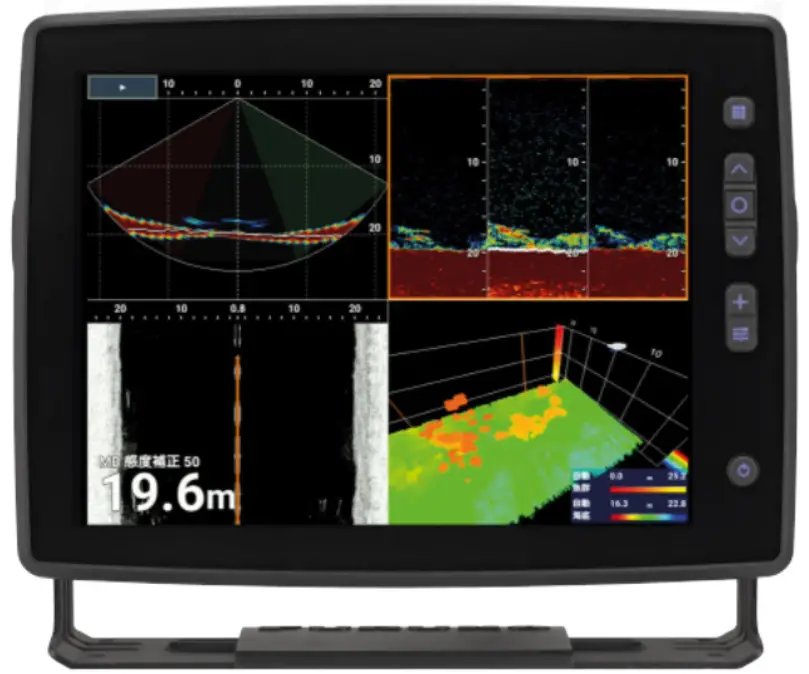
Operator’s Guide
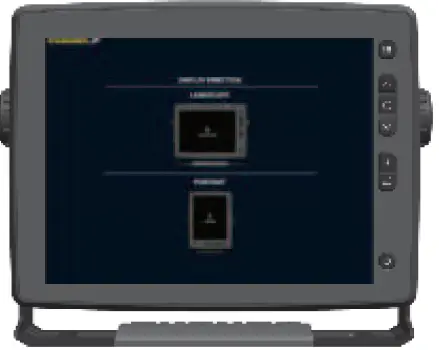
The screenshots shown in this Operator’s Guide are taken in the landscape format. The display layout is different in the portrait format. Key operation is available in the portrait format.
Touch screen and key operation
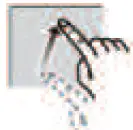
Tap
- Select menu item.
- Move the cursor to tapped location.
- Tap the button shown on the screen and set.
Drag/Swipe
- Move the cursor.
- Scroll the menu.
- Select a range.
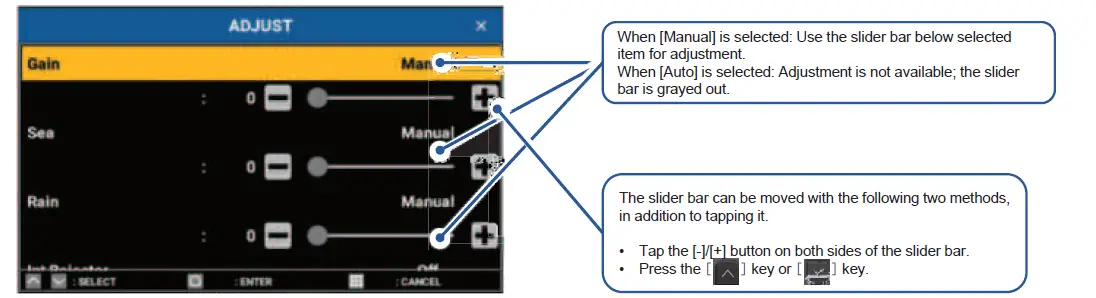
- Adjust the setting with the slider bar.

Key Operation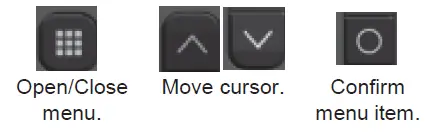
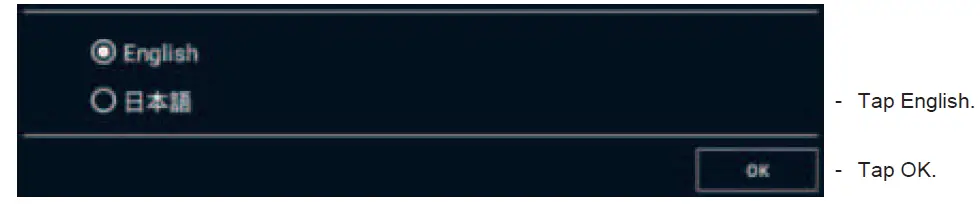
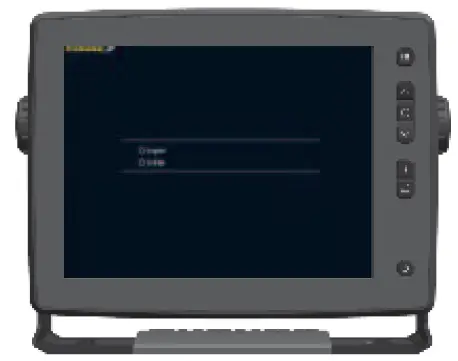
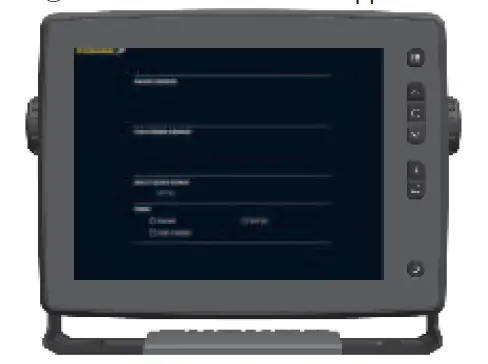
Setup operations (When turned on for the first time.)
- Language selection menu appears.

- Display selection menu appears.

- Tap LANDSCAPE or PORTRAIT.
- Sensor selection menu appears.

- Tap the sensor to use (RADAR SENSOR /FISH FINDER SENSOR / MULTI BEAM SONAR).
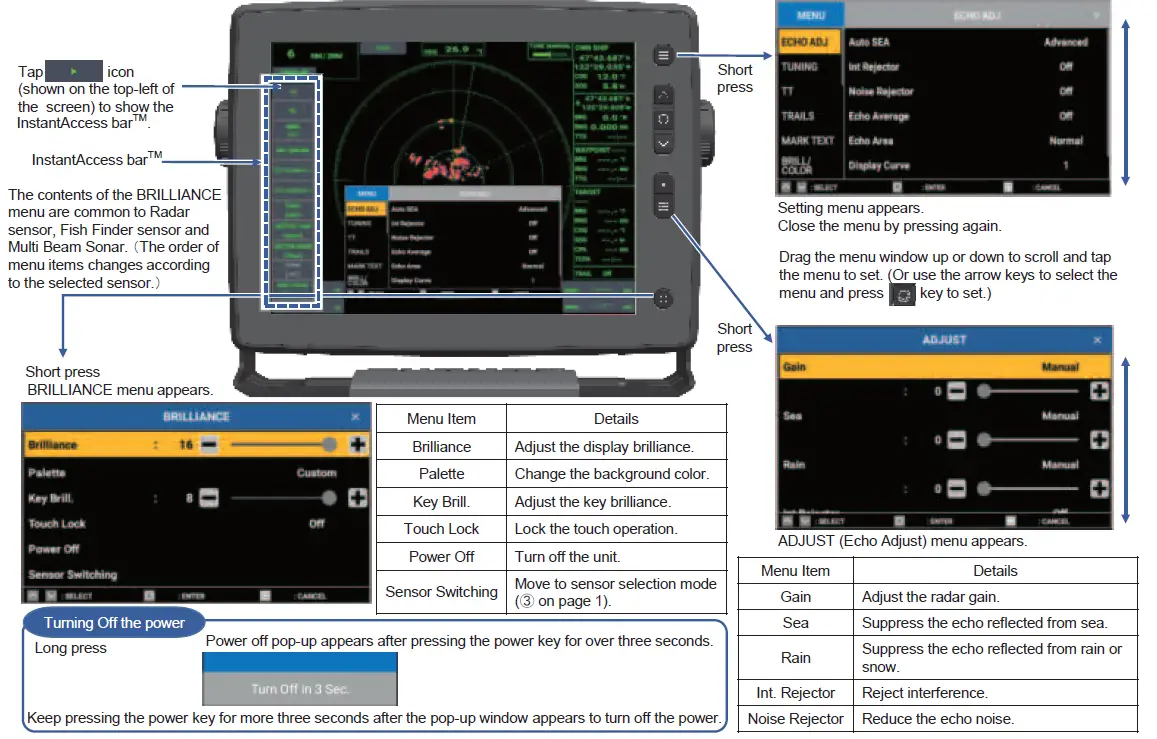
Other key operations, function box and display
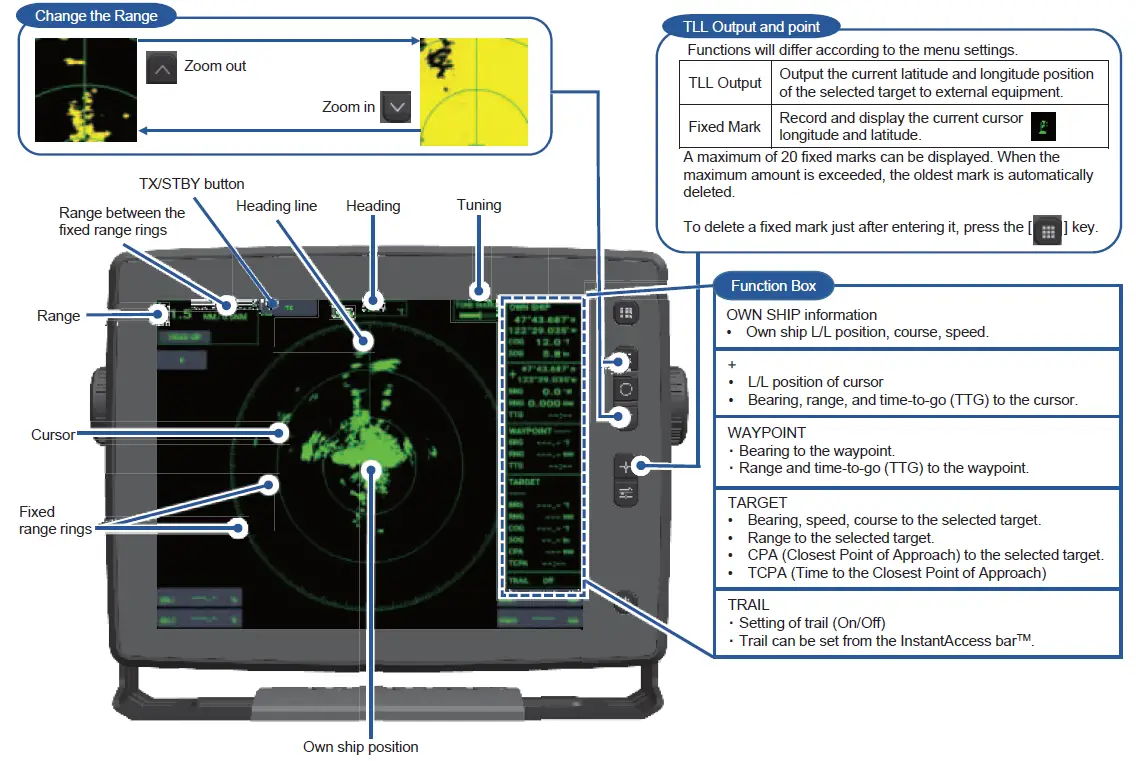
Adjustment of Gain, Sea and Rain
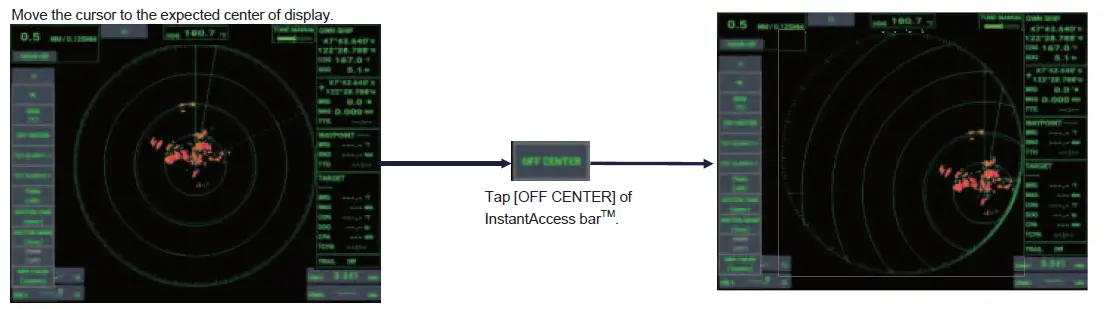
Off-center
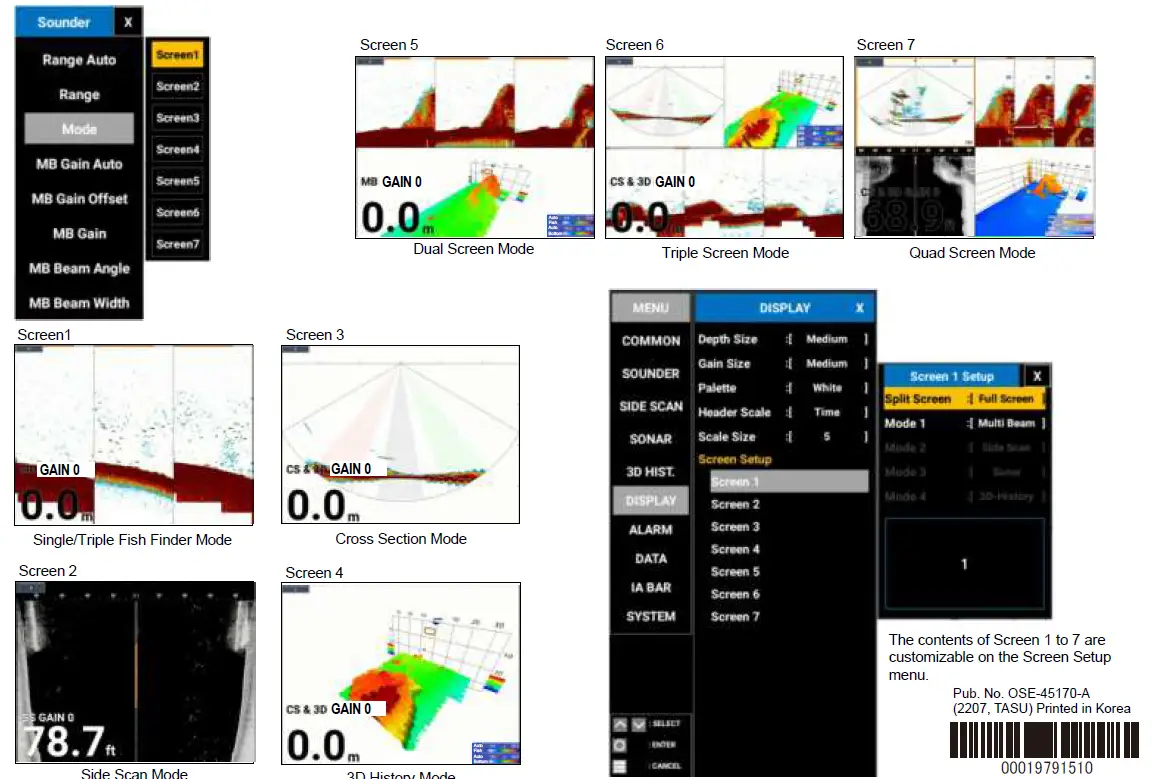
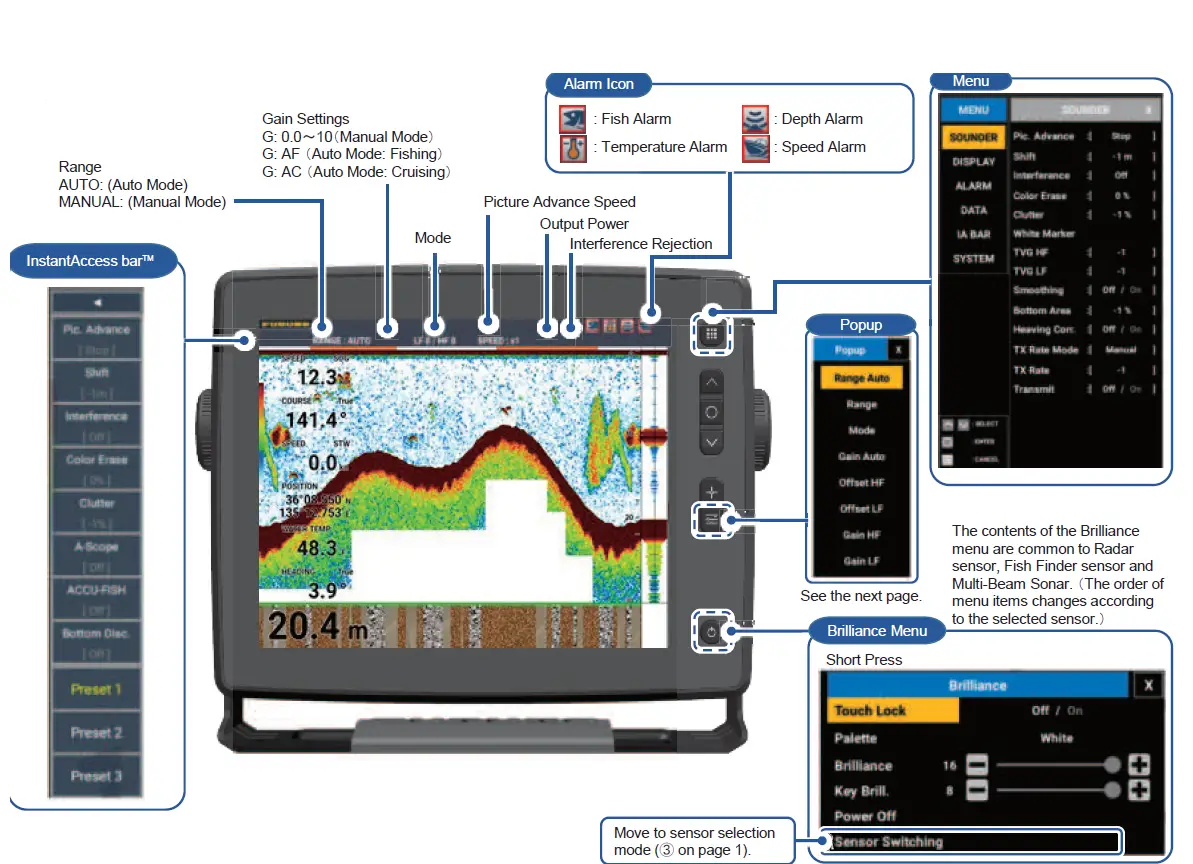
When Fish Finder Sensor is selected
How to display fish size
[Menu]to [DISPLAY] to [ACCU-FISH] to [ACCU-FISH] to [On]
Fish Symbol (Selectable from four types)
The symbol size changes with fish size.
Fish Size/Depth 5.5
(Selectable with [Fish Info].)
Size of number can be changed with [Info Size].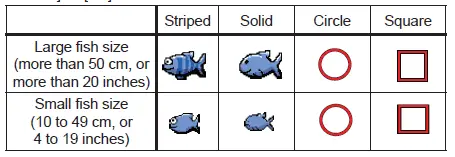
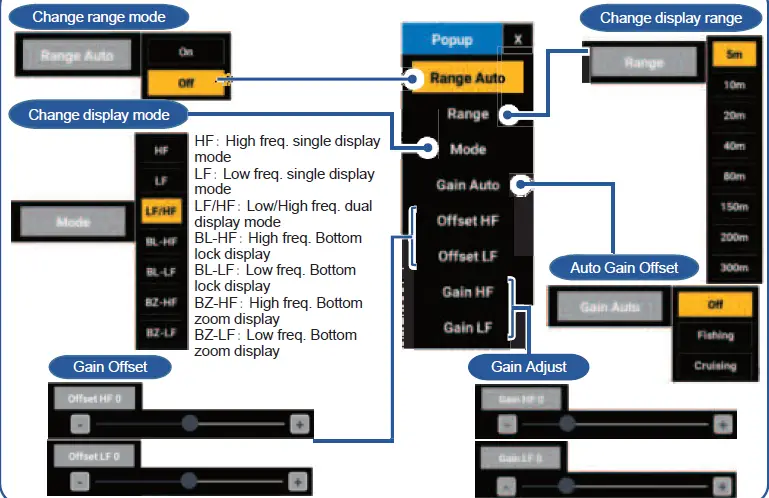
Bottom Discrimination
[Menu] to [DISPLAY]to[Bottom Disc.] to [Type View] to Graphic or Probability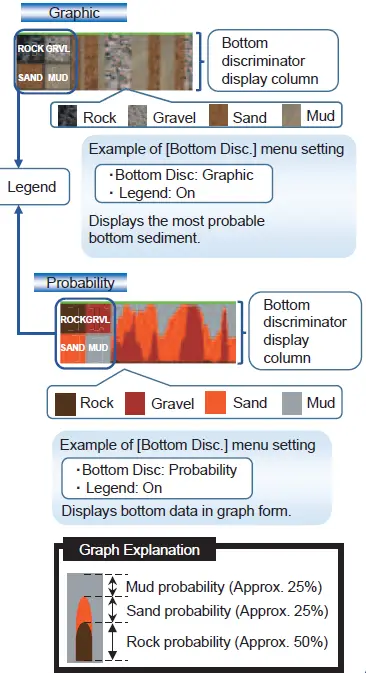
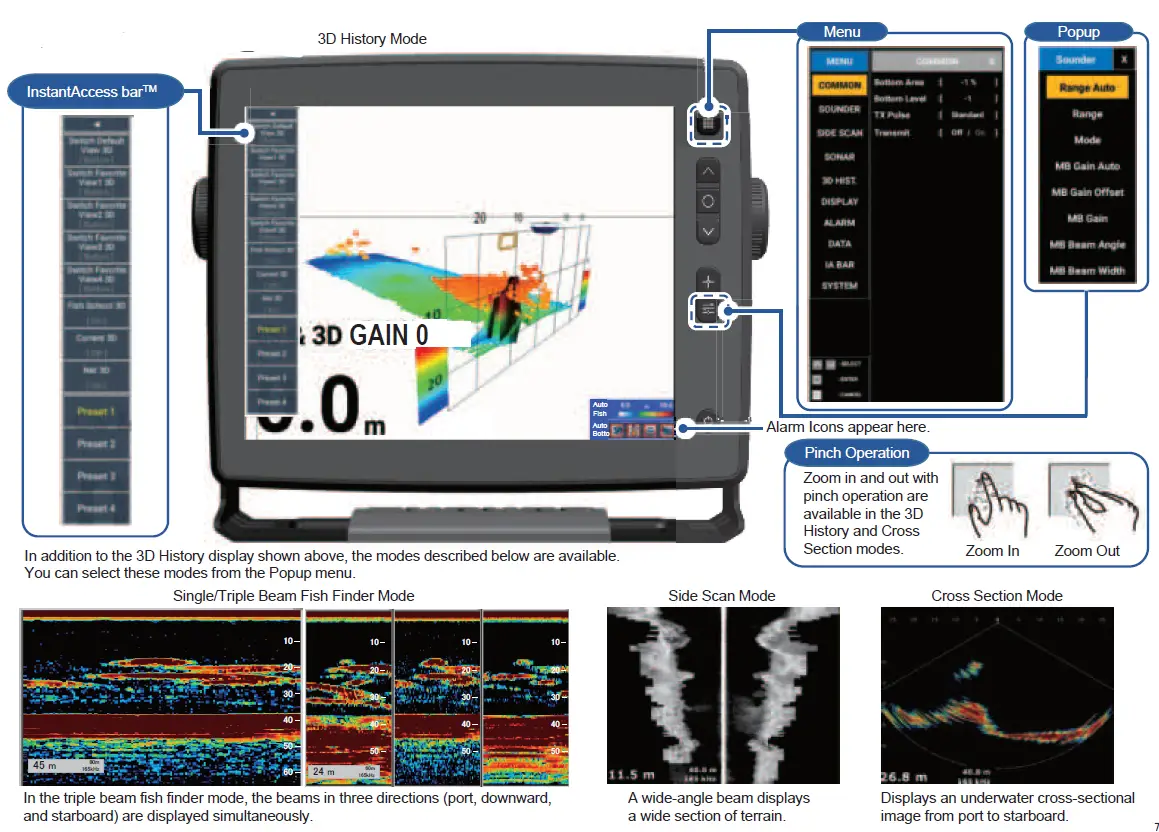
When DFF-3D is selected