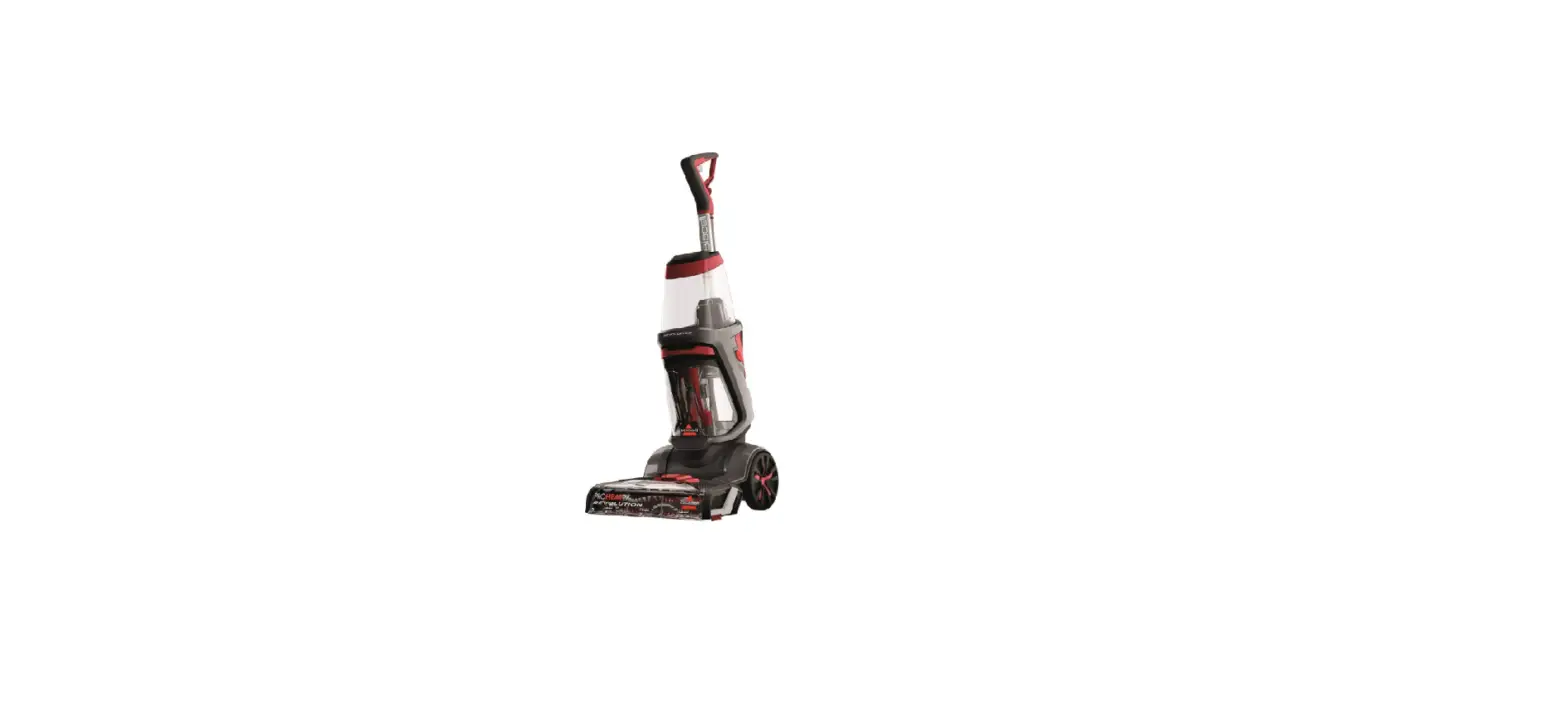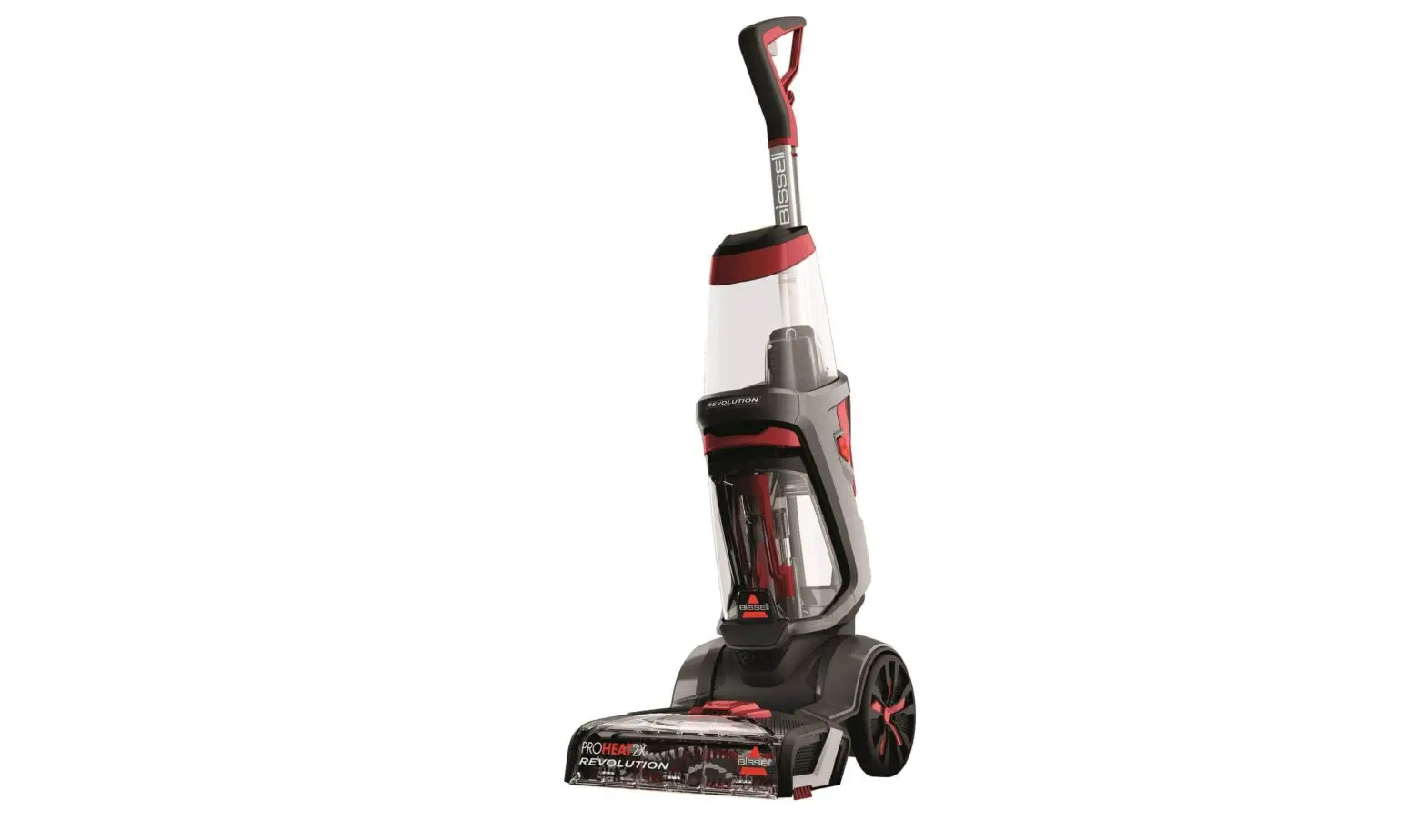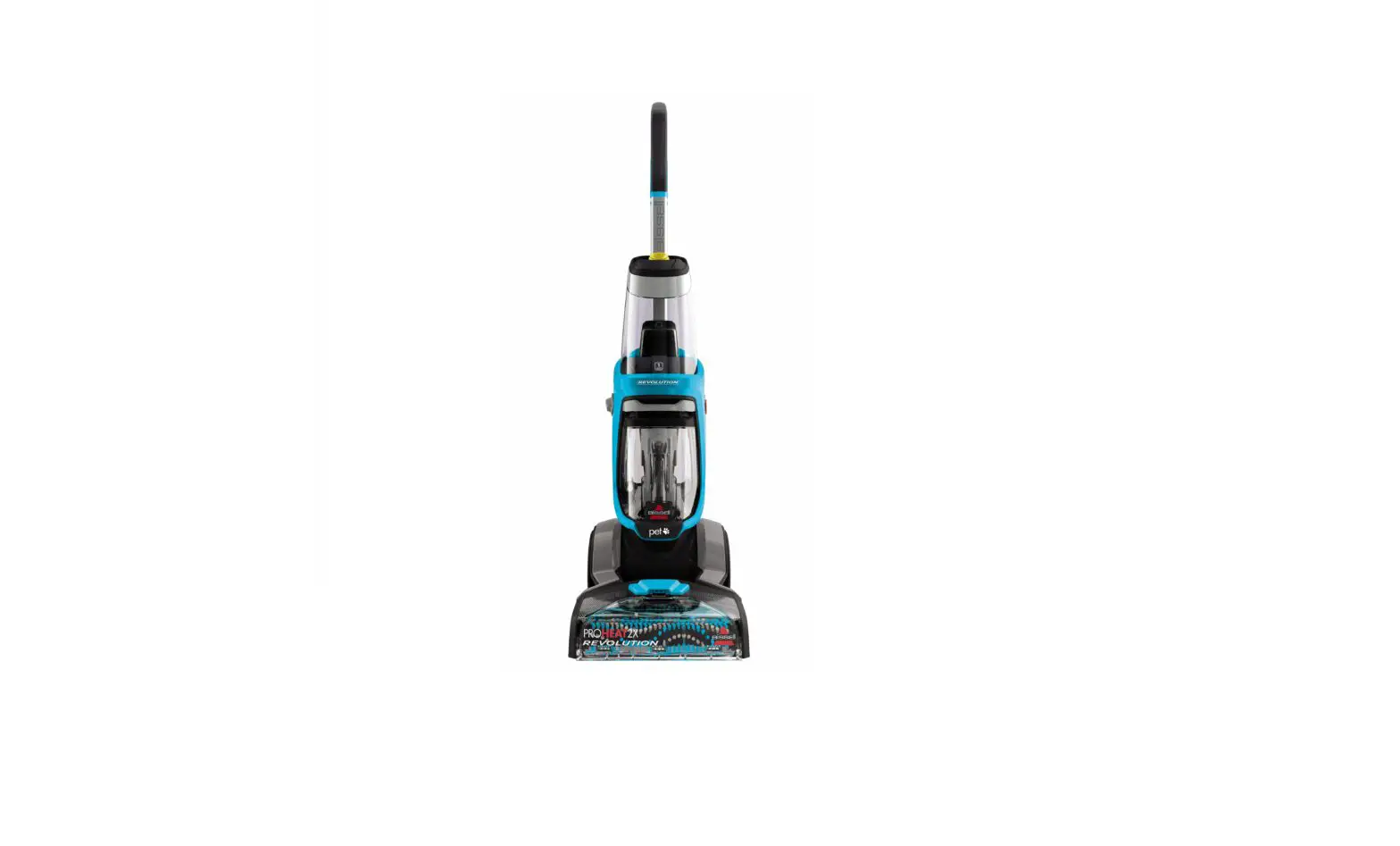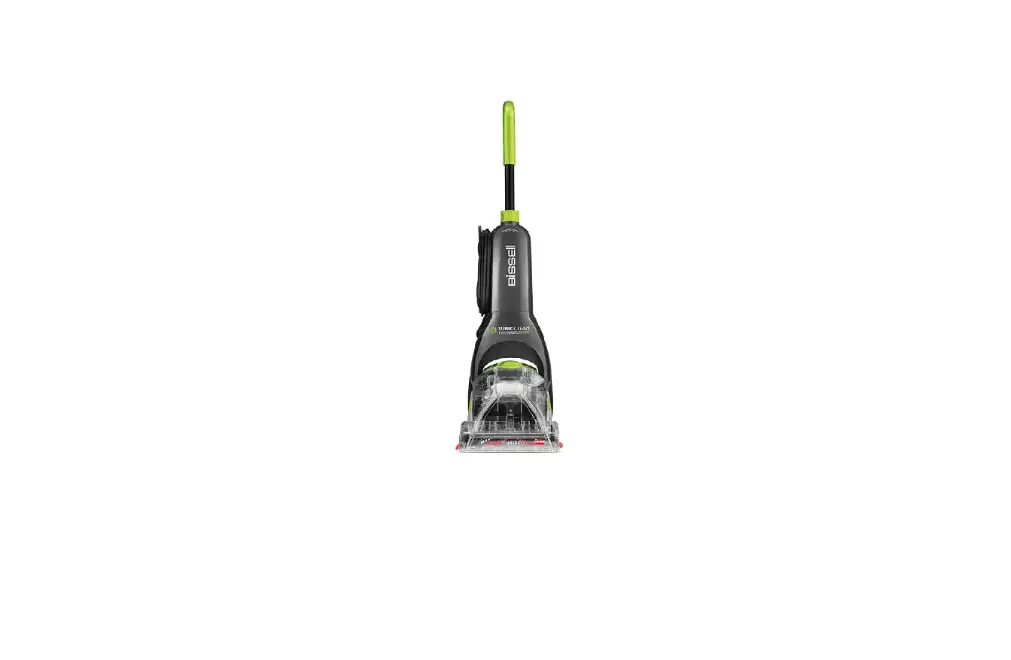
If your Brush is not turning, follow these steps to resolve:
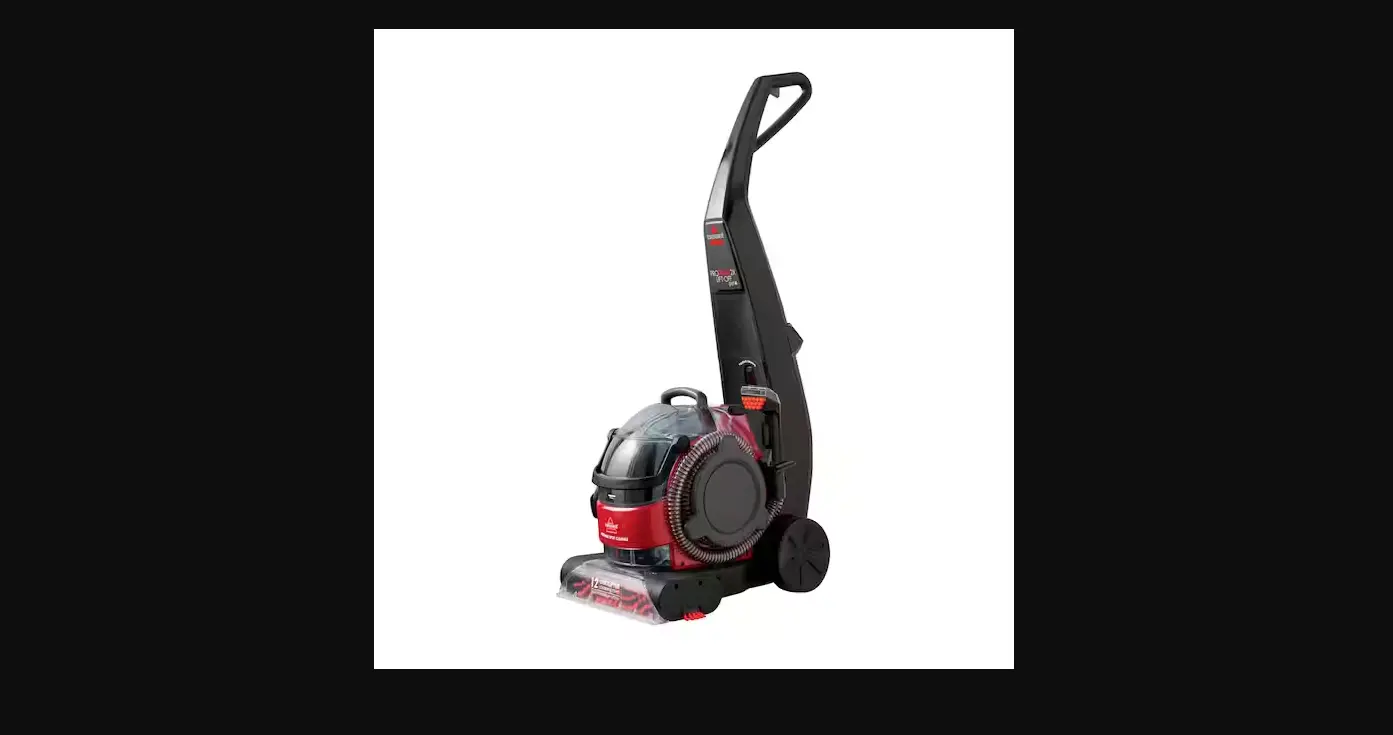
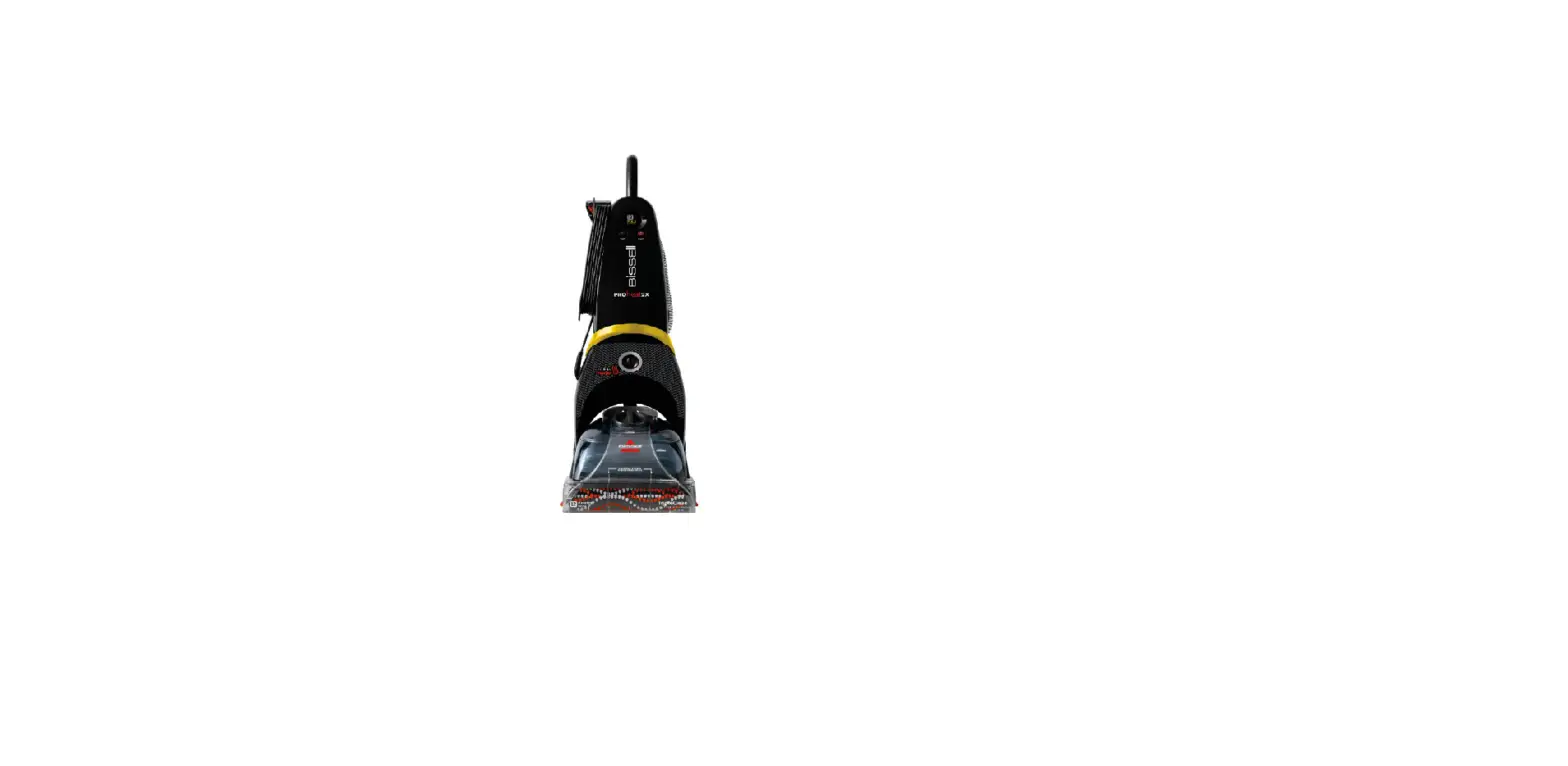
- The ProHeat 2X brushes will only turn when the handle is reclined
- Remove the clean water tank and recline the handle
- Turn the machine on and view the brushes from the front of the machine to verify they’re not spinning
- Unplug machine and turn off machine
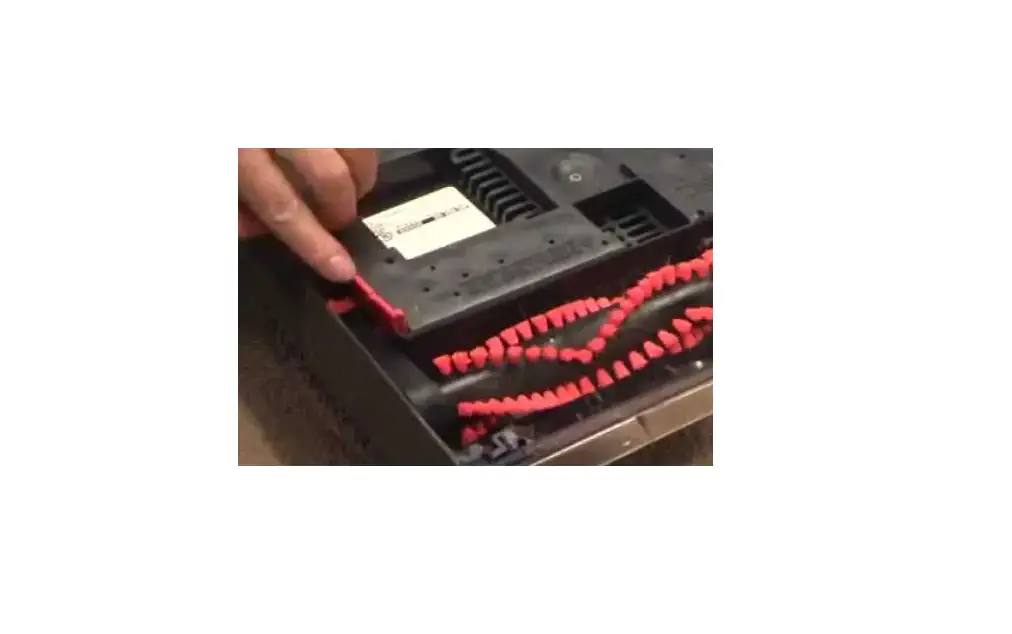
- Check if any material has been caught or if damage has been done to brushes
- If a brush or belt is damaged, a replacement should be ordered > Go to Parts & Supplies
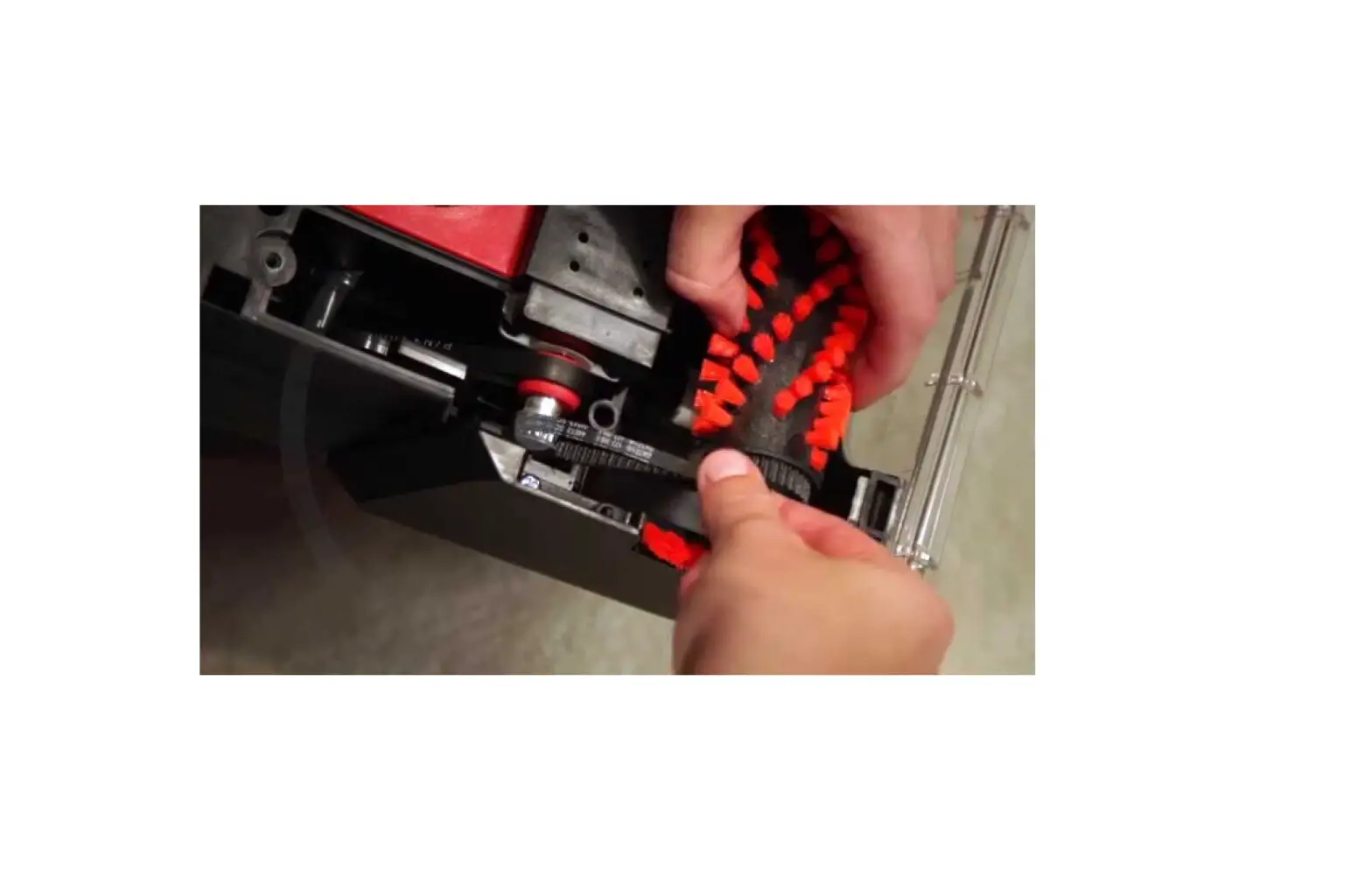
- Inspect both belts to verify they’re intact
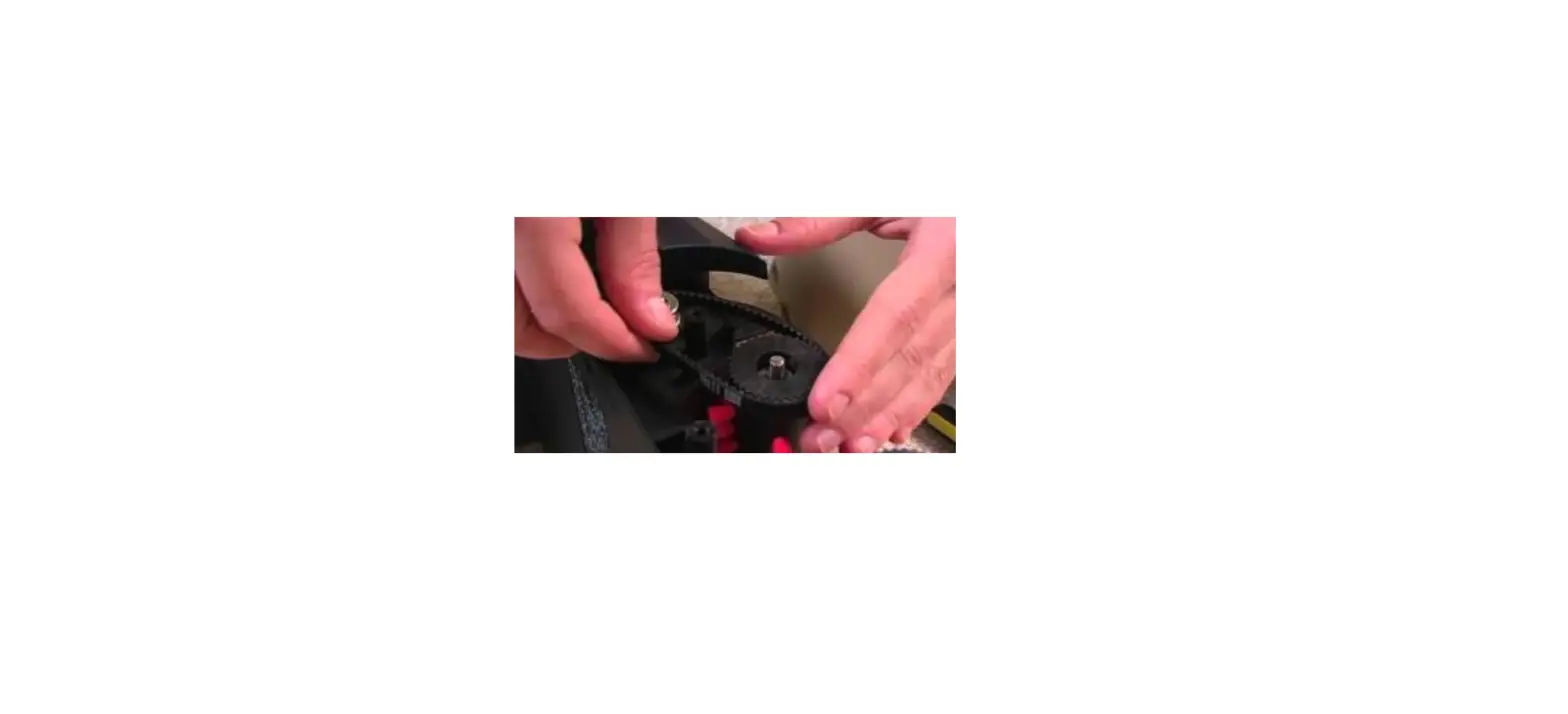
- The shorter belt, the Pump Belt, is on the non-cord side of the machine and hooks over the metal motor pulley
- The longer belt of the two, the Brush Belt, is on the cord-side and connects the two brushes together
- To replace either the Pump or Pulley Belt
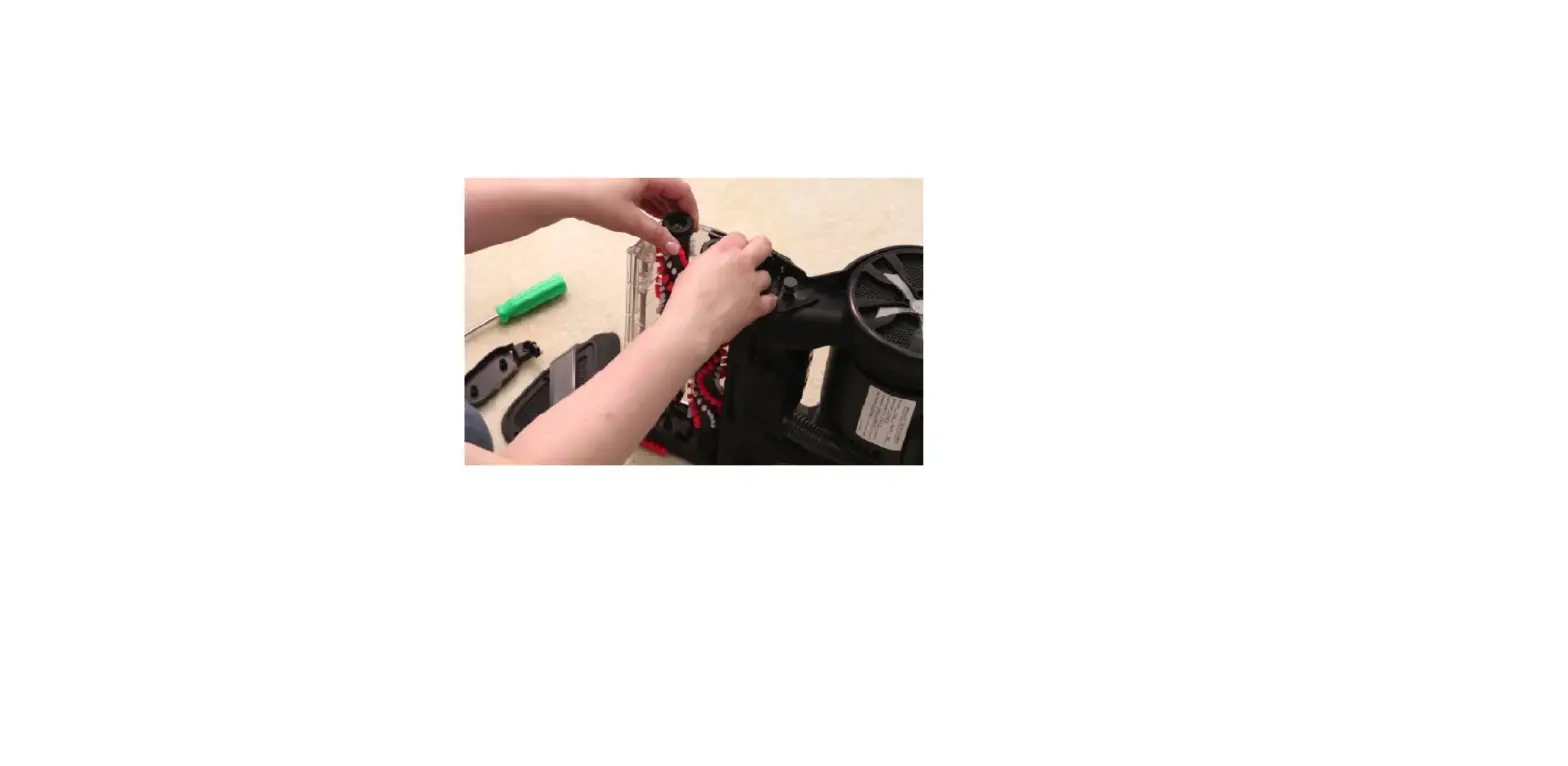
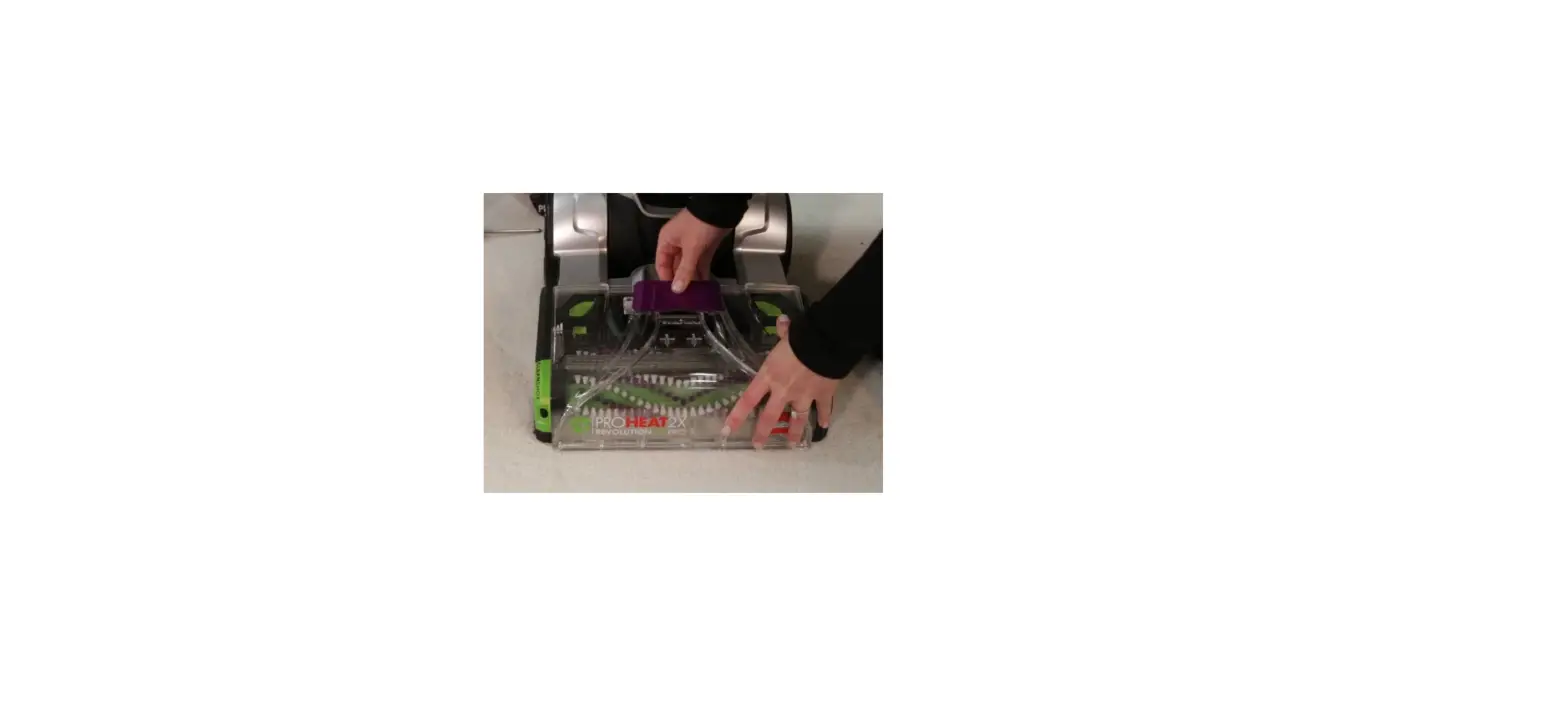
- Remove the Floor Nozzle by removing the center screw and pulling the nozzle forward and down
- Remove the left and right Floor Nozzle end caps, held on by two screws
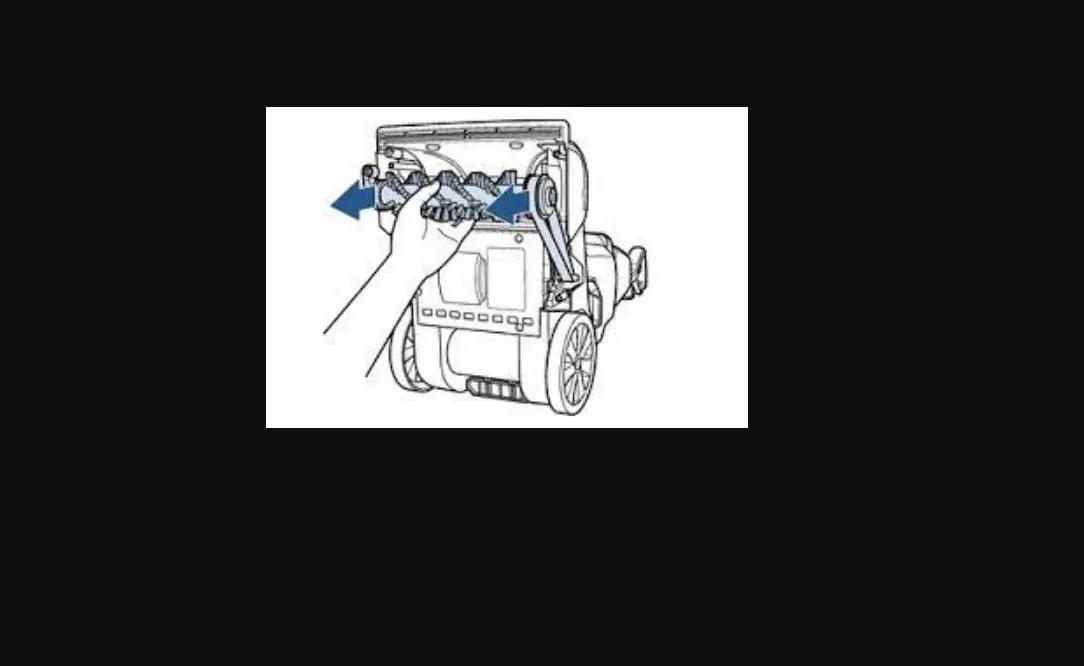
- Remove the corresponding Brush Swivel Arm and two screws holding it in place
- For the Brush Belt, wrap the belt around both brush ends
- For the Pump Belt, wrap the belt around the Pulley and the brush closest to the Pulley
- Has this resolved the issue?
- Yes > Great! Glad we could get you back to cleaning!
- No > Visit a BISSELL Authorized Service Center or Contact Us