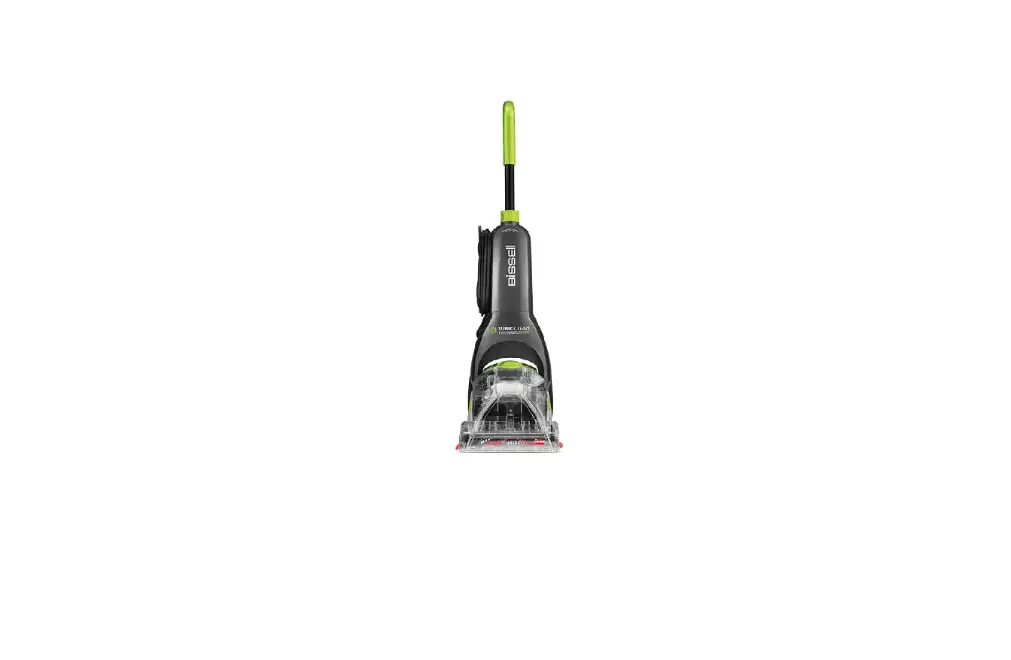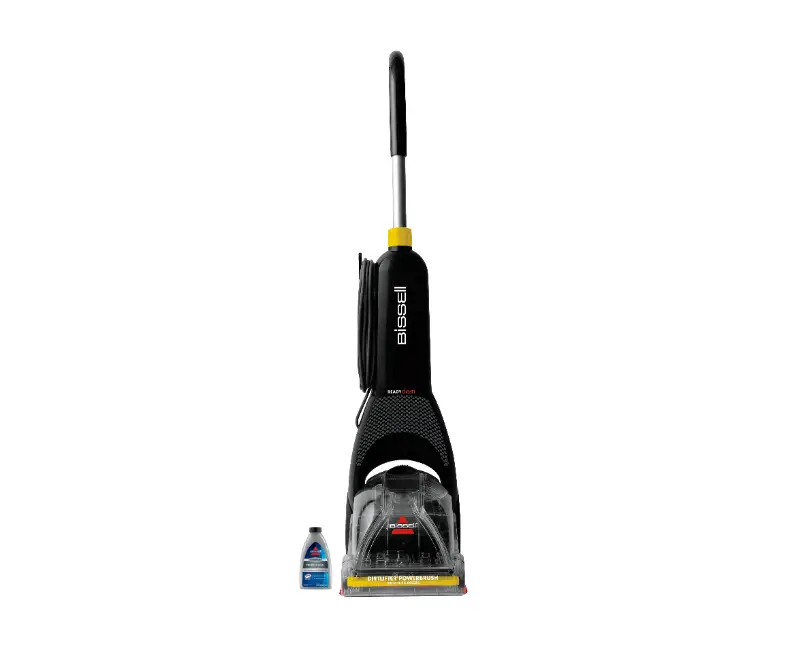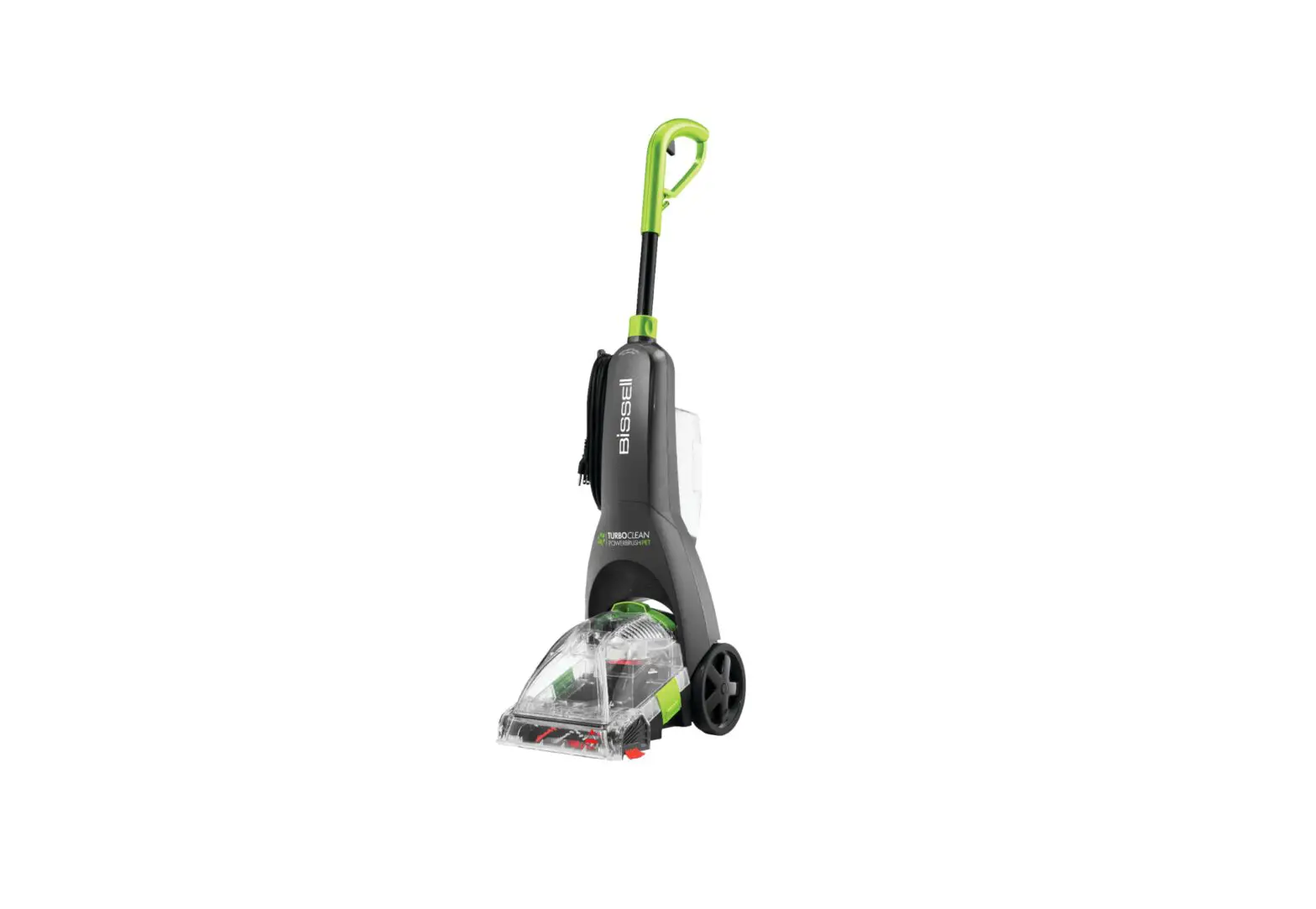
- Turn machine off and unplug
- Remove clean water and collection tanks by pulling up and out on the latches on both sides of the tank, then lift tank by carry handle
- Remove solution tank on back
- Lay machine down to access the bottom of the machine
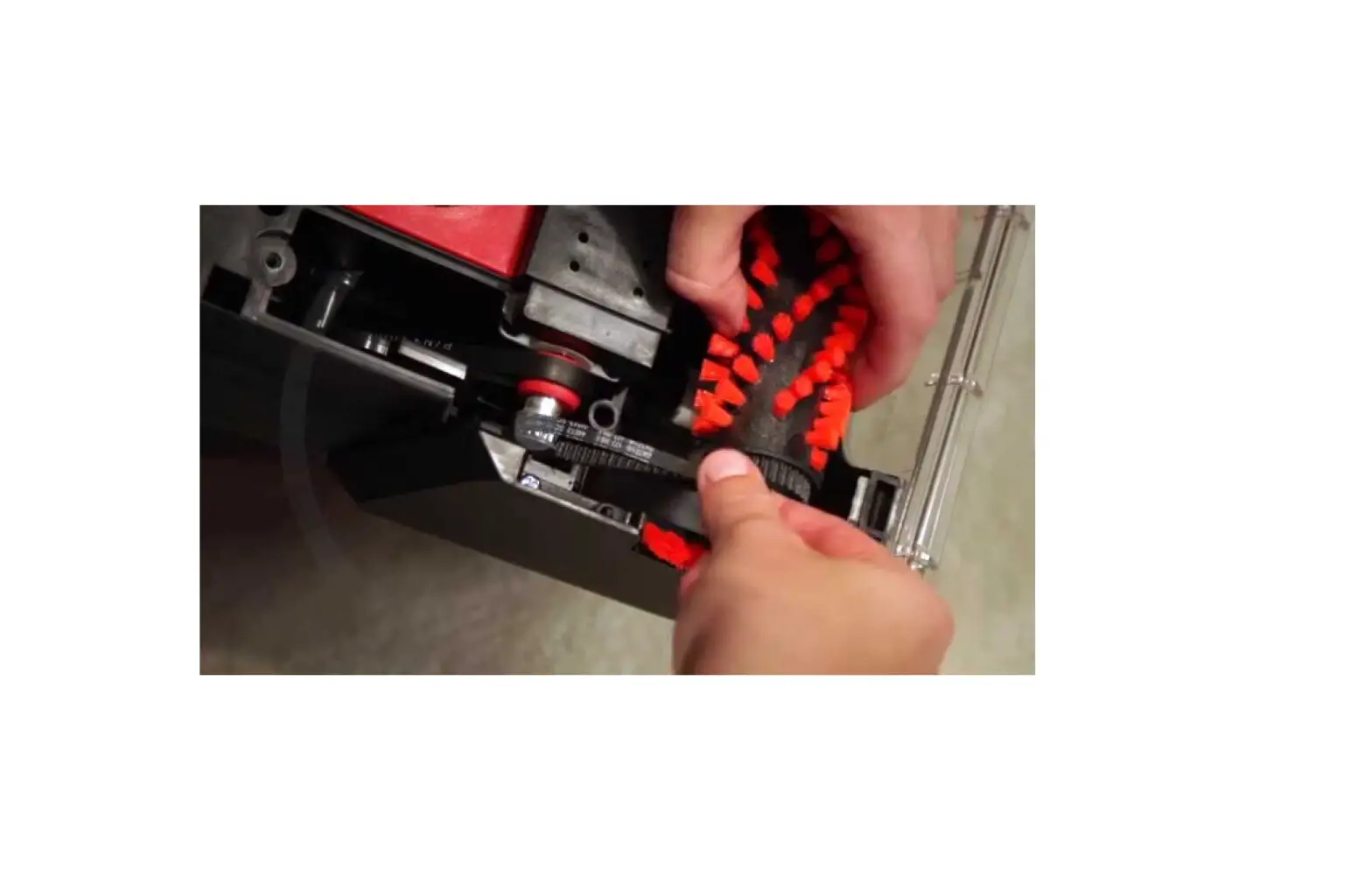
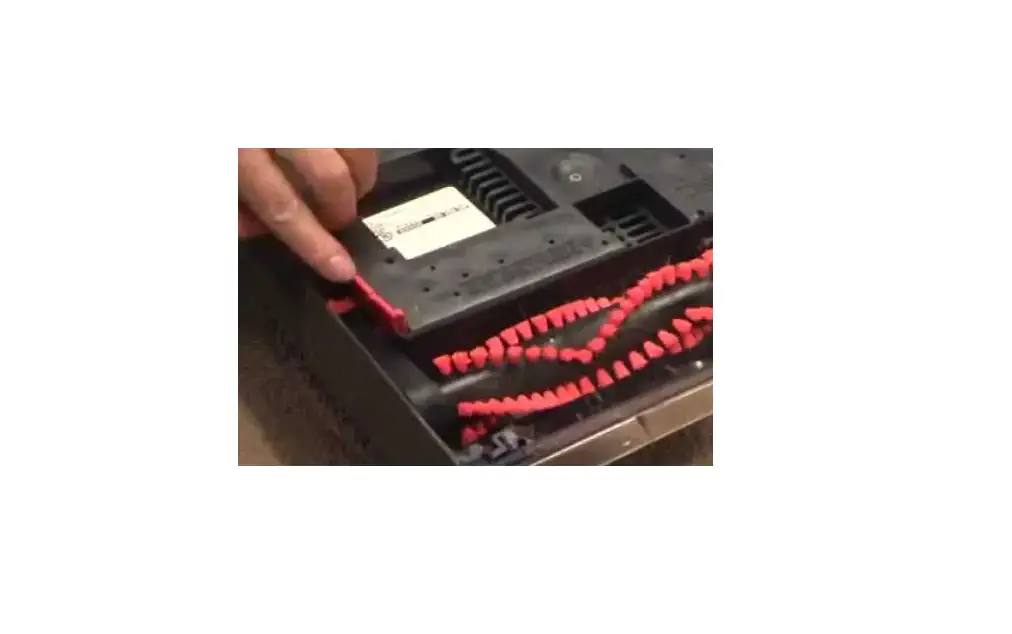
- With a Phillips head screwdriver, unscrew the belt cover & remove
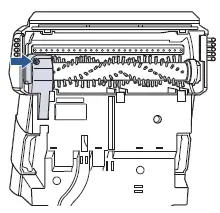
- Belt can be removed by sliding off the motor pulley
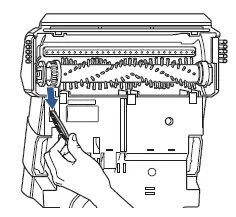
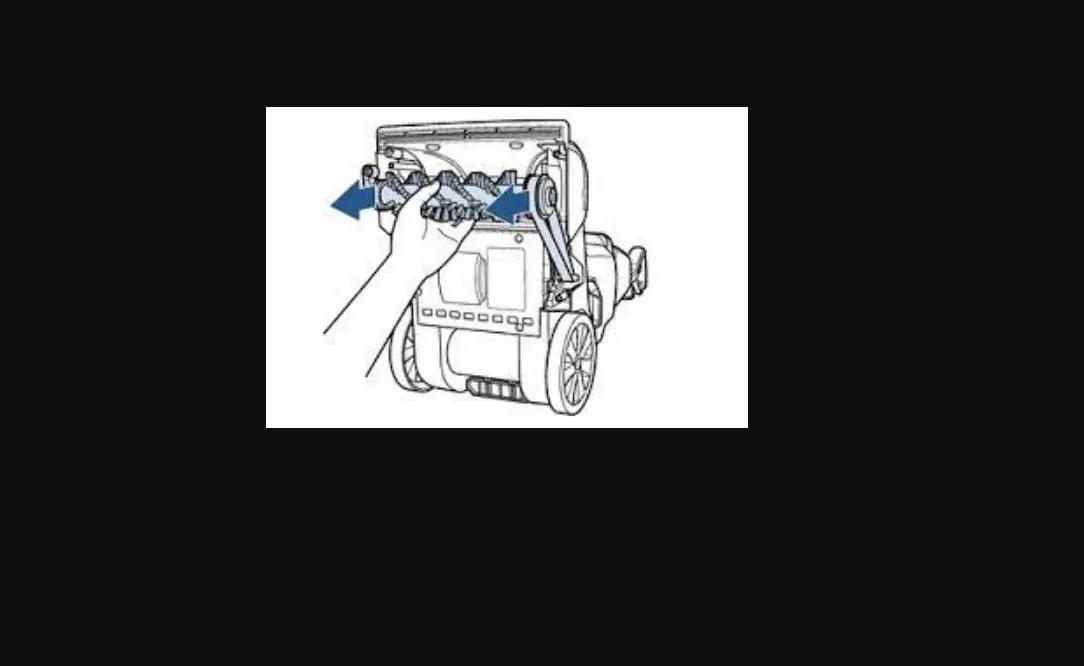
- Then remove the brush – making sure not to lose the brush cap
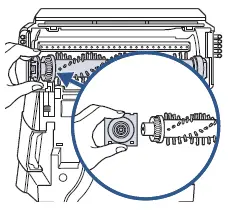
- Clean or replace brush or belt if necessary
- Brush can be washed clean
- Reattach brush back into place sliding into the right stationary end cap first
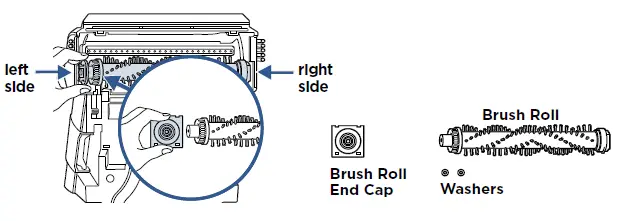
- Put the belt on the pulley and brush and slide the end cap into place making sure the flat side of the cap is visible
- Adjust the right side of the brush into place and tuck the left brush roll cap (separate piece that attaches to brush roll) into place
- Replace the belt cover & screw into place
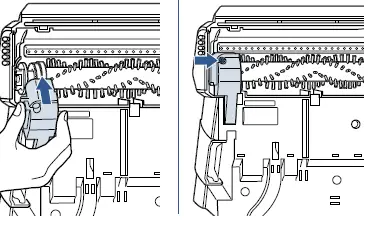
- Manually rotate brush to make sure it rotates freely and that the belt is aligned properly
- If brush still is not turning, visit a BISSELL Authorized Service Center or Contact Us