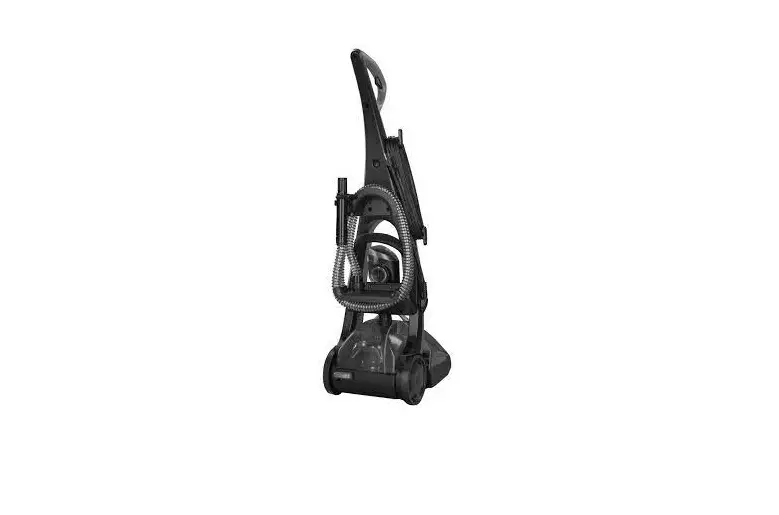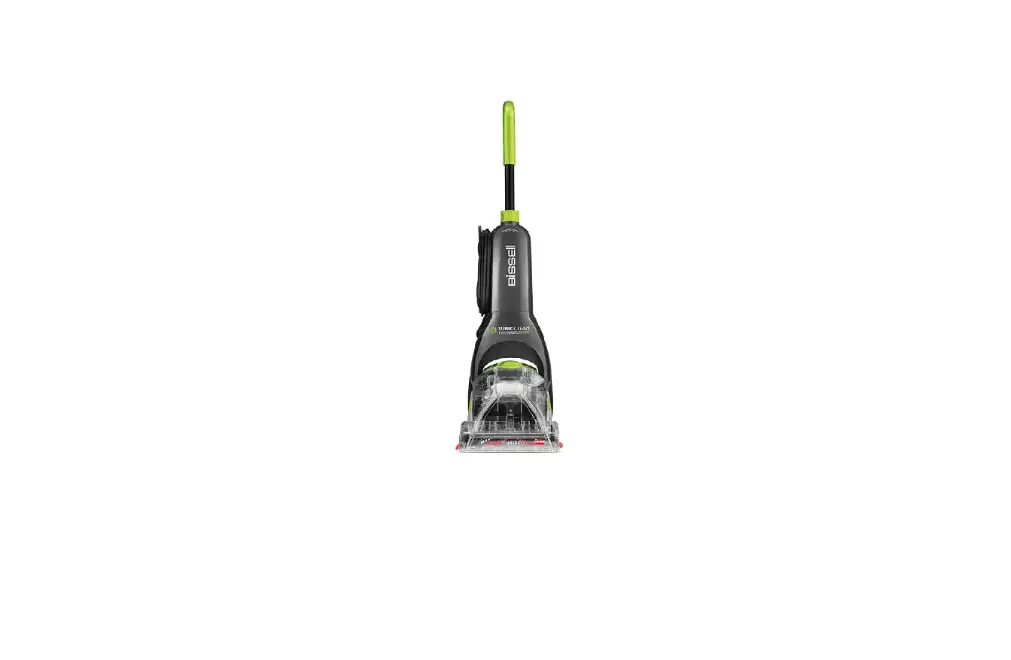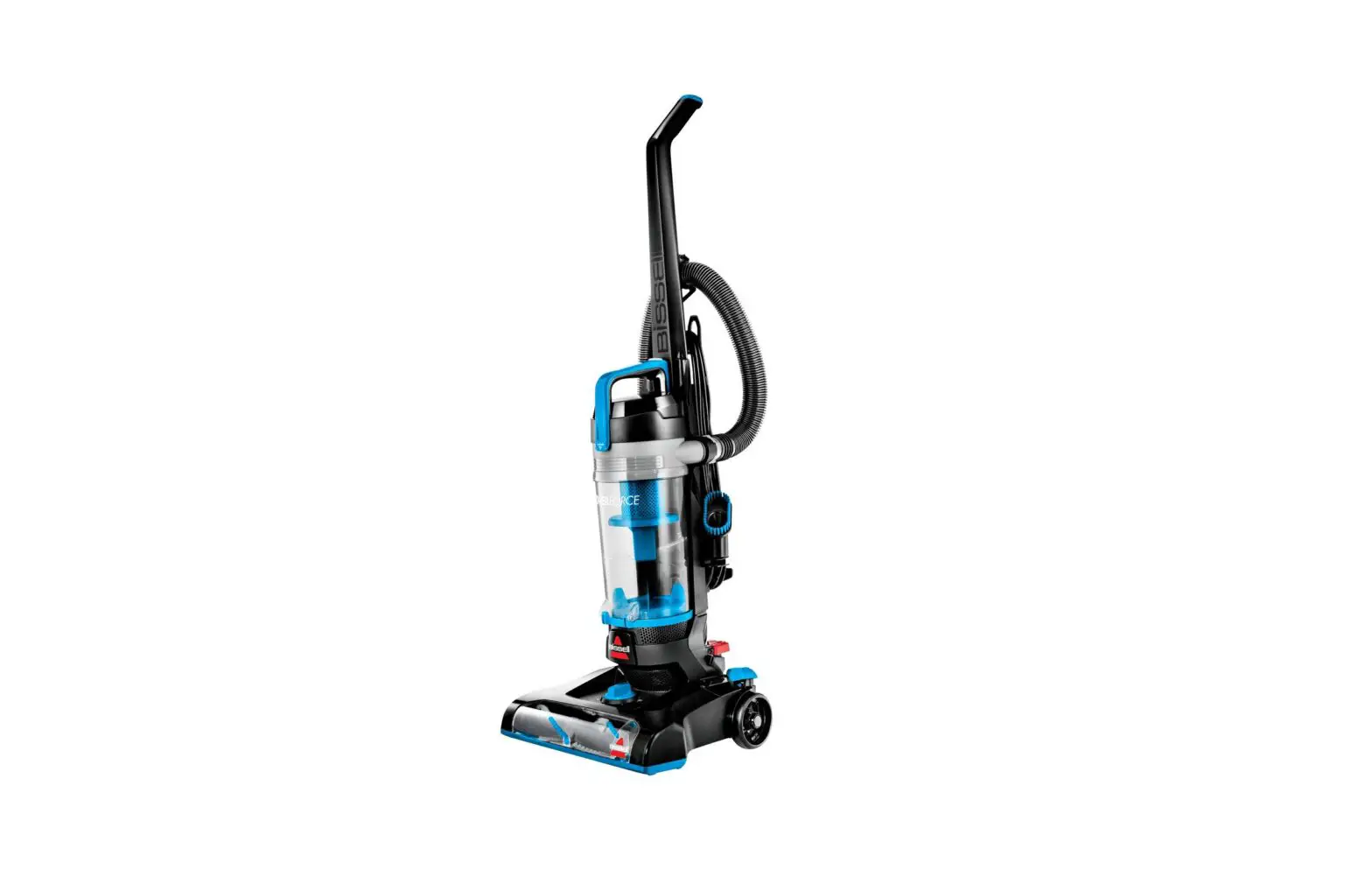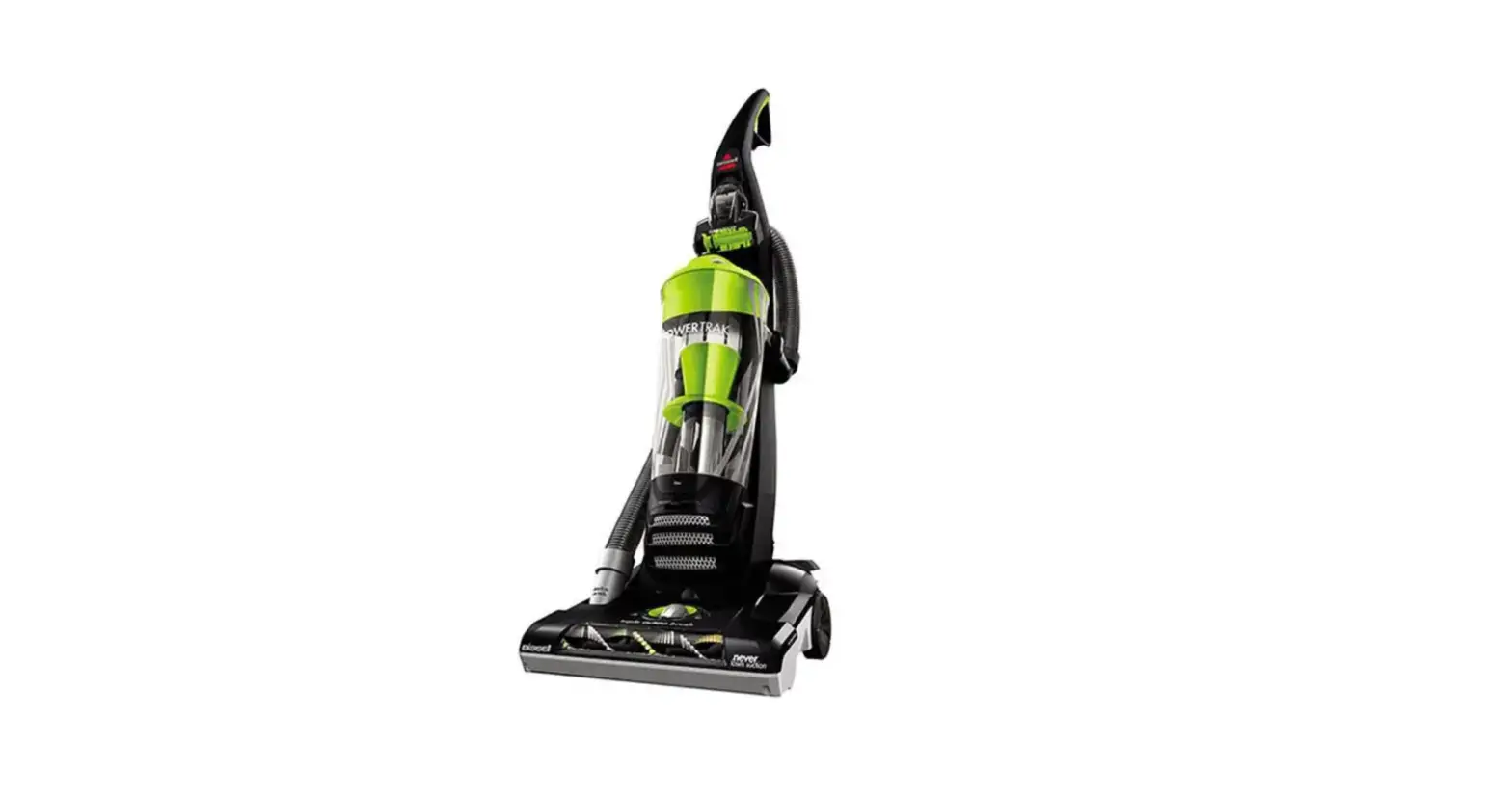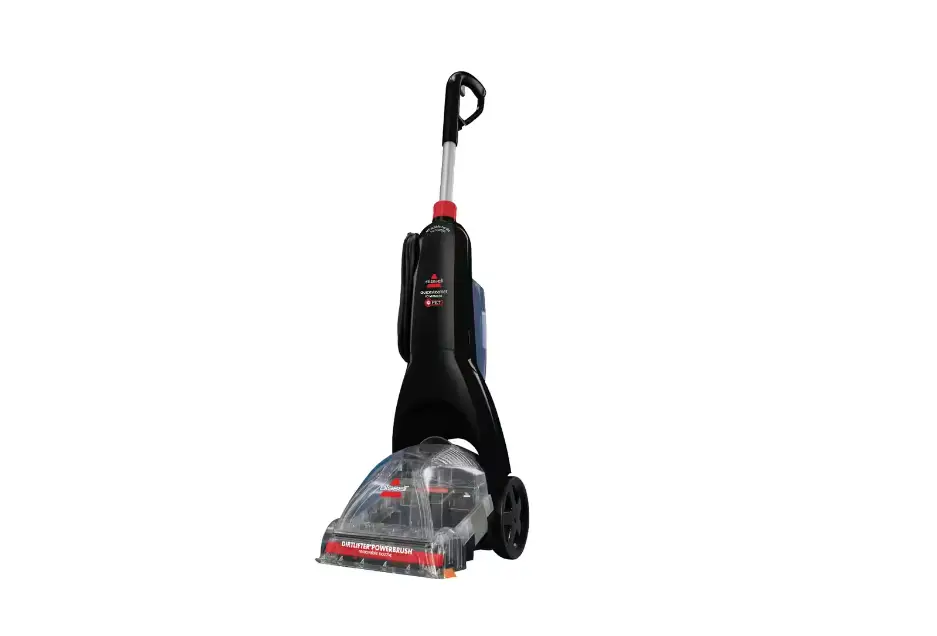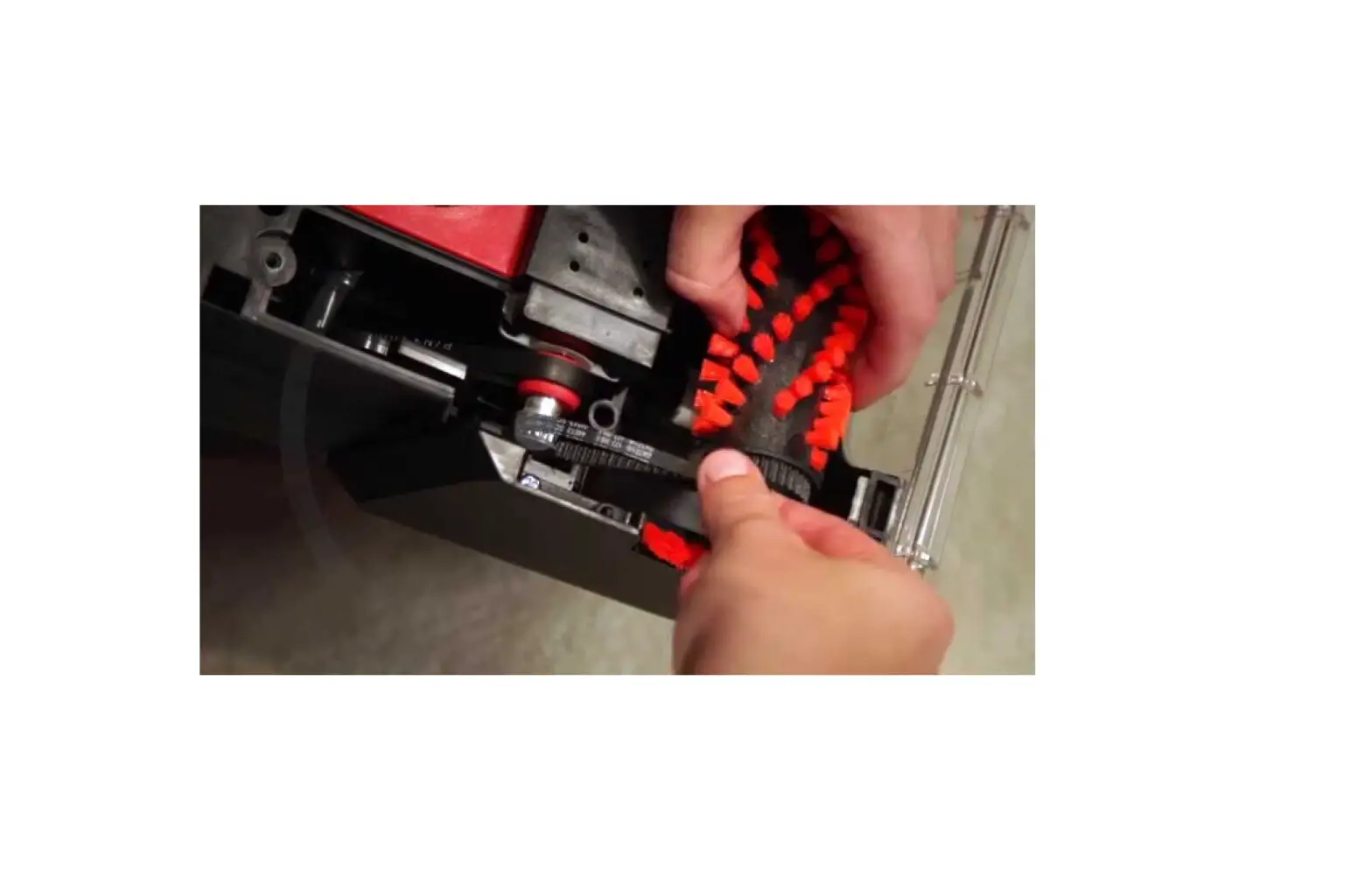
If the brush on your machine does not appear to be turning, follow these steps to resolve:
- Unplug machine
- Recline handle and remove tank
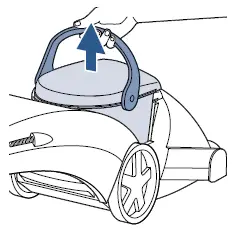
- Roll the machine over so the brush is facing up
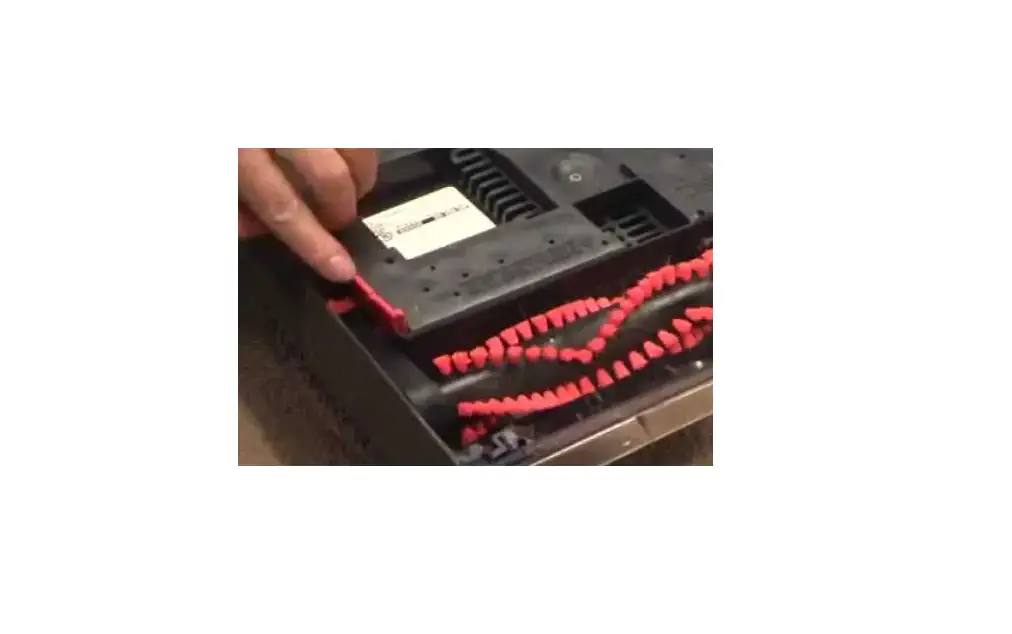
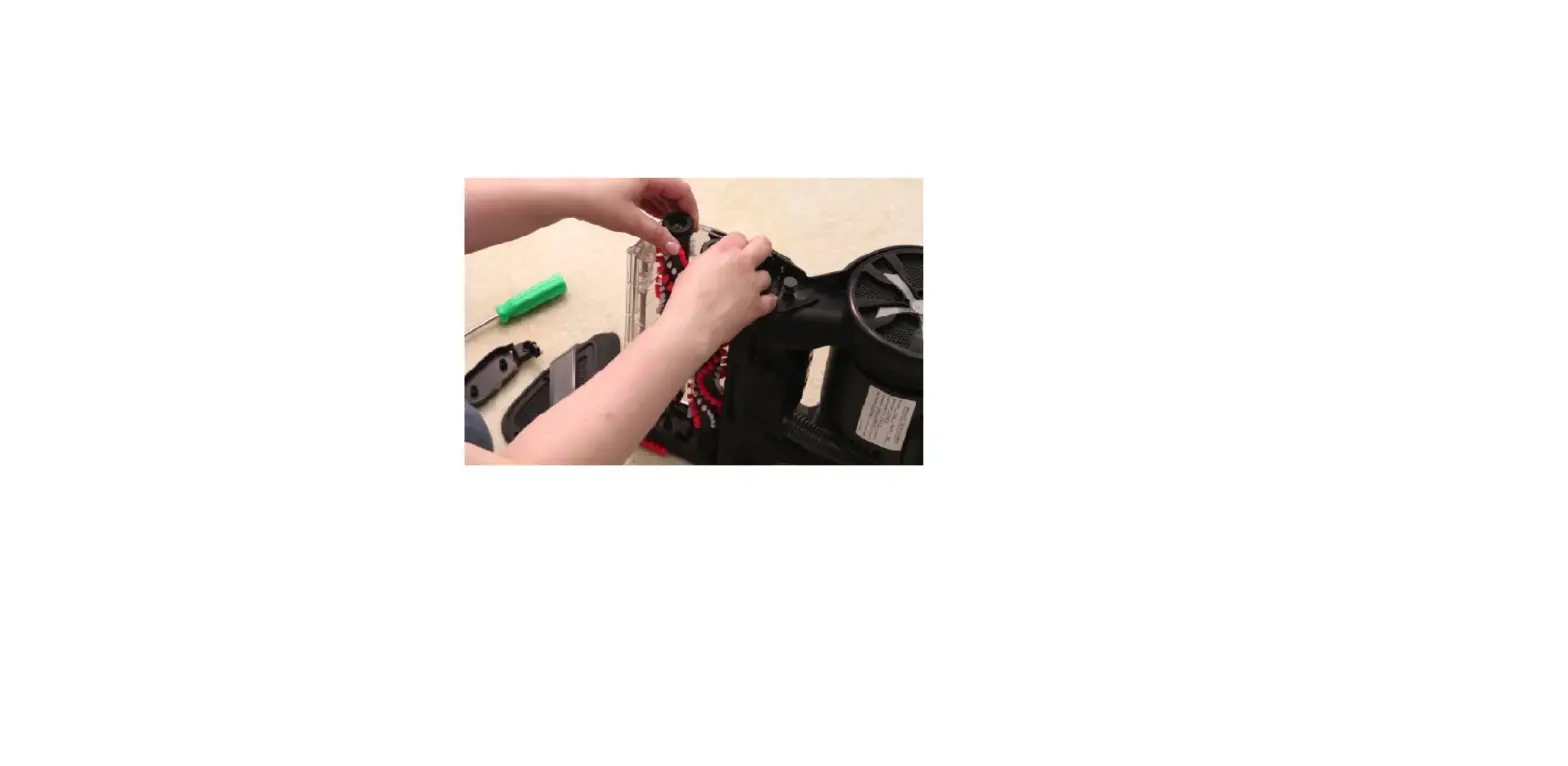
- Take out the 3 screws holding the retainer clips in place and pull out clips
- Note: the small screw goes with the longer clip on belt side
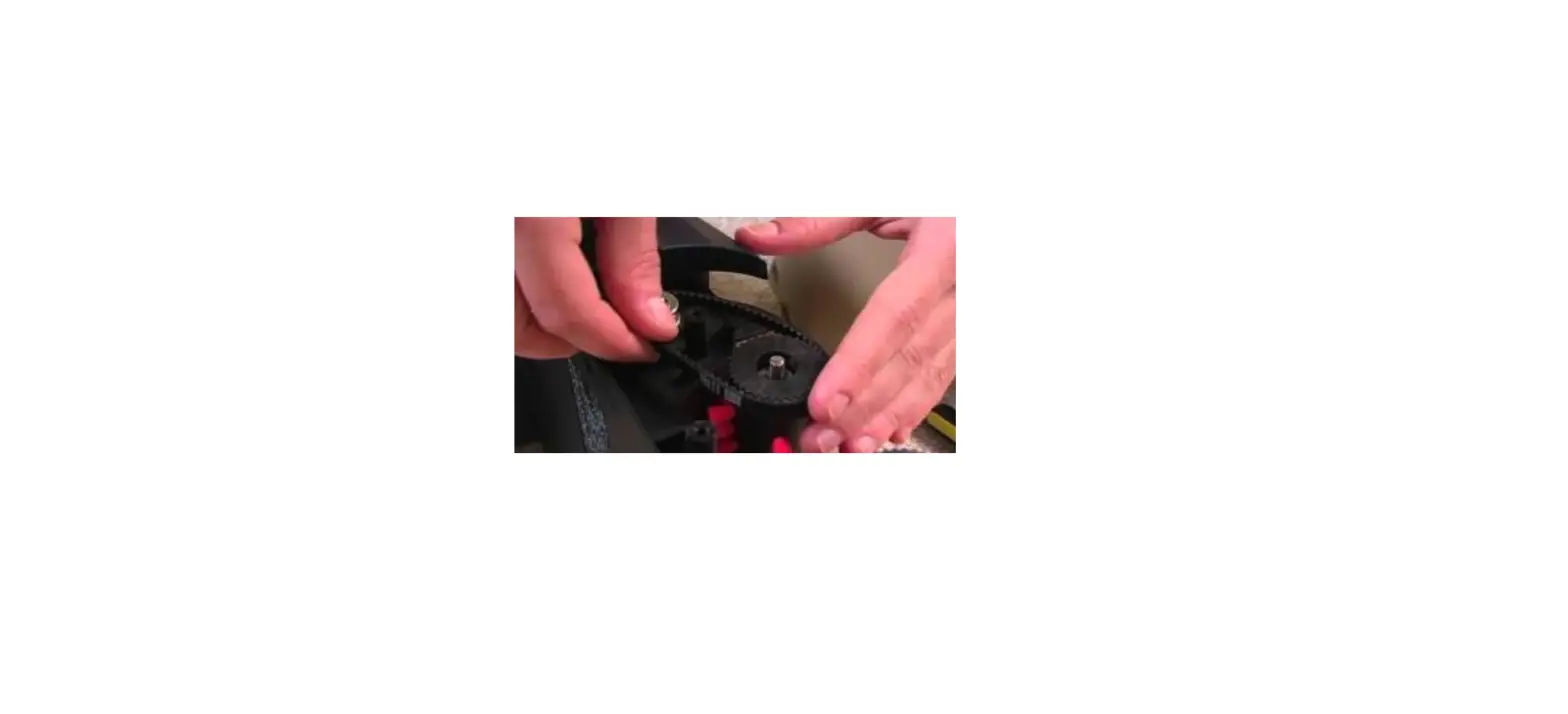
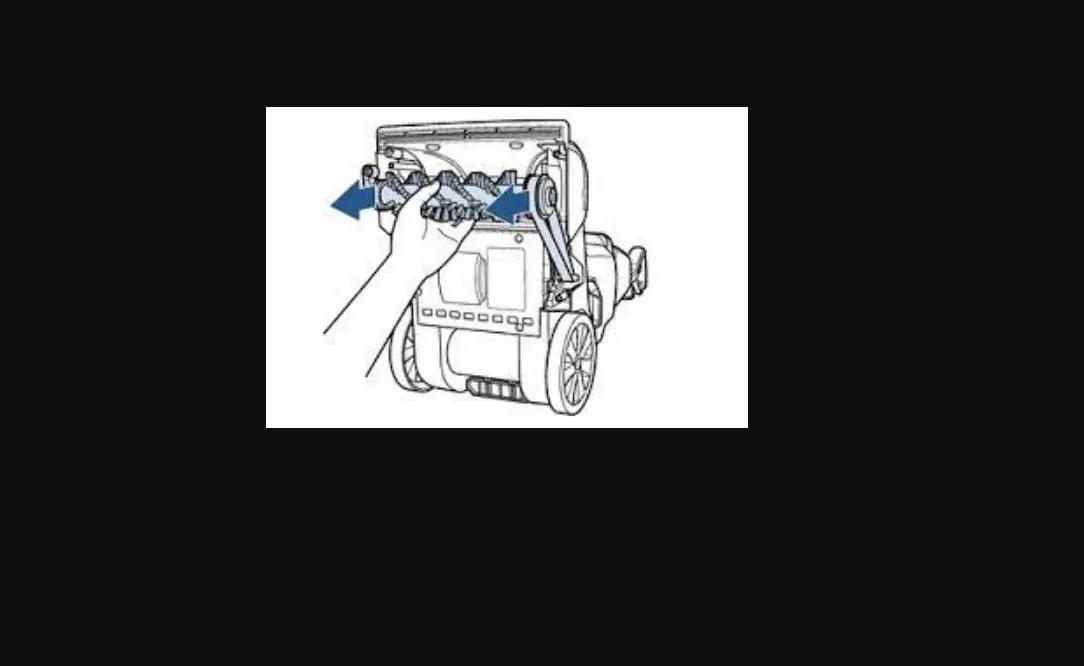
- Lift black arms on brush ends to raise brush, then unloop brush belt from pulley
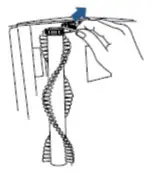
- Take out the brush and clean off debris from brush and end caps
- Inspect the brush belt, end caps, and brush for damage
- If any parts are damaged, replacements will need to be ordered > Go to Parts & Supplies
- Once the brush and brush belt are removed, the pump belt can be removed
- Roll the machine back so it is right-side-up and remove the belt access cover on side of machine
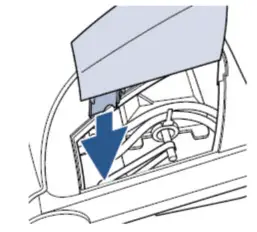
- Slide the pump belt off the pulley and check for damage
- If pump belt is broken or stretched, replacements will need to be ordered > Go to Parts & Supplies
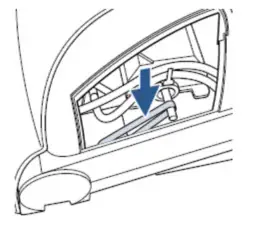
- Reassemble machine
- Attach the smooth pump belt first
- Slide belt onto the red gear behind belt access door and stretch belt up to the metal pump pulley
- Attach the brush belt to the end by holding both sides, slide the end cap pivot arm back on to the assembly
- Loop brush belt onto pulley, lower brush into place, and reinstall retainer clips & screws
- Once screws are installed, lift the brush roll upwards to see if the brush roll moves up and down freely without rubbing on the sides of the machine
- If the sides rub the metal rod inside, the brush roll is not inserted properly into its groove
- Rotate the box towards the motor pulley to align the belts and ensure the brush rotates freely
- Has this resolved the issue?
- Yes > Great! Glad we could get you back to cleaning!
- No > Visit a BISSELL Authorized Service Center or Contact Us