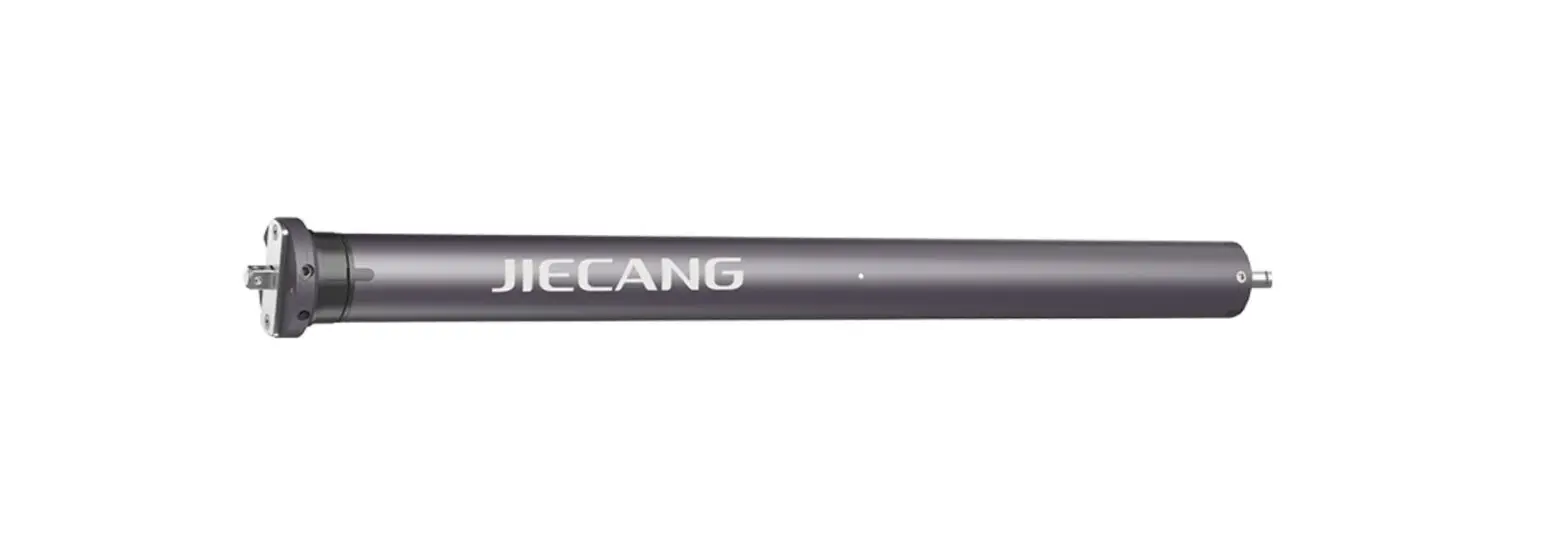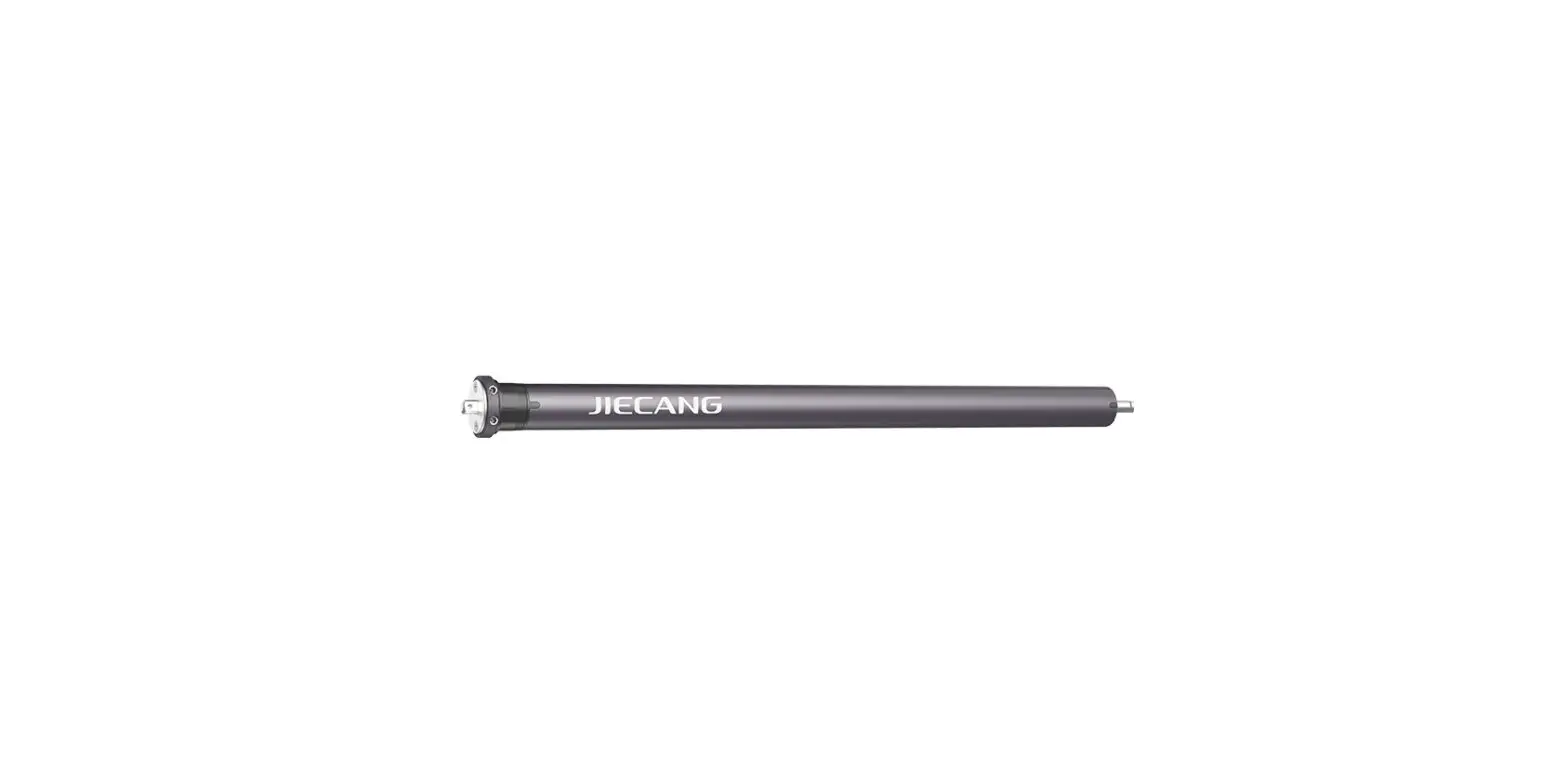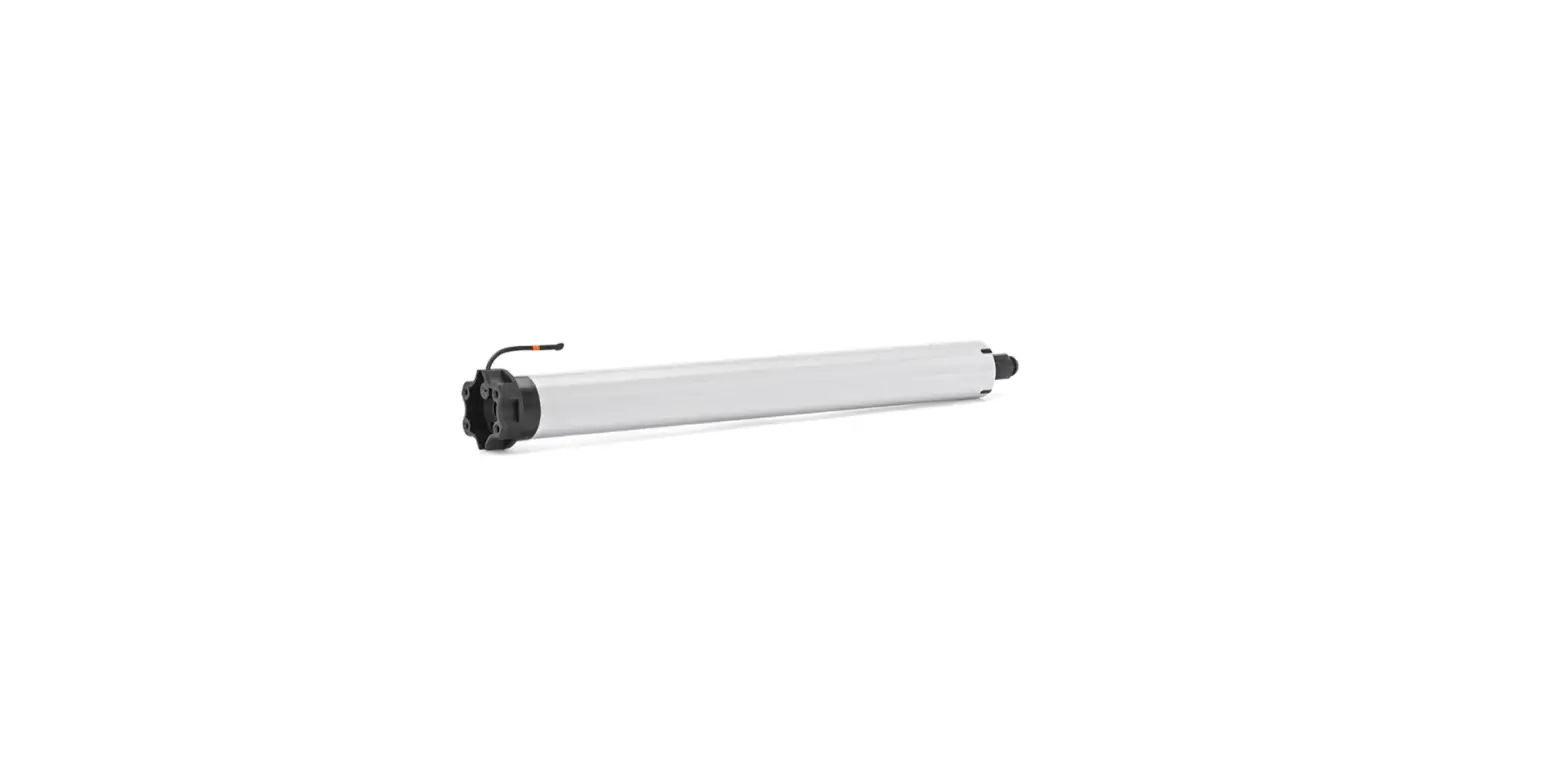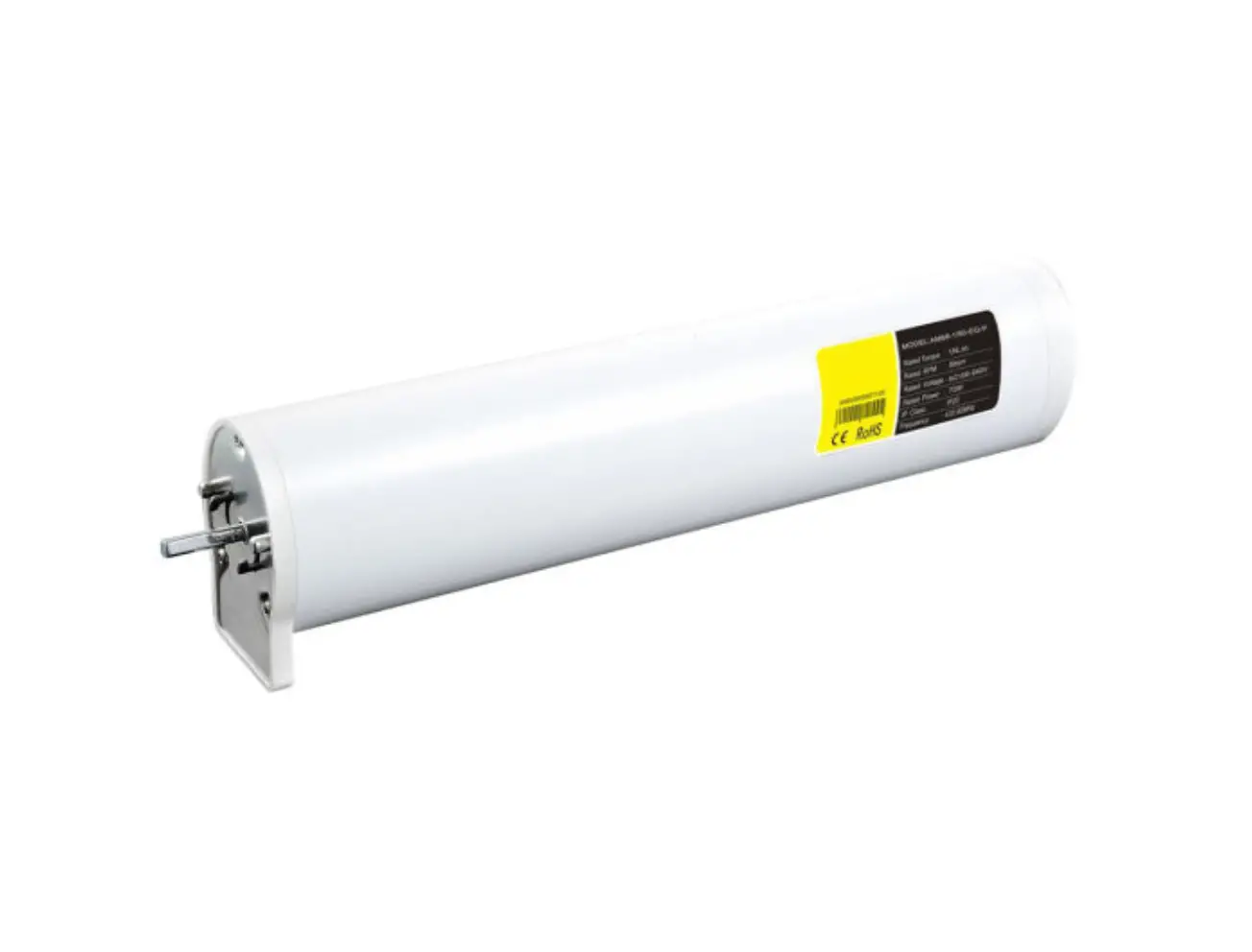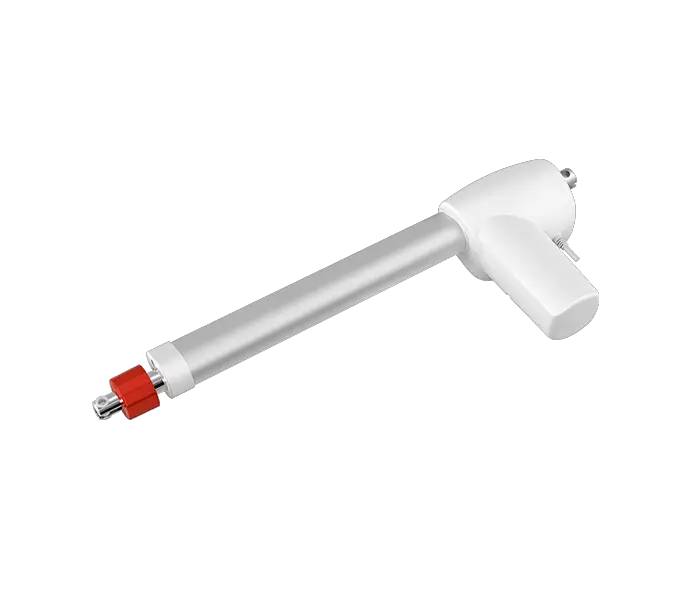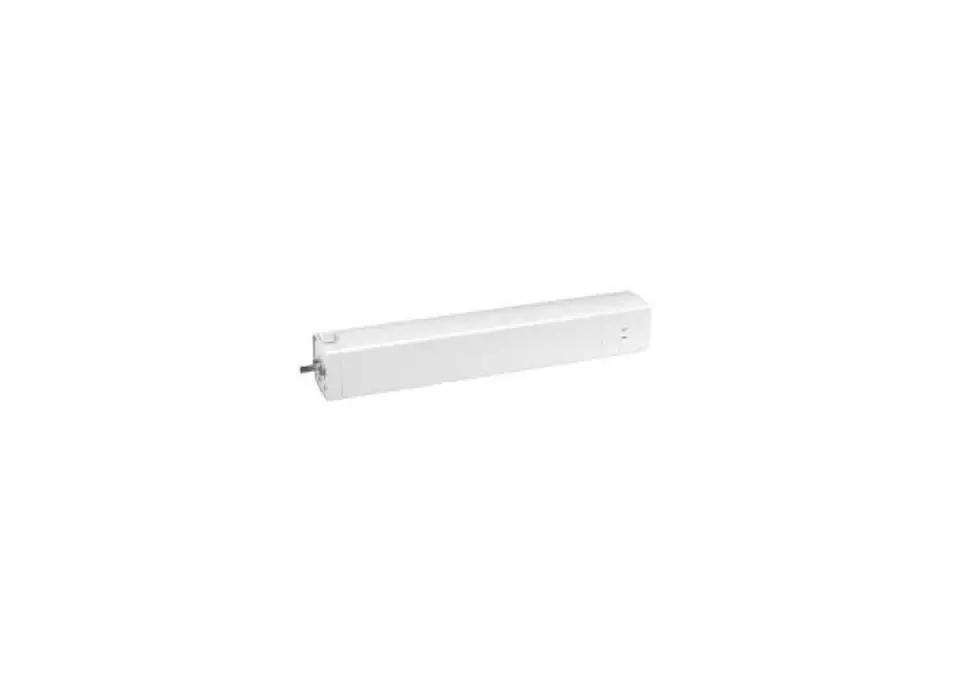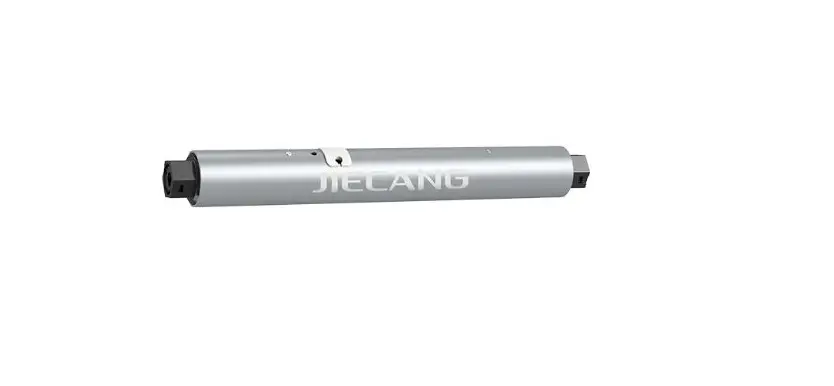

JIECANG JCA AC Electronic Tubular Motor

Product Info
Caution
- The power supply is AC supply.
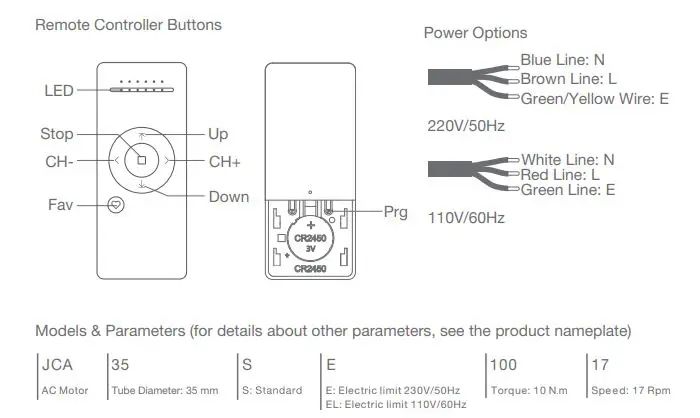
- Please confirm the rated voltage and frequency according to the nameplate when using it.
- The motor will jog in operation, please do not proceed to the next step until it complete.
- During operation, the effective interval of the transmitter button operation is 10 seconds. If there is no effective transmitter operation for more than 10 seconds, it will automatically exit the current mode.
- The motor can be paired with max 10 controllers.
- Upper&Lower limits cannot be set at the same position, limits saved even power off.
- The motor runs constantly for at 6mins max without any other operation.
- Do not lift the motor by grabbing the wire or antenna.
Instructions
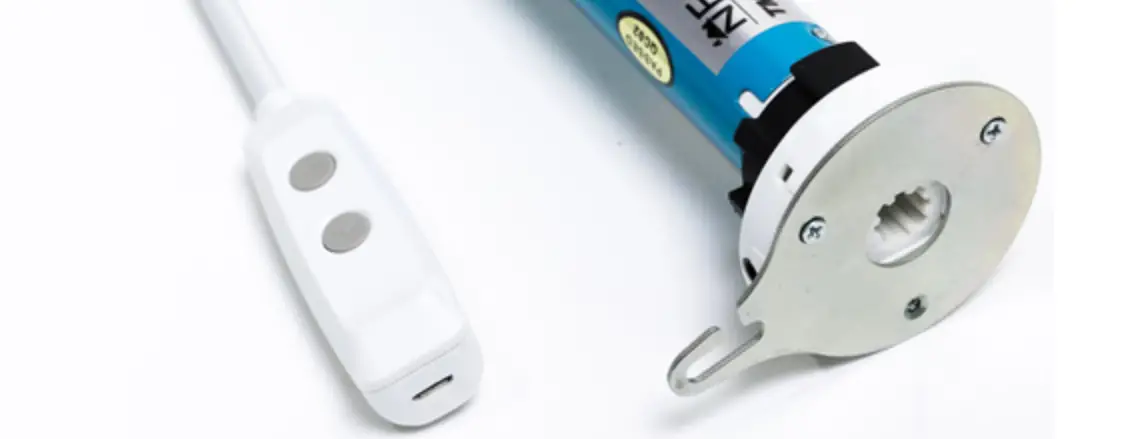
Motor head button (H) functions
| Functions | Operation | Jogging time | Note |
| Control the UP/STOP/ DOWN of the Shade | Short press | / | Can only operate after the limits are set |
| Adding/Removing Controller | Hold for 2s | Jog*1 | The operation needs be done within 10s |
| RF Control Inactive | Hold for 6s | Jog*2 | Hold the H button for 6s, jog twice to show the motor RF control is inactive; Hold H button for 2s, the RF control is active again. |
| Direction Reverse | Hold for 10s | Jog*3 | All settings saved after the direction reversed |
| Reset | Hold for 16s | Jog*4 | All settings deleted |
Pairing Motor with Controller
- Power on, add a new controller

- After motor is powered on for more than 10s H button
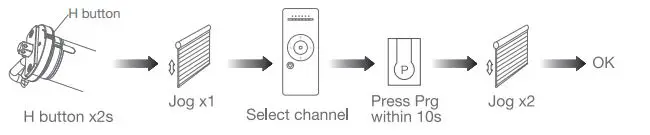
- Power on,add controller B via pre-existing controller A
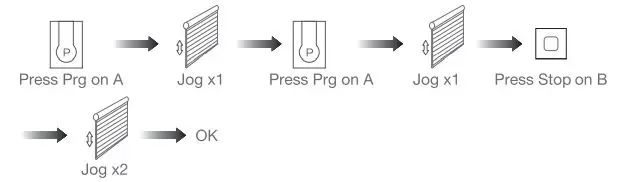
- Note: Pairing can not be done under group channel or 0 channel.
Direction Reverse 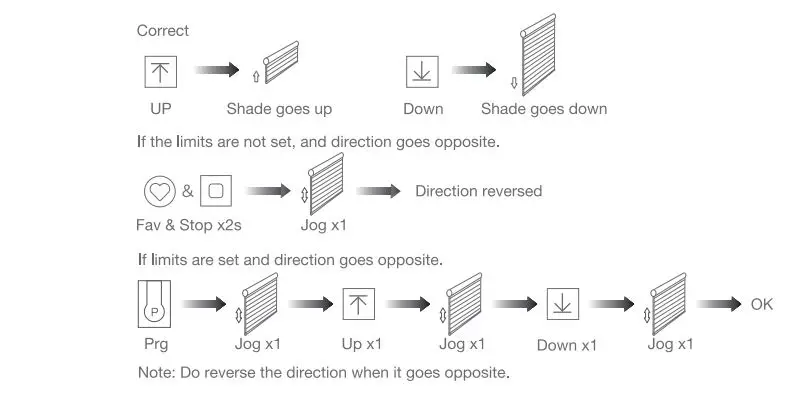 Upper&Lower Limits Setting
 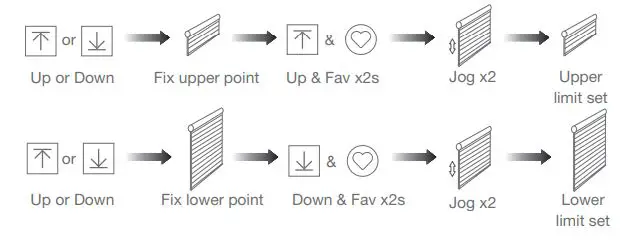 Note: Upper&Lower limits cannot be set at the same point.
Before limits set, the motor will run in one-touch mode by pressing Up or Down, hold Up or Down for 2s, motor runs in constant-touch mode. Once limits set, press Up or Down, motor runs in constant-touch mode.
One-touch/Constant-touch Mode
Constant-touch ——>One-touch 
The same operation can toggle from one-touch to constant-touch mode.
Note: When the motor is in one-touch mode, hold Up or Down for more than 2s, it will run in constant-touch mode.
Setting and Cancelling Favorite Position 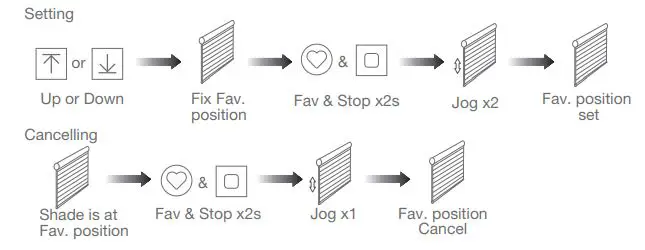 Hot key to the Fav. Position
Fast get to the Fav. point Fav
Note: The Fav. position setting only can be done after upper&lower limits are set.
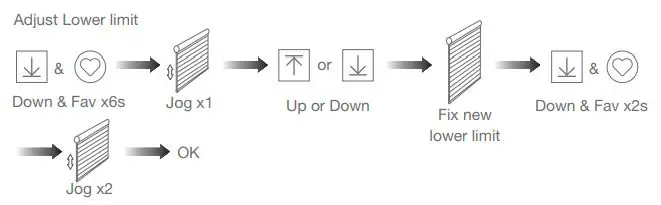
Adjusting Upper & Lower Limits 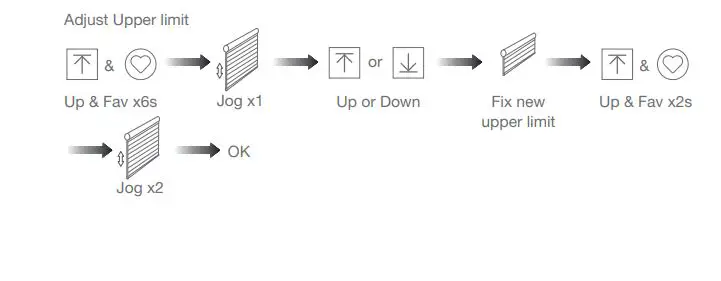
Removing Controllers
Remove a single controller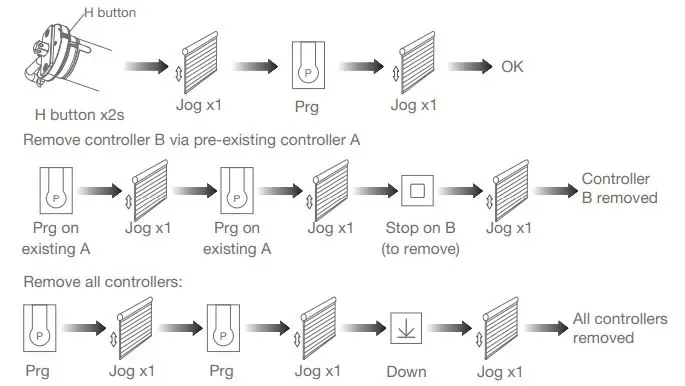
Cancelling Limits 
Note: It is forbidden to run the motor if installed into the shade without limits. Limits should be set immediately to protect the shade.
Troubleshooting
| Fault | Cause | Solution |
| The motor does not run or start slowly | 1. Low voltage 2. Wrong wire connection 3.Overloading 4.Wrong installation | 1.Adjust the voltage to rated data 2.Correct the wire connection 3.Put the suitable weight for roller shade 4.Reinstall the tubular motor |
| The motor suddenly stop | The motr has exceeded termal overheat protection (4 minutes) | Wait for the motor to cool down for approximately 20 minutes |
| The motor makes a strange noise when it runs | 1. The crown and drive adapter are not well adapterd to tube 2. The driving tube is too long, cused the brackets are too tightly | 1. Change correct size crown and drive adapter 2. If idler is active, make driving tube shorter to avoid the tight status |