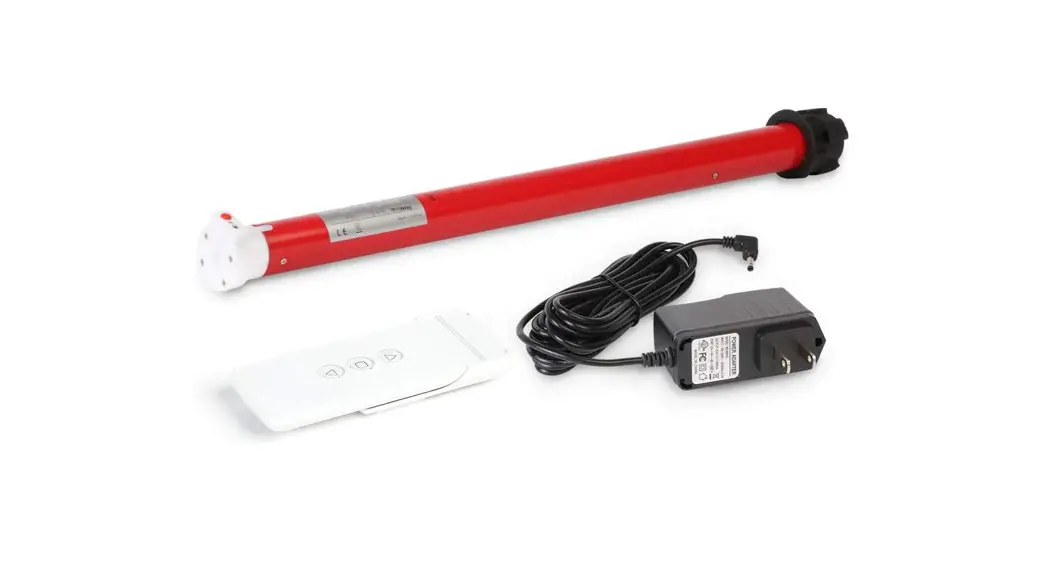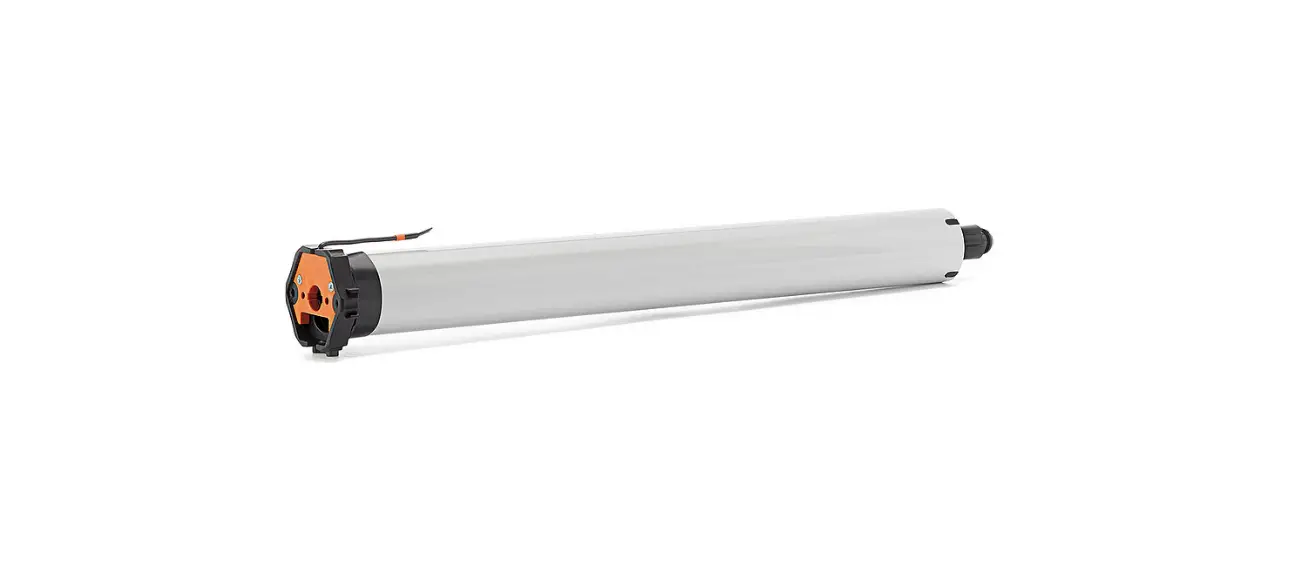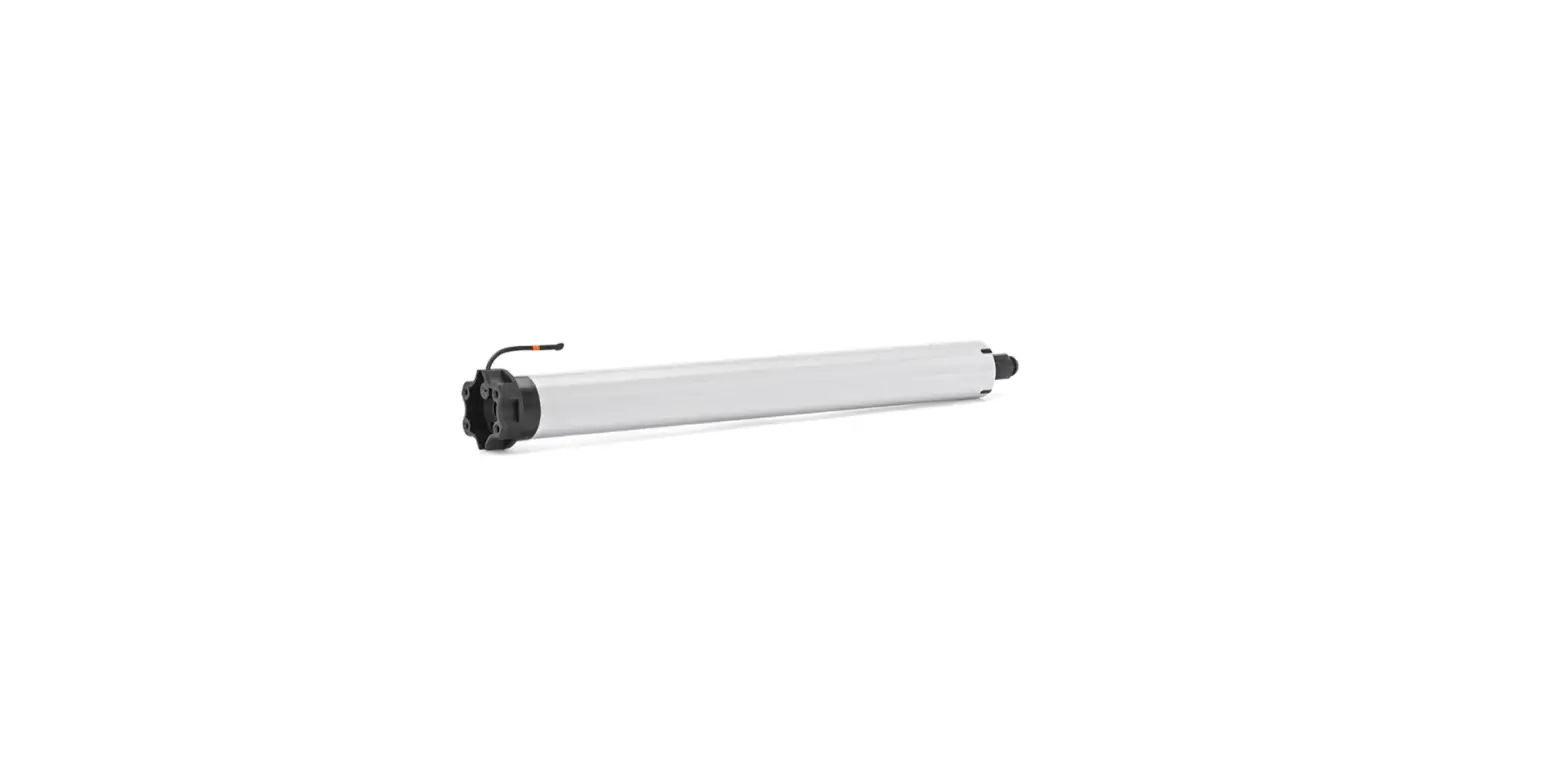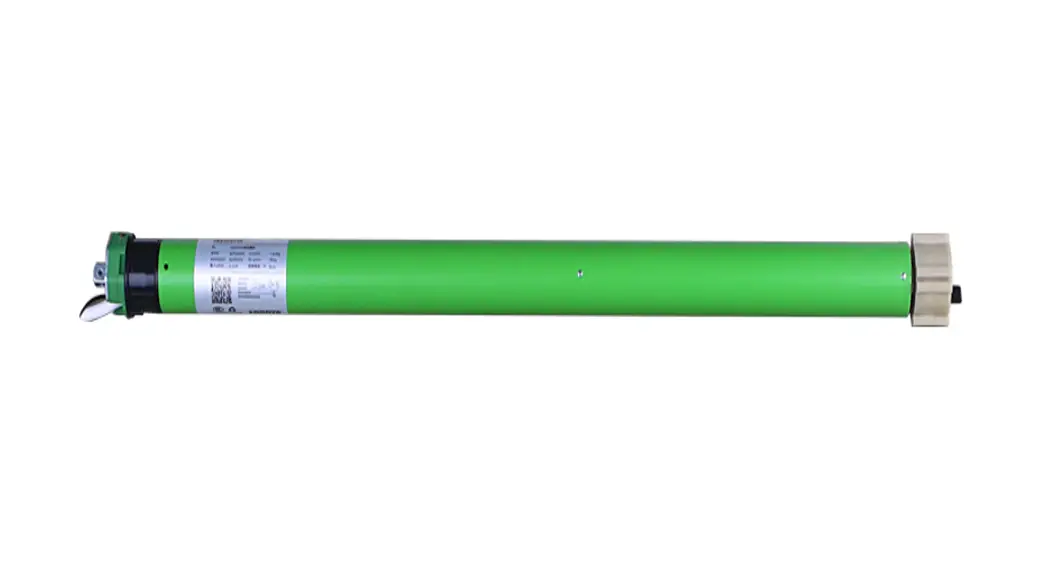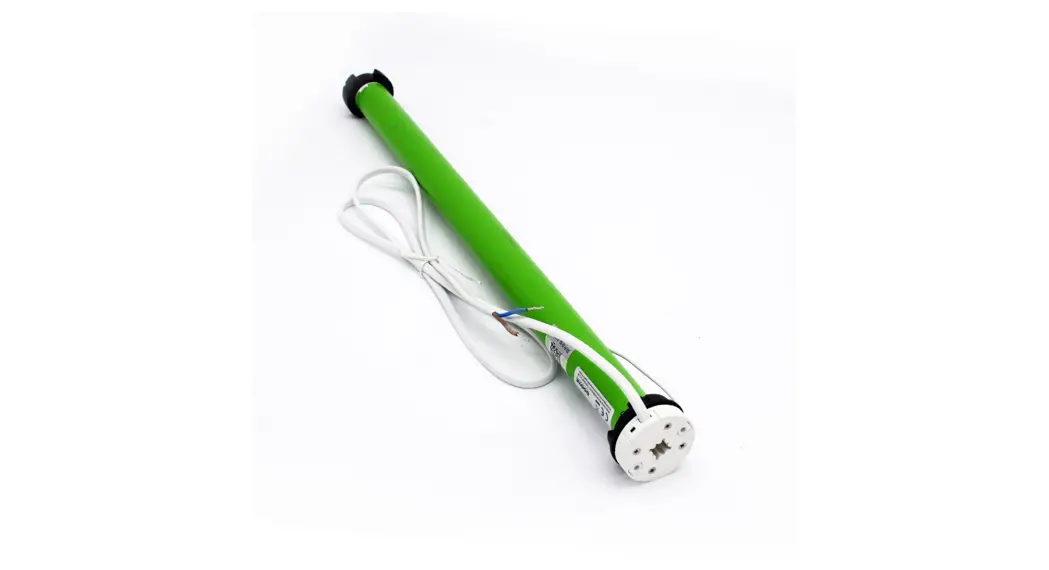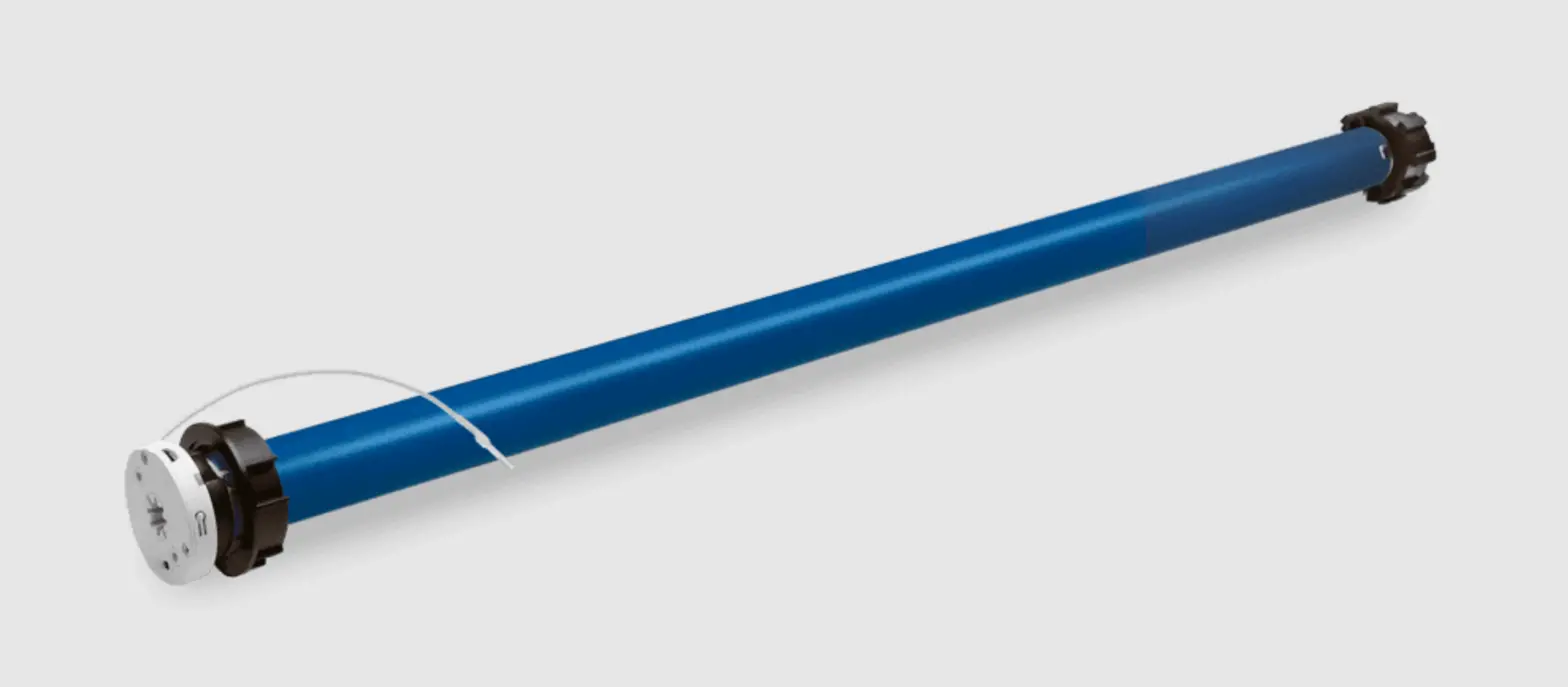
AMP28B DC Tubular Motor with Built In Rechargeable Battery
Button Instructions
LED light
P1 button Lithium Battery Switch
Lower Channel
LCD Display
Up
Stop
P2
Down
Higher Channel
P2 Switch
!
Essential Settings
The steps in factory mode must be completed to ensure proper operation.
1. Pair / Unpair Remote Control
a. Press “P1” button (about 2 sec) on
Action on
a.
the motor head until motor jog x1 and
Motor
beep x1.
b. In the next 10 secs, press and hold “Stop” button on the remote control until Motor Response
motor jog x2 and beep x3.
Action on
b.
Remote Control
* Repeat the same procedure to unpair remote control.
Motor Response
P1
Jog x1 Beep x1
Stop Jog x2 Beep x3
2. Change Motor Direction (if necessary)
Press “Up” or “Down” button to check if the shade moves in the desired direction.
If you need to reverse the direction, press and hold (about 2 sec) “Up” and “Down” buttons simultaneously until motor jog x1 and beep x1.
Action on Remote Control
Motor Response
*The operation is only valid when there are no limits. If the motor has already set the upper and lower limit, then you can only switch direction by pressing P1 button (See P1 button instructions).
+
Up
Down
Jog x1
Beep x1
3. Setting the Upper and Lower Limits
3.1 Set Upper Limit
Action on
a.
Remote Control
B Press “Up” button to raise the shade,
Up
then press “Stop” button when it is in the
desired upper limit.
Motor Response
C Pressandhold(about2sec)”Up” and “Stop” buttons simultaneously until motor jog x2 and beep x3.
b. Up
+
Stop
Jog x2
Beep x3
3.2 Set Lower Limit
B Press “Down” button to lower the shade, then press “Stop” button when it is in the desired lower limit.
C Pressandhold (about2sec)”Down” and “Stop” buttons simultaneously until motor jog x2 and beep x3.
Action on
a.
Remote Control
Down
Motor Response
b.
+
Down
Stop
Jog x2
Beep x3
*If you exit the limit setting status before you finish the limit settings, the motor will take the previous existing limits.
Factory Mode Complete User Mode Begins
4. Adjust Limits
4.1 Adjust the Upper Limit
B Press and hold (about 5 sec) “Up” and “Stop” buttons simultaneously until motor jog x1 and beep x1.
C Use “Up” button to raise the shade to the desired highest position, and use “Up” or “Down” button to do the final adjustment if necessary.
D Pressandhold (about2sec) “Up” and “Stop” buttons simultaneously until motor jog x2 and beep x3.
Action on
a.
Remote Control
Motor Response
Action on
c.
Remote Control
Motor Response
+
Up
Stop
Jog x1
Beep x1
+
Up
Stop
Jog x2
Beep x3
4.2 Adjust the Lower Limit
B Press and hold (about 5 sec) “Down” and “Stop” buttons simultaneously until motor jog x1 and beep x1.
C Use “Down” button to lower the shade to the desired lowest position, and use “Up” or “Down” button to do the final adjustment if necessary.
D Pressandhold (about2sec )”Down” and “Stop” buttons simultaneously until motor jog x2 and beep x3.
Action on
a.
Remote Control
+
Down
Stop
Motor Response
Jog x1
Beep x1
Action on
c.
Remote Control
+
Down
Stop
Motor Response
Jog x2
Beep x3
b. Up
b. Down
5. Favorite Position
5.1 Set Favorite Position
B Use “Up” or “Down” button to move the shade to desired Favorite position.
C Press one “P2″button on the back of remote control until motor jog x1 and beep x1.
D Press and hold (about 2 sec) “Stop” button until motor jog x1 and beep x1.
E Once more, press and hold (about 2 sec) “Stop” button until motor jog x2 and beep x3.
Action on
a.
Remote Control
Motor Response
Action on
c.
Remote Control
b. P2
or
Up
Down
or
d.
Stop
Stop
Jog x1 Beep x1
Motor Response
Jog x1 Beep x1
Jog x2 Beep x3
5.2 Send Shade to Favorite Position Action on
Press and hold (about 2 sec) “Stop”
Remote Control
Stop
button, motor will move to Favorite
position.
Shade Response
or
5.3 Delete Favorite Position
a. Press one “P2″button until motor jog and beep x1.
b. Press and hold (about 2 sec) “Stop” button until motor jog and beep x1.
c. Once more, press and hold (about 2 sec) “Stop” button until motor jog x1 and long beep x1.
Action on
a.
Remote Control
Motor Response
Action on
c.
Remote Control
Motor Response
P2
b.
Jog x1 Beep x1
Stop
Jog x1
Beep x1
6. Roller Mode and Sheer Mode
6.1 Roller Shade Mode – continue movement after a short press Default Mode
a. Press and hold (about 5 sec) “Up” and “Down” buttons simultaneously until motor jog x1.
b. Press and hold (about 2 sec) “Stop” button until motor jog x2 and beep x3.
Action on
a.
Remote Control
Motor Response
Action on
b.
Remote Control
Motor Response
+
Up
Down
Jog x1
Stop
Jog x2
Beep x3
Stop
Jog x1 Beep x1
6.2 Sheer Shade Mode – jog movement after a short press (continue movement after a long press)
a. Press and hold (about 5 sec) “Up” and “Down” buttons simultaneously until motor jog x1.
b. Press and hold (about 2 sec) “Stop” button until motor jog x1 and beep x1.
Action on
a.
Remote Control
Up
Motor Response
+
Down
Jog x1
Action on
b.
Remote Control
Motor Response
Stop
Jog x1
Beep x1
7. Add or Remove Additional Remote
7.1 Using Current Remote Control
B On the current remote control, press one “P2” button until motor jog x1 and beep x1.
C Once more, on the current remote control, press one “P2” button until motor jog x1 and beep x1.
D On the New remote control, press one “P2” button until motor jog x2 and beep x3.
Action on
a. Current Remote Control
Remote Control
P2
Motor Response
Jog x1 Beep x1
Action on
c. New Remote Control
Remote Control
P2
b. Current Remote Control
P2
Jog x1 Beep x1
*Repeat the same procedure to remove additional remote control.
Motor Response
Jog x2 Beep x3
7.2 New Remote Control
Follow instructions under the section 1. Pair / Unpair Remote Control
8. Adjust Motor Speed
8.1 Acceleration Speed
a. Press one “P2” button until motor jog x1 and beep x1.
b. Press “Up” button until motor jog x1 and beep x1.
c. Once more, press “Up” button until motor jog x2 and beep x1.
Action on
a. P2
Remote Control
b. Up
Motor Response
Action on
c.
Remote Control
Jog x1 Beep x1
Up
Jog x1 Beep x1
Motor Response
Jog x2 Beep x1
8.2 Deceleration Speed
a. Press one “P2” button until motor jog x1 and beep x1.
b. Press “Down” button until motor jog x1 and beep x1.
c. Once more, press “Down” button until motor jog x2 and beep x1.
Action on
a.
Remote Control
Motor Response
Action on
c.
Remote Control
P2
Jog x1 Beep x1 Down
b. Down
Jog x1 Beep x1
*If the motor has no response, it already has a Maximum or Minimum speed.
Motor Response
Jog x2 Beep x1