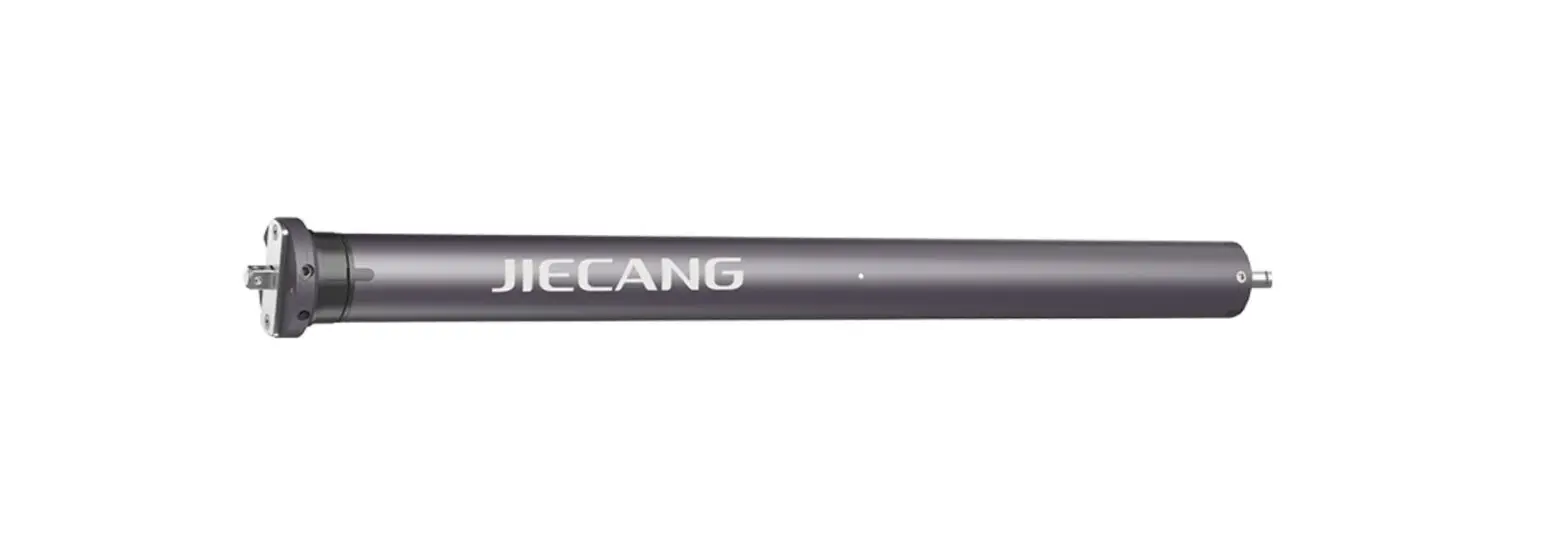
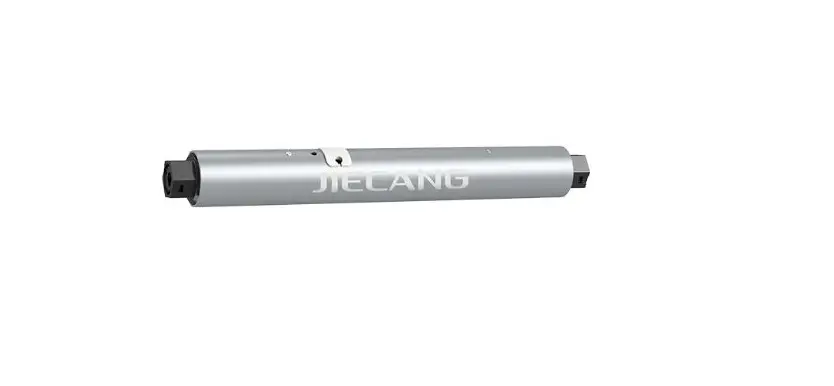
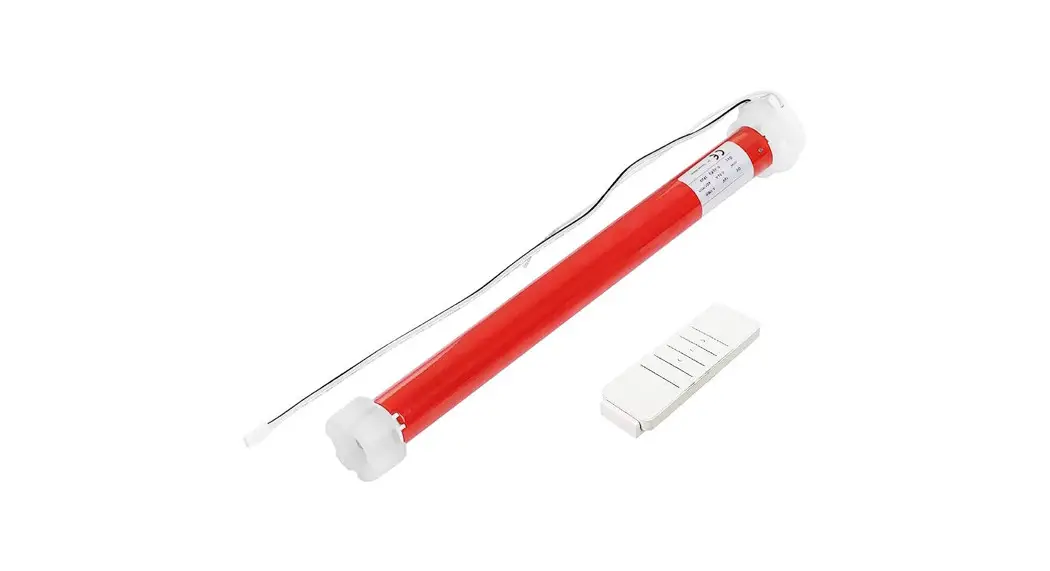
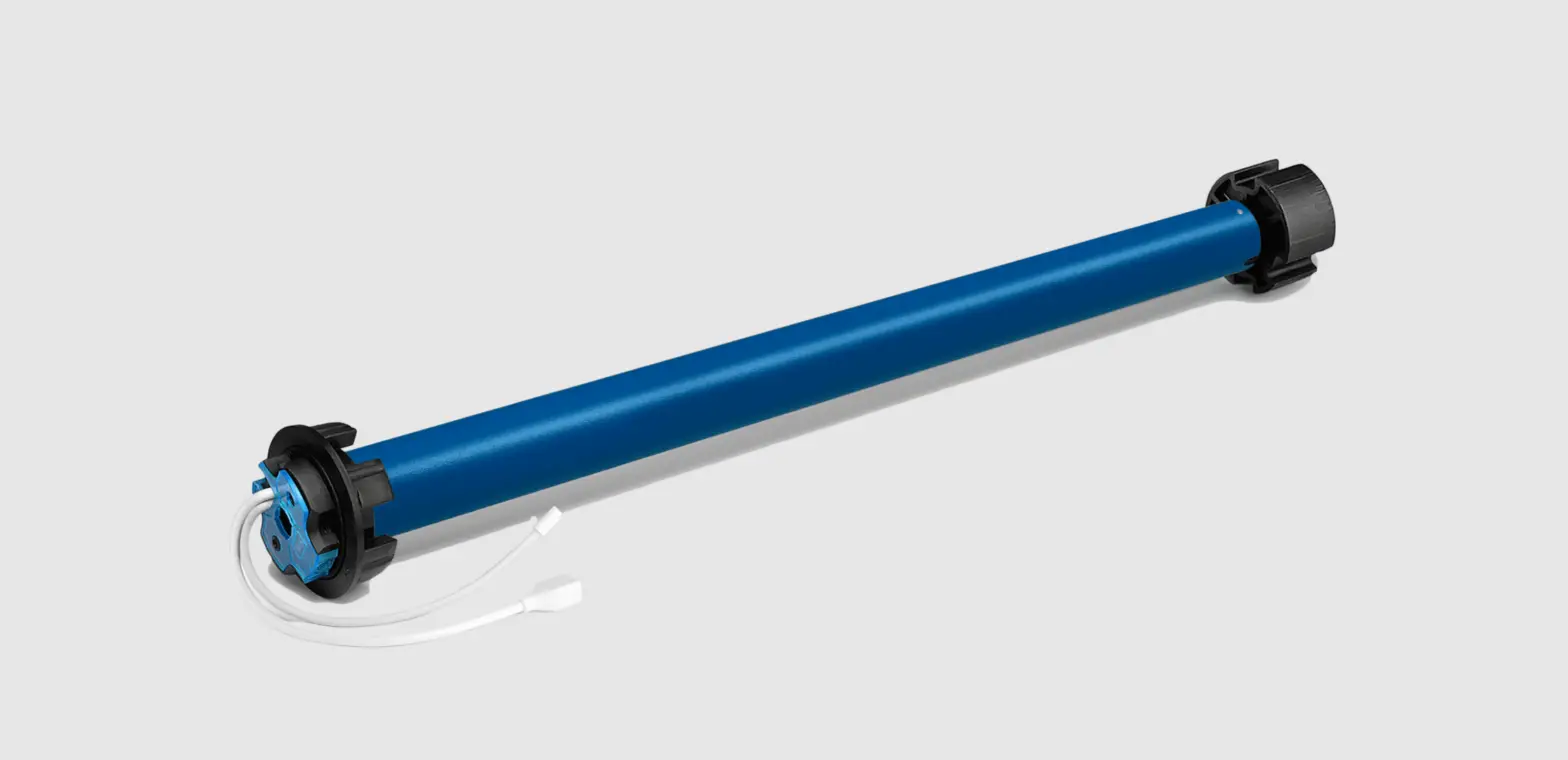
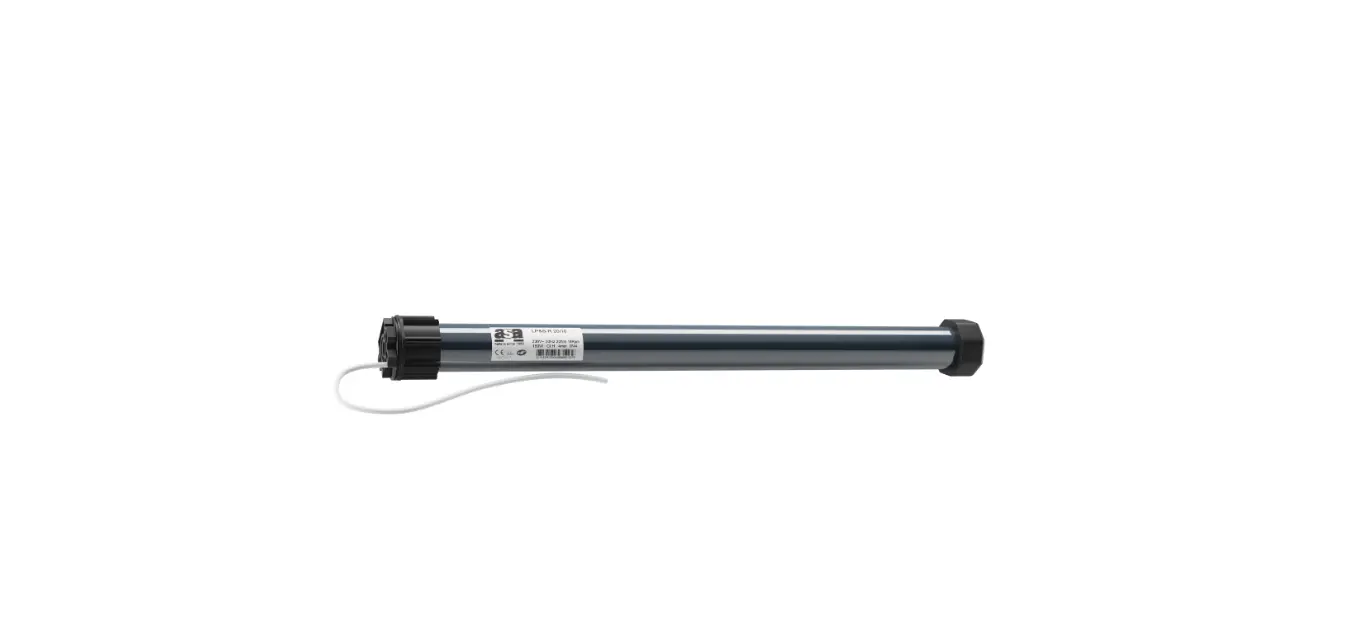
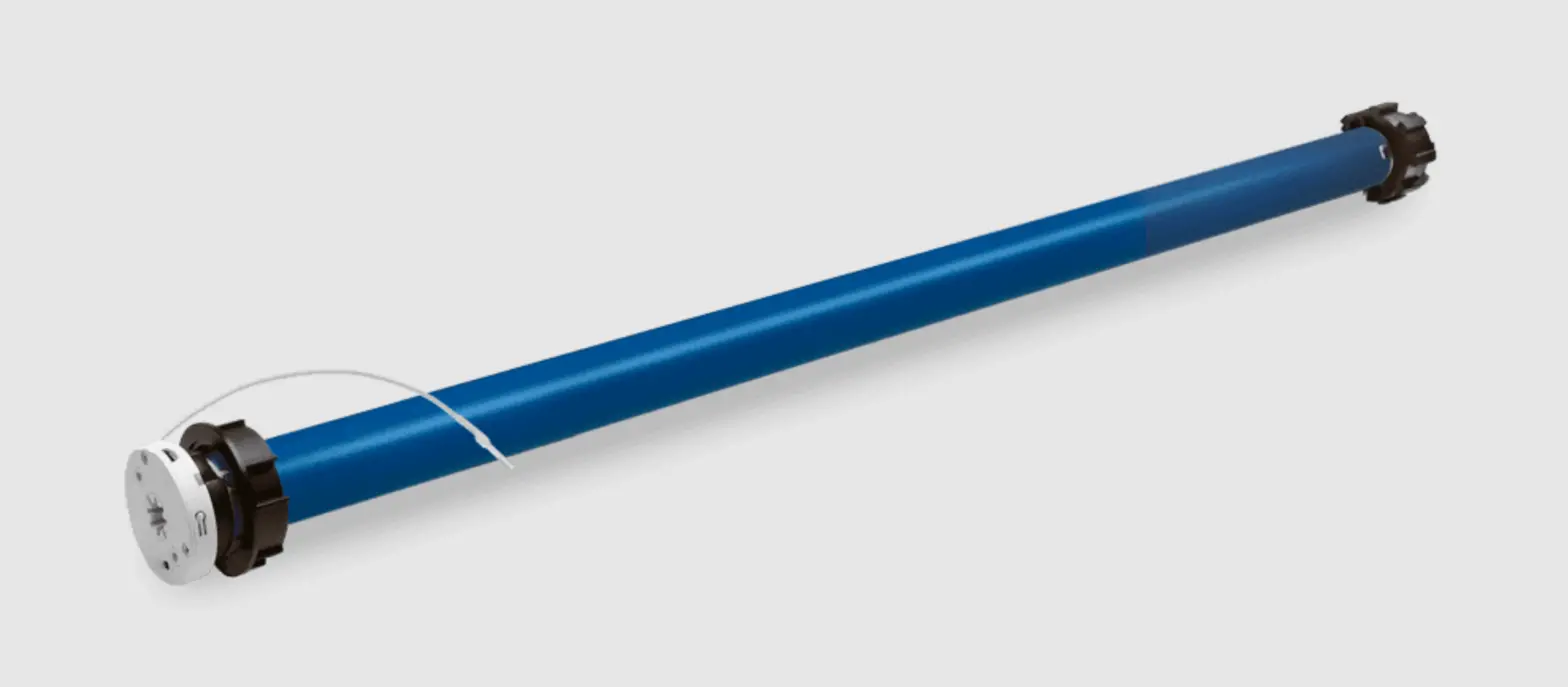
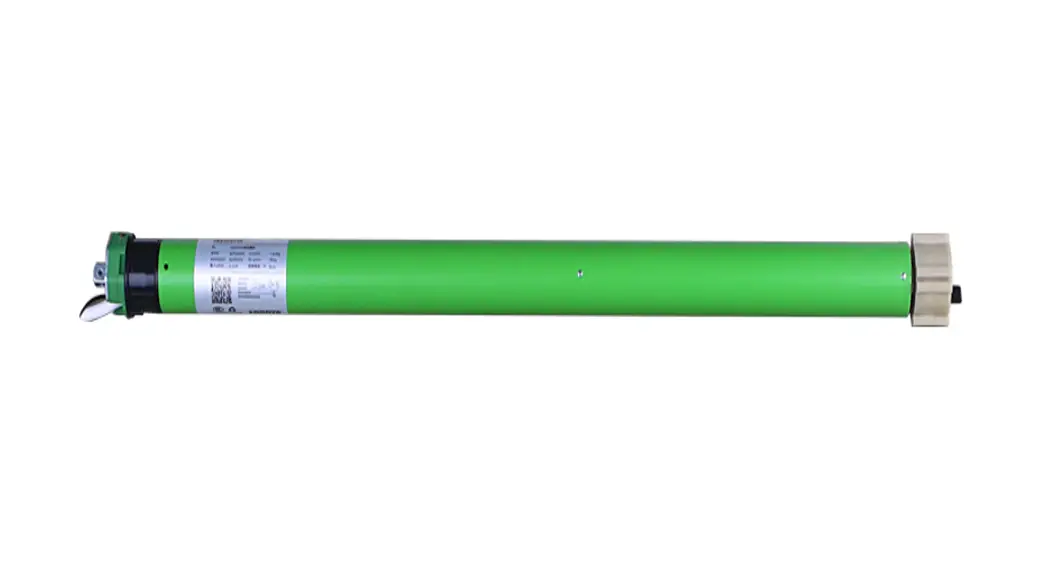
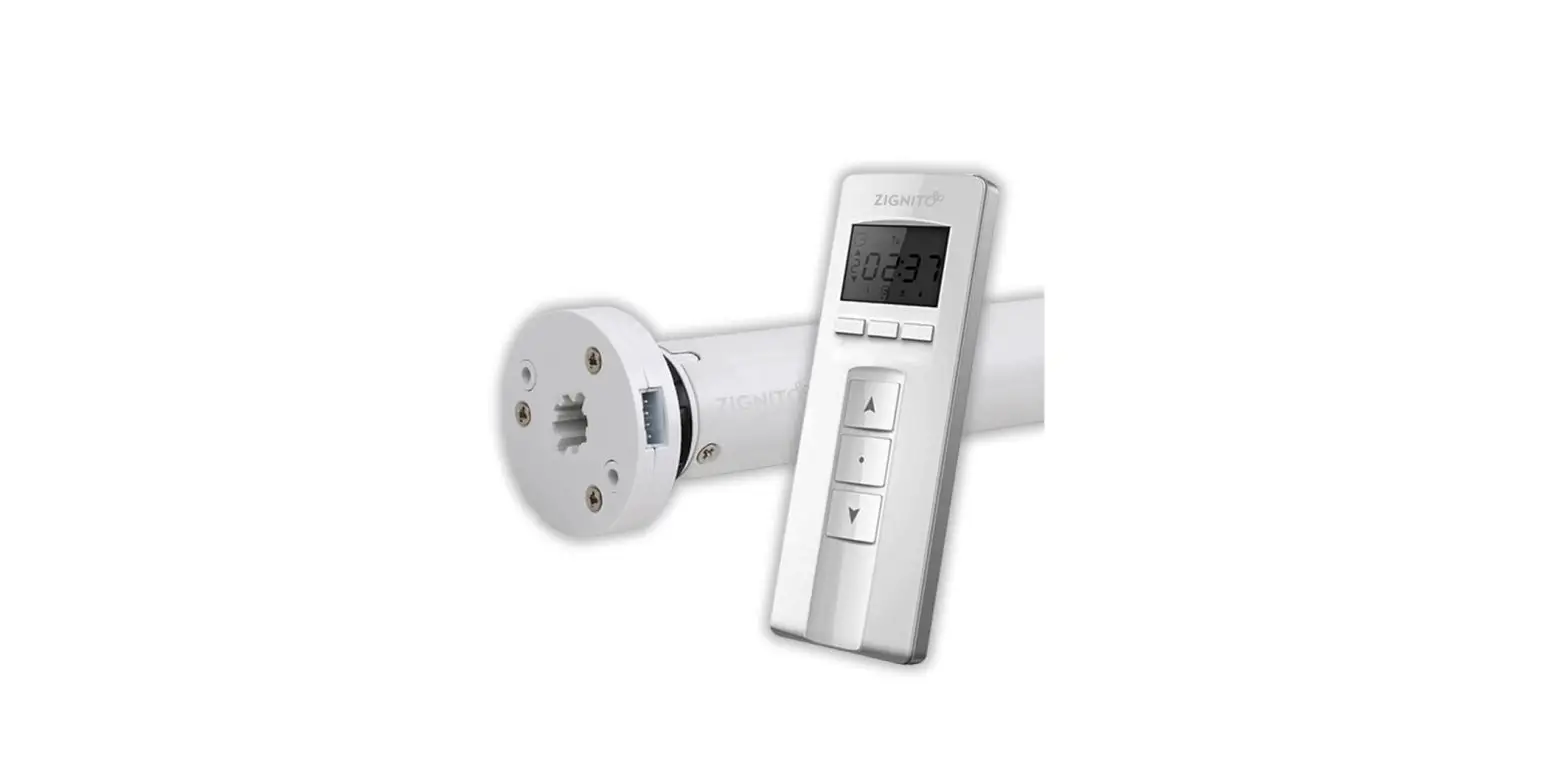
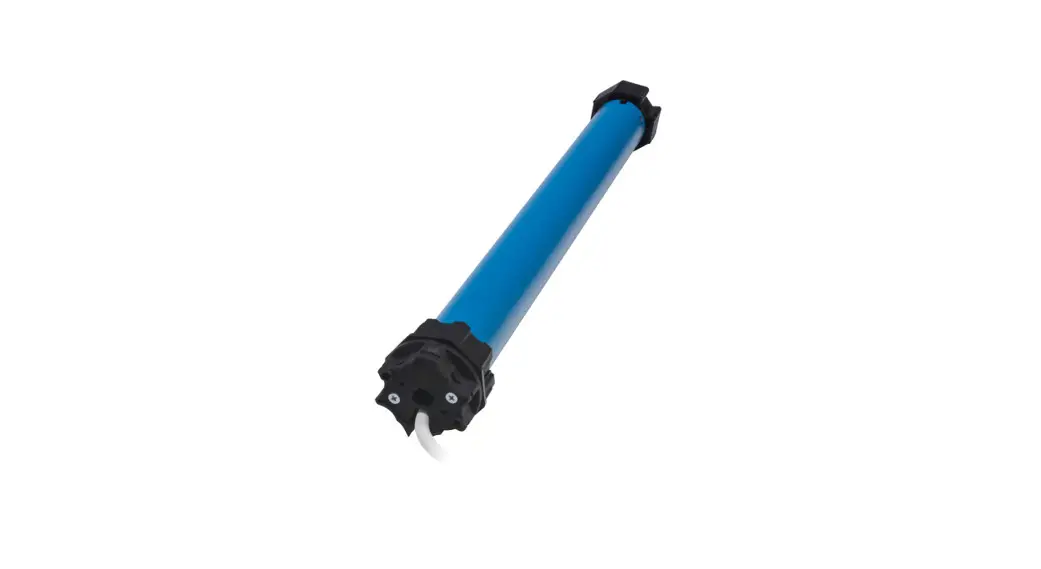
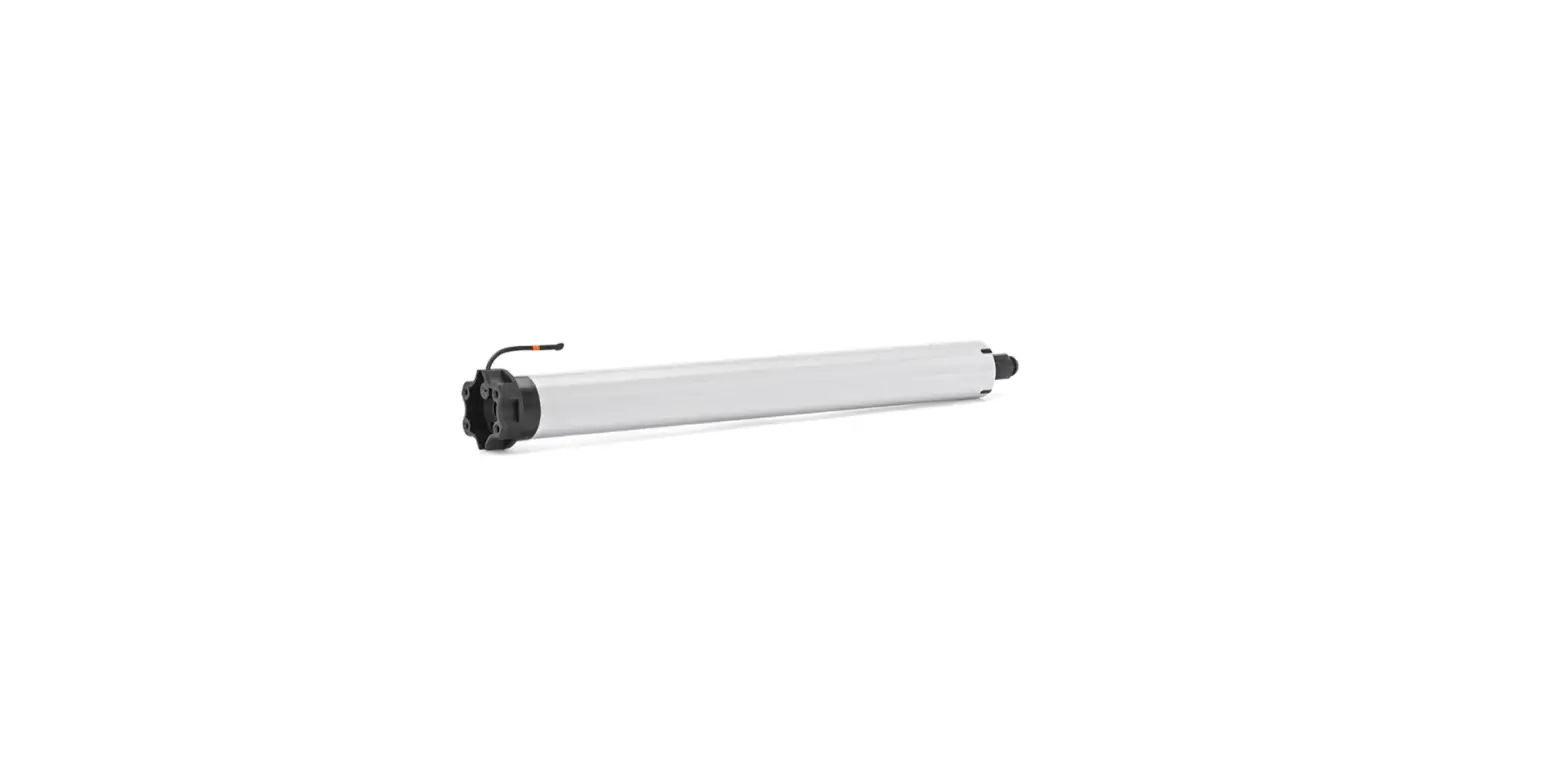
DC Tubular Motor with Transformer
Product Information
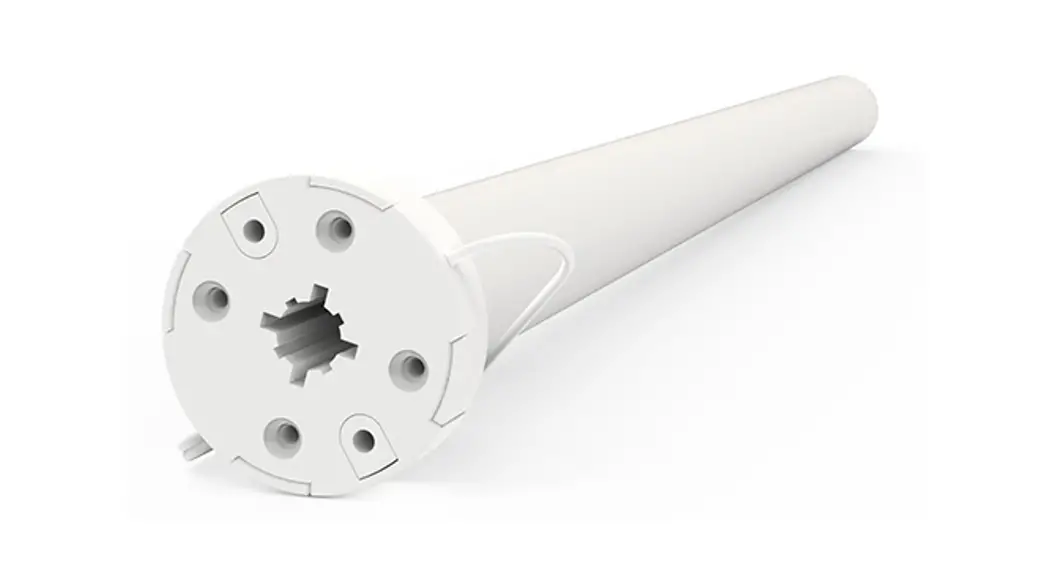
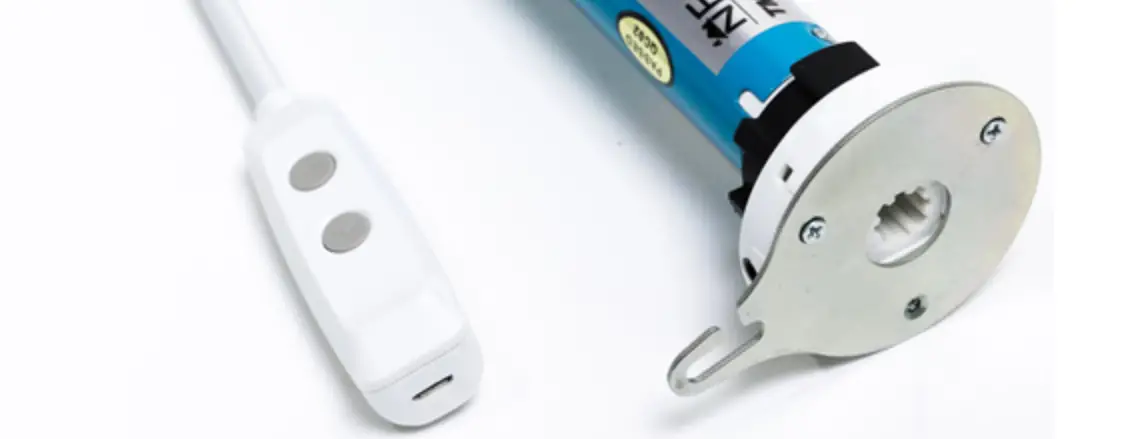
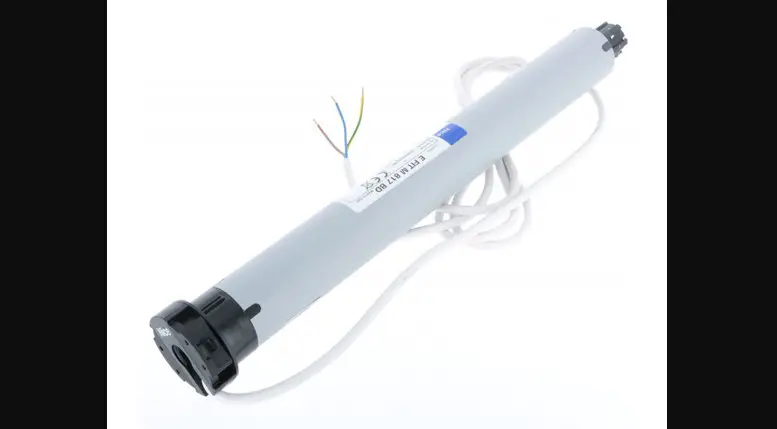
The DC Tubular Motor with Transformer (AC Supply) is a motorized
device used for controlling the UP/STOP/DOWN movement of shades.
The motor operates on an AC power supply ranging from AC100 to 240
volts.
Product Usage Instructions
1. Pairing Motor with Controller
After the motor has been powered on for more than 10 seconds,
pair it with the controller.
2. Setting Upper & Lower Limits
It is forbidden to run the motor if installed into the shade
without limits. Therefore, set the upper and lower limits
immediately to protect the shade. To adjust the limits, follow
these steps:
- a. Pair the motor with the controller.
- b. Adjust the lower limit by pressing and holding the “H”
button until the shade reaches the desired lower limit
position. - c. Adjust the upper limit by pressing and holding the “H”
button until the shade reaches the desired upper limit
position.
3. One-Touch/Constant-Touch Mode
The motor has two modes of operation: One-Touch and
Constant-Touch. In One-Touch mode, a single press of the controller
button will move the shade to the desired position. In
Constant-Touch mode, holding down the button will move the shade
continuously until the button is released.
4. Setting and Cancelling Favorite Position
To set a favorite position, first set the upper and lower
limits. Then, move the shade to the desired position and press and
hold the “Fav.” button until the LED flickers twice. To cancel a
favorite position, press and hold the “Fav.” button until the LED
flickers twice.
5. Adjusting Motor Speed
The motor has three adjustable speeds. To adjust the speed,
follow these steps:
- a. Pair the motor with the controller.
- b. Press and hold the “H” button until the LED flickers twice
to enter speed adjustment mode. - c. Press the “H” button to cycle through the available
speeds. - d. Press and hold the “H” button again to exit speed adjustment
mode.
6. Removing Controllers
To remove a single controller, use a pre-existing controller to
remove controller B.
Note: All the settings are saved even if controllers are removed
(limits set are saved). Controller A/B are already paired to the
motor.
7. Cancelling Limits
To cancel the limits, press and hold both the “UP” and “DOWN”
buttons simultaneously until the LED flickers twice.
Troubleshooting
No troubleshooting information is provided in the user
manual.
DC Tubular Motor with Transformer(AC Supply)
User Manual
01 Product Info
AC100~240
03 Instructions
Control the UP/STOP/ DOWN of the Shade
RF Control Inactive
Can only operate after the limits are set
Hold H button for 6s, LED flickers twice to show the RF control is inactive; hold H button for 2s, the RF control is active again
c.Upper&Lower Limits Setting
a.Pairing Motor with Controller After motor is powered on for more than 10s
d.One-touch/Constant-touch Mode
02 Caution!
The power supply is AC supply (AC100~240).
30
30
Note: Pairing can not be done under group channel or 0 channel. b.Direction Reverse
e.Setting and Cancelling Favorite Position
f.Hot key to the Fav. Position Note: The Fav.position setting only can be done after upper&lower limits set.
g.Adjusting Upper & Lower Limits
Adjust Lower limit
h.Adjusting Motor Speed
Note: If motor doesn’t jog, the max/min speed has already been reached. There are 3 speeds adjustable.
i.Removing Controllers Remove a single controller Remove controller B via pre-existing controller A
Controller B removed
Note: All the settings are saved even controllers removed(limits set are saved). Controller A/B are already paired to motor.
j.Cancelling Limits
Limits cancelled Note: It is forbidden to run the motor if installed into the shade without limits.
Limits should be set immediately to protect the shade.
04 Troubleshooting