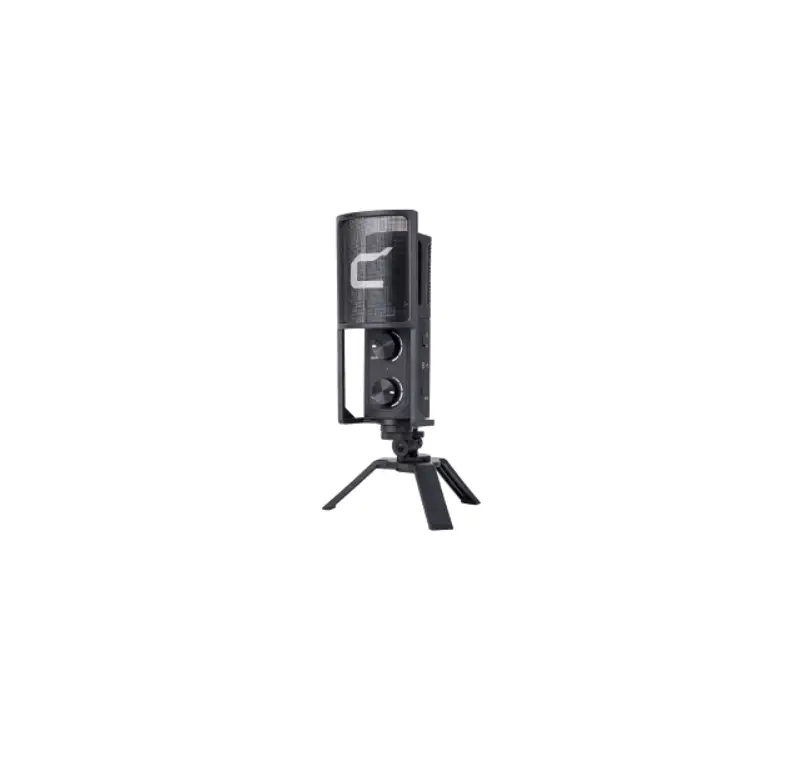
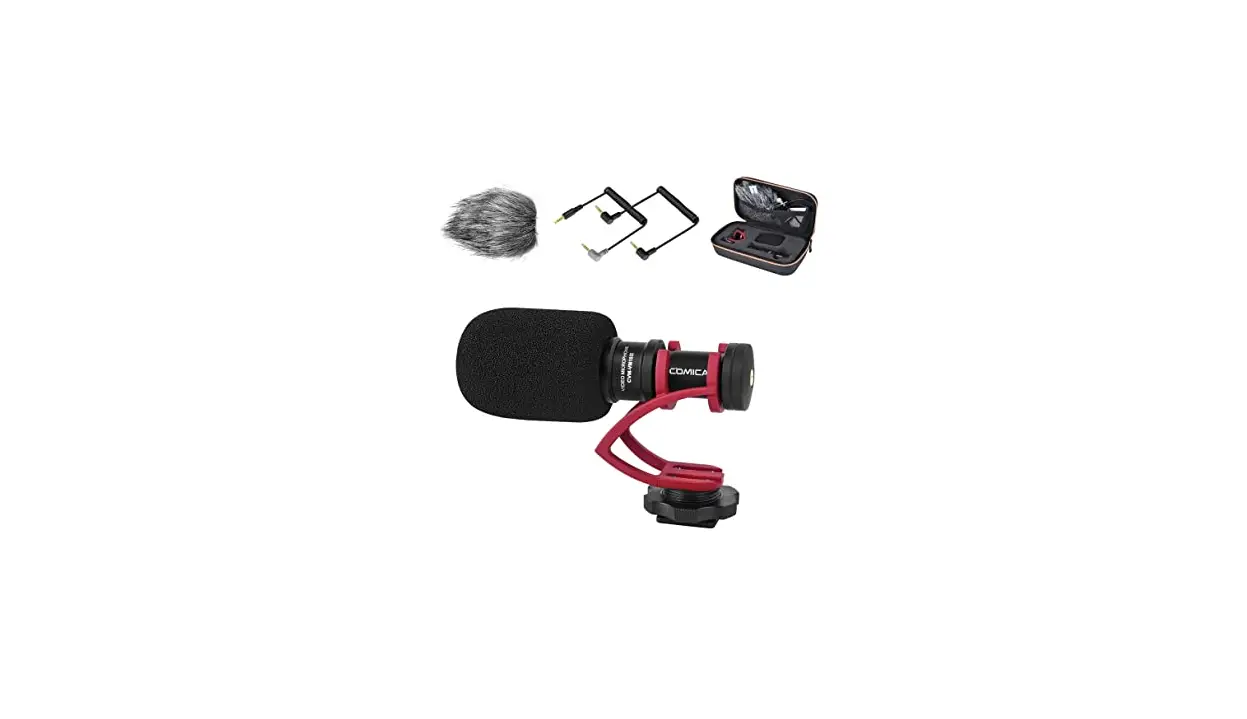
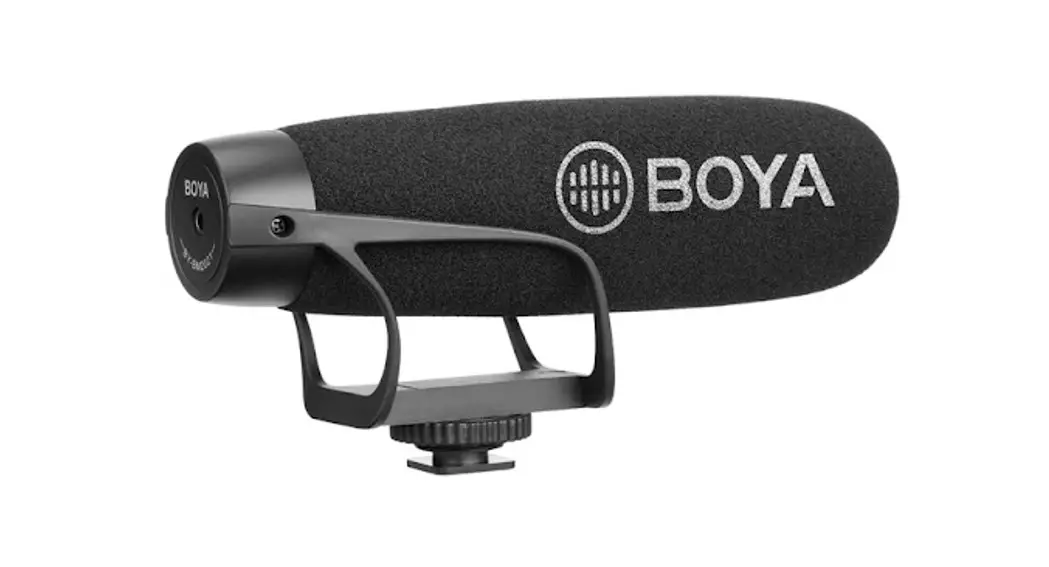
VM10 PRO Mini Cardioid Digital Shotgun Microphone
Product Information:
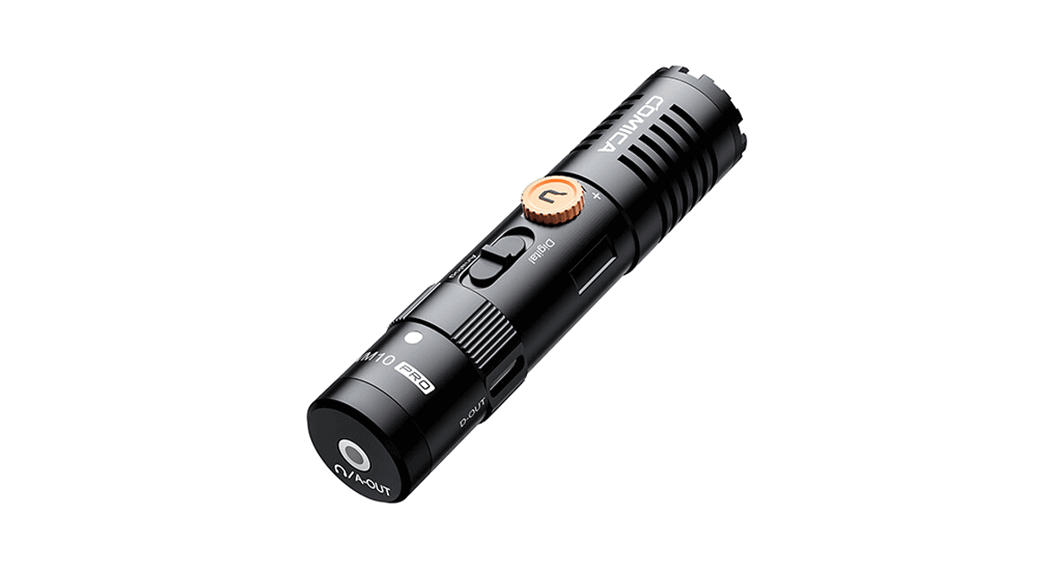
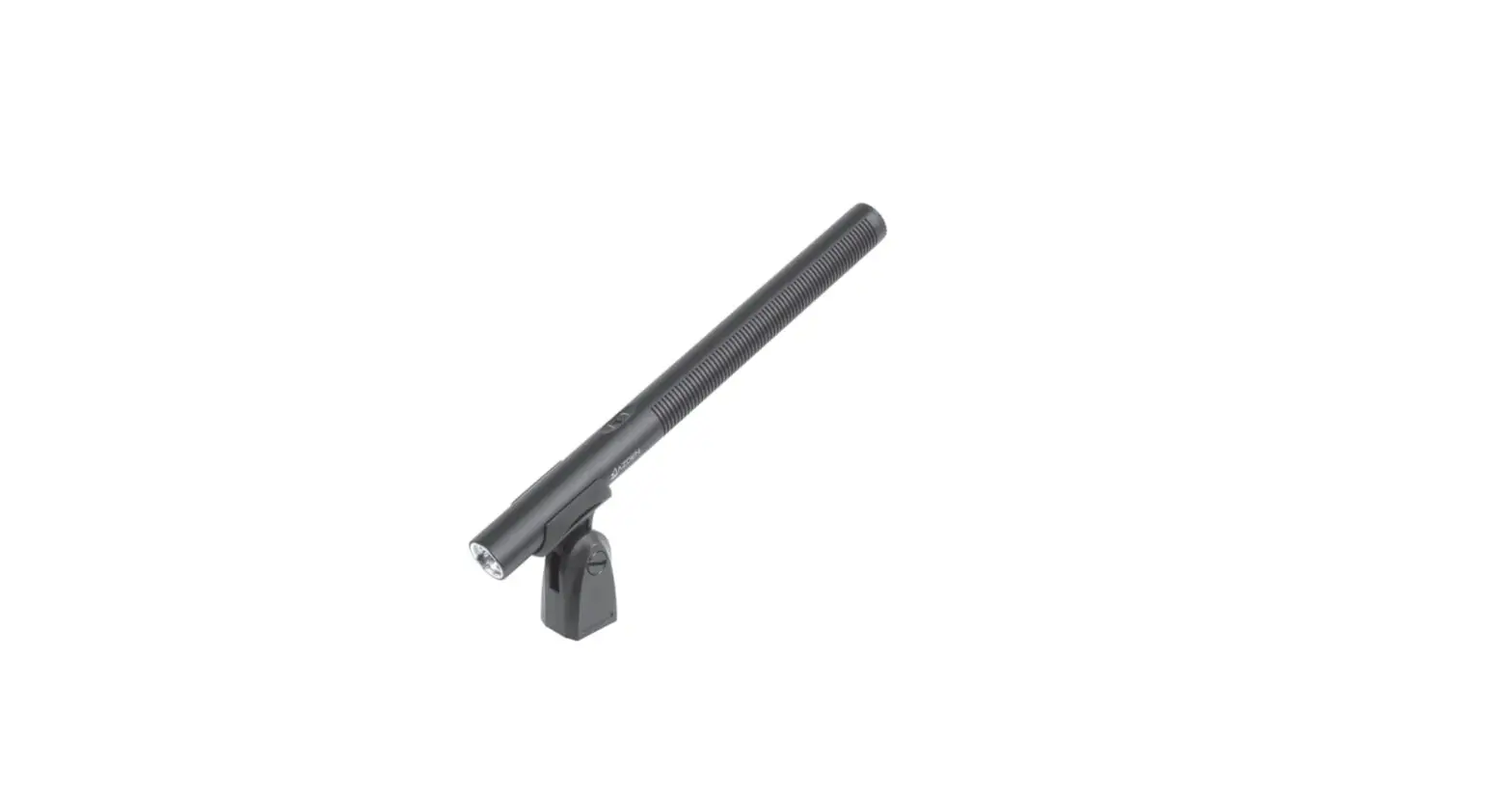
The COMICA VM10 PRO is a mini cardioid digital shotgun
microphone designed for capturing accurate sound with its cardioid
pattern. It offers both digital and analog output modes, making it
compatible with cameras and smartphones. The microphone features a
stepless gain control with a preamp in digital mode, allowing you
to control the input level. In digital mode, you can also monitor
the audio in real-time. The microphone does not require external
power and is plug-and-play. It comes with a professional shock
mount for effective shock absorption and is made of full metal
material for super shielding.
Important Notice:
- When using devices with USB-A and Lightning interface in
digital mode, you need to purchase relevant audio output cables or
adapters. - Some smartphones with USB-C interface, such as ViVO and OPPO,
are incompatible in digital mode. - In digital mode, the 3.5mm TRS audio output port is identified
as the monitoring port. The gain control knob and digital mode
indicator light are only available in digital mode.
Product Usage Instructions:
Item Check List:
- Microphone
- Shock Mount
- 3.5mm TRS – TRS Audio Cable
- 3.5mm TRS – TRRS Audio Cable
- USB C-USB C Audio Cable
- Wind Muff
- Carry Case
- User Manual
- Warranty Card
Components and Instruction:
- Gain Control Knob
- Digital/Analog Modes Switch Button
- Digital Mode Indicator Light
- USB-C Audio Output Port (In Digital Mode)
- 3.5mm TRS/TRRS Monitoring Port (In Digital Mode)
- 3.5mm TRS Audio Output Port (In Analog Mode)
Installation – Digital Mode:
- Set the digital/analog switch button to the digital icon.
- Connect the microphone to your phone or computer using the USB
C-USB C audio cable and related audio cables/adapters. - The digital working status indicator should be on after
successful connection. If it’s not on, it may be due to
compatibility or system problems. - Choose whether to monitor the audio according to your
needs.
Analog Mode:
- Set the digital/analog switch button to the analog icon.
- If using with a camera, connect the microphone via a 3.5mm
TRS-TRS audio cable. - If using with a phone or computer, connect the microphone via a
3.5mm TRS-TRRS audio cable.
Specification:
- Polar Pattern: Cardioid
- Sensitivity: [Insert sensitivity value]
- Frequency Response: [Insert frequency response range]
- Maximum SPL: [Insert maximum SPL value]
- S/N Equivalent Noise: [Insert S/N equivalent noise value]
- Dynamic Range: [Insert dynamic range value]
- Sampling Rate: [Insert sampling rate]
- Bit Depth: [Insert bit depth]
- Output Port: [Insert output port]
- Monitoring Port: [Insert monitoring port]
- Dimension: [Insert dimensions]
- Net Weight: [Insert net weight]
- Working Temperature: [Insert working temperature range]
- Storage Temperature: [Insert storage temperature range]
Mini Cardioid Digital Shotgun Microphone
User Manual
Foreword
Thanks for purchasing COMICA VM10 PRO
Main Features
.Cardioid Pattern, Accurate Sound Pickup .Digital / Analog Output Mode Switch, Universal for Camera and Smartphone .Stepless Gain Control with Preamp in Digital Mode .Support Real-time Monitor in Digital Mode .No Power Driven, Plug and Play .Professional Shock-mount, Effective Shock Absorption .Full Metal Material, Super Shielding
Notice
When working with devices with USB-A and Lightning interface in digital mode, it is necessary to
purchase relevant audio output cable or audio adapter cable by yourself
Some smartphones with USB-C interface are incompatible in digital mode, such as ViVO and
OPPO
When working in digital mode, the 3.5mm TRS audio output port is intelligently identified as the
monitoring port
the gain control knob and digital mode indicator light are available only in digital
mode
1
1. Microphone 2. Shock Mount 3. 3.5mm TRS – TRS Audio Cable 4. 3.5mm TRS – TRRS Audio Cable 5. USB C-USB C Audio Cable 6. Wind Muff 7. Carry Case 8. User Manual 9. Warranty Card
Item Check List
2
Mini Cardioid Digital&Analog Dual-mode Shotgun Mic User manual
Components and Instruction
Gain Control Knob Digital/Analog Modes Switch Button Digital Mode Indicator Light USB-C Audio Output Port
In Digital Mode 3.5mm TRS/TRRS Monitoring Port In Analog Mode 3.5mm TRS Audio Output Port
3
Installation Digital Mode
1. Set the digital/analog switch button to the digital icon;
2. Connect the mic and the phone/computer via the USB C-USB C audio cable and related audio cables/adapters. The digital working status indicator is on after successful connection(If the indicator is not on, it may be caused by compatibility/system problems); choose whether to monitor according to your needs.
4
Analog Mode 1. Set the digital/analog switch button to the analog icon; 2. When used with camera, it can be connected via 3.5mm TRS-TRS audio cable; when used with
phone or computer, it can be connected via 3.5mm TRS-TRRS audio cable.
5
Specification
Polar Pattern
Sensitivity
Frequency Response Maximum SPL S/N Equivalent Noise Dynamic Range Sampling Rate Bit Depth Output Port Monitoring Port Dimension Net Weight Working Temperature Storage Temperature
Cardioid Pattern Analog Mode-35±2dB Digital Mode-15dB ~ -35dB ±2dB 60Hz ~ 20kHz 120dB 70dB 24dBA 96dB 48kHz 24-bit 3.5mm TRS / USB-C 3.5mm TRS/TRRS 22mm * L92mm 37g 0¥ ~ 50¥ -20¥ ~ 60¥
6