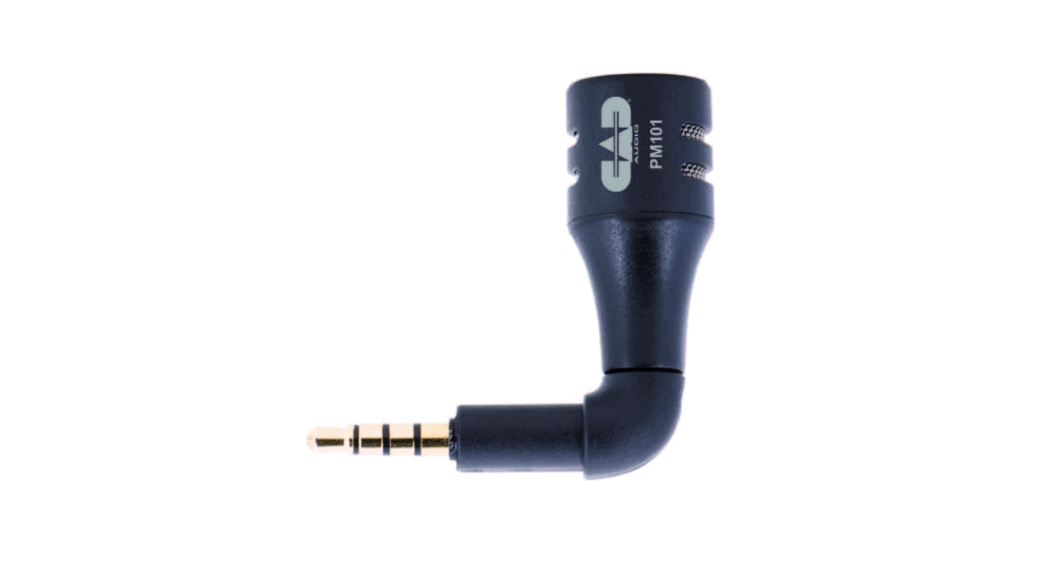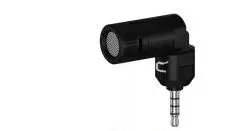
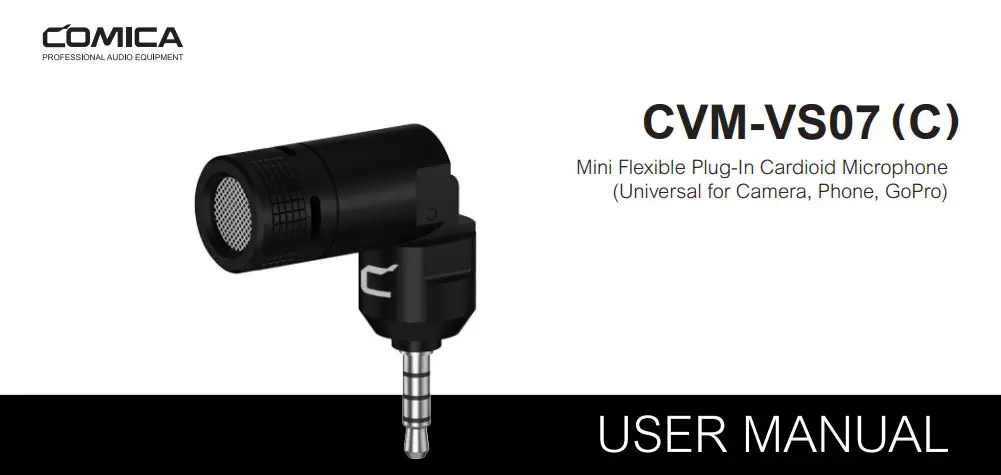
COMICA Mini Flexible Plug-In Cardioid Microphone
Foreword
Thanks for purchasing COMICA CVM-VS07(C) Mini Flexible Plug-in Cardioid Microphone. To ensure bring you a good using experience, please read this manual book carefully before using and correctly install and operate.
Notice For the smartphone with Android system, the Mic works well in Audio Mode, it may not be compatible with most of the smartphones in Default Video Mode; (Then we suggest you to try the 3rd party’s video APP) For the smartphone with iOS system(iPhone) , the Mic works well either in Audio or Video mode;When used with a smartphone, please set it to flight mode to avoid interference;Do not use this equipment near heat source or interference source, such as radiator, oven, refrigerator, air conditioner, or next to the WIFI AP;Please use the windscreen while the sound distance is too closed or outdoor to avoid sound broken or wind noise;Do not use the equipment in rain or in a damp environment to avoid short-circuit danger;Please keep the product in a dry environment;
Main Features
- Plug-In Cardioid Mic
- 90 Degree Adjustable Recording Direction Construction
- Metal Housing for Excellent Shielding
- Built-in Shock-mount and Gold Plated Capsule
- MiniLight and Flexibly Universal for Camera, Phone, GoPro
Packing List

Components Instruction
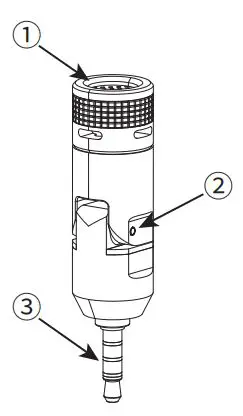
(1)Capsule
(2)Rotary Axis
(3)3.5mm TRRS Plug
Product Installation and Use
1.Windscreen Installation
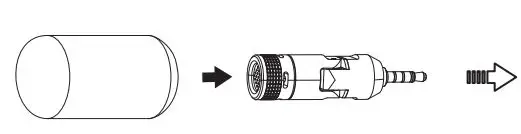 First Step: Put on the Windscreen
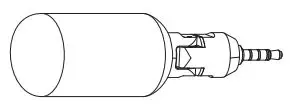 Second Step: Normal use 5
2.Work with GoPro
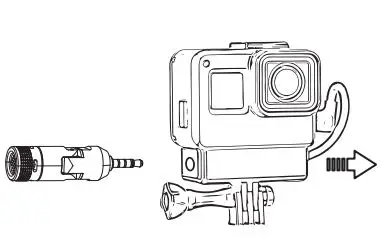 First Step: Insert microphone into 3.5mm socket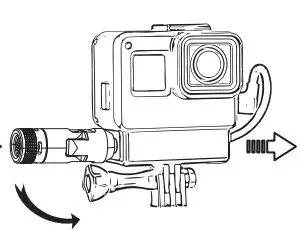
Second Step: Adjust to right direction
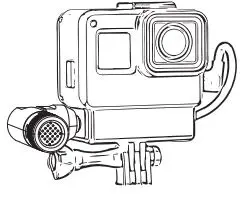 Third Step: Normal use
3.Work with Camera
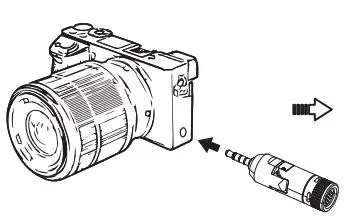 First Step: Insert microphone into 3.5mm socket
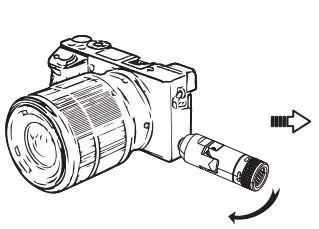 Second Step: Adjust to right direction
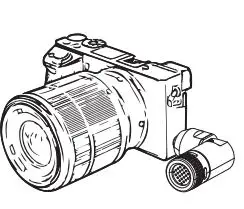 Third Step: Normal use
4.Work with Phone
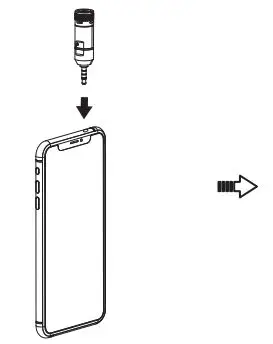 First Step: Insert microphone into 3.5mm socket 8
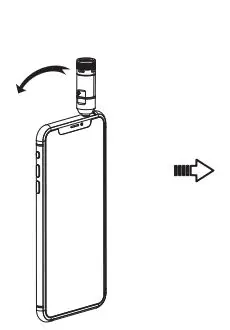 Second Step: Adjust to right direction
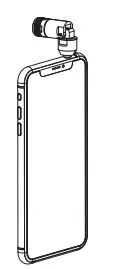 Third Step: Normal use
Specification
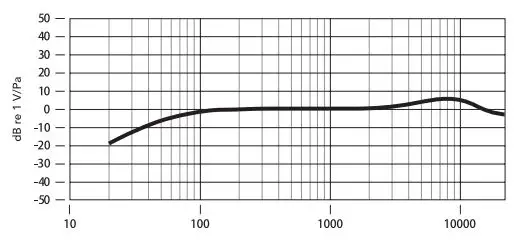
1.Frequency Response
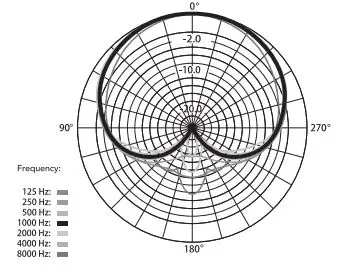
2.Polar Pattern
3.Technology Parameters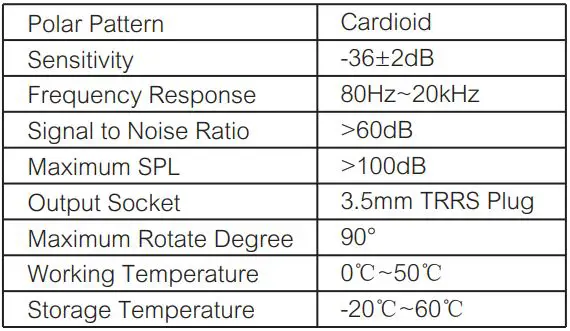

Email: s[email protected]
 audio.com - a better way to upload and share audio online