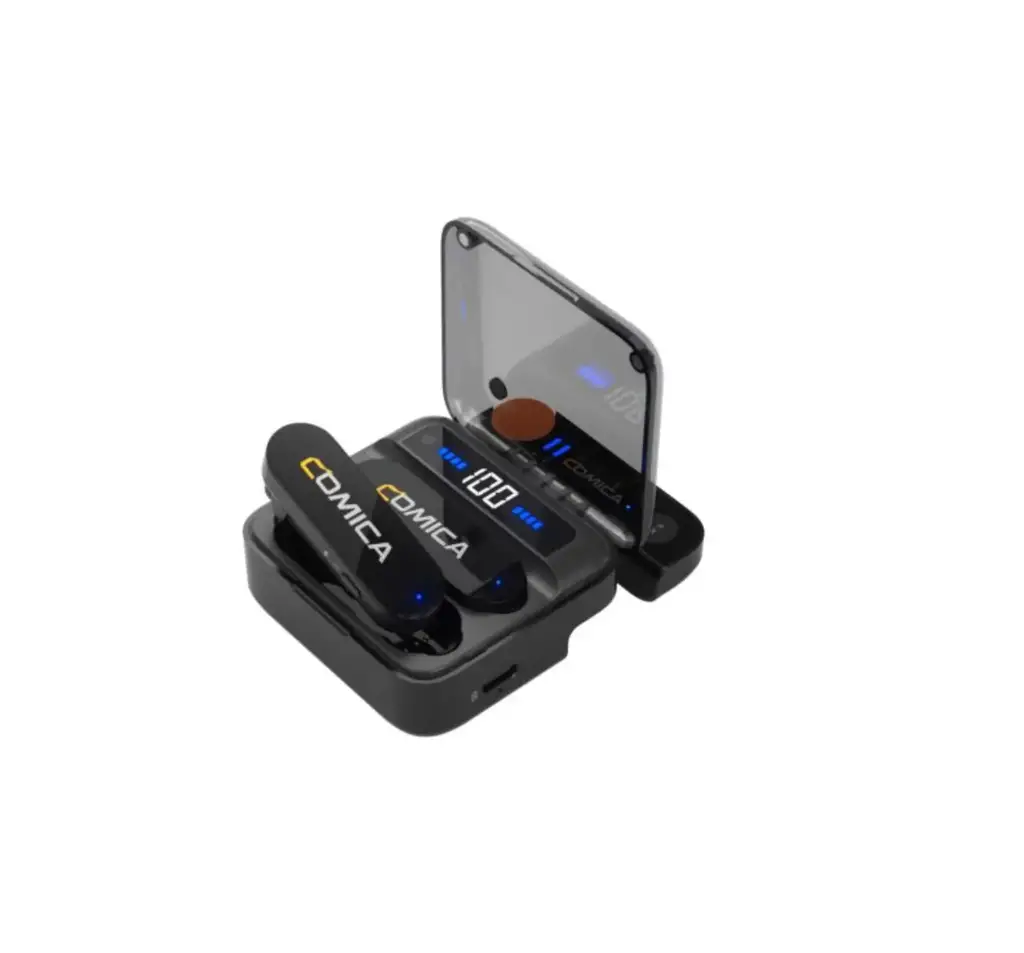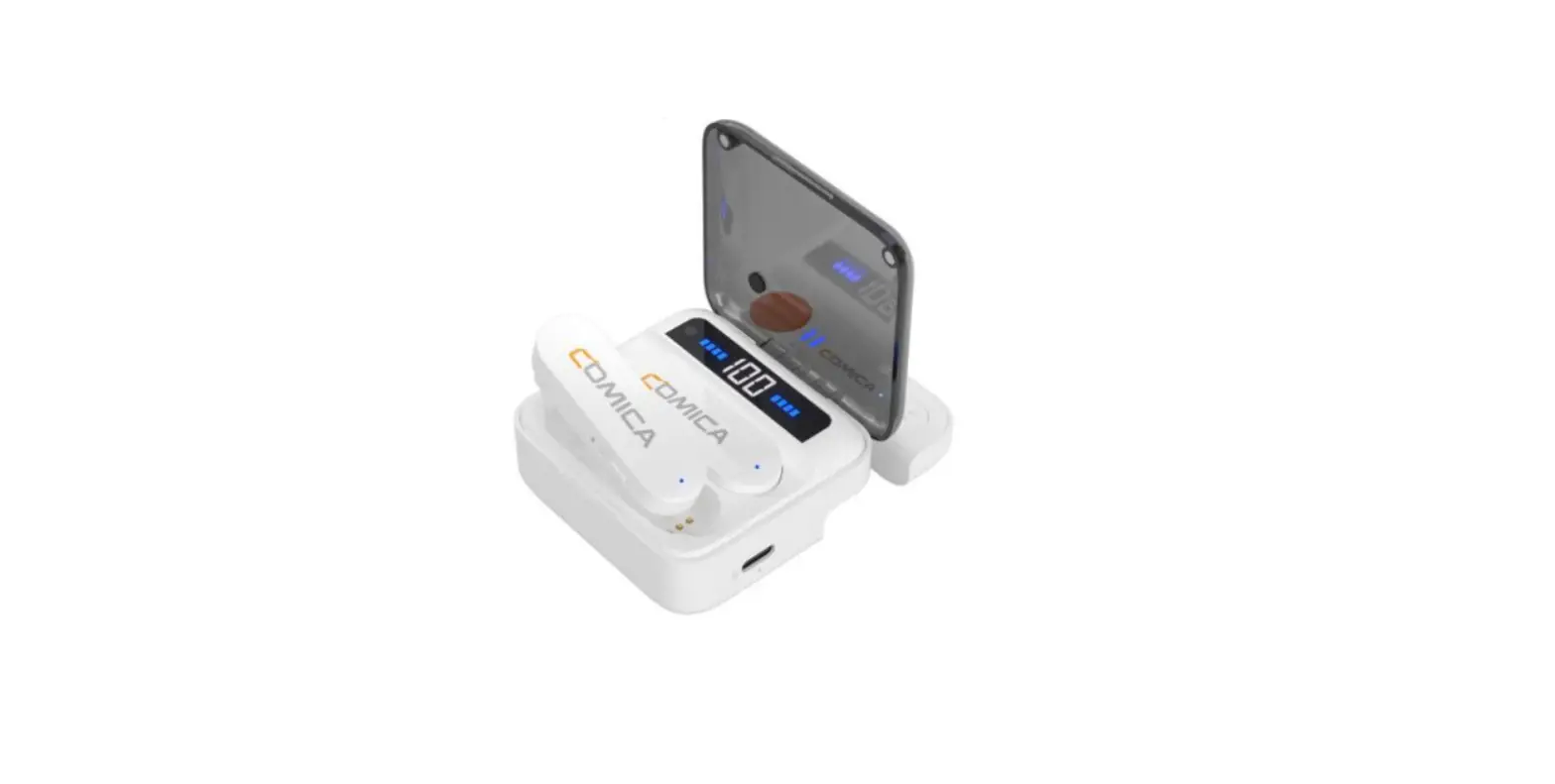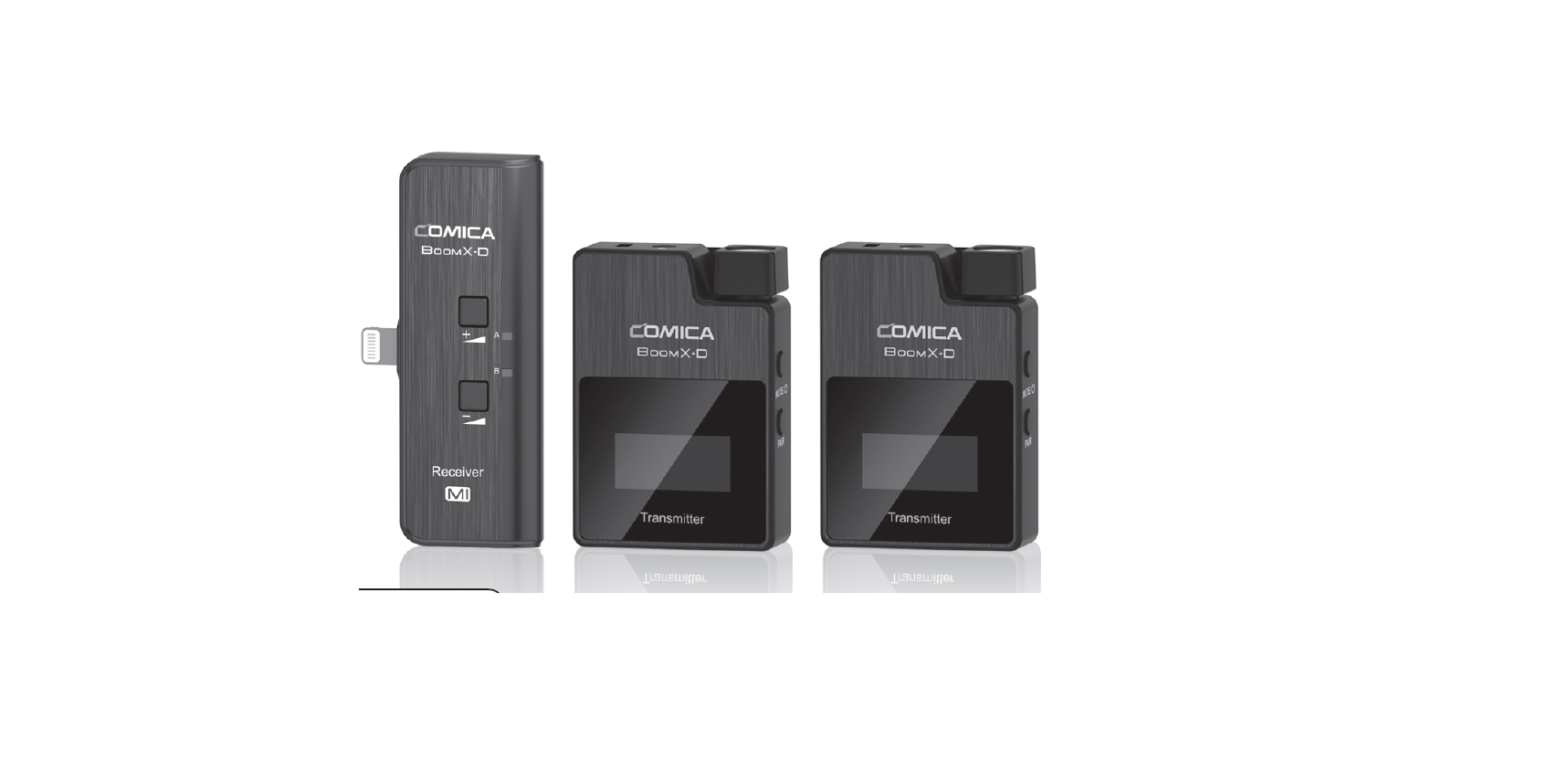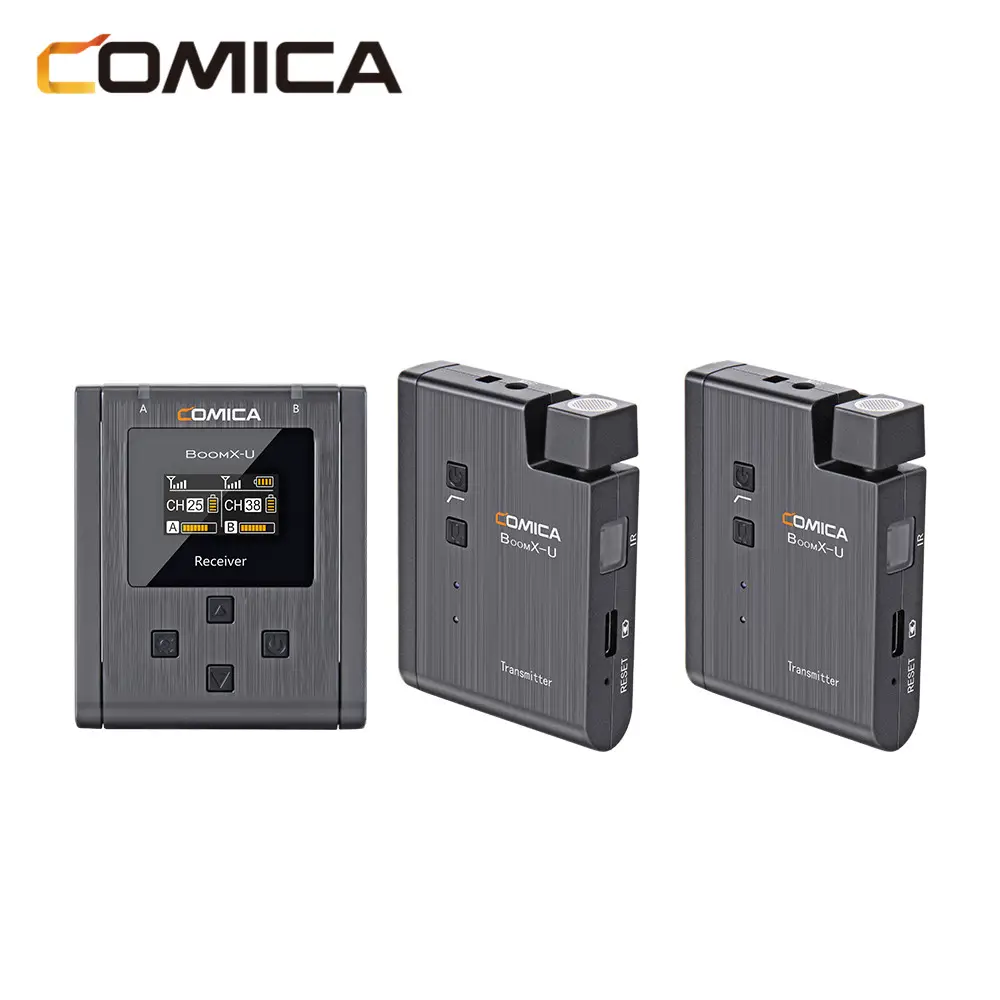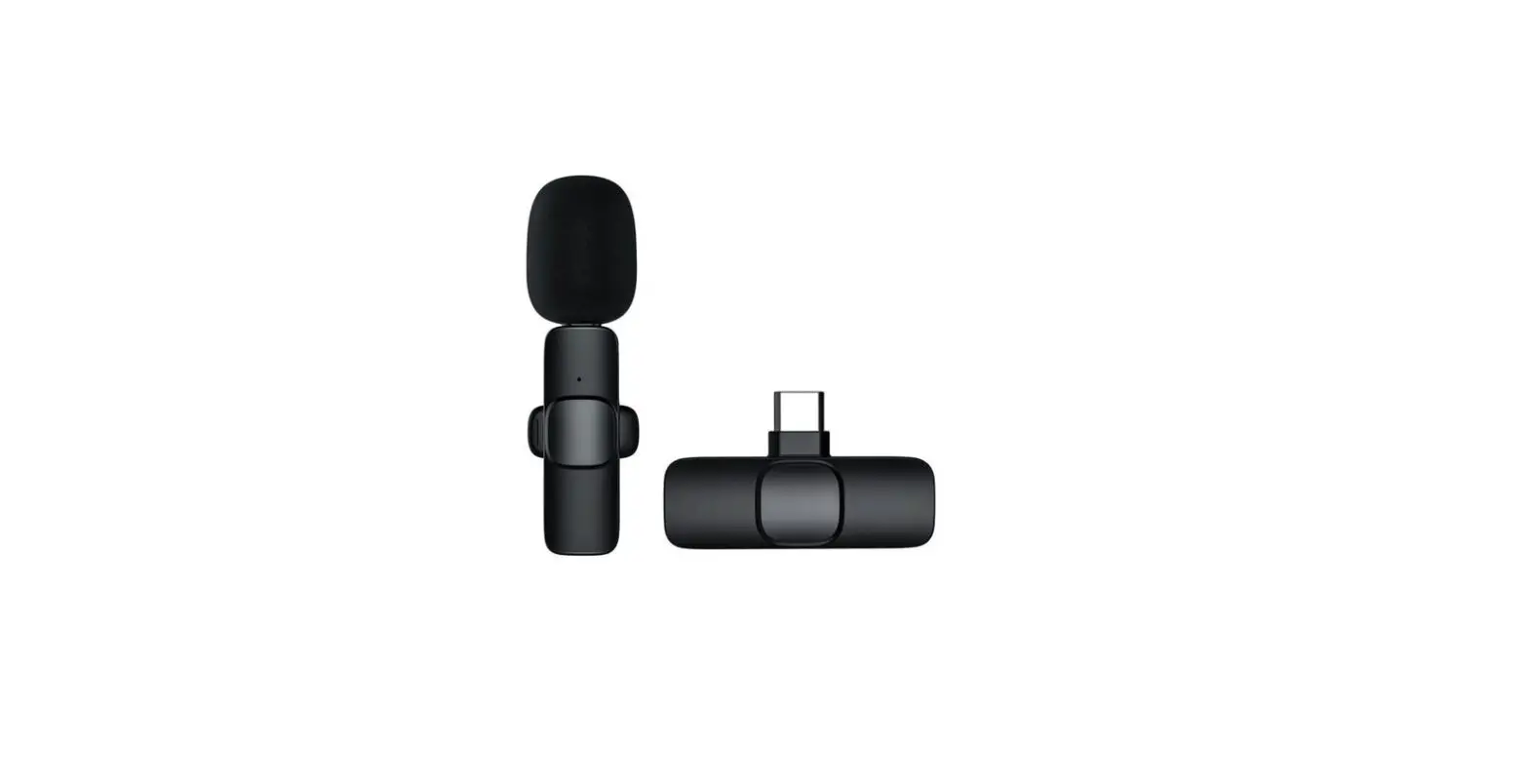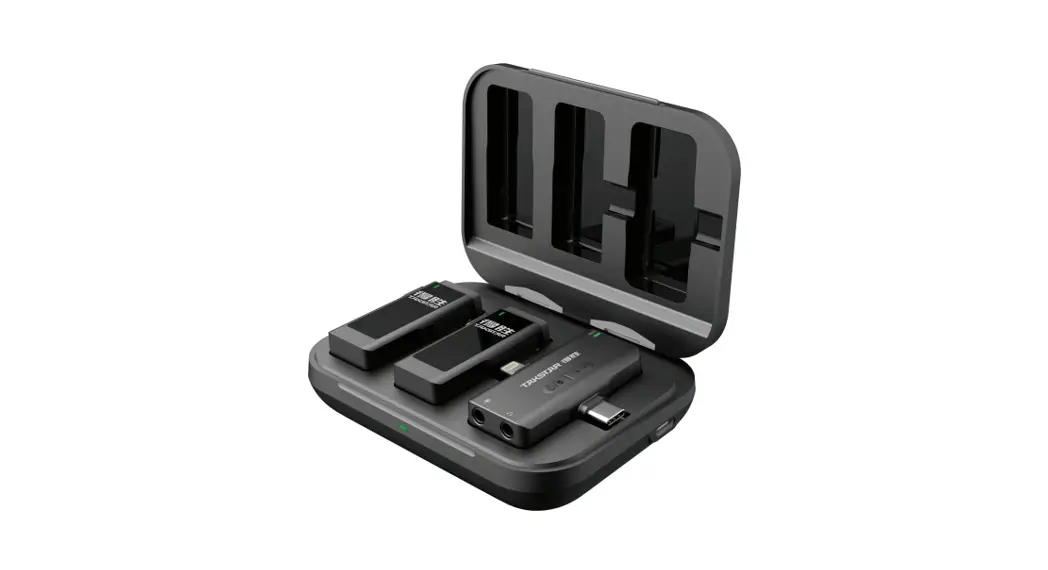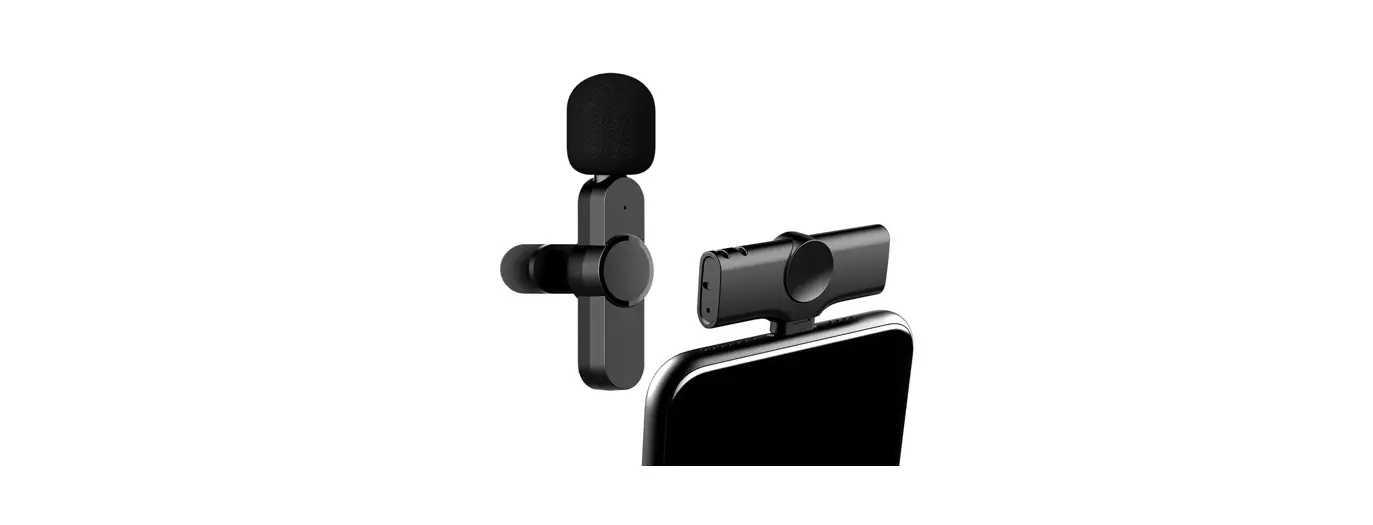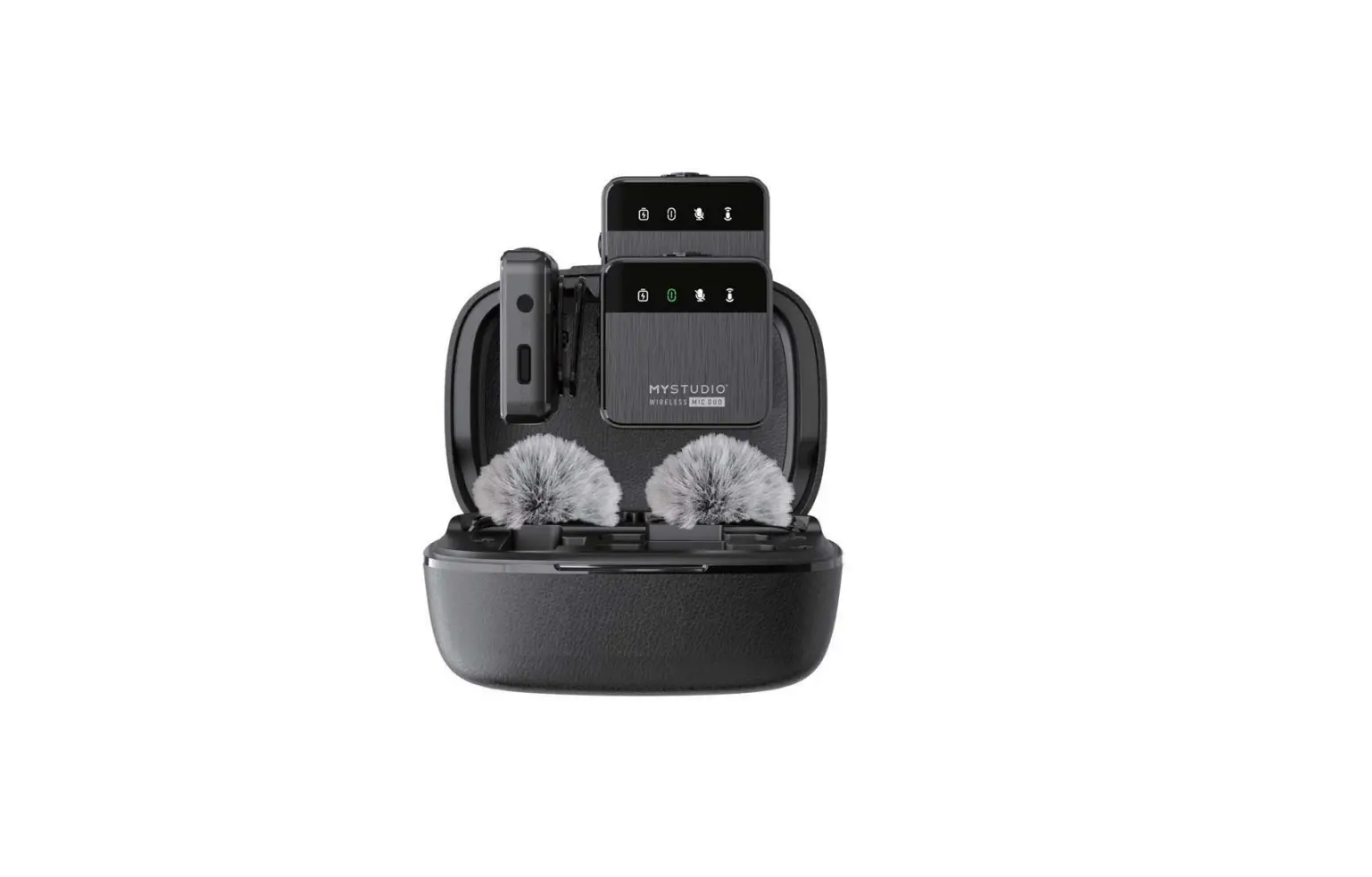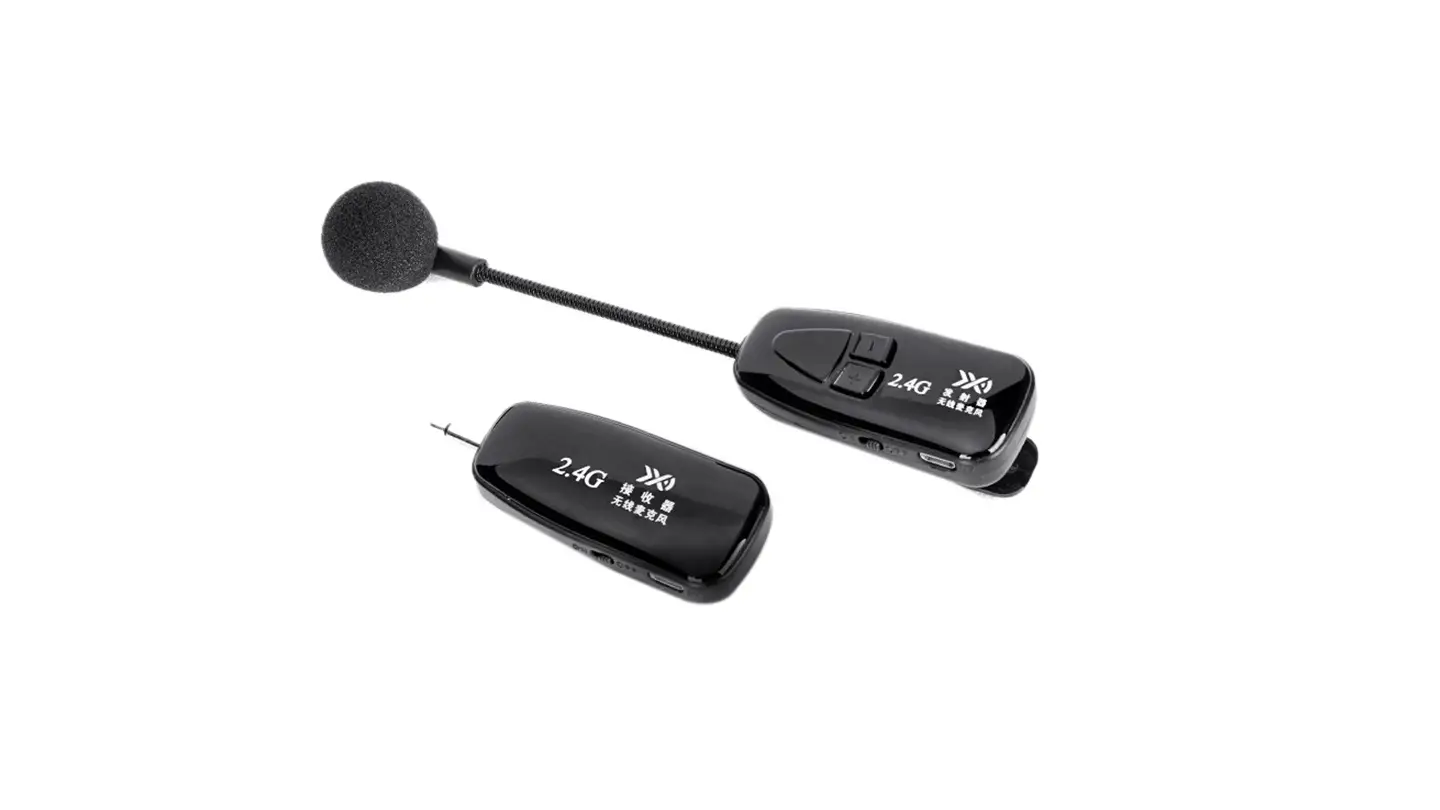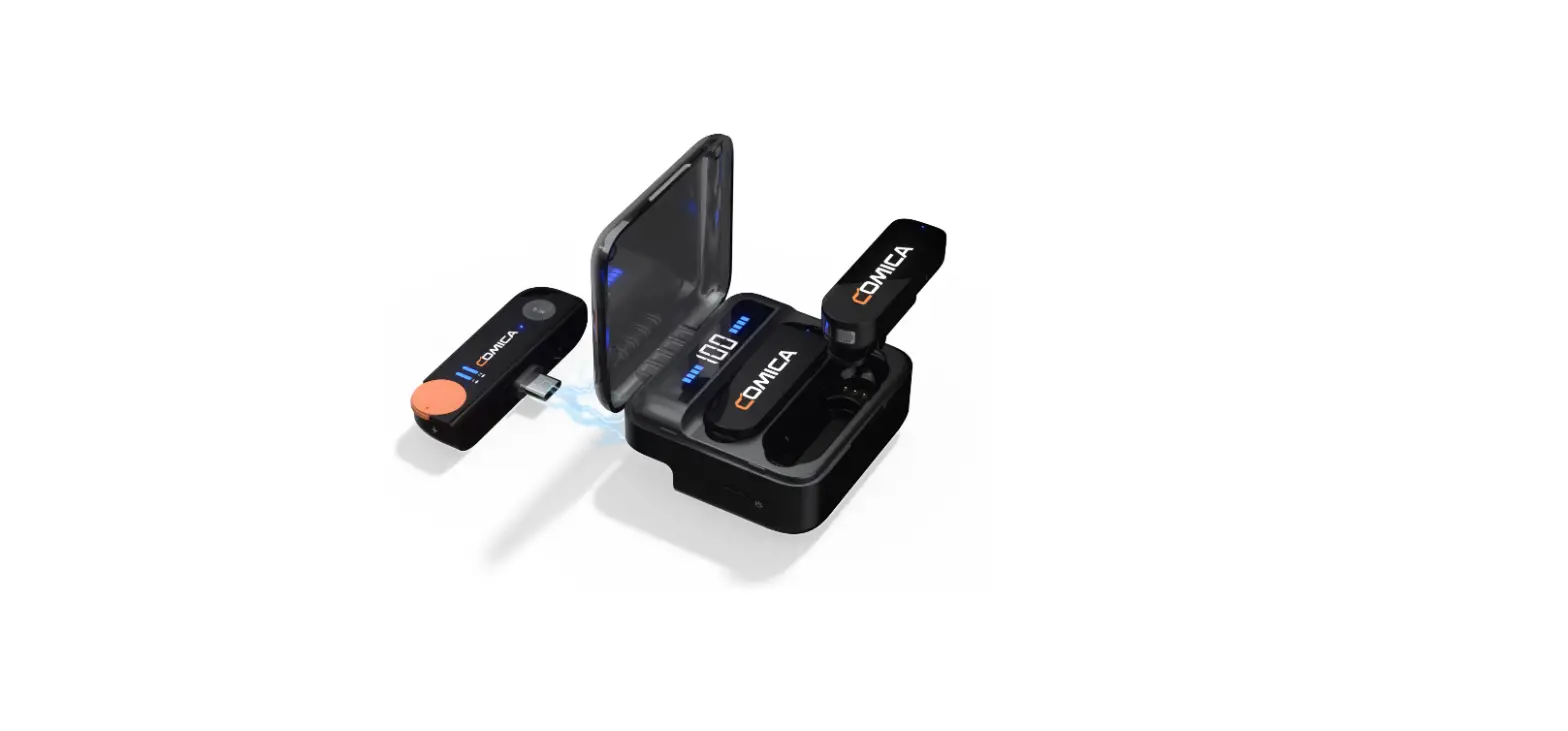

COMICA Vimo S-UC 2.4G Dual Channel Mini Wireless Microphone
Foreword
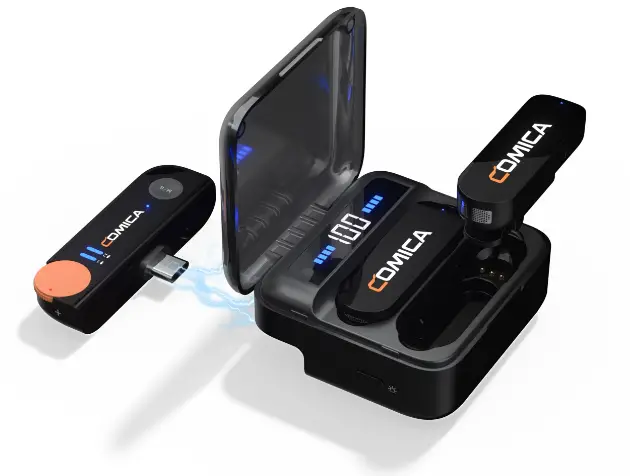
Thanks for purchasing Comica 2.4G Dual-channel Mini Wireless Microphone Vimo S-UC.
Features
- Mini and Lightweight, Unique Magnetic Integrated Microphone
- 48kHz/24bit Record, Broadcasting-level Sound Quality
- USB Digital Output, Universal for Computers and Phones
- Stepless Volume Adjustment, One-key Muting and Denoise
- USB-C Charging/Monitoring Port, Support Pass-through Phone Charging
- Support Monitoring with Zero-latency and Mono/Stereo Switch
- Rechargeable Storage Case for Charging, Storing and Power Monitoring
- Duration Up to 15 Hours, Support Using While Charging
- Low Latency < 20ms, Working Range Up to 200m(Open Area)
Notice
- Due to 2.4G wireless characteristics, please keep face to face when use it, and don’t turn your back to the receiver, otherwise it is easy to generate breakpoints, which is a normal phenomenon.
- Please pay attention that it can not realize STEREO function when in single-channel mode.
- Please do not expose the product to rain or moisture, and avoid having water or other liquids spilled on it.
- Please do not use or store the product near any heat sources such as radiators, stoves, or other heat-producing appliances.
- This product is a high-precision product, please prevent it form dropping or colliding.
Packing List
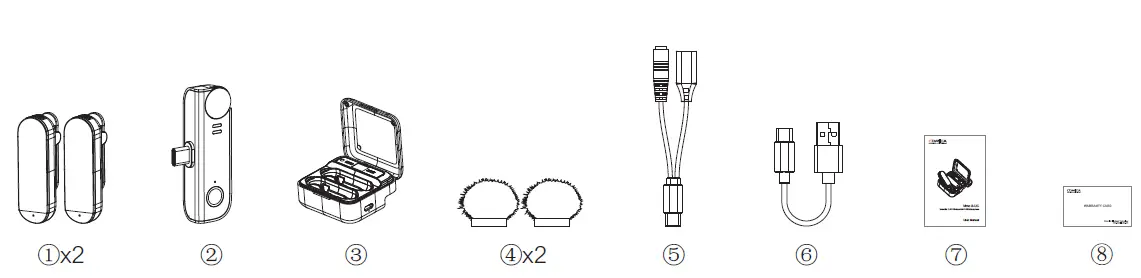
- Transmitter(TX)
- Receiver(RX)
- Charging Case
- Wind Muff
- 2 in 1 Charging/Monitoring Adapter Cable
- USB C-USB A Charging Cable
- User Manual
- Warranty Card
Components and Instruction
Transmitter (TX)
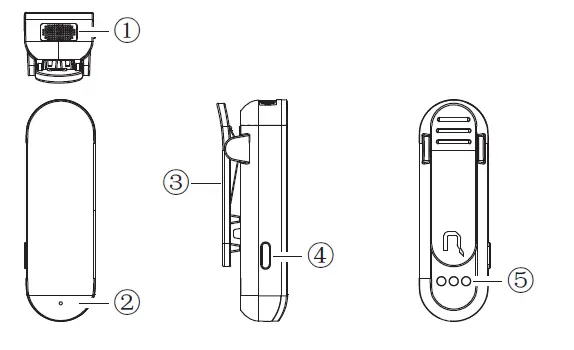
- Internal Mic
- Working Status Indicator:
- Blink blue slowly when unpaired; Blink rapidly when pairing;
- Show blue when paired; Show green when denoise is on; Show red when muting.
- Belt Clip
- Mute/Denoise/Pairing Switch Button:
- Short press for muting; Long press for pairing when unpaired; Long press for denoise when paired.
- Charging Contacts
Receiver (RX)
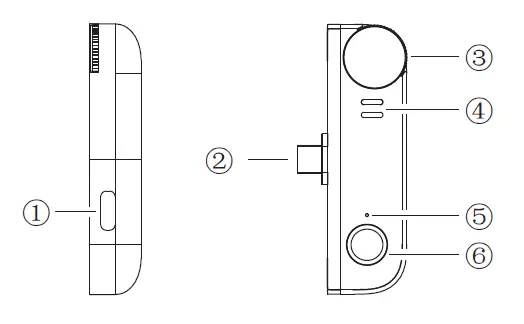
- Charging/Monitoring Port
- USB-C Plug
- Transmitter Volume Control Knob:
- Adjust the volume of transmitter 1/2 synchronously. Turn counterclockwise to increase the volume, and turn clockwise to reduce the volume.
- Transmitter 1/2 Pairing Indicator:
- Blink blue when unpaired; Show blue when paired.
- Mode Indicator:
- Show blue when in mono mode; Indicator is off when in stereo mode.
- Mono/Stereo Switch Button:
- Short press to switch Mono/Stereo mode.
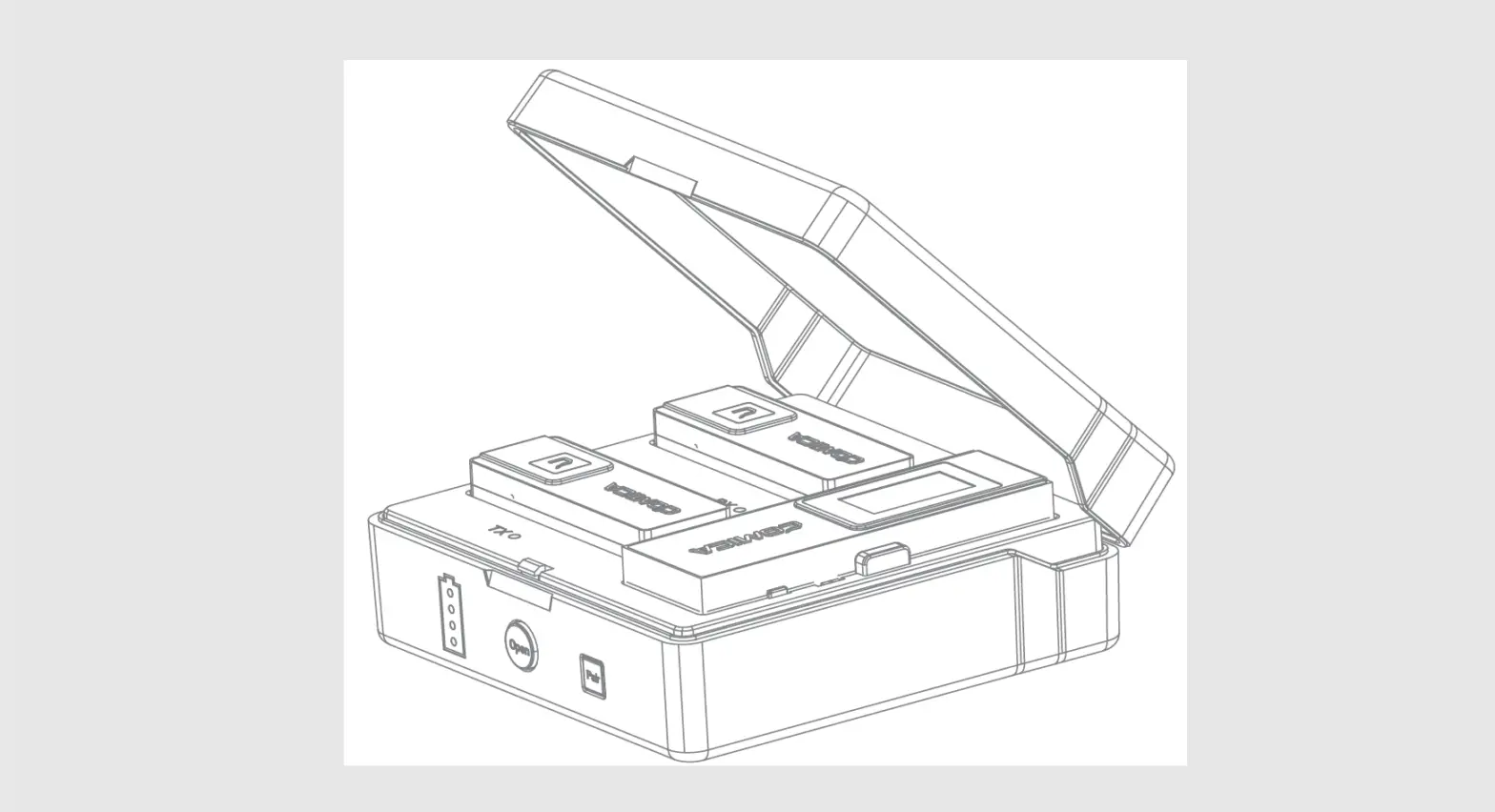
Charging Case
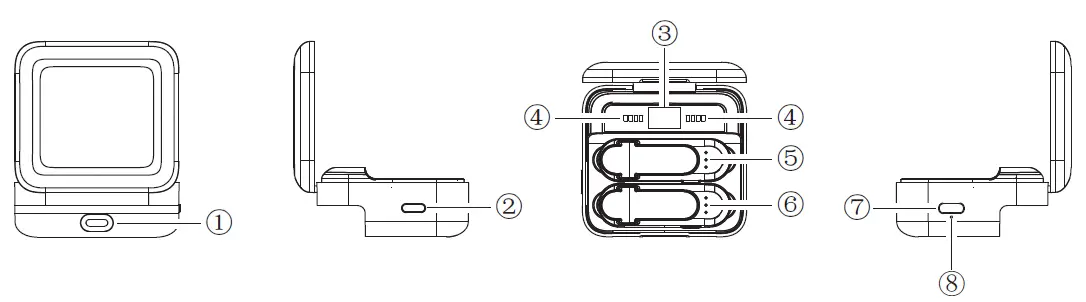
- USB-C Port
- Battery Level Indicator Button:
- Short press to show the battery level of charging case and transmitters.
- Charging Case Battery Level: 0-100
- Battery Level Indicator of Transmitters:
- The left indicators show the battery level of the transmitter placed in the charger well 1;
- The right indicators show the battery level of the transmitter placed in the charger well 2.
- There are four power indicator lights, one of which represents 25% of the power.
- Charger Well 1
- Charger Well 2
- USB-C Charging Port
- Restoration Hole
Installation and Usage
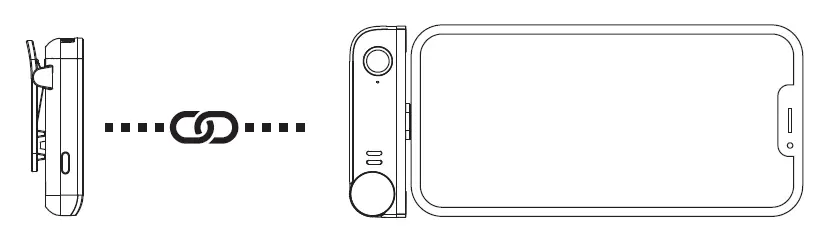
Pairing (All have been paired at the factory. If you need to re-pair, please follow the steps below.) Long press the pairing button on the TX to pair. The indicator lights on the TX and the RX will show blue when the pairing is successful.
Usage
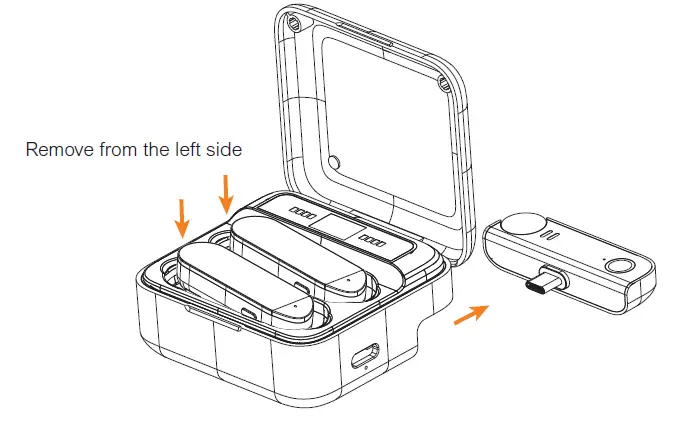
- Remove the transmitters and the receiver from the charging case

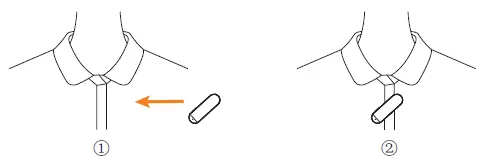
- Install the transmitter on the collar

- Install the transmitter on the collar so that the internal mic points to the sound source
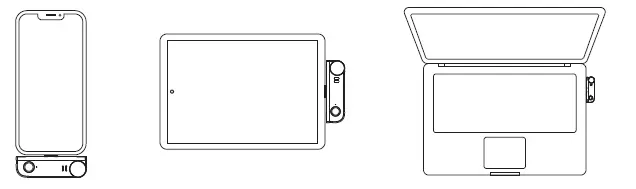
- Attach the receiver to the USB-C devices (phones and computers)

- Monitoring/Charging
Method One
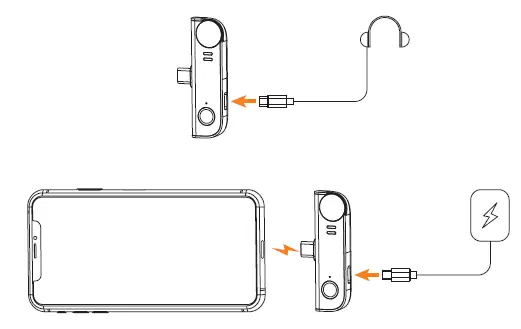
- Connect USB-C headphones to monitor or connect the power bank/DC power using the USB C-USB A charging cable to charge the mobile phone.
Method Two
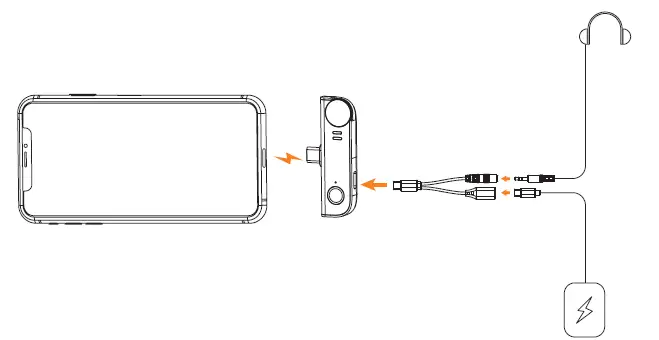
Connect 3.5mm headphones through the 2 in1 charging/monitoring adapter cable for monitoring and connect the power bank/DC power to charge the mobile phone at the same time.
Specification
| Wireless Type | 2.4GHz |
| Antenna | Built-in Antenna |
| Transmitting Power | 10dBm |
| Sensitivity | -32dB ±2dB |
| Polar Pattern | Omnidirectional |
| Frequency Response | 80Hz~20kHz |
| S/N | 70dB |
| Equivalent Noise | 24dBA |
| Maximum SPL | 110dB |
| Dynamic Range | 86dB |
| Sound Delay | <20ms |
| Battery | TX: Built-in Li-ion Battery 95mAh 3.8V Charging Case: Built-in Li-ion Battery 800mAh 3.8V |
| Charging Time | TX: 2 Hours Charging Case: 2 Hours |
| Standby Time | TX: 5 Hours Charging Case: 2 times for two transmitters and one receiver charged simultaneously |
| Net Weight | TX: 10g RX: 12g Charging Case: 53g |
| Dimension | TX: 16x16x50mm RX: 12×26.5x33mm Charging Case: 29×58.5x63mm |
| Operating Temperature | 0℃ ~ 50℃ |
| Storage Temperature | -20℃ ~ 60℃ |
- Website: Comica-audio.com
- Facebook: Comica Audio Tech Global
- Instagram: Comica Audio
- YouTube: Comica Audio
The COMICA LOG0 is a trademark which is registered and owned by Commlite Technology Co.,Ltd
Email: [email protected]
FCC Statement
This device complies with part 15 of the FCC rules. Operation is subject to the following two conditions:
- this device may not cause harmful interference.
- this device must accept any interference received, including interference that may cause undesired operation.
Changes or modifications not expressly approved by the party responsible for compliance could void the user’s authority to operate the equipment.
NOTE: This equipment has been tested and found to comply with the limits for a Class B digital device, pursuant to part 15 of the FCC Rules. These limits are designed to provide reasonable protection against harmful interference in a residential installation. This equipment generates uses and can radiate radio frequency energy and, if not installed and used in accordance with the instructions, may cause harmful interference to radio communications. However, there is no guarantee that interference will not occur in a particular installation. If this equipment does cause harmful interference to radio or television reception, which can be determined by turning the equipment off and on, the user is encouraged to try to correct the interference by one or more of the following measures:
- Reorient or relocate the receiving antenna.
- Increase the separation between the equipment and receiver.
- Connect the equipment into an outlet on a circuit different from that to which the receiver is connected.
- Consult the dealer or an experienced radio/TV technician for help.
The device has been evaluated to meet general RF exposure requirement. The device can be used in portable exposure condition without restriction.
ISED Statement
This device complies with Industry Canada license‐exempt RSS standard(s).
Operation is subject to the following two conditions
- This device may not cause interference.
- This device must accept any interference, including interference that may cause undesired operation of the device.
The digital apparatus complies with Canadian CAN ICES‐3 (B)/NMB‐3(B).
 audio.com - a better way to upload and share audio online