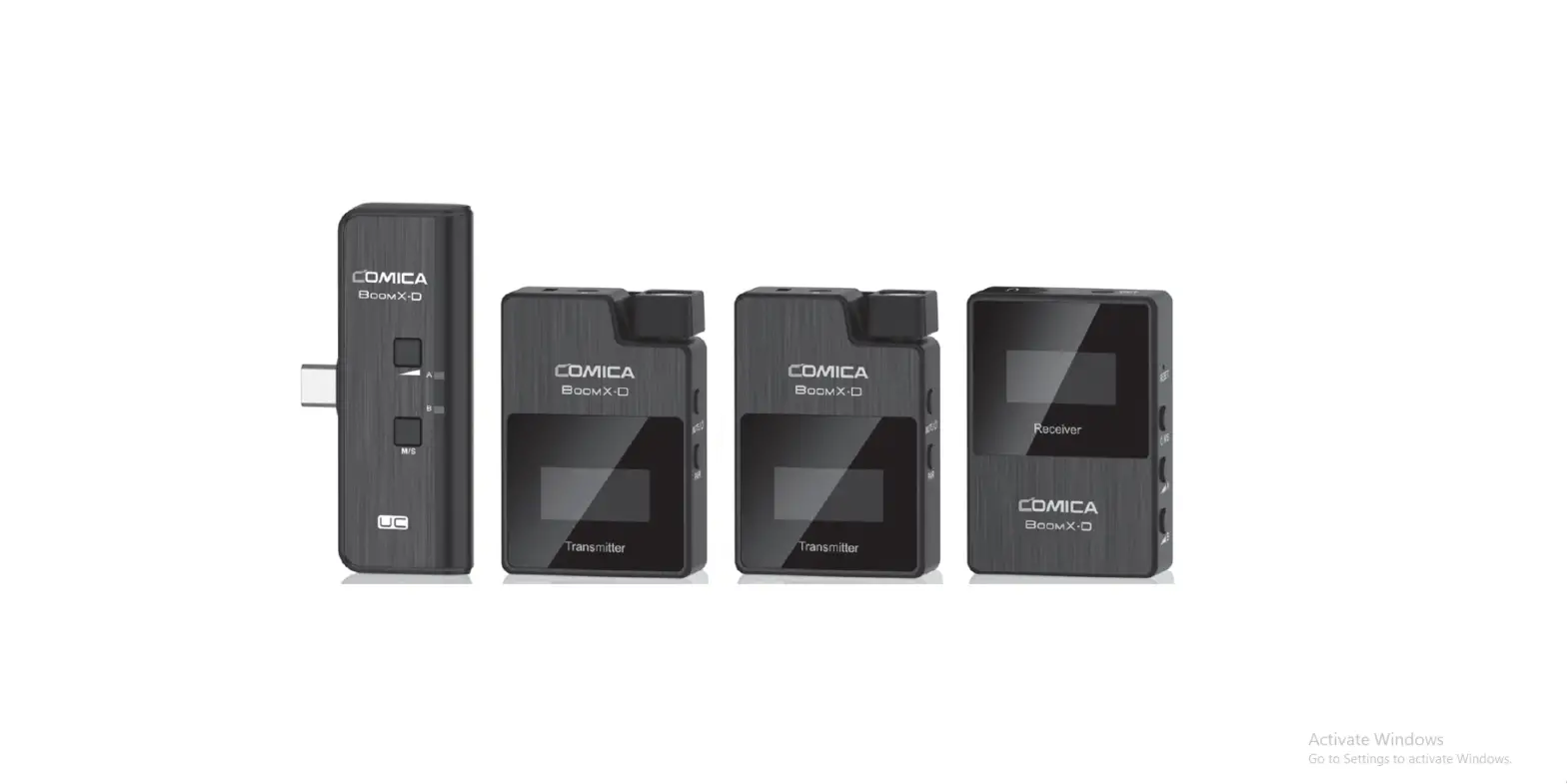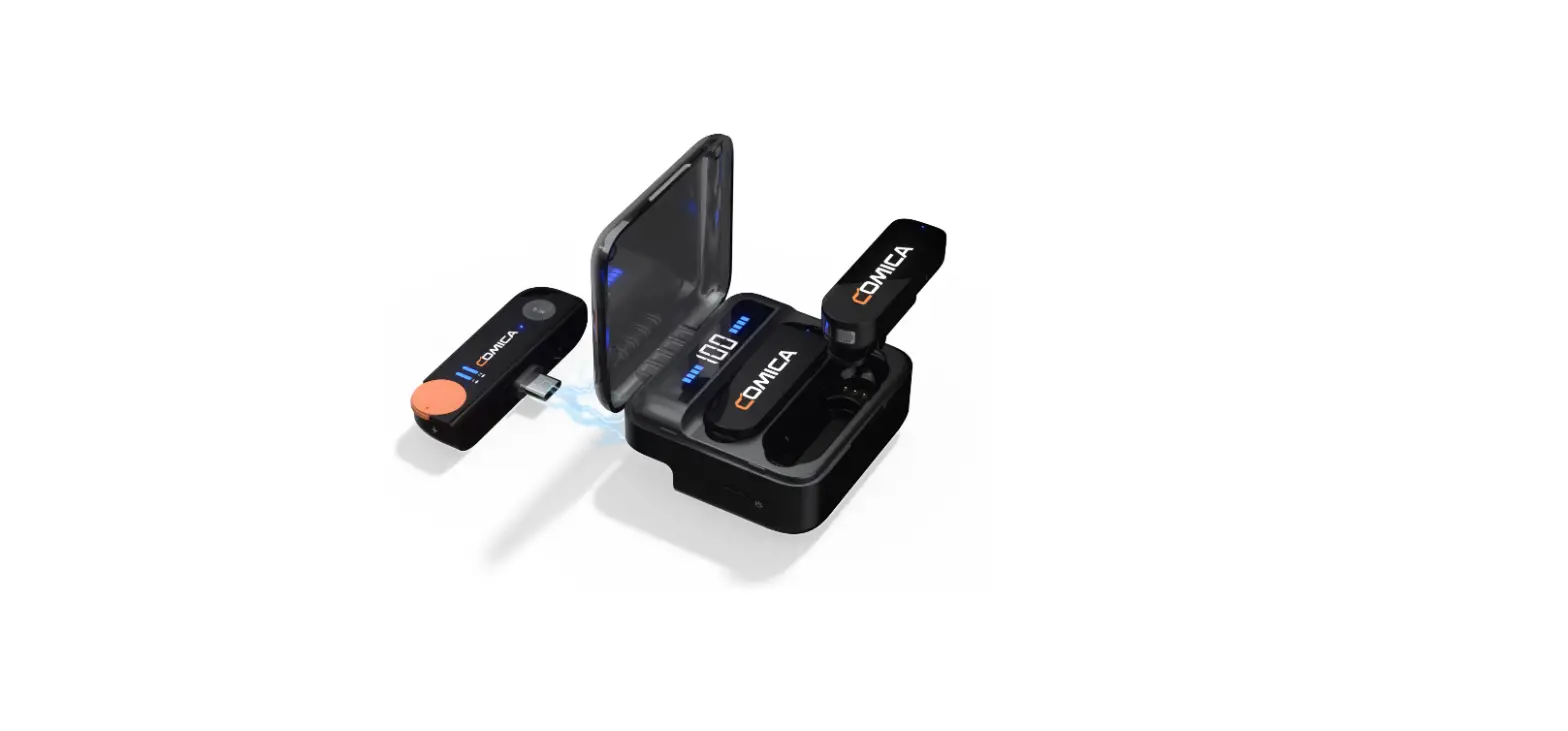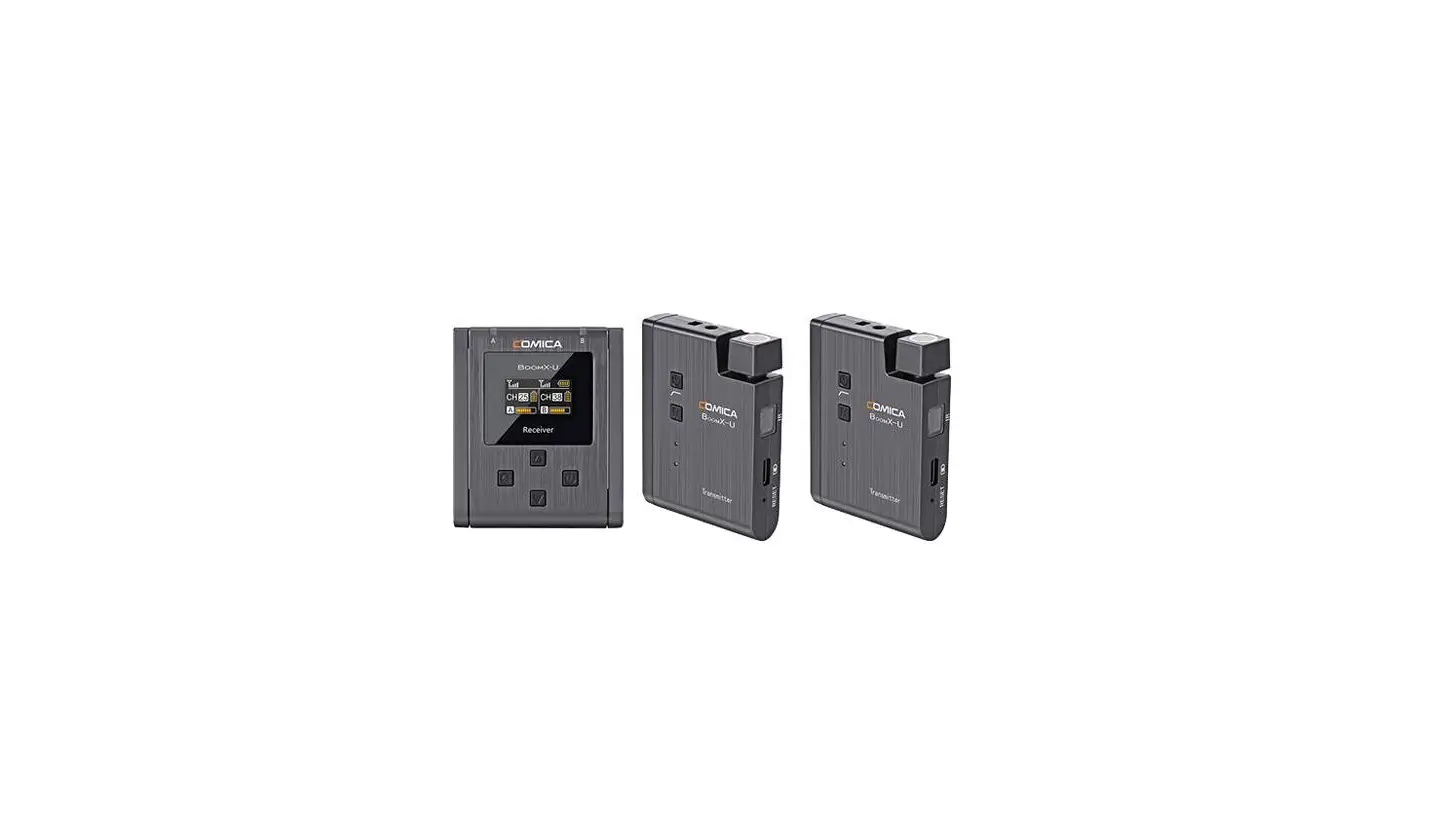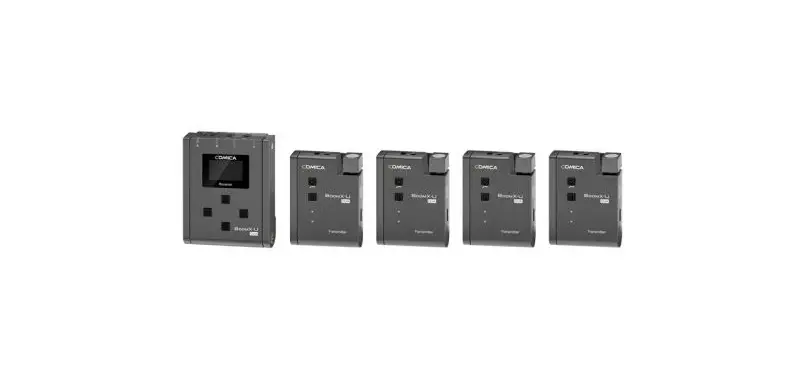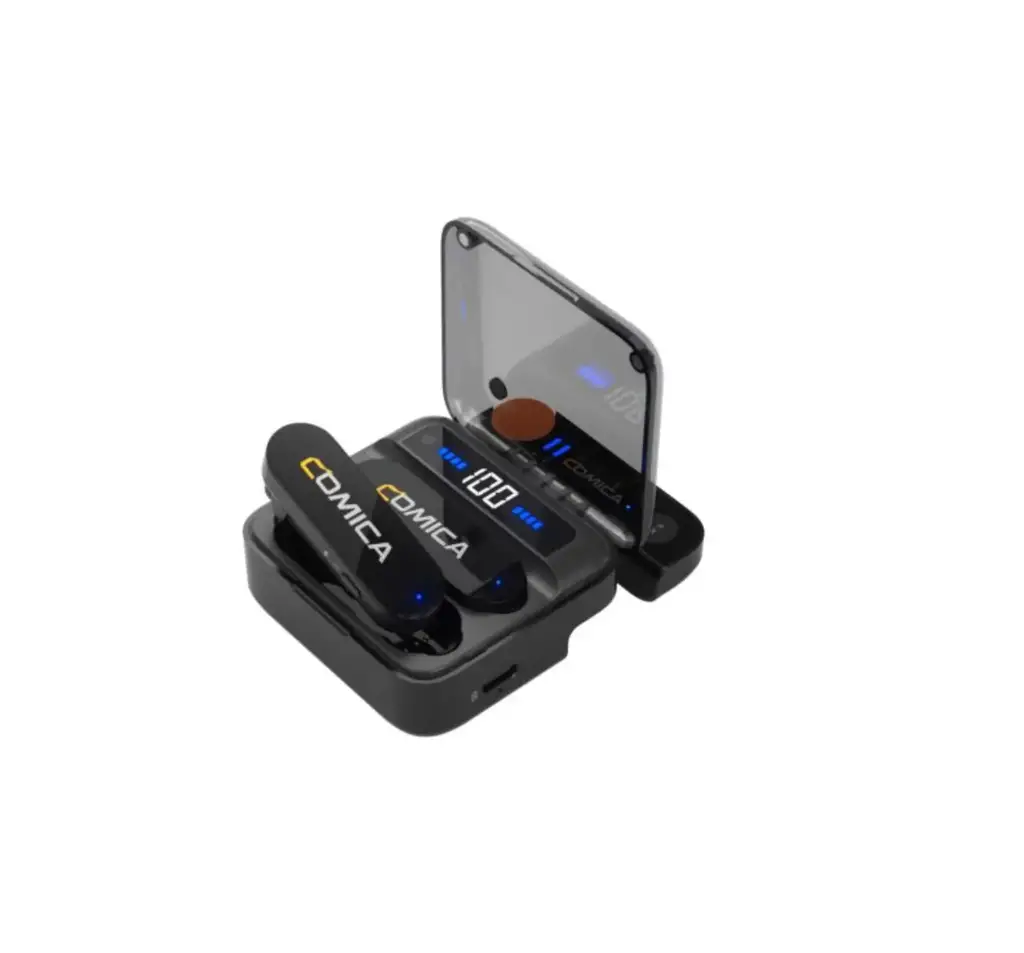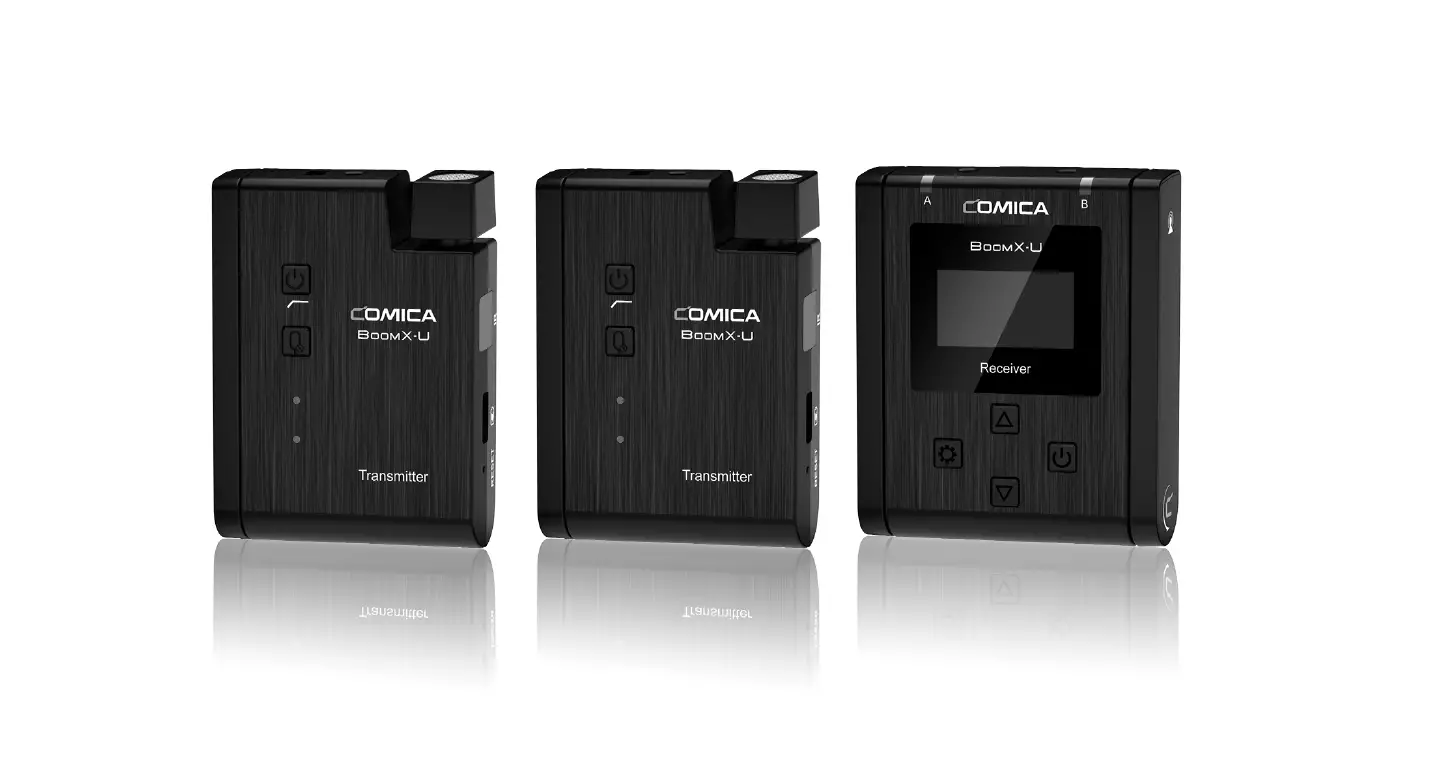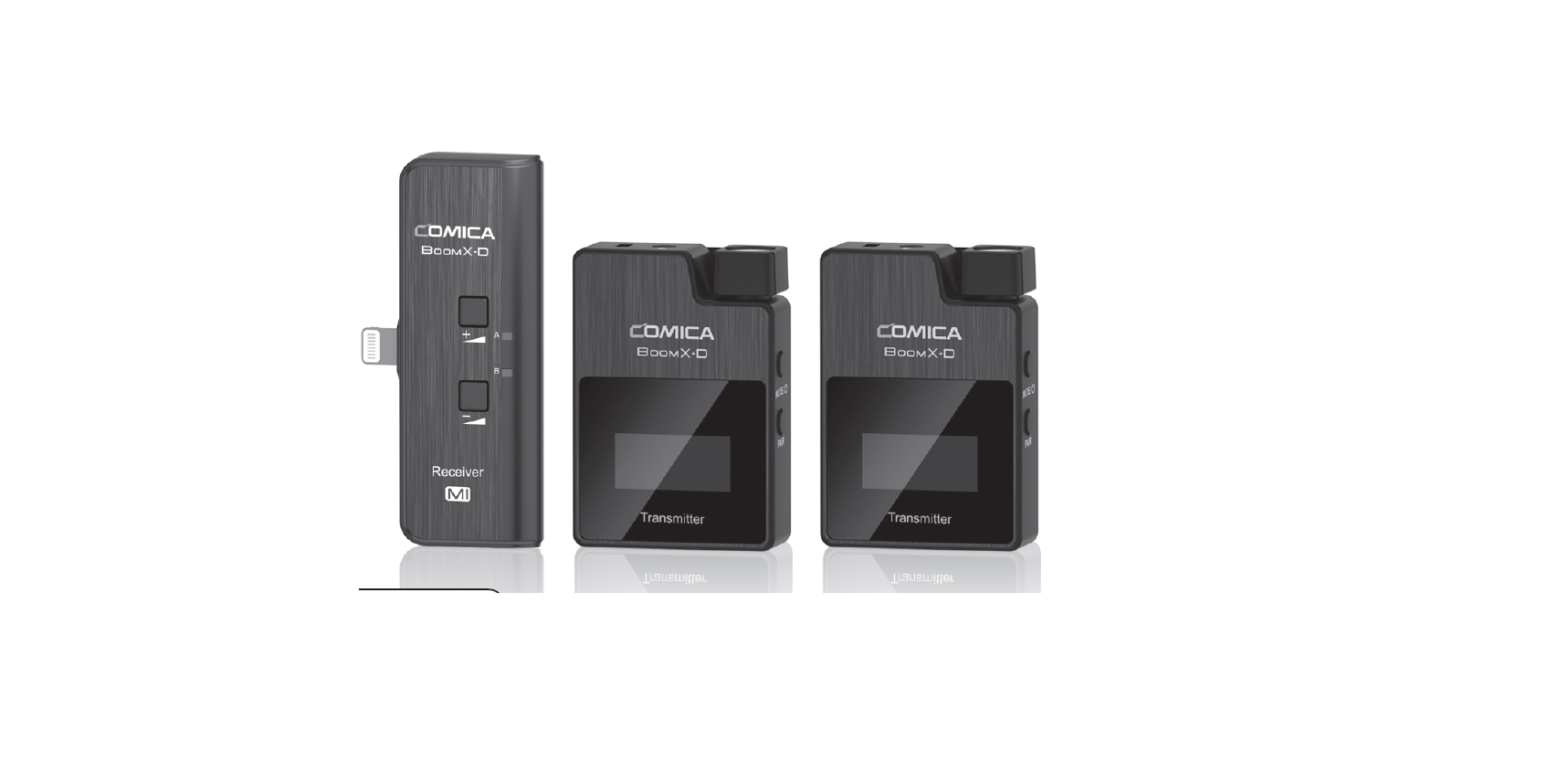

COMICA BoomX-D MI 2.4G Digital Dual-Channel Wireless Microphone
Foreword
Thanks for purchasing COMICA BoomX-D MI 2.4G Digital Dual-Channel Wireless Microphone. To ensure bring you a good using experience, please read this manual book carefully before using and correctly install and operate.
Main Features
- 2.4G Digital Wireless, Global Free Frequency . Dual-Channel 2.4G Wireless Microphone
- Visual Power, Audio Dynamic Monitor and
- Other Display Functions
- Internal and External MIC Two Input Modes . Real-time Audio Monitor
- Broadcasting Quality Audio
- RF Technology, Auto Freq. Adjustment, Stable Transmission . Low Latency < 20ms
- Working Range Up to 50m
- Designed with Multi-functional Belt Clip and Compact
Notice
- Due to 2.4G wireless characteristics, please keep face to face when use it, and don’t turn your back to the receiver, otherwise it is easy to generate breakpoints, which is a normal phenomenon
- Don’t block the antenna position to avoid any poor signal generated
- When using the playback recording function with devices of iOS system, it can not achieve it due to the protection of the iOS system if the volume of the device is adjusted to the maximum before
- monitoring, you need to readjust the volume of the device to realize playback recording (It is recommended that the headphone volume is not adjusted to the maximum)
- When using on mobile phone, please turn off WIFI and Bluetooth to avoid 2.4G wireless interference
- This product belongs to high-precision instruments, please avoid falling, collision or pounding
- Do not use this equipment in the vicinity of heat source or interference source, such as radiator, oven, refrigerator or air conditioner, smartphone or next to the WIFI AP
- If the pick-up distance is close or when used outdoors, please put on the wind muff to prevent sound burst or reduce wind noise
- Do not use the equipment in rain or in a damp environment to avoid short-circuit danger
- Please keep the product in a dry environment
Please keep face to face when use it, and don’t turn your back to the receiver, otherwise it is easy to generate breakpoints.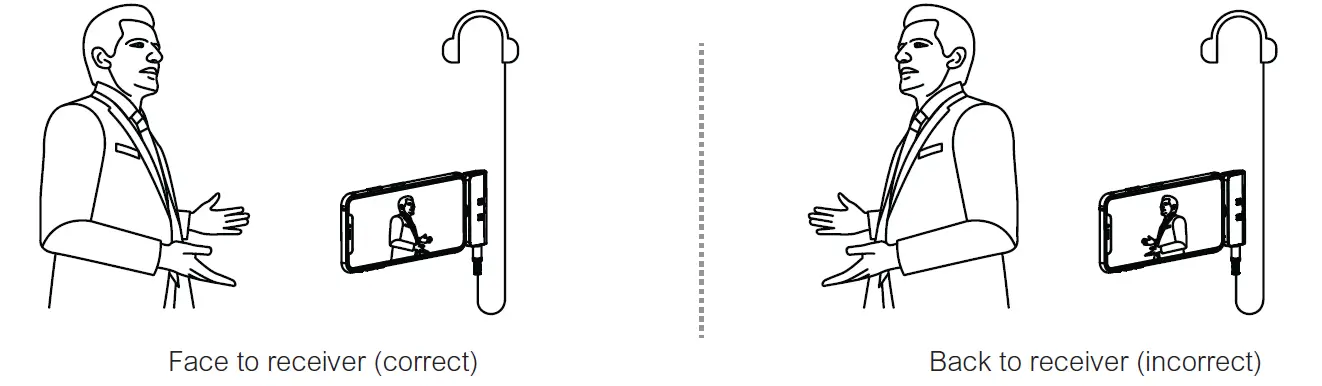
Don’t block the antenna position to avoid any poor signal generated.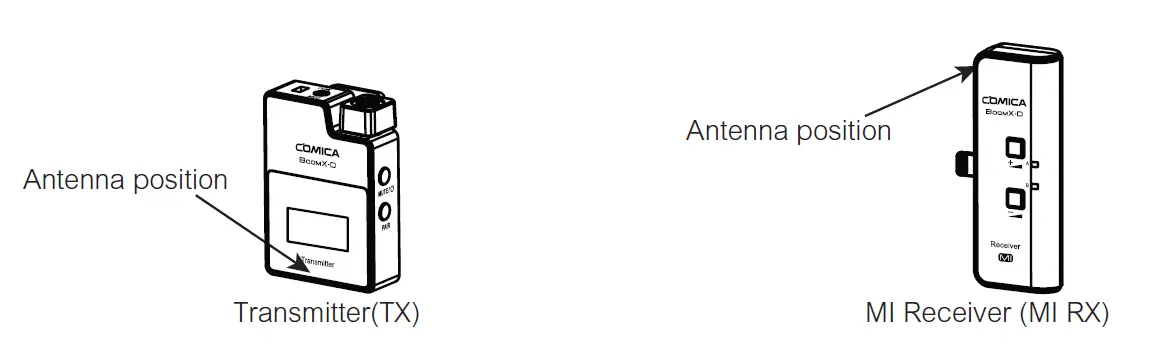
Packing List
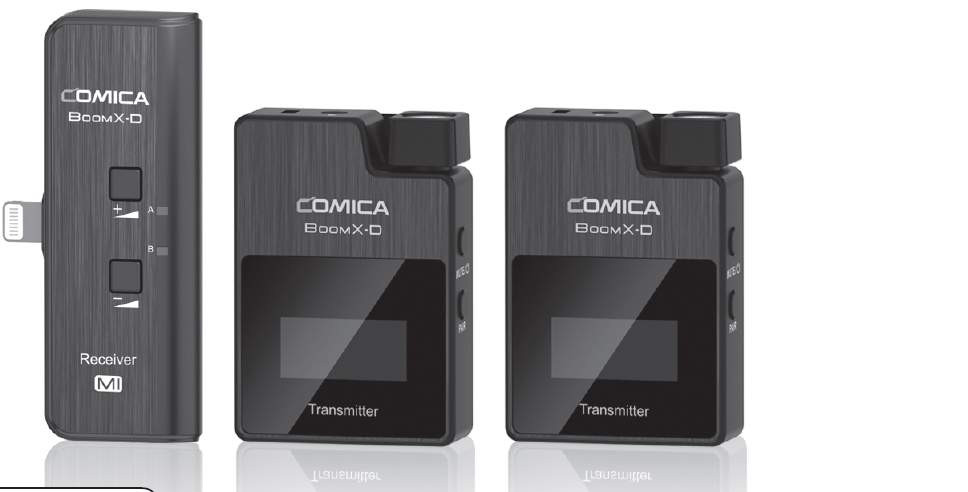
Main Parts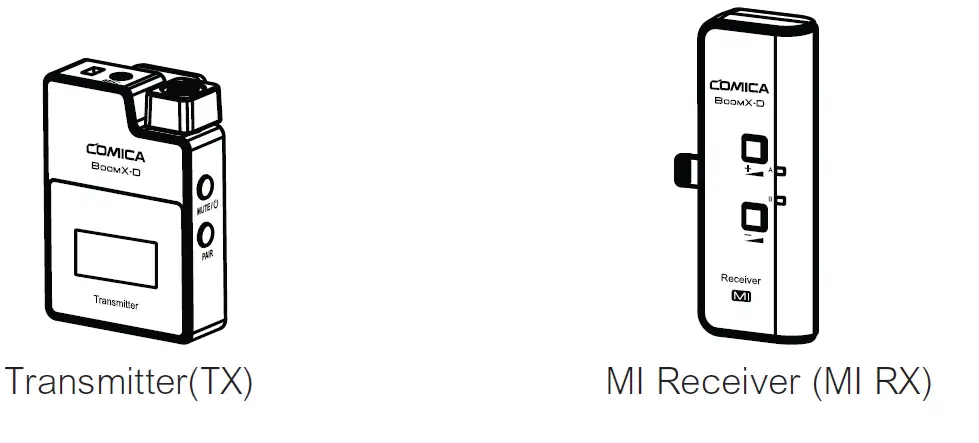
Multiple Selections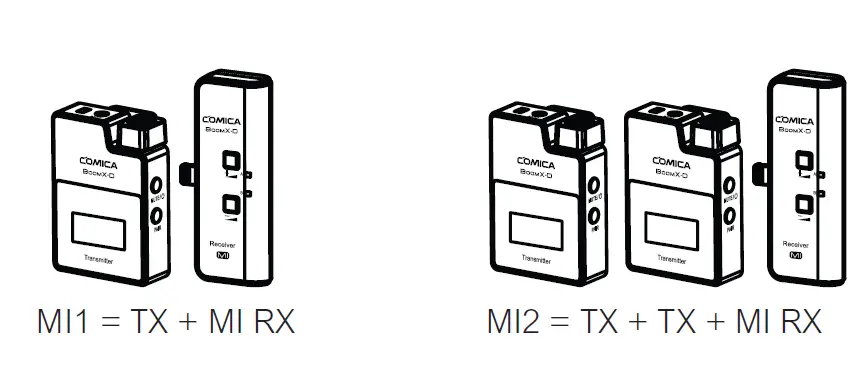
Accessories
- 3.5mm Mic Audio Input Cable Wind Muff
- USB A-USB C Charging Cable
- Reset Pin
- User Manual
- Warranty Card

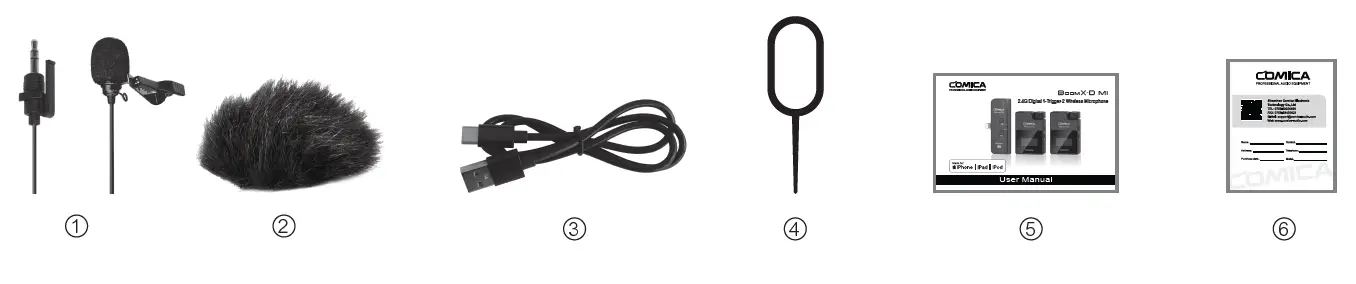
The accessories of each combination include
- MI1= ① + ② + ③ + ④ + ⑤ + ⑥
- MI2= ①x2 + ②x2 + ③ + ④ + ⑤ + ⑥
Components and Instruction
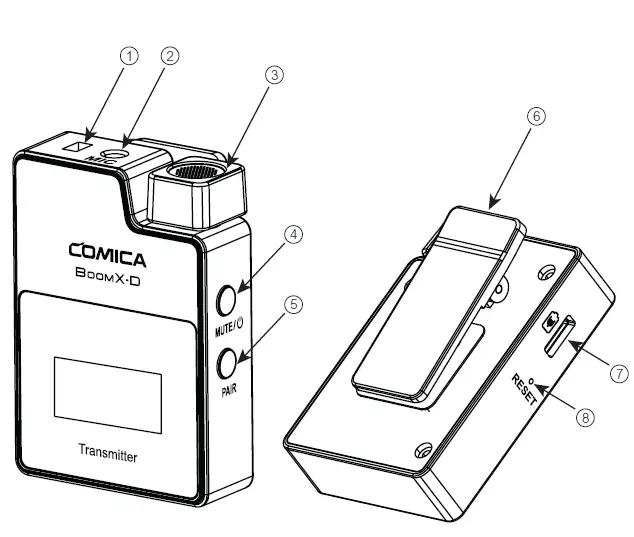
Transmitter (TX)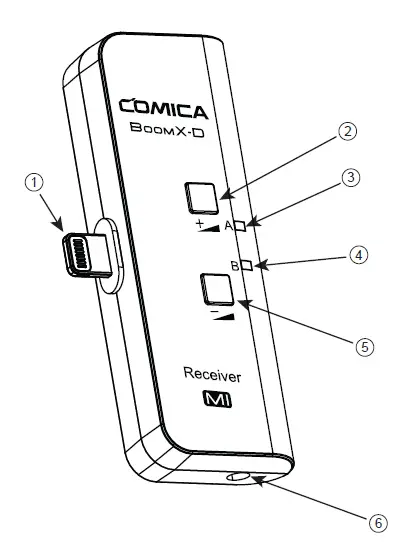
- External Mic Locking Buckle
- 3.5mm TRS Port of External Mic
- Internal Mic
- Power/Muting Button
- Pair Button
- Belt Clip
- USB-C Charging Port
- Reset Hole
MI Receiver (MI RX)
- Lightning Connector
- Output Volume Adjustment Button+
- Group A Working Status Indicator
- Group B Working Status Indicator
- Output Volume Adjustment Button-
- 3.5mm TRS/TRRS Monitoring Port
Transmitter (TX)
Use internal microphone
Install the transmitter on the collar through the belt clip so that the internal microphone points in the direction of the sound source.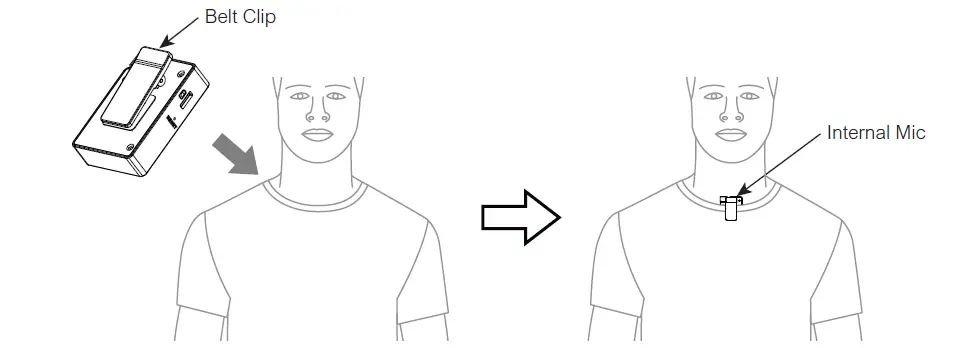
For better concealment during use, it is recommended that the belt clip
Use external microphone
Insert the 3.5mm TRS microphone input cable into the transmitter’s 3.5mm TRS external microphone port and tighten it, then clip the transmitter to the belt through the belt clip and clip the lavalier microphone to your collar.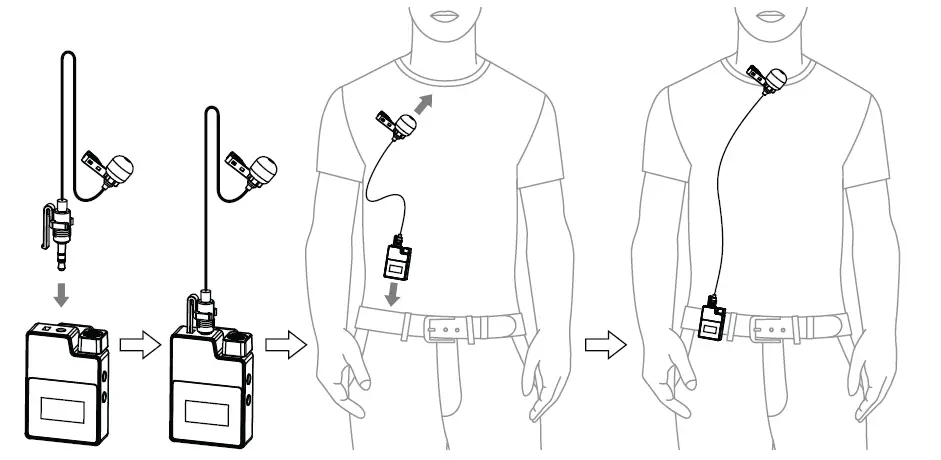
When using an external microphone, the internal microphone is automatically turned off.
MI Receiver (MI RX)
Insert the MI receiver (MI RX) into the Lightning interface of the phone; Insert the headphone into the 3.5mm TRS/TRRS monitoring port for monitoring.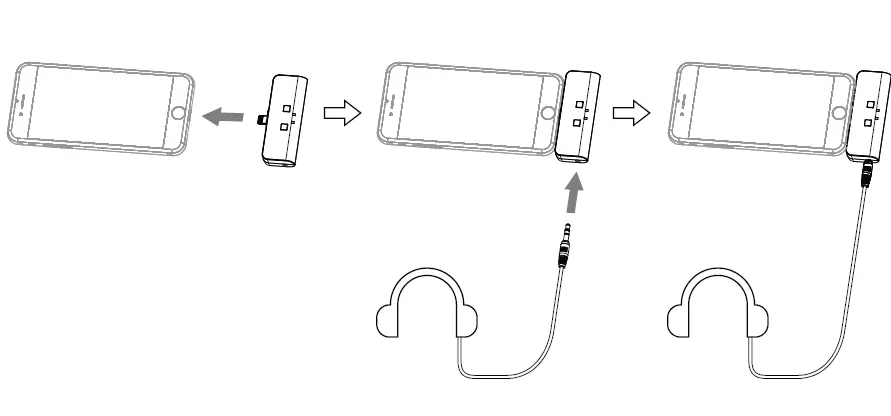
Function and Usage
Transmitter (TX) Screen Display Instruction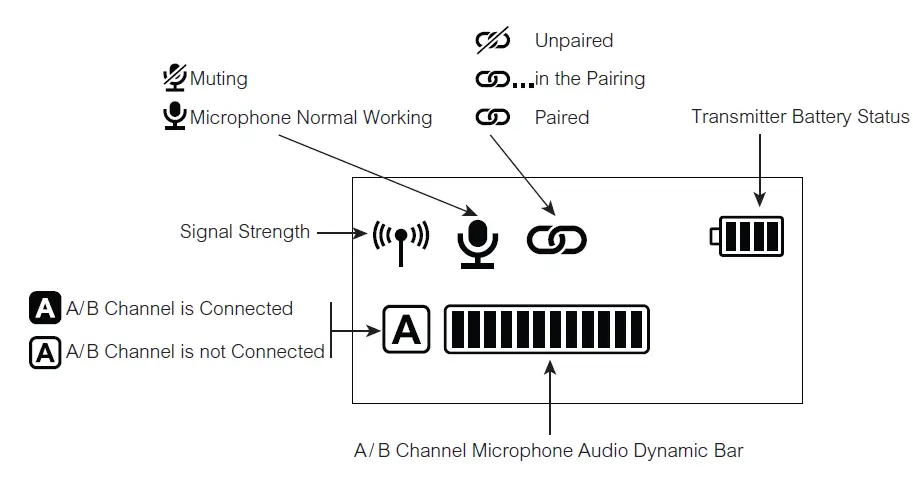
Function Introduction
Power/Muting Button Long press for On/O; Short press for muting switch( Muting switch is available only when the screen is on, if the screen is dimmed, press any button to light up the screen then switch the mute
Pair Button
Long press for pairing with receiver (Pairing switch is available only when the screen is on, if the screen is dimmed, press any button to light up the screen then pairing).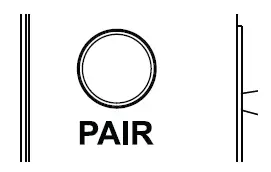
USB-C Charging Port
Connect the transmitter with the power through the USB A-USB C charging cable to charge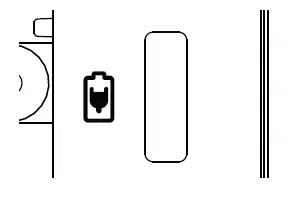
Reset Hole
If there is an abnormal phenomenon such as the device is crash or unable to turn on it, then insert the reset pin into the reset hole to reset it.
3.5mm TRS Microphone Port
Insert the 3.5mm TRS microphone input cable, and you can use the external lavalier microphone for recording. At this time, the internal microphone of this device is turned off.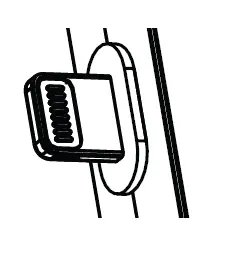
MI Receiver (MI RX)
Function Introduction
Lightning Connector
Insert into the Lightning interface of phone to use
Output Volume Adjustment Button
Short press to adjust the output volume (6 levels), and A/B channel is synchronized.
A/B Working Status Indicator
The indicator is red when unpaired. After paired, the indicator is blue.
3.5mm TRS/TRRS Monitoring Port
Insert headphone to monitor.
Pairing Method
(All have been paired at the factory. If you need to re-pair, please follow the description)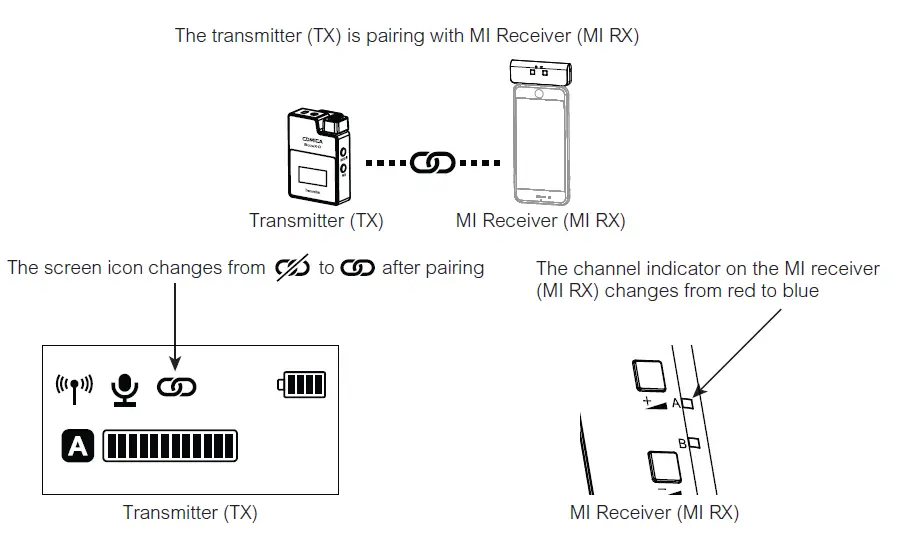
Two transmitters (TX) are pairing with MI Receiver (MI RX)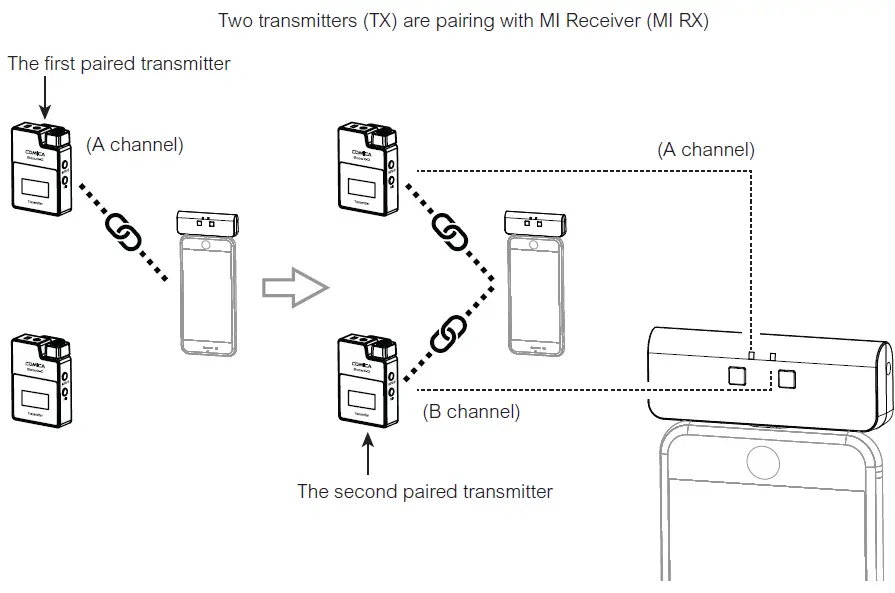
Specification
Transmitter (TX)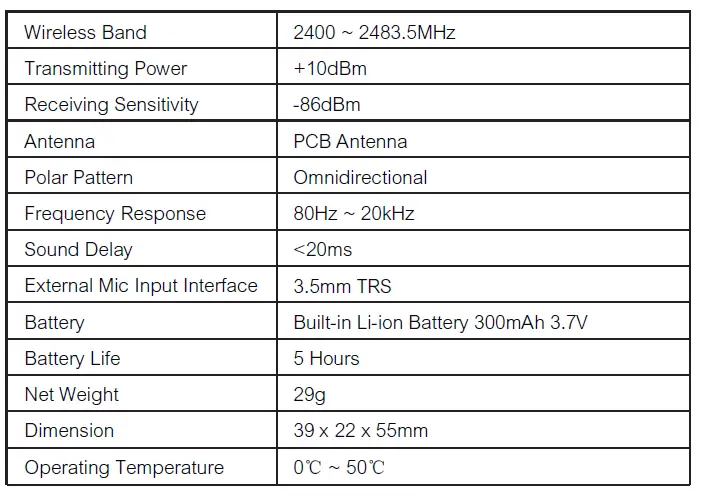
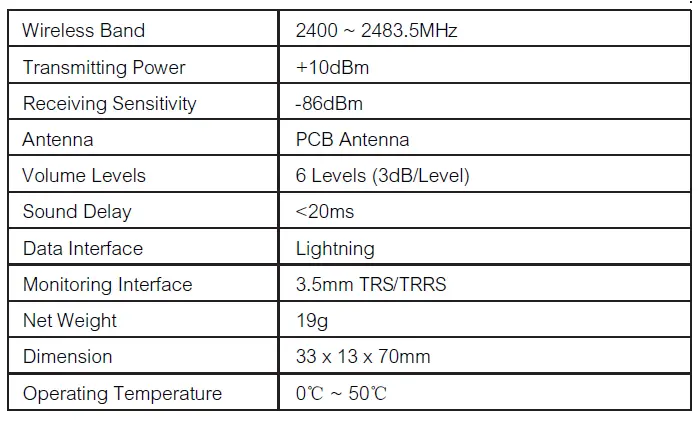
MI Receiver (MI RX)