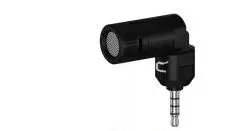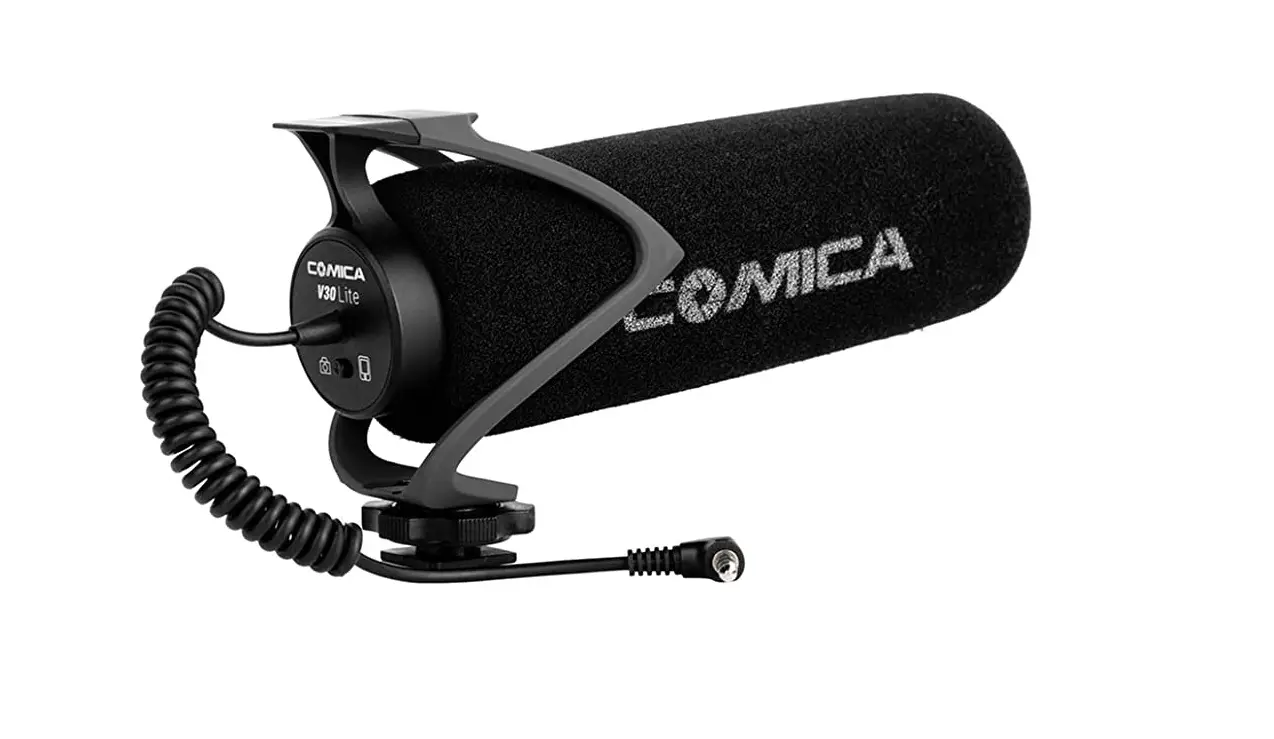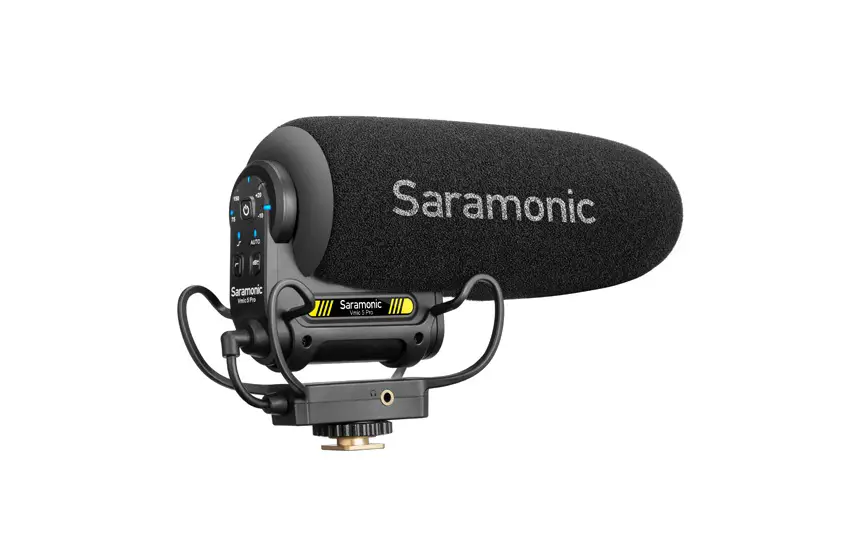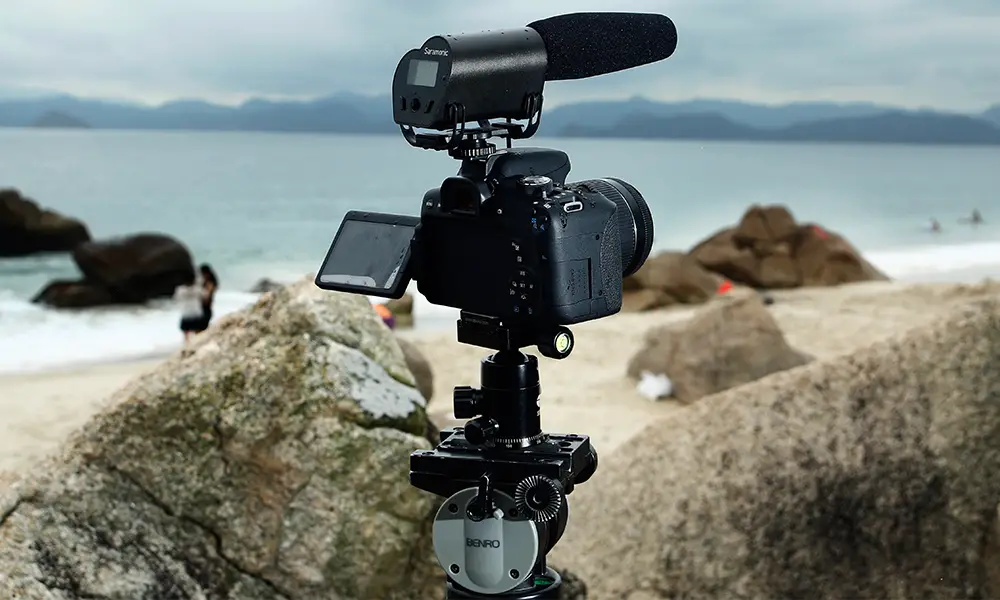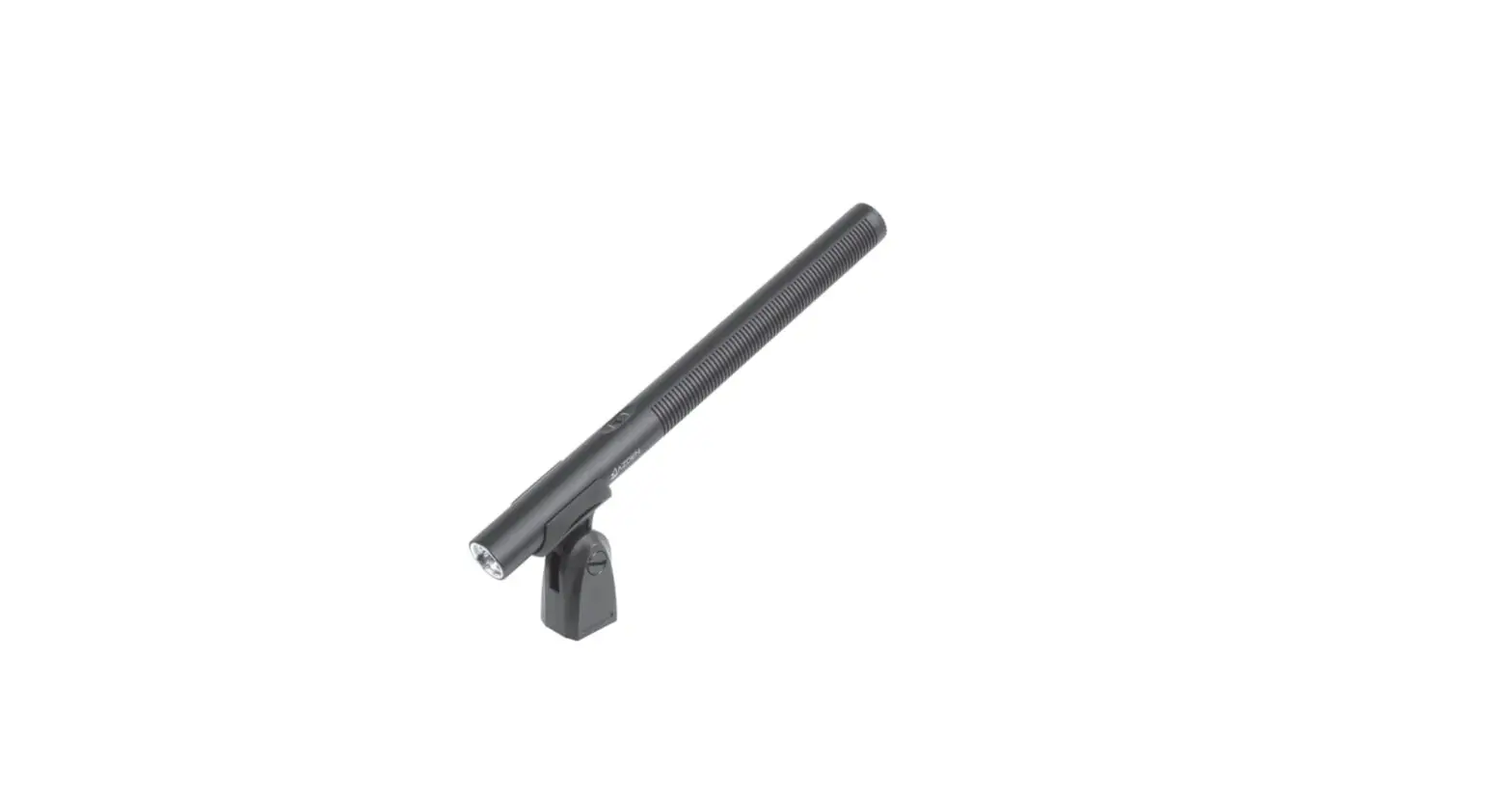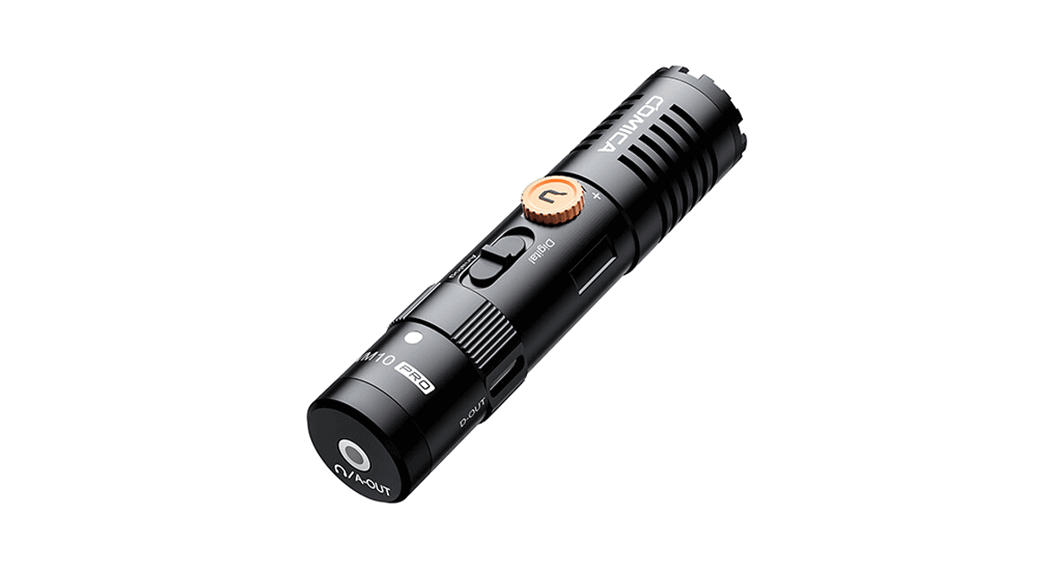
 VM10 Mini Cardioid Digital Shotgun Microphone
User Manual
VM10 Mini Cardioid Digital Shotgun Microphone
Foreword
Thanks for purchasing COMICA VM10 PRO
Main Features
- Cardioid Pattern, Accurate Sound Pickup
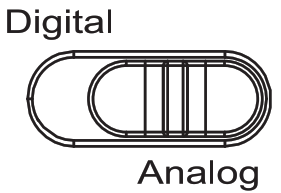
- Digital / Analog Output Mode Switch, Universal for Camera and Smartphone
- Stepless Gain Control with Preamp in Digital Mode
- Support Real-time Monitor in Digital Mode
- No Power Driven, Plug and Play
- Professional Shock-mount, Eective Shock Absorption
- Full Metal Material, Super Shielding
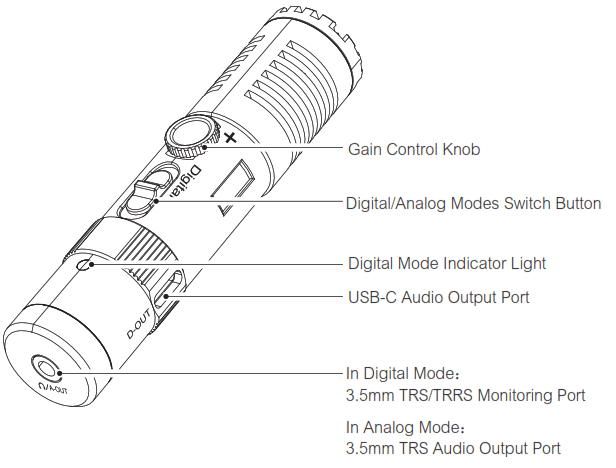
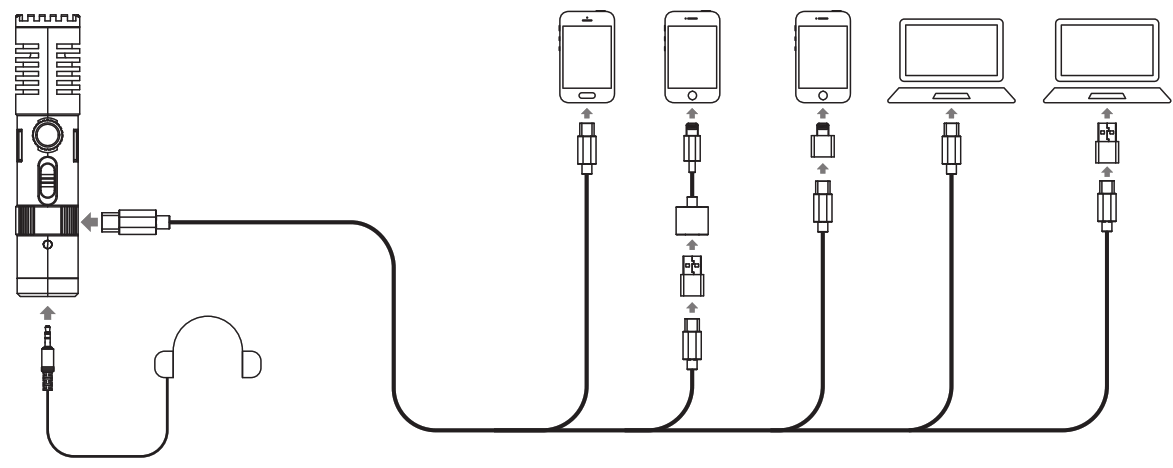
Notice When working with devices with USB-A and Lightning interface in digital mode, it is necessary to purchase relevant audio output cable or audio adapter cable by yourself Some smartphones with USB-C interface are incompatible in digital mode, such as ViVO and OPPO When working in digital mode, the 3.5mm TRS audio output port is intelligently identified as the monitoring port, the gain control knob and digital mode indicator light are available only in digital mode
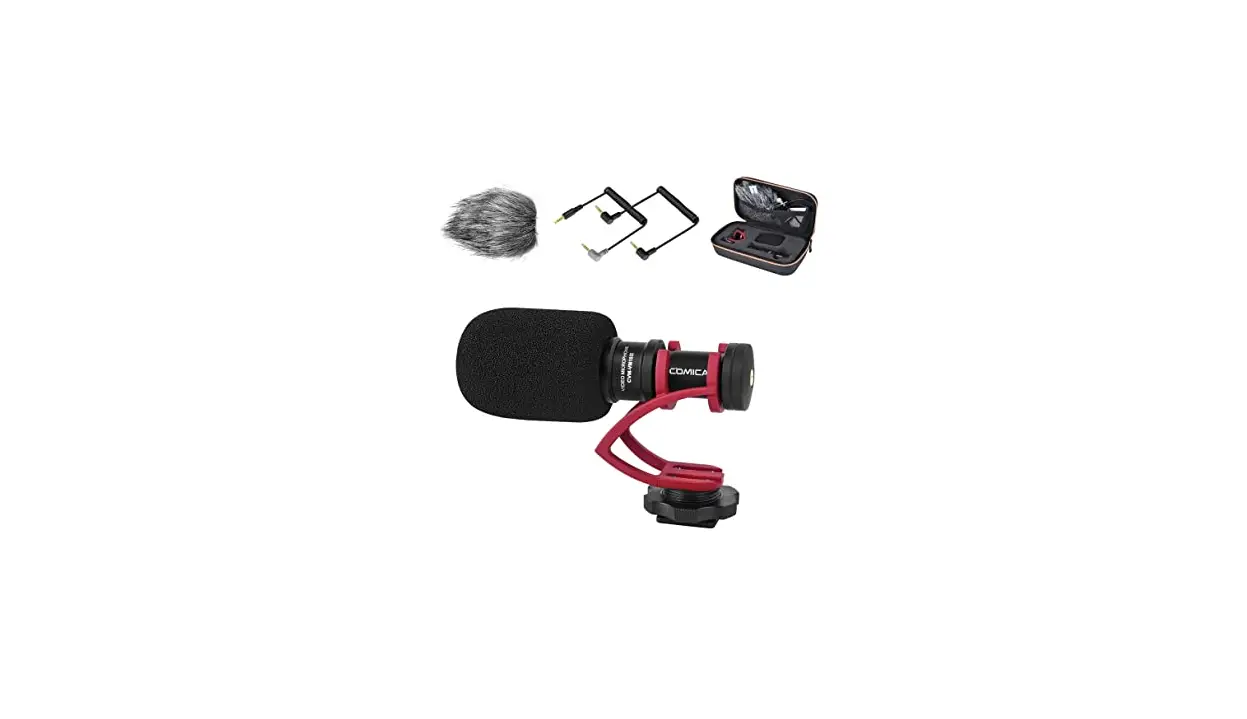
Item Check List
- Microphone
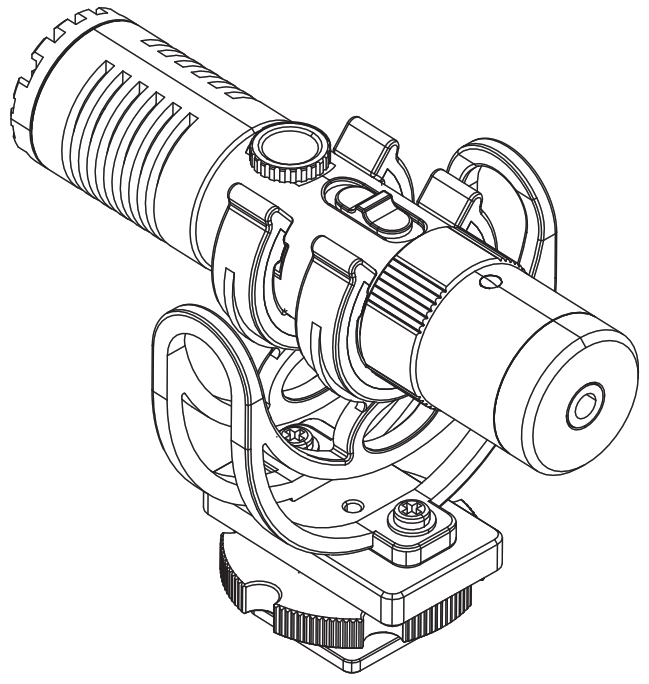
- Shock Mount
- 3.5mm TRS – TRS Audio Cable
- 3.5mm TRS – TRRS Audio Cable
- USB C-USB C Audio Cable
- Wind Muff
- Carry Case
- User Manual
- Warranty Card
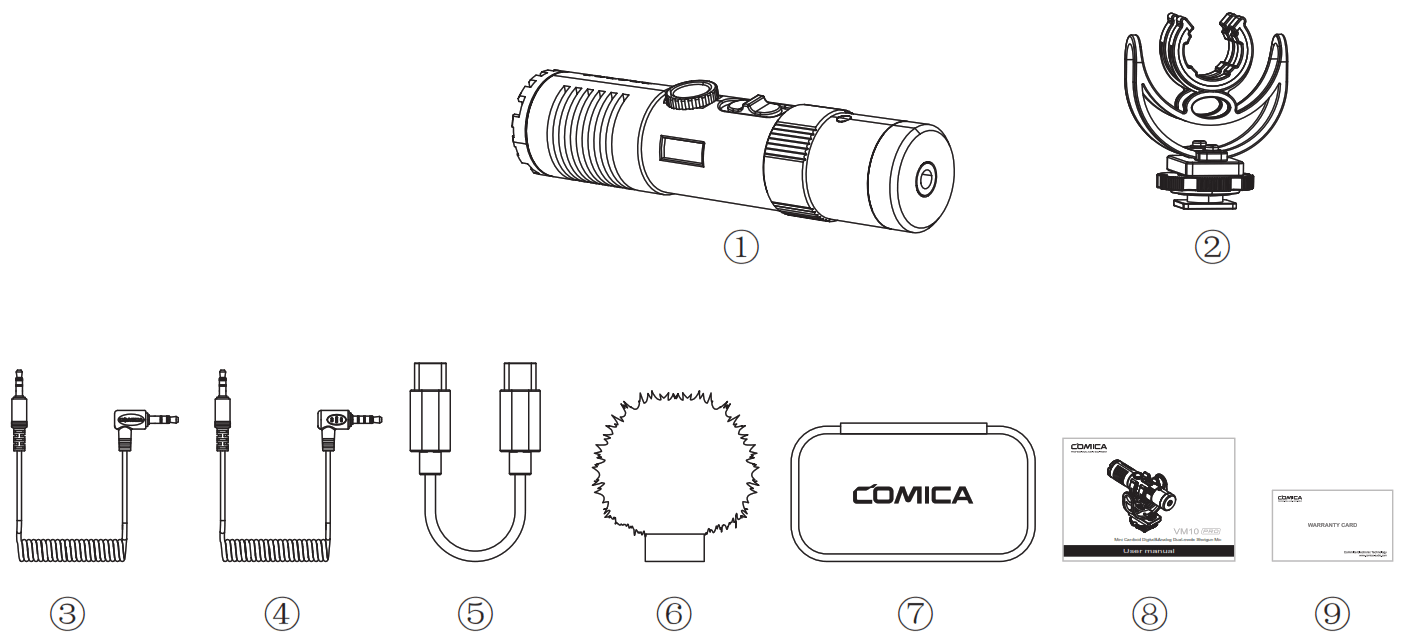
Components and Instruction
Installation
Digital Mode:
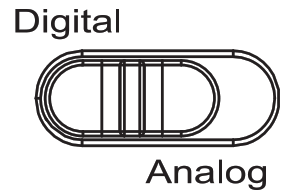
- Set the digital/analog switch button to the digital icon;

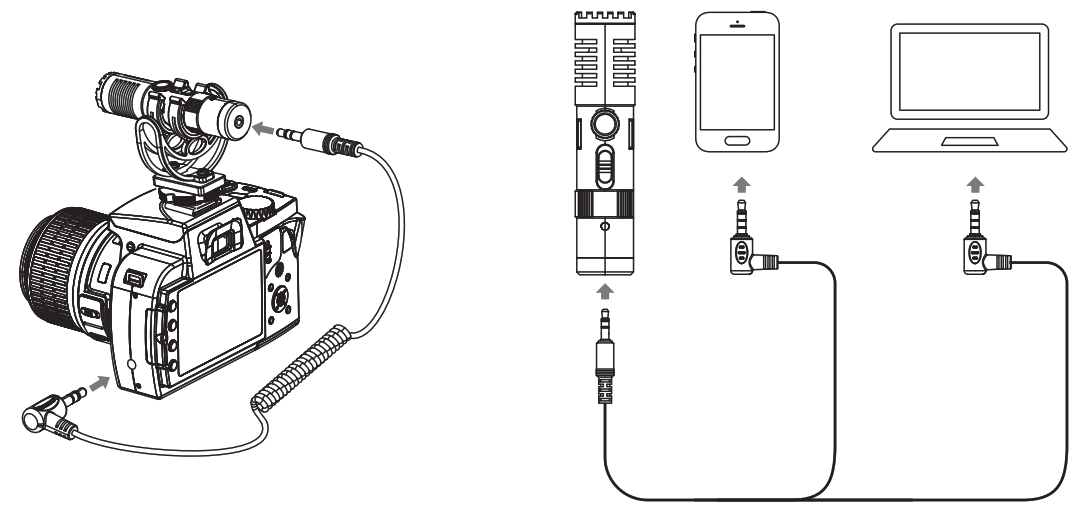
- Connect the mic and the phone/computer via the USB C-USB C audio cable and related audio cables/adapters. The digital working status indicator is on after successful connection(If the indicator is not on, it may be caused by compatibility/system problems); choose whether to monitor according to your needs.

Analog Mode:
- Set the digital/analog switch button to the analog icon;

- When used with camera, it can be connected via 3.5mm TRS-TRS audio cable; when used with phone or computer, it can be connected via 3.5mm TRS-TRRS audio cable.

Specification
| Polar Pattern | Cardioid Pattern |
| Sensitivity | Analog Mode: -35±2dB Digital Mode: -15dB — -35dB ±2dB |
| Frequency Response | 60Hz — 20kHz |
| Maximum SPL | 120dB |
| S/N | 70dB |
| Equivalent Noise | 24dBA |
| Dynamic Range | 96dB |
| Sampling Rate | 48kHz |
| Bit Depth | 24-bit |
| Output Port | 3.5mm TRS / USB-C |
| Monitoring Port | 3.5mm TRS/TRRS |
| Dimension | 022mm * L92mm |
| Net Weight | 37g |
| Working Temperature | 0 C — 50 C |
| Storage Temperature | -20 C — 60 C |
 https://linktr.ee/ComicaAudio?utm_source=qr_code
Website: comica-audio.com
Facebook: Comica Audio Tech Global
lnstagram: Comica Audio
YouTube: Comica Audio
The COMICA LOGO is a trademark which is registered and owned by Commlite Technology Co.,Ltd
Email: [email protected]