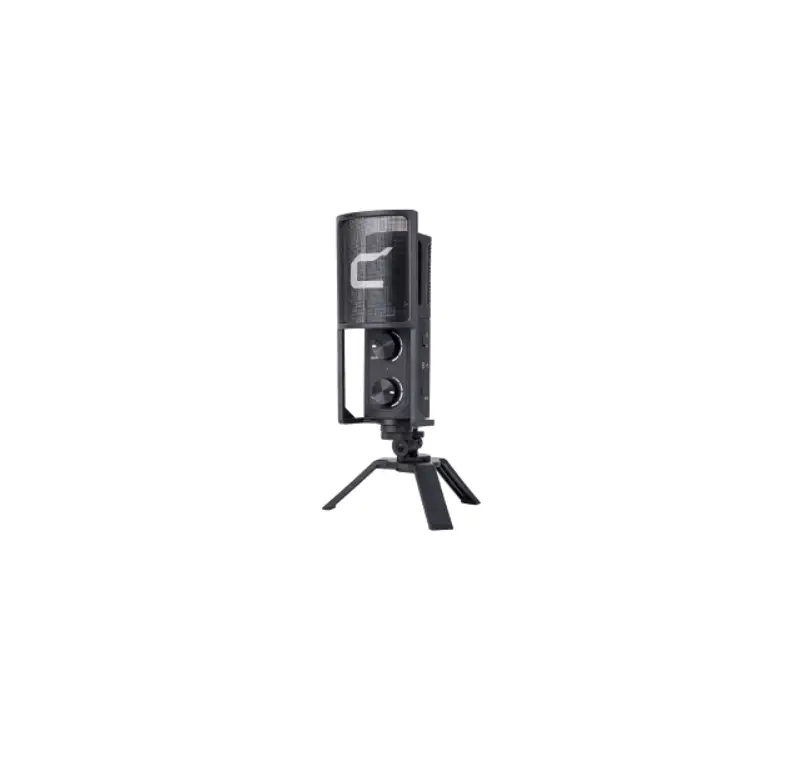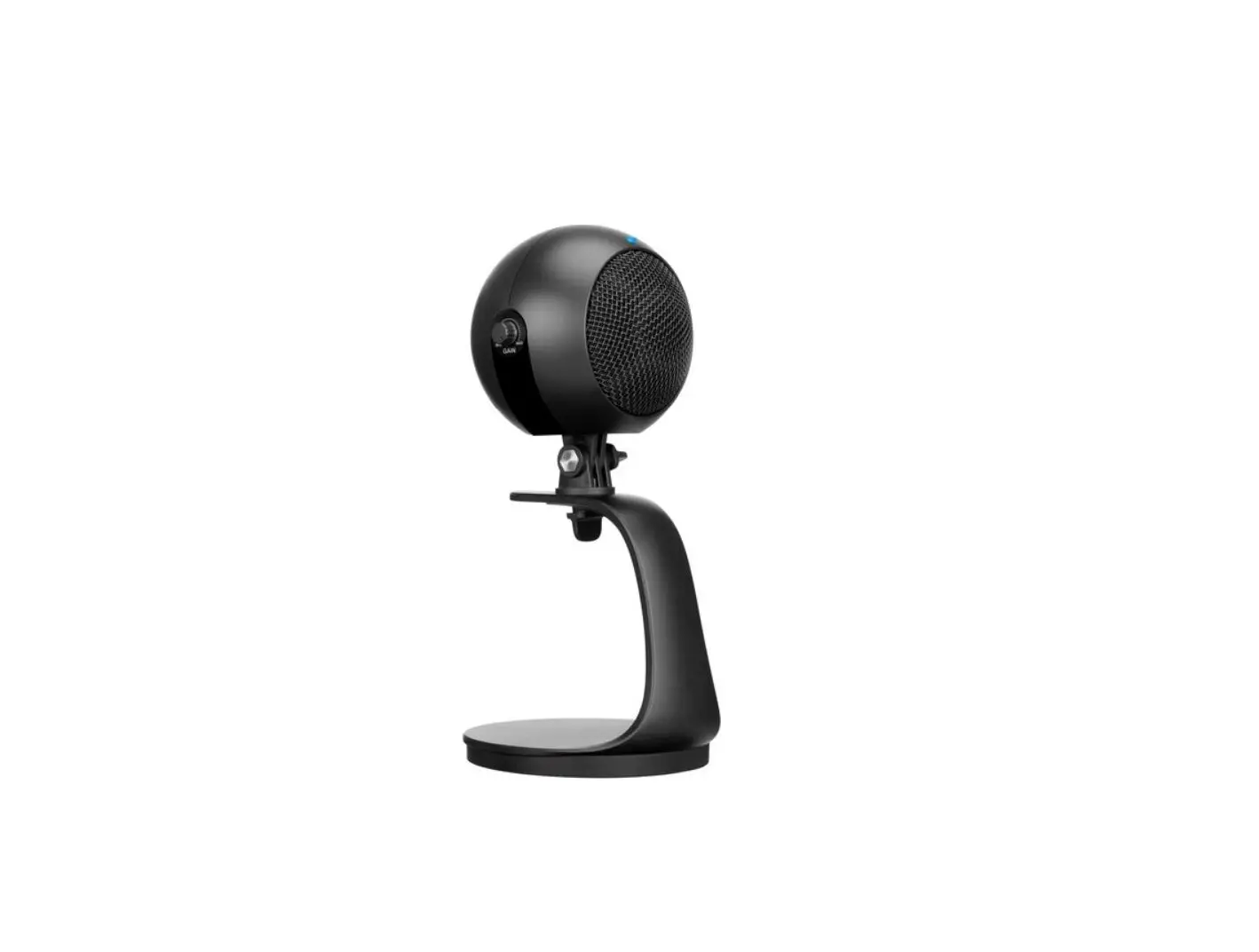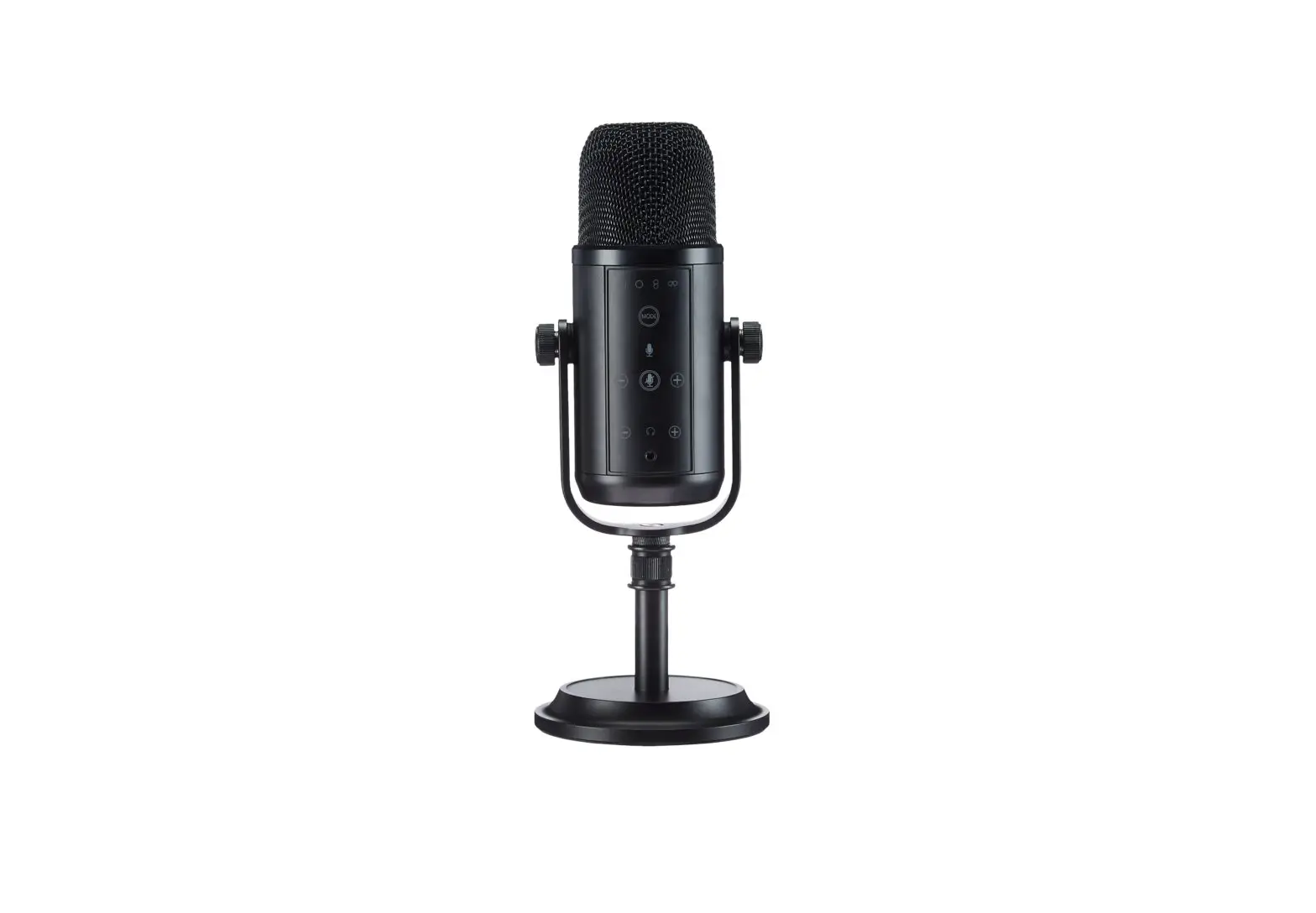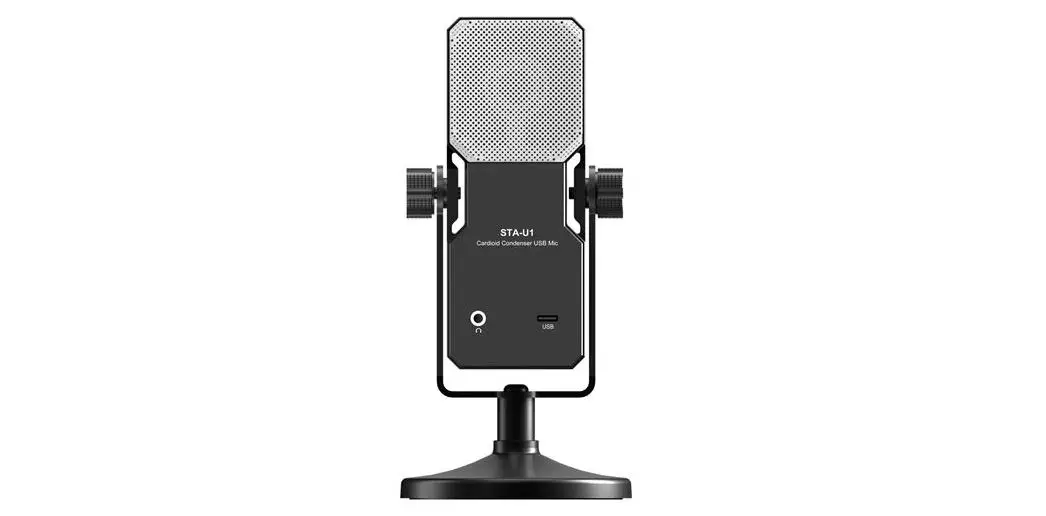
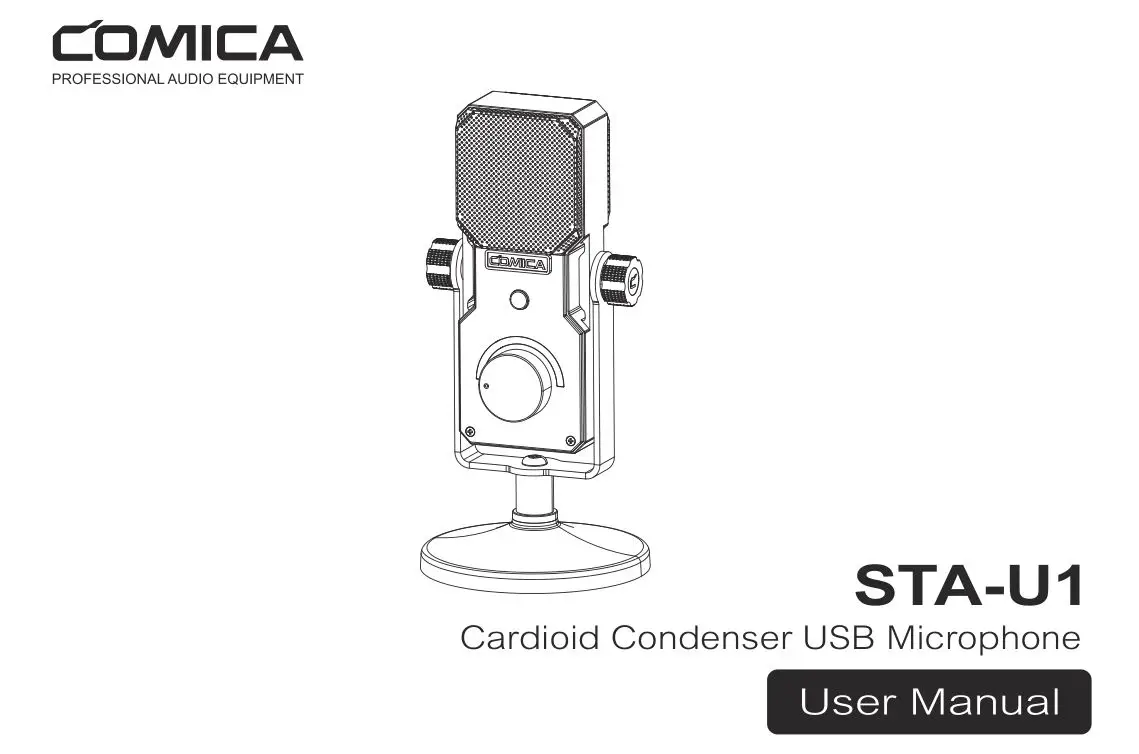
COMICA STA-U1 Cardioid Condenser USB
Microphone User Manual
Foreword
Thanks for purchasing COMICA STA-U1
Main Features
- 16mm Cardioid Condenser Mic for Professional Studio Quality
- 48kHz/24bit Audio Recording, Intelligent Denoise
- USB-C Digital Output Port, Plug and Play
- Internal Pop Filter, Block Plosive Sounds
- One-key Mute, Real-time Monitoring and Stepless Gain Control
- Radiant RGB Light Design, Real-time Monitoring of Audio Dynamics
- 360° Rotatable Swing Mount, Detachable Desk Stand
- Full Metal Material, Excellent Shielding Performance
Notice
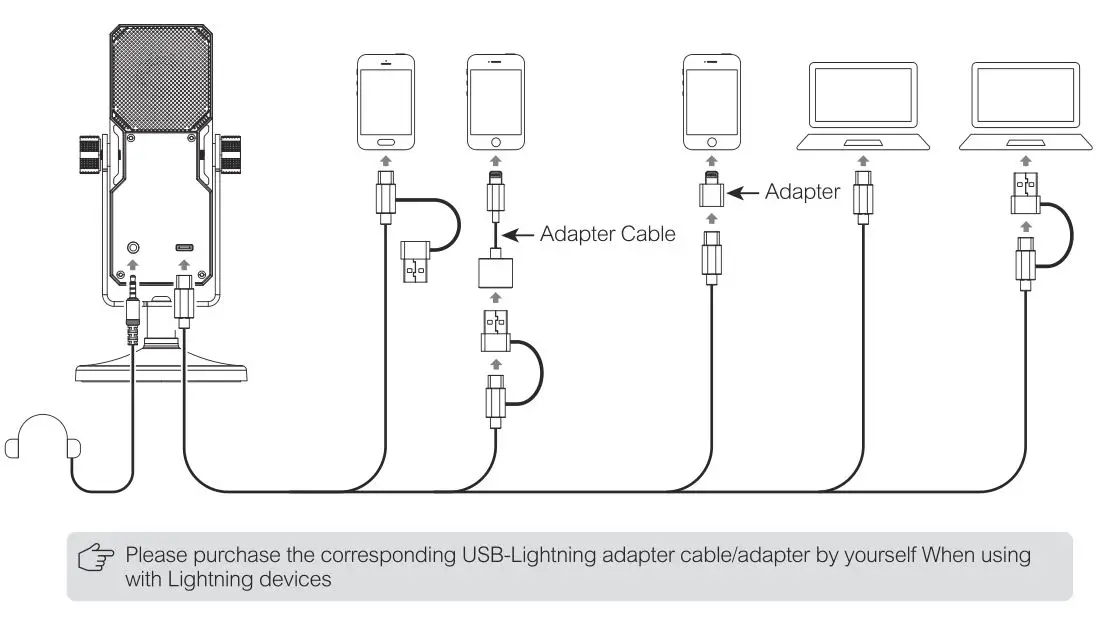
 Please purchase the corresponding USB-Lightning adapter cable/adapter by yourself When using with Lightning devices.
Please aim the front of the microphone at the sound source to get an excellent recording
Do not use the equipment in the vicinity of heat source or interference source, such as radiator, oven, refrigerator or air conditioner
The product belongs to high-precision instruments, please avoid falling, collision or pounding
Do not use the equipment in rain or in the damp environment to avoid short-circuit danger
Please keep the product in the dry environment
Tips
When used in computer, please follow the steps below:
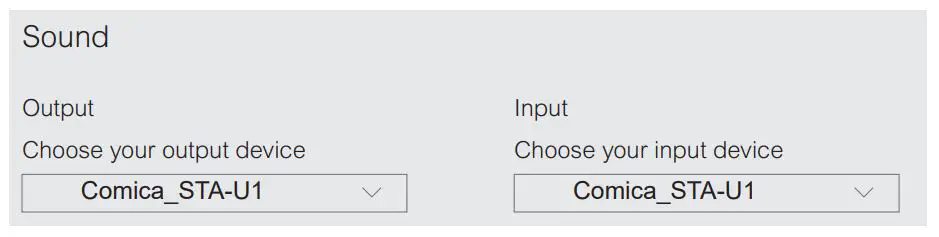
- Connect STA-U1 to the computer
- Click sound setting and set the “Comica_STA-U1” as the input and output device
Packing List
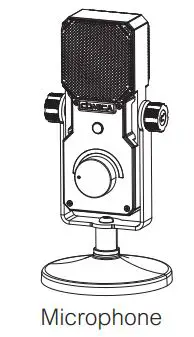
Main Part:
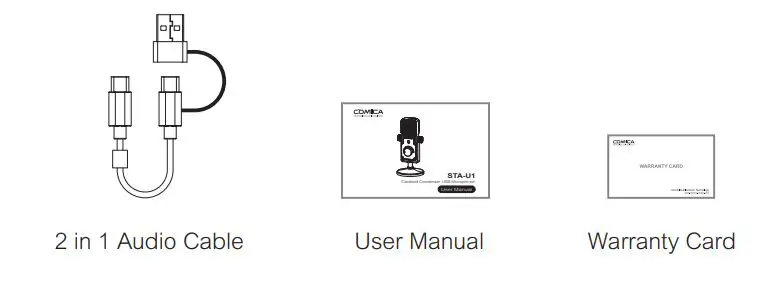
Accessories:
Components and Instruction
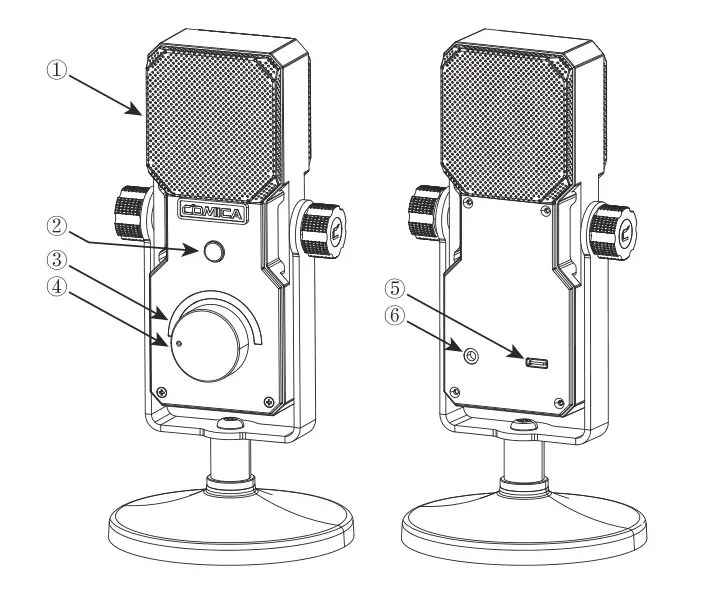
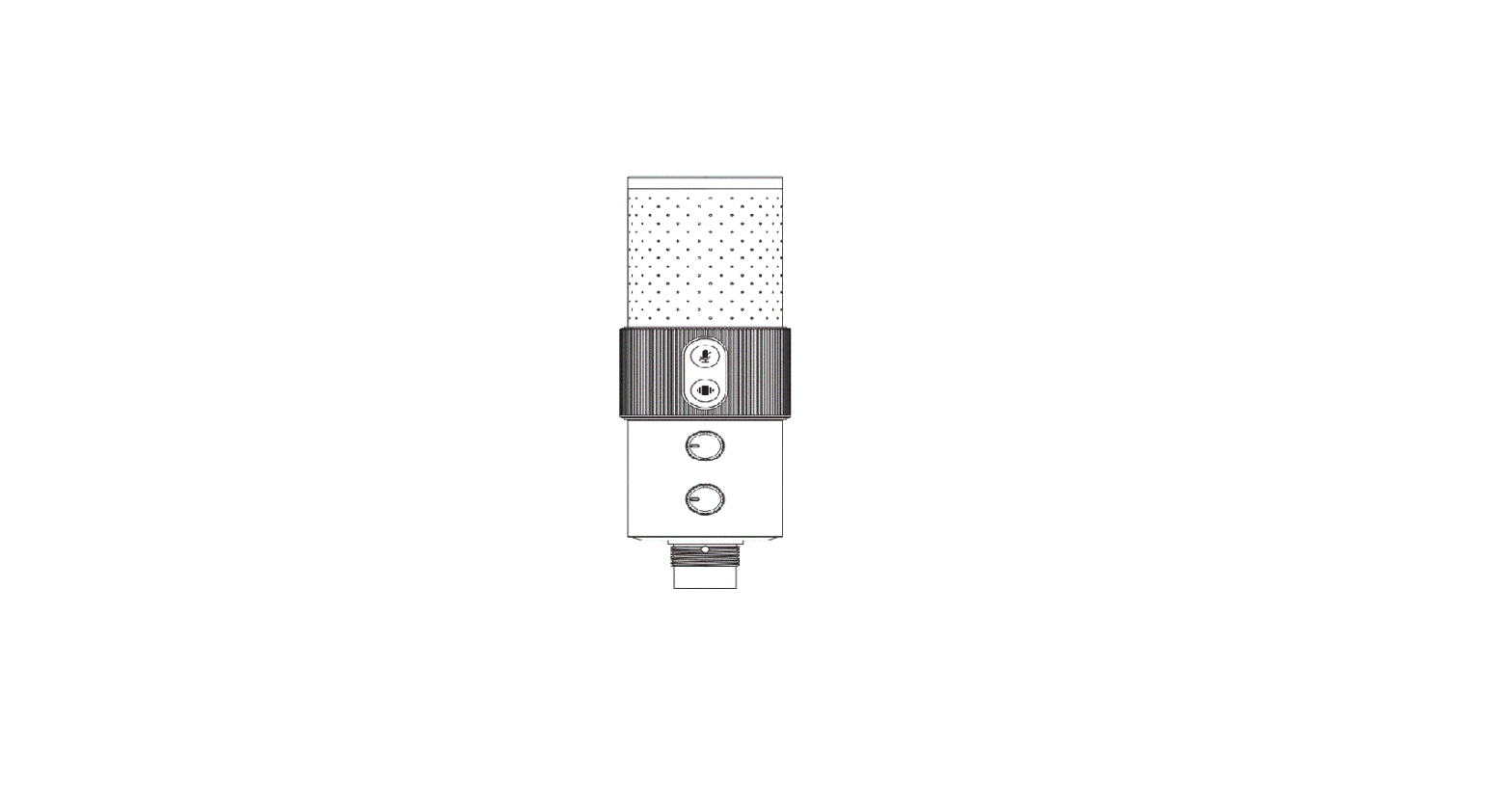
- Microphone
- Mute Button
Short press to switch mute; Blue light is on in normal state; Red light is on in mute state - Gain and Volume/Audio Dynamic Indicator
After rotating the gain and volume control knob, the blue light indicates the current gain and volume, and the RGB light shows the audio dynamics in real time after three seconds - Gain and Volume Control Knob
Adjust the microphone output gain and headphone monitoring volume - USB-C Audio Output Port
- 3.5mm TRS/TRRS Headphone Monitor Port
Support playback monitoring and real-time monitoring
Installation and Usage
Installation
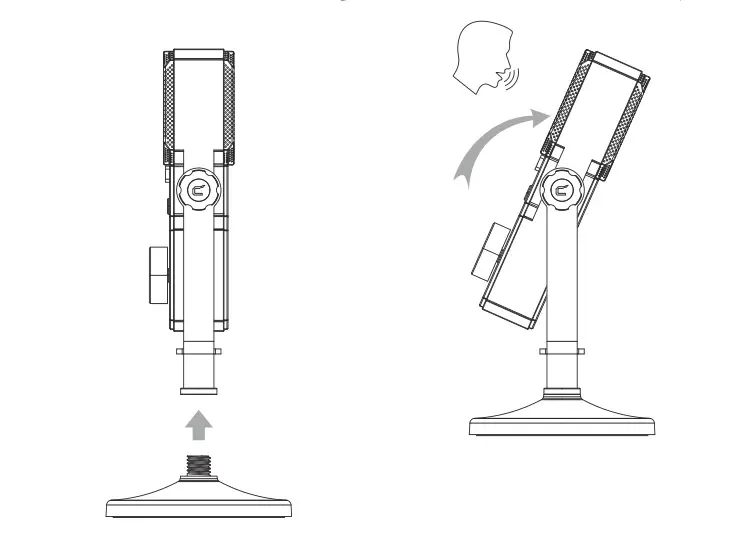
- Work with the Round Base
Connect the microphone and the round base through the 3/8 threaded hole of the microphone; Adjust the angle of the microphone according to your needs
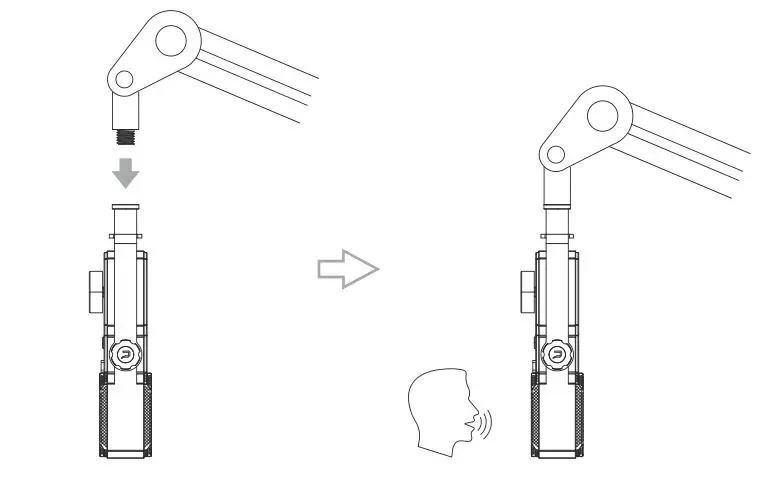
- Work with the Suspension Boom Stand
Connect the microphone and the suspension boom stand through the 3/8 threaded hole of the microphone; Adjust the angle of the microphone according to your needs
Usage
Connect the microphone with smartphone/computer through 2 in 1 Audio Cable and related audio adapter cable/adapter; Choose whether to monitor according to your needs
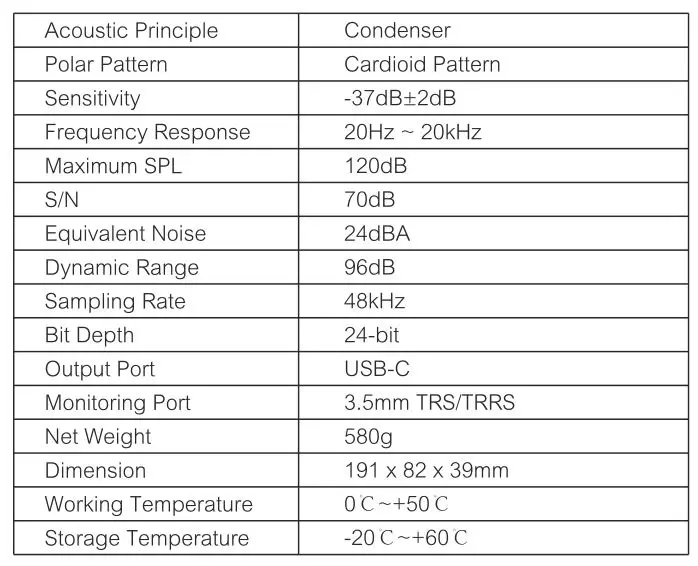
Specifications

Website: comica-audio.com
Facebook: Comica Audio Tech Global
Instagram: Comica Audio
YouTube: Comica Audio
Email: [email protected]
The COMICA LOGO is trademark which is registered and owned by Commlite Technology Co.,Ltd.