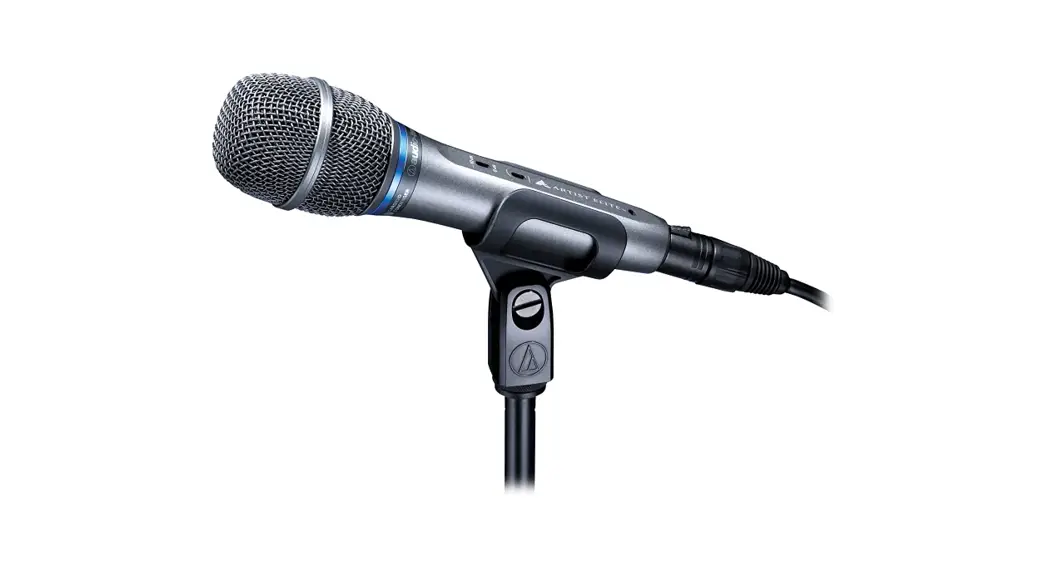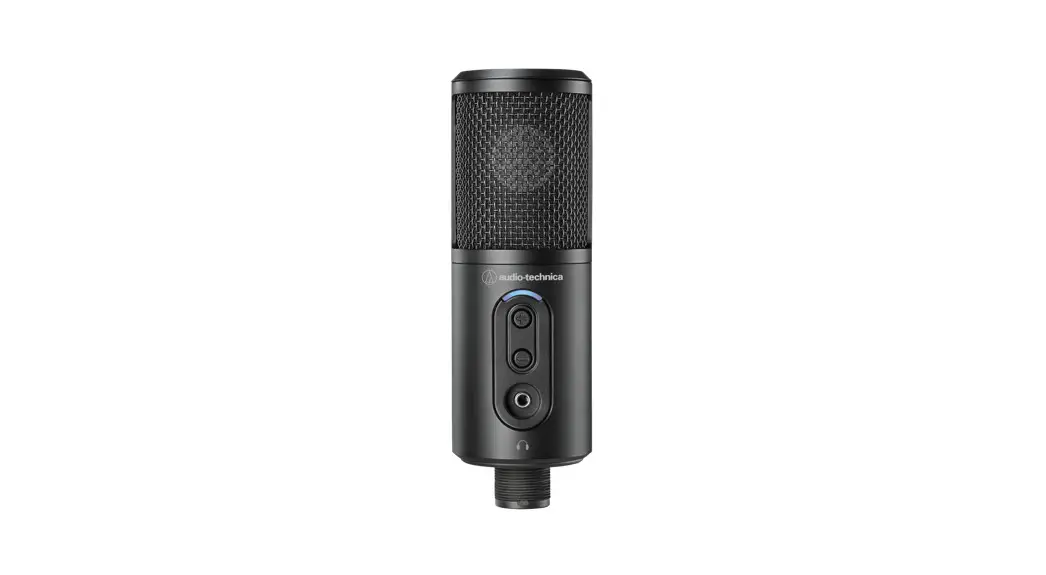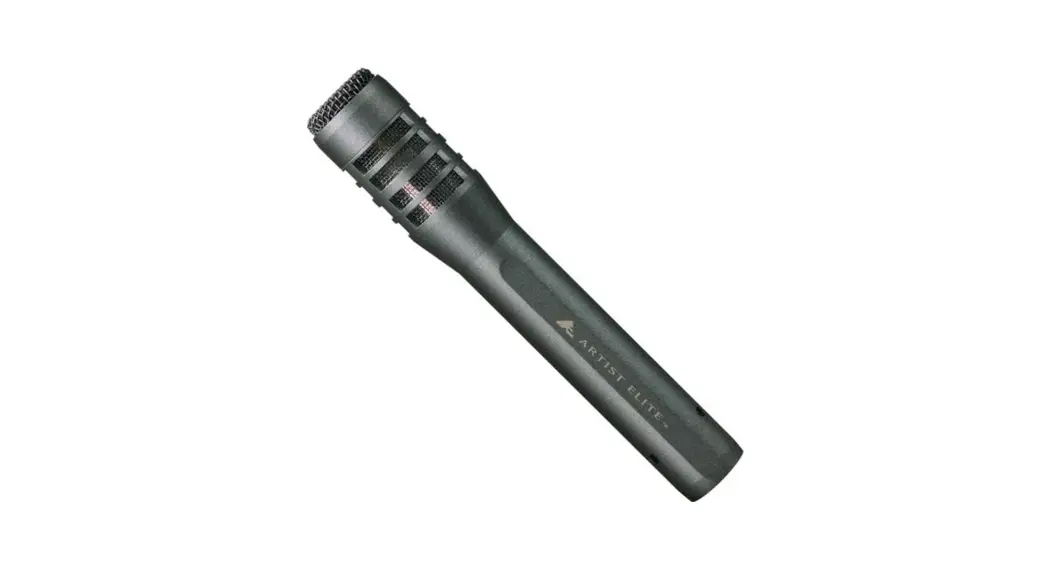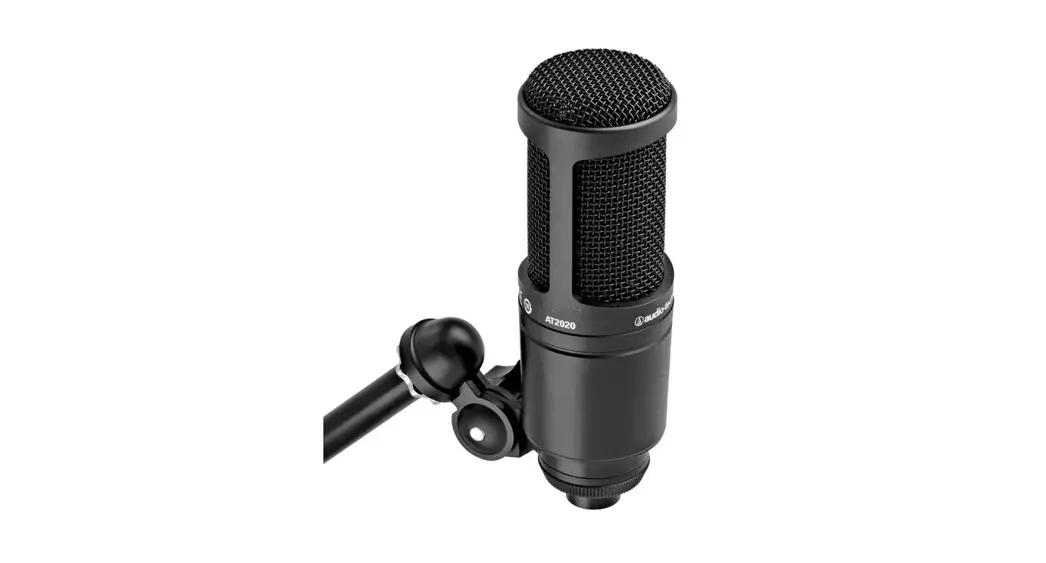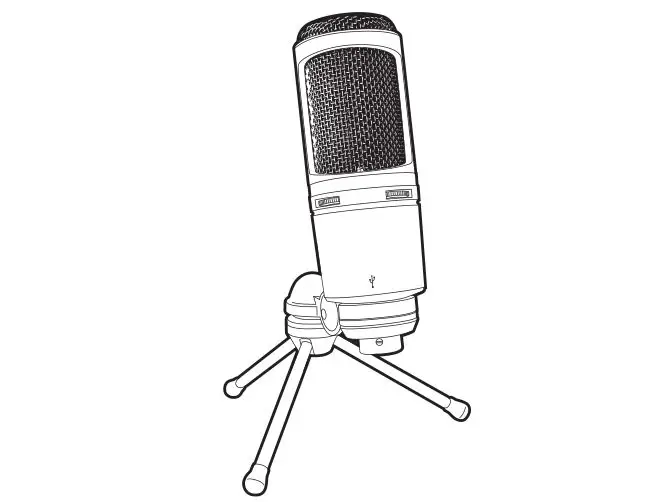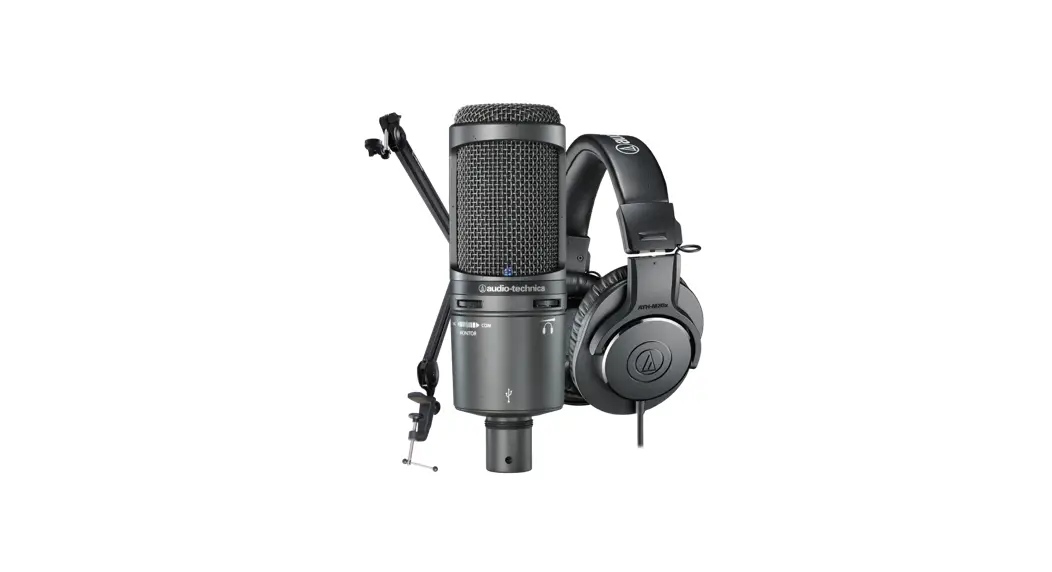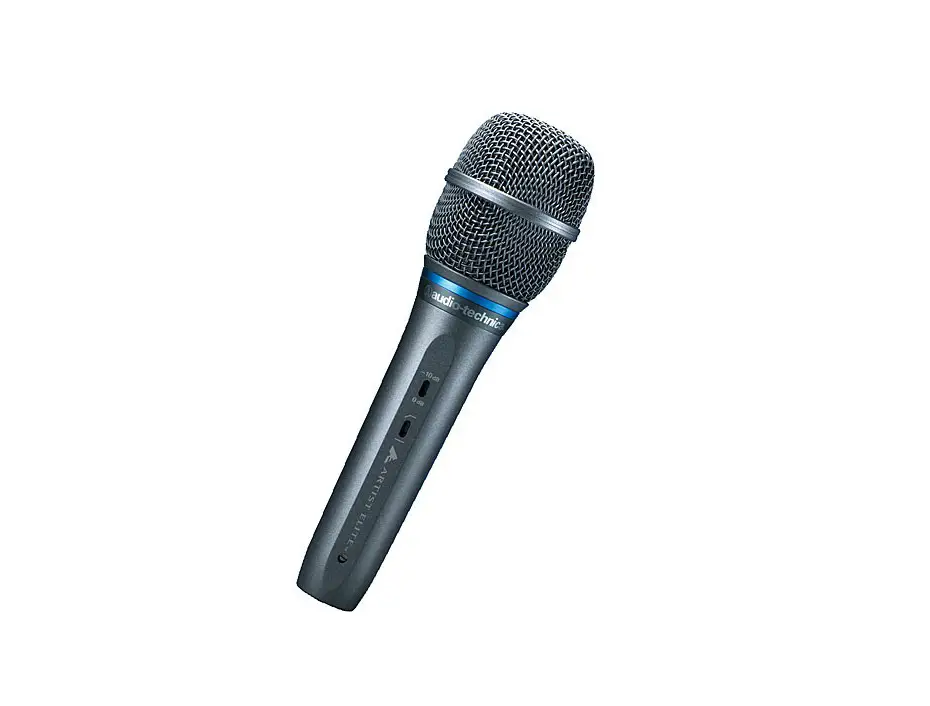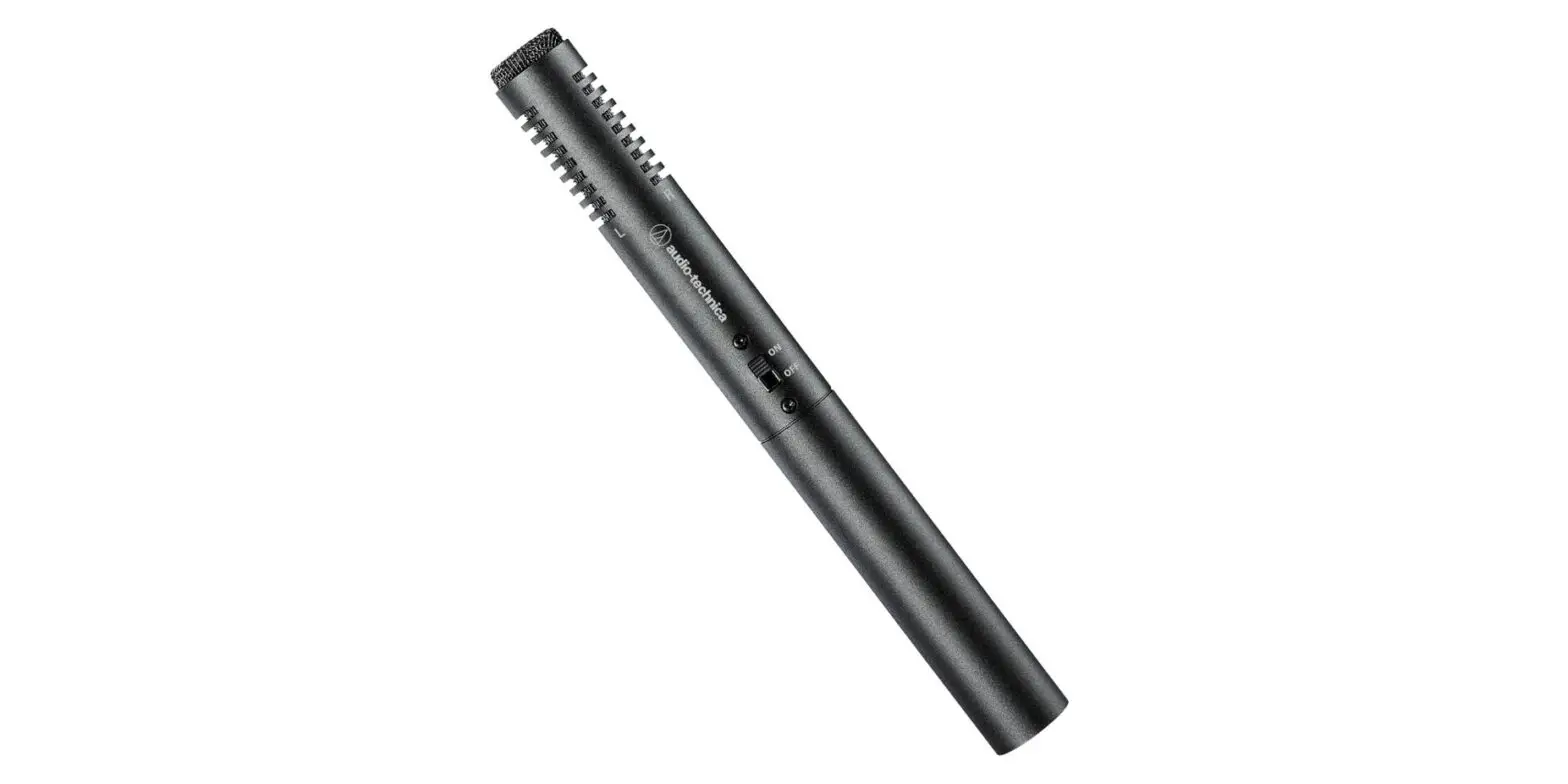

AT2035
User Manual
Cardioid Condenser Microphone
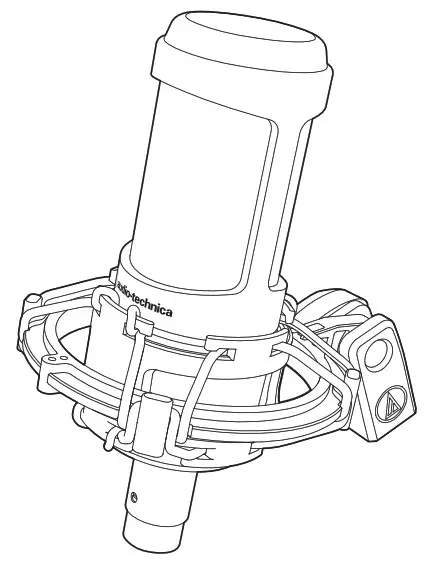
Thank you for purchasing this product. Before using the product, read through the user manual to ensure that you will use the product
correctly. Please keep this manual for future reference.
■ Safety precaution
Although this product was designed to be used safely, failing to use it correctly may result in an accident. To ensure safety, observe all warnings and cautions while using the product.
■ Cautions for the product
- Do not subject the product to strong impact to avoid malfunction.
- Do not disassemble, modify or attempt to repair the product.
- Do not handle the product with wet hands to avoid electric shock or injury.
- Do not store the product under direct sunlight, near heating devices or in a hot, humid or dusty place.
- Do not place the product on an unstable surface to avoid injury or malfunction due to falling or the like.
■ Notes on use
- Be sure to read the connected device’s user manual before use.
- When the product is used for a long time, the product may become discolored due to ultraviolet light (especially direct sunlight) and wear.
- Make sure to hold the plug when connecting and disconnecting the cable. The cable may become severed or an accident may occur if you pull on the cable itself.
- When using the cable, be careful not to twist it to prevent damage to the cable.
- Do not wind the cable at the base of the plug to prevent a disconnection.
- When plugging the cable into the microphone and the connected device, check that the connector is facing in the correct direction before inserting it straight. Inserting the connector or plug diagonally may cause a malfunction.
- Turn off the phantom power of the connected device before connecting or disconnecting a cable.
- For important recordings, perform a trial recording beforehand to make sure that the sound is recorded correctly.
- Audio-Technica will not be liable in any way for any loss or damage to software or data connected to the product.
■ Using the product
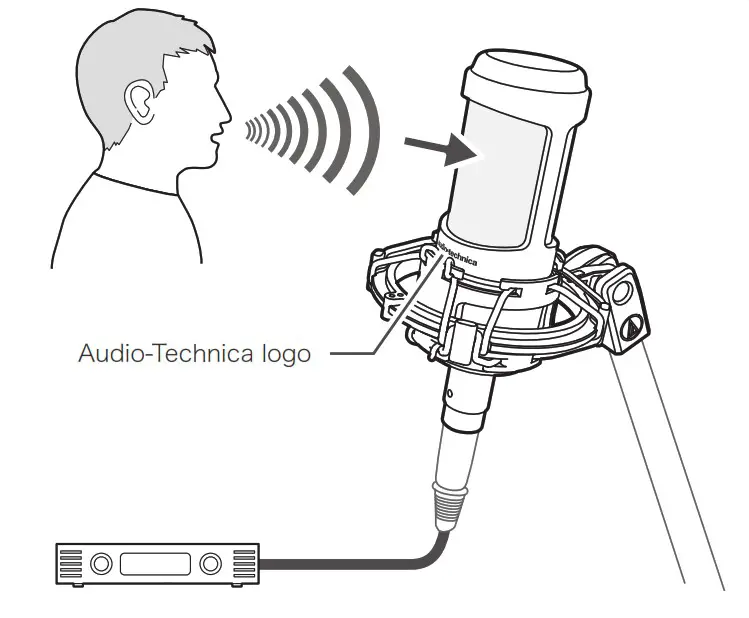
- Connect the product to a device that has a microphone input (balanced input) compatible with a phantom power supply.
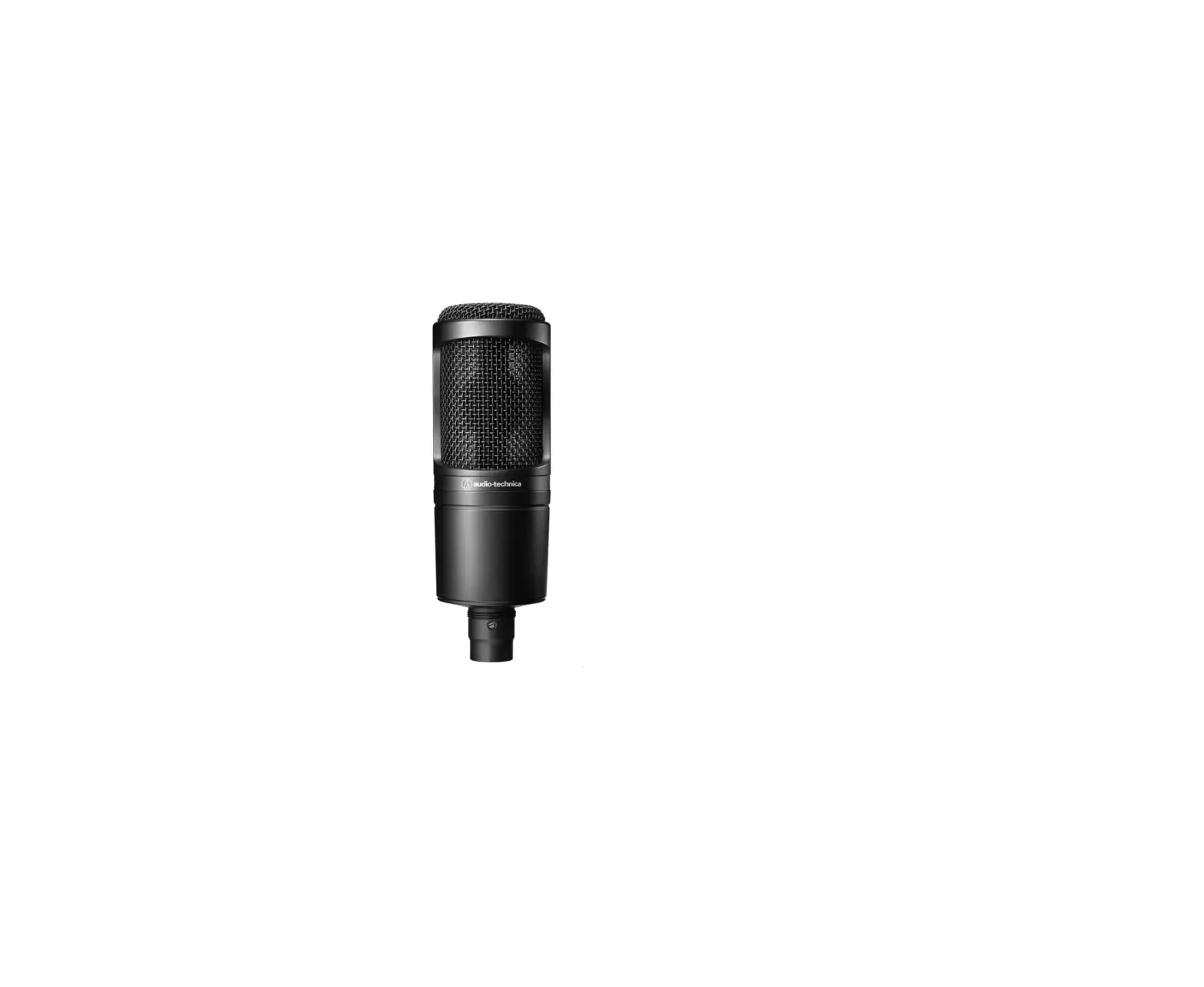
- Use the product, positioning the Audio-Technica logo on the front of the microphone toward the sound source.
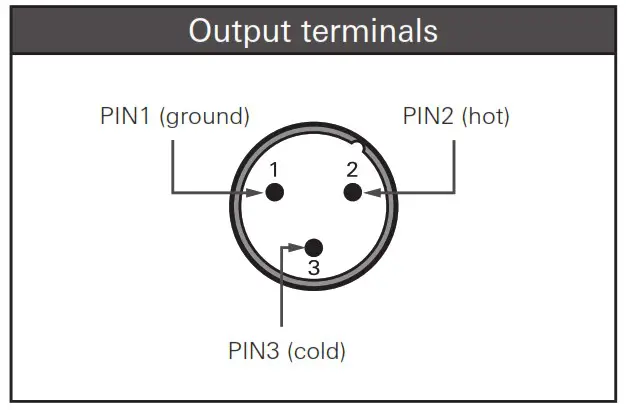
■ Output terminals
The output connector is an XLR-M type with polarity as shown in the figure below.
■ Switch settings
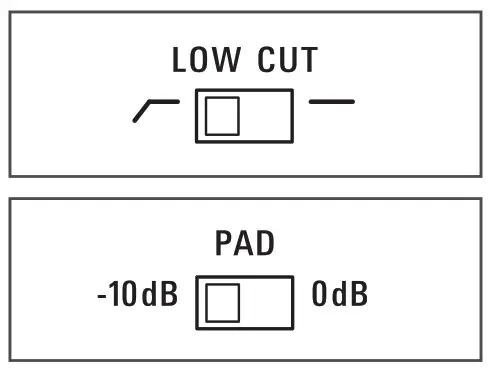
To reduce the pickup of lowfrequency ambient noise (such as traffic, air-handling systems, etc.), room reverberation, and mechanically coupled vibrations, turn ON (  ) the low-cut filter switch located on the side of the product.
If audio input exceeds the maximum input sound level, set the pad switch to -10 dB.
■ Specifications
| Element | Fixed-charge back plate, permanently polarized condenser |
| Polar pattern | Cardioid |
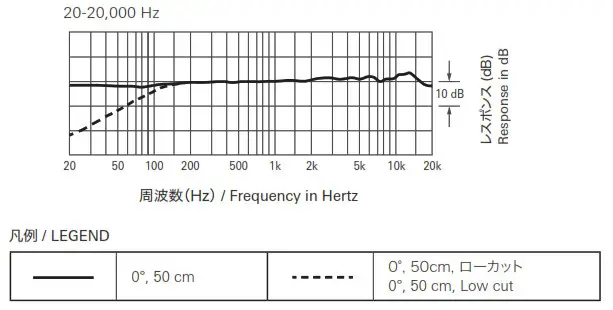
| Frequency response | 20-20,000 Hz |
| Low cut | 80 Hz, 12 dB/octave |
| Pad | -10 dB |
| Open circuit sensitivity | -33 dB (22.4 mV) (0 dB=1 V/Pa, 1 kHz) |
| Impedance | 120 ohms |
| Maximum input sound level | 148 dB SPL (1 kHz at 1% THD) |
| Noise | 12 dB SPL (A-weighted) |
| Dynamic range | 136 dB (1 kHz at Max SPL) |
| Signal-to-noise ratio | 82 dB (1 kHz at 1 Pa, A-weighted) |
| Phantom power requirements | 11V-52V DC, 3.8 mA |
| Switches | Low cut: on/off, Pad: on/off |
| Weight | 403 g (14.2 oz) |
| Dimensions | 170 mm (6.7″) long, 52 mm (2.05″) maximum body diameter |
| Output connector | Integral 3-pin XLR-M type |
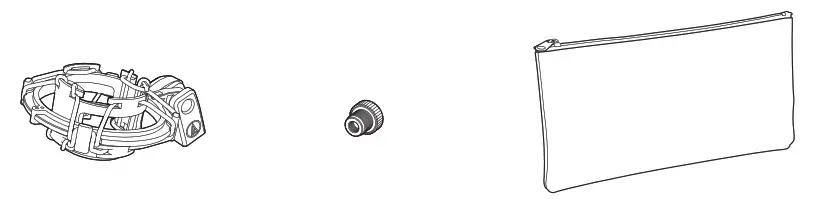
| Included accessories | AT8458a shock mount, 5/8”-27 to 3/8”-16 threaded adapter, Pouch |
• 1 Pascal = 10 dynes/cm² = 10 microbars = 94 dB SPL
For product improvement, the product is subject to modification without notice.
Polar pattern
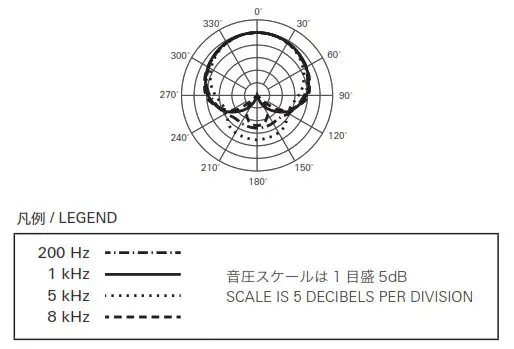
Frequency response
How to use the shock mount
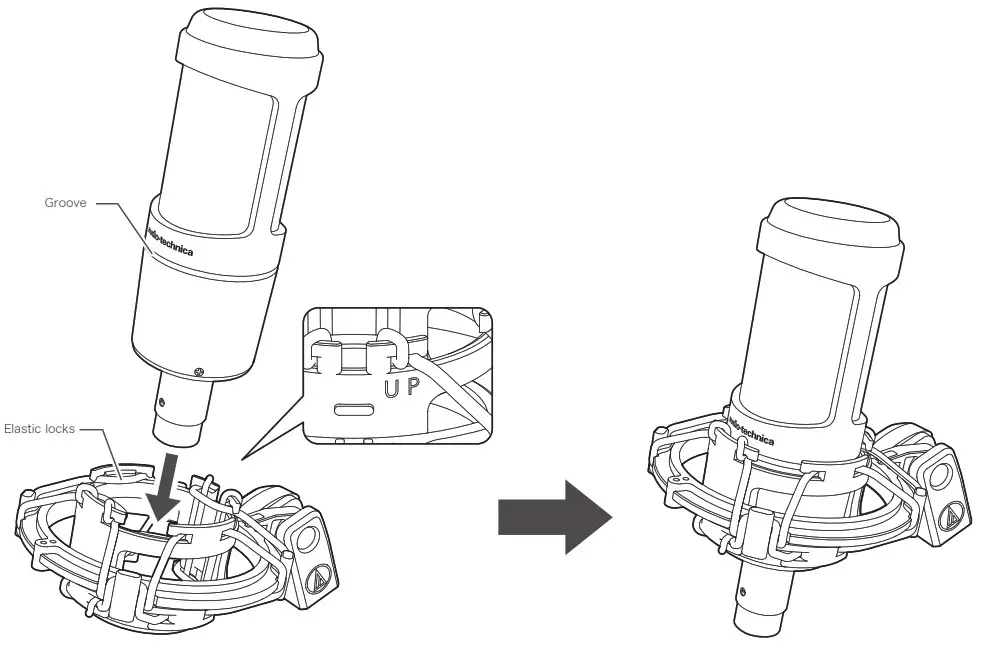 • Make sure the shock mount’s top row of elastic locks into the microphone groove.
Dimensions
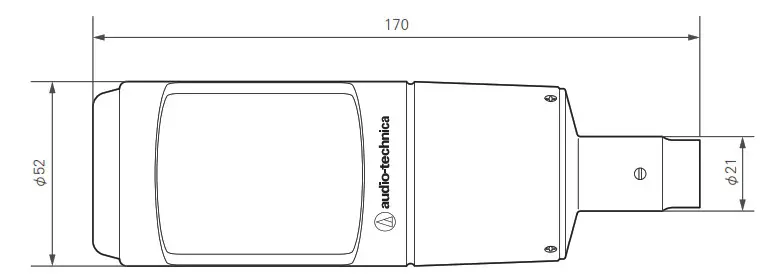 Unit
Unit
Included accessories
Warranty (Please be sure to read the notes below.)
For USA Only
End-User LIMITED WARRANTY information for the USA is available at www.audio-technica.com/usawarranties. You may also contact Audio-Technica U.S., Inc. to request a written copy of the Limited Warranty at 1-330-686-2600 or via mail at 1221 Commerce
Drive, Stow, OH 44224.
Audio-Technica Corporation
2-46-1 Nishi-naruse, Machida, Tokyo 194-8666, Japan
www.audio-technica.com
©2021 Audio-Technica Corporation Global Support Contact: www.at-globalsupport.com