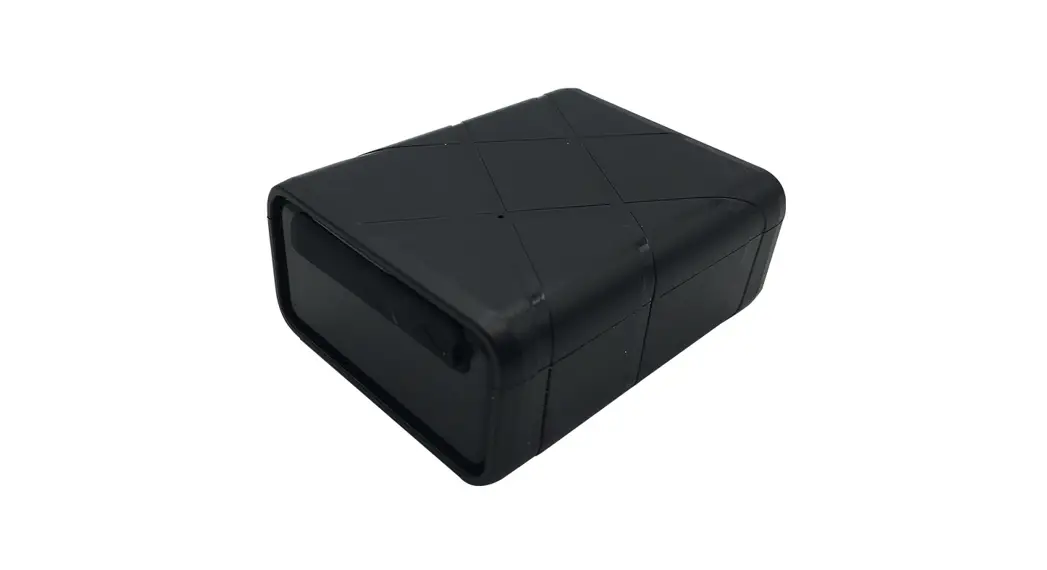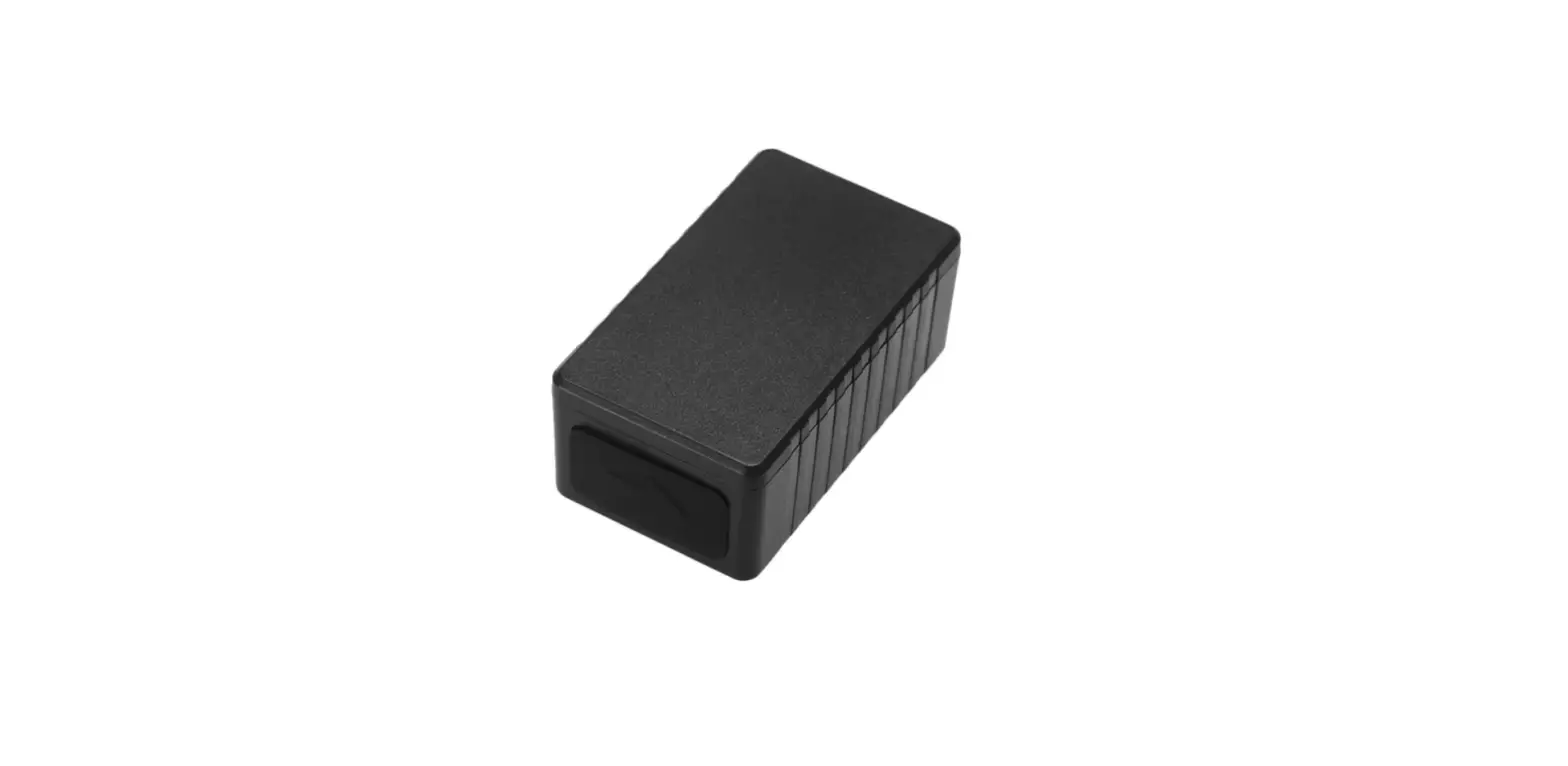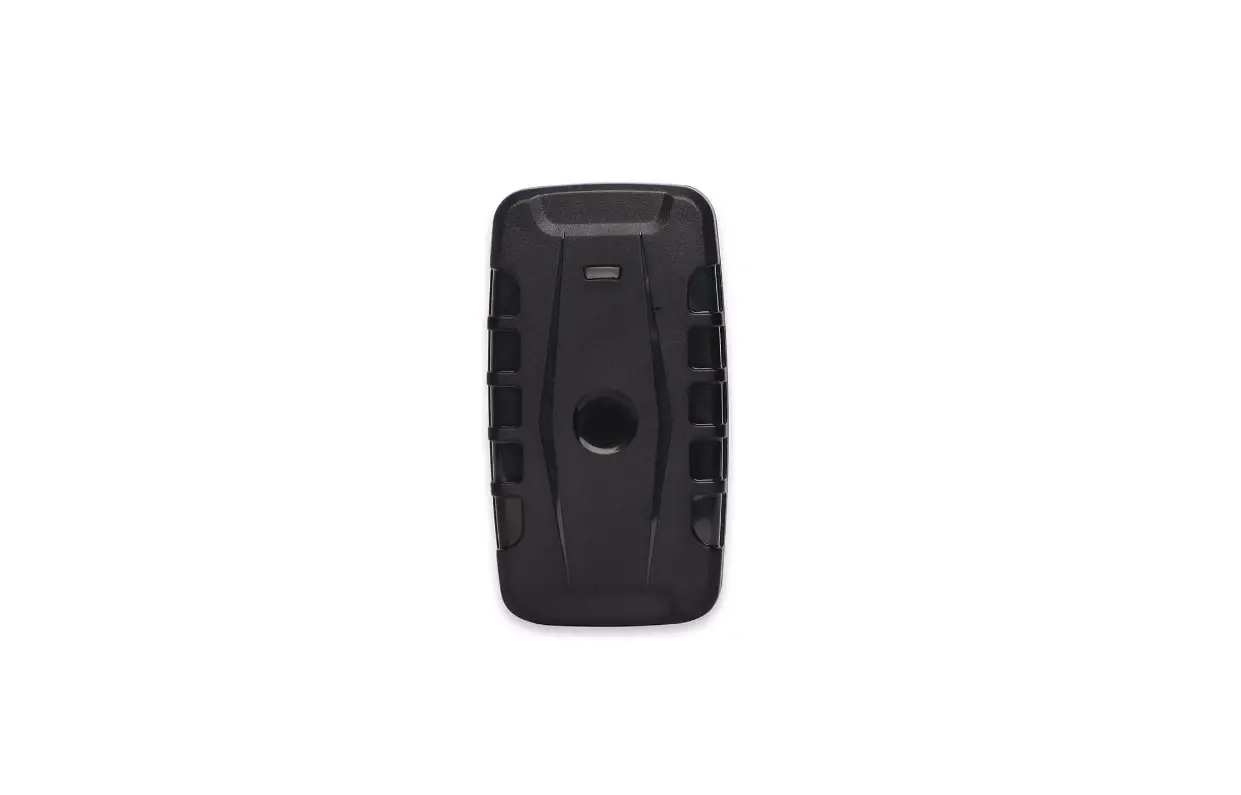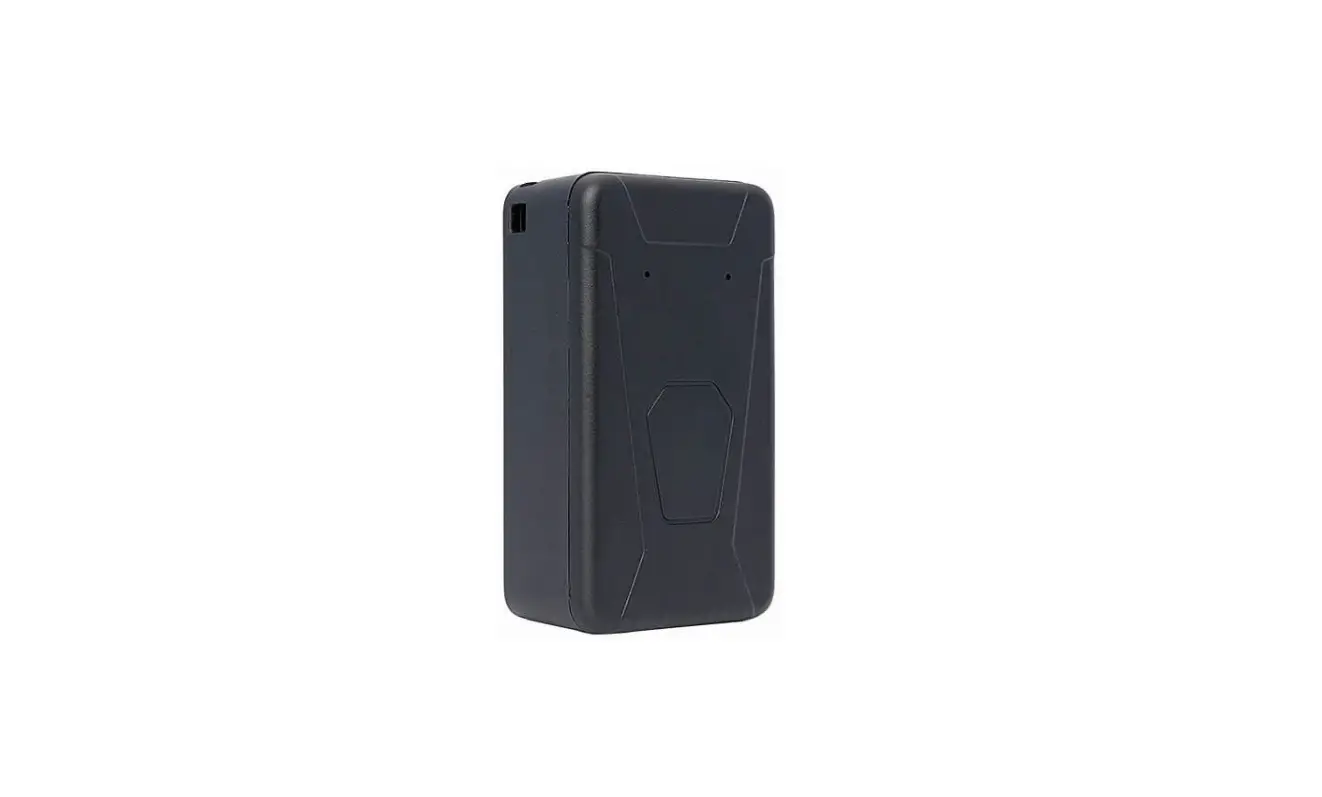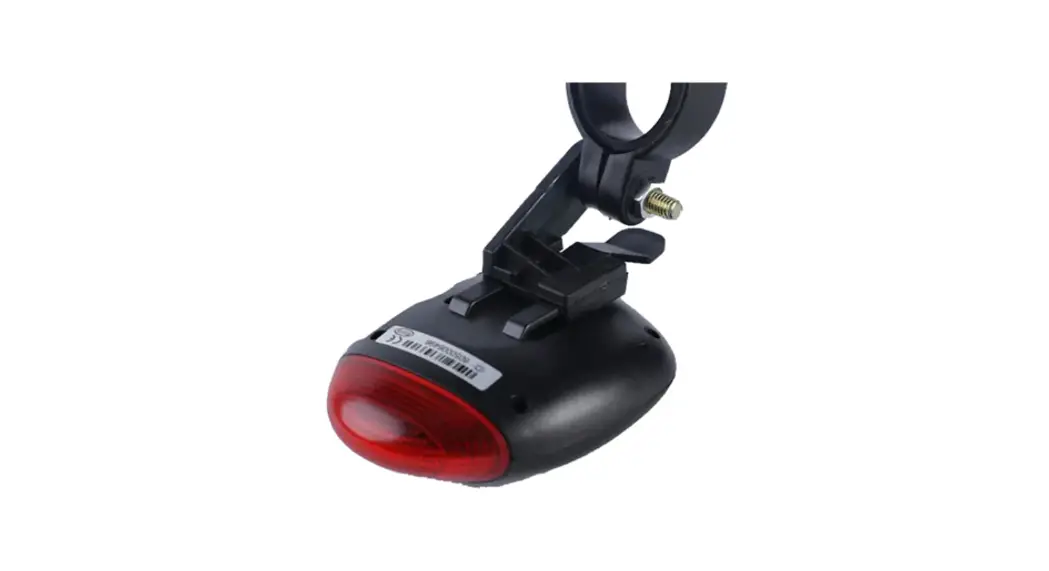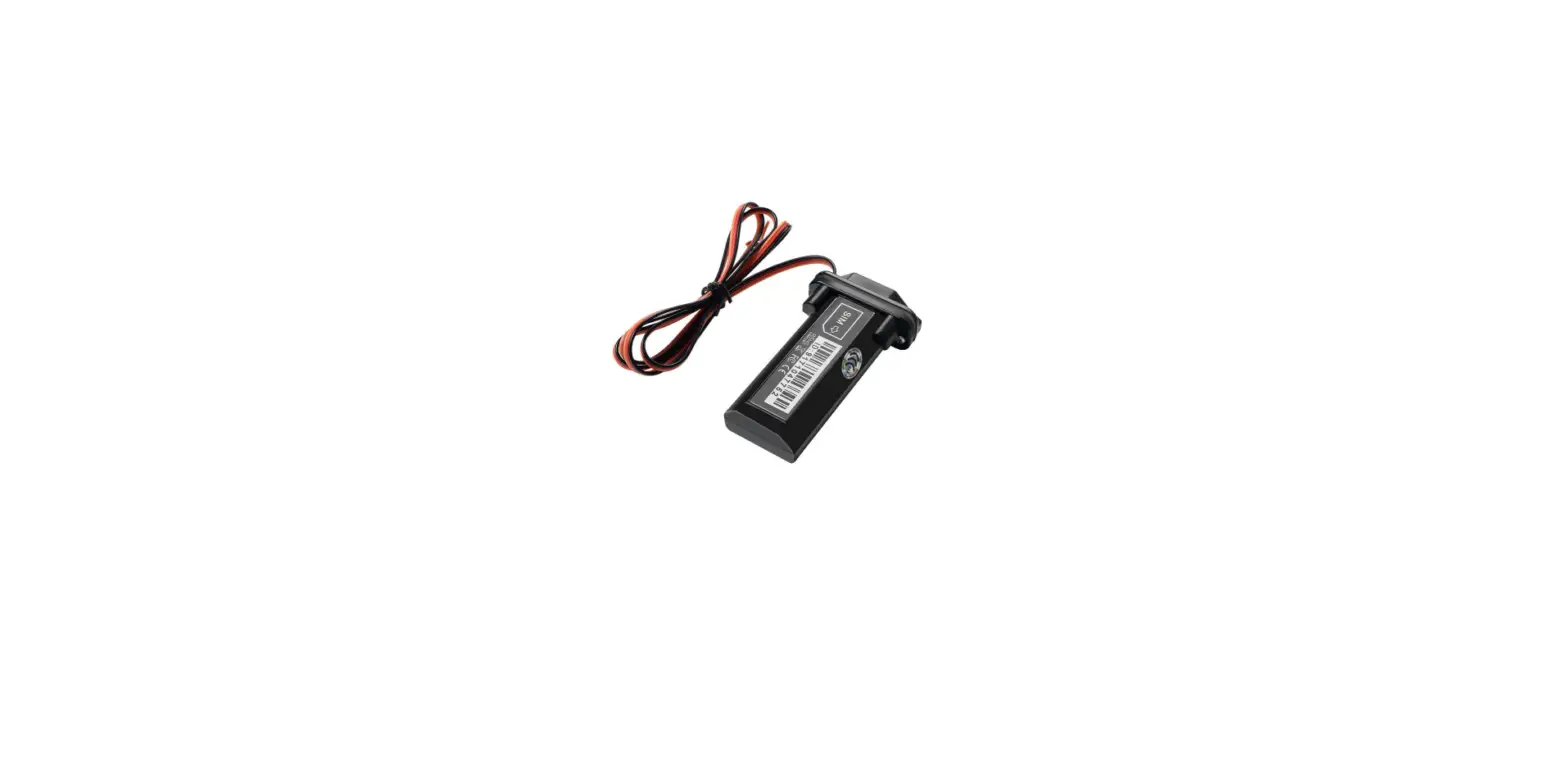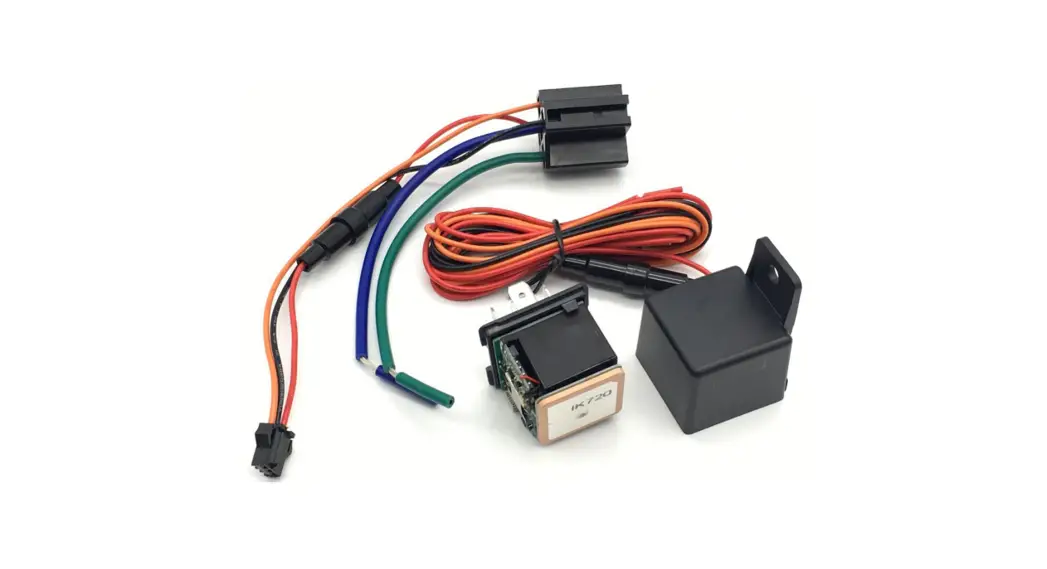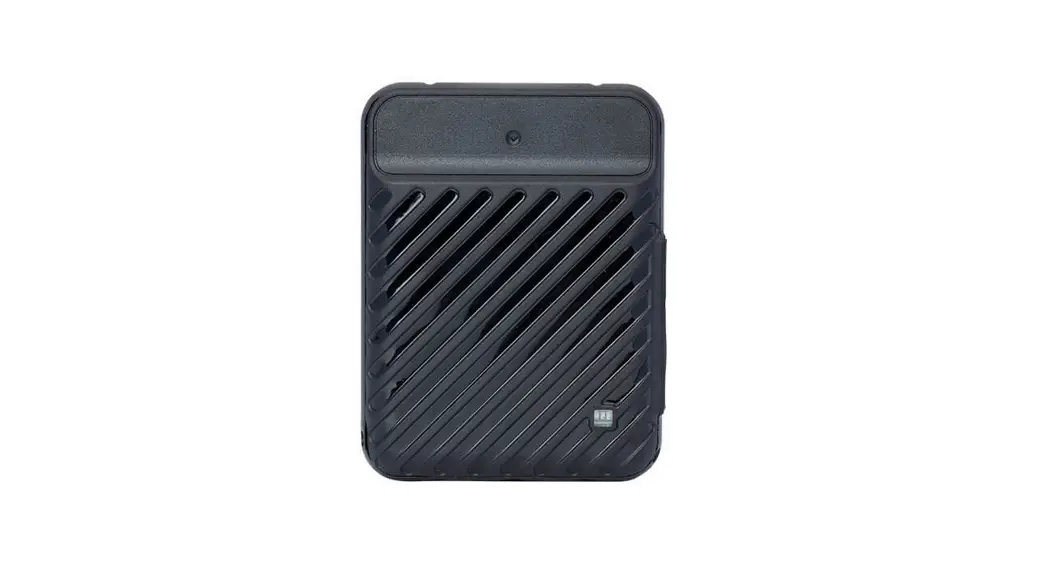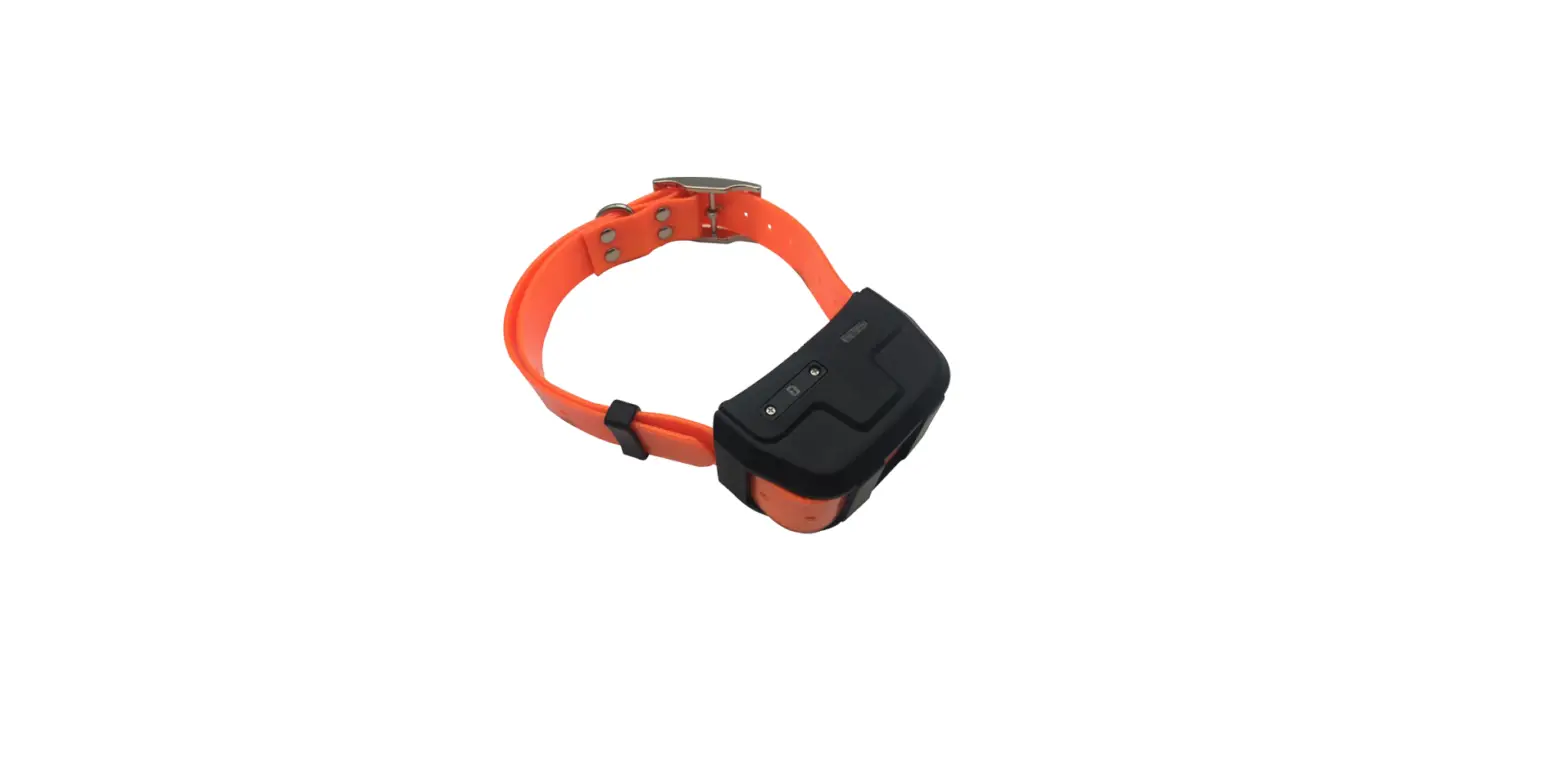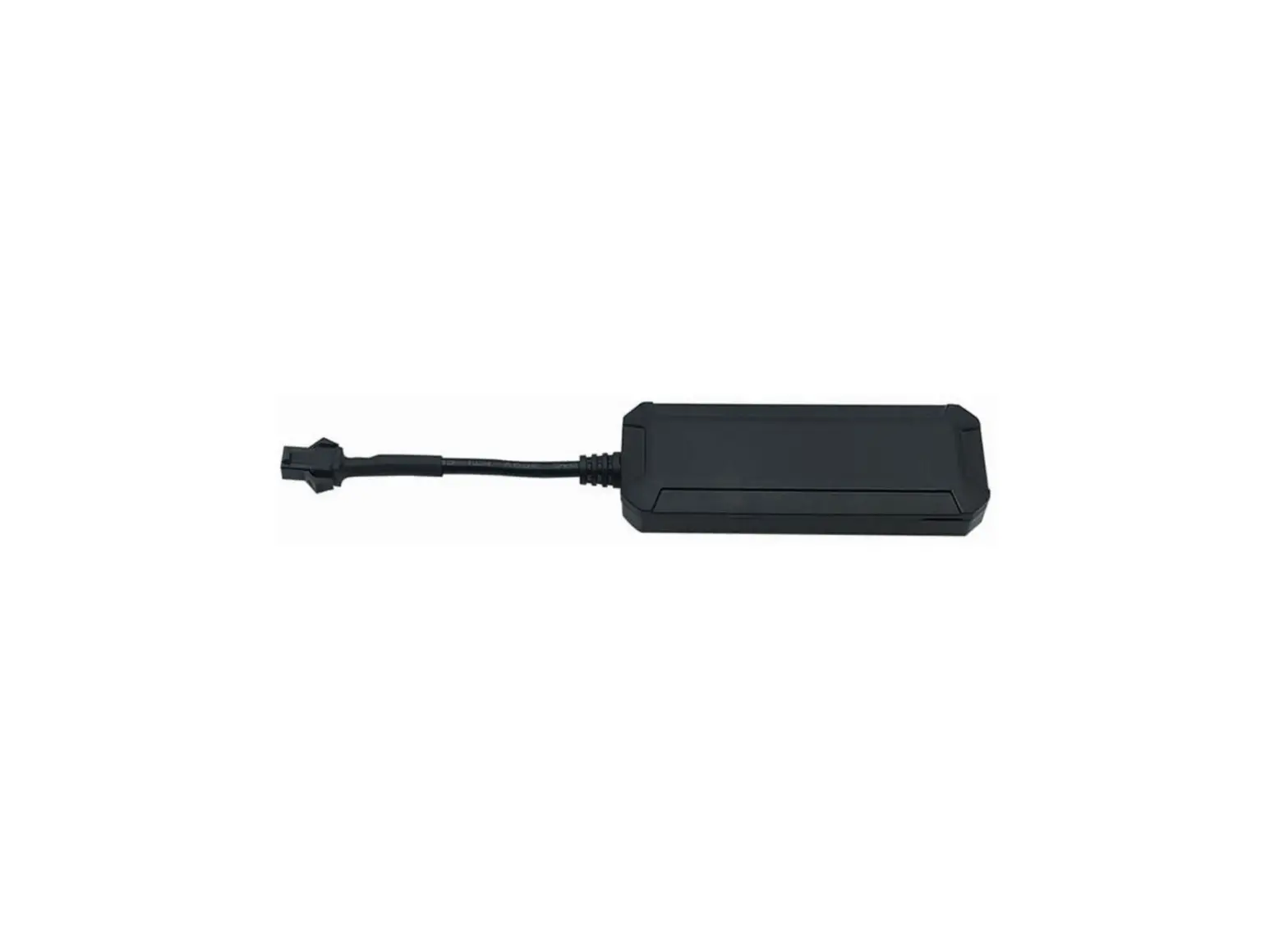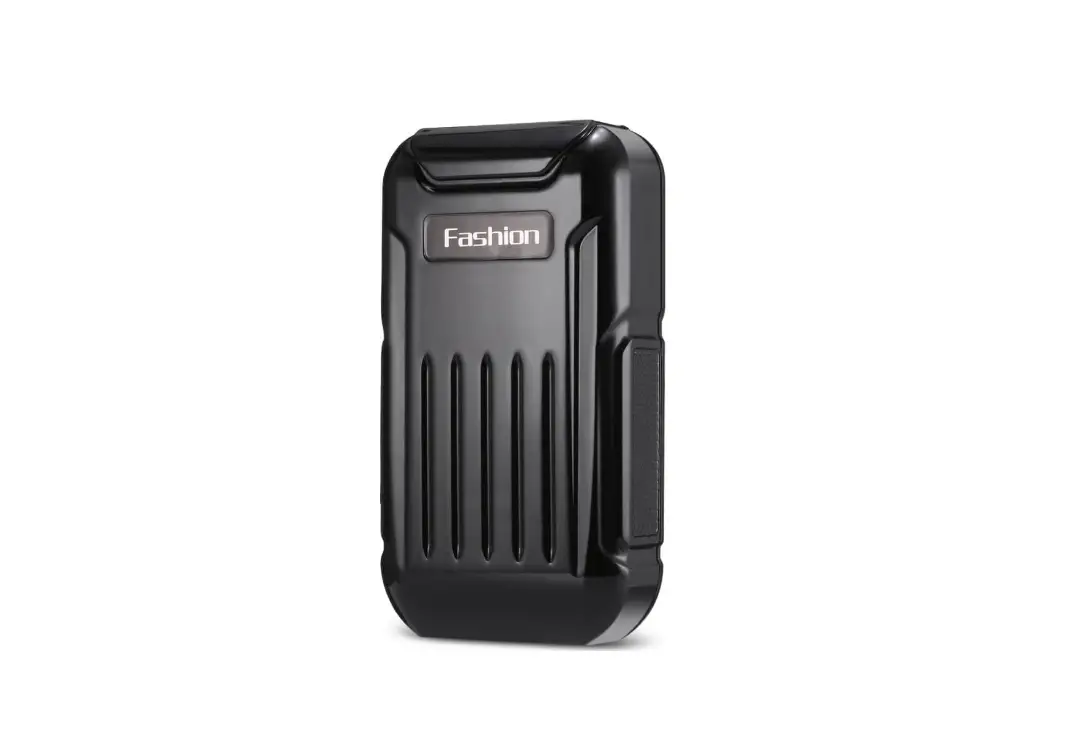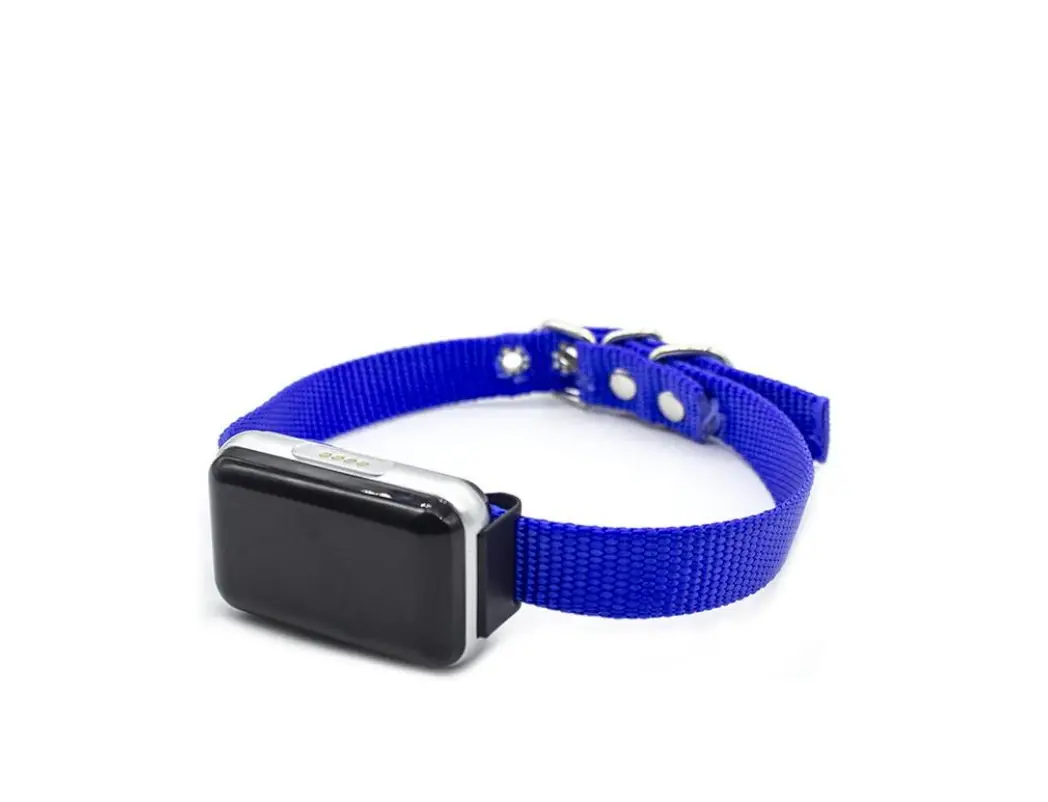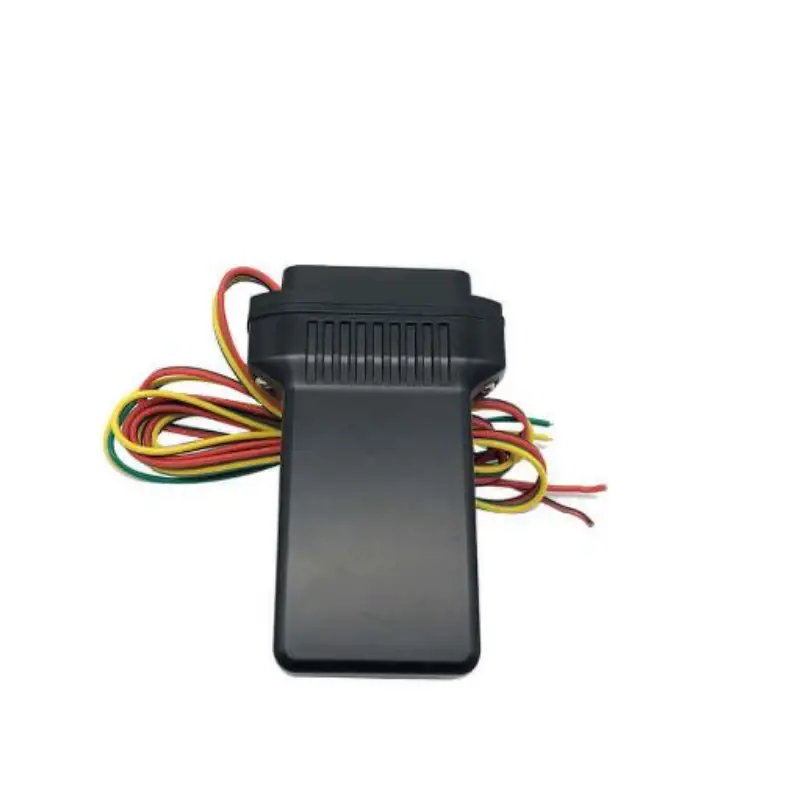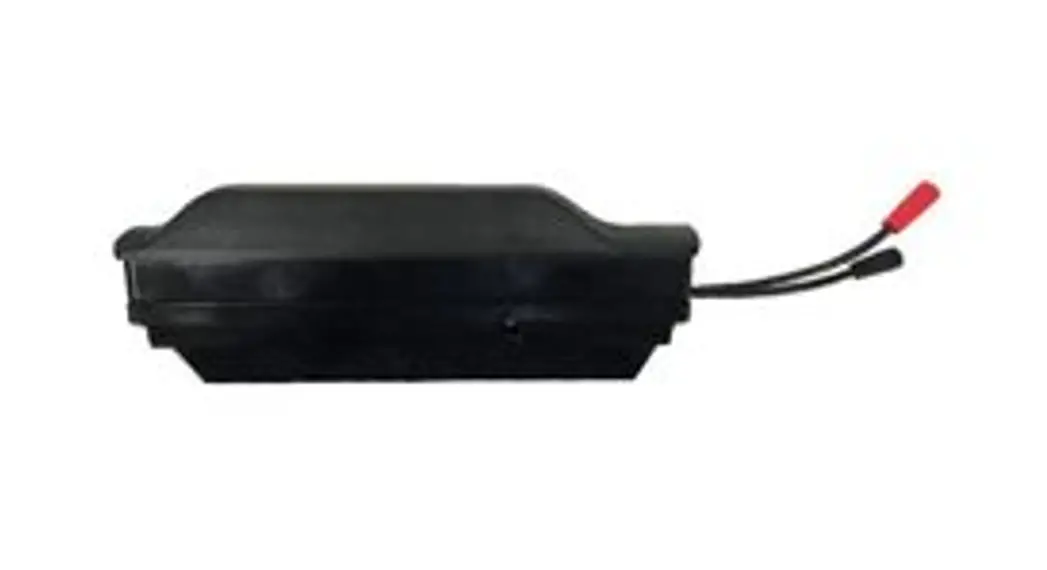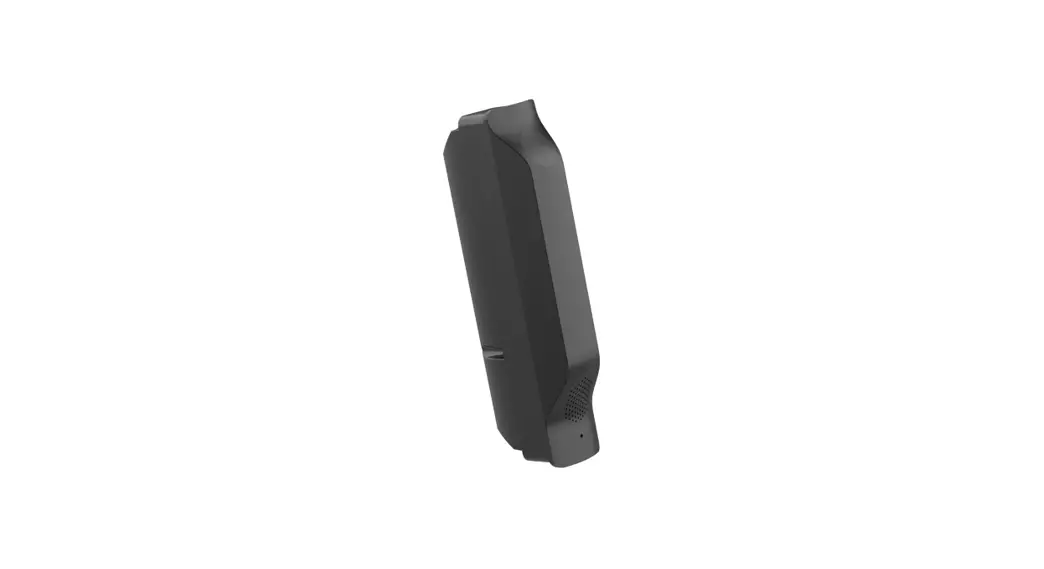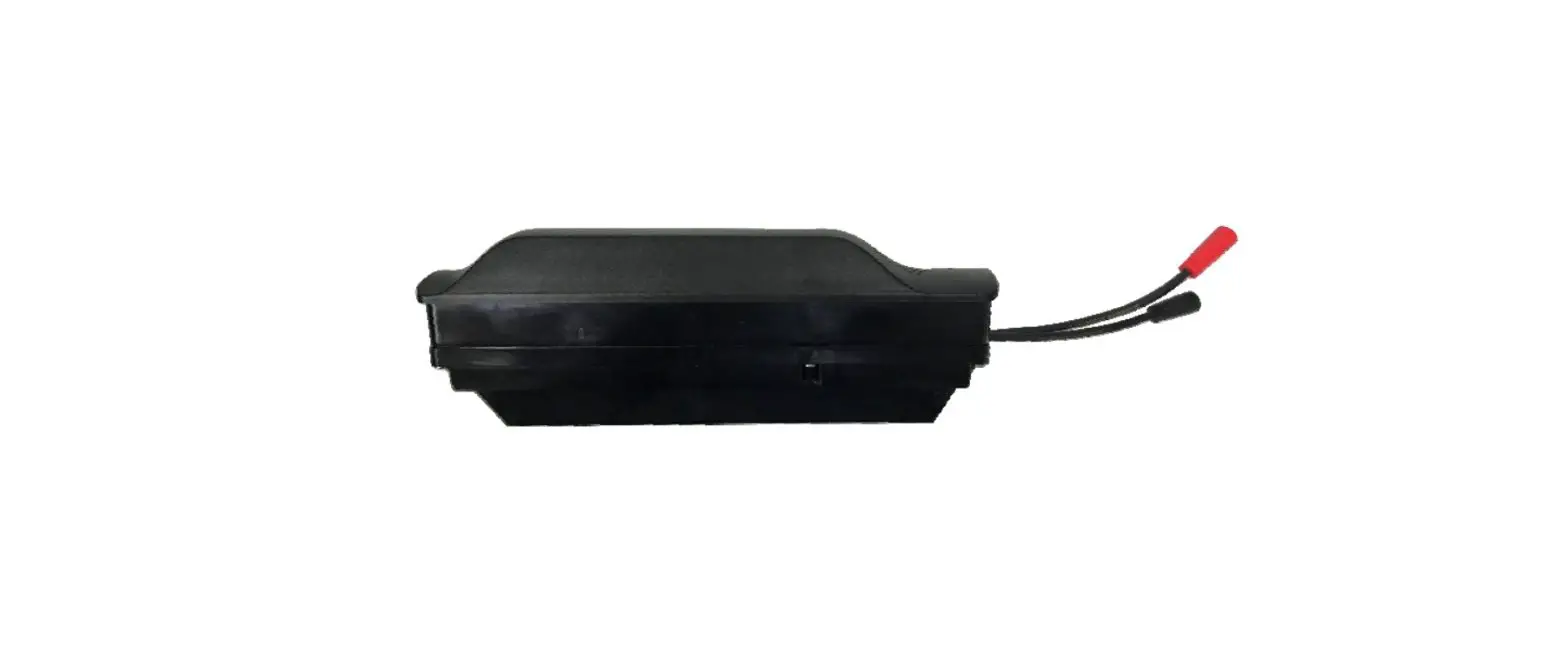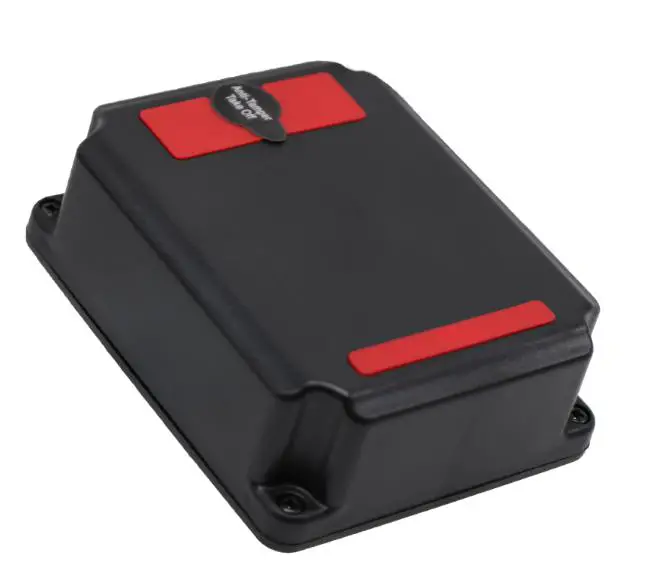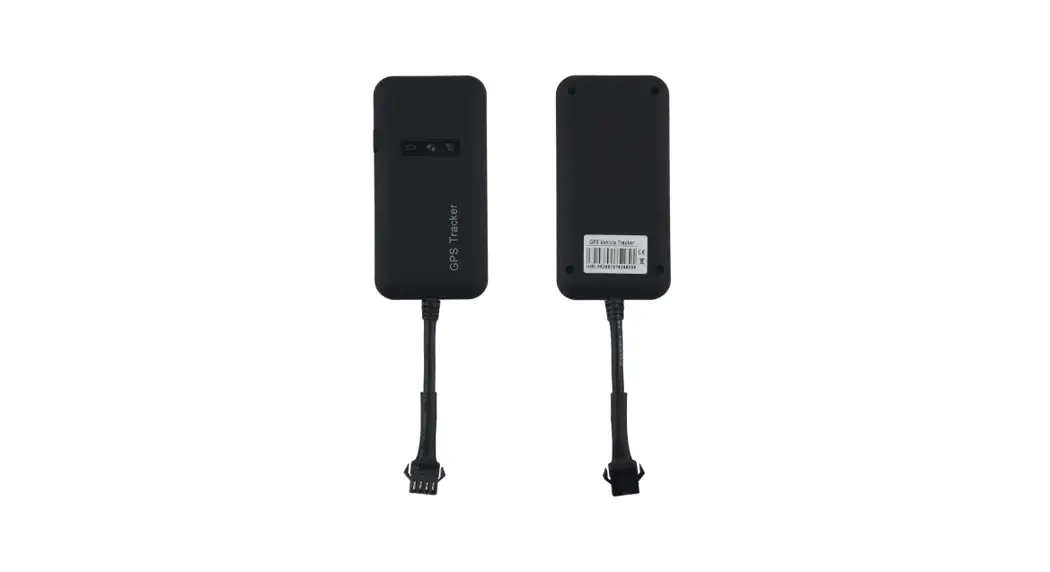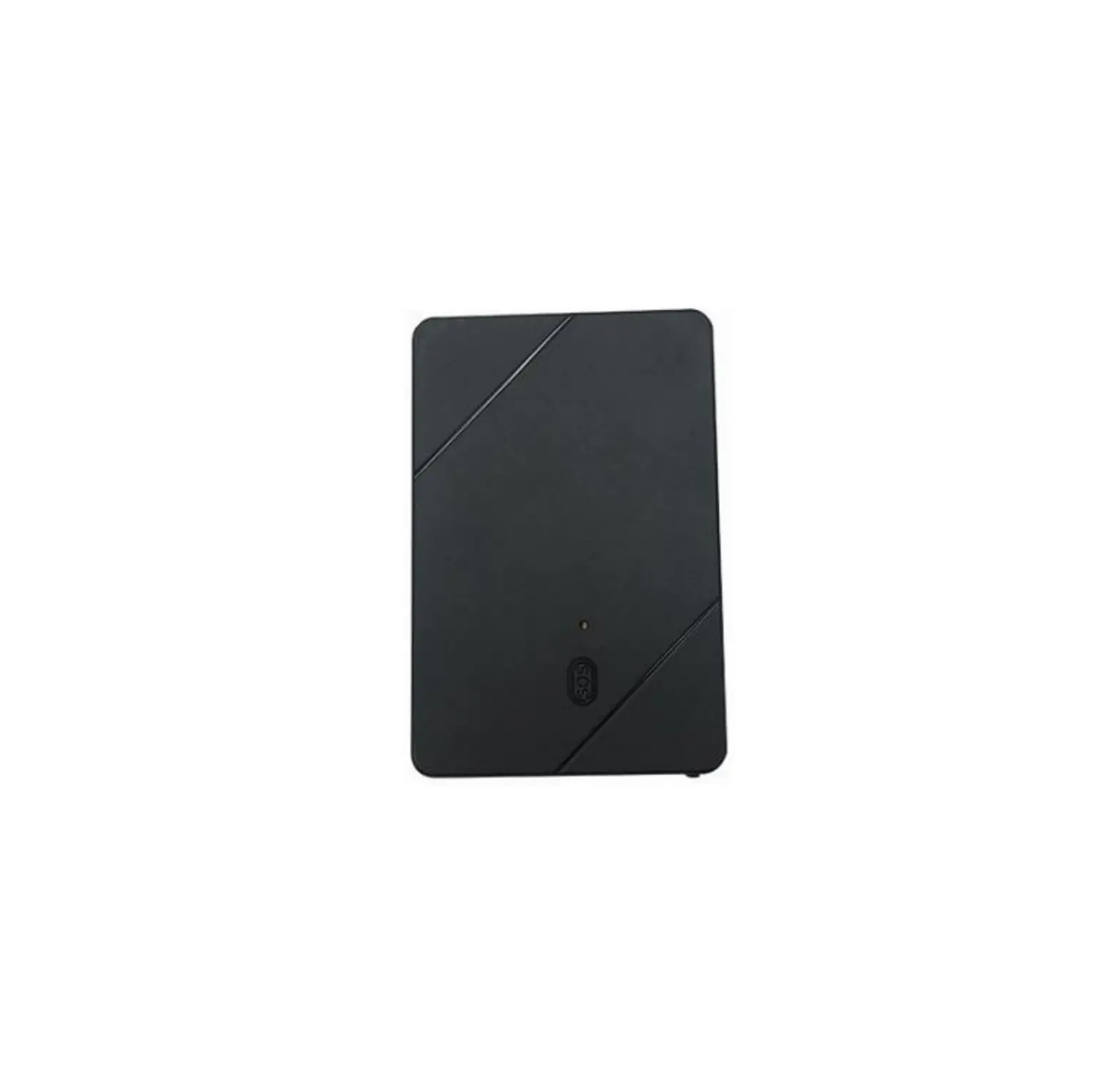
icar gps IK115 Wallet Tracker
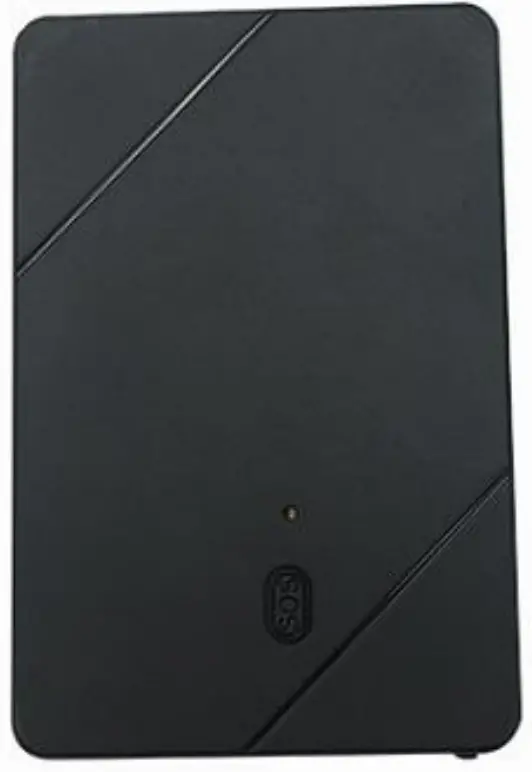
Preface
Congratulations on choosing the icar GPS IK115 Card GPS tracker. This manual show show to easily program and setup the tracker for best results. Make sure to read this manual carefully before using this product, so as to avoid delays or confusion with it’s operation. Please note that specifications and instructions are subject to change without notice to facilitate product improvement. Updates and changes will be integrated into the latest release. The manufacturer assumes no responsibility for any errors or omissions in outdated documents.
Overview
IK115 is a GPS tracker designed for wallet tracking.
Features
- Real-timing tracking
- GPS+WiFi Positioning
- History record check
- Geo-Fence alarm
- Low battery alarm
- Power saving mode
- PC & Mobile App tracking
- Mini Hidden
- IP65 Water resistant
- One way communication
- SOS
Applications
- Elderly tracking
- Alone worker tracking
- Kids tracking
- Wallet tracking
Specifications
Item | Specifications |
| Dimension | 64*43*7 mm |
Weight | 25.7g |
| Charger | DC 5V/1A |
Backup battery | 3.7 V 500mAh |
| Power consumption | 40mA standby current |
Working temperature | -20°C to 65°C |
| Item | Specifications |
Cellular Bands | GSM: 850/900/1800/1900Mhz |
| Positioning | GPS, AGPS, LBS |
Tracking Sensitivity | -162 dBm |
| Sensor | Accelerometer |
LED | RED/GREEN/BLUE |
| SIM Card interface | Nano SIM |
Waterproof | IP65 |
IK115 interface
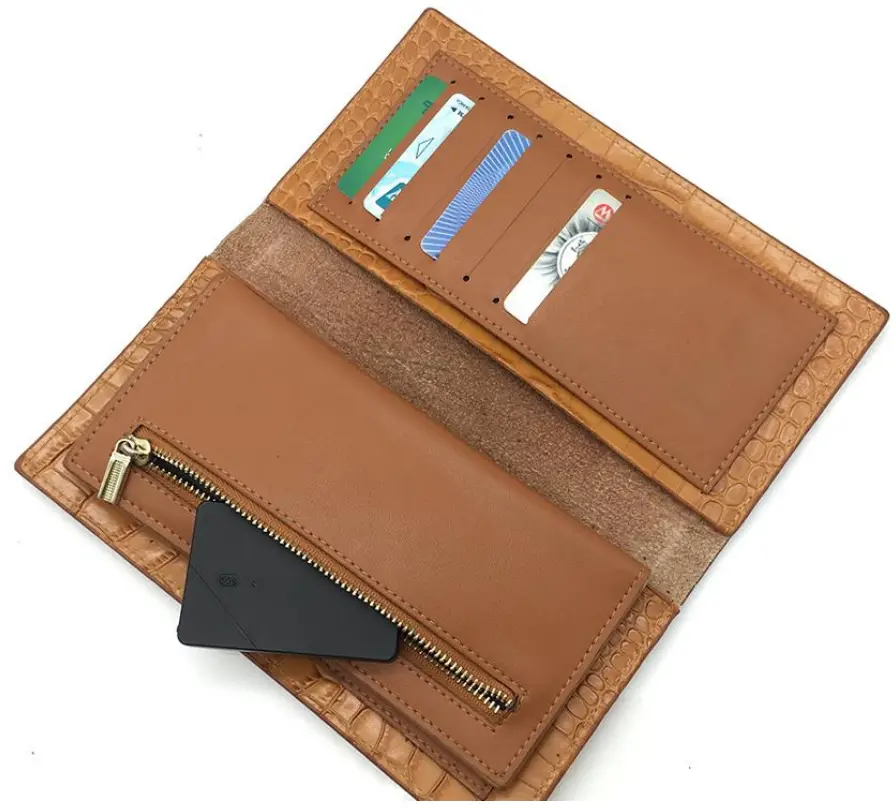
In the box
- 1* IK115 GPS Tracker
- 1* Quick Start Guide
- 1* Charge Cable
Installation
SIM Card installation
- Get ready a Nano Sim Card that support GSM&GPRS with 30MB data per month
- Open the top housing
- Insert Sim card to sim card slot correctly
- Devices would turn on autolyze (blue led will blinking).
- After that the device will be ready.
- If you want to turn off the tracker, you could press the SOS button 5 times quickly
LED Indications
| Flash | Fix | Off |
| Blue Light | GSM/GPRS conversation start | No GPRS signal | Power off or in sleep mode |
Green Light | GPS location successful | No GPRS signal | Power off or in sleep mode |
| Red Light | charging | Full battery or charged full |
SMS Commands List
Function | Command Format | Reply | for example |
| APN |
SL APNapn content | apn set ok | SL APNcmnet |
SL APNapn content,apn user | Apn set ok | ||
| SL APNapn content,apn user,apn user pas sword | Apn set ok | ||
admin number | SL CP186********* | SL CP186******** | |
| Domain&IP P ort | SL DPa.icargps.net 7700 | SL DPa.icargps.net 7700 | |
upload frequency(ti me) | SL SC0,50 | 50=50 seconds | |
| upload frequency(dis tance) | SL SC1,500 | 500=500 meters | |
Position | SL LC | Google map Link |
SL LC |
| Restart Devic e | SL RT | Device would restart i mmediately | SL RT |
Check | SL CX | SN:47120100939 SE R:a.icargps.net 7700 APN:internet GSM:24 GPS:8 BAT:31 | SL CX |
| Back to facto ry | SL FT | OK | SL FT |
App & PC Tracking platform
App install & Login
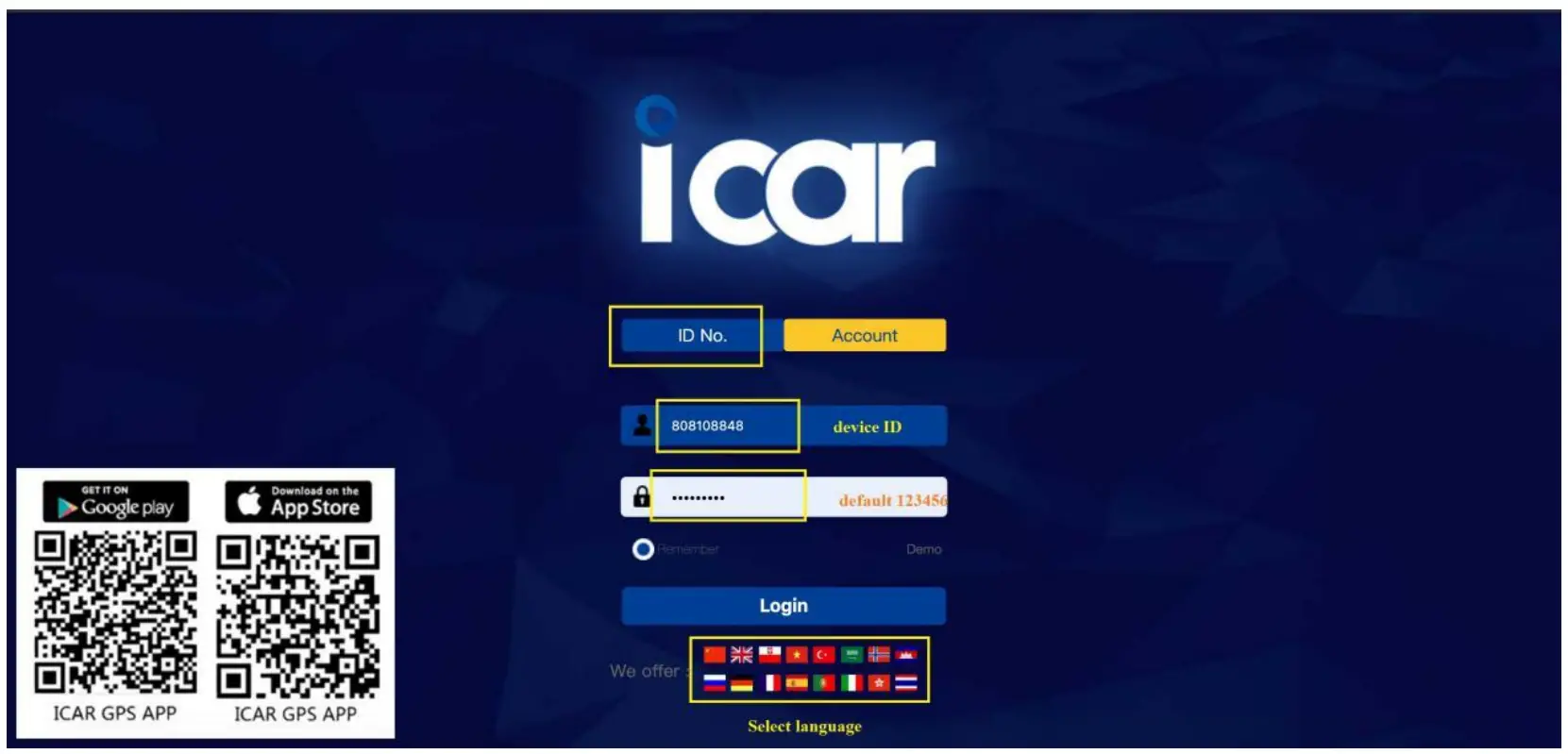
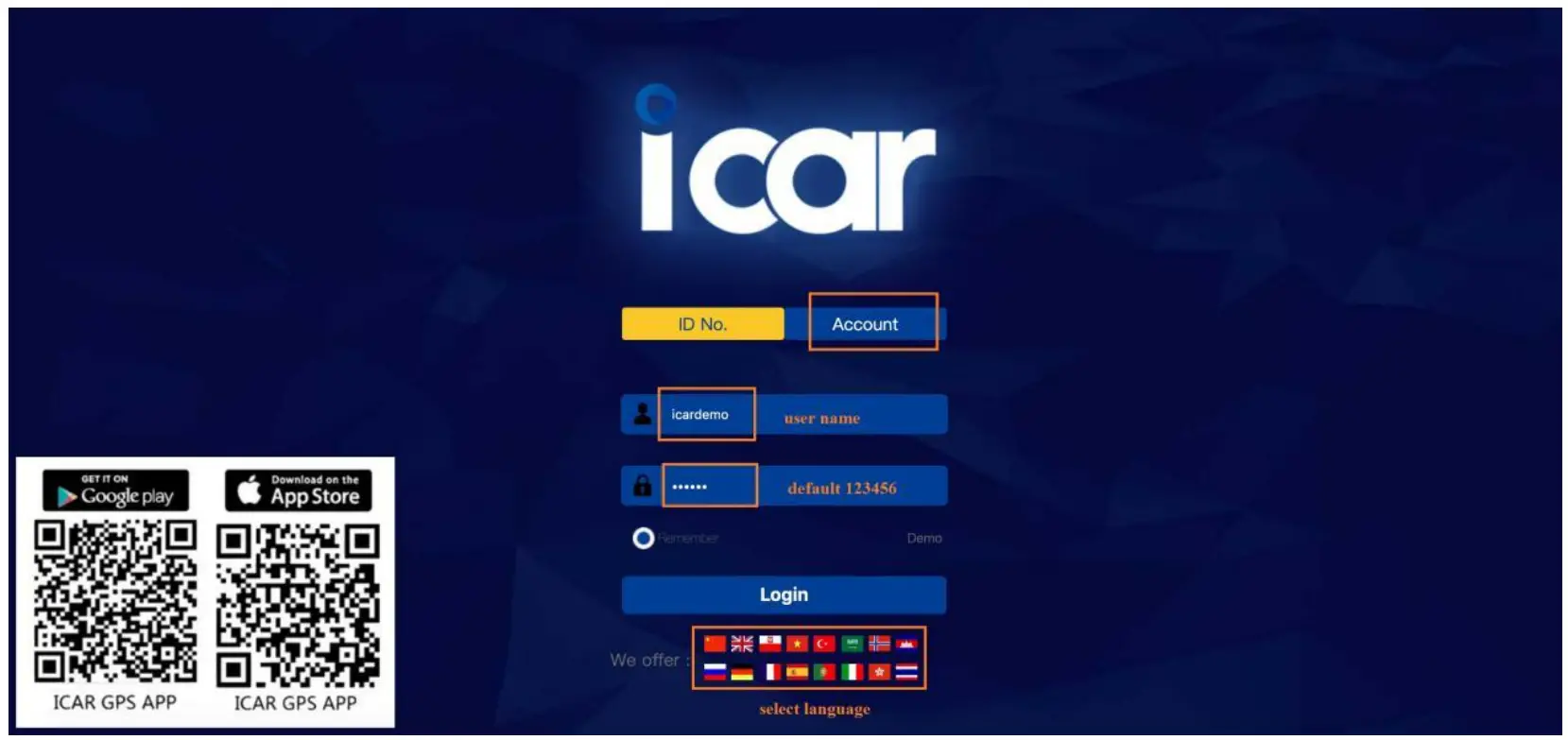
- Search “ICAR GPS” in Google Play or iOS store(or scan the following QRcode) todownload the Mobile APP;


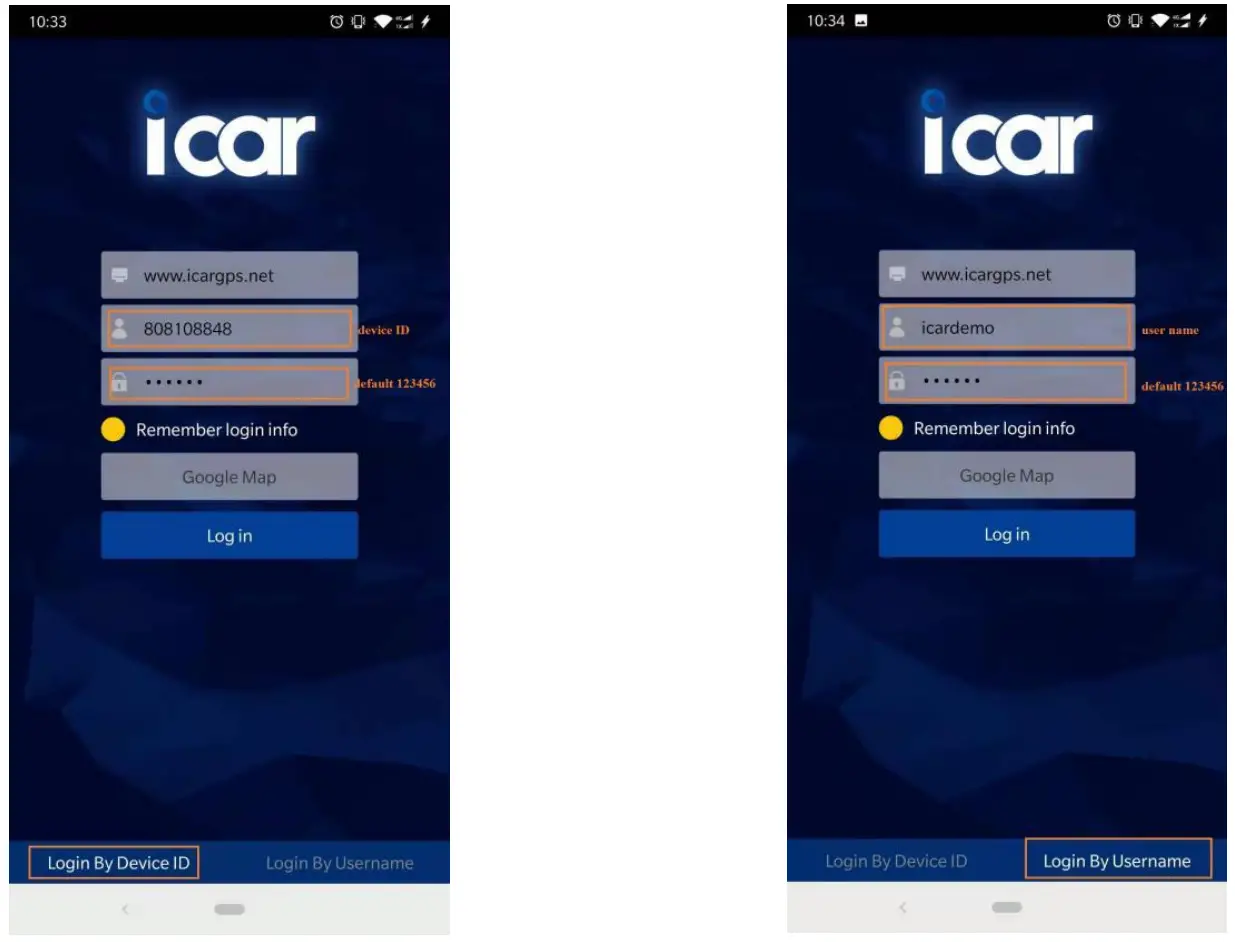
- Choose the” Login by Device No.,
- Input your device’s ID number and password(default is 123456) to login.

- Choose the” Login by User name.,
- Input your user name and password(default is 123456) to login


PC login
- Web: www.icargps.net,Choose“IDNo.”
- Input your device’s ID number and password(default is 123456) to log in

- Web: www.icargps.net,Choose“Account”
- Input user name and password(default is 123456) to log in

FAQ
A: the SIM card must support GSM&GPRS, and ensure t hat the card has enough currency and credit.
A: please set the APN before use, please edit the text “SLAPN APN content, APN user, APN user password ” and send it to the SIM card of the device, CMNET is Chinese operator’s APN, Replace the corresponding APN when use in other countries, APN details, please consult your local SIM card carrier.
A: Check the device power on or not.
A: Place the unit at the open area to test.
 ä½ç½®æœåŠ¡