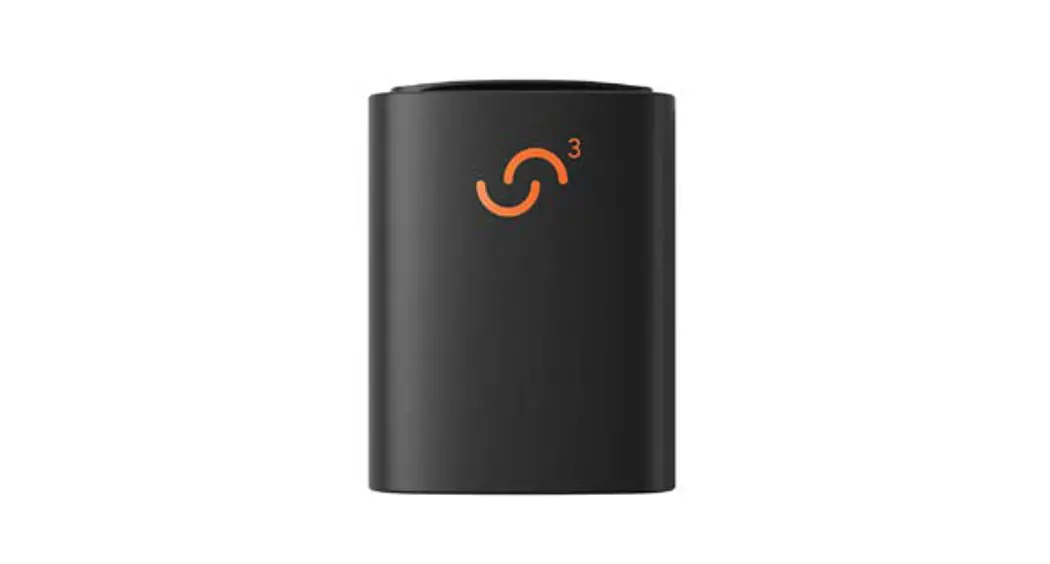
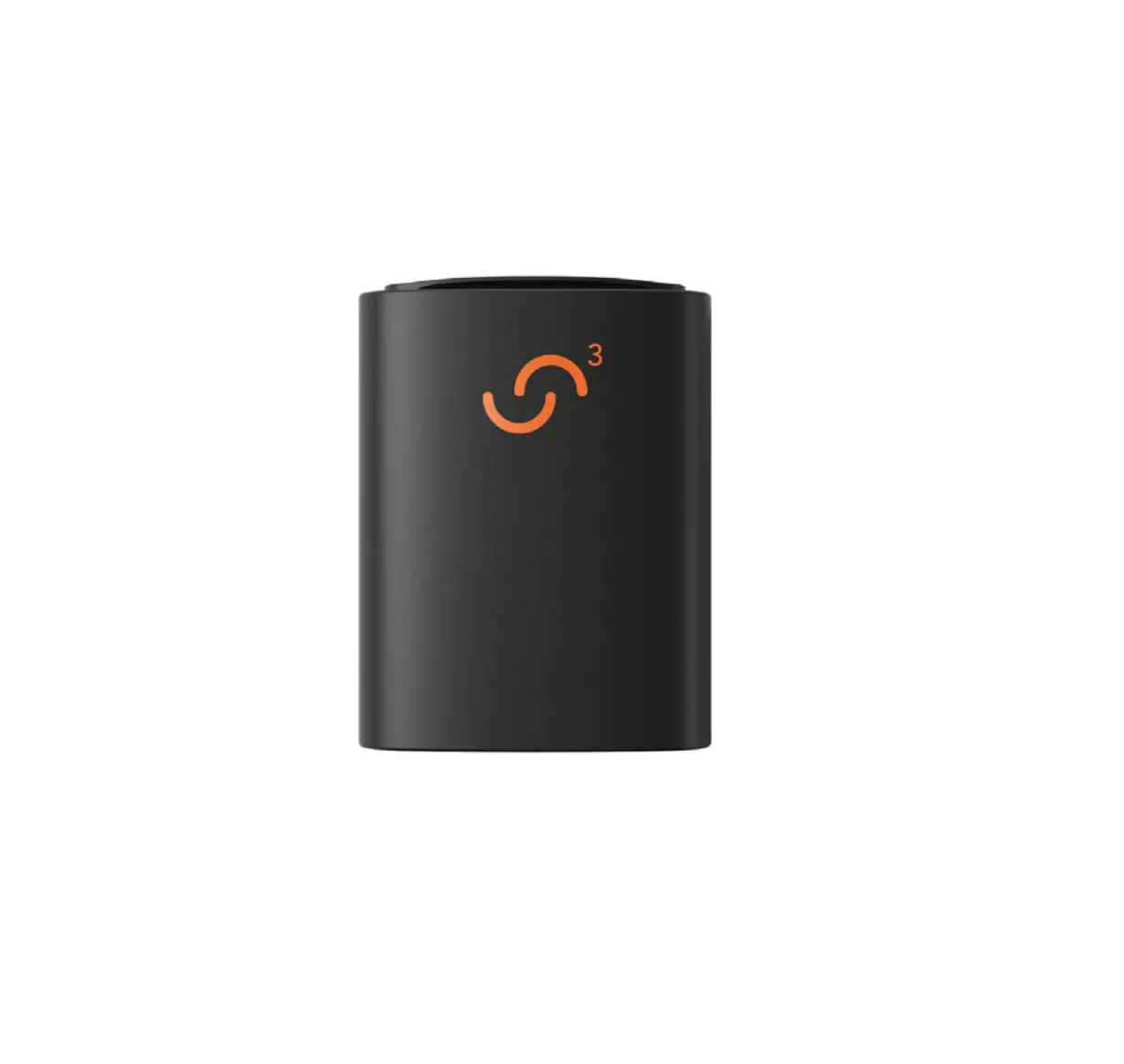
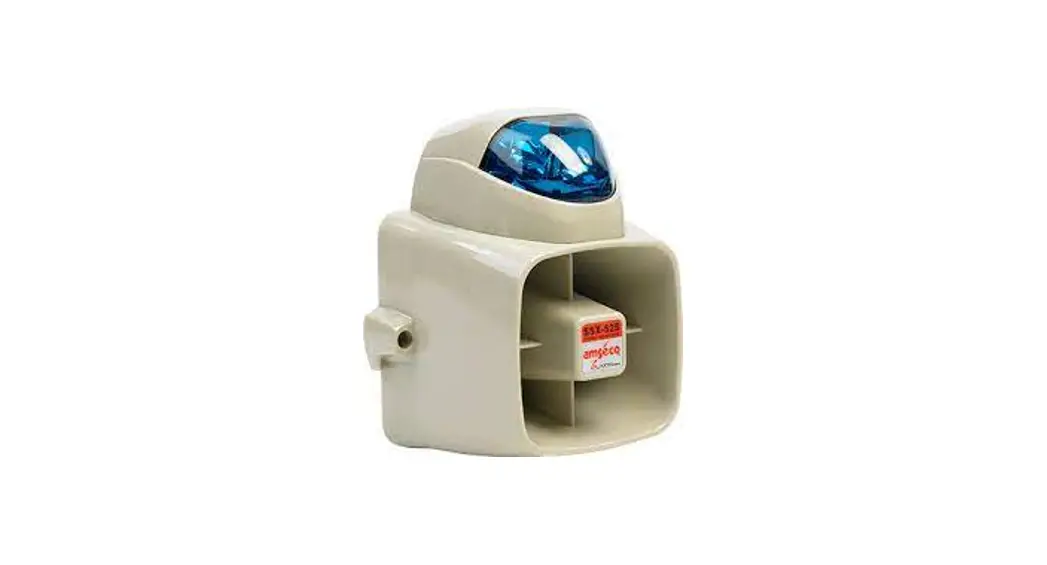
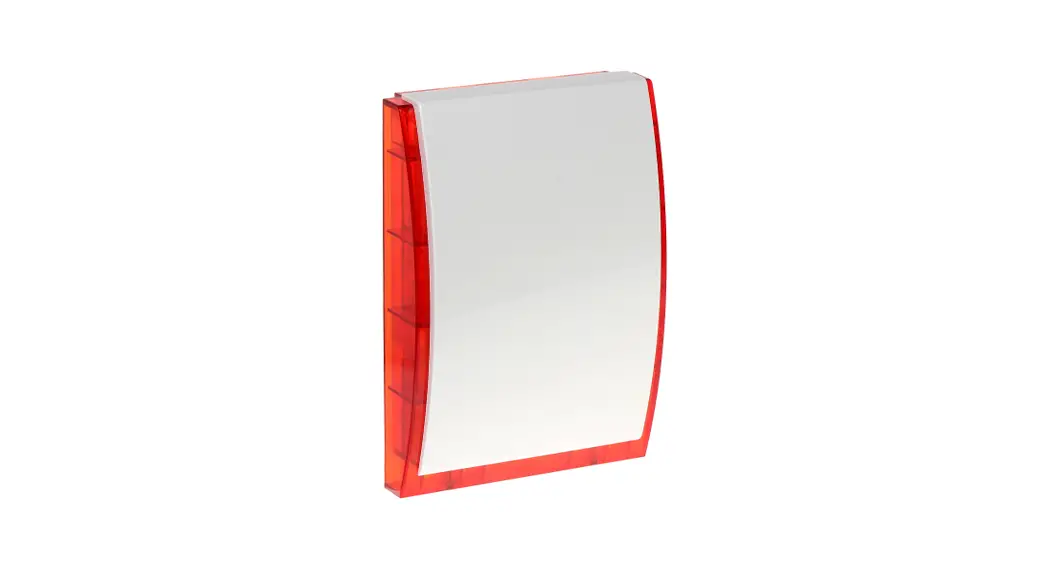
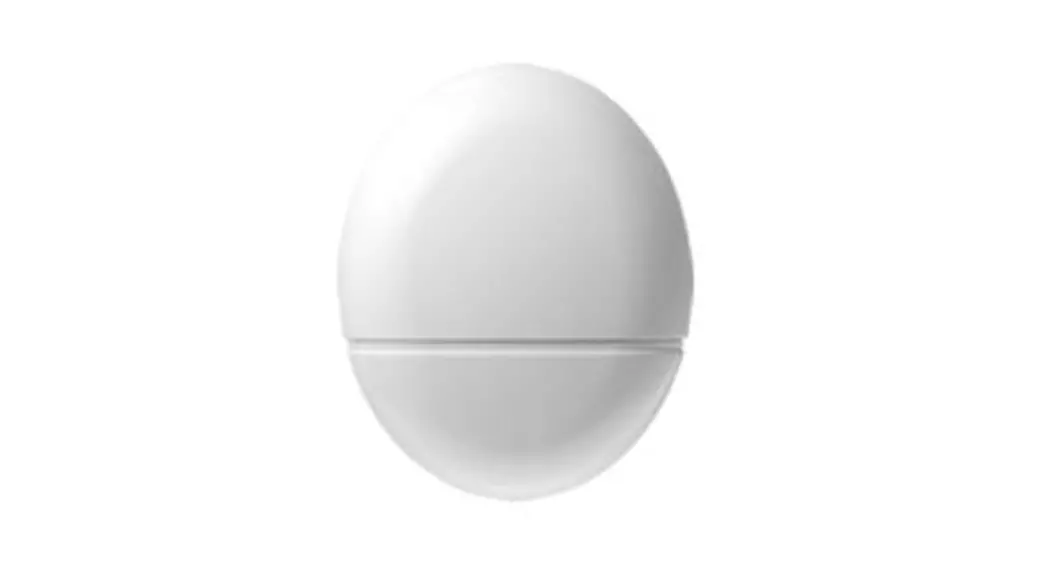
SM-SAT-OFFS SirenSat Offshore Antenna
Product Information
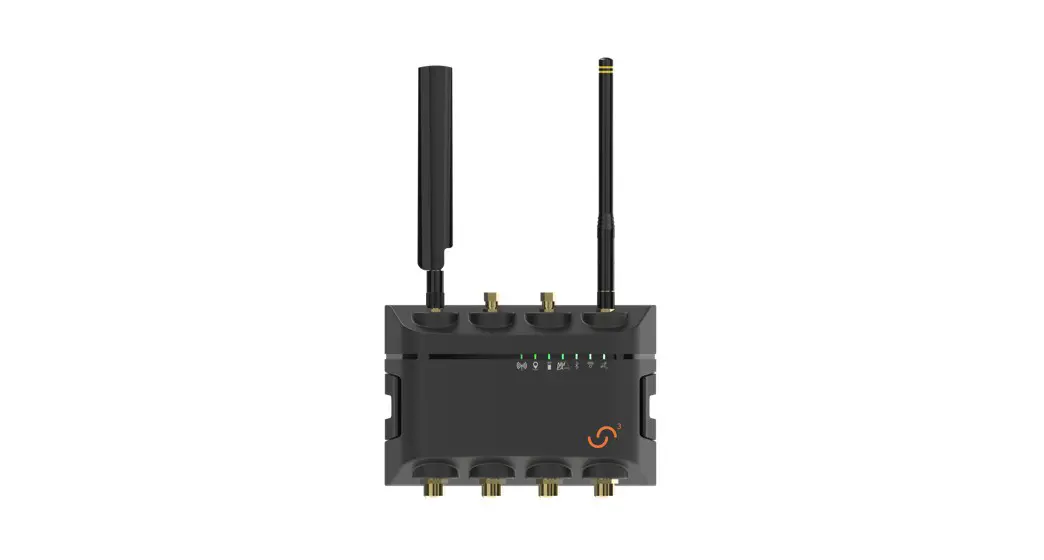
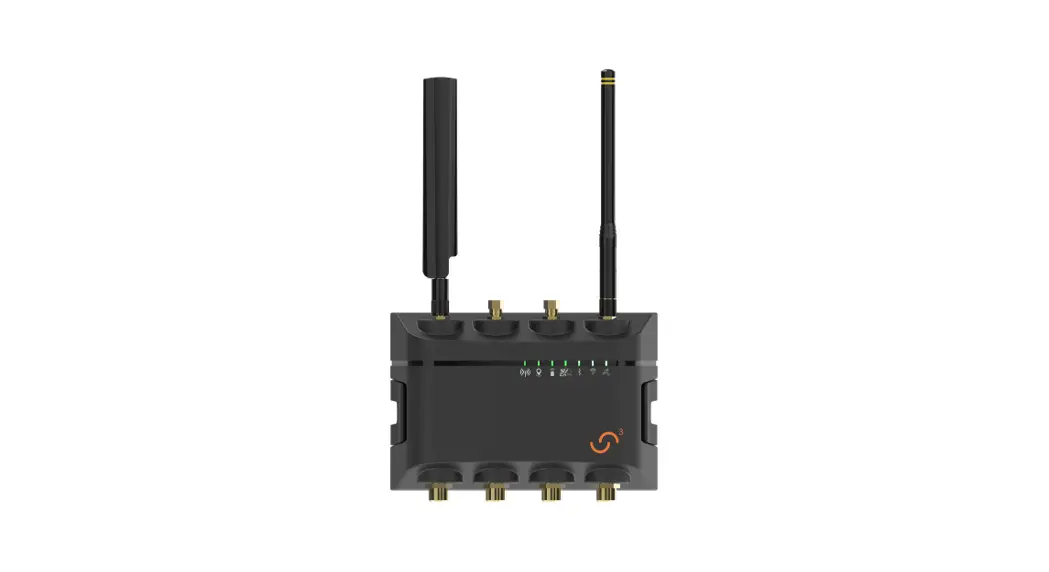
The SirenSat Offshore Antenna is a component designed for use
with the Siren 3 Pro Device. It is used to enhance the signal
reception for offshore applications. The product SKU is
SM-SAT-OFFS.
Product Usage Instructions
- Ensure that the SirenSat Offshore Antenna is not connected to a
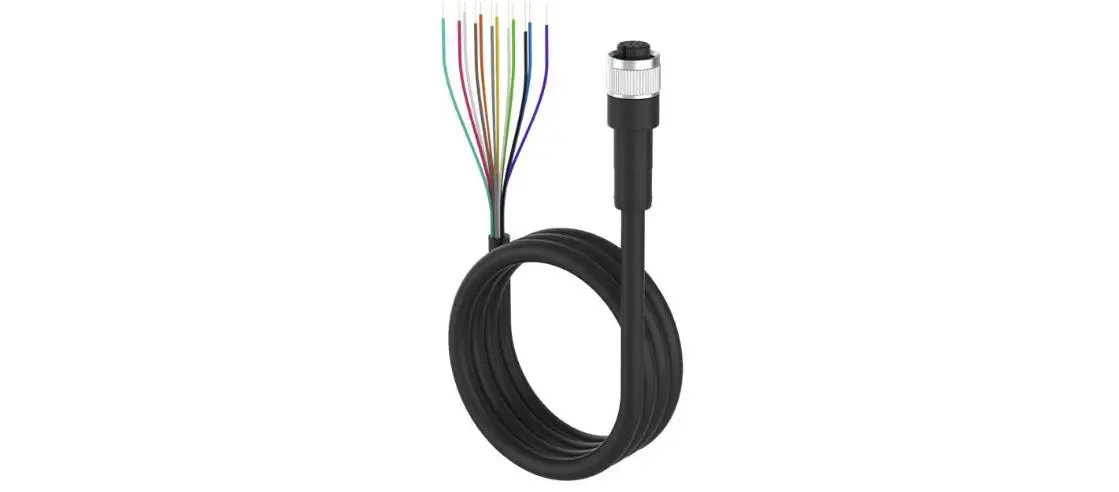
24V battery as it is not compatible. - Identify the wiring cables and harnesses:
- Wiring Cable 1 (Harness 1): White wire corresponds to Input #1
(Security 1), and Light Blue wire corresponds to Input #2 (Security
2). - Wiring Cable 2 (Harness 2): Light Blue wire connects to
Security 2 (pink) on Wiring Cable 2.
- Violet Positive Wire: Connect to a power source with a voltage
range of +8VDC to +22VDC. Do not exceed +22VDC. - Blue or Green Wire: Connect to the DC common ground or battery
negative (-) terminal.
position.
- Connect Battery 1 (+) to the positive terminal.
- Insert a 5A fuse in the designated slot.
- Connect the power source with a voltage range of +9VDC to
+30VDC to the DC common ground (-) terminal.
SirenSat Offshore Antenna
SirenSat Offshore Antenna Wiring Diagram
For Siren 3 Pro Device
Violet Positive Wire: +8VDC to +22VDC Power (DO NOT EXCEED +22VDC)
Blue or Green: DC Common Ground or Battery Negative (-)
Move Switch to ON Position
Security Sensor/Accessories
Wiring Cable 1 (Harness 1)
White: Input #1 (Security 1) Light Blue: Input #2 (Security 2)
Battery 1 (+)
5A Fuse 5A Fuse
+9VDC to +30VDC Power DC Common Ground (-)
Security 1
Installation Instructions:
Note: The SirenSat Offshore Antenna is not compatible with 24V batteries)
Security 2
Wiring Cable 2 (Harness 2)
Light Blue: Input #2 [Security 2 – Wire to Security 2 (pink) on Wiring Cable 2]
1. Connect the Siren Sat violet wire to positive (+) to the battery positive lead (+8VDC to +22VDC) 2. Connect the SirenSat blue or green wire to DC Common Ground (either blue or green should be wired – both are not required). 3. Security 1: Connect the SirenSat white wire with the desired security sensor/accessory using a wiring connector [i.e. Posi-Tap? connector (posi-products.com) or terminal block] to the Security 1 wire on Wiring Cable 1 (pink). 4. Security 2: (Wiring Cable 2 Required) Connect the SirenSat light blue wire with the desired security sensor/accessory using a wiring connector to the Security 2 wire on Wiring Cable 2 (pink).
Product SKU: SM-SAT-OFFS
 Posi-Lock(R) - The Best Connectors You'll Ever Use!