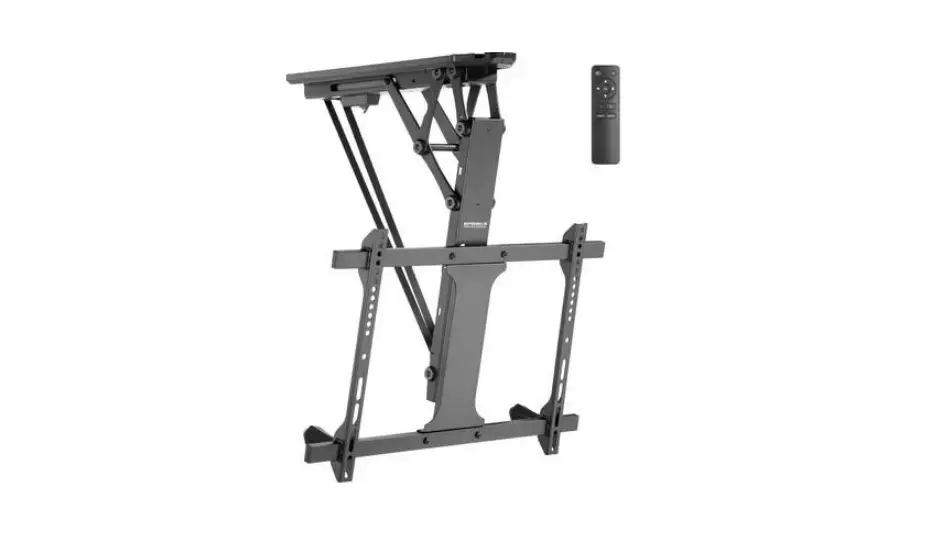
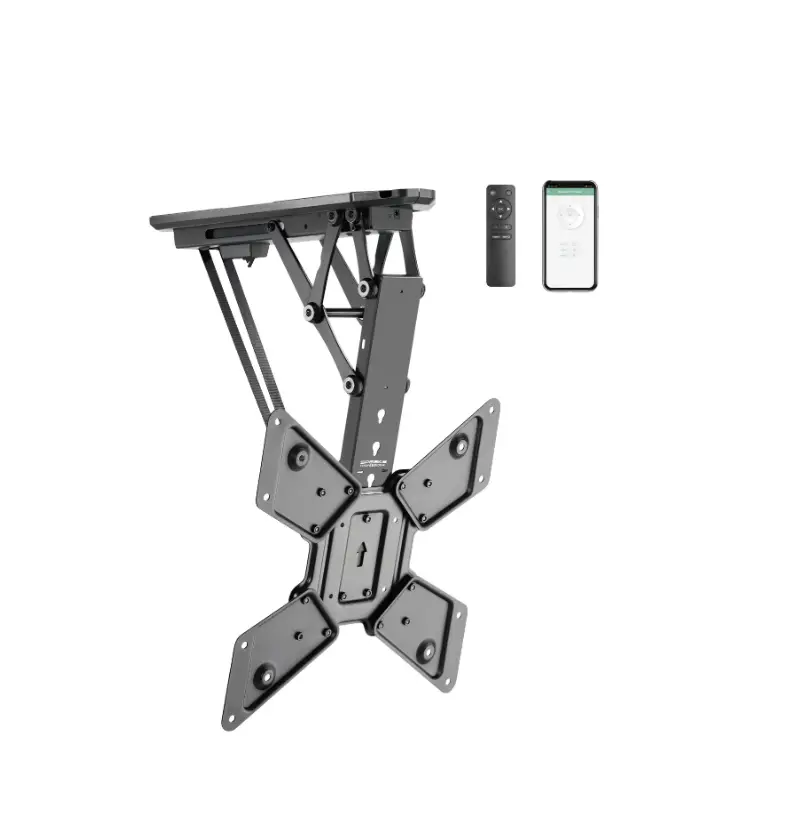
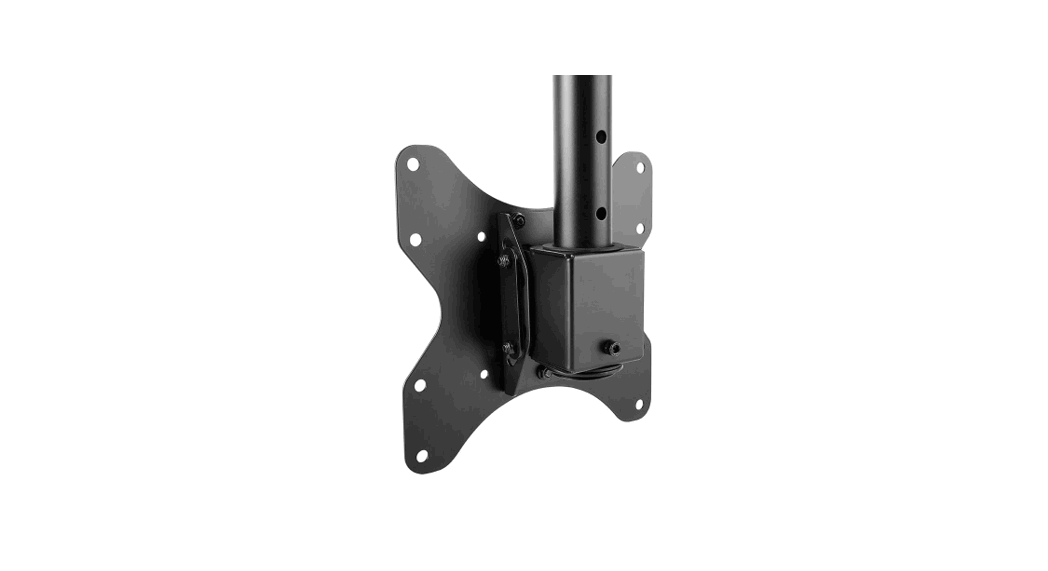
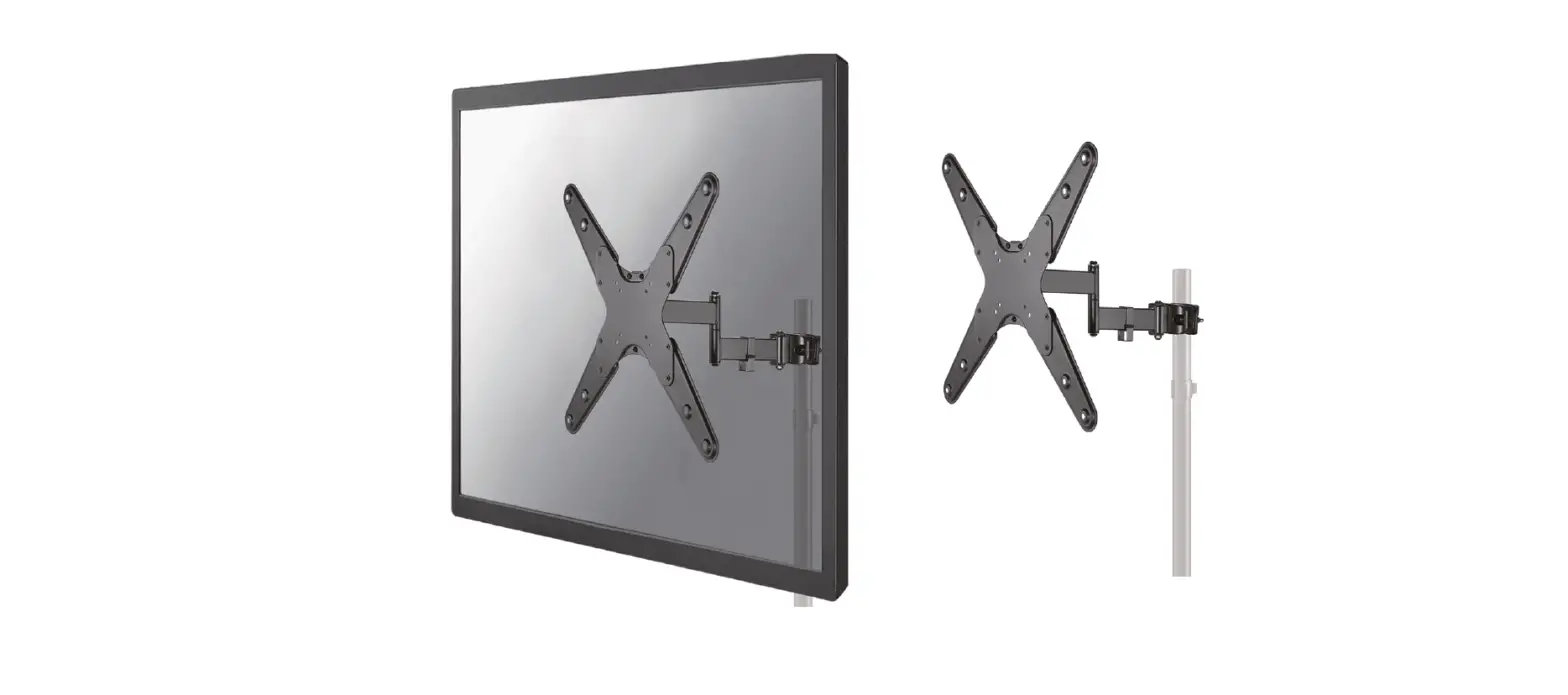
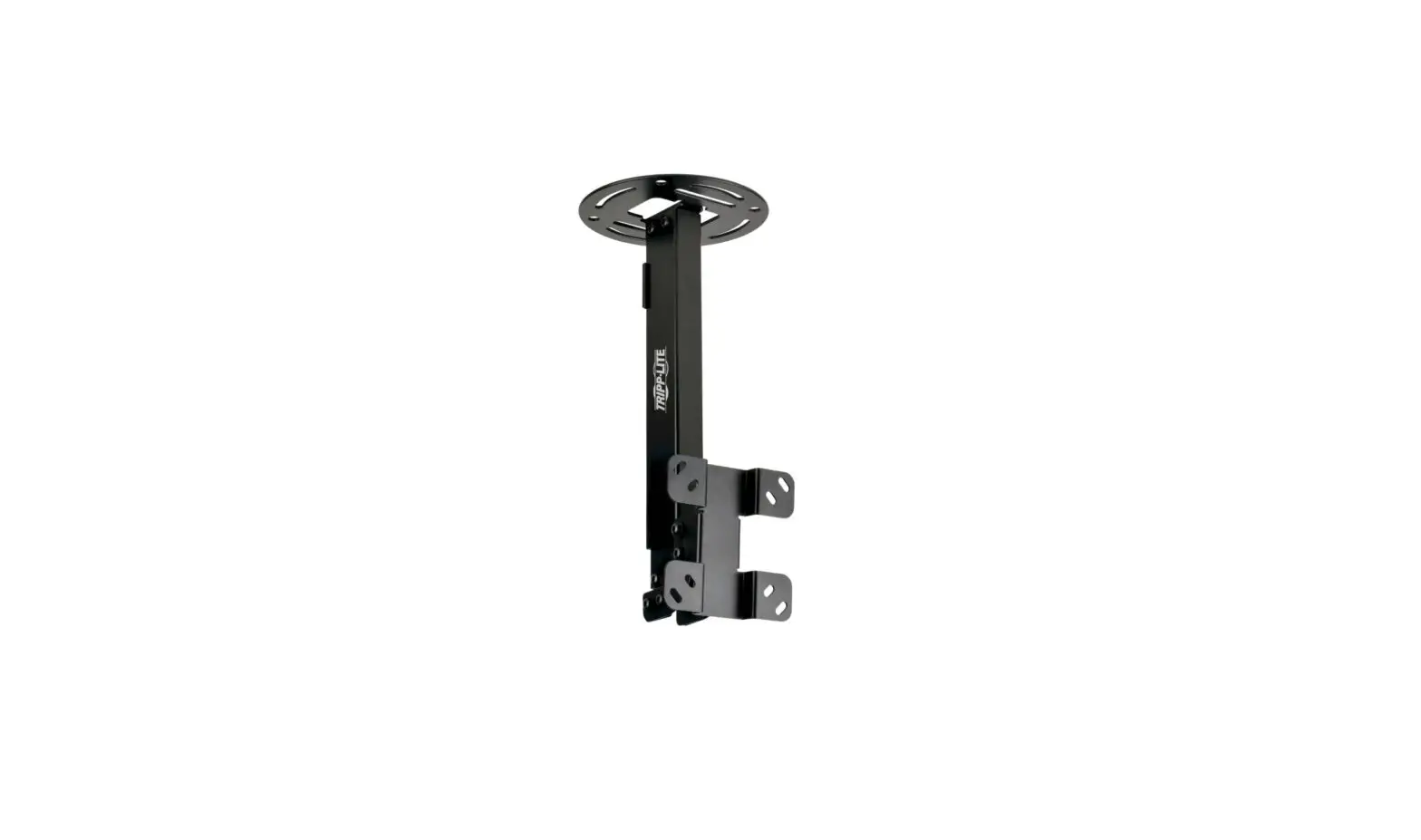
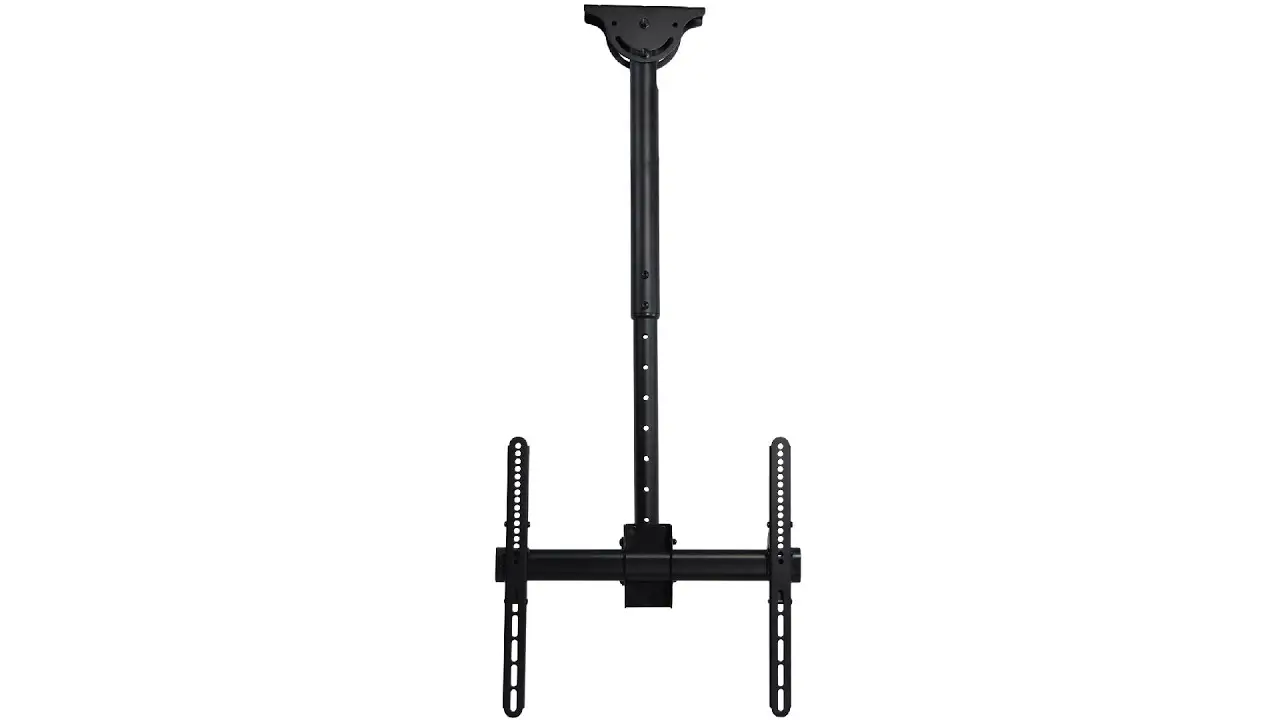
LCD-504A Brateck Ceiling Mount for 42 Inch TV
Product Information
Product Model: FPMA-C060BLACK
Manufacturer: www.neomounts.com
Supported VESA Sizes: 75mm x 75mm, 100mm x
100mm, 200mm x 200mm, 220mm x 220mm
Weight Capacity: 0-30 kg
Adjustable Height Range: Minimum 608mm, Maximum
858mm
Product Usage Instructions
Step 1: Install Ceiling Plate
- For wooden or plasterboard ceilings:
Install the ceiling plate on a wooden beam or joist using screws
provided (W-A). - For solid brick or concrete ceilings:
Attach the ceiling plate directly using screws provided (W-A and
W-B).
Step 2: Attach Mounting Arm
- Insert the mounting arm (E) into the ceiling plate (B) and
tighten the screws (N and I) to secure. - Attach the other end of the mounting arm to the main bracket
(A) using screws (F and A).
Step 3: Adjust Tilt and Rotation
- Loosen screws (E and B) to adjust the tilt and rotation of the
display. - Tighten the screws once the desired position is achieved.
Step 4: Attach Display
- Attach the display to the main bracket (A) using the
appropriate M-size screws provided. - Refer to the user manual of your display for specific
instructions on attaching it to a VESA mount.
Step 5: Cable Management
- Route and organize cables using the cable management clips (K
and Q). - Secure cables using cable ties (M-D and M-F).
Step 6: Final Adjustments
- Make any necessary adjustments to the display’s height, tilt,
and rotation. - Tighten all screws securely to ensure stability.
Note:
*Additional accessories like screws and brackets may be required
for specific installations and are not included with the product.
Refer to the user manual of your display for any additional
requirements.
INSTRUCTION MANUAL
Ø160mm Ø38mm
min608mm-max858mm 75mm 100mm 200mm 220mm
Ø32mm
±90°
75mm 100mm 200mm 220mm
+20° -20°
FPMA-C060BLACK
EN Monitor ceiling mount NL Monitor plafondsteun DE Flachbildschirm-Deckenhalterung FR Support de plafond pour écran IT Supporto monitor a soffitto ES Soporte de techo de monitores PT Suporte de teto para monitores DK Loftbeslag skærm
NO Takfeste til skjerm SE Takfäste för bildskärm FI Näytön kattokiinnike PL Uchwyt sufitowy do monitora CS Stropní drzák monitoru SK Stropný drziak na monitor RO Suport de tavan pentru monitor
WWW.NEOMOUNTS.COM
Tool
Drill
FPMA-C060BLACK
PARTS
A. (x1)
B. (x1)
75×75 200×200 mm
0-30 kg
60-85 cm
C. (x1)
D. (x1)
E. (x2)
F. (x1)
G. (x1)
H. (x1)
I. M6 (x3)
J. M8 (x1)
K. (x1)
L. (x2)
M. (x1)
N. M6x45 (x3)
O. M8x20 (x1)
P. M8X50 (x1)
Q. D8 (x2)
M-A. M4x14 (x4)
M-B. M5x14 (x4)
M-C. M6x14 (x4)
M-D. M8x20 (x4)
M-E. (x4)
M-F. (x4)
M-G. (x8)
W-A. (x4)
W-B. (x4)
STEP 1 A
EN Install the ceiling plate on a wooden joist NL Bevestig de plafondplaat aan een houten dwarsbalk DE Befestigen der Deckenplatte auf einer Holzoberfläche FR Installation de la plaque de plafond sur une solive en
bois ou en placoplatre IT Installare la piastra del soffitto su una traversa in legno ES Instale la placa de techo en una viga de madera PT Instale a placa de teto em uma viga de madeira PL Zamontuj plyt sufitow na drewnianej belce
3mm
X
W-A
W-A
STEP 1 B
EN Install the ceiling plate on a solid brick or concrete ceiling
NL Bevestig de plafondplaat aan een stevige stenen of betonnen plafond
DE Befestigen der Deckenplatte an einer einer massiven Ziegel- oder Betondecke
FR Installation de la plaque de plafond sur un plafond en brique ou en béton
IT Installare la piastra di soffitto su un soffitto di mattoni o cemento
ES Instale la placa de techo en un techo de ladrillo sólido o cemento
PT Instale a placa de teto em tijolo sólido ou teto de cimento
PL Zamontowa plyt sufitow na ceglanym lub betonowym suficie
W-A W-A
W-B
3mm
STEP 2
EN Attach the rod to the ceiling plate NL Bevestig de stang aan de plafondplaat DE Befestigen Sie die Stange an der Deckenplatte FR Fixer la tige à la plaque de plafond IT Fissare l’asta alla piastra del soffitto ES Fije la varilla a la placa del techo PT Fixar a haste à placa do tecto PL Zamocuj prt do plyty sufitowej
E N
I
F A
STEP 3
EN Connect the extension pole NL Sluit de verlengingspaal aan DE Schließen Sie die Verlängerungsstange an FR Connectez le pôle d’extension IT Colleghi il palo di prolunga ES Conecte el mastil de extensión PT Conecte o poste de extensão PL Podlcz rurk przedluajc
N
I
E
B
STEP 4
EN Assemble the VESA plate NL Zet de VESA plaat in elkaar DE Montieren Sie die VESA-Platte FR Assemblez les éléments de la plaque VESA IT Installare la piastra VESA ES Montar la placa VESA PT Montar a placa VESA PL Zamontuj plyt VESA
K QM HC
O D
STEP 5
EN Attach the VESA plate to the extension pole NL Bevestig de VESA plaat aan de verlengingspaal DE Befestigen Sie die VESA-Platte an der Verlänge-
rungsstange FR Fixez la plaque VESA au poteau d’extension IT Fissare la piastra VESA al palo di estensione ES Fije la placa VESA al mastil de extensión PT Anexe a placa VESA ao poste de extensão PL Przymocuj plytk VESA do rurki przedluajcej
P L
L Q
J
STEP 6
EN Attach the TV to the VESA plate NL Bevestig de televisie aan de VESA plaat DE Befestigen Sie das TV an der VESA-Platte FR Accrochez le téléviseur sur la plaque VESA IT Appendere il TV sulla piastra VESA ES Colgar el televisor en la placa VESA PT Colocar a TV na placa VESA PL Przymocuj TV do plytki VESA
* Not Included
M-A M-E
M-B
M-F M-G M-D
M-C M-F
M-D
M-F M-G M-D
STEP 7
EN Adjust the mount to the desired position NL Stel de steun in op de gewenste positie DE Stellen Sie die Halterung auf die gewünschte
Position ein FR Réglez le support à la position désirée IT Regolare il supporto nella posizione desiderata ES Ajuste el soporte a la posición deseada PT Ajuste o suporte na posição desejada PL Dostosuj pozycj uchwytu do twoich wymaga
 Neomounts