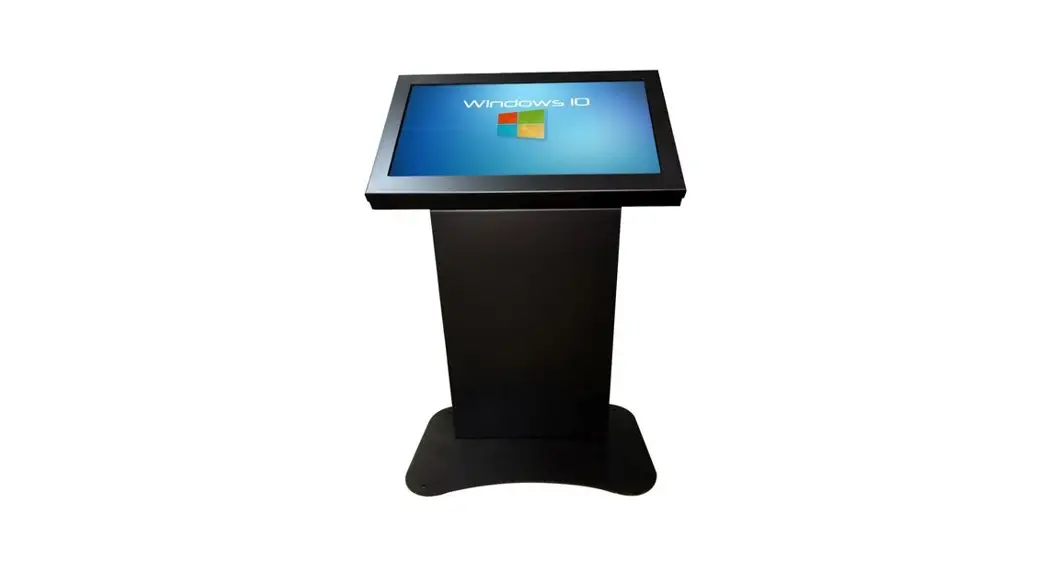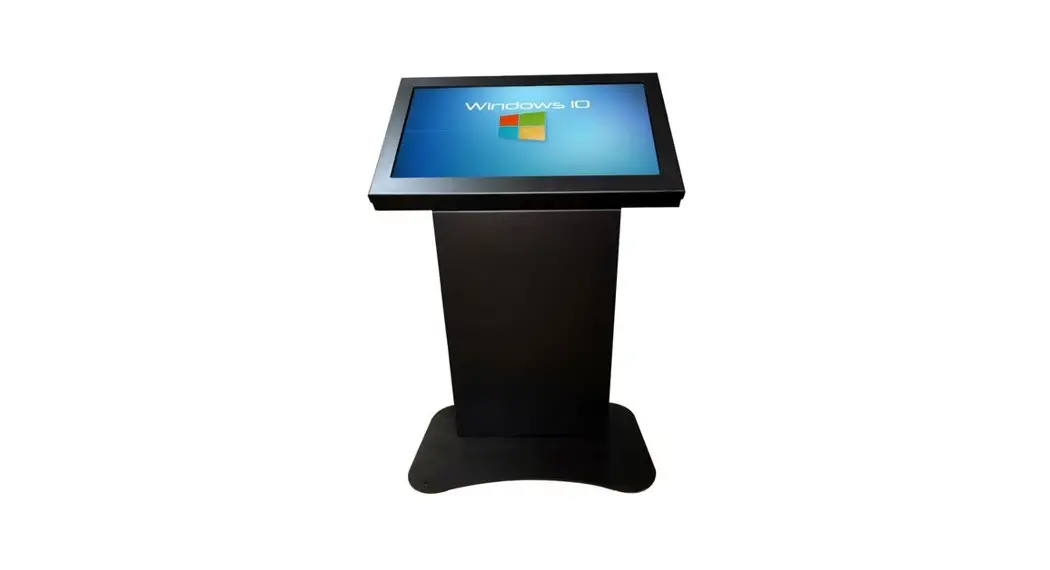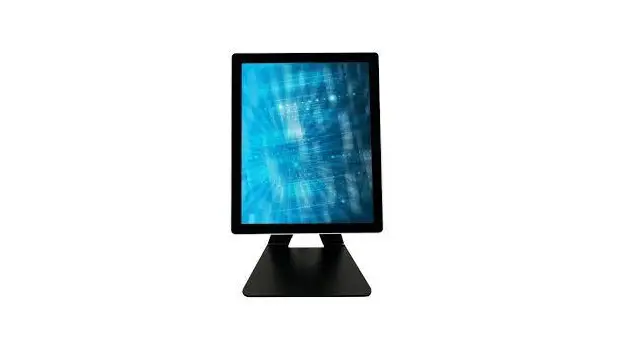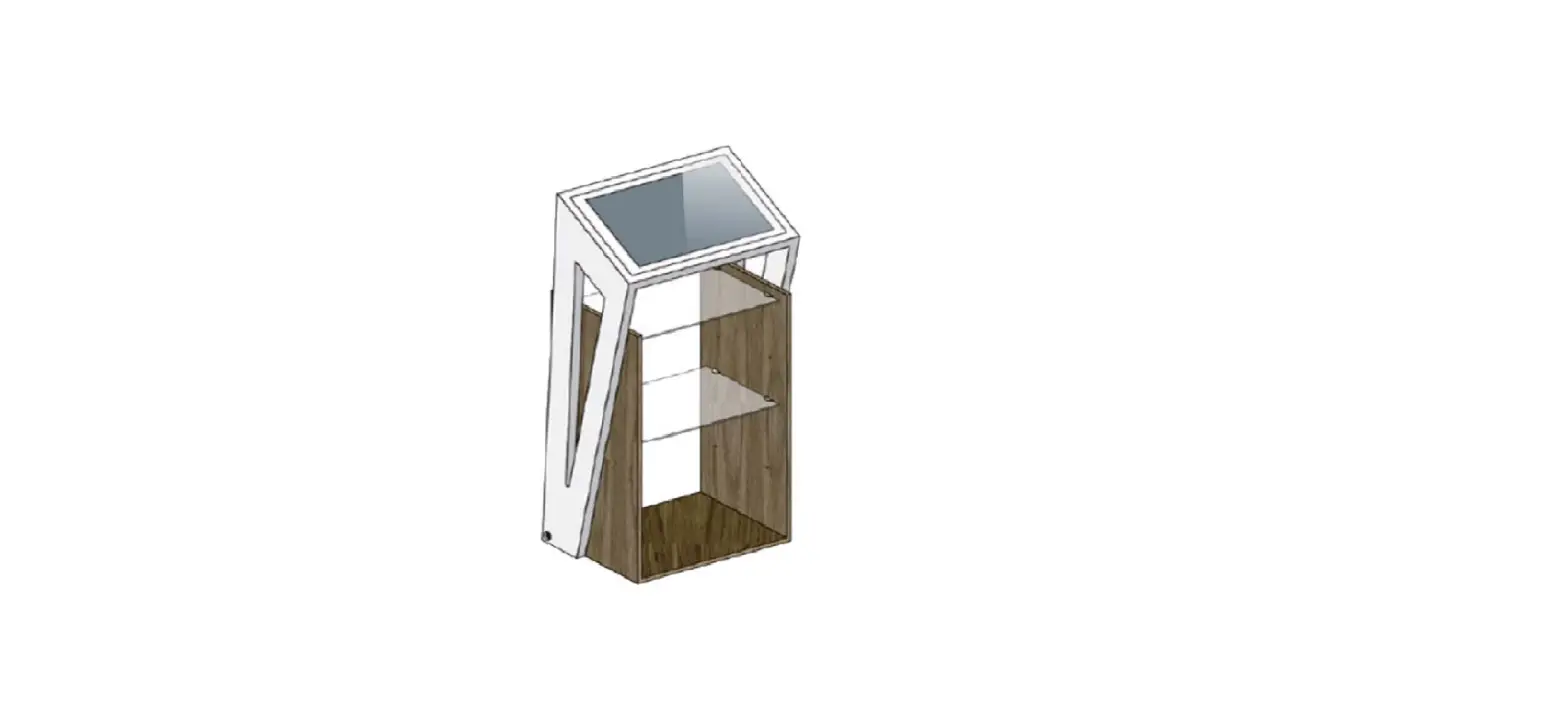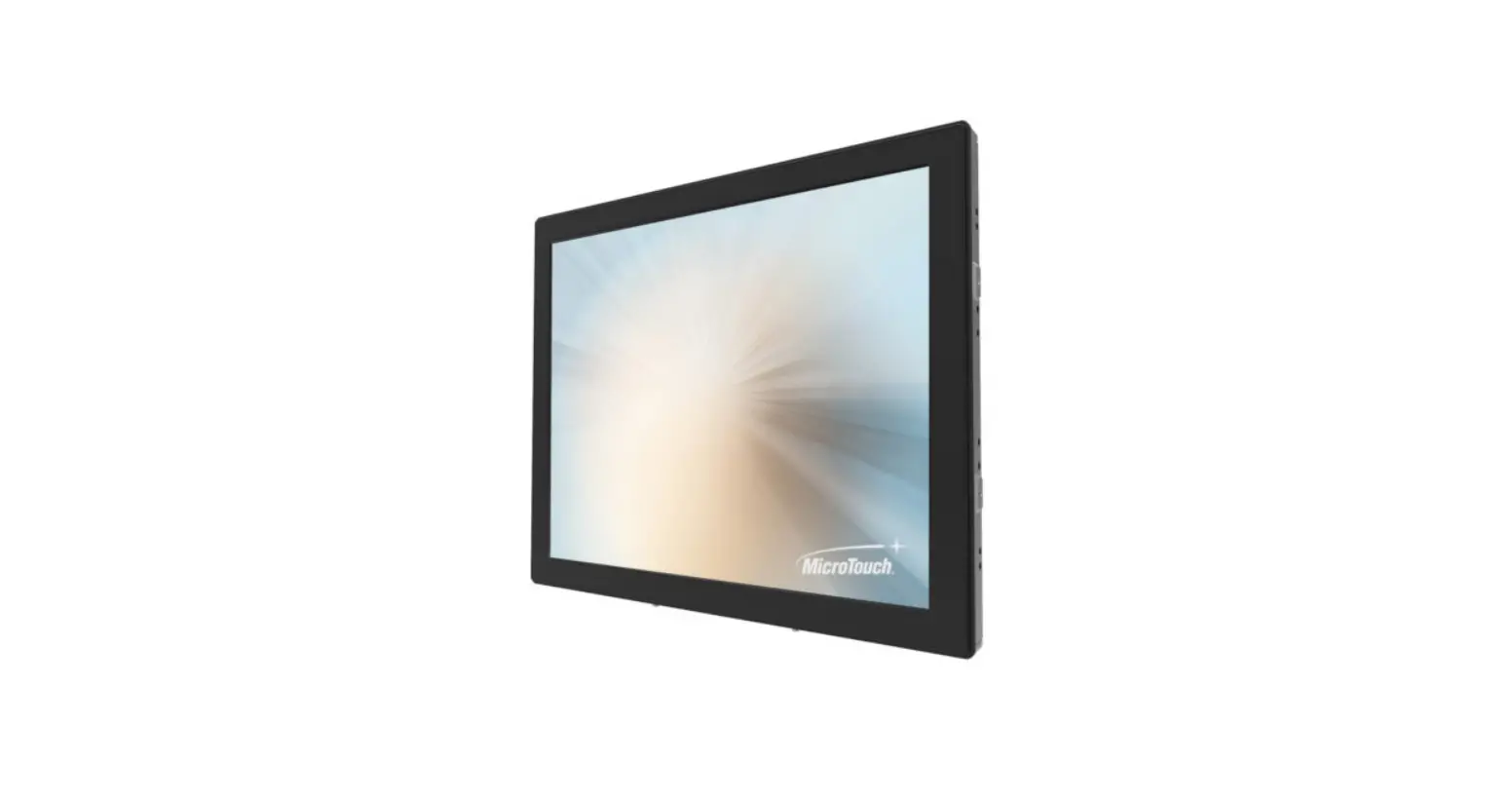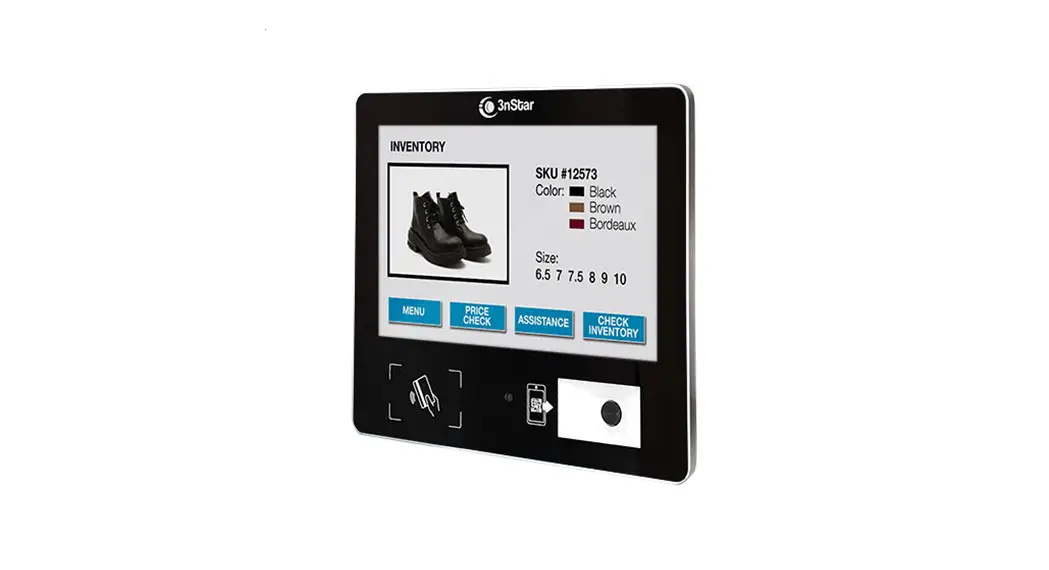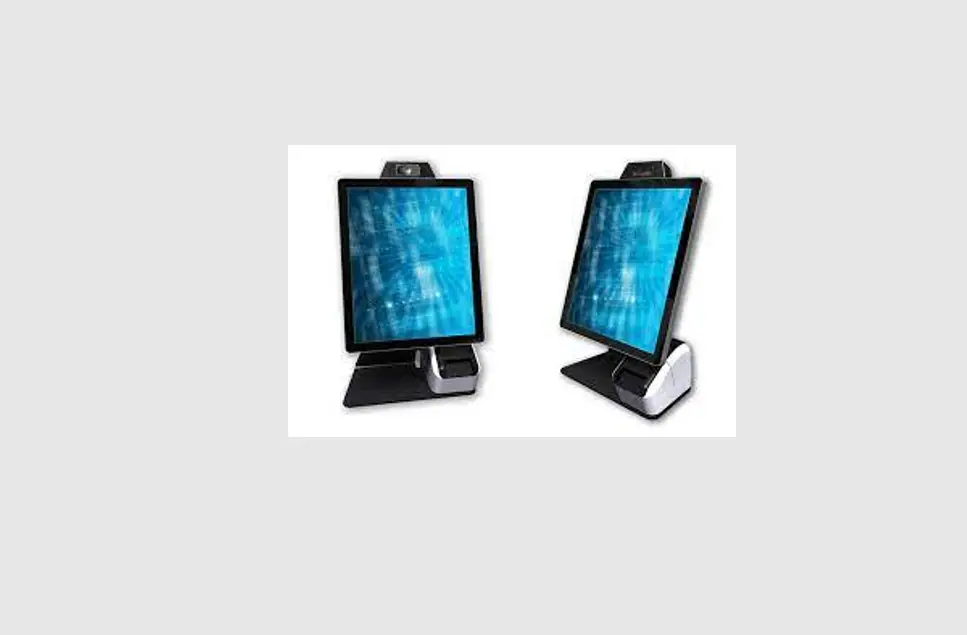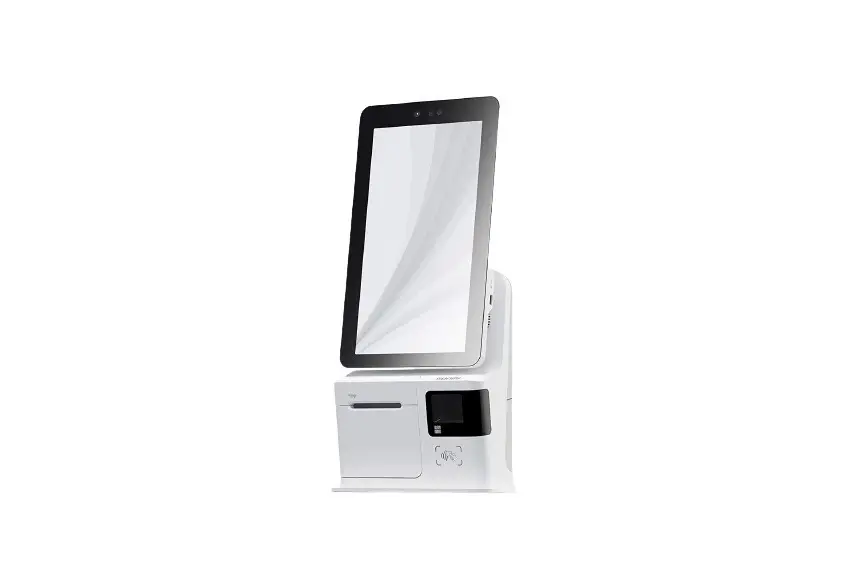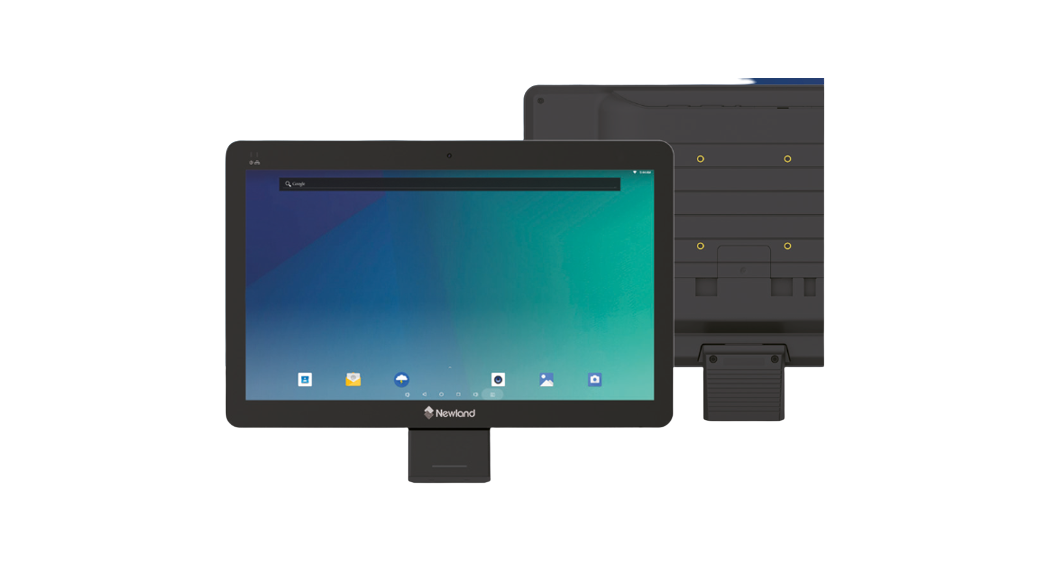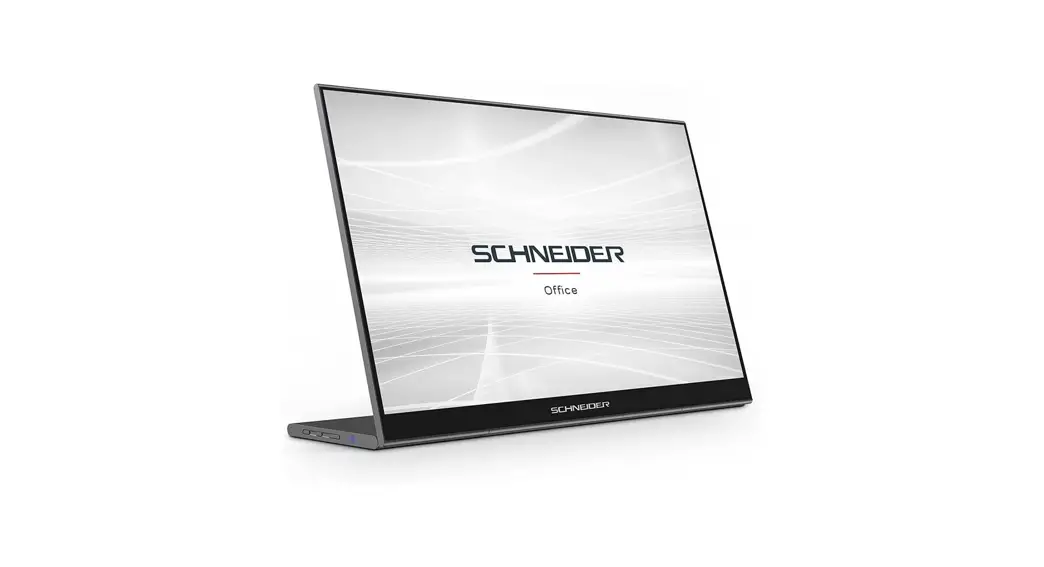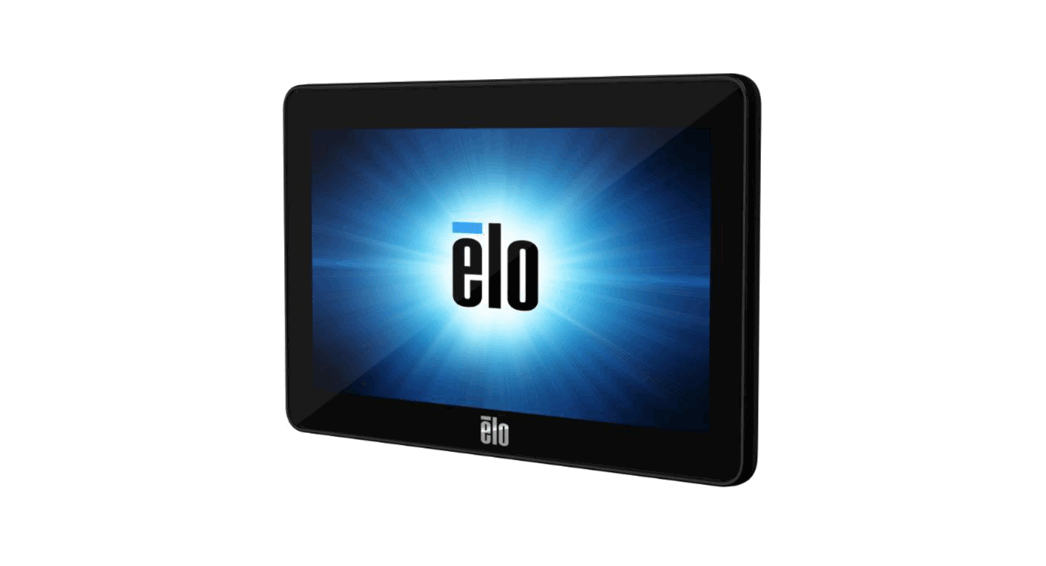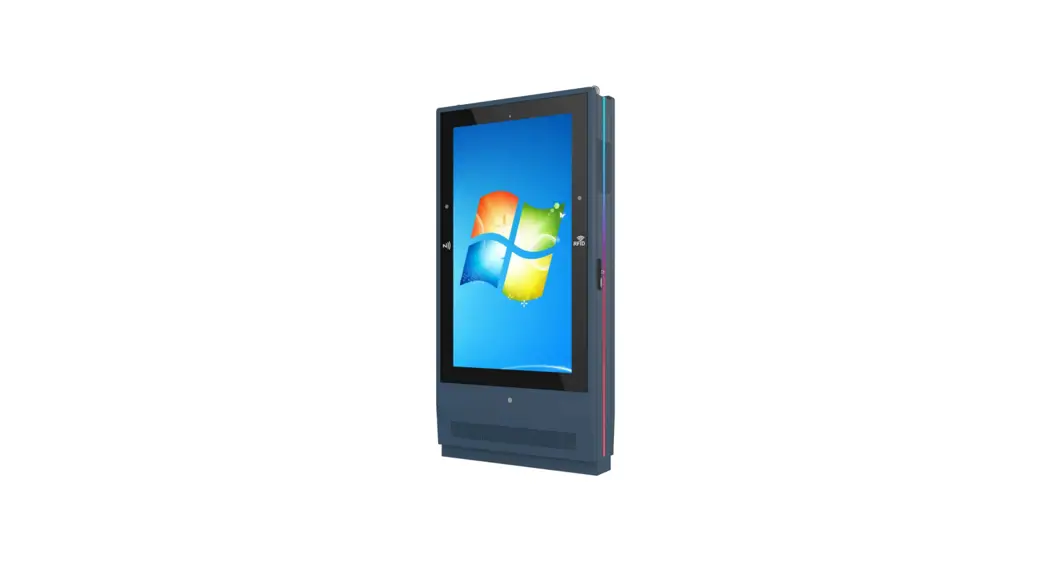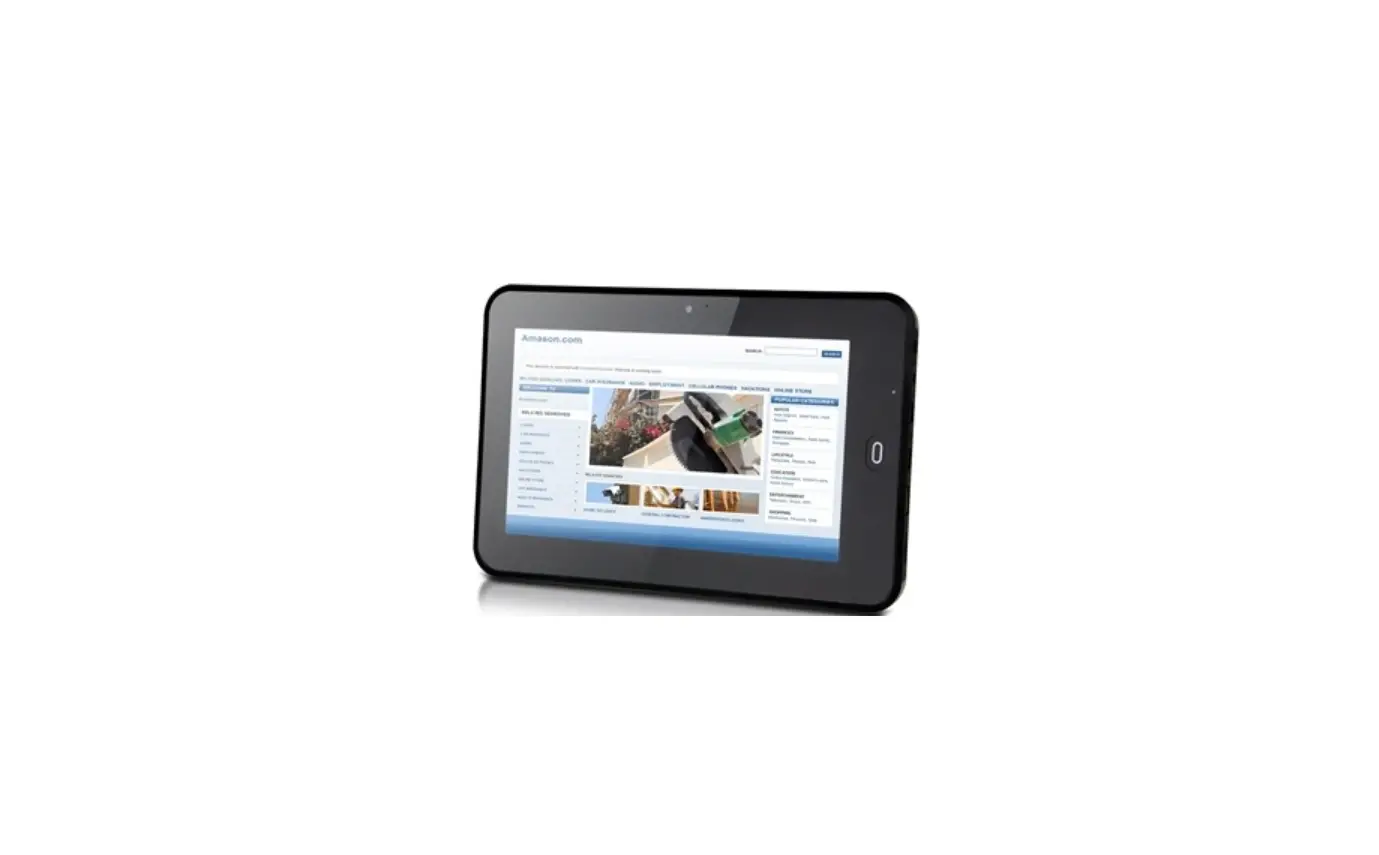

INTOUCH KIO-LITE-156L -15.6-Inch -Touch -Screen -Kiosk -Landscape
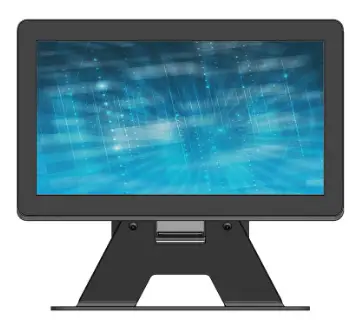
KIO-LITE-156L SPECIFICATIONS
Touch Screen INDT156
- 15.6” active viewable area
- 10-point PCAP multi-touch
- 1920 x 1080Native Resolution
- Built-in stereo speakers
Media Player Intel NUC
- Intel Core i3 Processor (Optional i5)
- Iris Plus Graphics 655
- Integrated Wi-Fi, Ethernet & Bluetooth
- DDR4-2400 RAM
- Windows 10
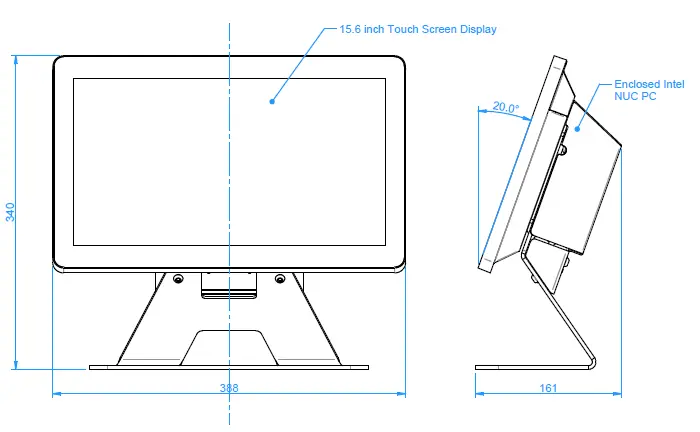
CABLING INFORMATION
Cabling and external power supplies not illustrated
Requirements:
You will need two power outlets to connect the screen and Intel NUC PC.
Network:
You have the option to connect the media player to your network via WiFi or Ethernet.
Setup:
Simply plug in the power cables, turn power on and you are ready to go!
KIO-LITE-156L BACK VIEW
The default setting for the NUC is to auto start when connected to power
- Intel NUC ON / OFF
- button located under
- the rear cover. (This
- can be accessed while
- the cover is in place)

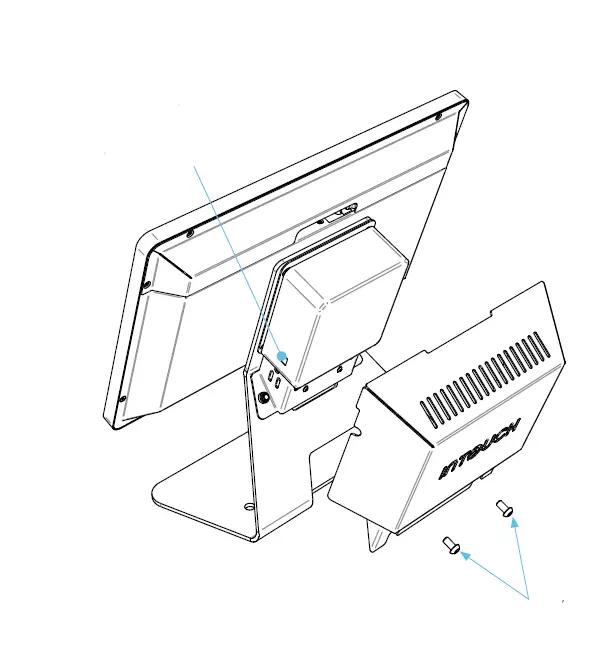
To remove the rear cover and access the NUC, unscrew the two fasteners using a 4mm allen key.
OPTIONAL ACCESORIES
Not shown in illustrations3
- Fixed 2D Scanner
- HD Camera (Fixed or tilt-adjustable)
- EFTPOS Support and Integration
- RFID / Mag. Card Reader Talk to us about your device needs! ([email protected])
SECURING YOUR KIOSK (OPTIONAL)
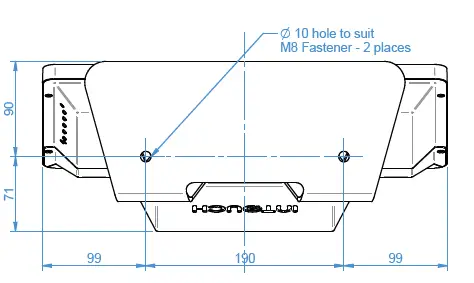
For further information on securing your kiosk, do not hesitate to contact us on
CLEANING INSTRUCTIONS
Applicable to touch screens and kiosks: InTouch suggests using an isopropyl alcohol spray and clean microfibre cloth.
Caution: DO NOT use abrasive cleaners, solvents or cloths. For more information please visit www.intouchscreens.com.au/cleaning
WARRANTY
For more information please visit www.intouchscreens.com.au/warranty
FOR MORE INFORMATION
Telephone 02 9939 6251 [email protected]@intouchscreens.com.auwww.intouchscreens.com.au

 Touch Screen Monitor & Kiosk Solutions in Australia