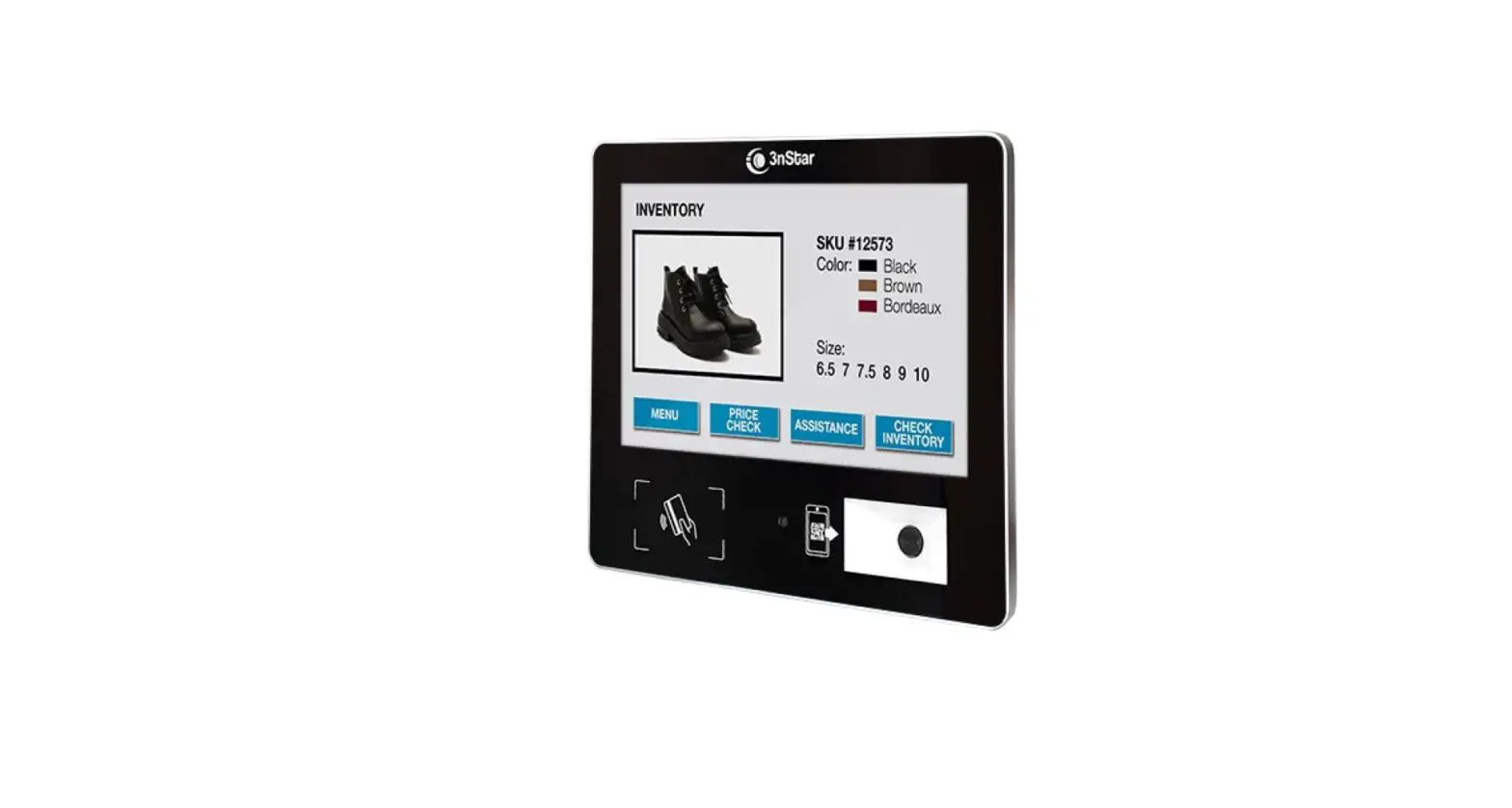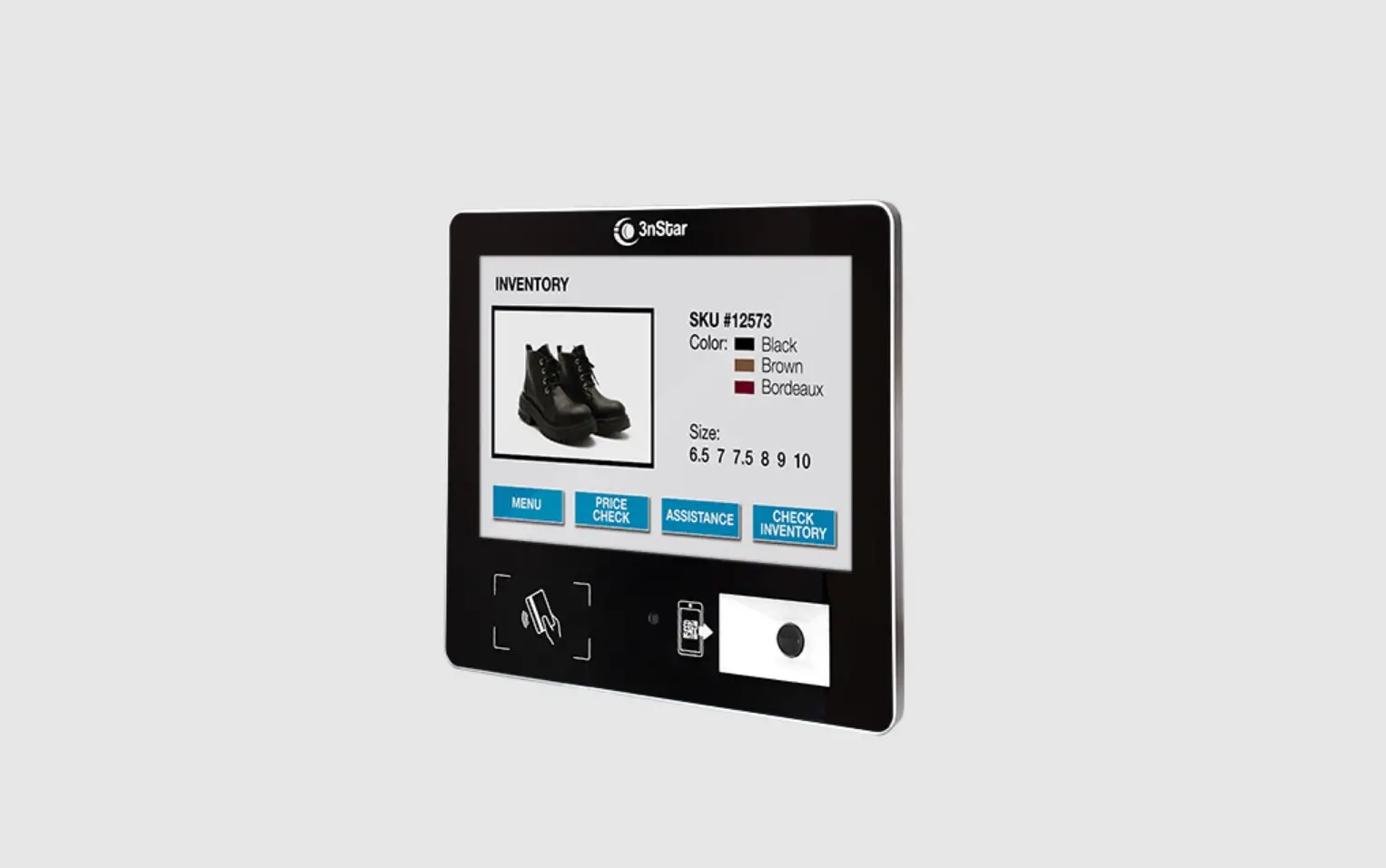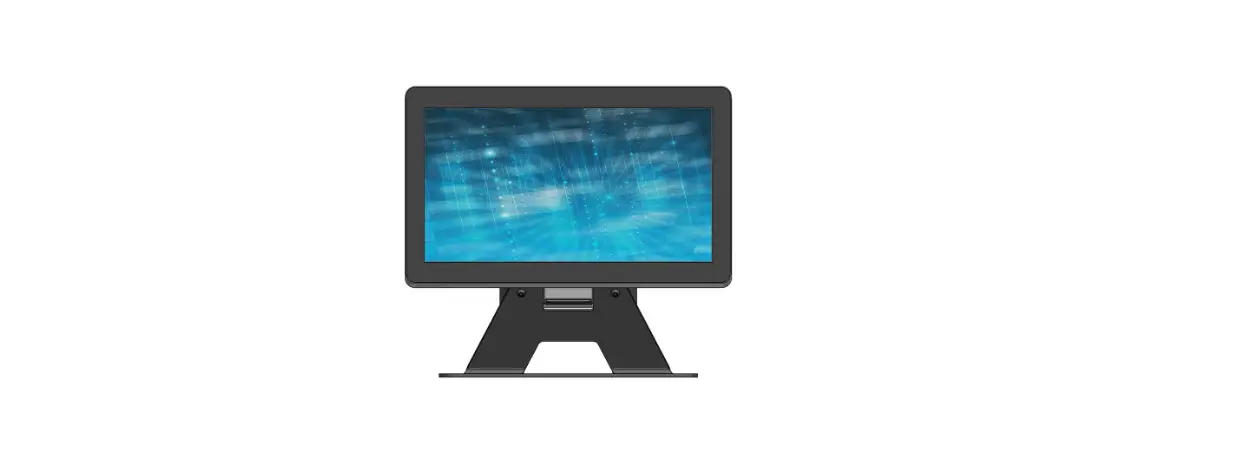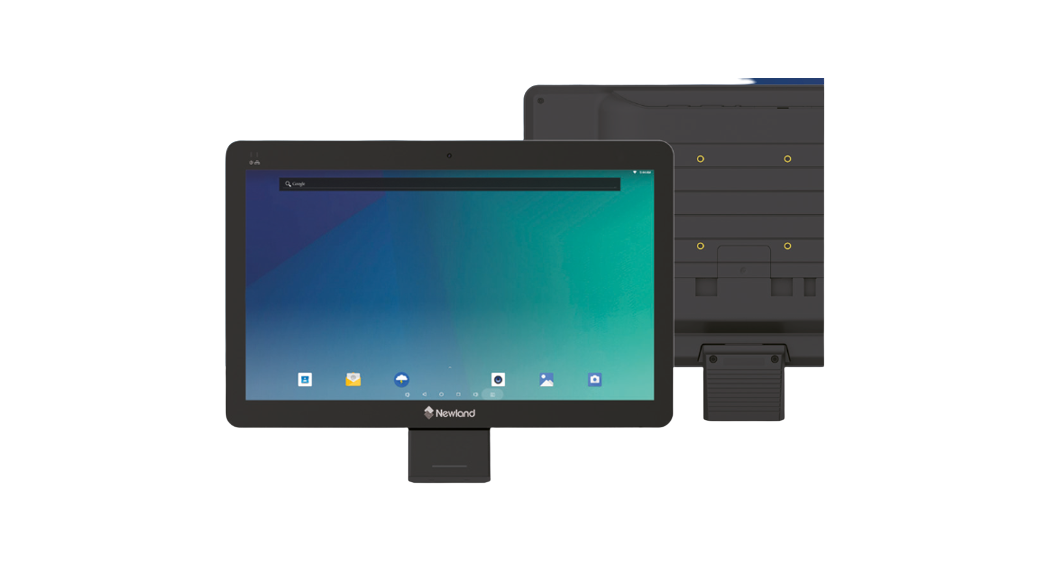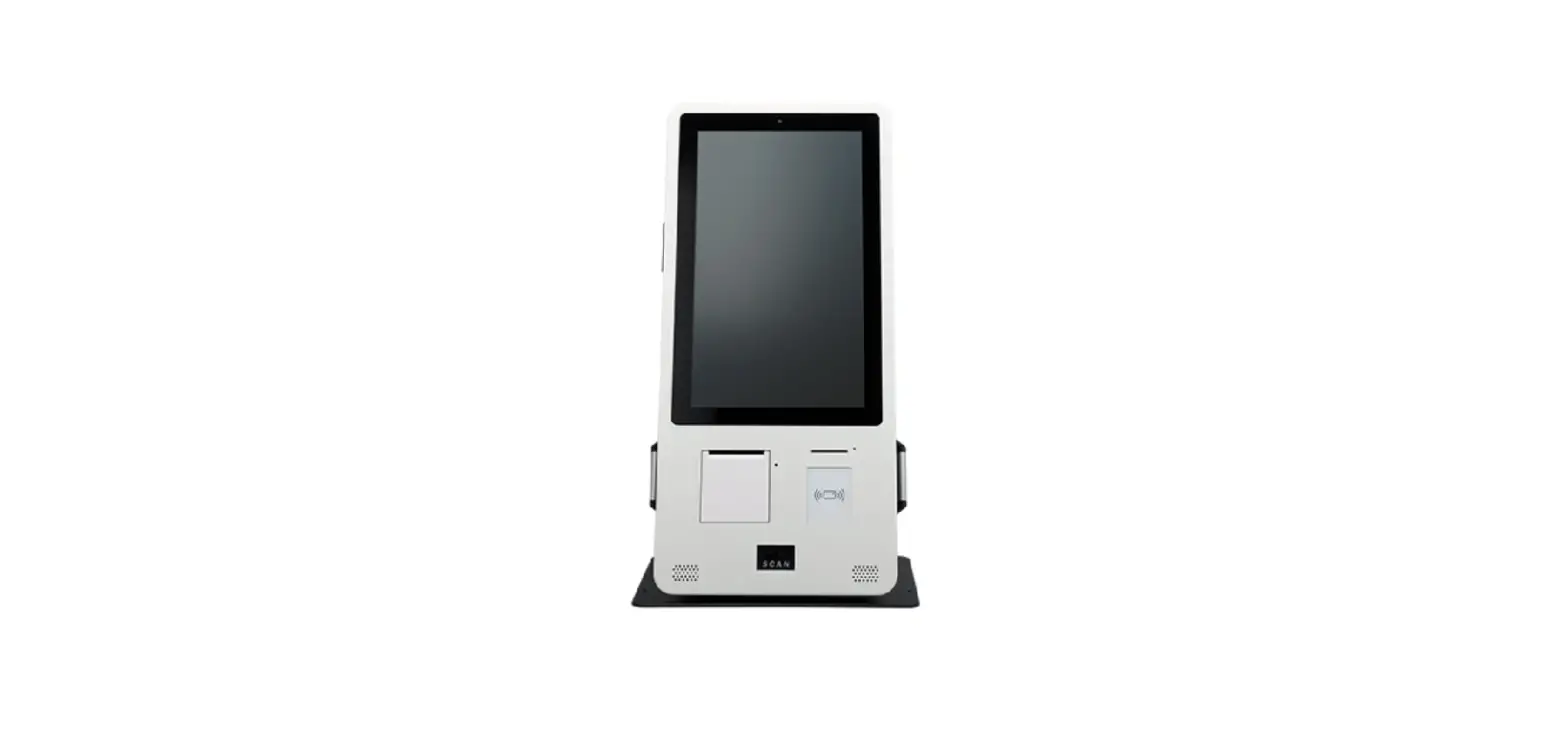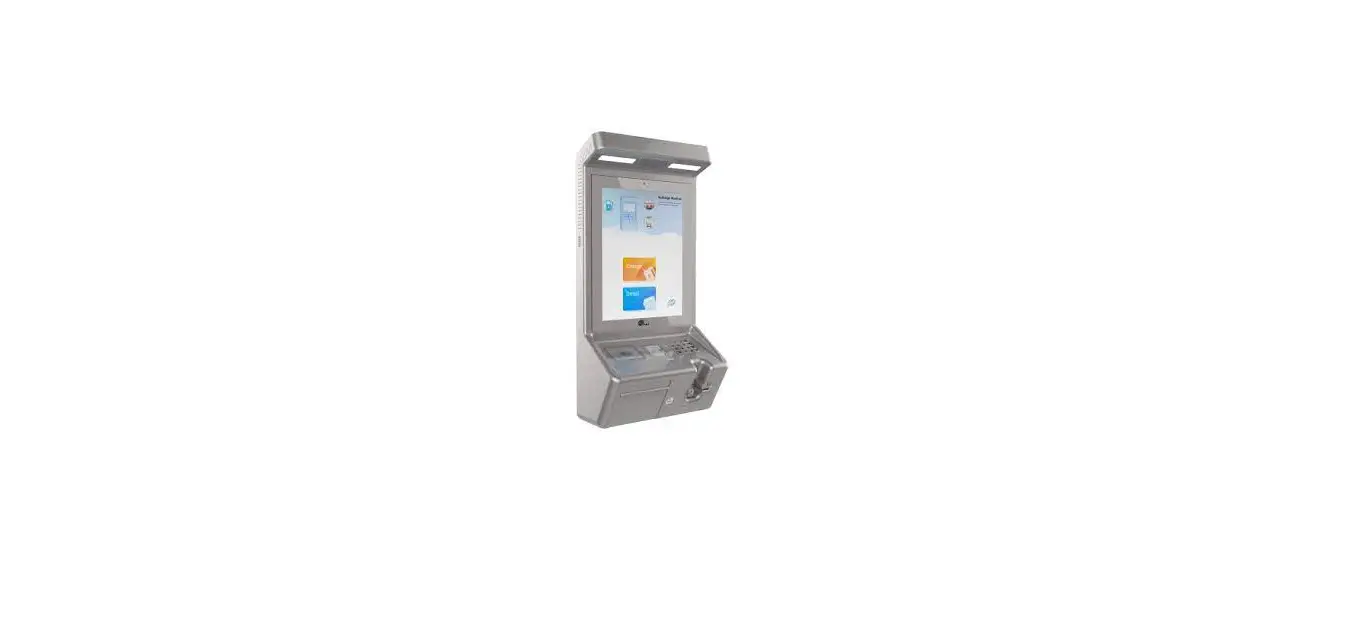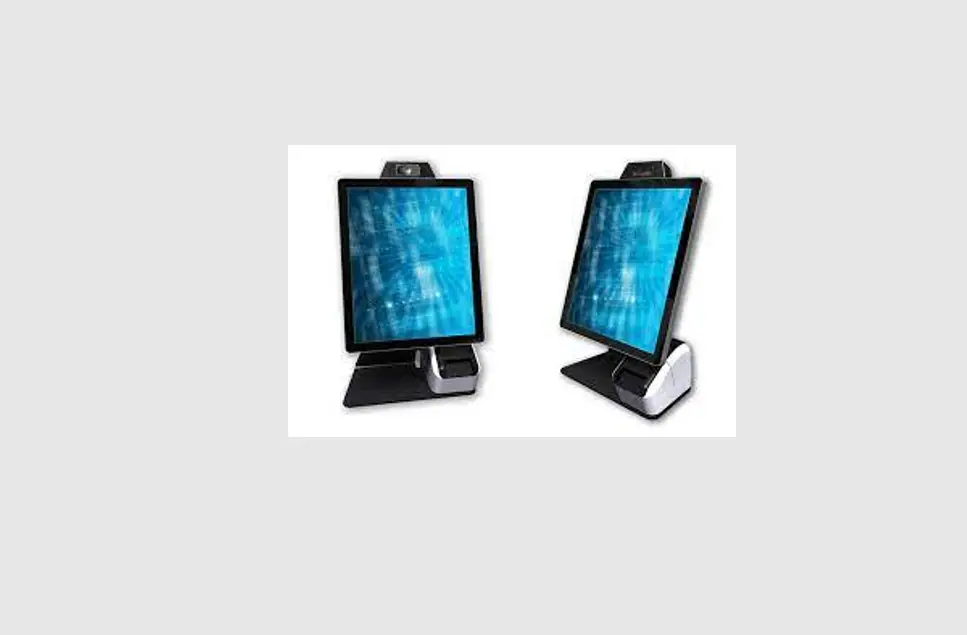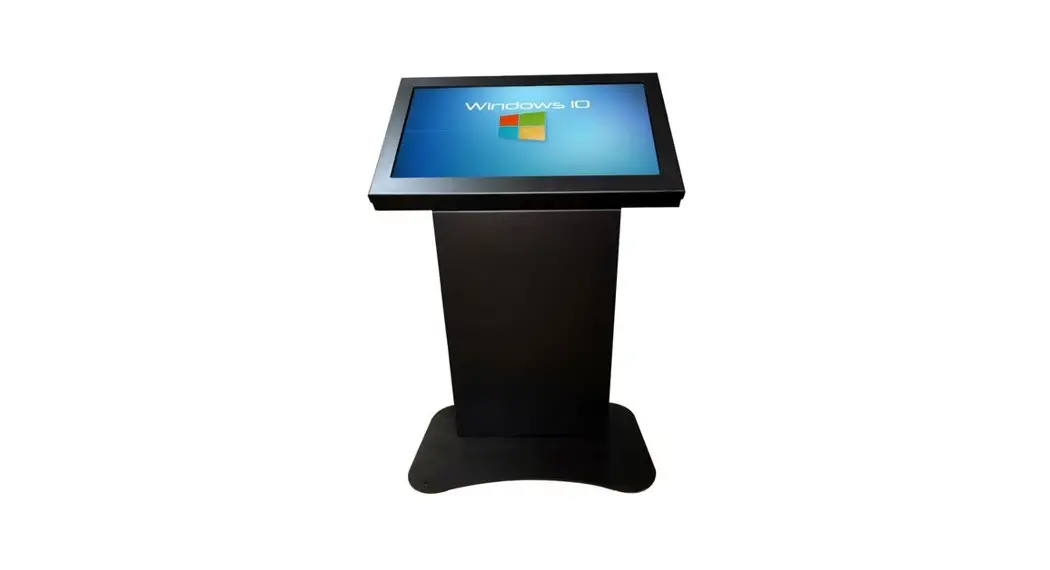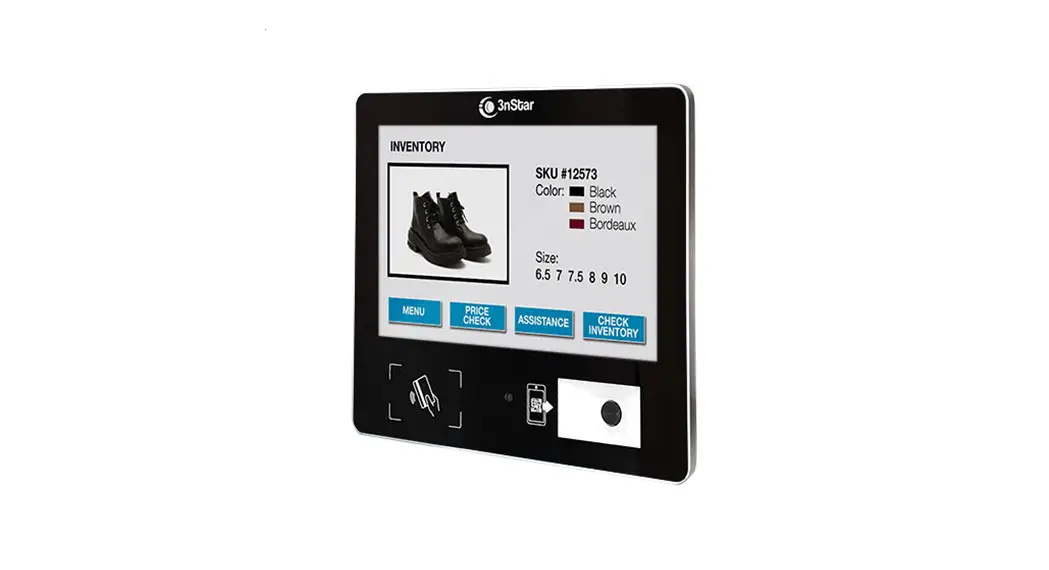

10.1″ Micro Kiosk
USER MANUAL
K 1 0 -A7
Contents hide
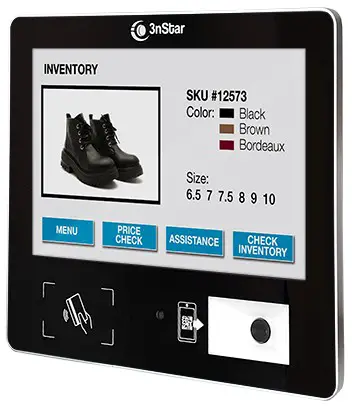
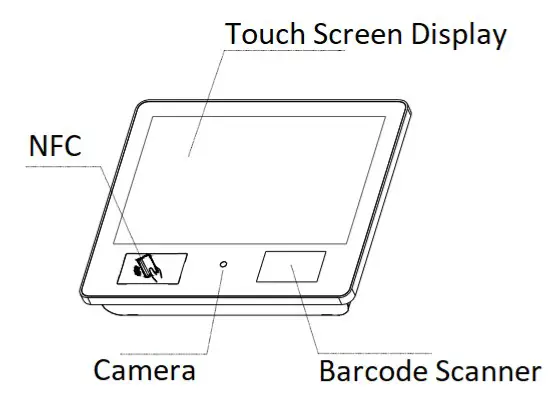
Kiosk Components:
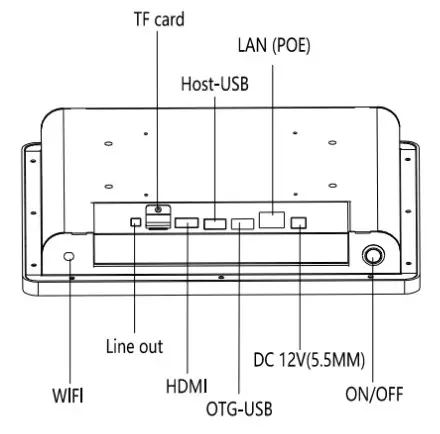
I/O Ports:
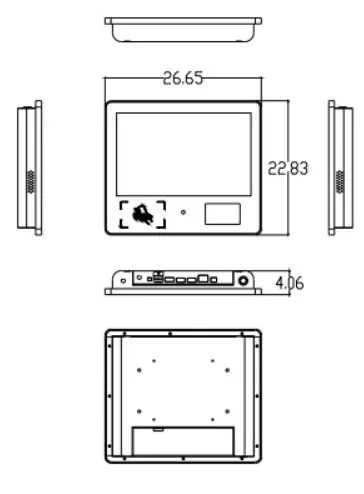
Kiosk Dimensions:
Power ON/OFF:

Power Supply:
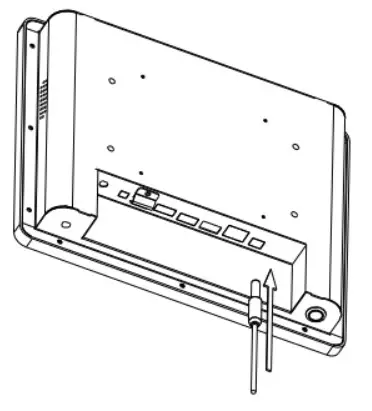
Power Over Ethernet:
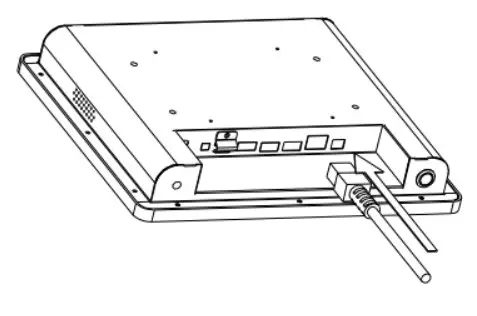
ADB Connection instructions
Connect with USB cable
a) After booting, enter “Settings—USB—Connect to PC” and tick the small box on the right
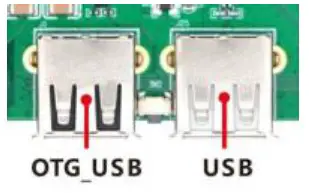
b) Connect the USB cable to the OTG interface of the board and the USB interface of the computer to use ADB to debug
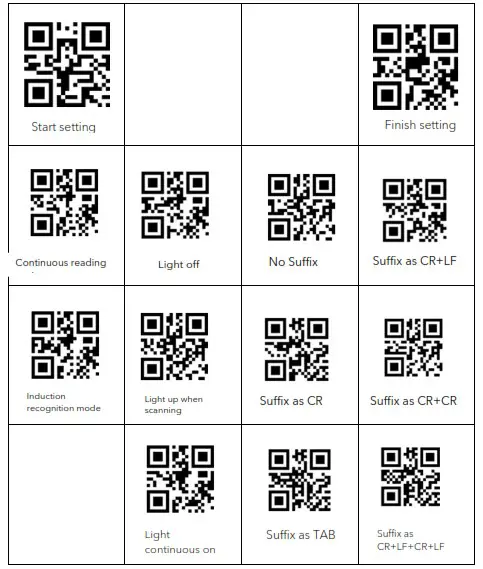
2D scanner quick setting command
Operation process, “Start setting” + “Function QR code” (such as continuous recognition mode) + “Finish setting” to complete the operation
Overview of non-contact IC card reader:
- Support protocol:ISO14443A
- Support card: Mifare(1K/4K); NXP S50, NXP S70, Fudan Micro F08,CPU card
- Data output type: USB/RS232/RS485
- When using RS232, RS485 for communication, the baud rate is 9600,1 start bit, 8 data bits, and 1 end bit.
Equipment and card operation instructions
| STX | LEN | DATA | CHK | |||
| DEVICE | CMD | DATA | ||||
| Find card | AA BB | 600 | 0 | 102 | 52(26) | CHK |
| Anti-conflict | AA BB | 600 | 0 | 202 | 4 | CHK |
| Pick card | AA BB | 900 | 0 | 302 | 4-byte card number | CHK |
| Authentication password | AA BB | OD 00 | 0 | 702 | Password Type + Sector name+6-byte password | CHK |
| Read the card | AA BB | 600 | 0 | 802 | Sector name | CHK |
| Write the card | AA BB | 1600 | 0 | 902 | Sector name+16 bytes of data | CHK |
| Reading mode | AA BB | 600 | 0 | 106 | 01(Read and write card module) | CHK |
| Only read mode 1 | AA BB | 600 | 0 | 106 | 02(10-byte decimal forward) | 5 |
| Only read mode 2 | AA BB | 600 | 0 | 106 | 03(4-byte hexadecimal reverse) | 4 |
| Only read mode 3 | AA BB | 600 | 0 | 106 | 04(10-byte decimal reverse) | 3 |
| Only read mode 4 | AA BB | 600 | 0 | 106 | 05(7-byte hexadecimal reverse) | 2 |
| Only read mode 5 | AA BB | 600 | 0 | 106 | 06(Wiegand code output) | 1 |
| Only read mode 9 | AA BB | 600 | 0 | 106 | 09(4-byte hexadecimal forward) | OE |
K10 Technical Specifications:
| Physical | |
| Construction | Metal back cover, aluminum alloy frame, tempered glass panel |
| Color | Black |
| Dimensions | 266mm x 228mm x 40mm |
| Weight | 2 Kg. |
| Performance | |
| CPU | Quad core ARM-A7,1.3GHz |
| Memory | 1GB RAM |
| Storage | 8 GB |
| Connectivity | |
| Wi-Fi | 802.11 |
| Bluetooth | 4 |
| Ethernet | 10/100/1000M RJ45 with POE |
| USB | 1 USB OTG, 1 HOST USB |
| Video output | 1 HDMI |
| Audio output | 3.5mm earphone |
| Operating system | |
| Version | Android 7.1 |
| Touch Panel | |
| Touchscreen type | 10 Points Capacitive |
| Transmittance | >95% |
| Touch times | >100,000,000 |
| Monitor | |
| Type | 10.1″ TFT LCD, LED Backlight |
| Resolution | 1280 * 800 |
| Pixel | 0.1692 (H) x 0.1692 (V) |
| Brightness (Typical) | 300 cd/m2 |
| Contrast Ratio | 4000:1(Typical) 3000:1(Min) |
| Color Support | 16.7M |
| Bandwidth | 60Hz |
| Lifetime | >10,000 hours |
| Input Devices | |
| Barcode Scanner | 1D/2D 5mil, USB |
| Front Camera | 2MP |
| NFC Reader | Low frequency 125K, high frequency NFC, 14443A, 13.56 |
| Power Supply | |
| Power Consumption | 15W |
| Adapter Output | DC 12V, 5A |
| Adapter Input | AC 100-240V, 50-60HZ |
| Environmental | |
| Operating Temperature | 0℃ to 50℃ |
| Operating Humidity | 10% to 90%, non-condensing |
| Storage Temperature | -10℃ to 60℃ |
| Storage Humidity | 10% to 90%, non-condensing |
| Packaging | |
| In the Box | Micro Kiosk, AC Adapter, Power Cable |
| Carton Size | 345mm x 125mm x 335mm |
| Gross Weight | 2.12 Kg. |

 3nStar | Best POS/AIDC Products. – 3nStar manufacture technology and solutions for retail and automatic data collection. Giving companies the visibility of their businesses needed to increase productivity and profits.