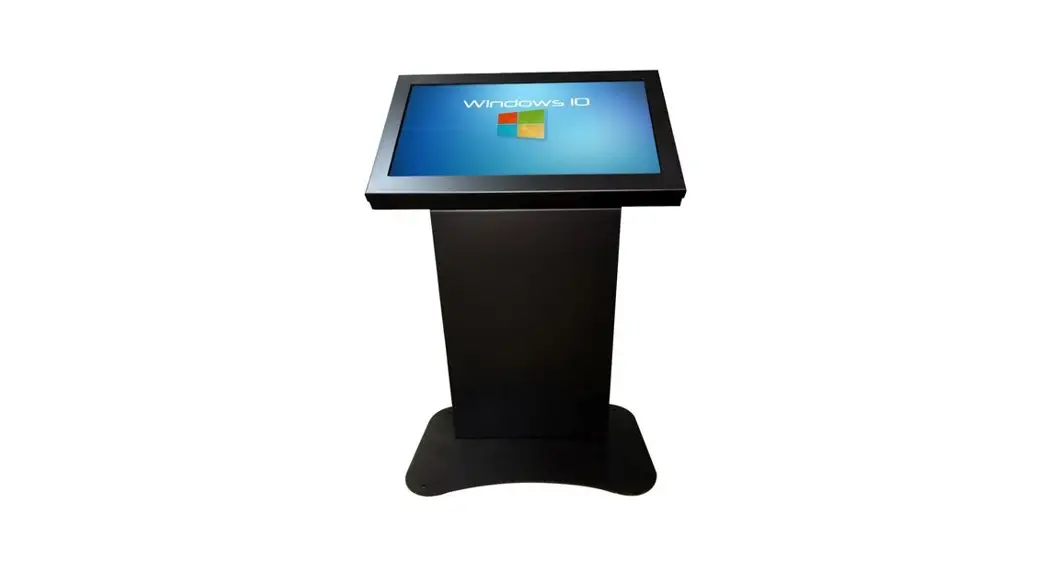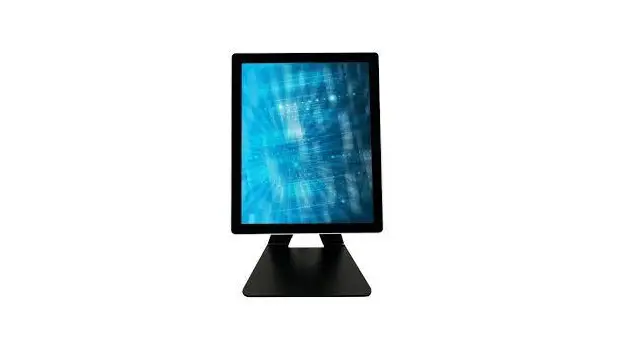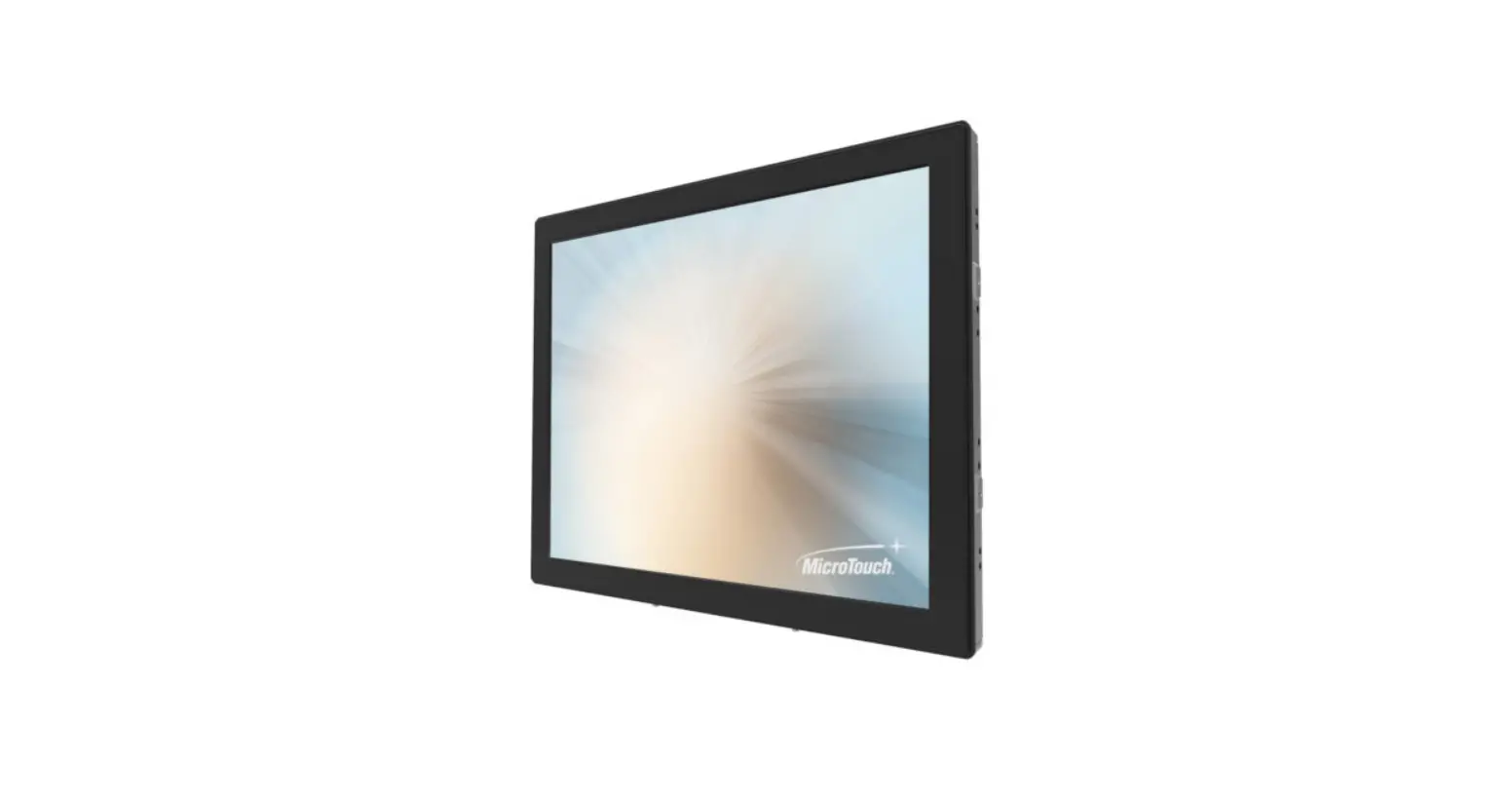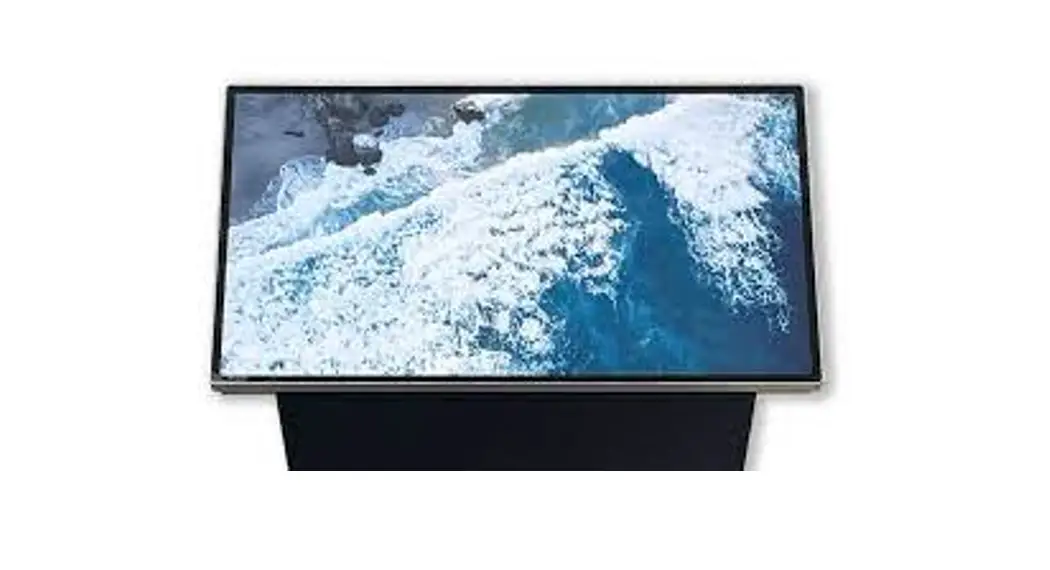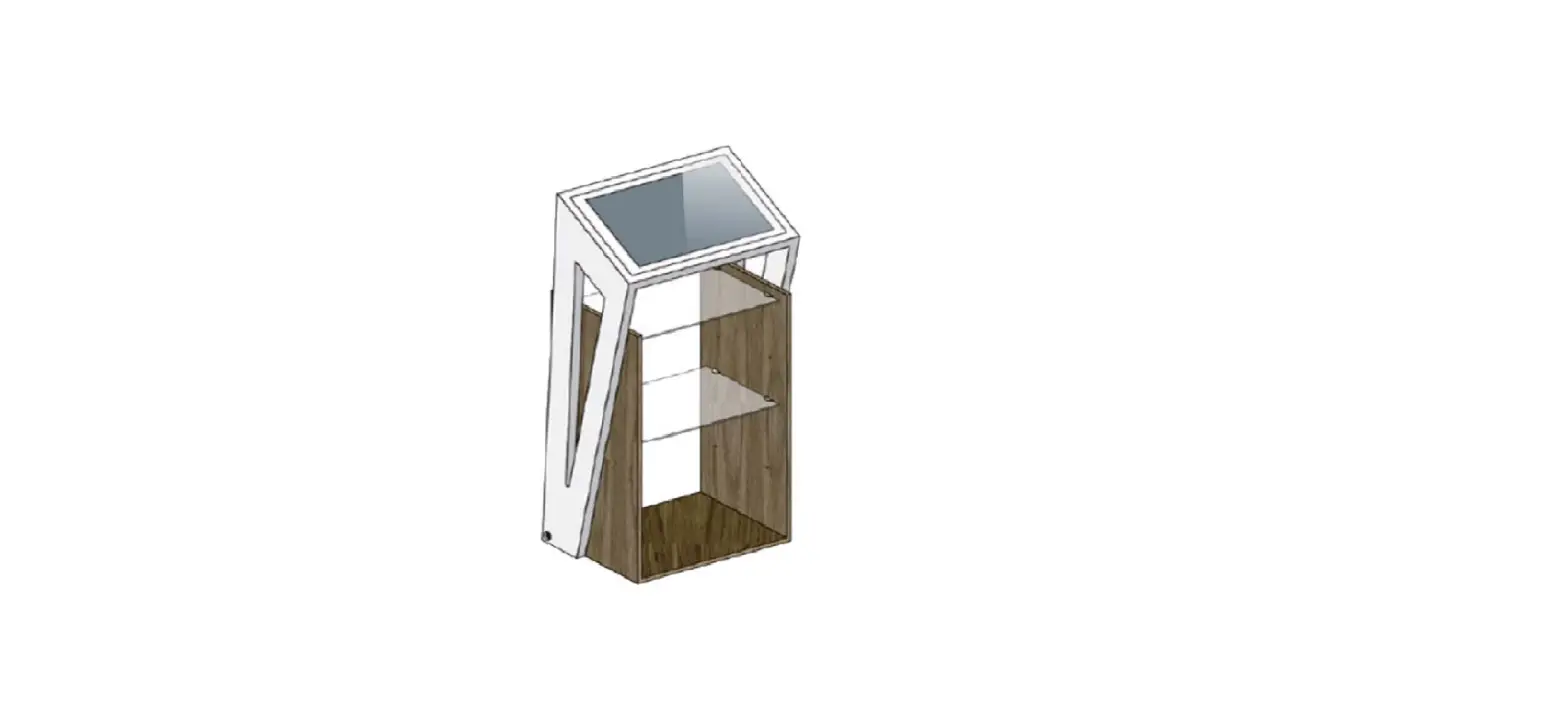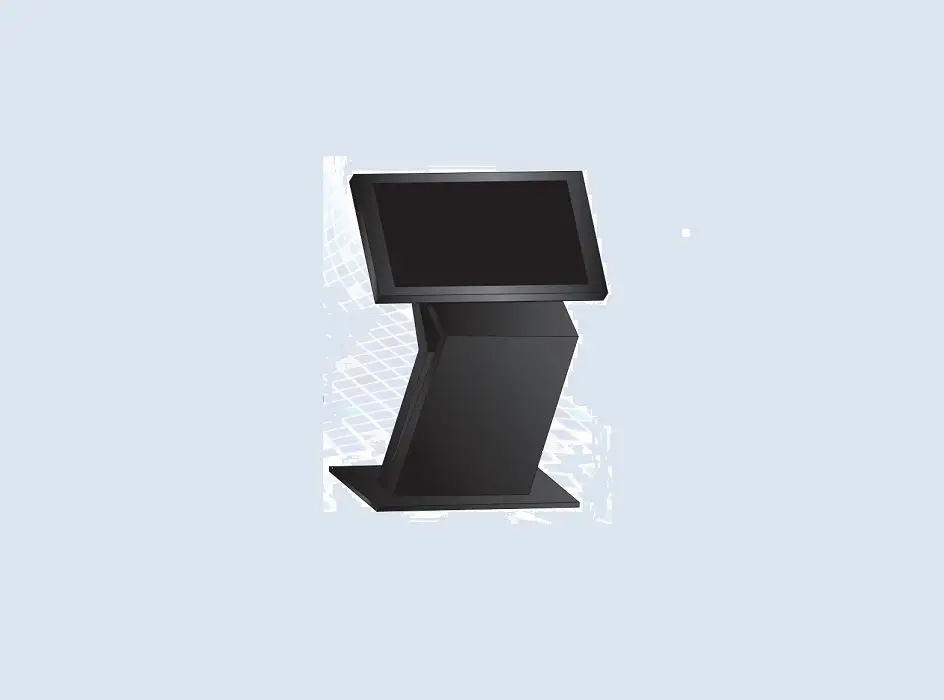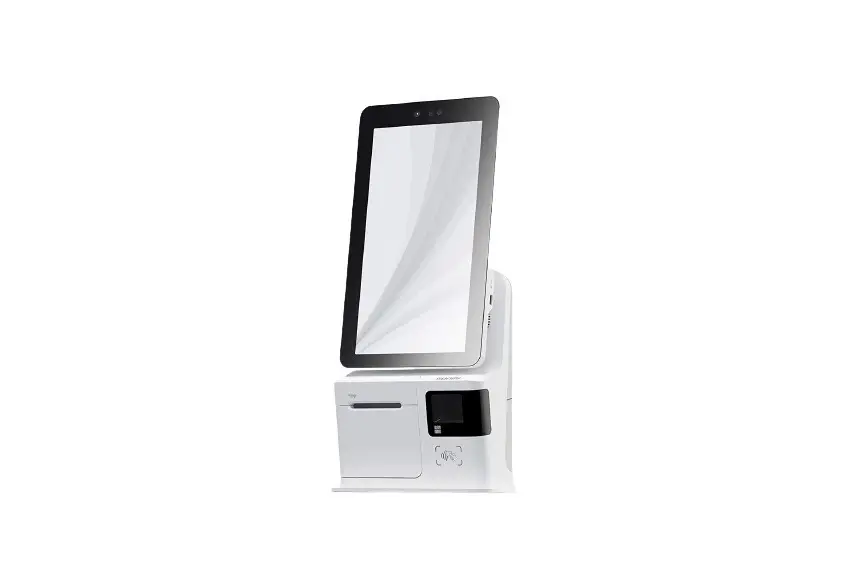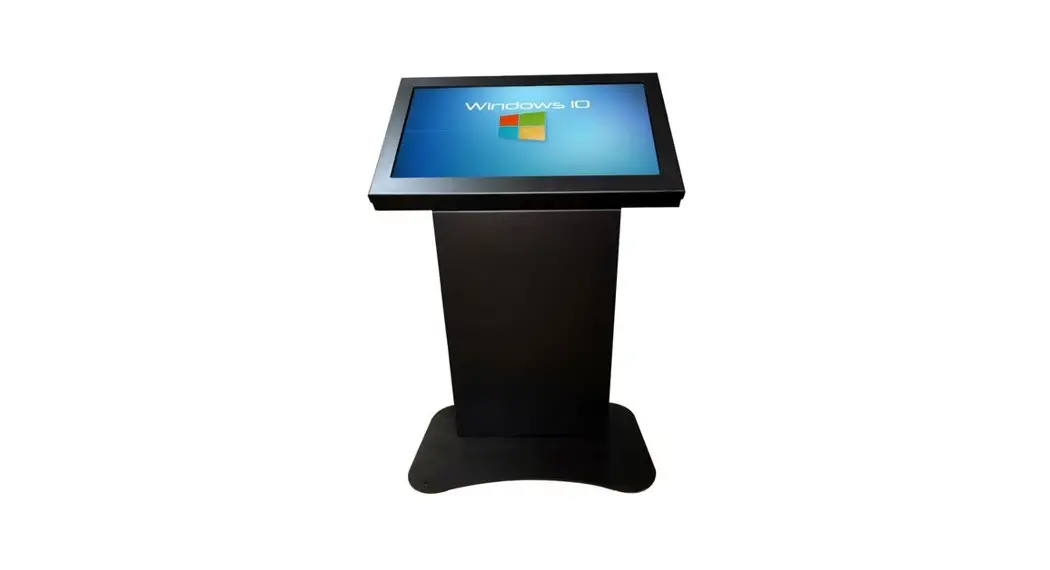

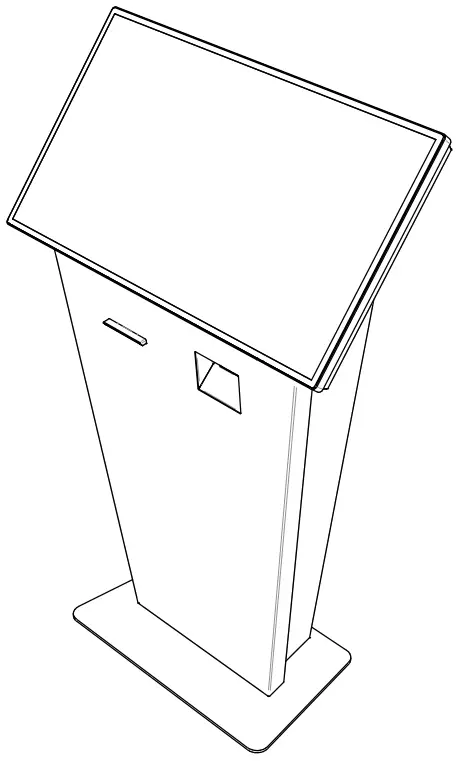
KIO320L-SLIM USER MANUAL
KIO320L-SLIM SPECIFICATIONS
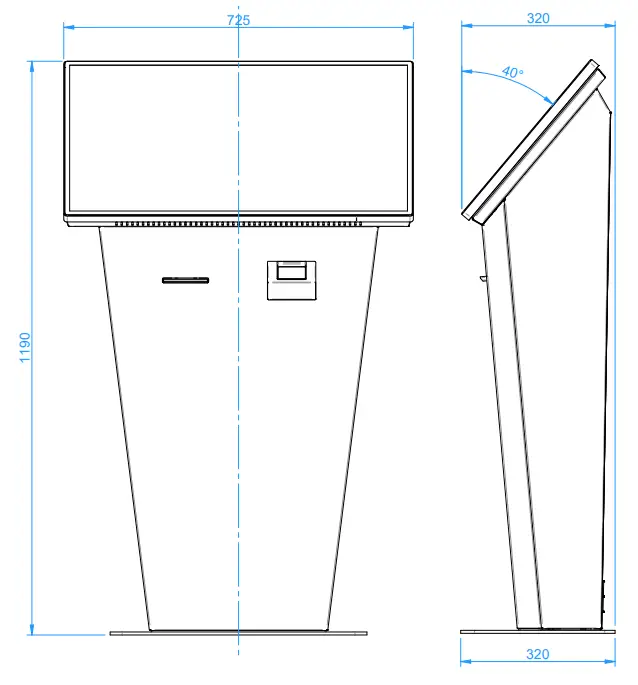
- Touch Screen INTS320
• 31.5” active viewable area
• 10-point PCAP multi-touch
• VGA & HDMI input
• 1920 x 1080 Native Resolution - GFS4400 Scanner Datalogic Gryphon (OPTIONAL)
• Reads 1D & 2D barcodes
• Wide-angle field-of-view
• Reads QR Codes
• Programmable for “Always On” or “Object Sense” mode - Printer VKP80ii Custom (OPTIONAL)
• Direct thermal printing
• Industrial Auto-Cutter
• Max. print width 82.5mm
• Anti Jamming System
CABLING INFORMATION
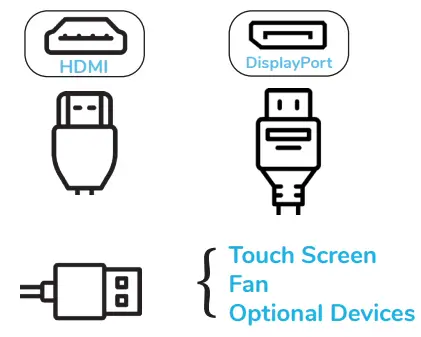
Step 1. Connect your desired display cable. (HDMI recommended)
(Display port cable may not be included)
Step 2. Connect all USB devices.
Step 3. Connect your PC power cable to the internal powerboard.
KIO320L-SLIM INTERNAL ACCESS
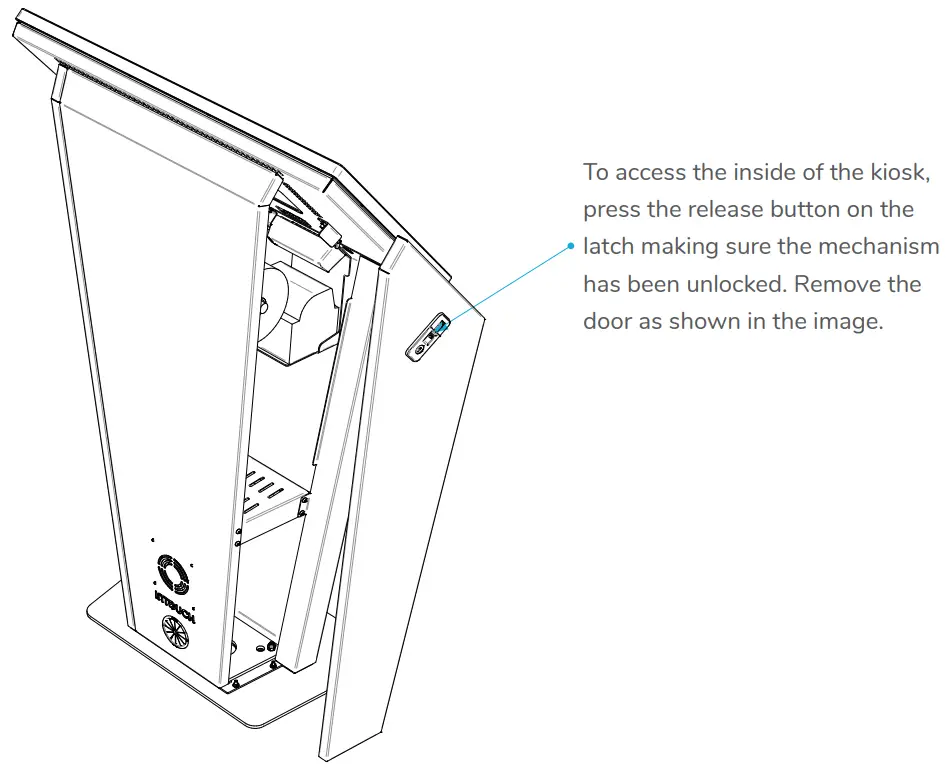
To re-attach the door simply engage the tab at the base of the door, rotate into position and re-engage the latch.
OPTIONAL ACCESSORIES*
*Not shown in illustrations
- Printer
- 2D Scanner (Barcode & QR code)
- EFTPOS Support & Integration
- RFID / Mag. Card Reader
Talk to us about your device needs! ([email protected])
SECURING YOUR KIOSK TO THE FLOOR (OPTIONAL)
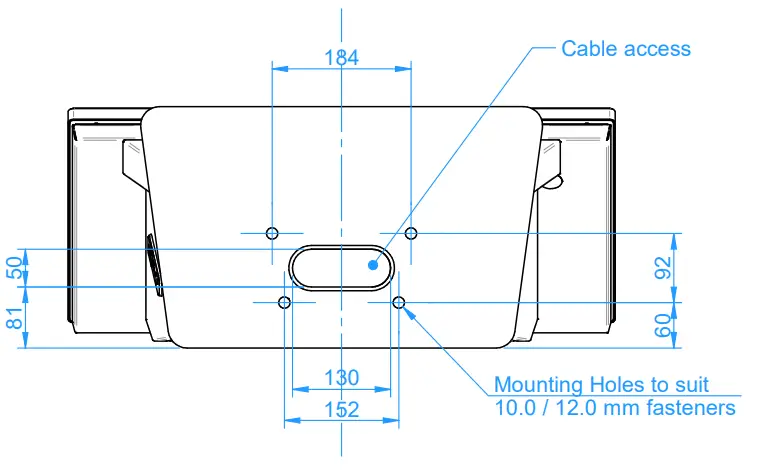
For further information on securing your kiosk, do not hesitate to contact us on [email protected]
CLEANING INSTRUCTIONS
Applicable to touch screens and kiosks:
InTouch suggests using an isopropyl alcohol spray and clean microfibre cloth.
Caution: Be careful when cleaning your kiosk to avoid vinyled graphic areas so as not to damage the artwork. DO NOT use abrasive cleaners, solvents or cloths.
For more information please visit www.intouchscreens.com.au/cleaning
WARRANTY
For more information please visit www.intouchscreens.com.au/warranty
FOR MORE INFORMATION
Telephone 02 9939 6251
[email protected]
[email protected]
www.intouchscreens.com.au
Visit our Website

https://intouchscreens.com.au/