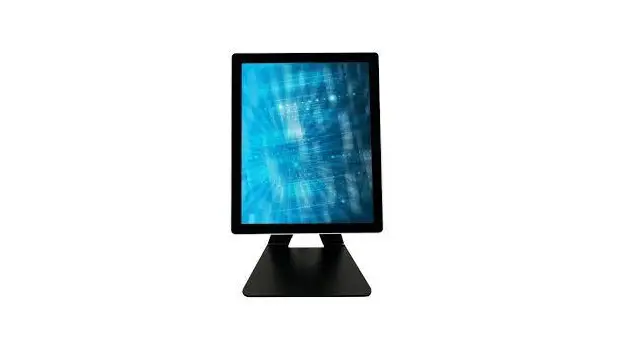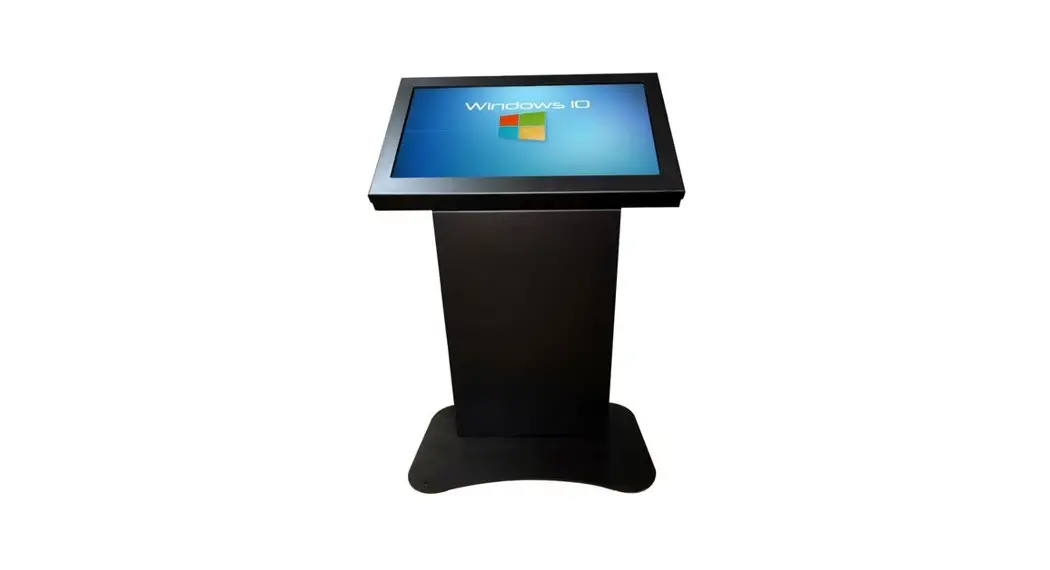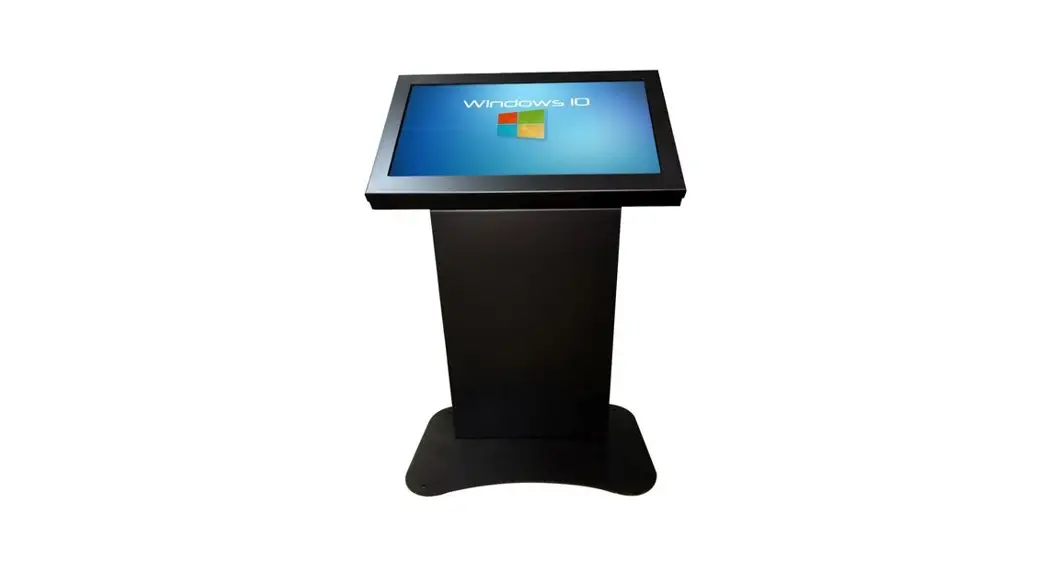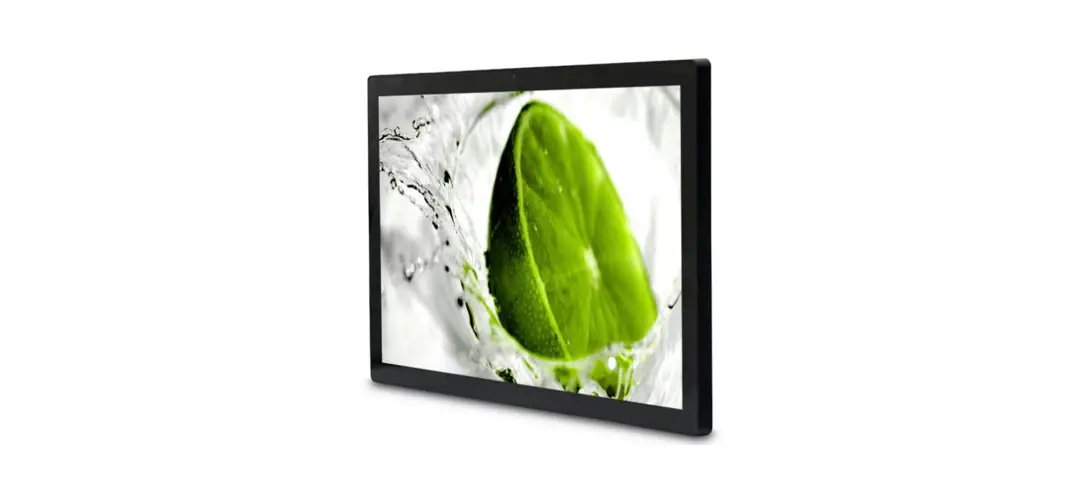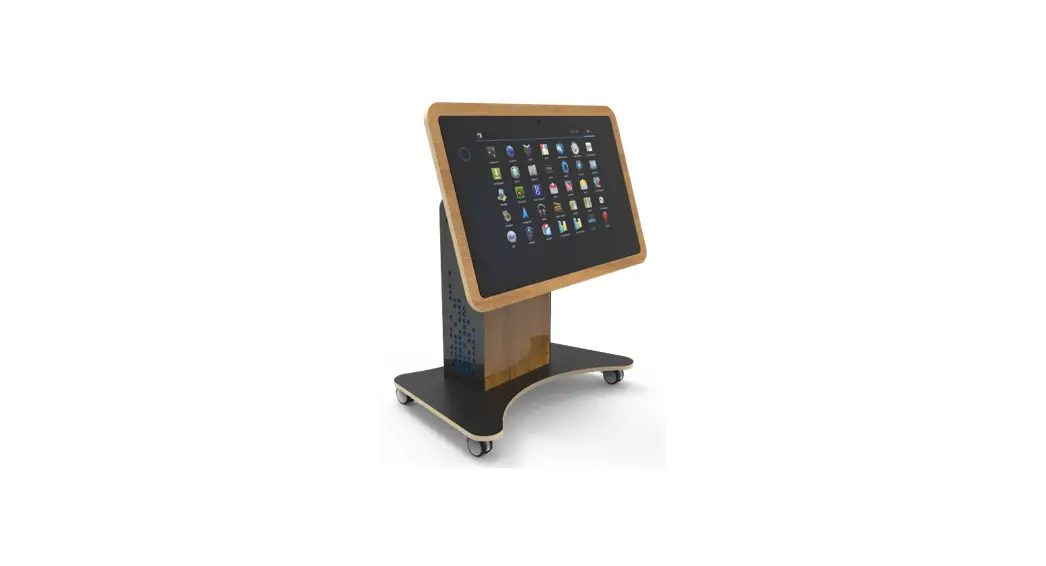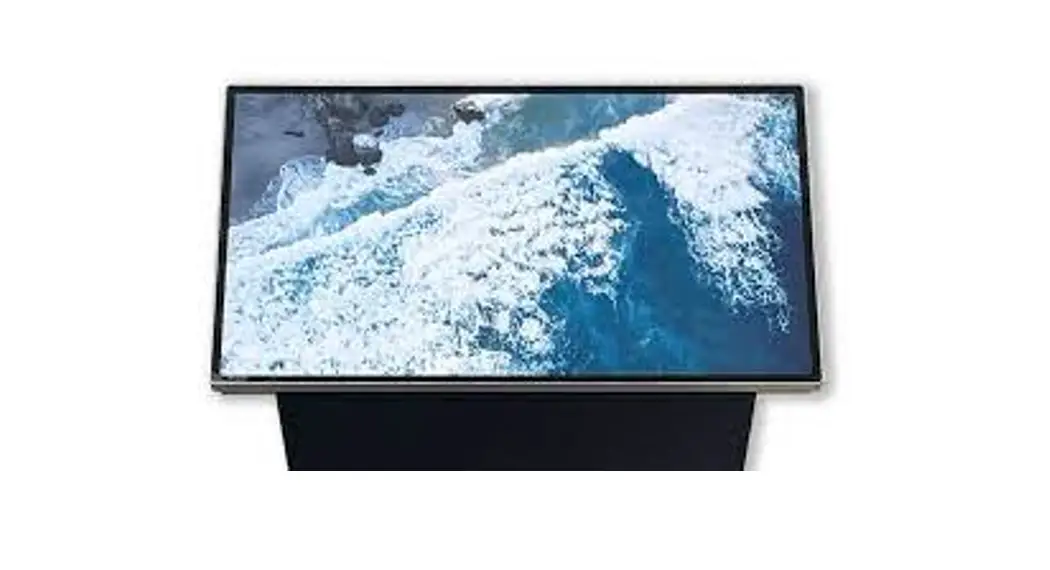

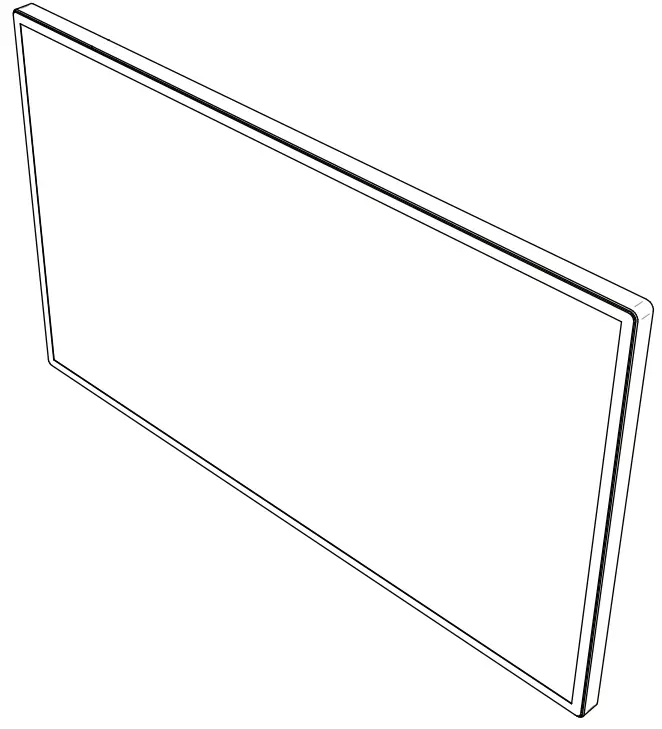
INTS320 USER MANUAL
INTS320 SPECIFICATIONS
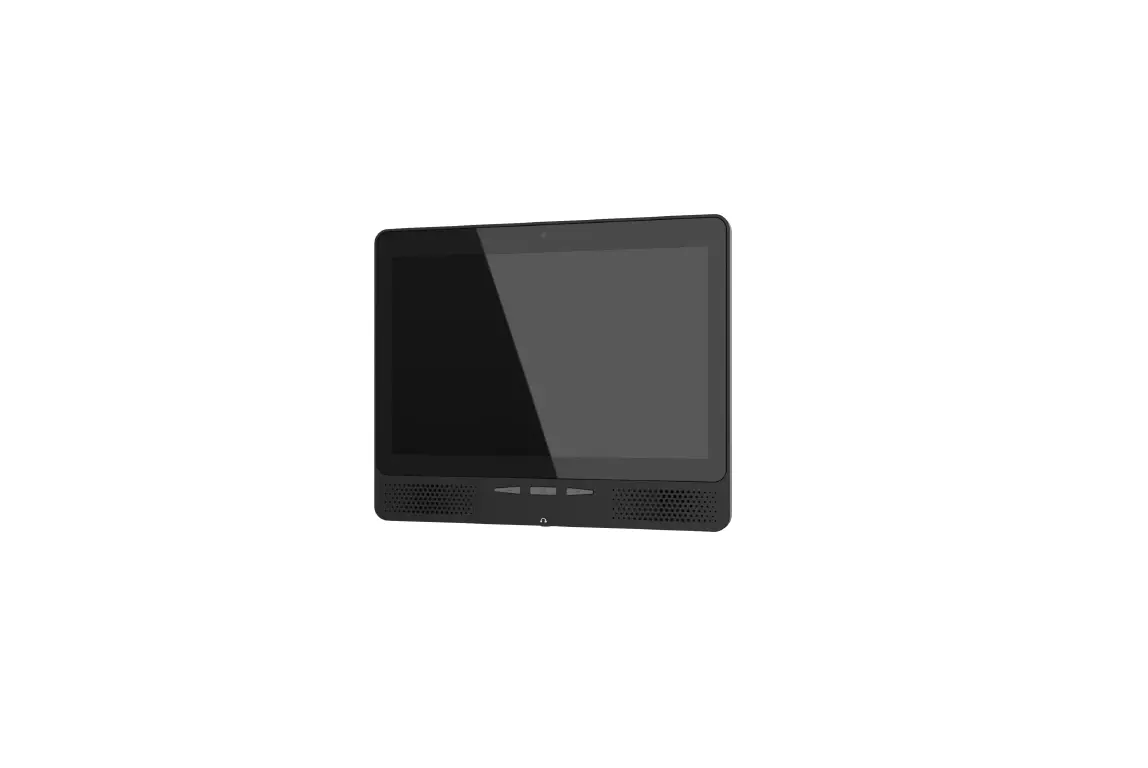
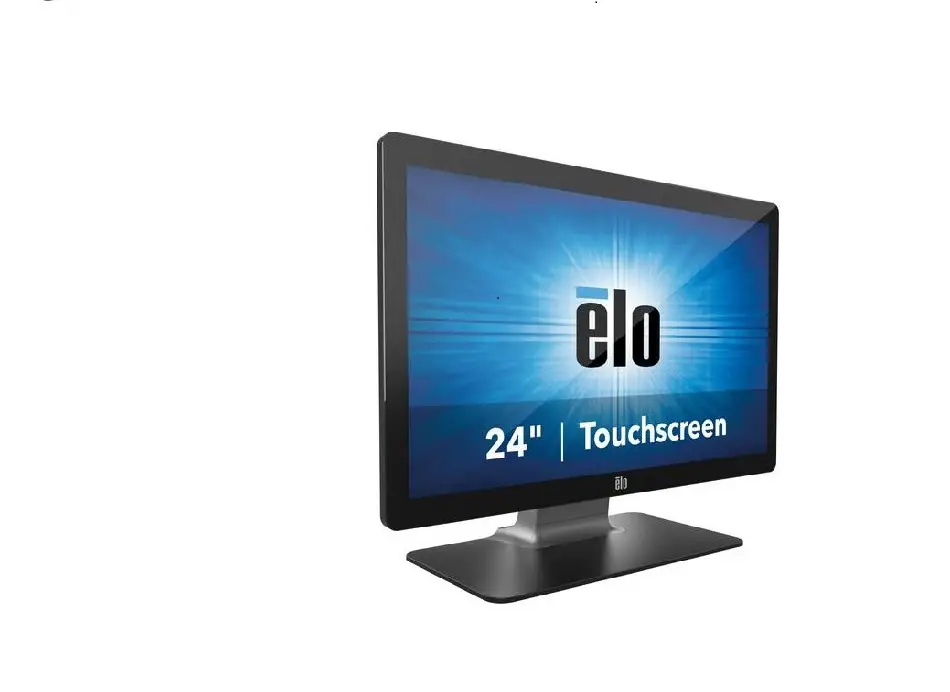
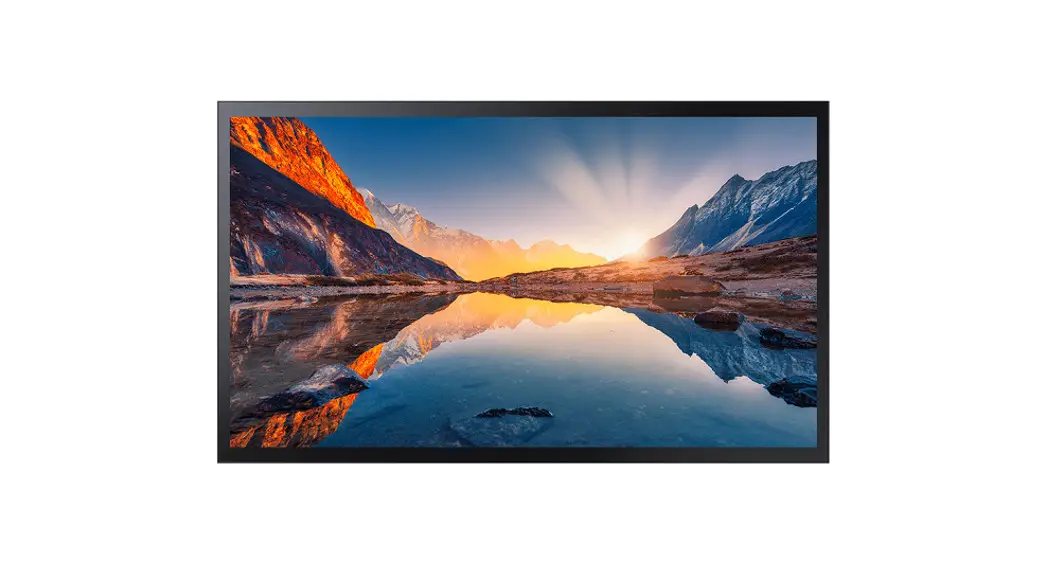
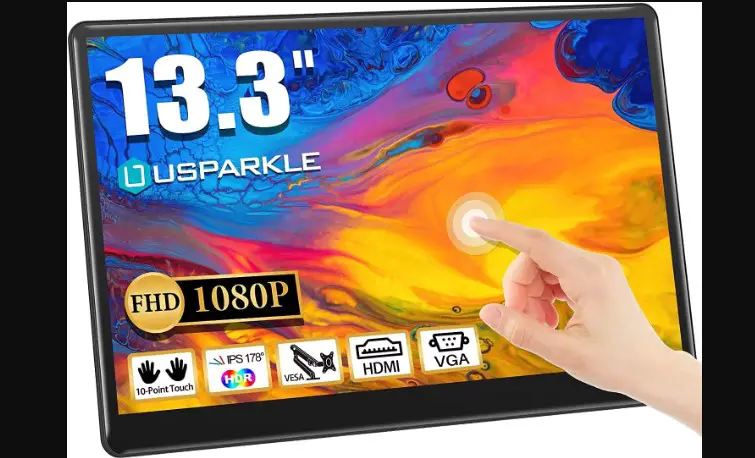
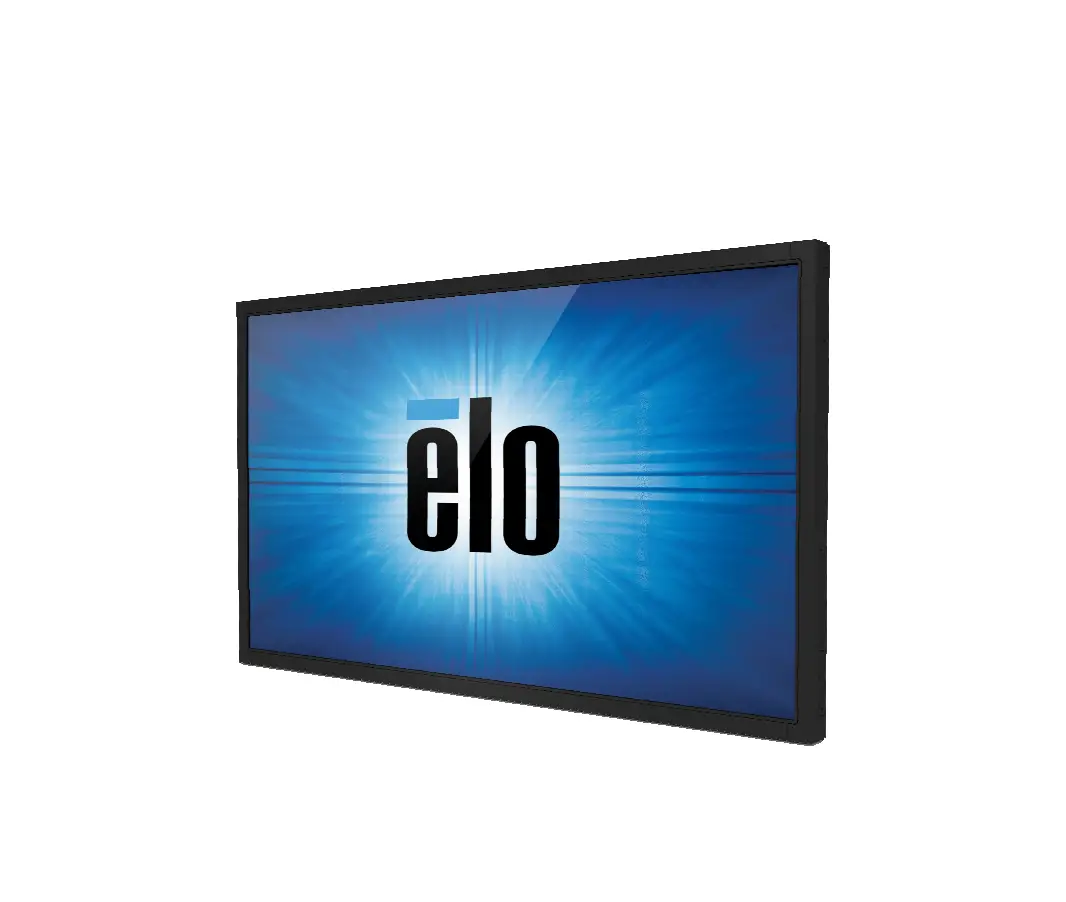
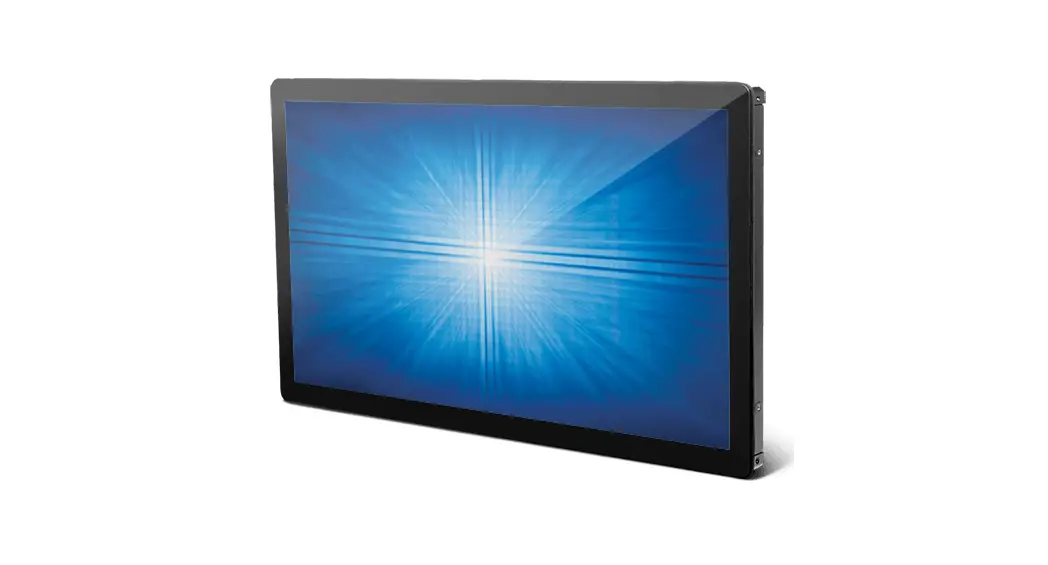
- Touch Screen
• 31.5” active viewable area
• 10-point PCAP multi-touch
• 1920 x 1080 Native Resolution
• Built-in stereo speakers
CABLING INFORMATION
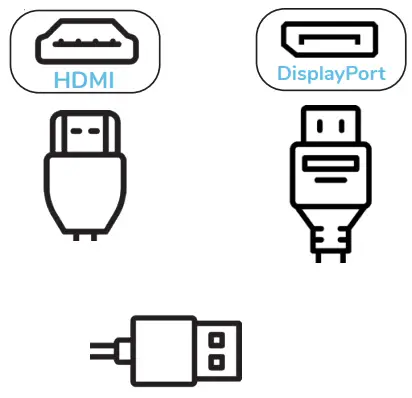
Step 1. Connect your desired display cable. (HDMI Recommended)
Step 2. Connect USB touch cable
Step 3. Connect IEC power cable
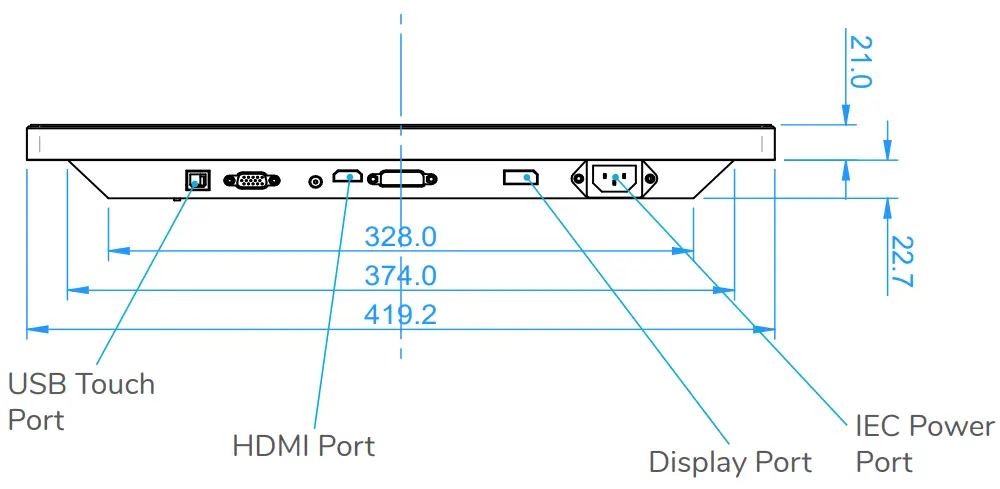
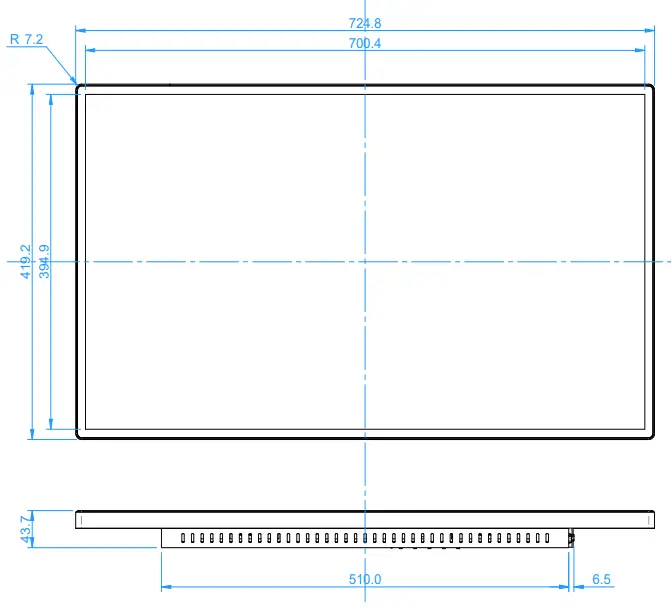
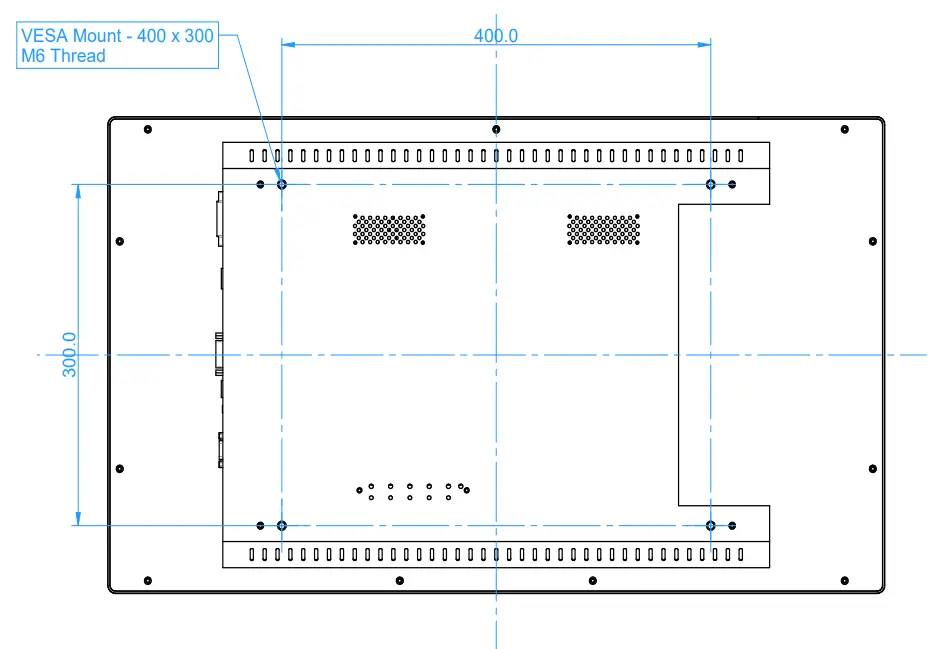
INTS320 – MOUNTING DIMENSIONS
CLEANING INSTRUCTIONS
Applicable to touch screens and kiosks:
InTouch suggests using an isopropyl alcohol spray and a clean microfibre cloth.
Caution: Be careful when cleaning your kiosk to avoid vinyled graphic areas so as not to damage the artwork. DO NOT use abrasive cleaners, solvents, or cloths.
For more information please visit www.intouchscreens.com.au/cleaning
WARRANTY
For more information please visit www.intouchscreens.com.au/warranty
FOR MORE INFORMATION
Telephone 02 9939 6251
[email protected]
[email protected]
www.intouchscreens.com.au
Visit our Website

https://intouchscreens.com.au/