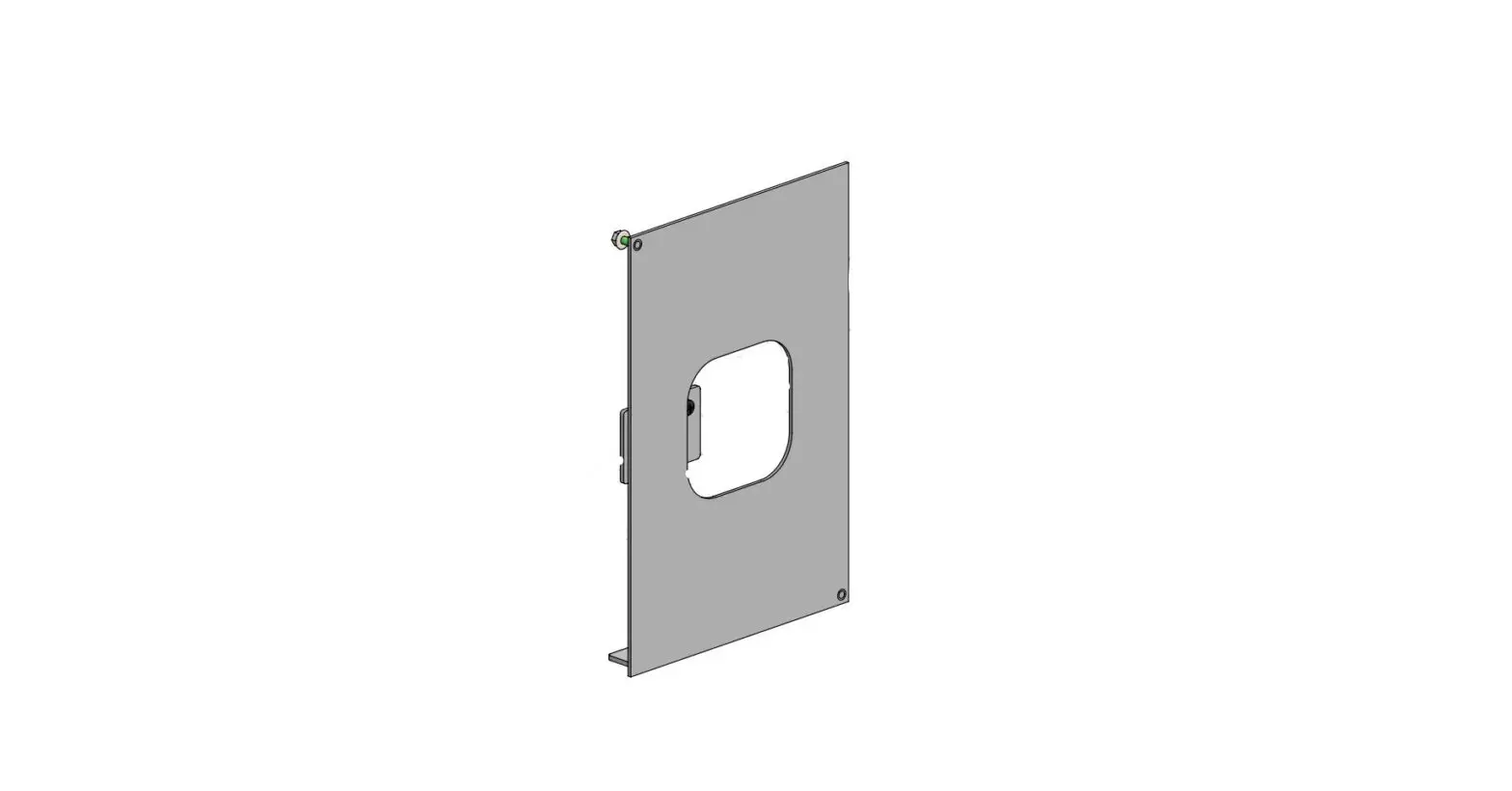
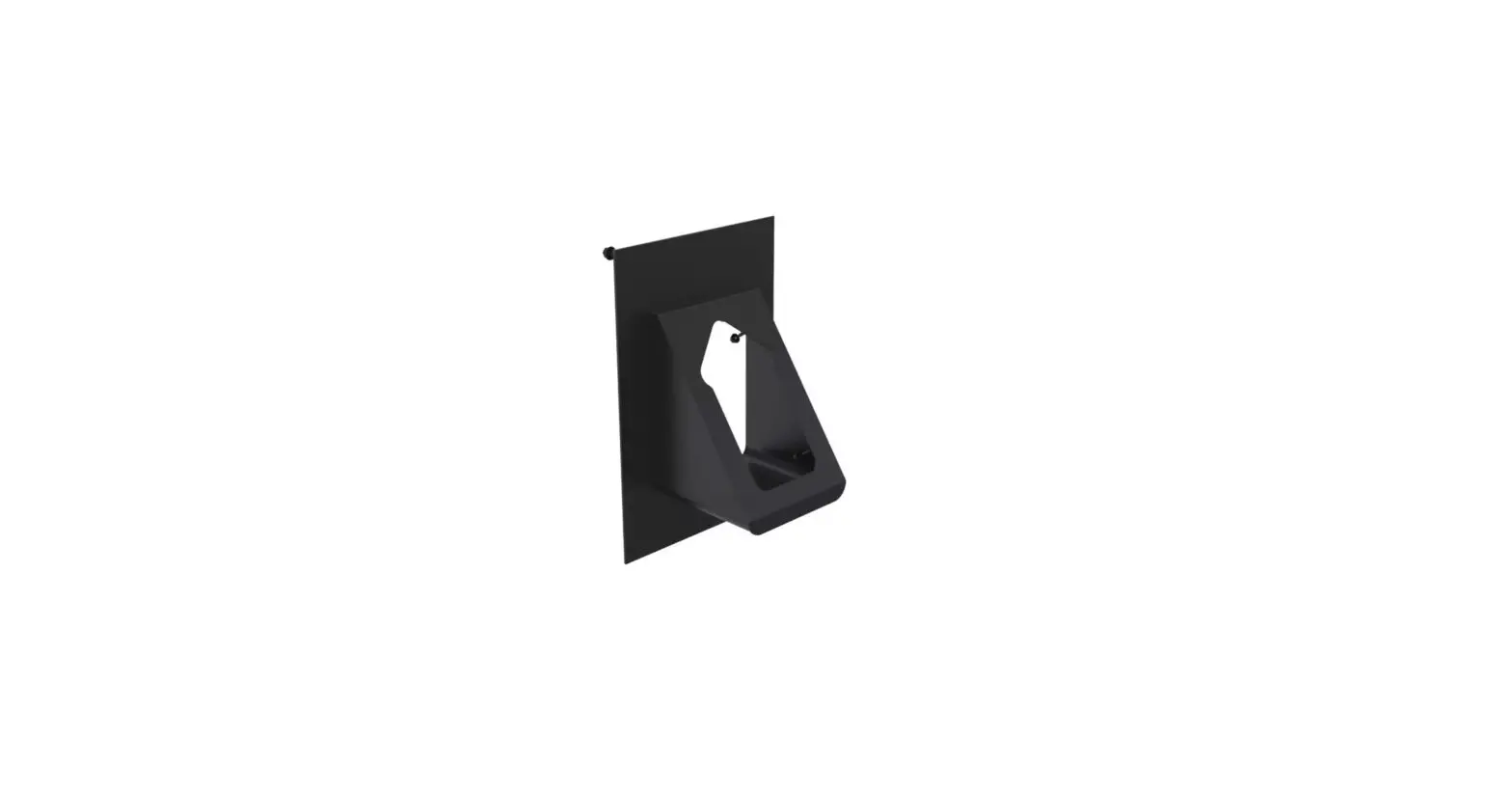
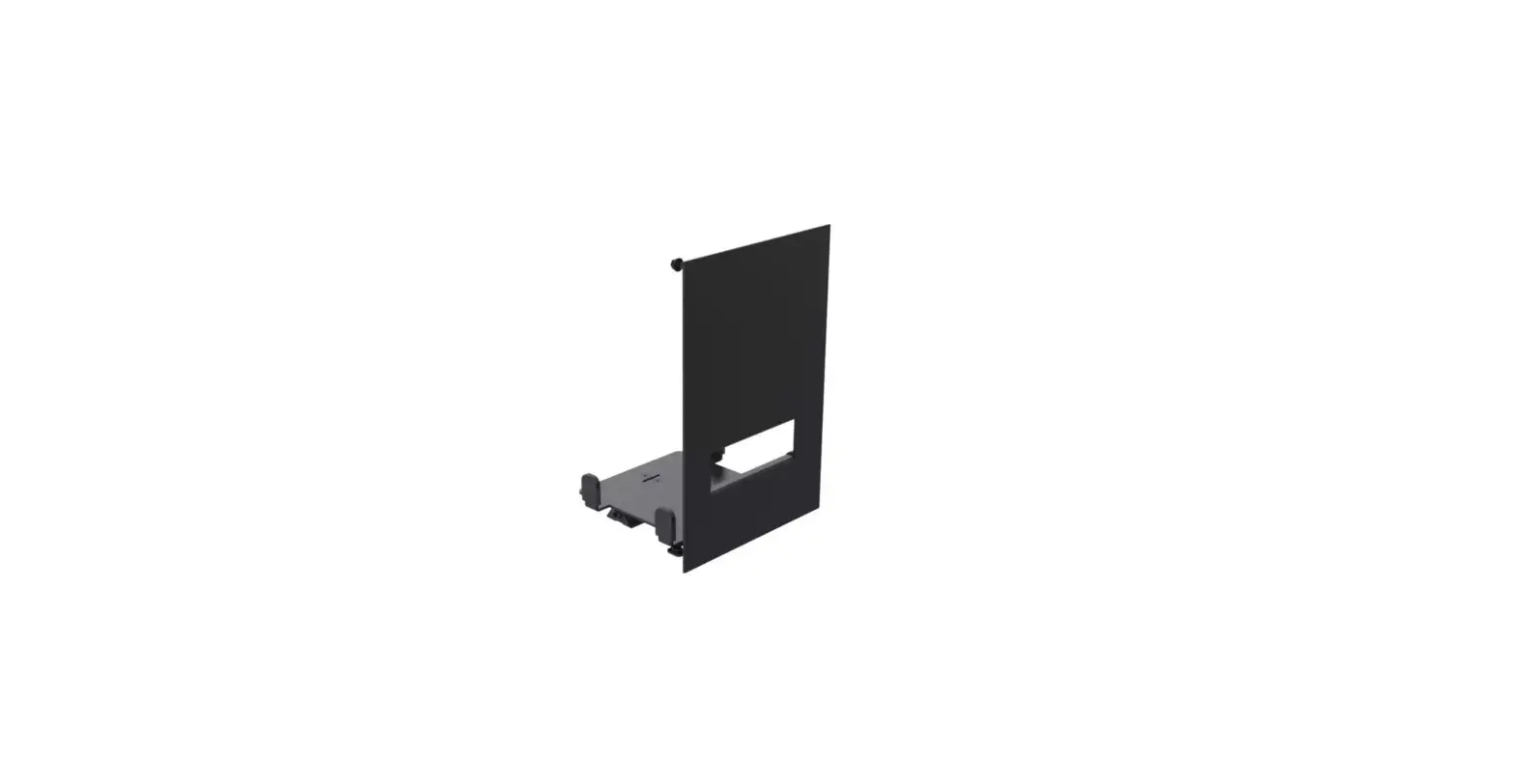
SPSK509-nn Kiosk and Signage SCO Kiosk Peripheral arm portrait
Product Information:
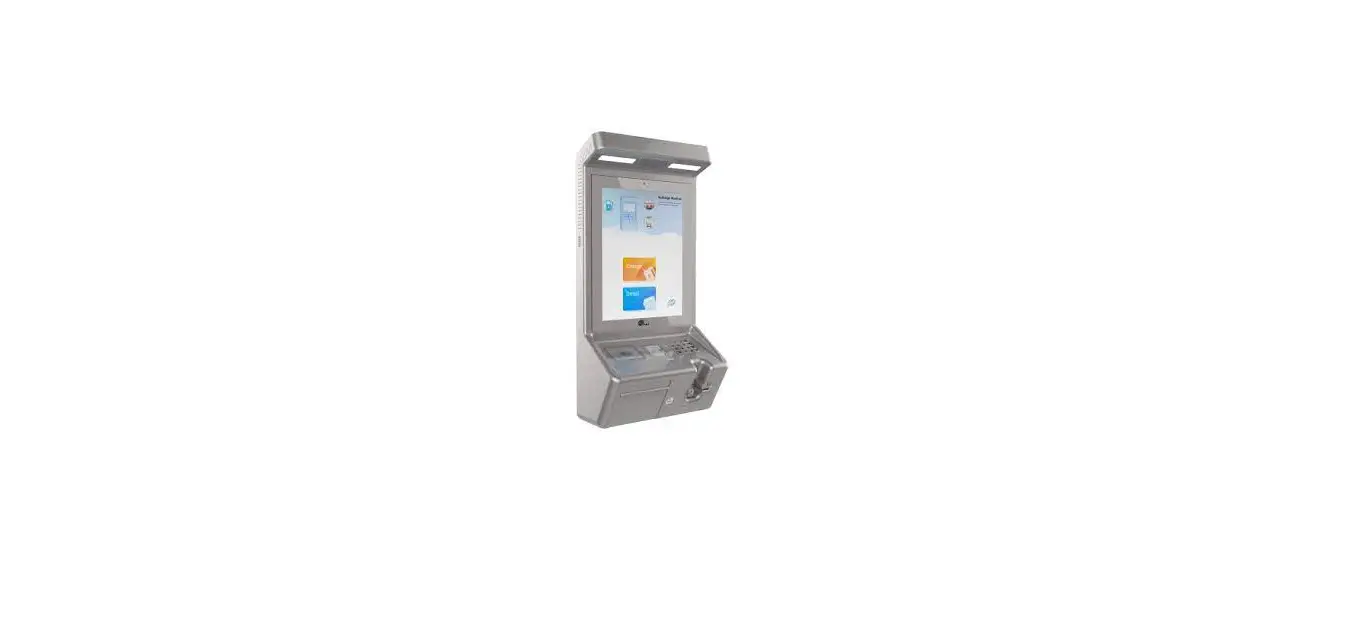
Product Name: SPSK509-nn SCO Kiosk Peripheral arm portrait
Version: 1.0
POS PARTS LIST:
– Peripheral arm portrait: Max 24″ screen portrait
– Installation guide for SCO Kiosk Peripheral arm
Additional Info:
– Color Options: Light Grey, Black, Silver, Pearl, Iron Grey,
White
– Item Net Weight: 0.51 kg | 1.12 lbs
– Pallet Capacity: B0089 (192 items)
Product Usage Instructions:
- Open the box labeled C200265.
- Inside the box, you will find the peripheral arm portrait.
- Refer to the installation guide (MK15-0395) for detailed
instructions on how to install the SCO Kiosk Peripheral arm. - Choose the desired color option for the peripheral arm portrait
(Light Grey, Black, Silver, Pearl, Iron Grey, or White). - Follow the instructions in the installation guide to properly
mount and secure the peripheral arm to the kiosk. - Ensure that the screen size does not exceed 24″ in portrait
orientation. - For any additional information or support, refer to the user
manual or contact customer support.
SPSK509-nn
SCO Kiosk Peripheral arm portrait
Version: 1.0
POS PARTS LIST
QTY. DESCRIPTION
BOX
1 C200265
1
Peripheral arm portrait: Max 24″ screen portrait
MK15-0395
1
Installation guide for SCO Kiosk Peripheral arm
B0089
1
Box L365xW131xH113mm / L14.4xW5.2xH4.4in
ADDITIONAL INFO:
QTY. of configs in master box:
Colour: nn
01 = Light Grey
COPYRIGHT © ERGONOMIC SOLUTIONS 2023
Item Net Weight: 0.51 kg | 1.12 lbs
02 = Black
03 = Silver
04 = Pearl
Pallet Capacity: B0089 (192 items)
05 = Iron Grey
32 = White
Page 1 of 1
Author: jj (12/05/2023) | Last Update: Jannik.Jacobsen (12/06/2023)