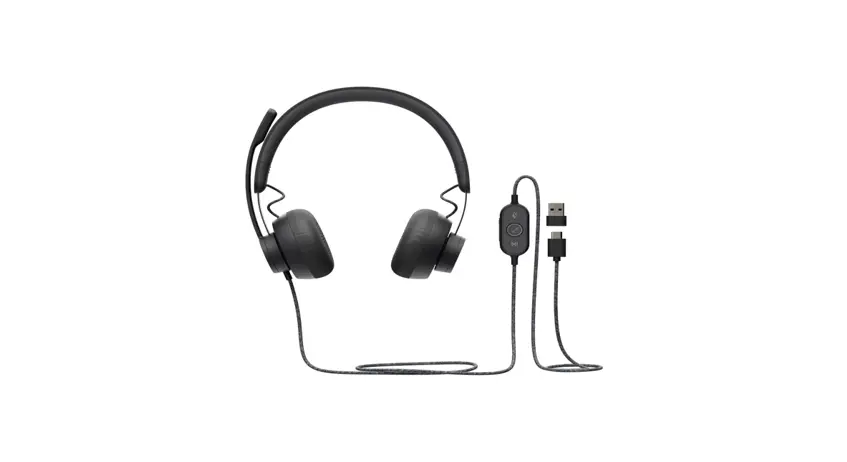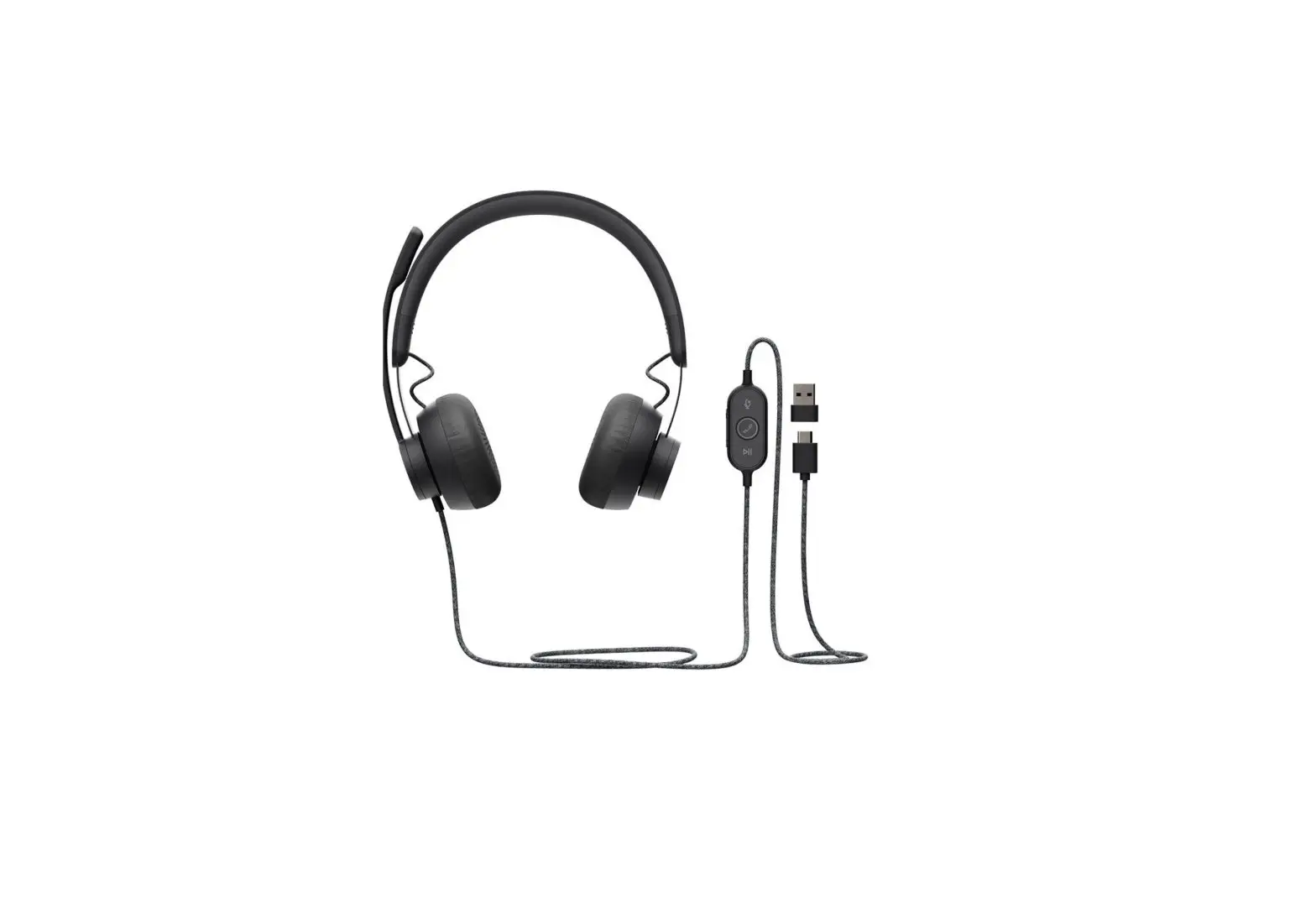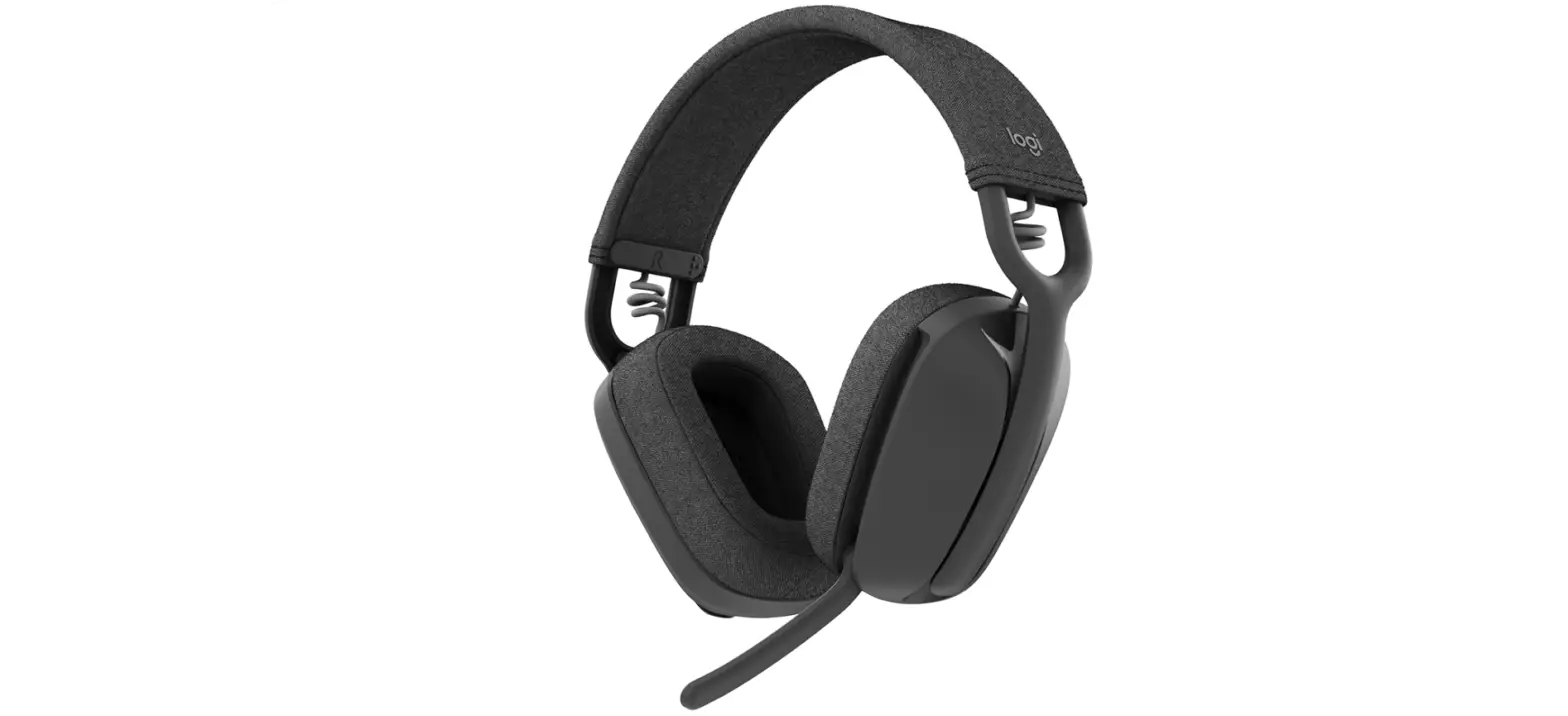
 logitech Zone 900 Replaceable Earpad Covers

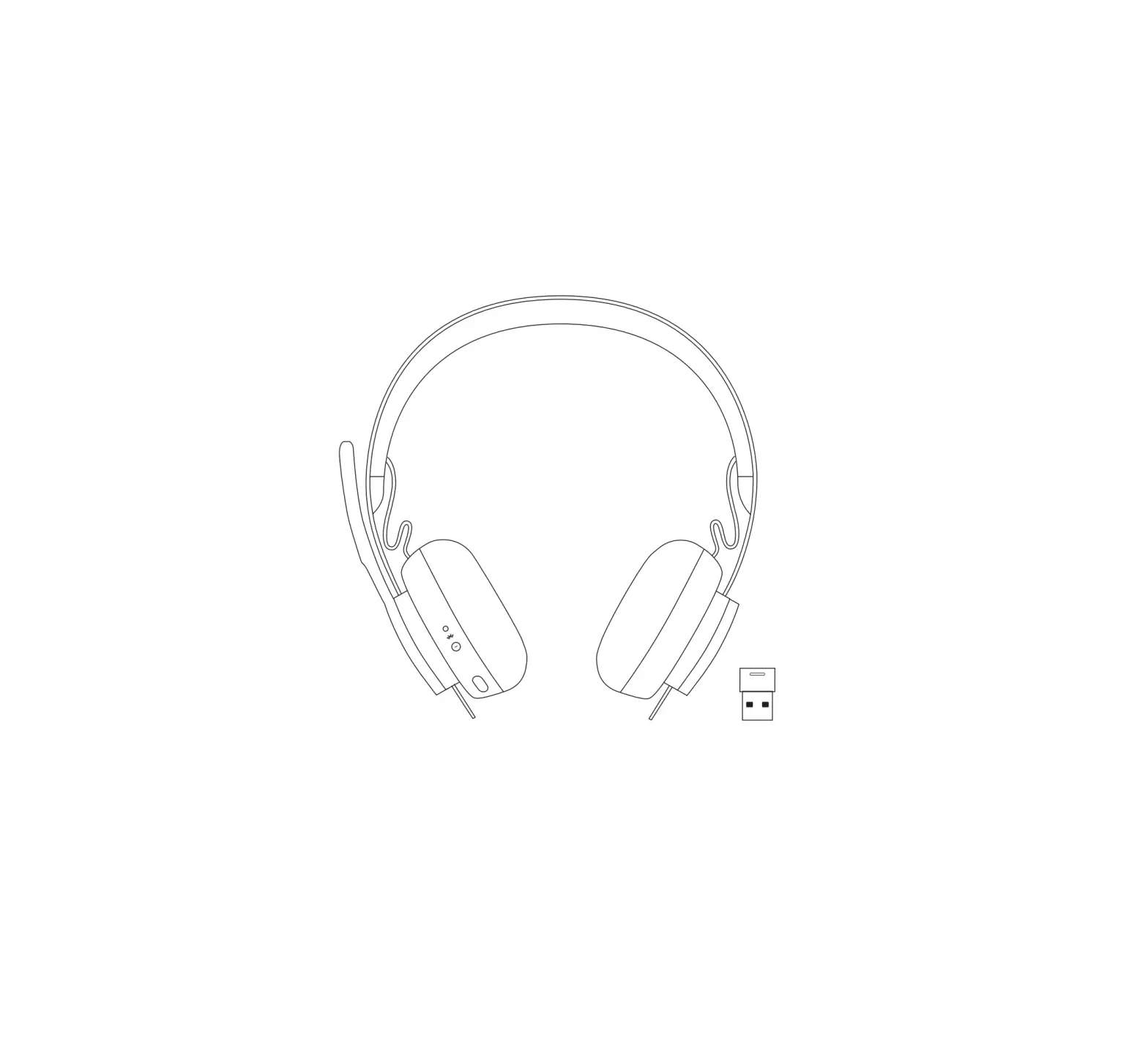
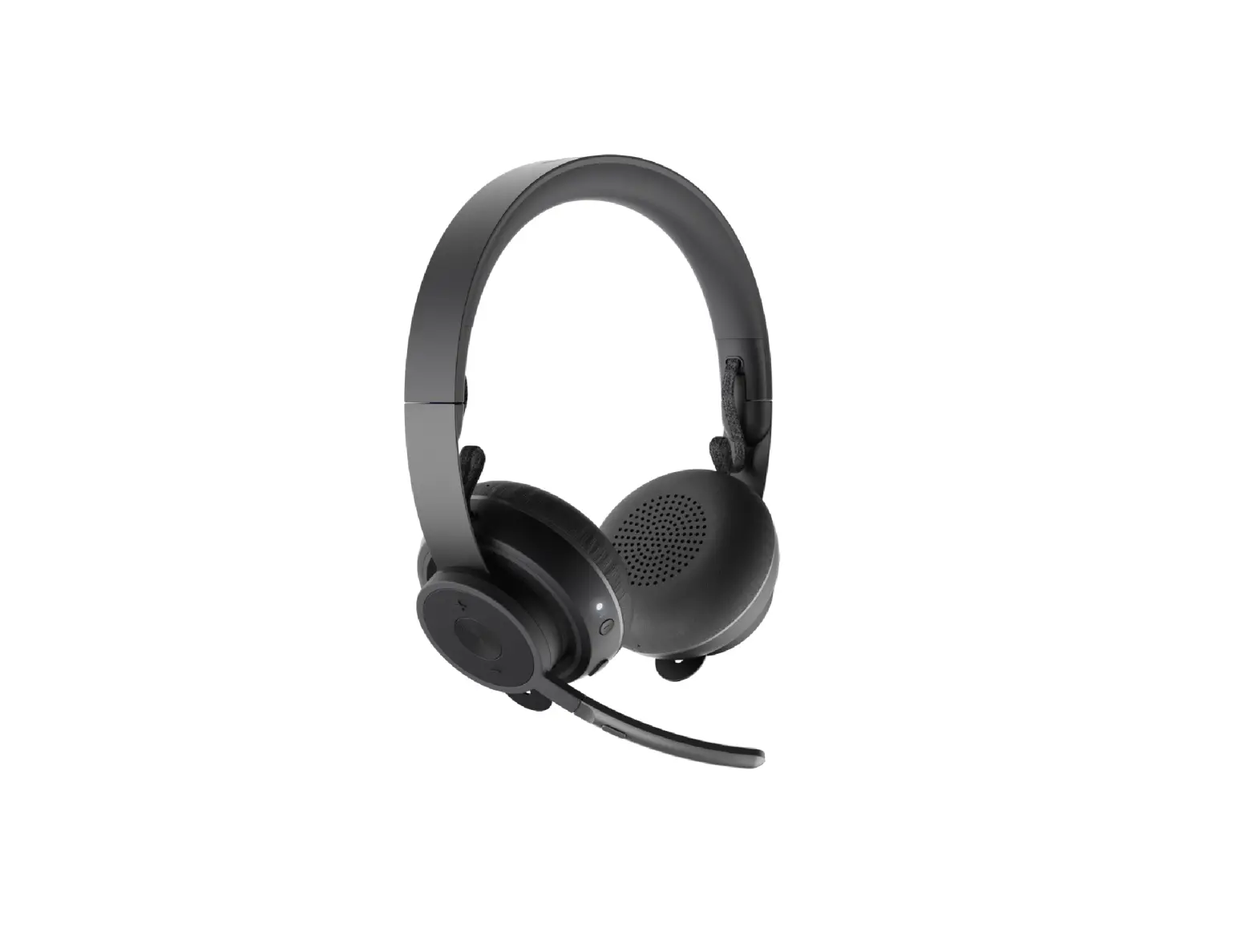
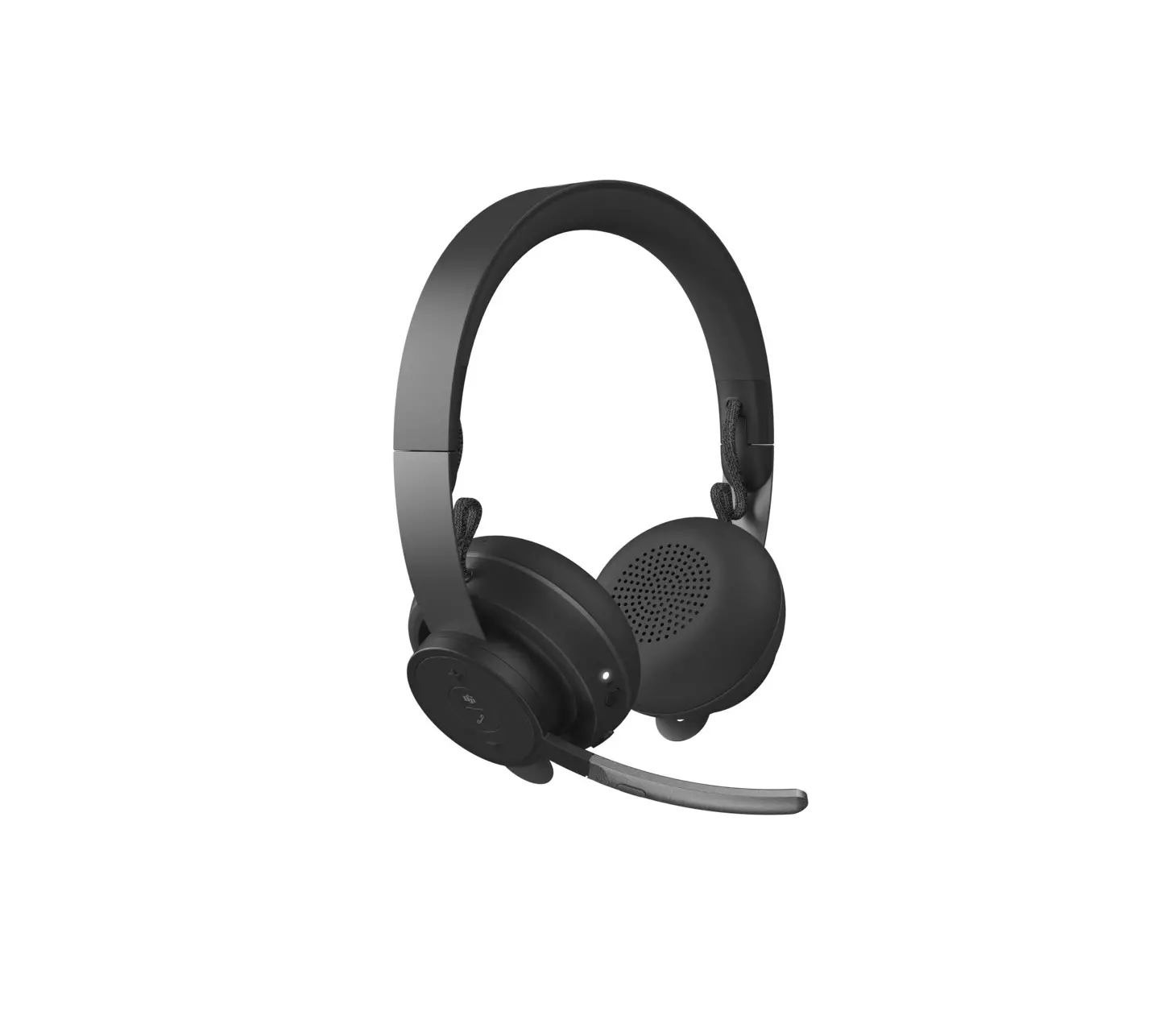
 KNOW YOUR PRODUCT
WHAT’S IN THE BOX
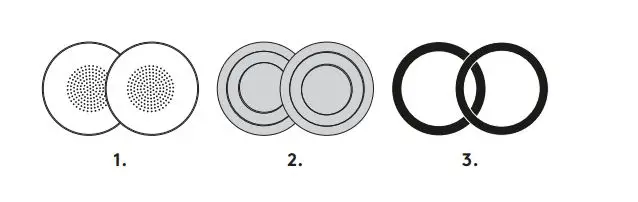
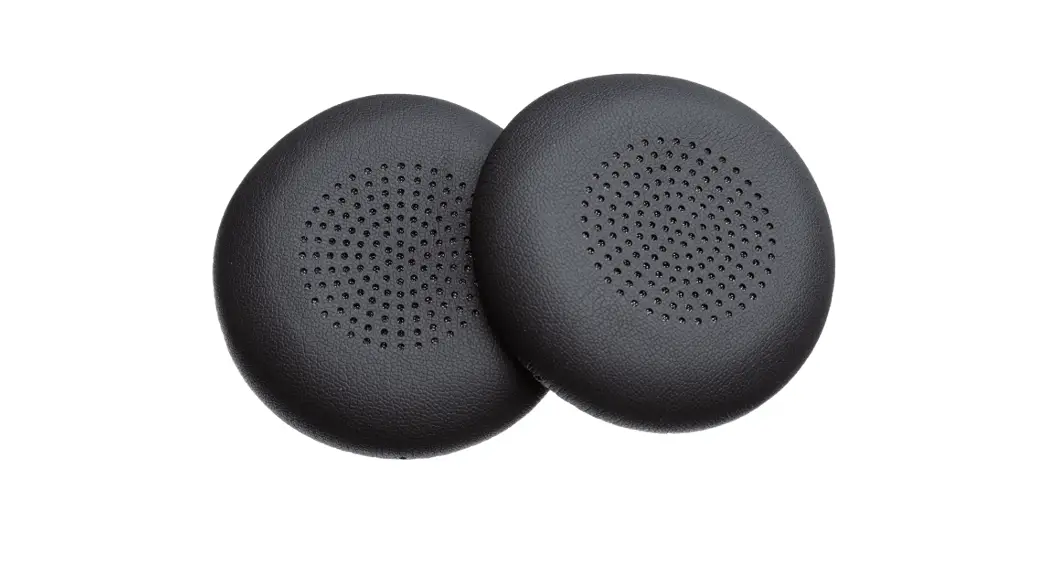
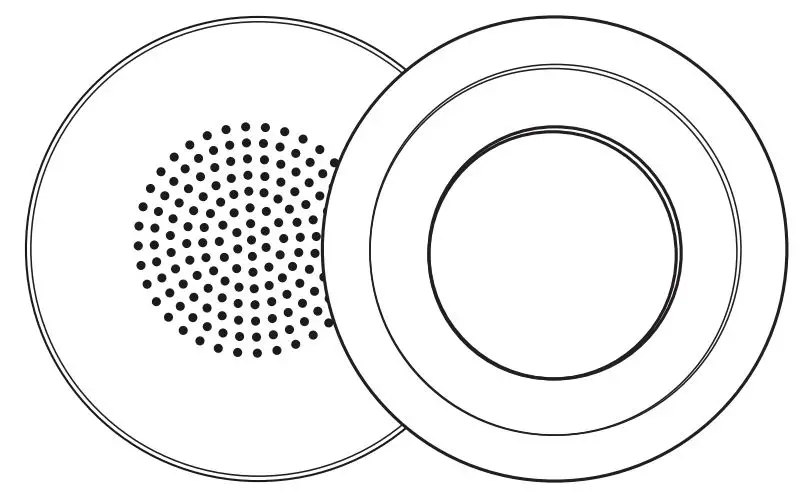
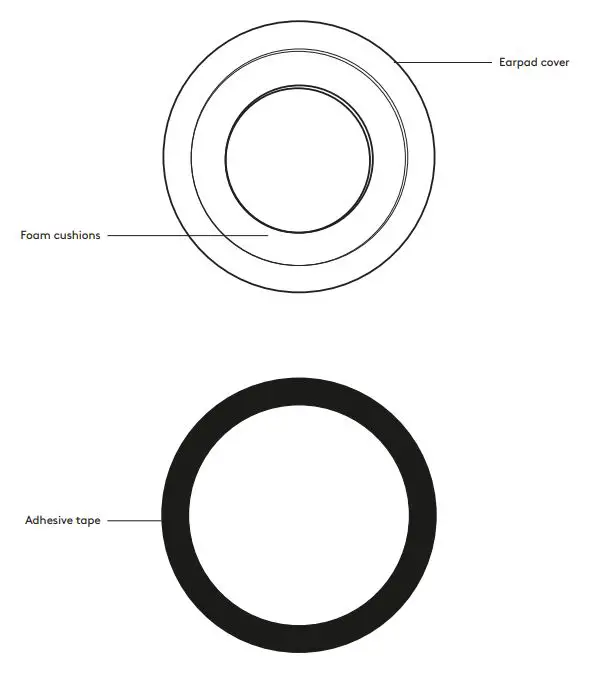
- 1 pair (2 pcs) of replaceable earpad covers
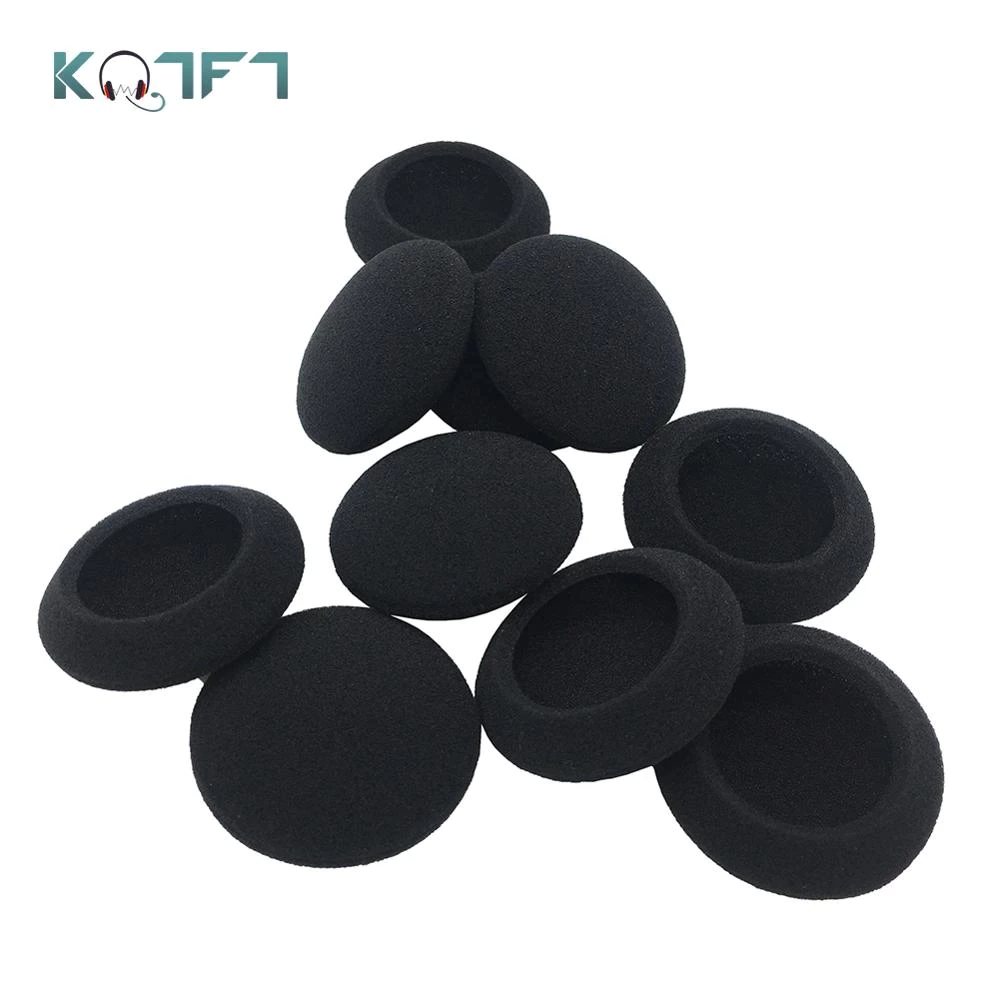
- 1 pair (2 pcs) of foam cushions
- 1 pair (2 pcs) of adhesive tapes
REPLACING EARPAD COVERS
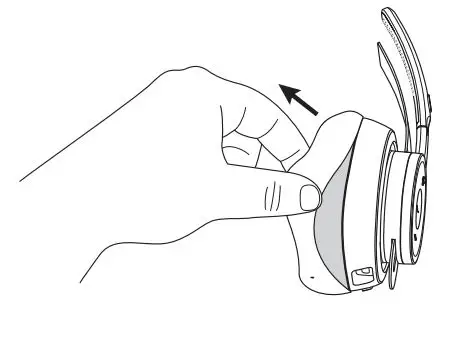
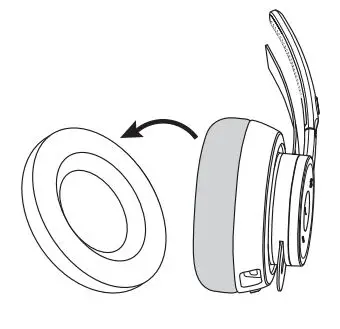
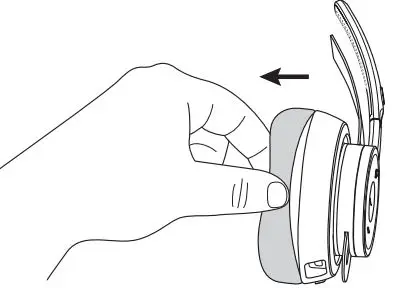
- Take the existing earpad cover off by carefully pinching the cover.

- Remove the earpad cover slowly until it is completely off.
 Make sure not to pinch the foam cushion which can be damaged easily.
- If foam cushion is damaged, please follow the steps below

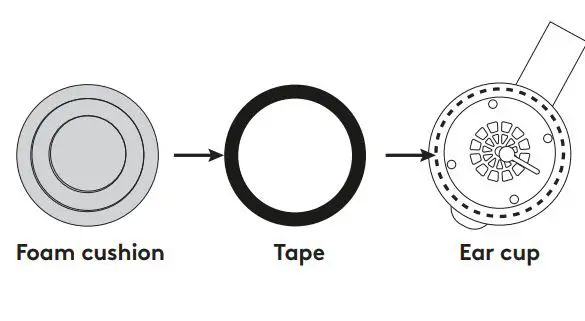
- Peel the foam cushion off and replace with a new one.

- Place the tape on the top of the ear cup first.
- Then attach the foam cushion to the tape.
- Peel the foam cushion off and replace with a new one.
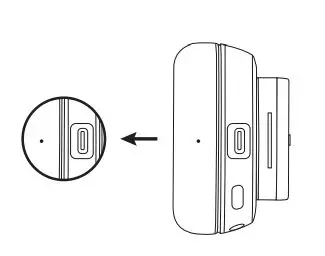
- Grasp the new earpad cover, making sure that the small holes on the side align with the top and bottom of the ear cup. It should align with the USB C port at the bottom.

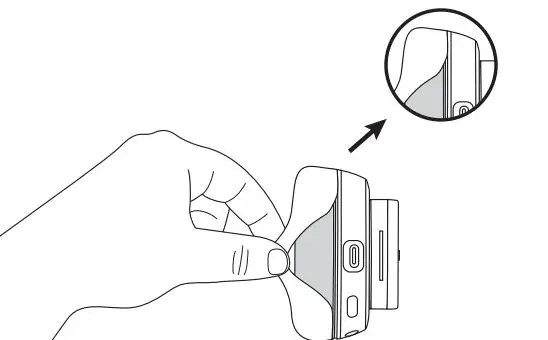
- Starting from the top, slot the edge of the earpad cover inside the gap. Put the edge of the cover into the gap around the earcan.

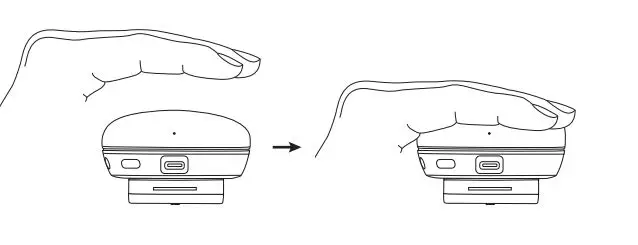
- After completing, gently pat the earcup several times to push the air out.

 Make sure not to pinch the foam cushion which can be damaged easily.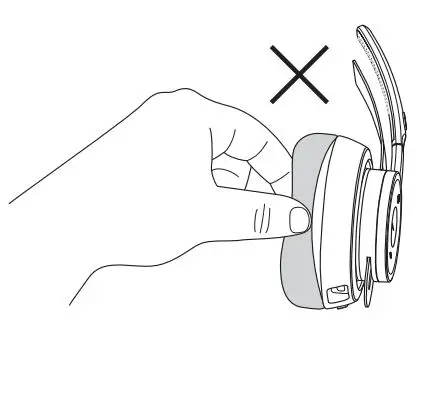
DIMENSIONS
EARPAD COVERS
Height x Width x Depth: 70.7 mm x 70.7 mm x 16.4 mm
www.logitech.com/support/zone900
 Getting Started - Zone 900 Bluetooth Headset – Logitech Support + Download