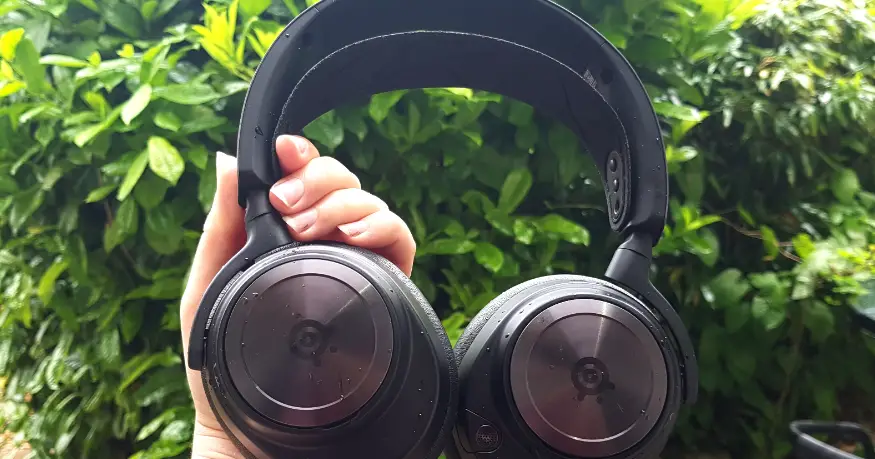
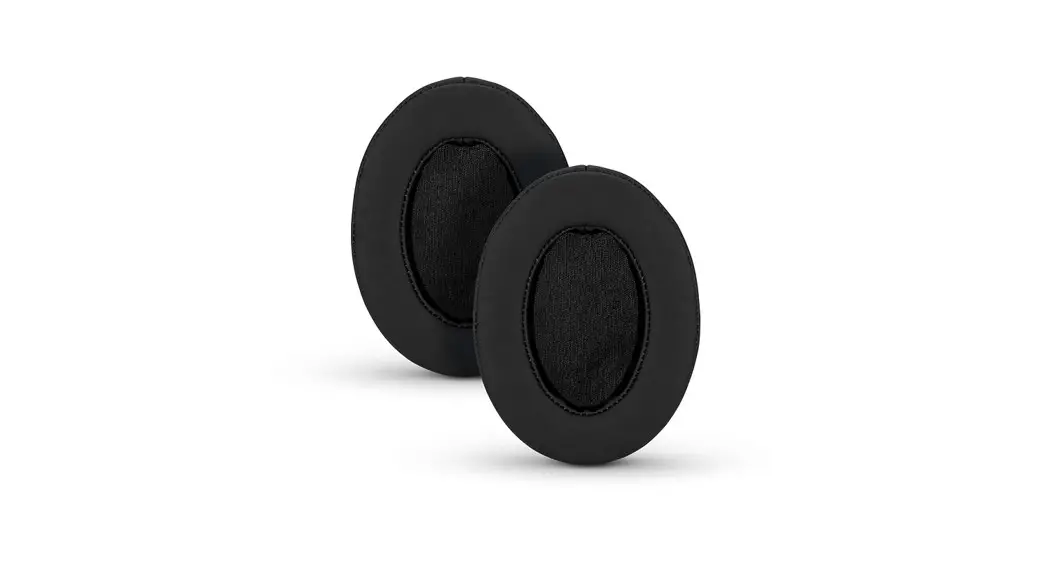
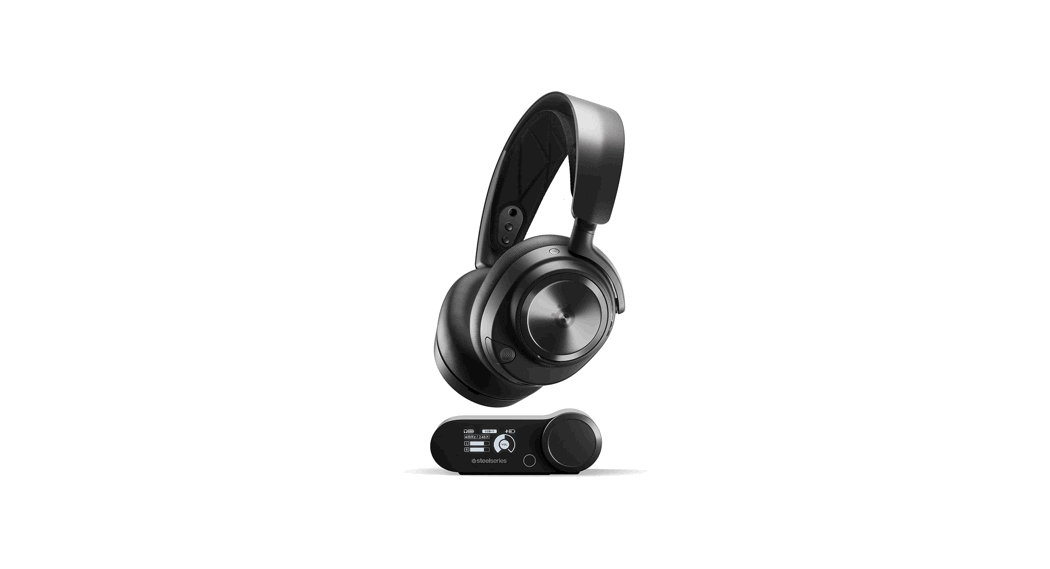
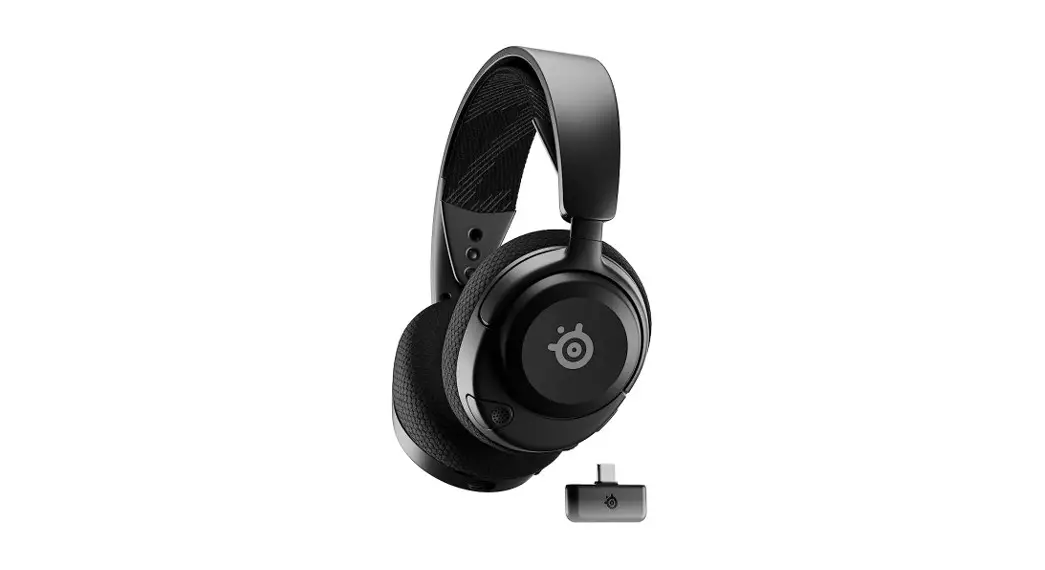
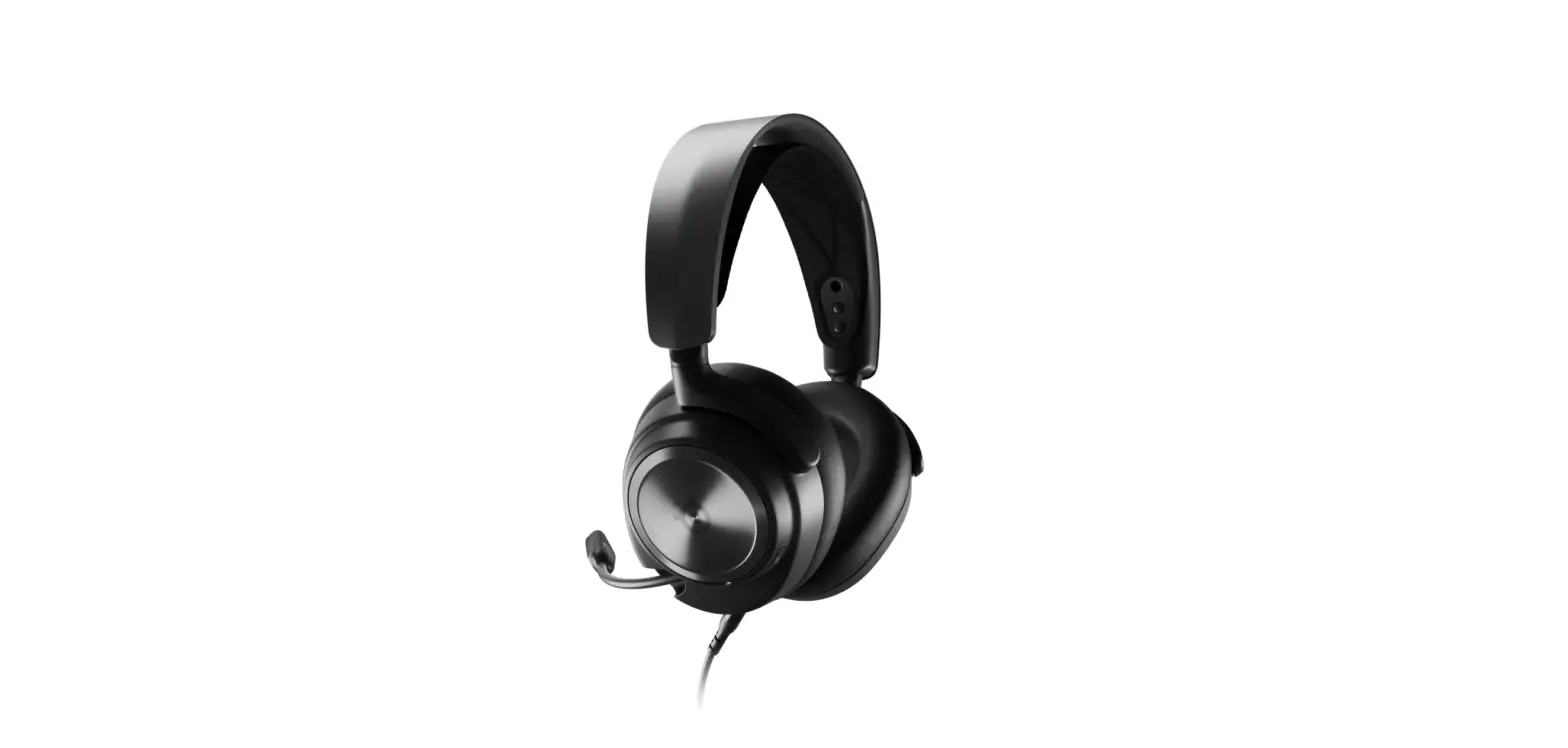
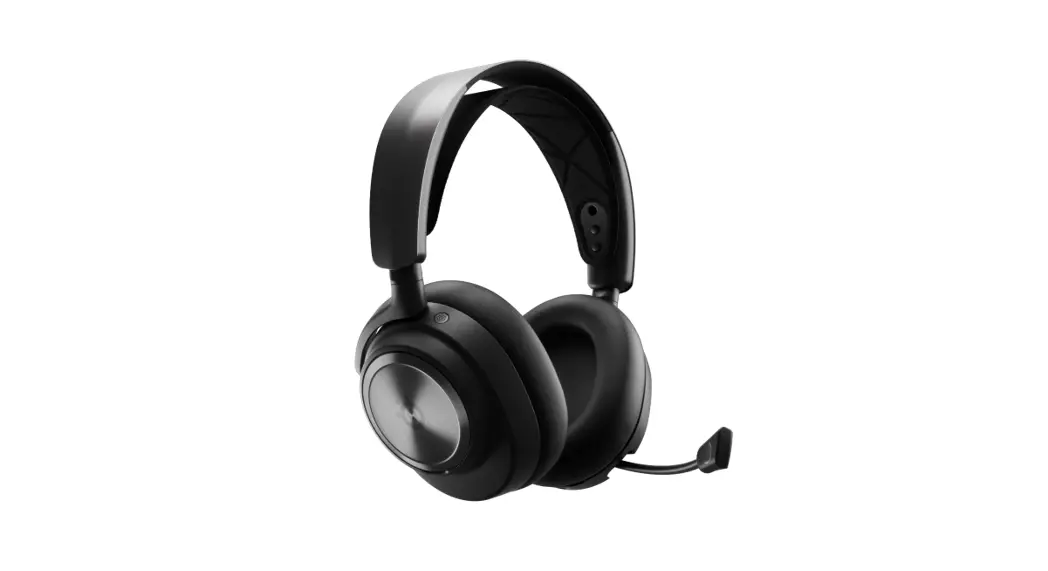
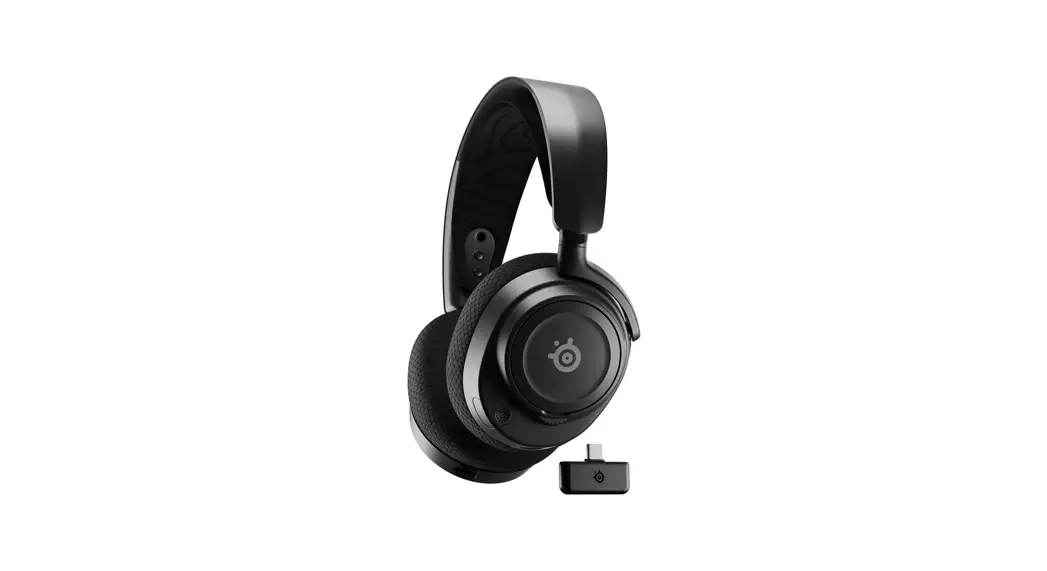
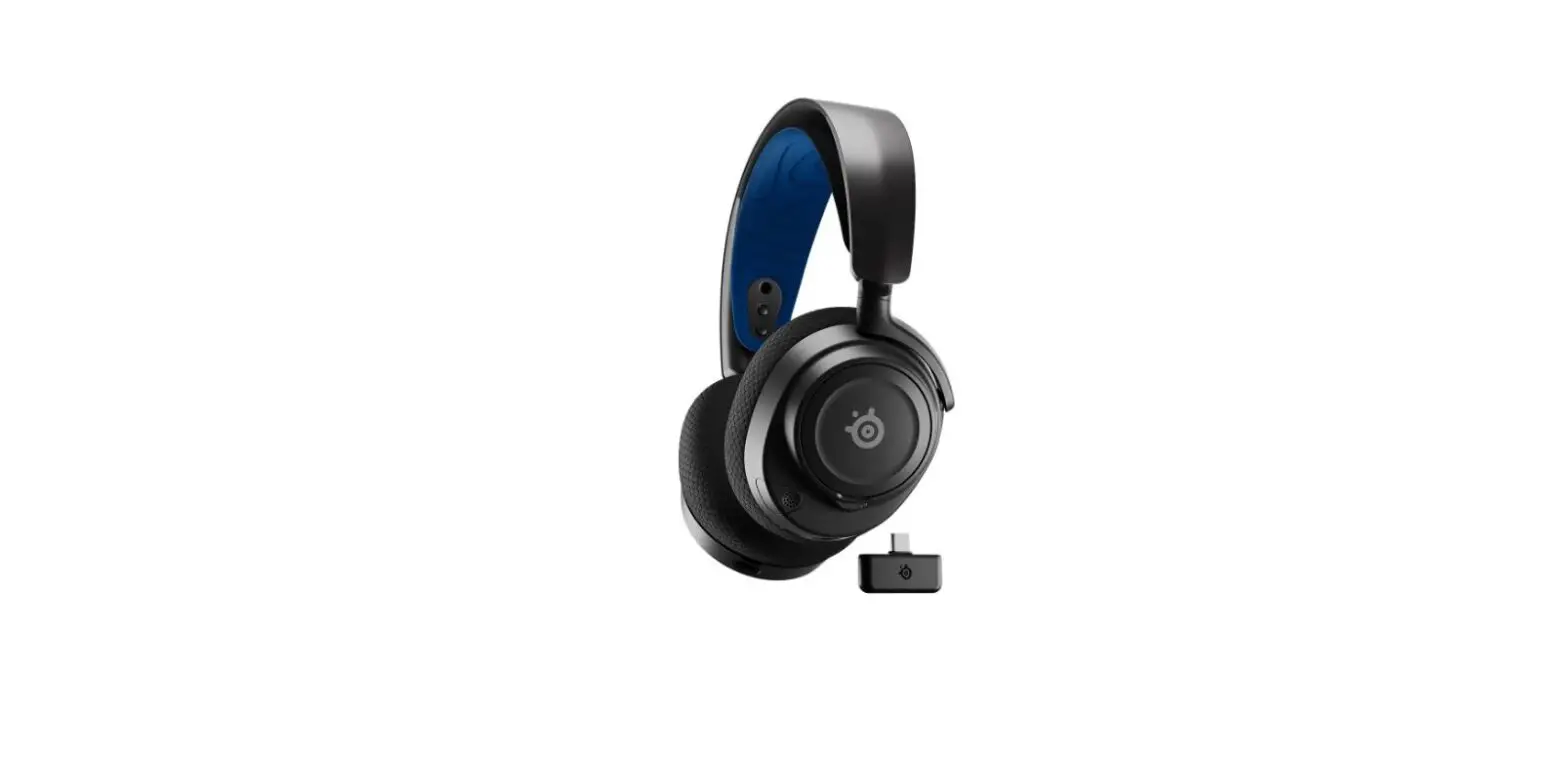
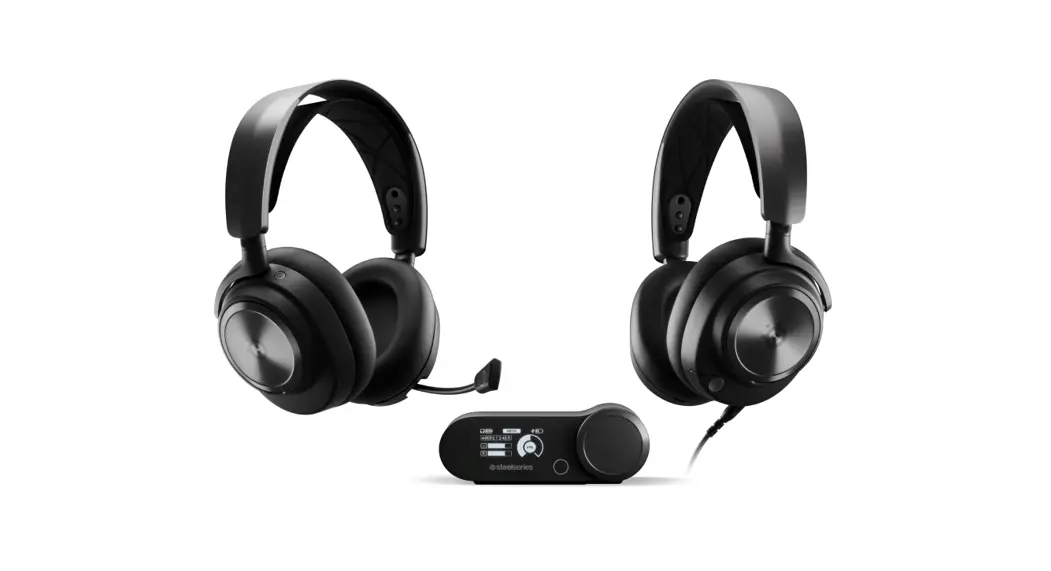
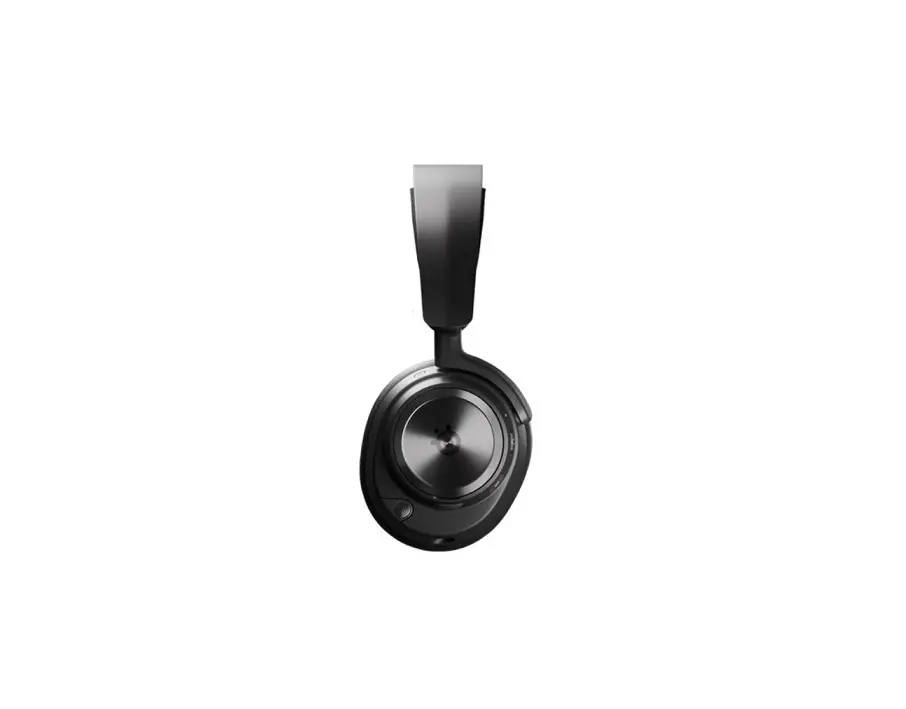
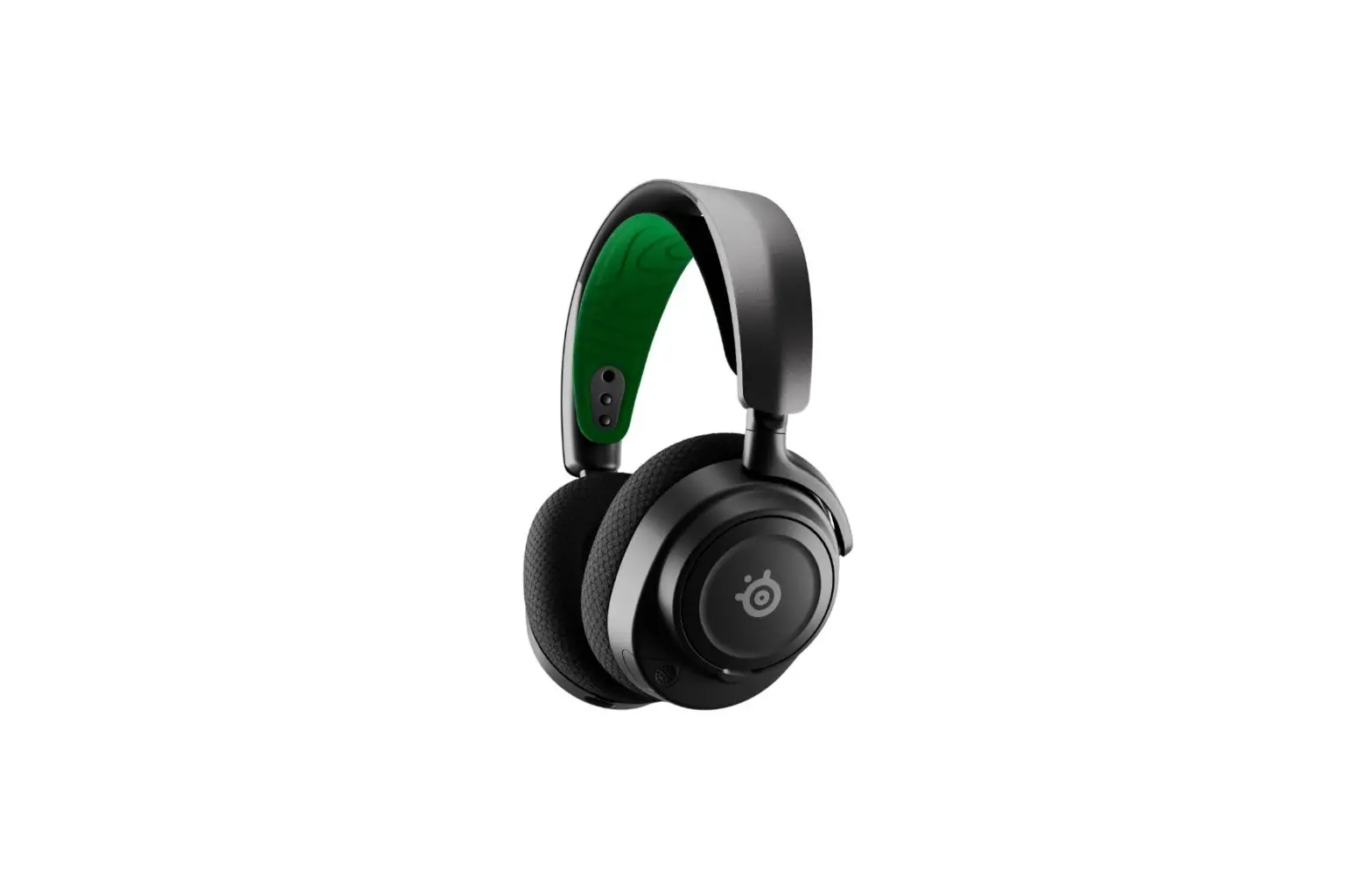
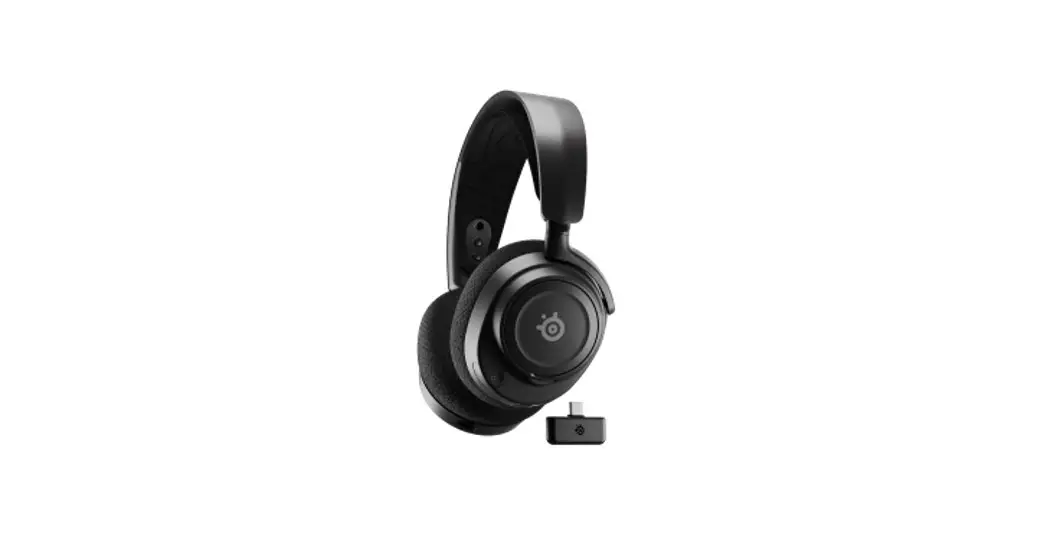
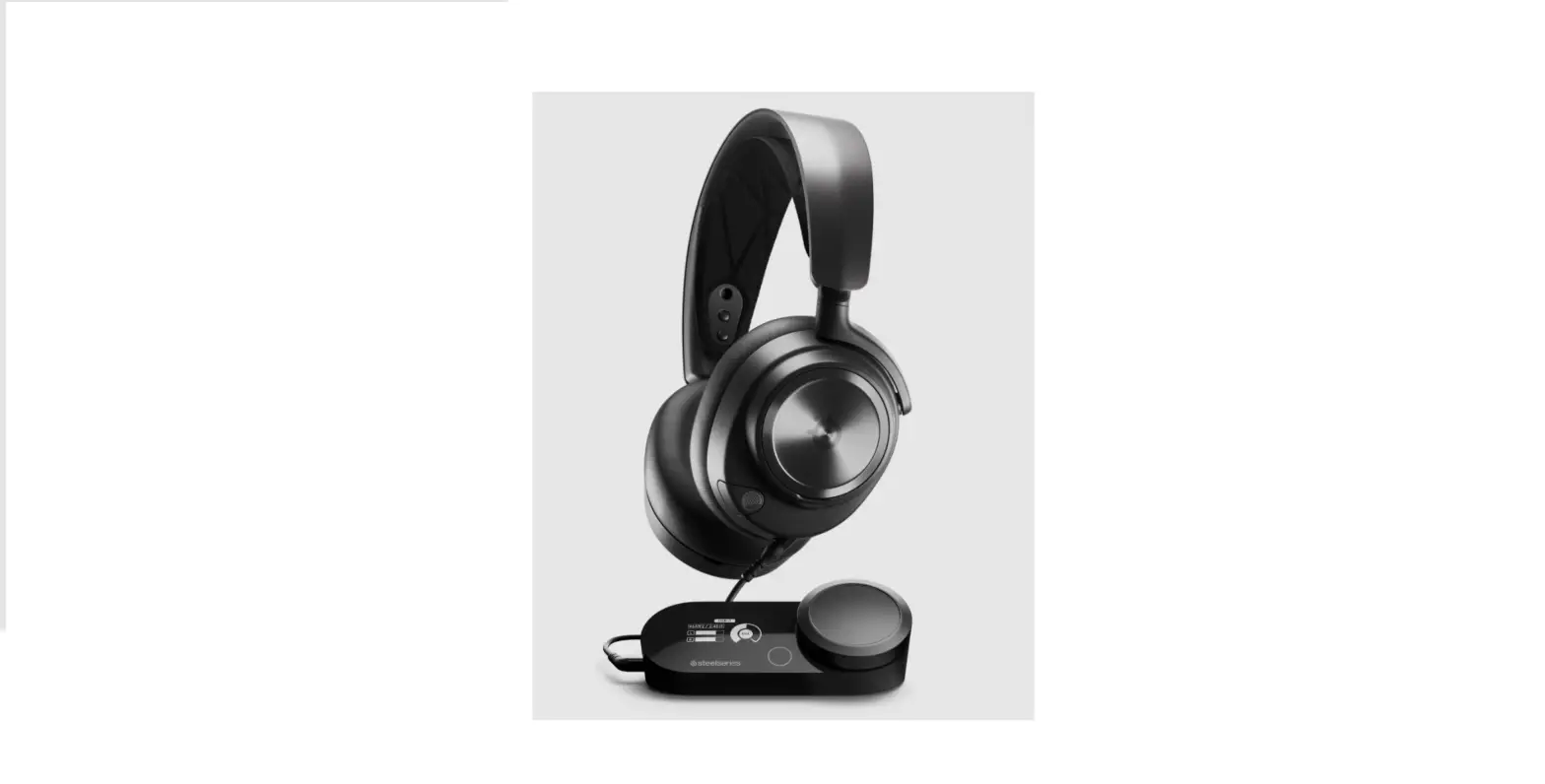
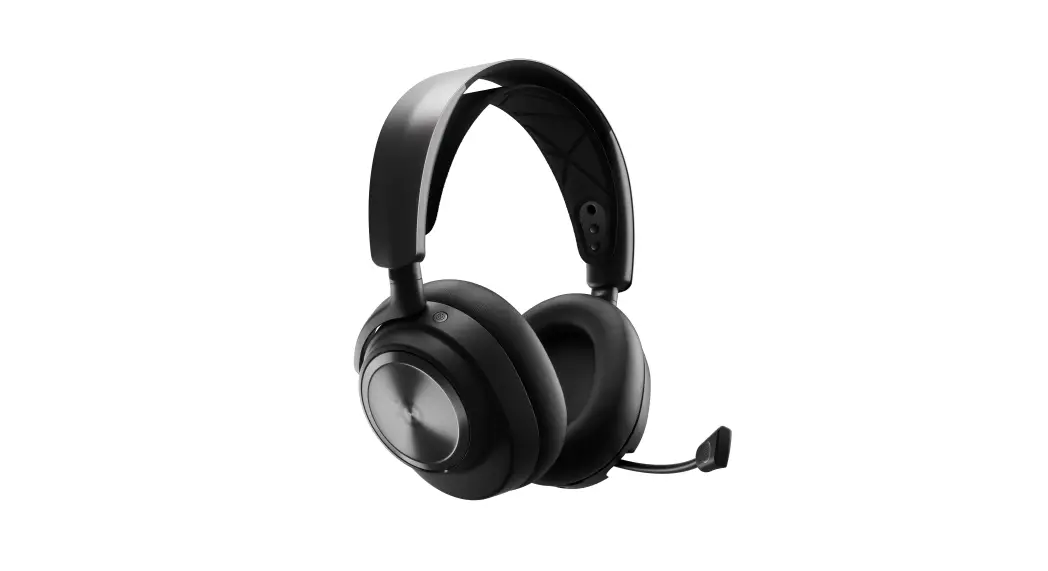
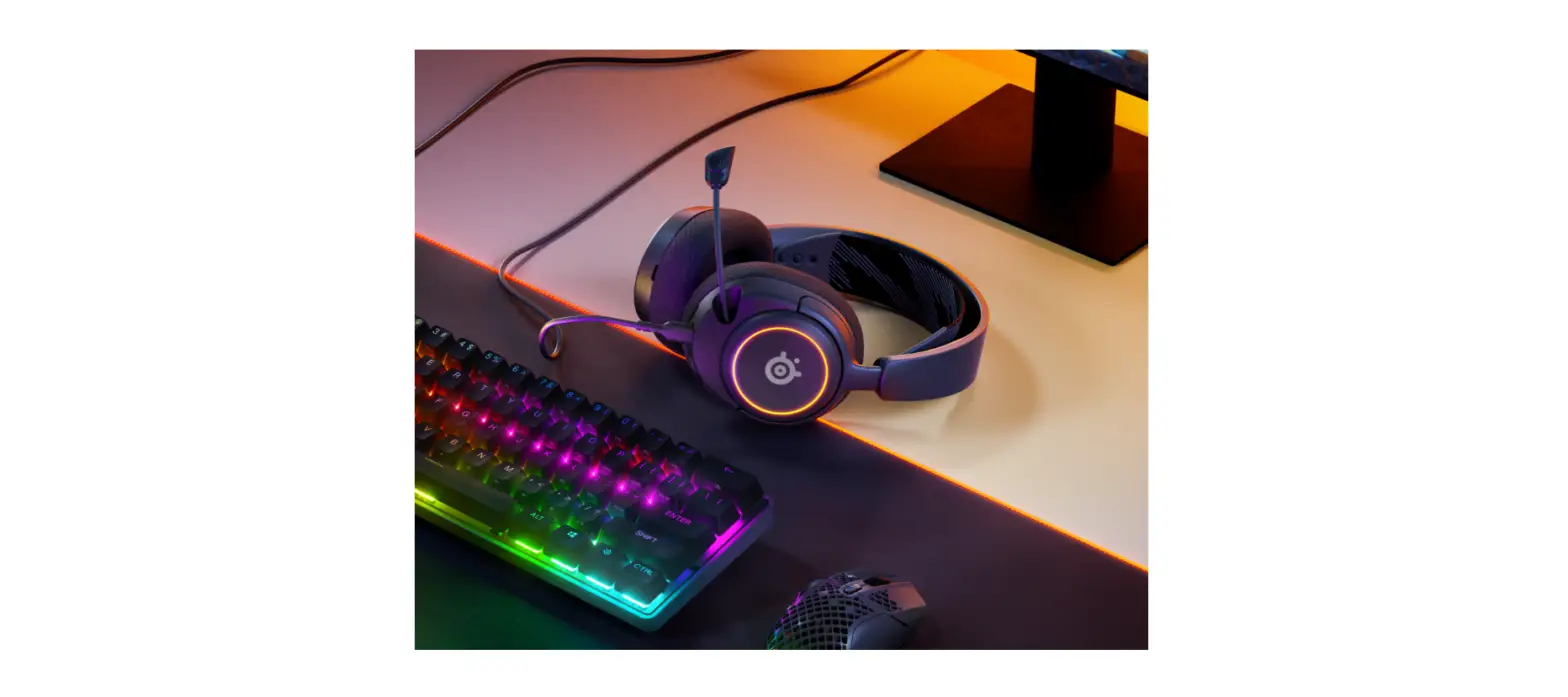
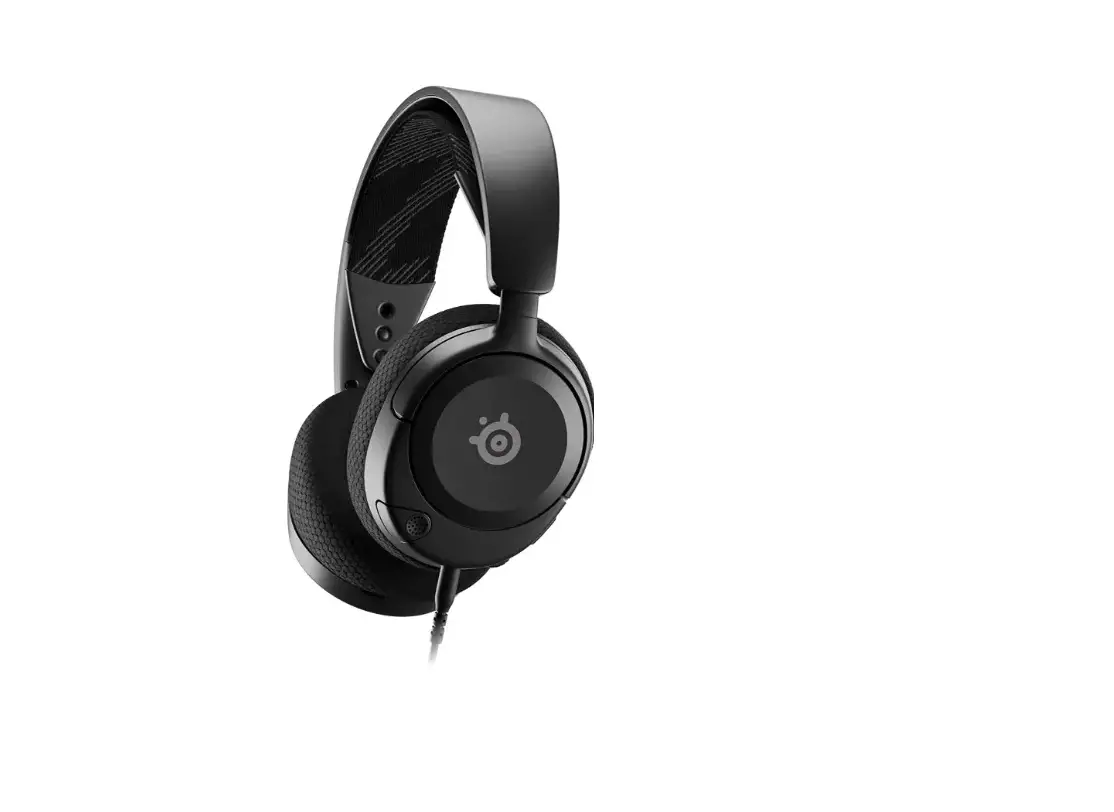
Earpads for SteelSeries Arctis Nova Pro Wireless
Product Information: Earpads for SteelSeries Arctis Nova Pro
Wireless
The Earpads for SteelSeries Arctis Nova Pro Wireless are
replacement pads designed to provide comfort and enhance the audio
experience of your headset. These earpads are compatible with the
SteelSeries Arctis Nova Pro Wireless headset.
The earpads feature a durable construction and are designed to
fit securely onto the headset. They have 6 mounting holes on the
inner edge that align with the clips on the head unit. The earpads
also have two key guides to help position them correctly during
installation.
Product Usage Instructions
- Remove Stock Pads:
- Wrap your fingers firmly around the pad, trying to go under the
pad to get a stronger grip. - Pull the earpads in a forward and sideways motion. You may hear
multiple clicks as the pad releases from the internal tab system.
Hold the headphones steady during the removal procedure.
- Wrap your fingers firmly around the pad, trying to go under the
- Install The Earpad:
- Offer up the earpad to the head unit, aligning the two clips on
the pad to the corresponding holes on the headset. There are also
two key guides to help position the earpad correctly when
installing onto the head unit. - With the earpad in place, push firmly on each of the clip
locations. You will hear several clicks as the pad locks into
place. - Once the earpad is fitted, gently pull on the pad to ensure all
clips are tight and there are no air gaps. Repeat with the second
pad.
- Offer up the earpad to the head unit, aligning the two clips on
Now, enjoy your SteelSeries Arctis Nova Pro Wireless headset
with the newly installed earpads for enhanced comfort and audio
quality.
EARPADs FOR STEELSERIES ARCTIS NOVA PRO WIRELESS Installation GUIDE
Remove Stock Pads
NOTE The stock pad and plastic mounting ring are one piece
1
Wrap your fingers firmly around the pad, try go under the pad to get a stronger grip
2 Pull the earpads in a forward
and sideways motion
You may hear multiple “clicks” as the pad releases from the internal tab system.
NOTE Hold the headphones steady during the removal procedure.
Get To Know The Earpad
EARPAD
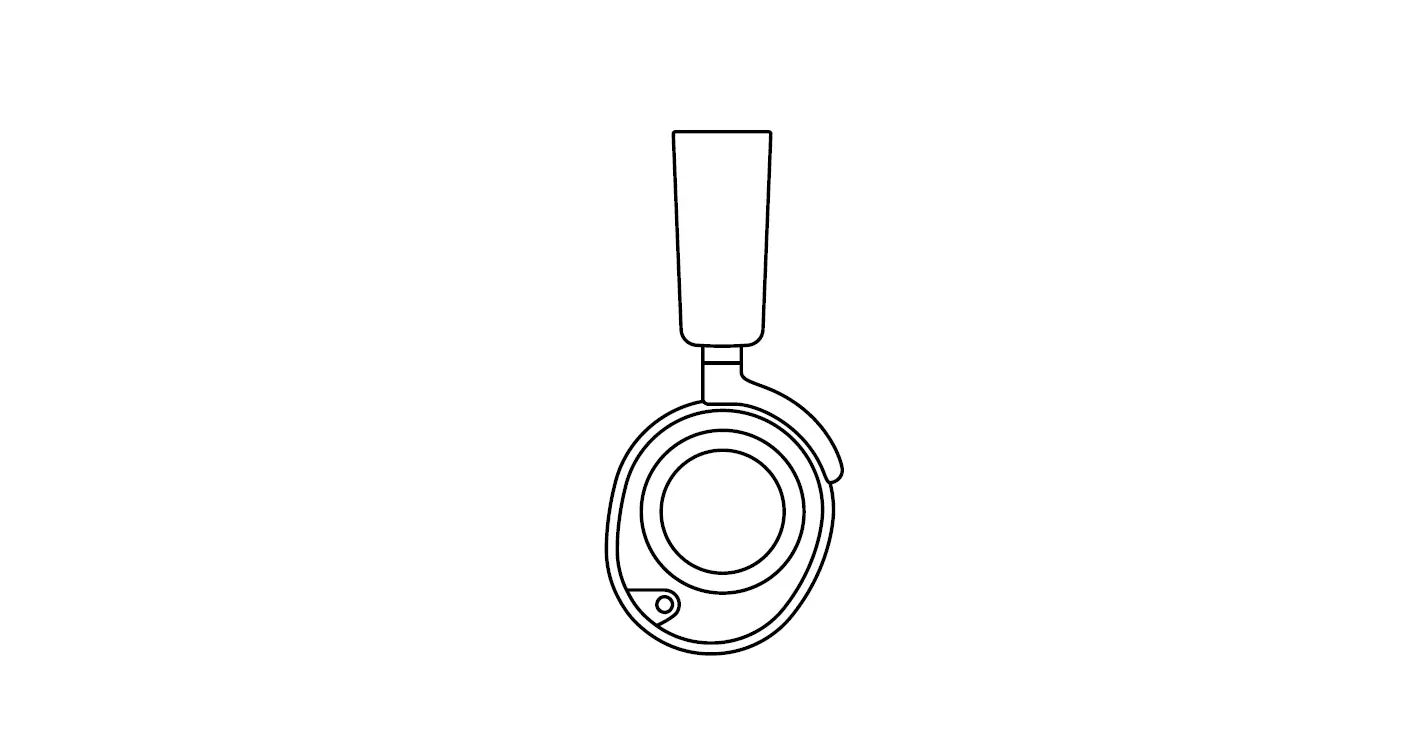
There are 6 mounting holes A on the inner edge of the earpad, these match the clips on the head unit.
TOP A
B
Install The Earpad
1 Offer up the earpad to the head unit,
aligning the two clips on the pad to the corresponding holes on the headset A
HEADSET
There are also two
key guides B to
A
help position the
earpad correctly
when installing
onto the head unit.
B B
B B
B
B
A
2 With the earpad in place push firmly
on each of the clip locations B you will hear several clicks as the pad locks into place.
3 Once the earpad is fitted gently
pull on the pad to ensure all clips are tight, and there are no air gaps – repeat with the second pad and enjoy.
34865192307A