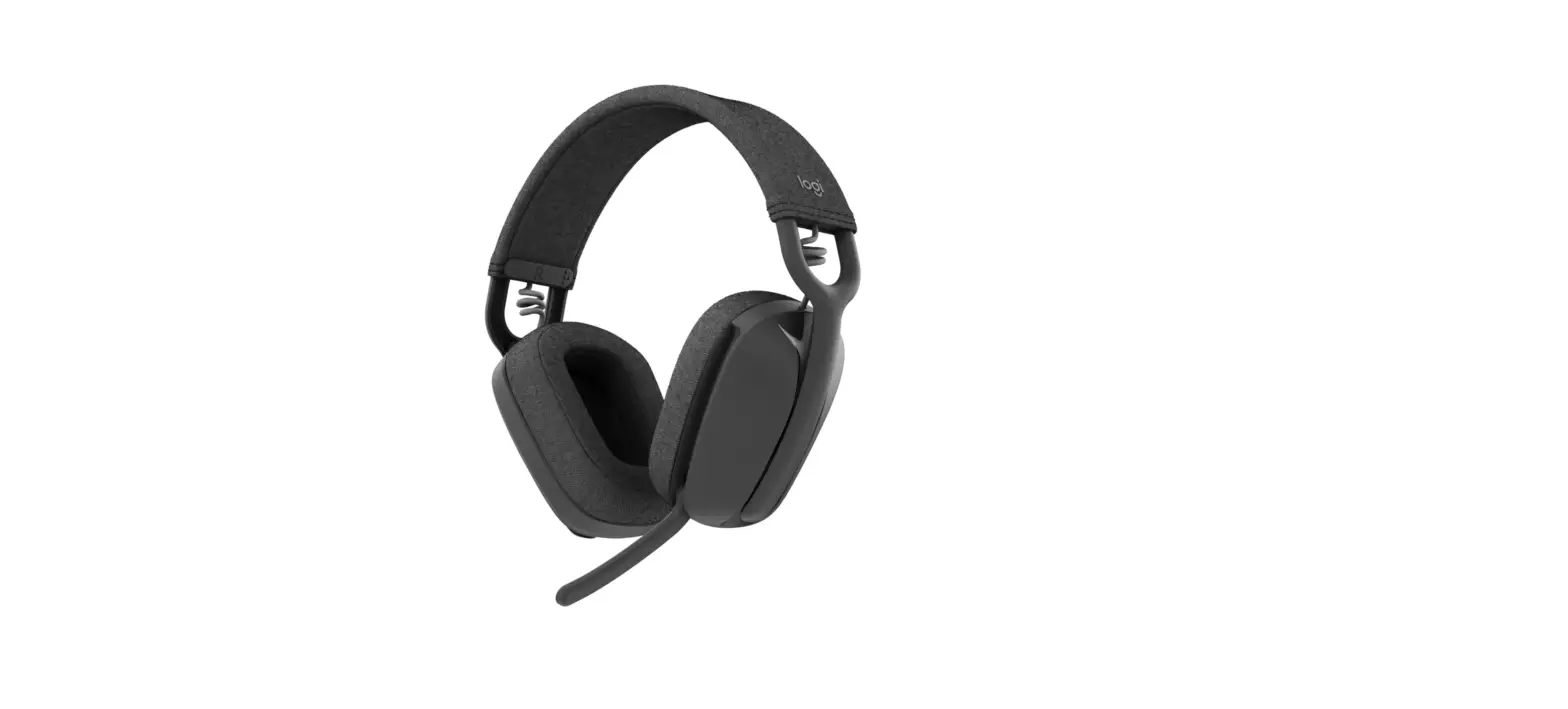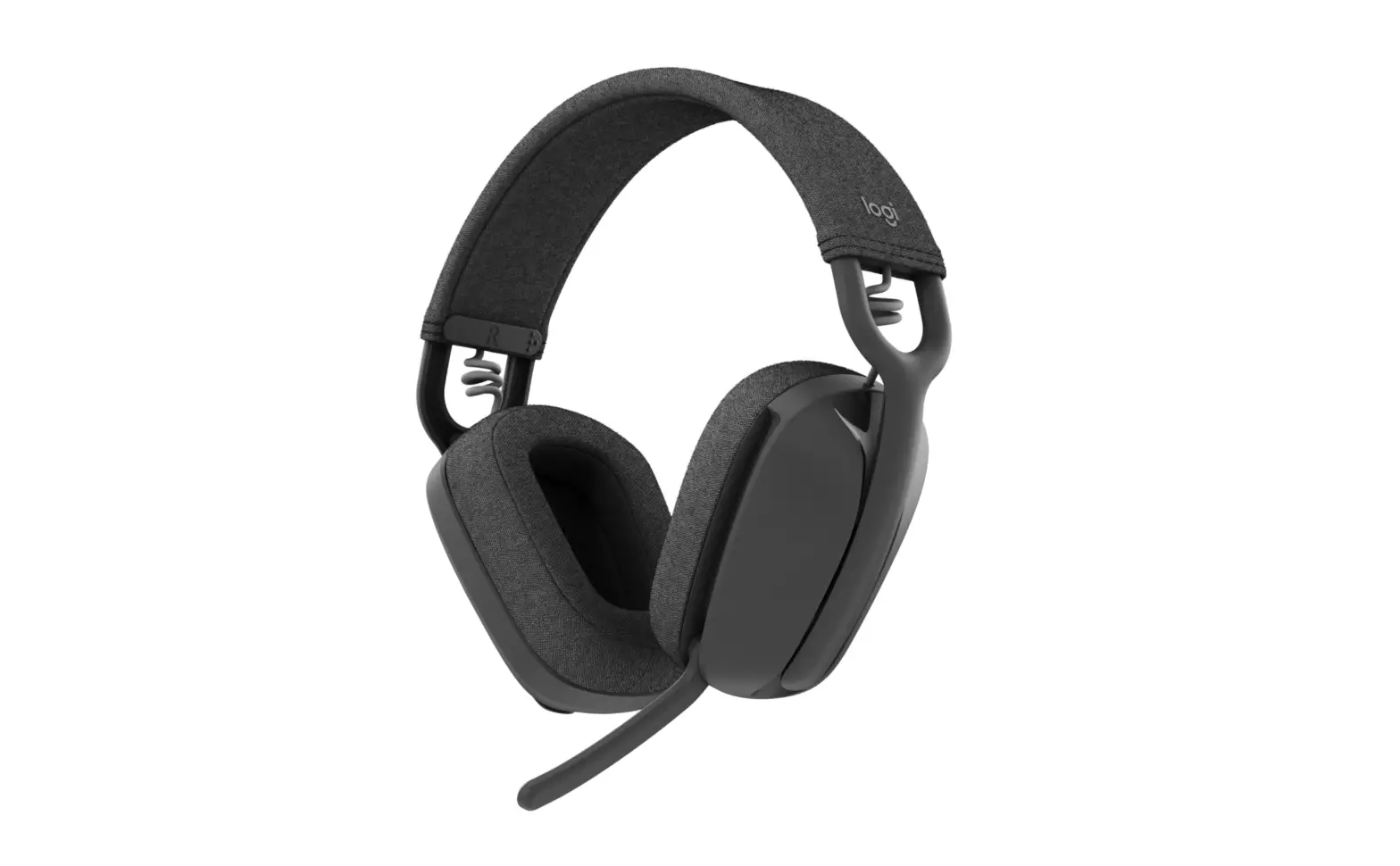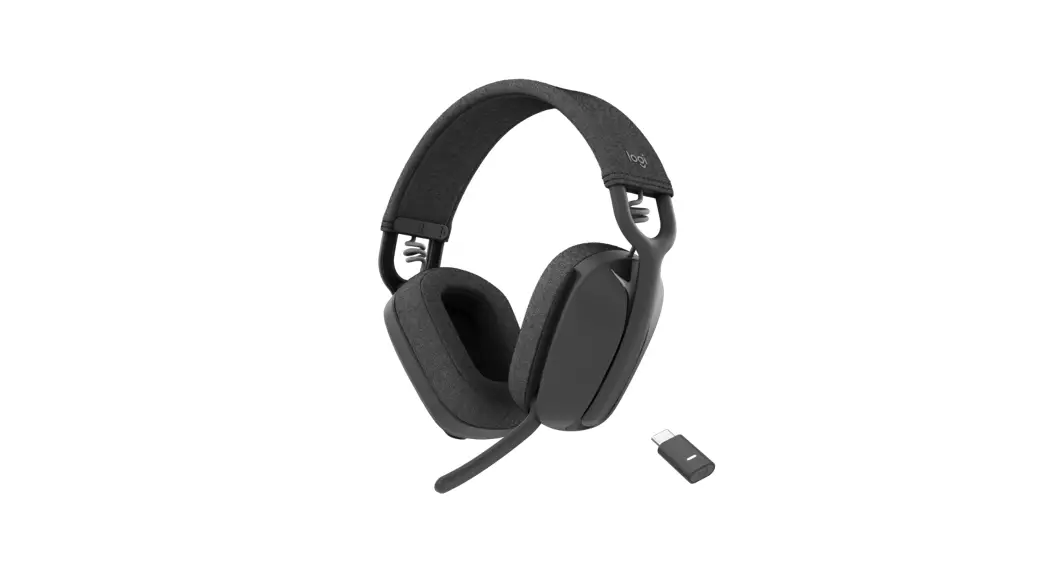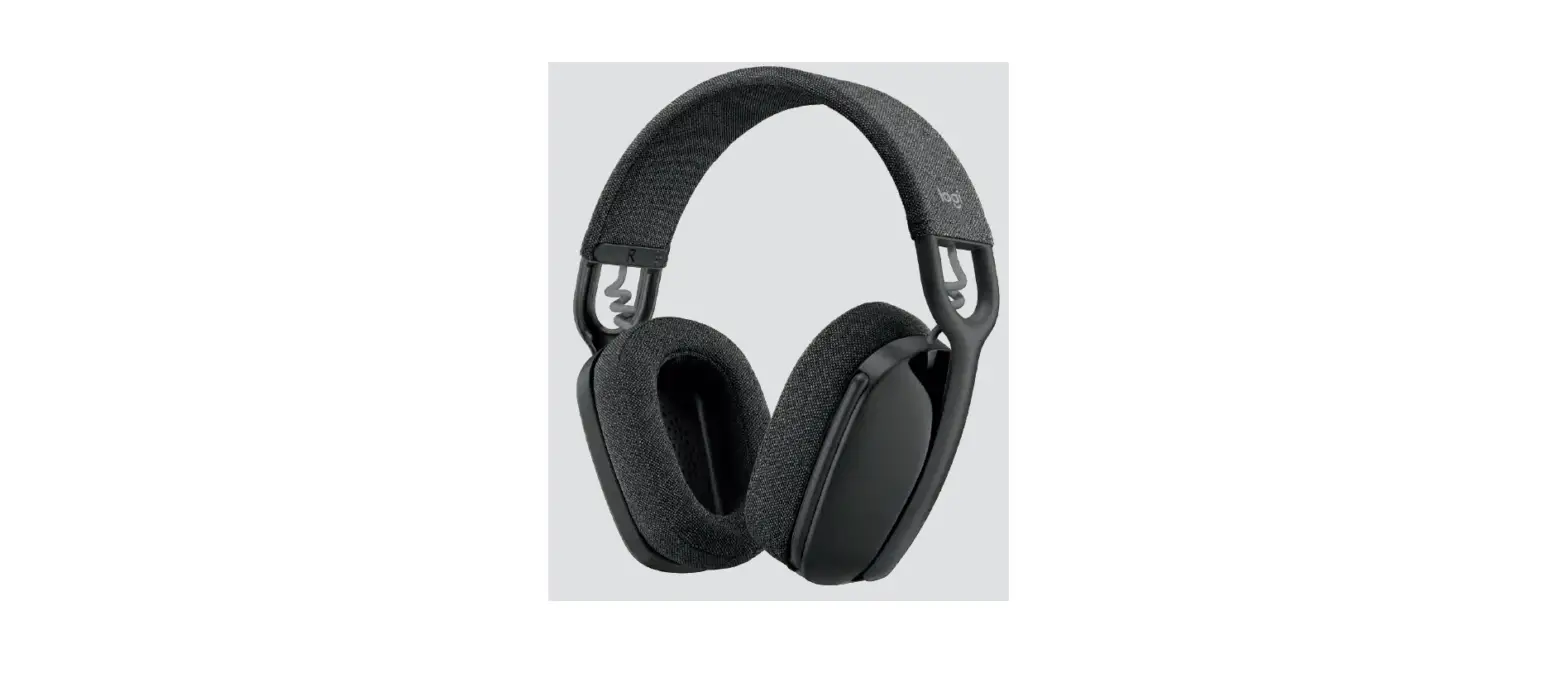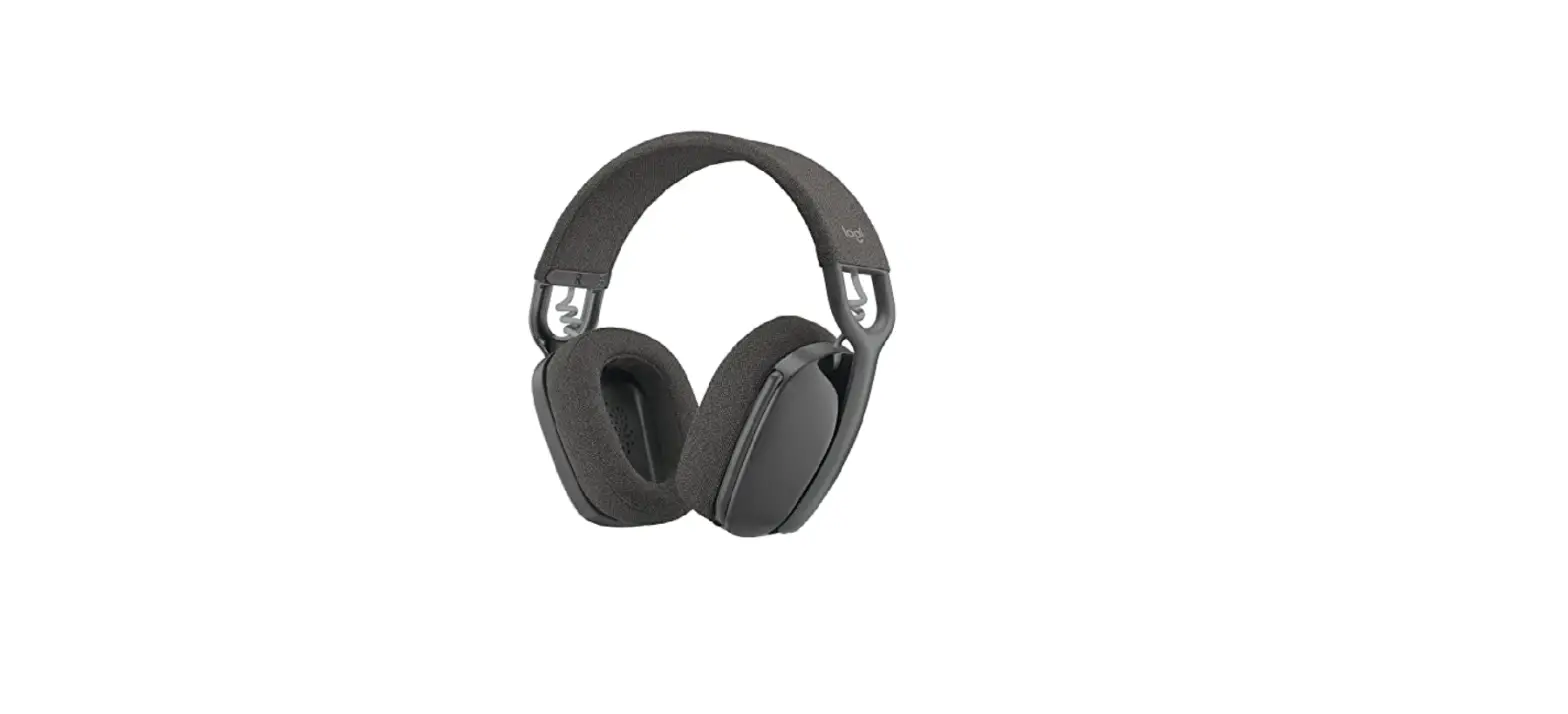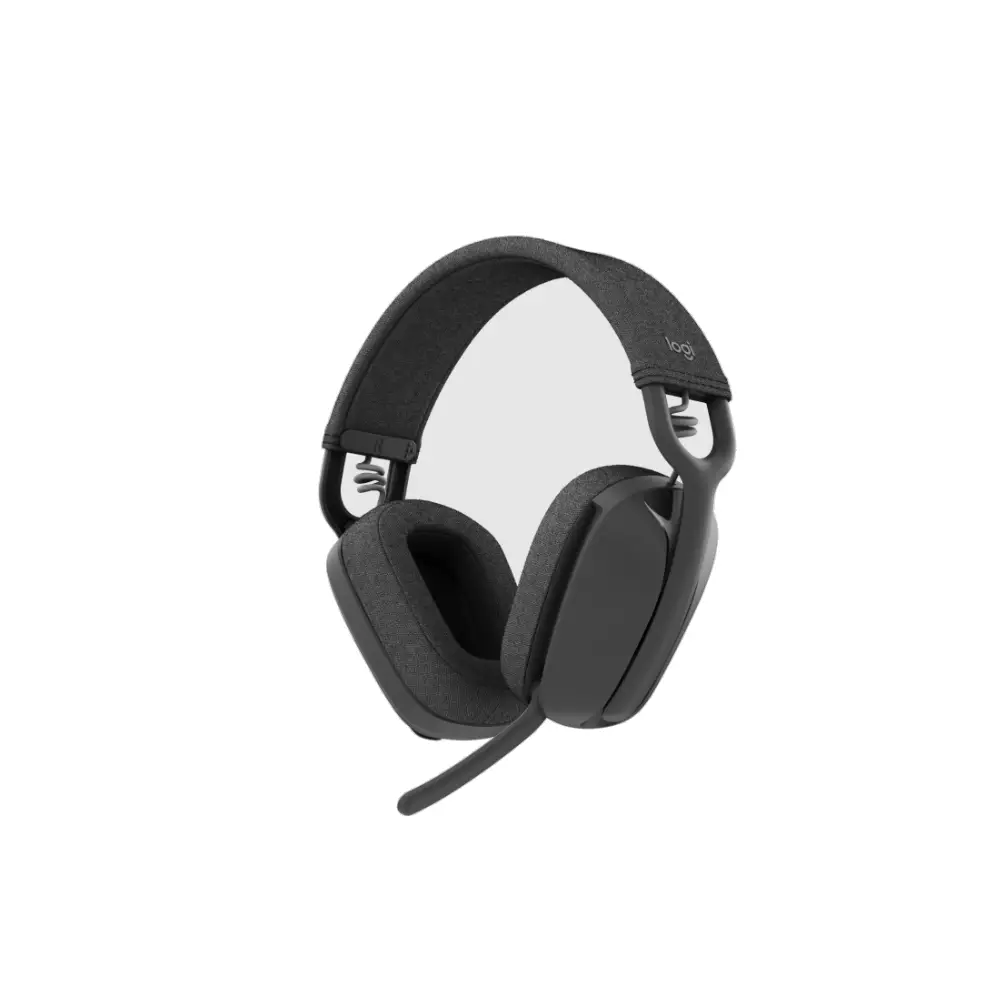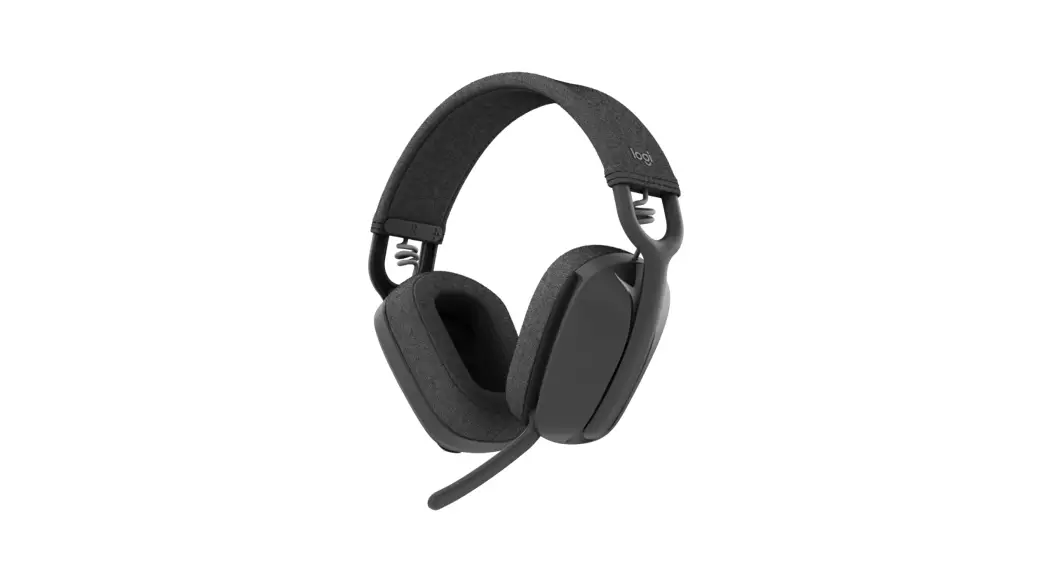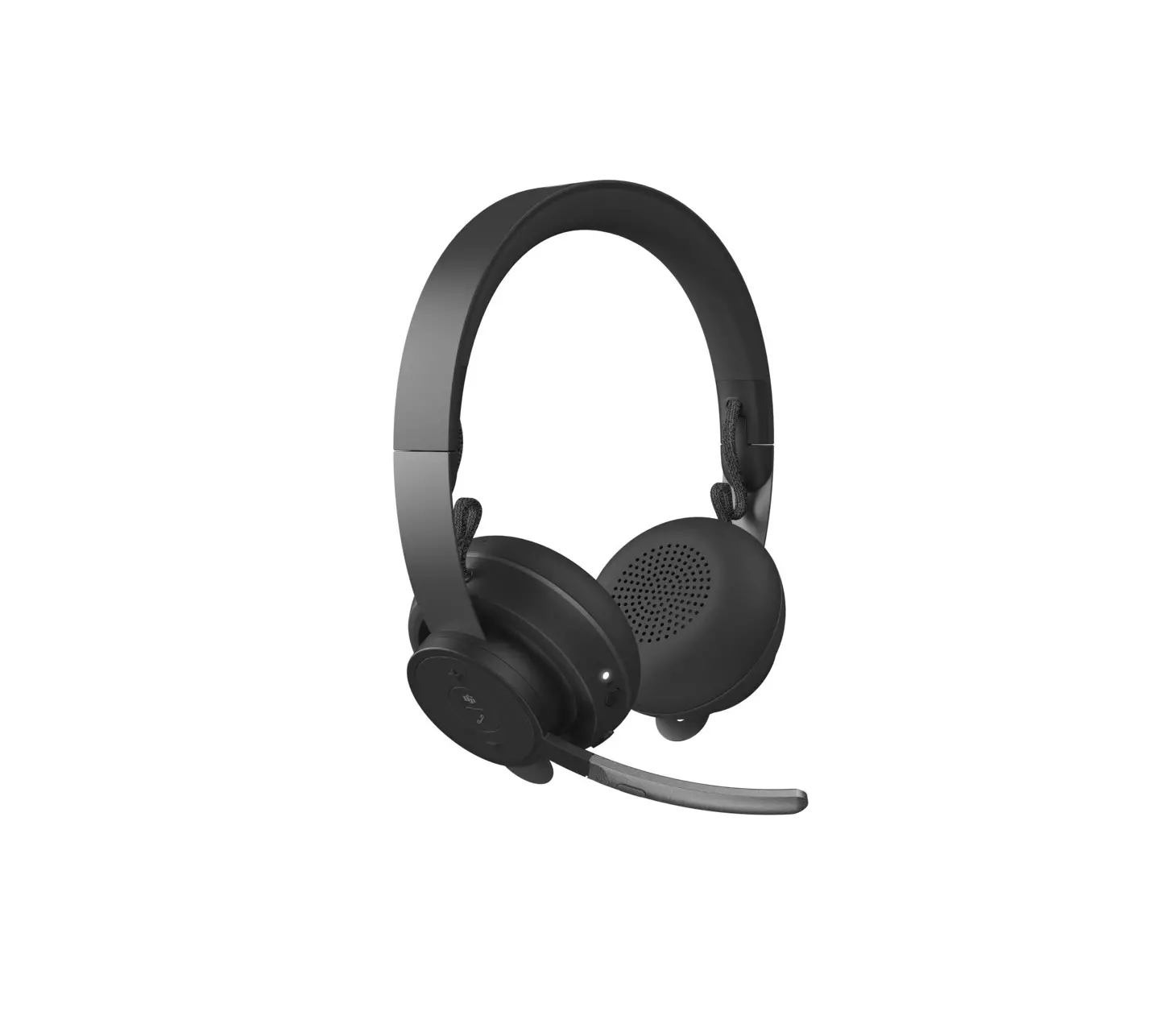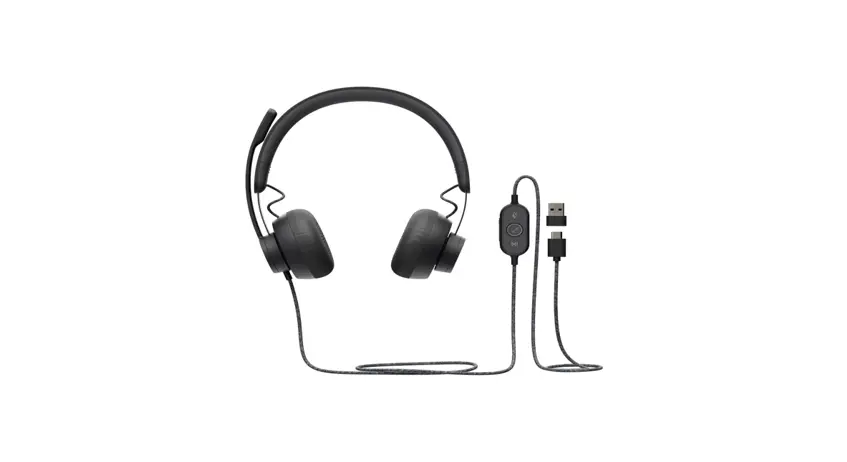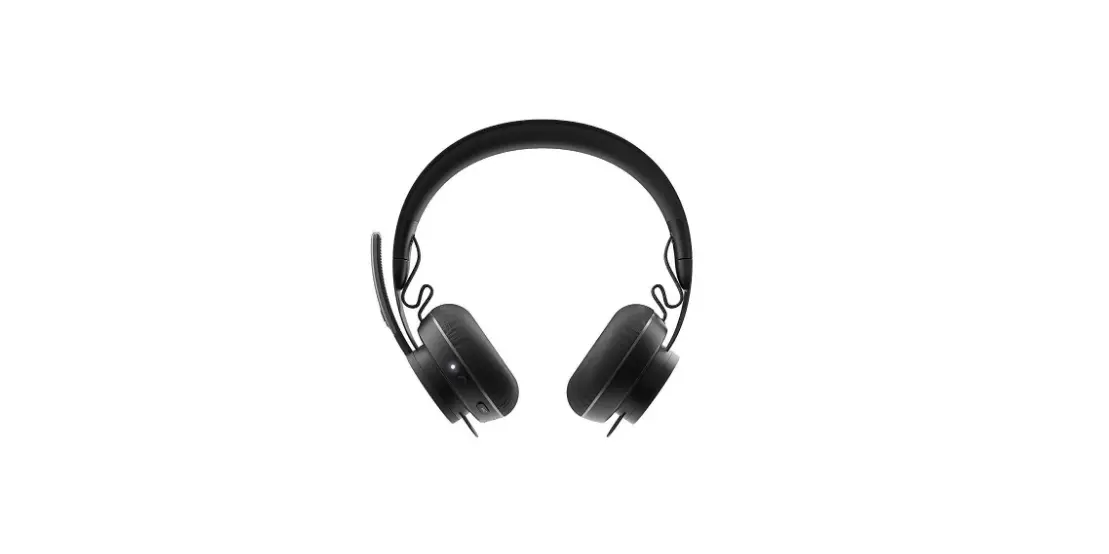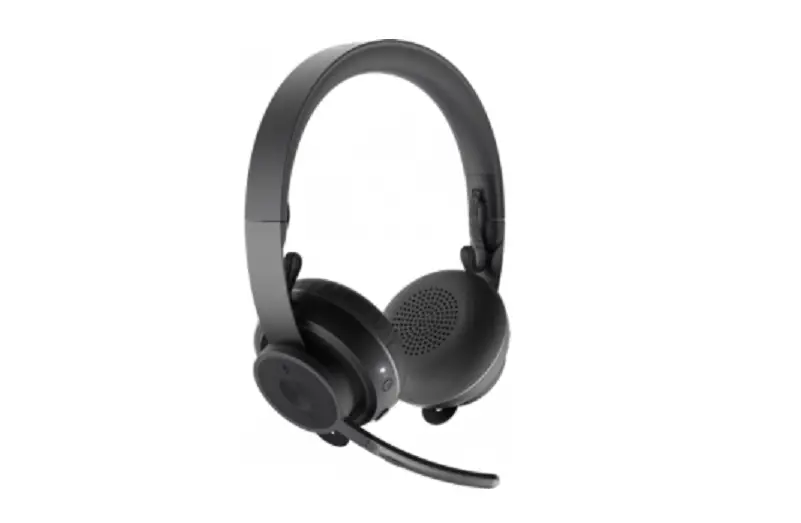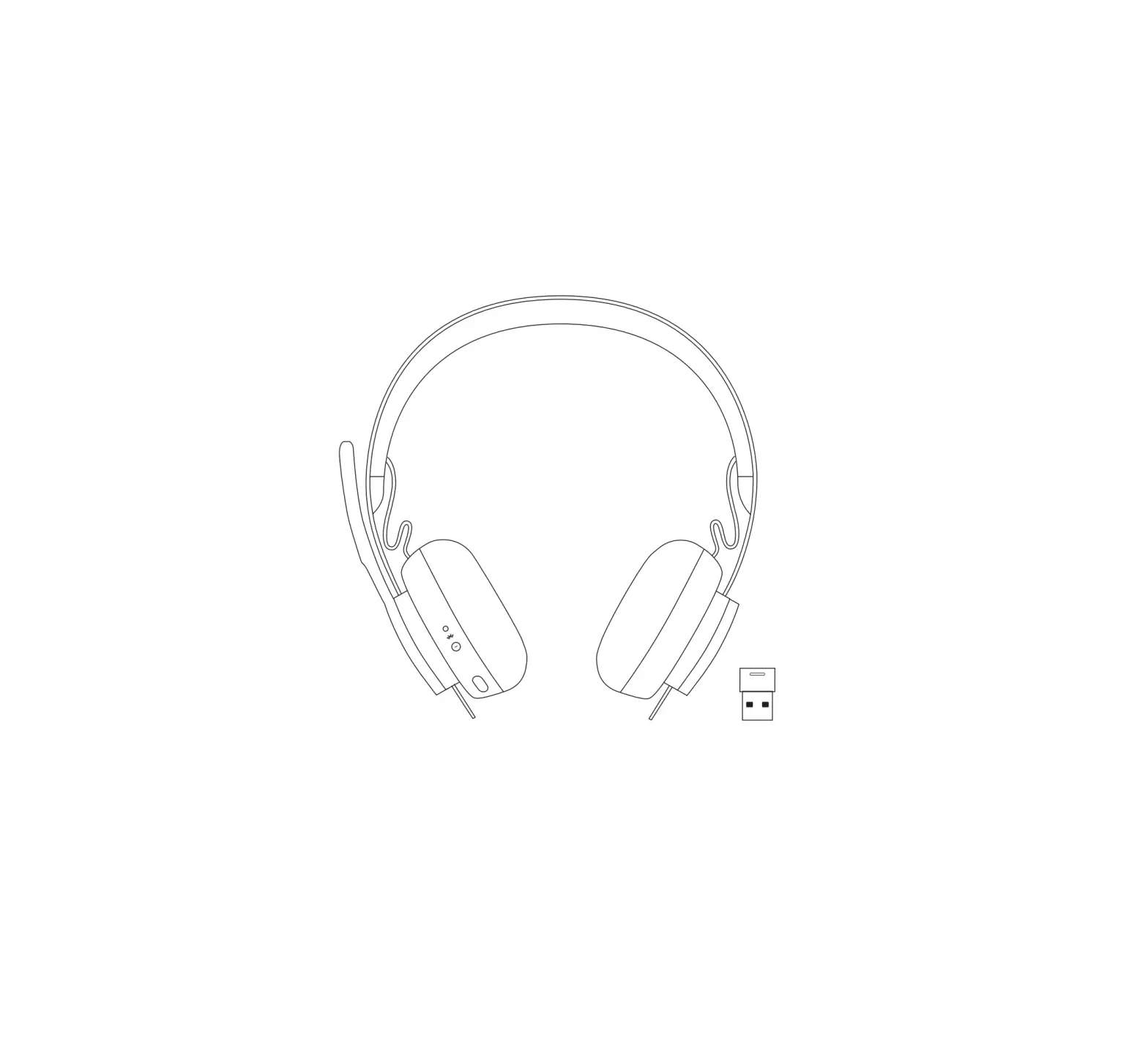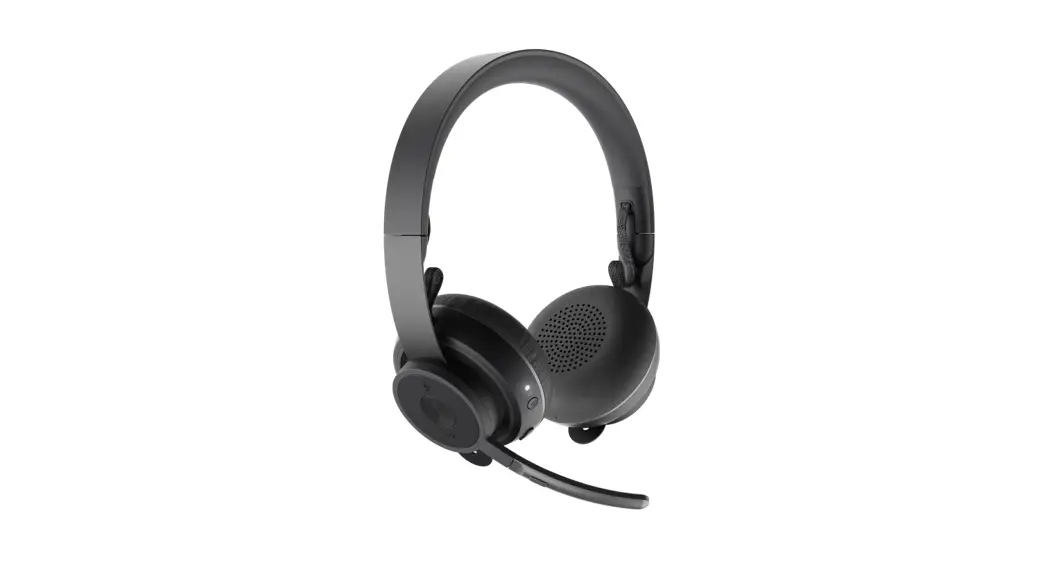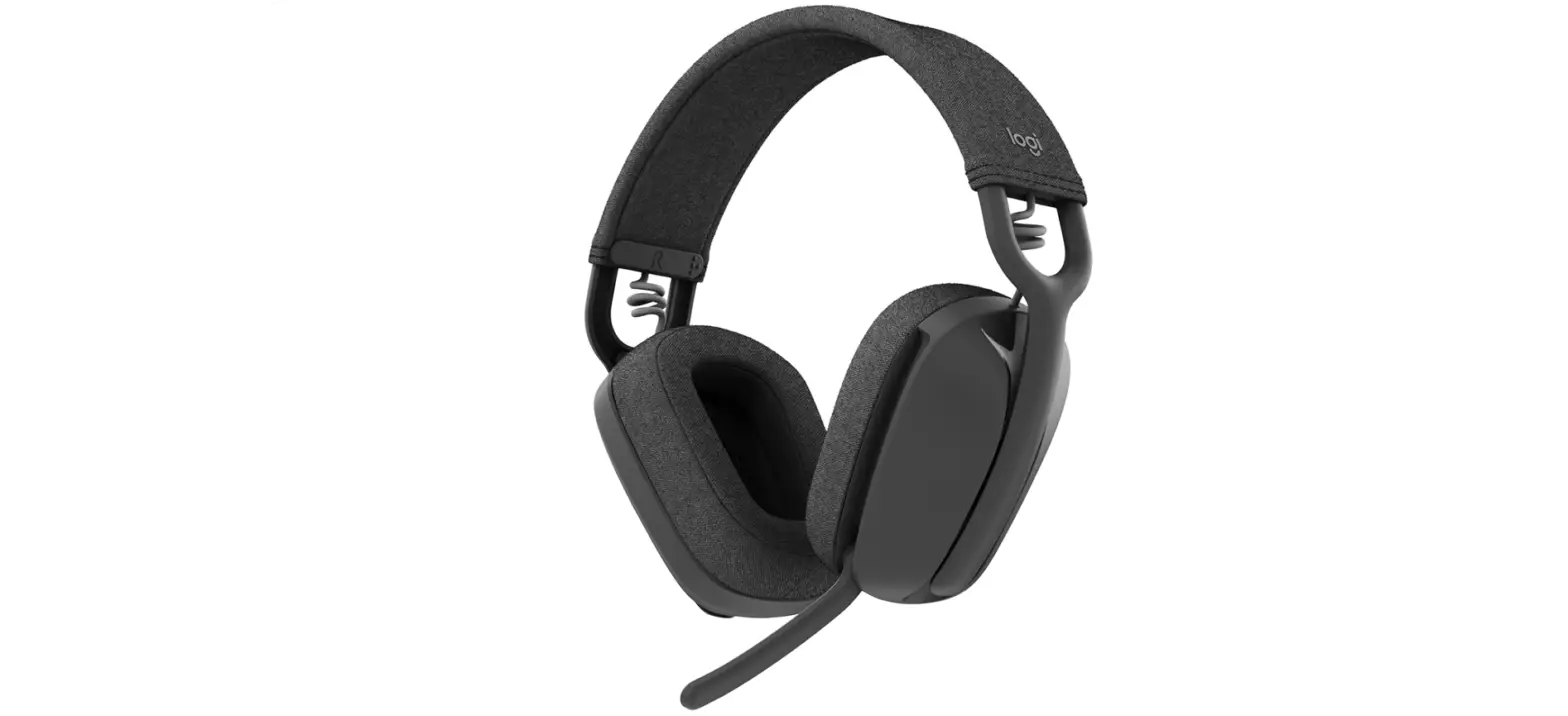

Logitech 981-001257 Zone Vibe-100 Lightweight Wireless Over-Ear Headphones
 ZONE VIBE WIRELESS
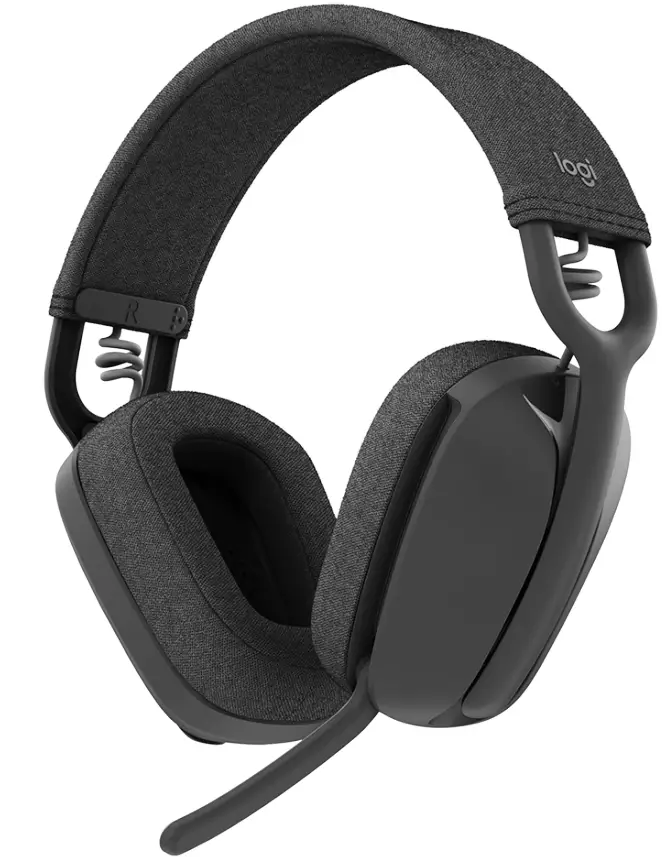 ZONE VIBE WIRELESS
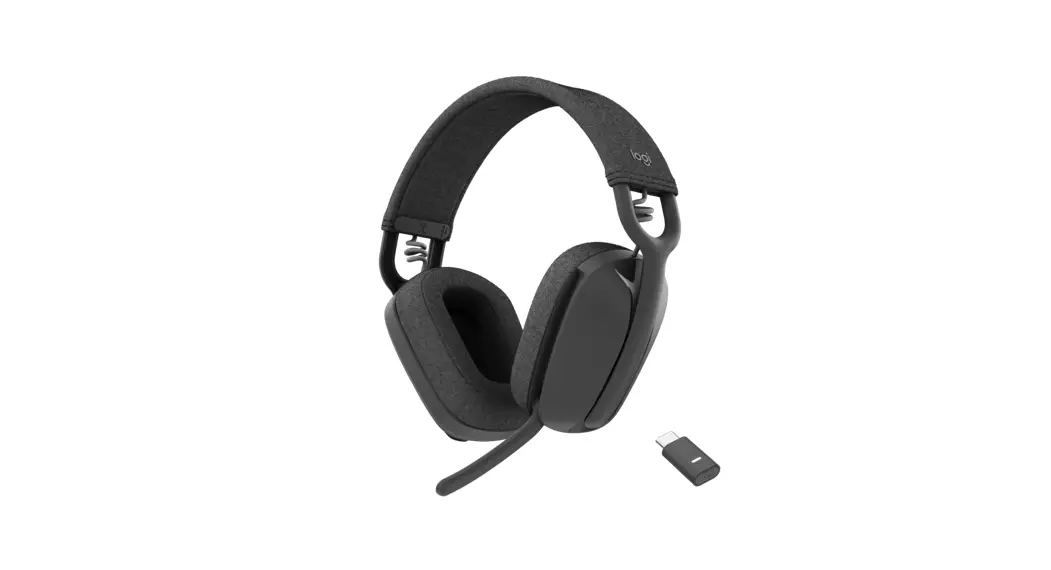
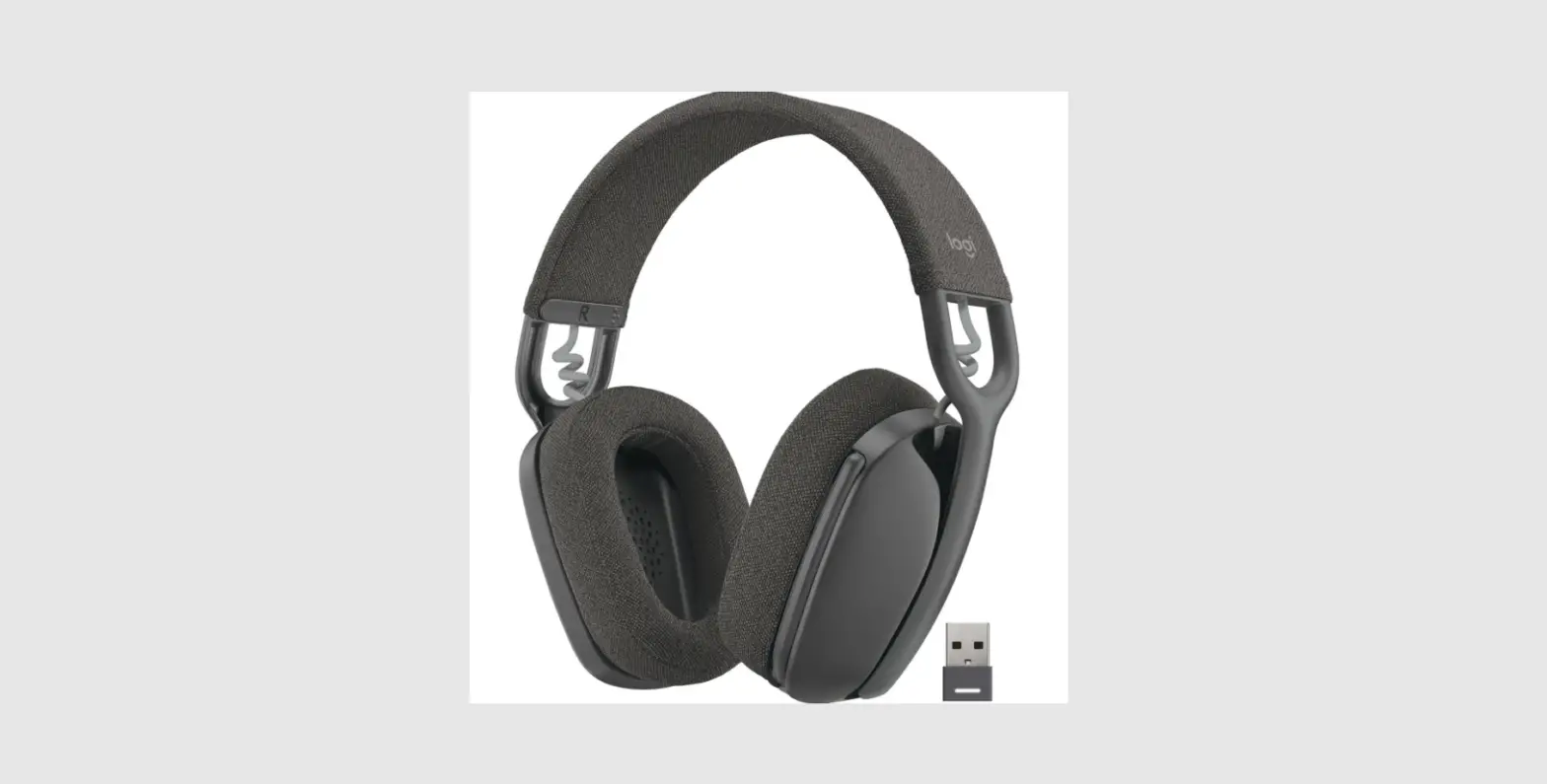
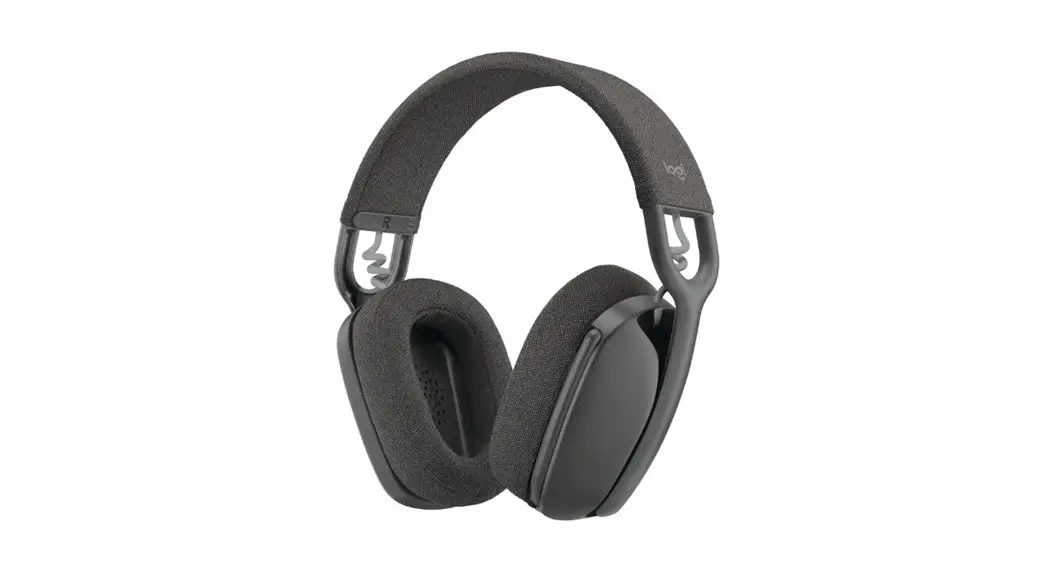
The over-the-ear, wireless headphones designed for video conferencing and beyond. Noise-canceling mic captures your voice for an engaging meeting experience. The partner-certified headset is as feature rich as it is stylish.
Logitech Zone Vibe Wireless was made for today’s hybrid work environments. With crystal-clear sound, reliable audio connection, and an advanced noise-canceling mic, this professional headset ensures you are heard clearly and naturally.
Comfort and practicality converge to bring you a headset that goes where you go, as long as you need it to. Zone Vibe Wireless is lightweight yet delivers up to 18 hours of talk time1 on a single charge.
Three wireless connectivity options give you the freedom to move about with confidence. Instantly switch between devices without disconnecting or interrupting your flow.
FEATURED PRODUCT SPECIFICATIONS
- Built for video conferencing: Designed for business and built with a noise-canceling mic, Zone Vibe Wireless picks up your voice, not distracting background noise.
- Powerful yet lightweight: An immersive audio experience delivered through a stylish, lightweight over-the-ear fit. Zone Vibe Wireless is comfortable even after hours of use.
- Wireless and reliable: Never miss a call or meeting. Multipoint Bluetooth® and USB-C receiver allow you to connect up to two devices and easily switch between them.
|
Connectivity | Multiple connection types | Bluetooth, USB-C receiver, USB-A adapter | ||
| Wireless range | Up to 30m /100 ft range2 (open field line of sight) | |||
| Paired devices | 2 active connections and up to 8 stored connections | |||
|
Rechargeable Battery | Talk/Listen time | Talk time: Up to 18 hrs1 | Listening time:
Up to 20 hrs1 | |
| Charging | 2 hrs for full charge
5 mins quick charge = 1 hr listening time or 1 hr talk time | |||
|
Audio | Microphone type | Omni-directional, dual MEMS mic array with directional beamforming | ||
| Sound quality | 40mm speakers with SBC and AAC codecs deliver rich sound for an immersive audio experience | |||
| Sidetone adjustment | Via Logi Tune, adjust how much of your voice you hear while on calls | |||
| Acoustic protection | EN 50332 certified | |||
|
Ease of use | Lightweight comfort | 185 grams plus memory foam and soft knitted fabric | ||
| On-ear control | Answer/end/reject calls, music pause/play/next song, volume up/down, invoke Microsoft Teams3 | |||
| Two ways to mute | Flip the mic boom up or press the mute button on mic boom | |||
| Audio alerts | Voice prompts for battery life, mute, power and connection status | |||
| Simple to manage | Logitech Sync | Monitor and manage your personal collaboration devices from one single platform with Logitech Sync. It supports company-wide deployments at scale and simplifies tasks such as firmware updates and feature enablement | ||
|
Certified for Business | Certifications | Pending certification for Microsoft Teams, Google Meet, Google Voice and Zoom | ||
| Compatibility | Works with other popular applications like RingCentral, BlueJeans, and GoToMeeting to ensure compatibility and seamless integration in the workplace | |||
|
General | Part numbers | Zone Vibe Wireless (UC)
Graphite: 981-001198 | Zone Vibe Wireless (Teams)
Graphite: 981-001156 | |
|
Dimensions & weight | Headphones:
H x W x D 183.03 x 169.68 x 73 mm 7.21 x 6.68 x 2.87 in 185 g/ 6.53 oz | Zone Vibe Wireless Receiver:
H x W x D 26.8 x 12.4 x 6.2 mm 1.06 x 0.49 x 0.24 in | ||
|
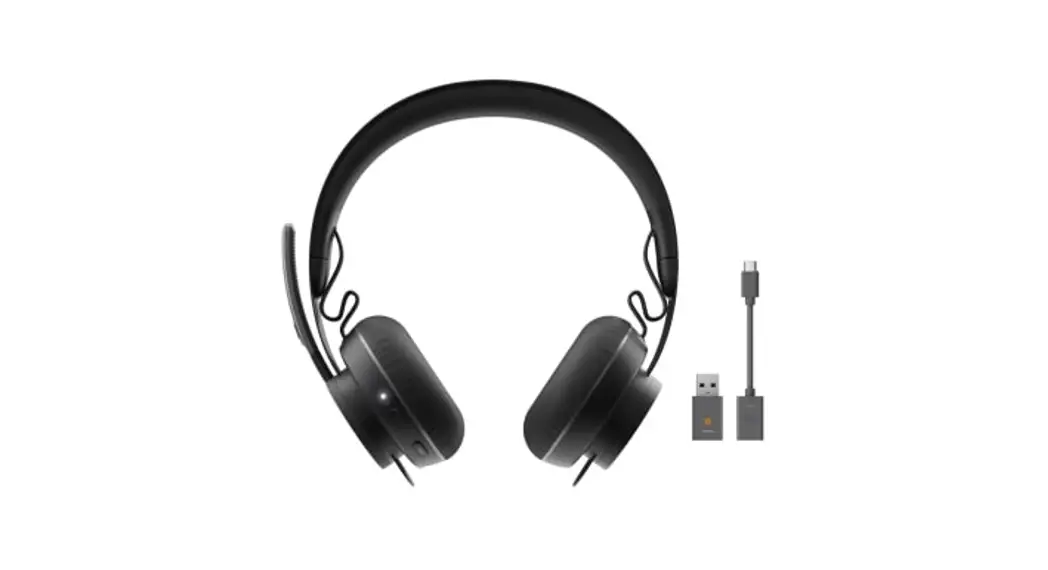
What’s in the box | Zone Vibe Wireless headphones
USB-C Bluetooth receiver USB-C to A adapter | USB-C charging cable One cloth travel bag User documentation | ||
| Warranty | 2 years | |||
Logitech Americas 7700 Gateway Blvd. Newark, CA 94560 USA
Logitech Europe S.A.
EPFL – Quartier de l’Innovation
Daniel Borel Innovation Center
CH – 1015 Lausanne
Logitech Asia Pacific Ltd.
Tel : 852-2821-5900
Fax : 852-2520-2230
- Battery life may vary based on users and computing conditions
- Wireless range may vary based on environmental and computing conditions
- For Microsoft Teams SKU
© 2022 Logitech. Logitech, the Logitech logo, and other Logitech marks are owned by Logitech and may be registered. The Bluetooth® word mark and logos are registered trademarks owned by Bluetooth SIG, Inc. and any use of such marks by Logitech is under license. BlueJeans, Google Meet, Google Voice, GoToMeeting, Microsoft Teams, RingCentral, USB-C, Zoom and all other 3rd party trademarks are the properties of their respective owners. Logitech assumes no responsibility for any errors that may appear in this publication. Product, pricing and feature information contained herein is subject to change without notice.
Published September 2022
FAQS
Is this headset compatible with latitude 3510 dell computer laptop
Logitech Zone Vibe 100 Works with Bluetooth-enabled computers running Windows, macOS, or ChromeOS, and with Bluetooth-enabled iOS and Android devices.
Does the ear padding fit on the ears or over the ears
The ear padding fits over the ears.
Do these headphones work with xbox series x/s?
The Zone Vibe 125 works with Windows, Mac, or Chrome OS based computers via USB-C, USB-A, Bluetooth and Android Bluetooth enabled devices.
Will this work with the Logi Bolt usb adapter?
No. Kindly be informed that the device is not compatible with Logi Bolt USB receive.
Do these headphones work with iphone? i have a pair of bose bluetooth head phones and while the sound and controls work the mic does not when wireless
The device works with common calling applications across almost all platforms and operating systems. Works with Windows, Mac, or Chrome based computers via USB-C, USB-A, Bluetooth and Android Bluetooth-enabled devices.
Does the dongle work with any other Logitech devices (mouse, keyboard, etc.)?
No, it is not a unifying dongle that connects with your keyboard, mouse, etc.; it will use an individual dongle to communicate with your headset or you can utilize the Bluetooth capability
Can you use it for work like call centers and do they have mute?
The wireless Zone Vibe headset is compatible with common video meeting platforms you use everyday and has outstanding audio for work time and downtime. And yes, the headset has a mute function.
Console compatibility?
The Logitech Zone Vibe 125 works with common calling applications across almost all platforms and operating systems. Works with Windows, Mac, or Chrome based computers via USB-C, USB-A, Bluetooth® and Android Bluetooth-enabled devices.
Will this headset work with Cisco Jabber?
Zone vibe 125 works with common calling applications across almost all platforms and operating systems. Works with Windows, Mac, or Chrome based computers via USB-C, USB-A, Bluetooth and Android Bluetooth-enabled devices.
How does the mic compare to the PC38X?
Much much worse
Can it simultaneously pair with two computers, like a mac and pc (reviews and press only mention pc and phone)?
Yes, the device can be connected to 2 PCs simultaneously.
How do you switch between Bluetooth and dongle?
Zone Vibe 125 untethers you from your desk. Simply plug the USB-A receiver into your laptop for a reliable connection and switch between your phone and laptop with multipoint Bluetooth. To know more about it please refer the below link: https://www.logitech.com/assets/66197/zone-vibe-125.pdf