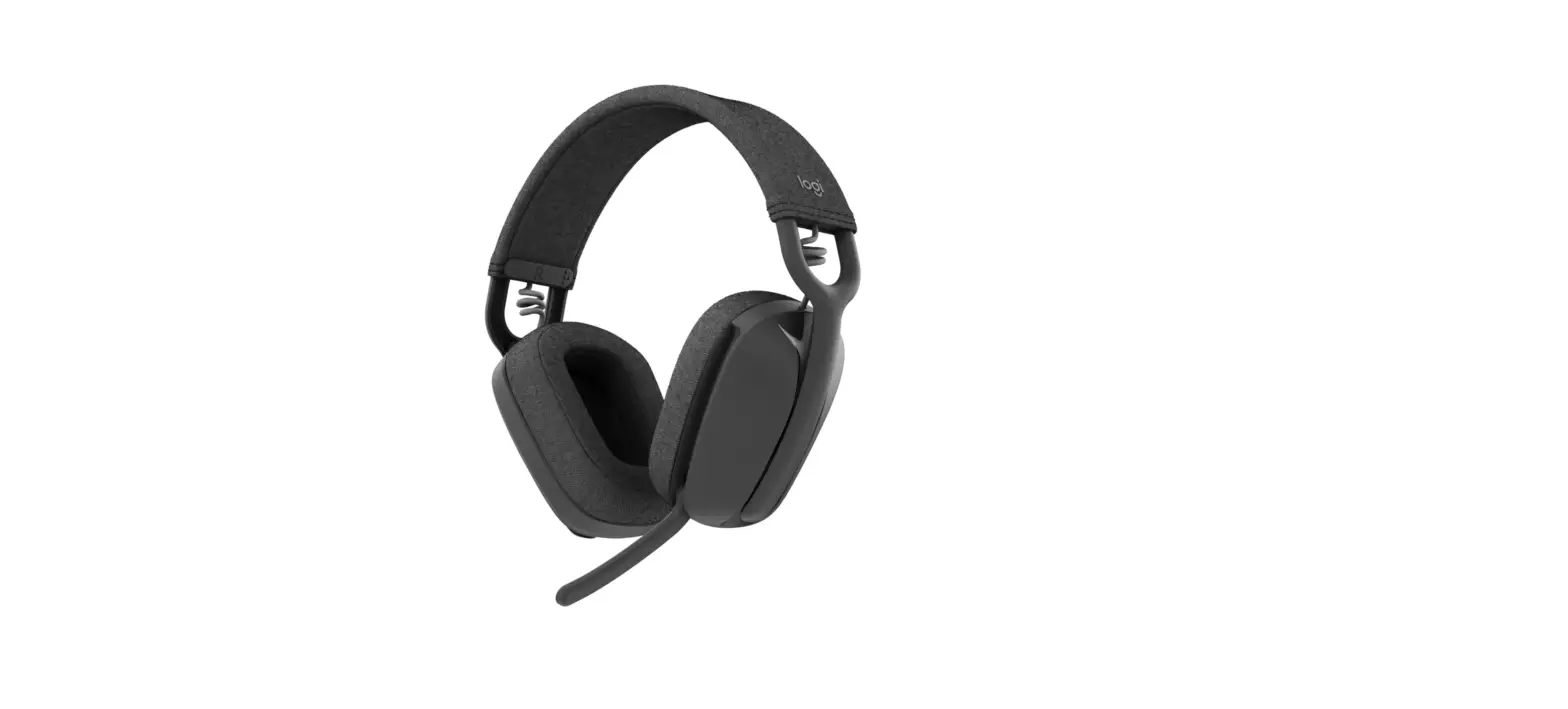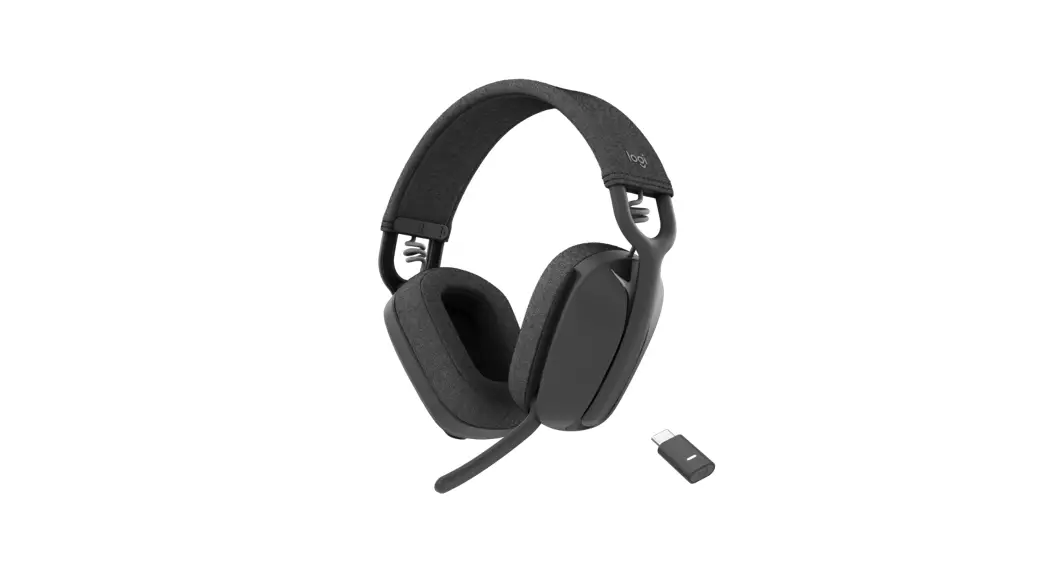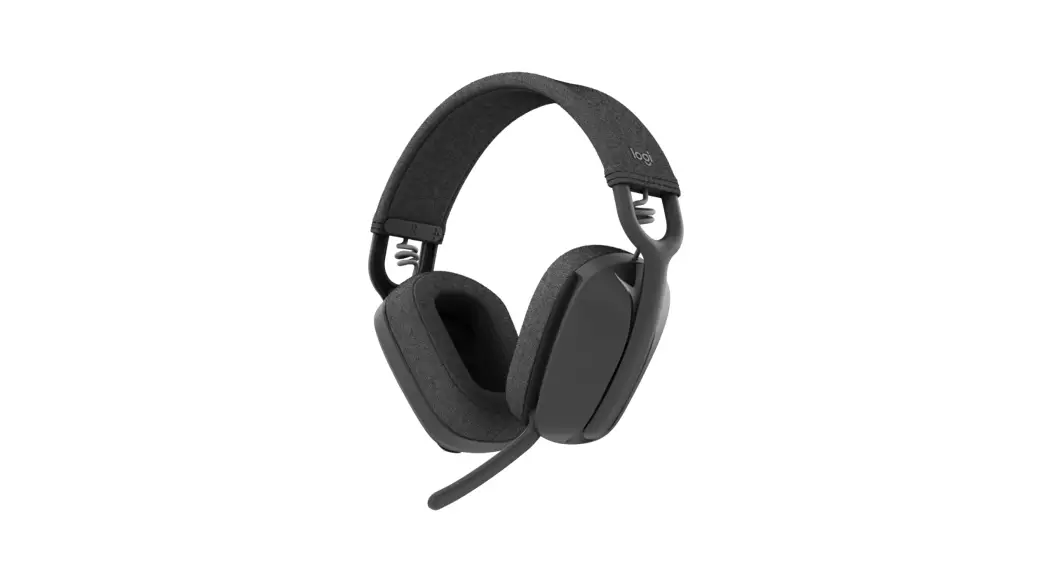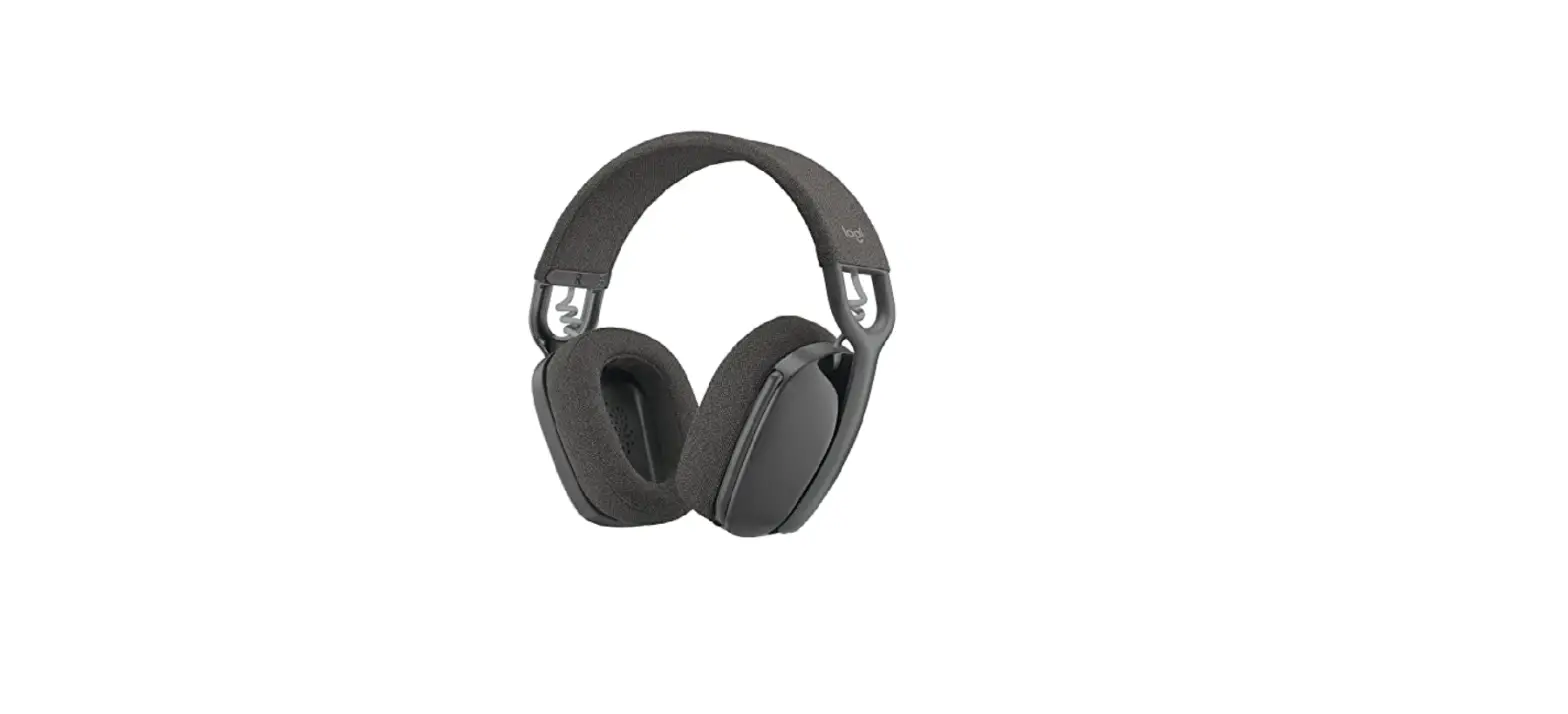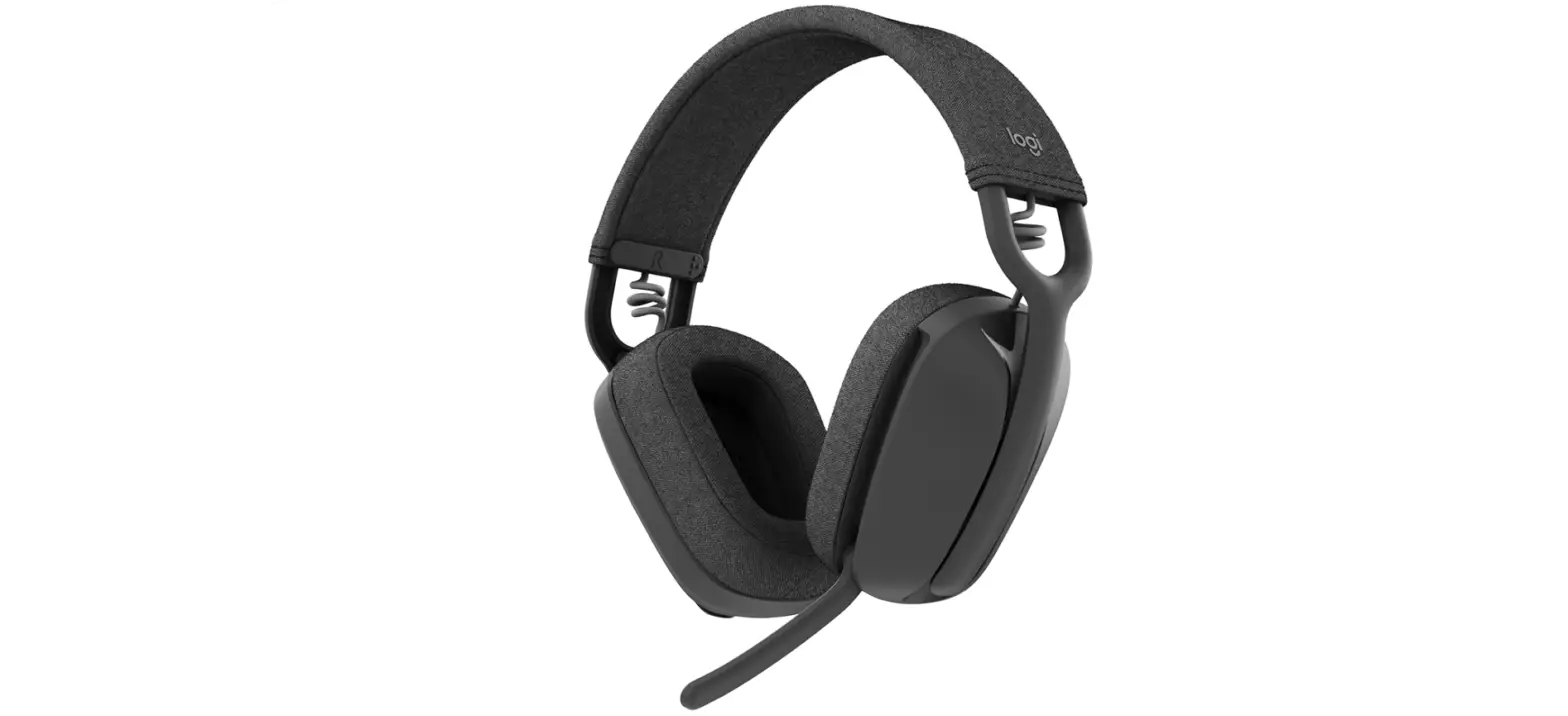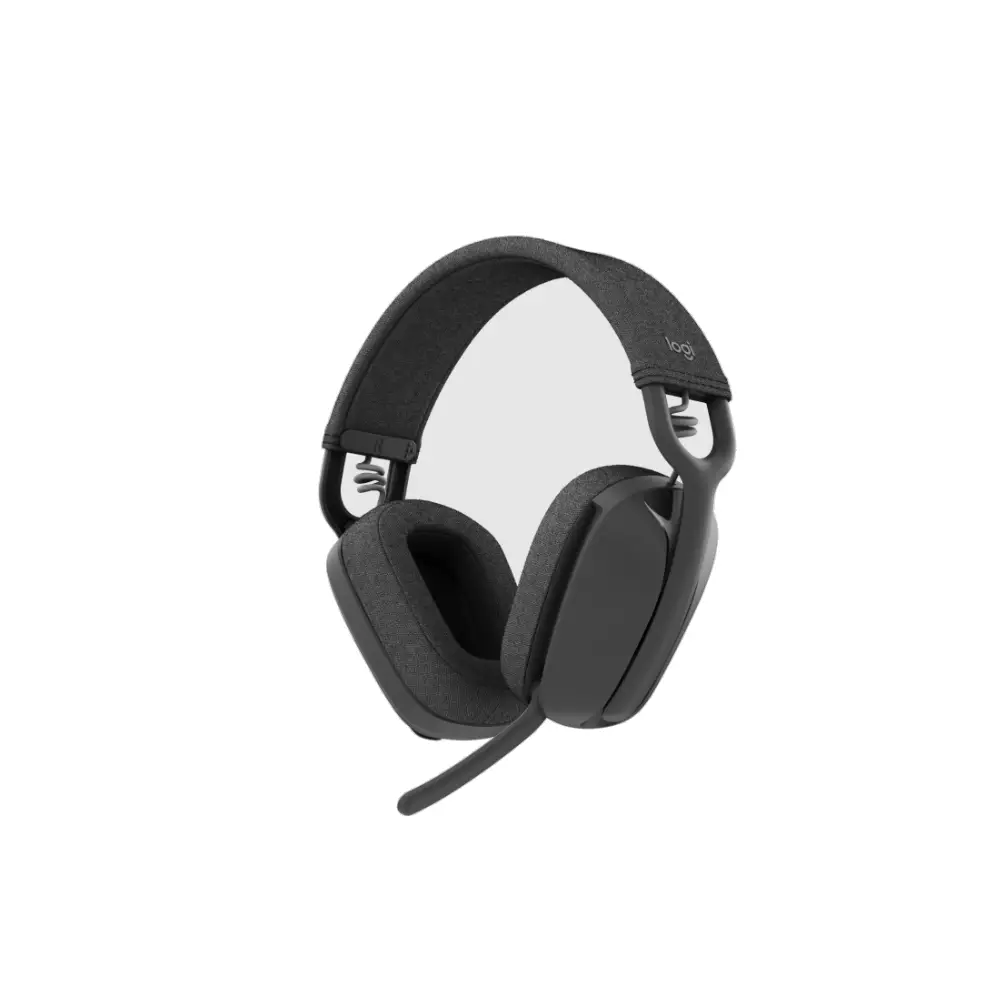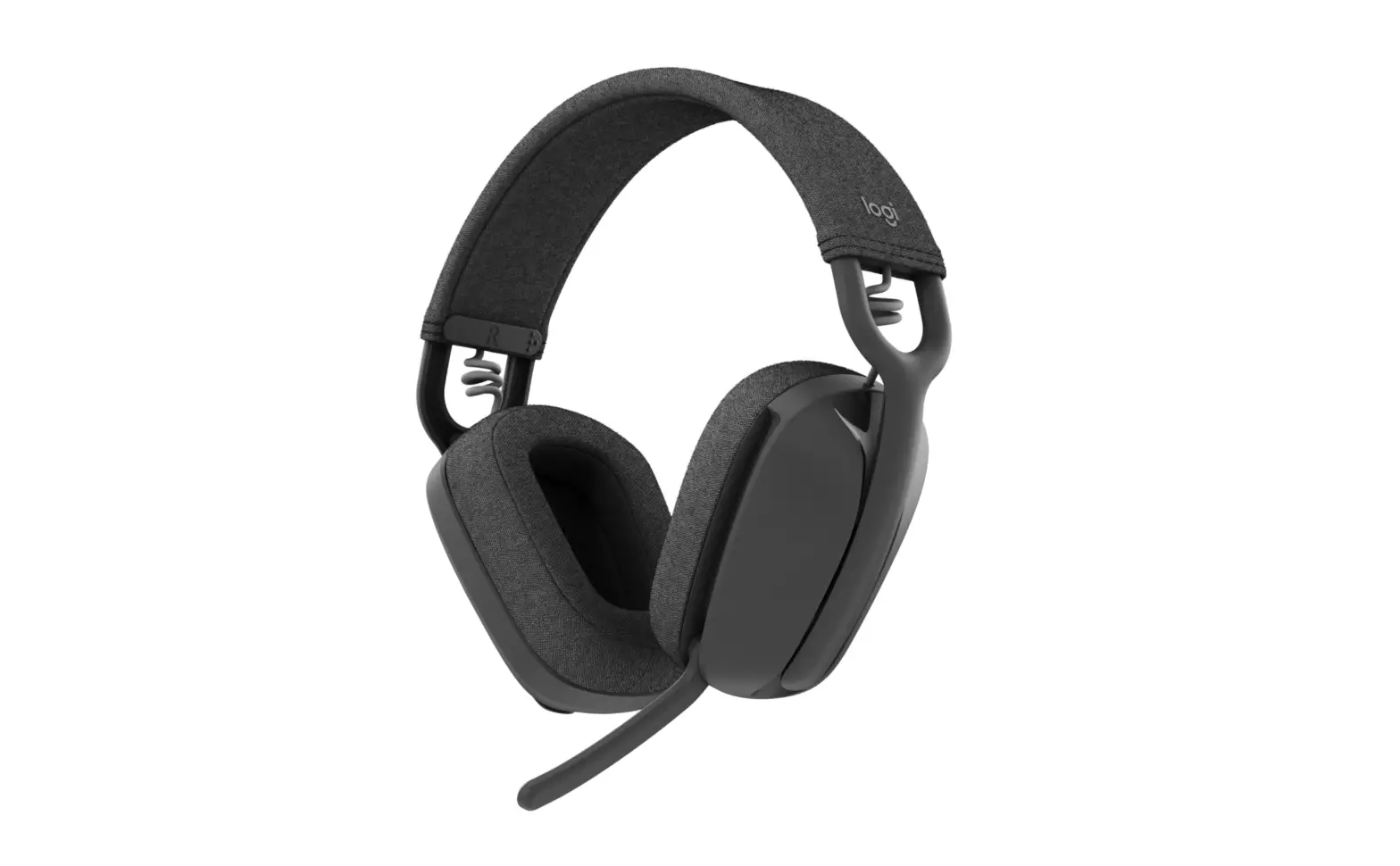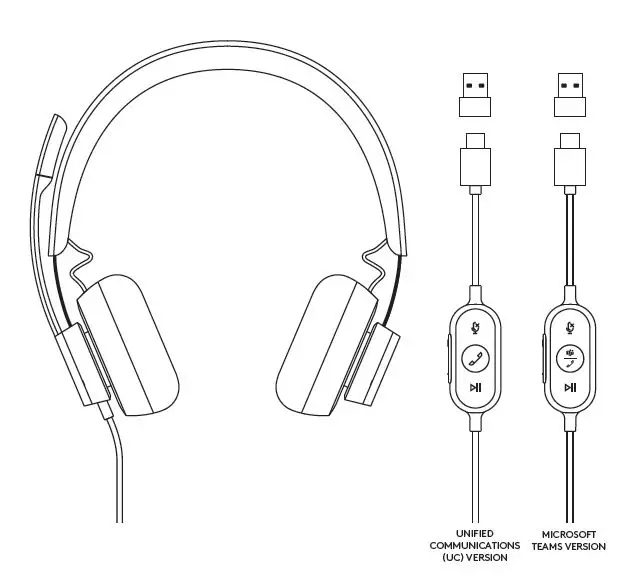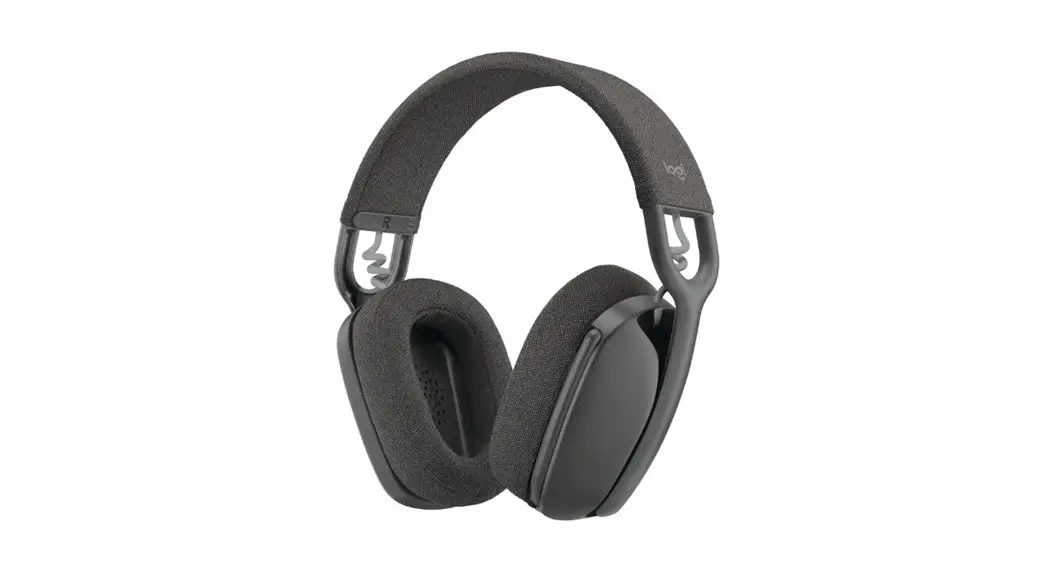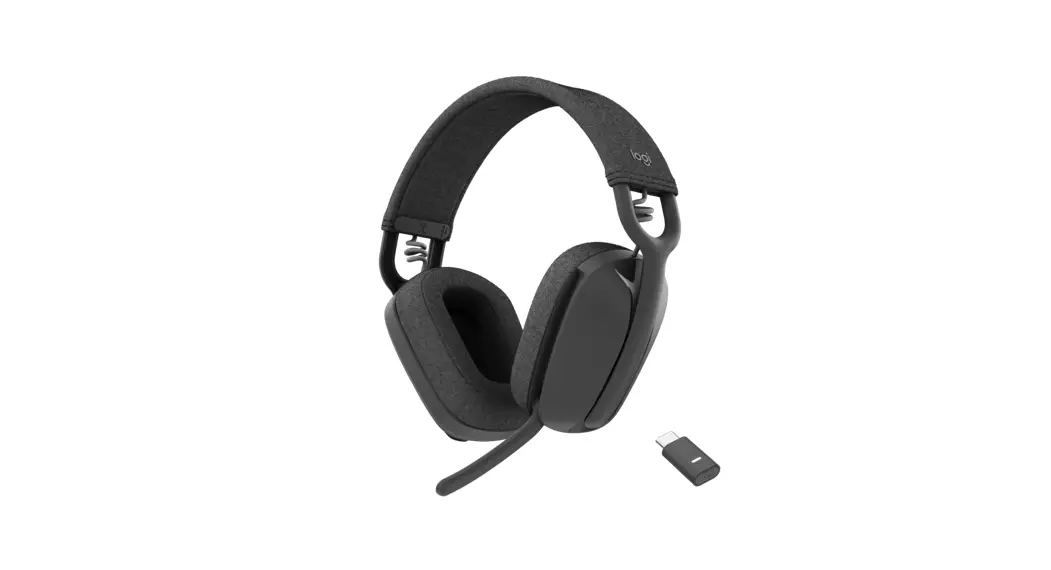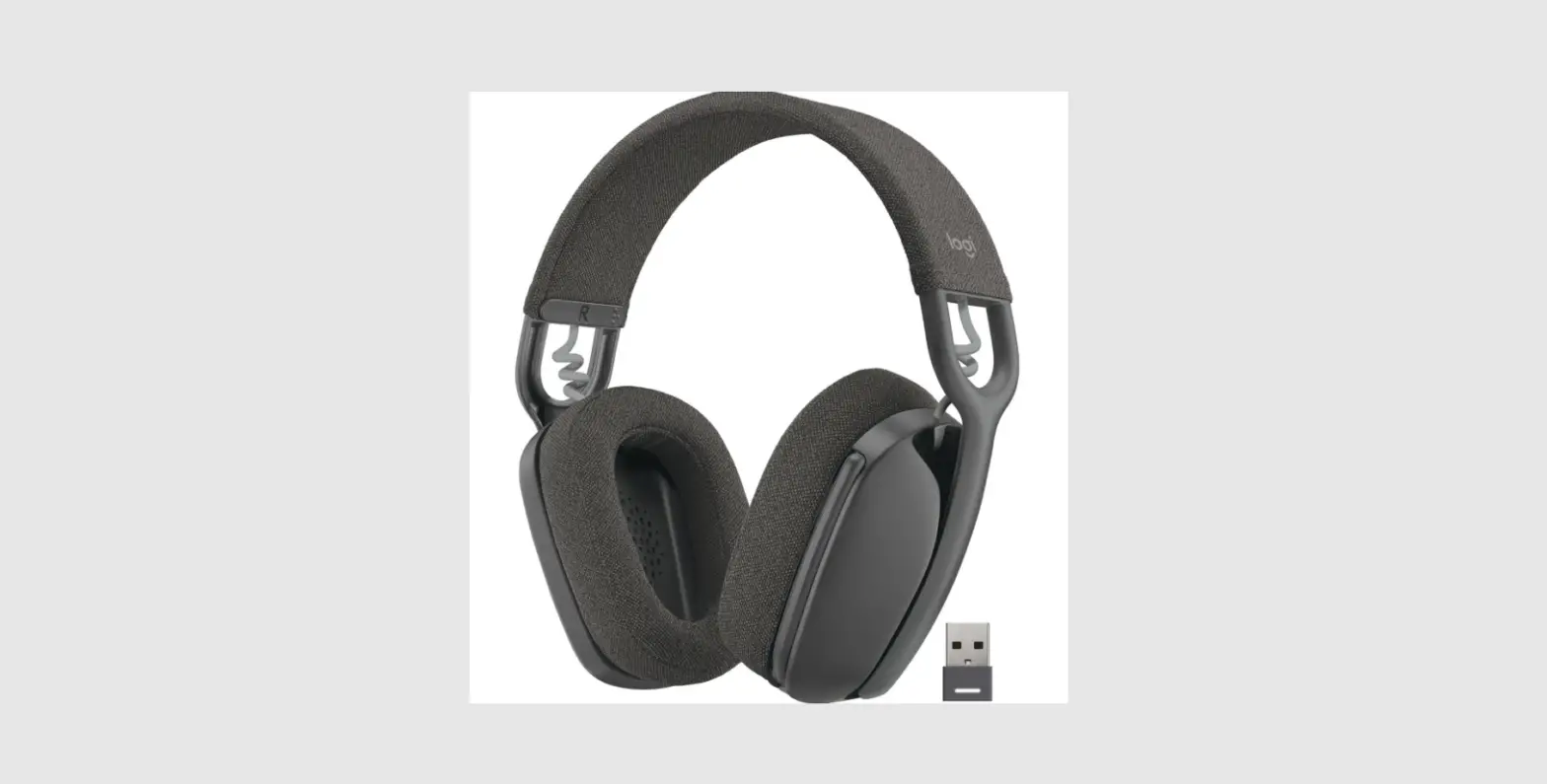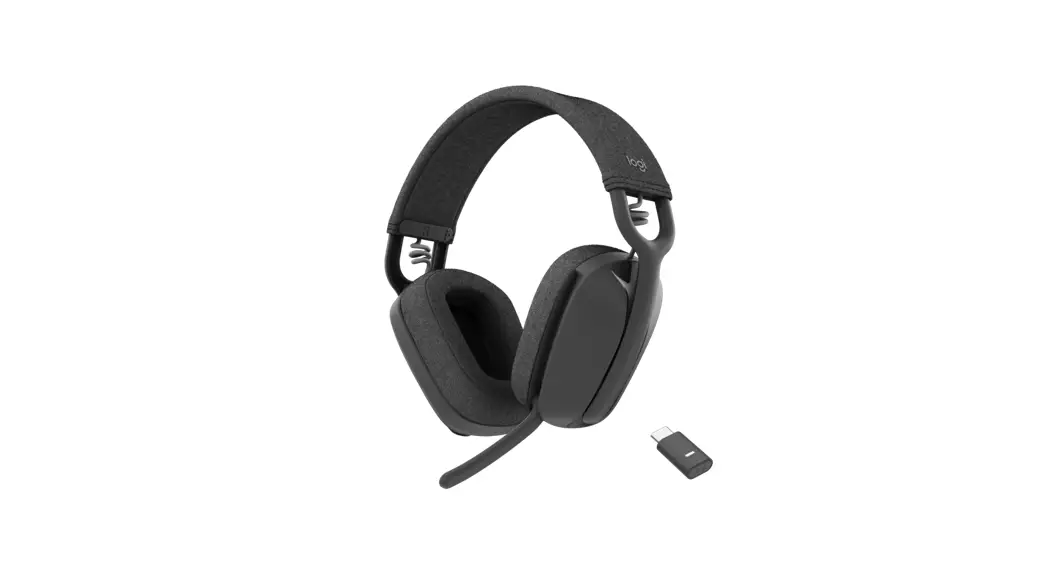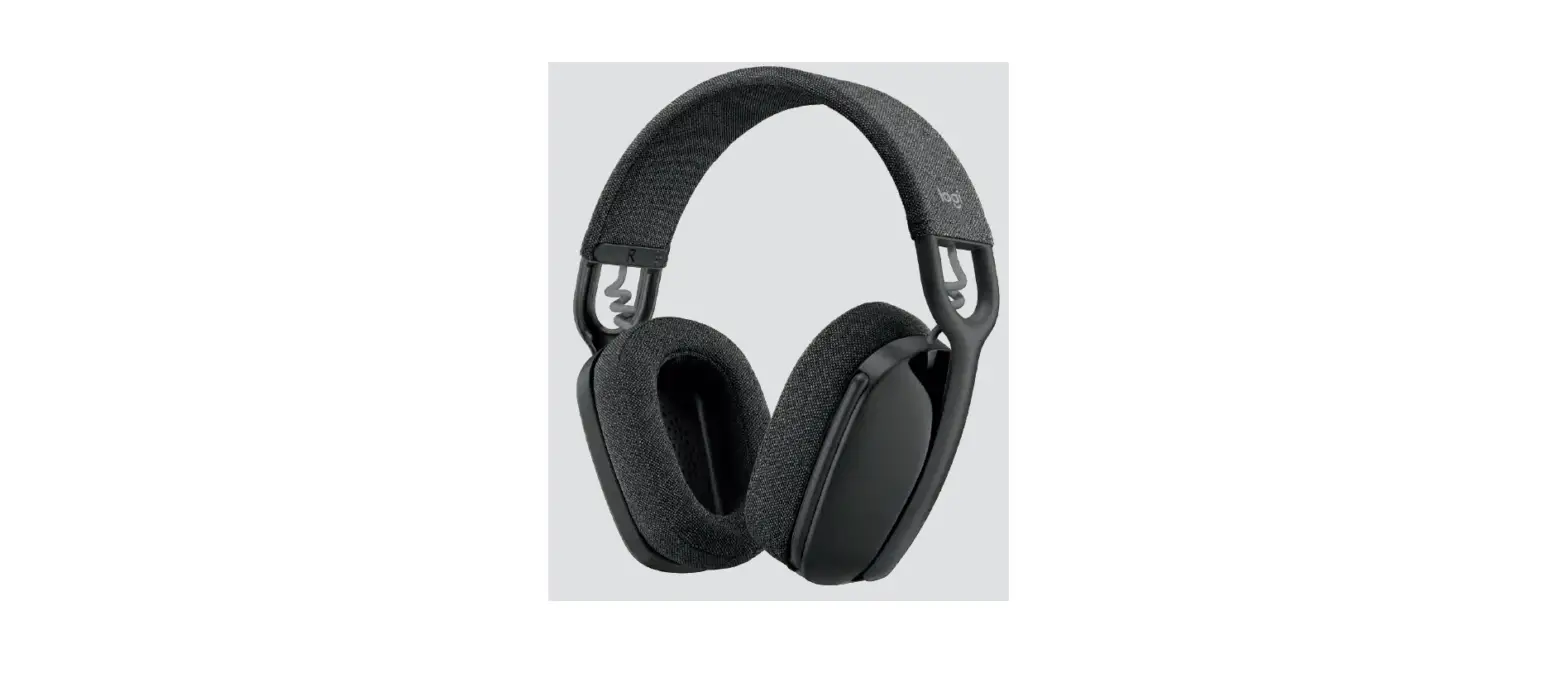

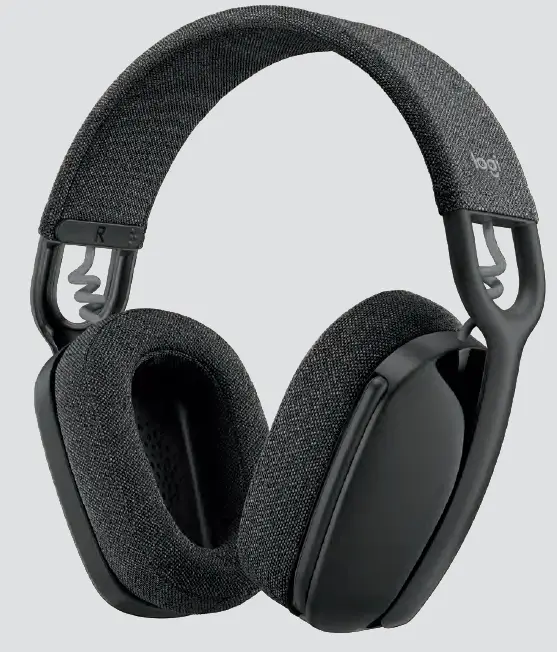
logitech ZONE VIBE 100 Wireless Over Ear Headphones with Noise Canceling Mic
Be heard clearly
Dual mics with noise-canceling technology are designed to suppress background Ound so others can hear you clearly.
Immersive audio
Generous 40 mm speaker drivers deliver deep bass and crisp high notes with low distortion. Enioy premium audio for calls and music.

Wireless freedom
Seamlessly switch between computer and smartphone via Bluetooth”, or connect| via USB-A/USB-C. Up to 16 hours talk time 23 hours listening time.

Simple controls
Easily access all media controls on earcups. Flip the mic boom to mute. Adjust EQ settings and update firmware with Logi lune.

1-year limited hardware warranty.
Images are illustrative and may vary from actual product. 2022 Logitech. Logitech, Logi, 5R, and the Logitech logo are trademarks or registered trademarks of Logitech Europe S.A. and/or its affiliates in the U.S. and other countries. The Bluetooth” word mark and logos are registered trademarks owned by Bluetooth SIG, Inc. and any use of such marks by Logitech is under license. All other trademarks are the property of their respective owners.
support.logitech.com
www.logitech.com
www.logitech.com.cn/zonevibe100
NASDAQ: LOGI