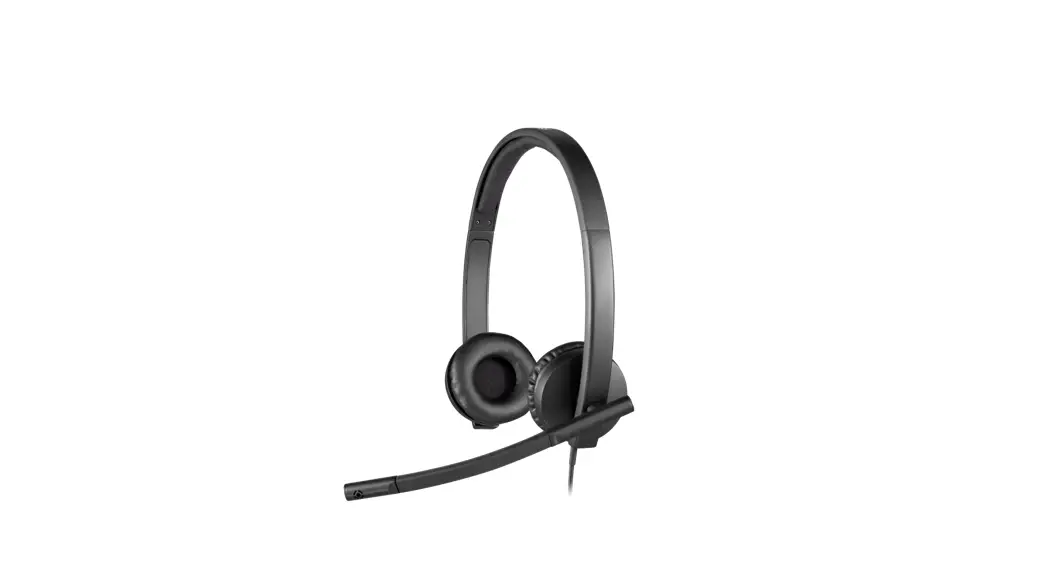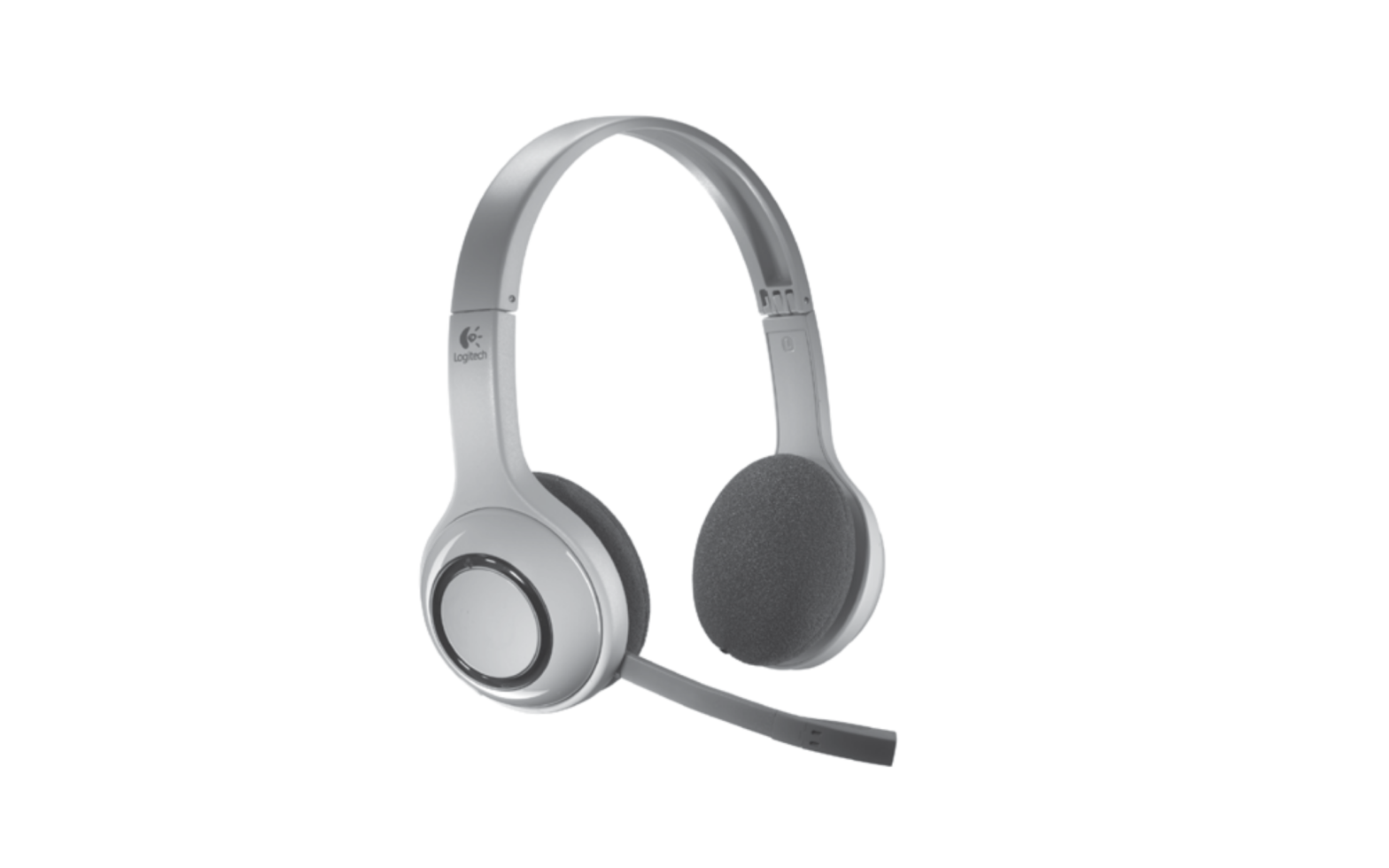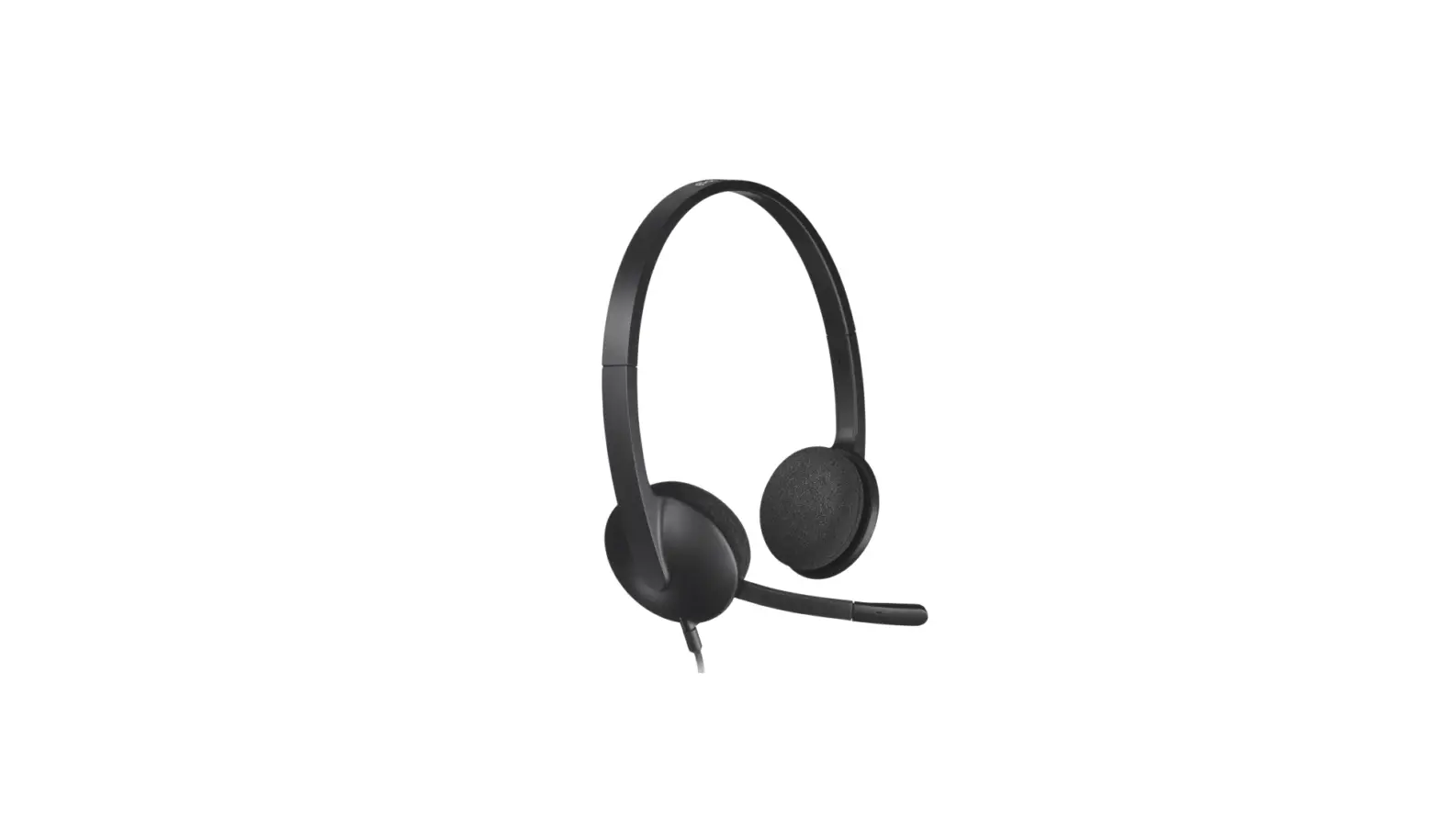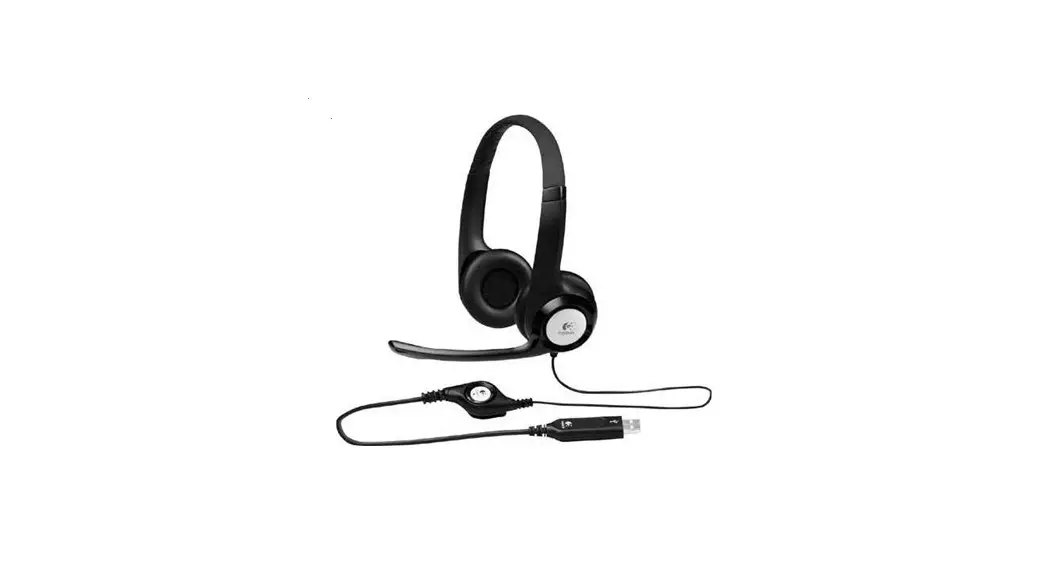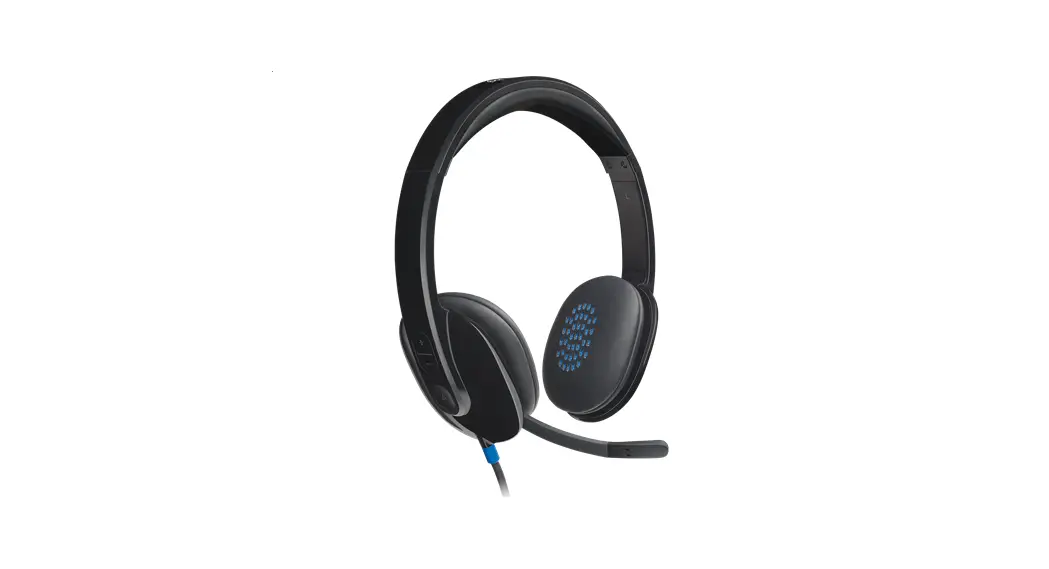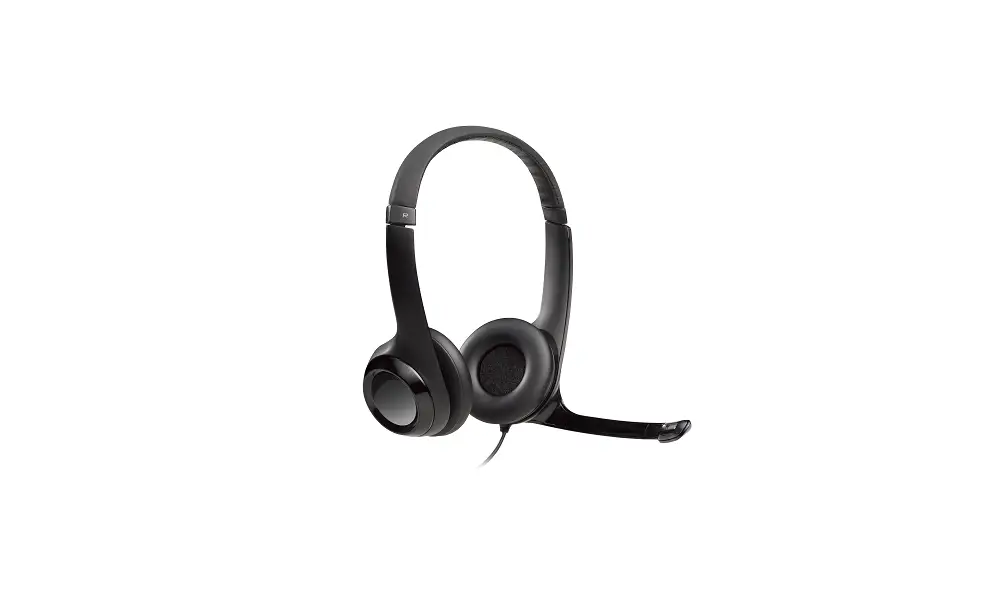

logitech H390 USB Headset with Noise Cancelling Mic
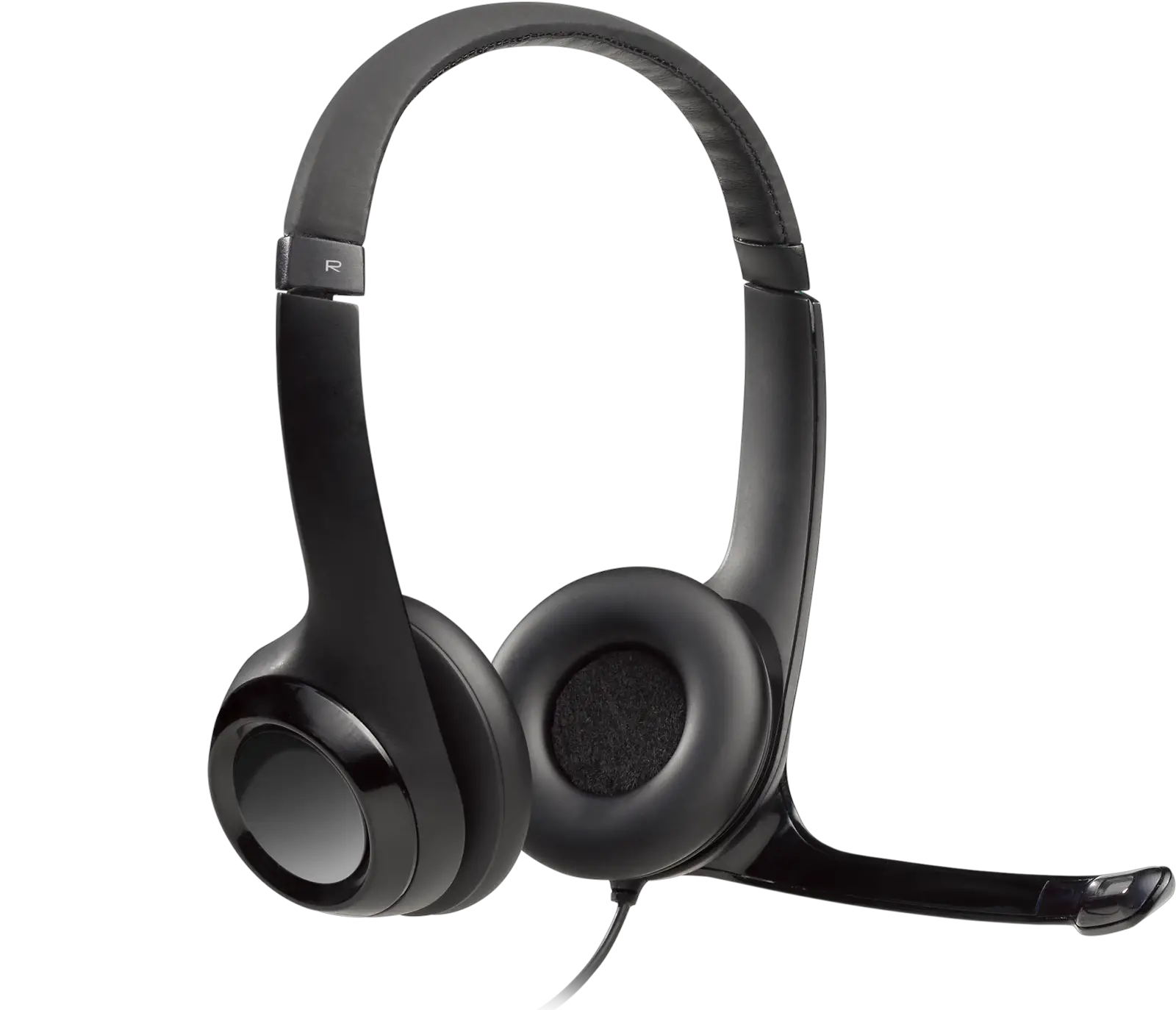
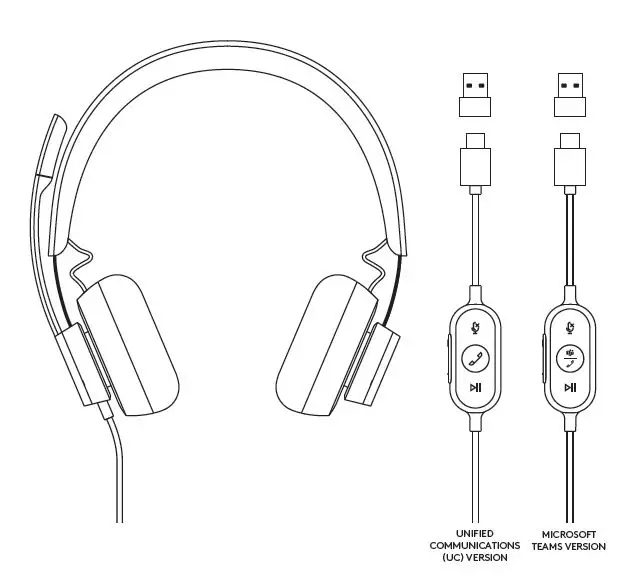
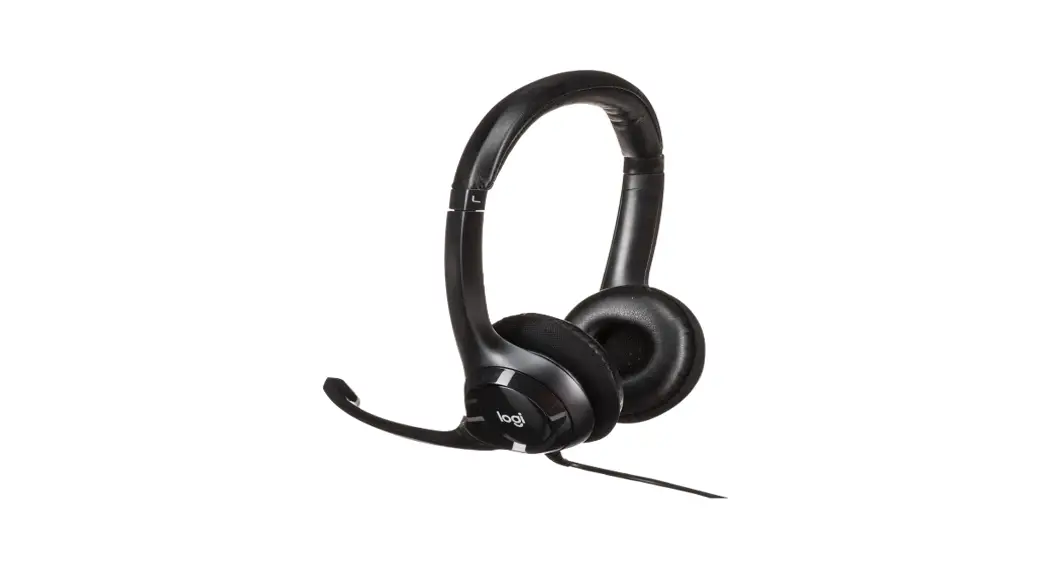
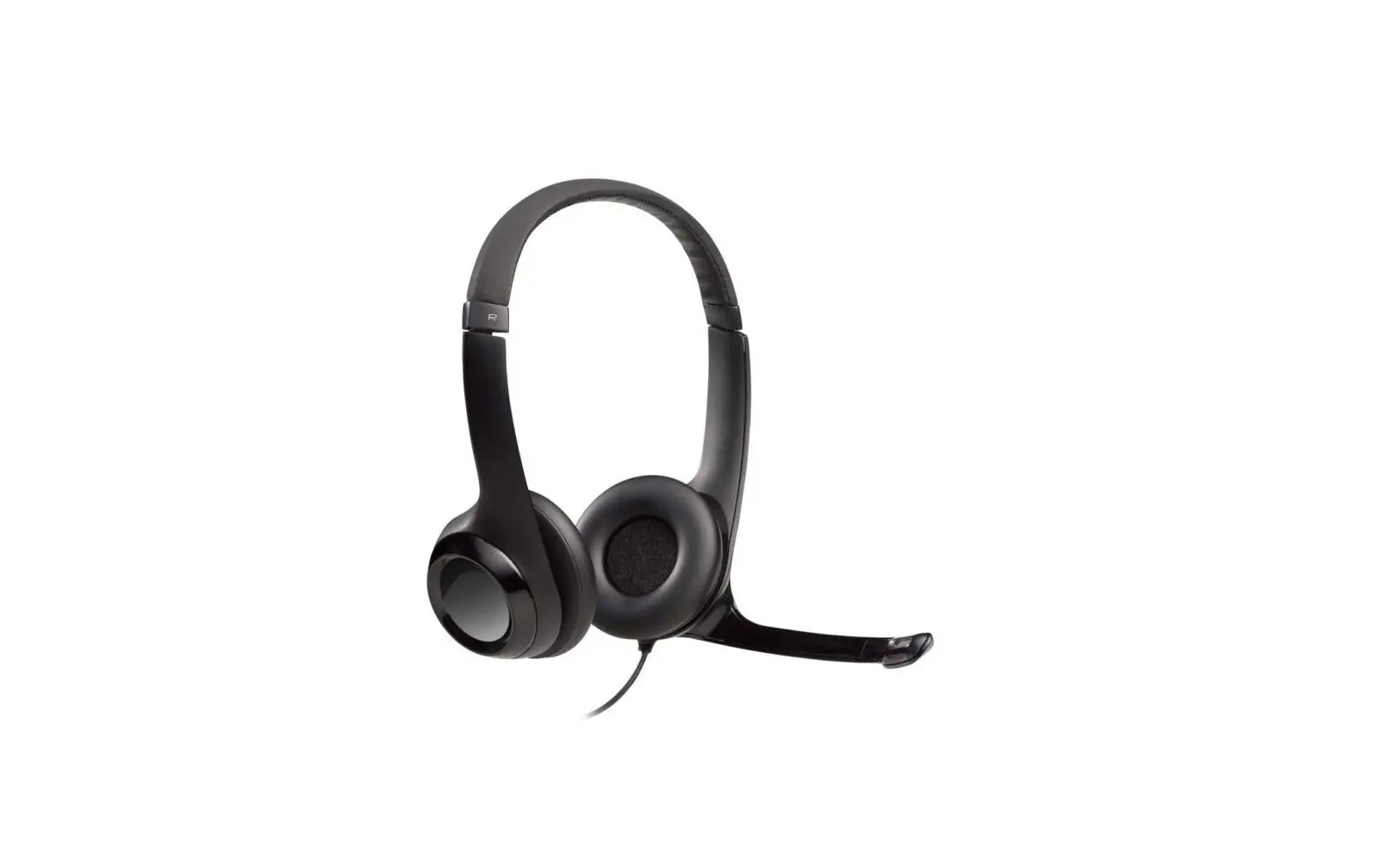
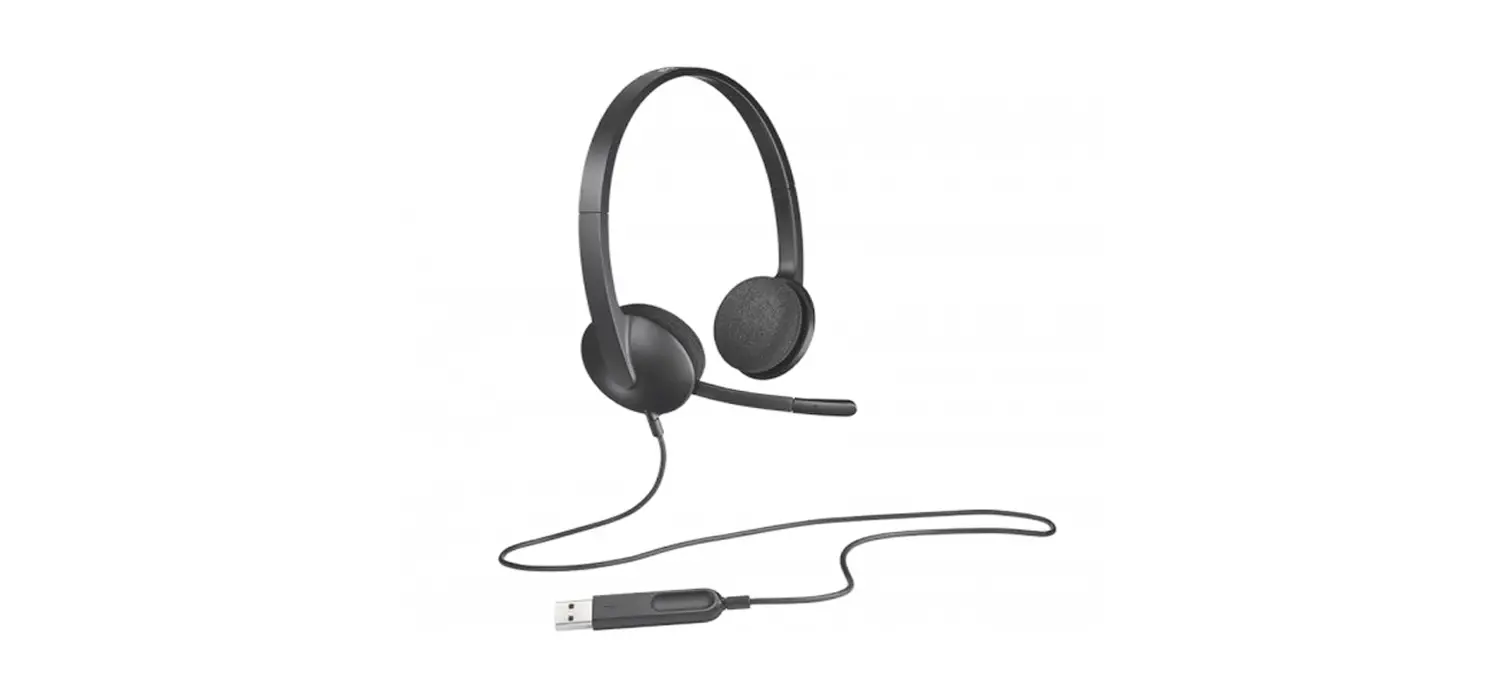
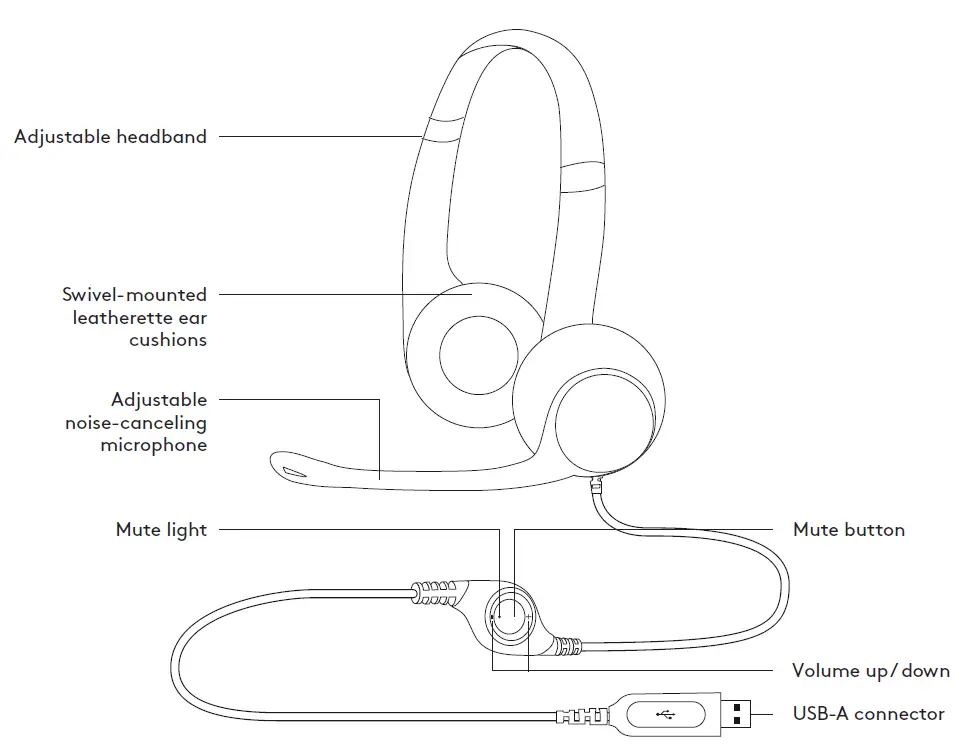
KNOW YOUR PRODUCT
CONNECTING THE HEADSET
Plug the USB-A connector into the computer USB port.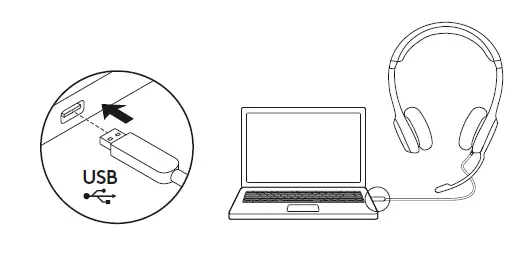
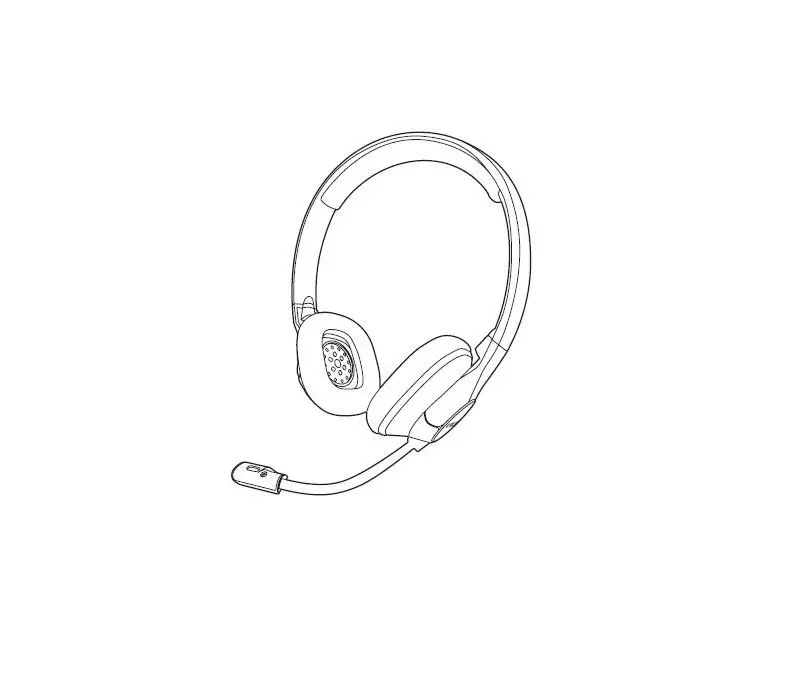
HEADSET FIT
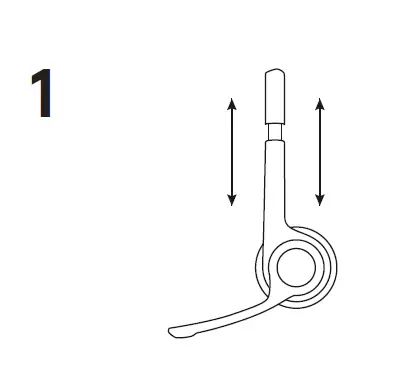
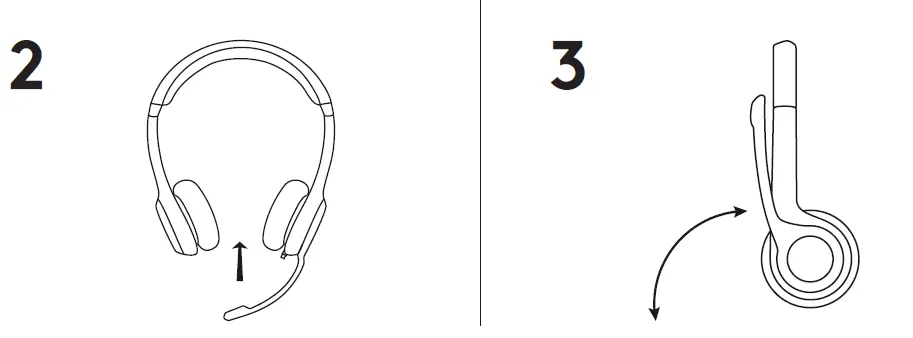
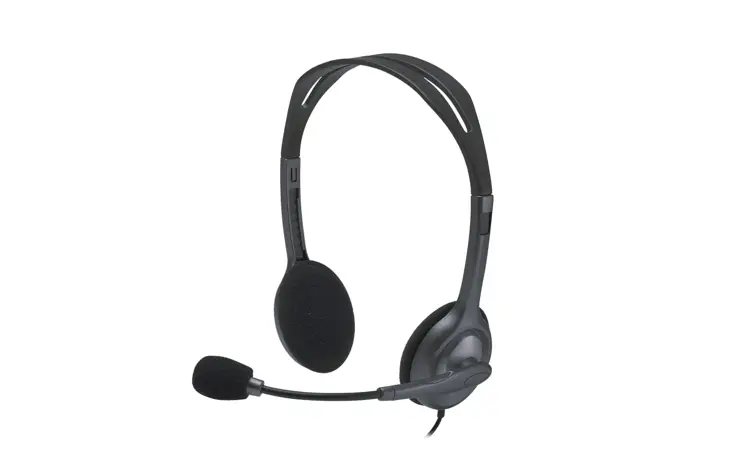
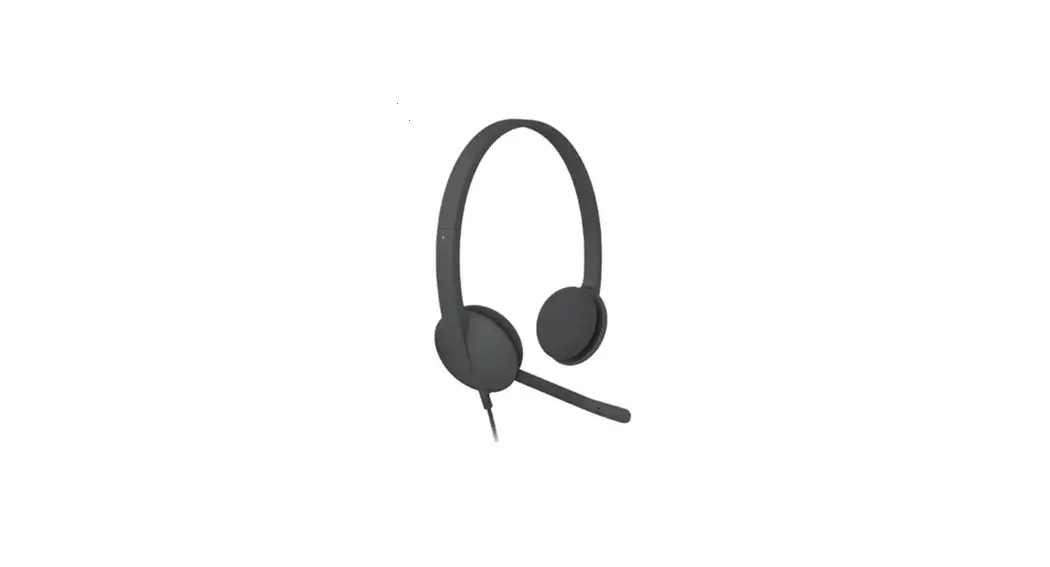
- To adjust headset size, move the headband up and down until it fits comfortably.
- Move the microphone boom up or down until it is level with your mouth for better voice capture.
- Boom can be tucked out of the way when not being used.
© 2019 Logitech. Logitech, Logi and other Logitech marks are owned by Logitech and may be registered. All other trademarks are the property of their respective owners. Logitech assumes no responsibility for any errors that may appear in this manual. Information contained herein is subject to change without notice.