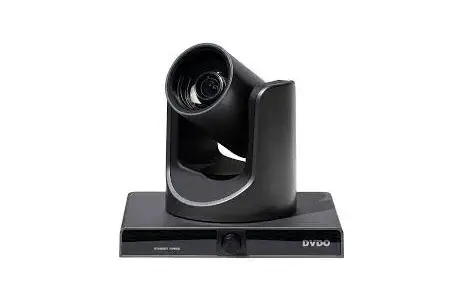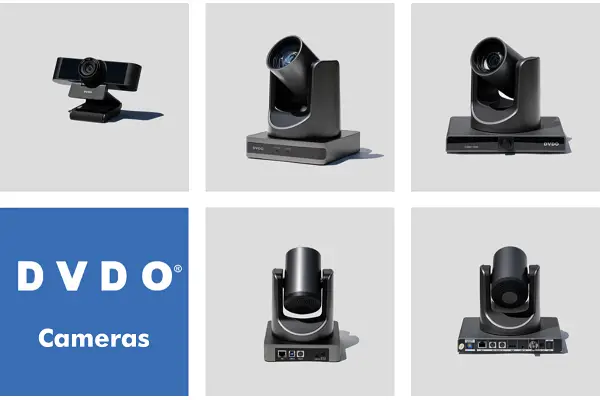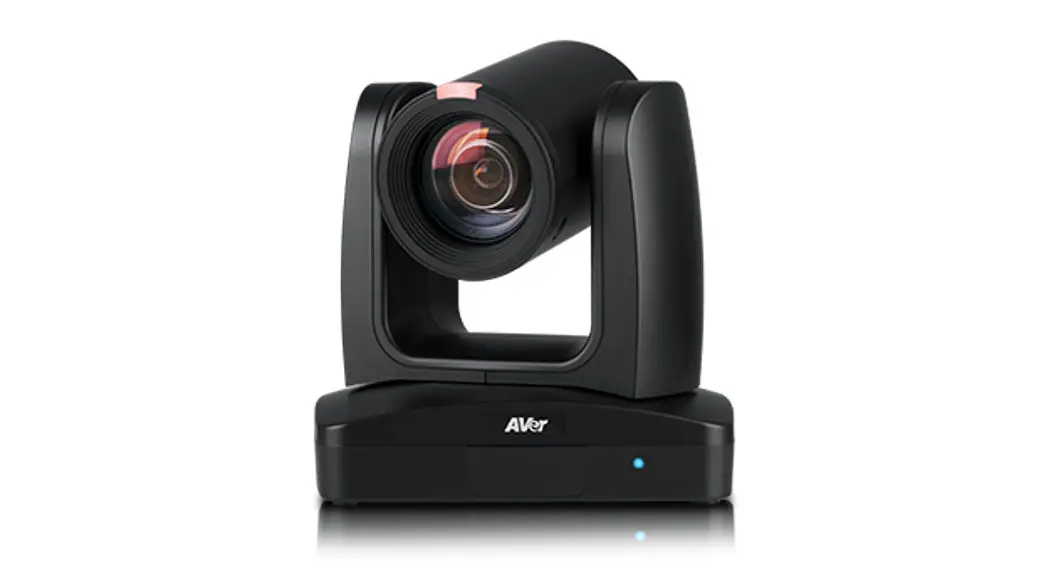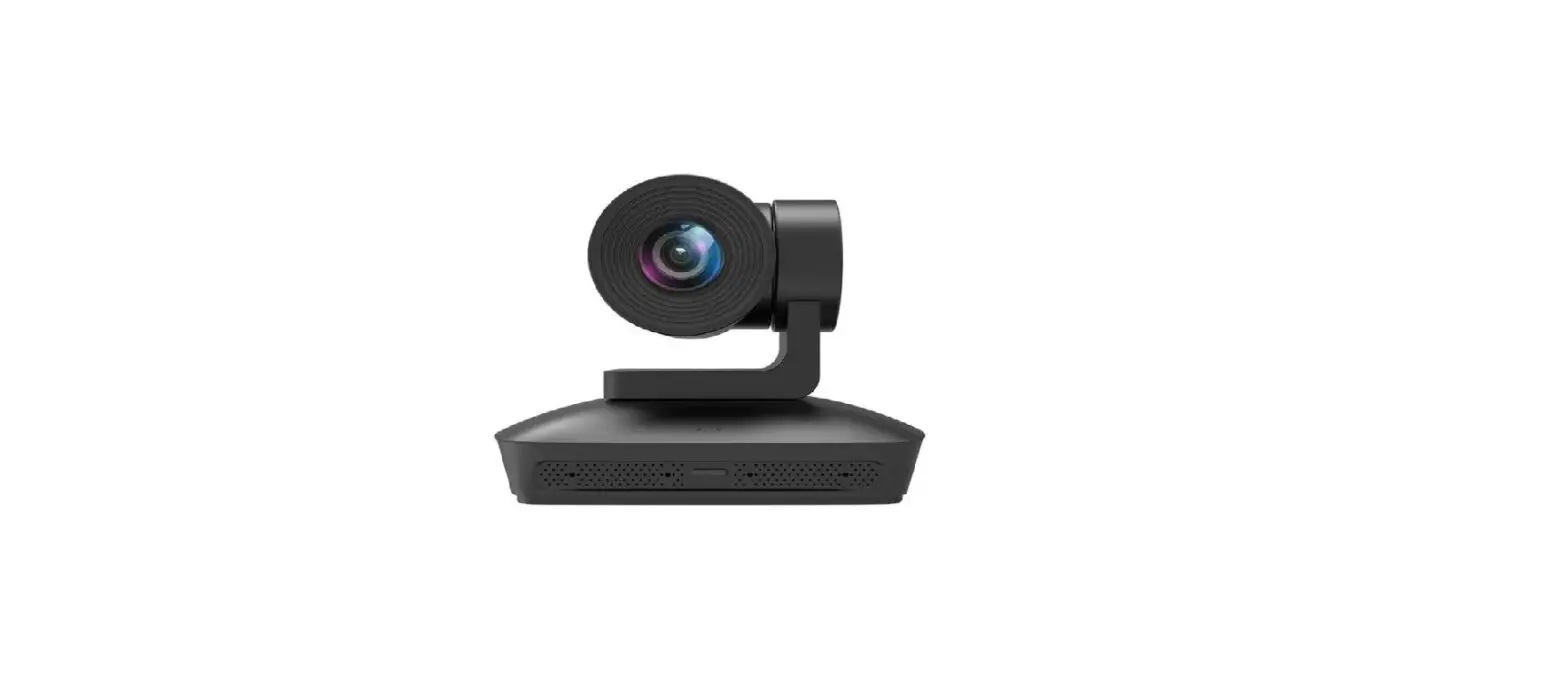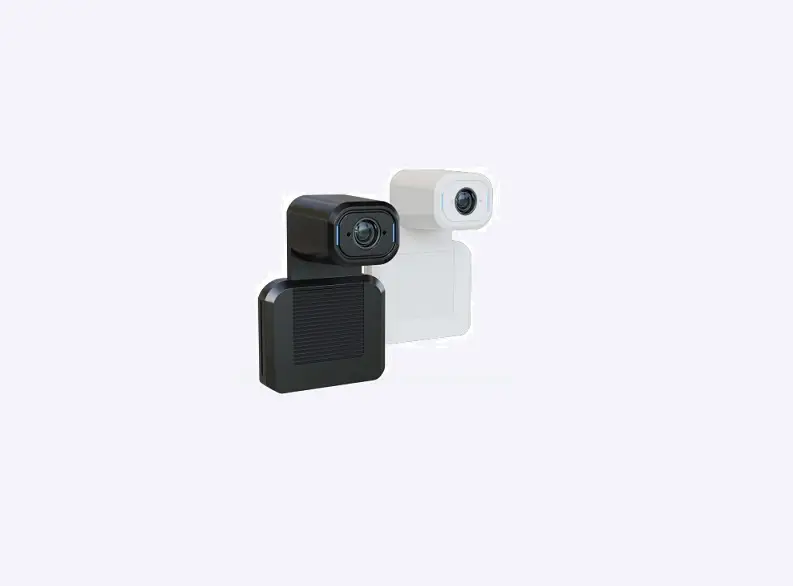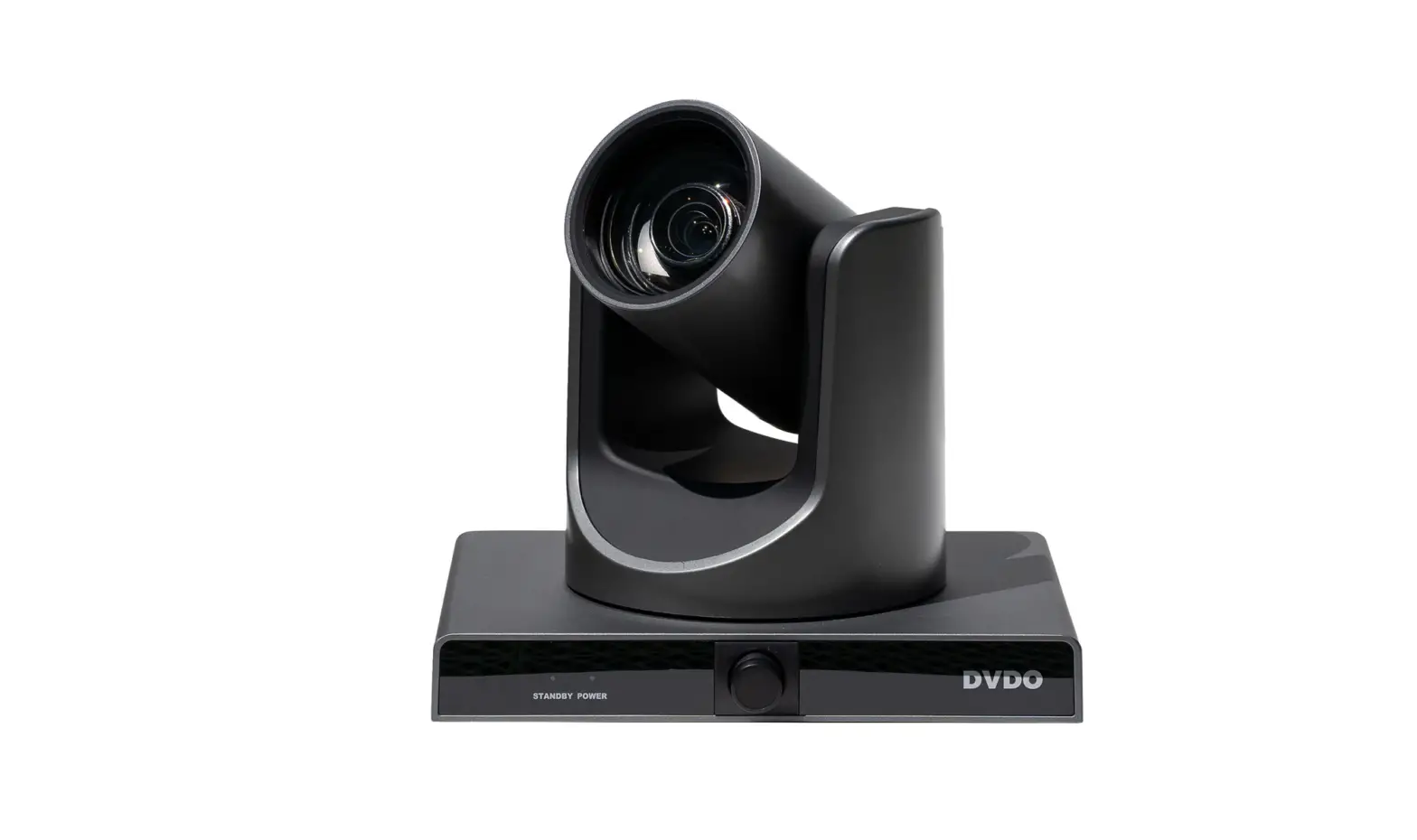

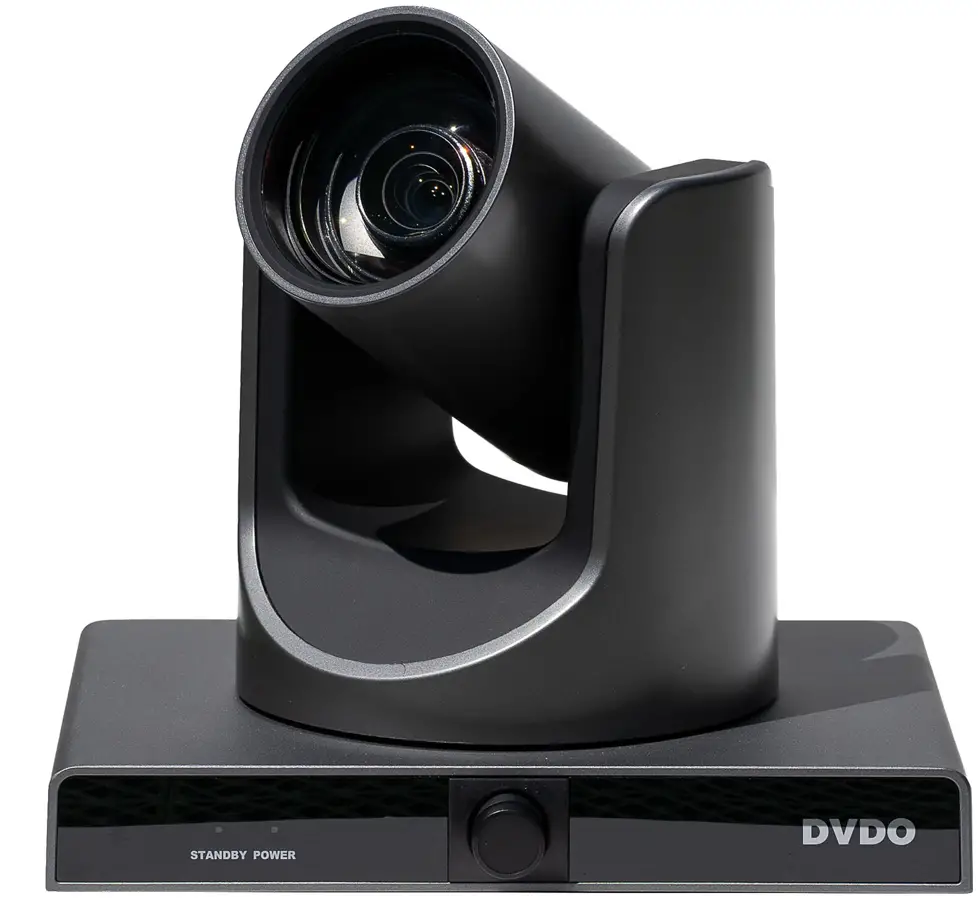
DVDO C3-1 Tracking Camera 
Appearance and Interface
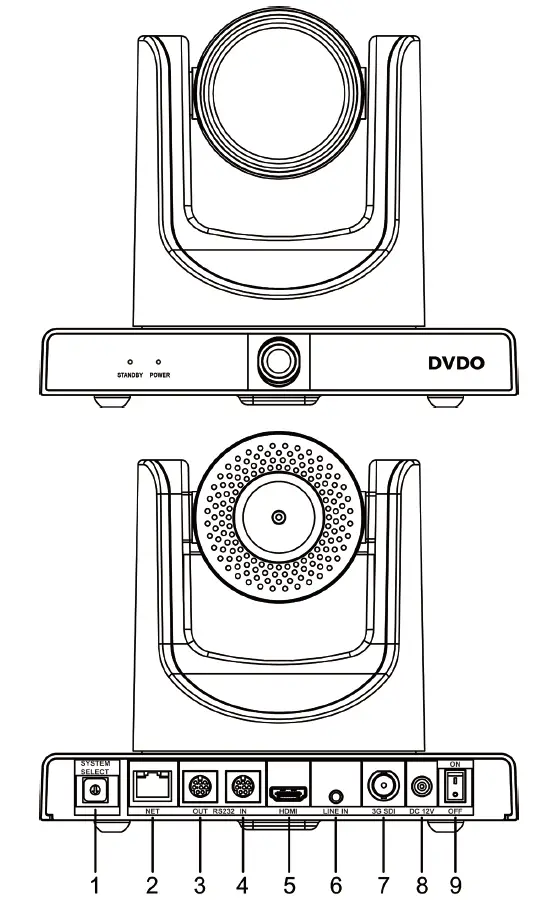
| No. | Name | No. | Name |
| 1 | System Select Switch | 6 | LINE IN Interface |
| 2 | Network Interface | 7 | 3G SDI Interface |
| 3 | RS232 OUT Interface | 8 | DC 12V Interface |
| 4 | RS232 IN Interface | 9 | Power Switch |
| 5 | HDMI Interface | – | – |
Packing List
| Name | Quantity | Name | Quantity |
| Camera | 1 | Remote Control | 1 |
| Power Adapter | 1 | Power Cable | 1 |
| RS232 Cable | 1 | Wall Bracket | 1 |
| Screw Pack | 1 | Quick Start Guide | 1 |
Remote Control
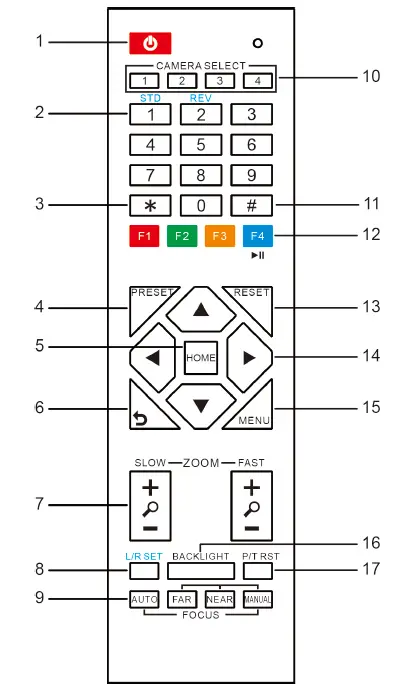
| No. | Name | Function Description |
| 1 | Standby Key | Press to enter standby mode |
| 2 | Number Key | Preset setting or transfer preset |
| 3 | *Key | Used with other keys |
| 4 | Preset Key | Press with number key (0-9) to store preset |
| 5 | HOME Key | Confirm menu or press to return PTZ to middle position |
| 6 | Return Key | Return to last level menu |
| 7 | Zoom Key | Zoom lens wide angle / narrow angle |
|
8 |
Left/Right Setting Key | l Standard: Simultaneously press Left/Right setting key + 1 (horizontal) l Reverse: Simultaneously press Left/Right setting key + 2 (horizontal) |
| 9 | Focus Key | Auto / Manual / Far / Near focus |
| 10 | Selection Key | Select the camera to control |
| 11 | #Key | Used with other keys |
| 12 | IR Remote Control Key | [*+#+F1/F2/F3/F4]: Address 1/2/3/4 |
| 13 | Reset Key | Delete preset (reset key + corresponding preset number key) |
| 14 | PTZ Control Key | Press arrow buttons to pan and tilt. |
| 15 | Menu Key | Enter or exit OSD menu |
| 16 | Backlight Key | Turn on/off backlight compensation |
| 17 | PTZ reset key | Press to self-test PTZ |
Safety Precautions
- Electrical Safety
The installation and use of this product must strictly comply with local electrical safety standards. - Power Polarity
This product uses DC +12V power supply, the maximum current 1A. Please pay attention to the polarity of power supply. - Careful Installation
Do not grab the camera head to move the camera.
Do not rotate the head of the camera by hand, it may cause mechanical problems.
- Do Not Disassemble
This product has no parts which can be repaired by the user. Any damage caused by the user’s own disassembly is not covered by warranty.
Notice
- Electromagnetic fields at specific frequencies may affect image quality.
- Do not hot-plug the power supply during the use of the camera.
Troubleshooting
Image
- The monitor shows no image
- Check that the camera power supply is connected, the voltage is normal, and the power indicator light is always on.
- Turn off the power switch to check whether the camera is self-testing.
- Check all connections of video platform and TV/display..
- Intermittent image loss
Check all connections of video platform and TV/display. - Image jitter
- Ensure stable camera installation.
- Check for vibrations near the camera.
- There is no video image in IE Browser
Please visit the VLC website (http://www.videolan.org/vlc) to download and install 32-bit VLC media player. - Unable to access video conference camera through IE Browser
- Use PC to access network to test whether PC and camera can communicate.
- Disconnect the network, connect camera and PC separately, and reset the IP address of PC.
- Check IP address, subnet mask, and gateway settings for camera.
- Check for MAC address conflicts.
- Check whether the web port is occupied by another device.
- Forget IP address or login password
- Default presenter camera IP address: 192.168.100.82
- Default viewer camera IP address: 192.168.100.92
- Default user name: admin
- Default password: admin
- Control
- Remote control unresponsive
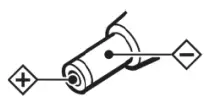
- Check and install a new battery for the remote control.
- Check the camera for correct working mode.
- Check remote control address matches the camera.
- Serial port control unresponsive
- Check camera protocol and address.
- Check control line is securely connected.
Toxic and Harmful Substances
| Part Name | Toxic or harmful substances or elements | |||||
| (Pb) | (Hg) | (Cd) | (CrVI) | (PBB) | (PBDE) | |
| Metal | x | Ο | Ο | Ο | Ο | Ο |
| Plastic | Ο | Ο | Ο | Ο | Ο | Ο |
| Glass | x | Ο | Ο | Ο | Ο | Ο |
| Circuit board | x | Ο | Ο | Ο | Ο | Ο |
| Power | x | Ο | Ο | Ο | Ο | Ο |
| Attached | x | Ο | Ο | Ο | Ο | Ο |
This form is compiled in accordance with SJ/T 11364.
Ο: Indicates that the content of the hazardous substance in all homogenized materials of the component is subject to the limit specified in GB/T 26572.
x: Indicates hazardous substance in at least one of the components homogenized material content in excess of the GB/T 26572 limit requirements, and there are no mature alternatives.
Warranty Card
If failure is due to non-human causes within one year from the date of purchase of the camera, please email s[email protected] with proof of purchase/receipt and serial number.
Any of the following circumstances is not covered by warranty:
- The product has been modified or tampered with.
- Use of camera in an environment that does not conform to requirements of the product.
- Uncontrollable factors such as fire, earthquake, lightning strike, etc.
- The warranty card does not match the product number.
 Official download of VLC media player, the best Open Source player - VideoLAN