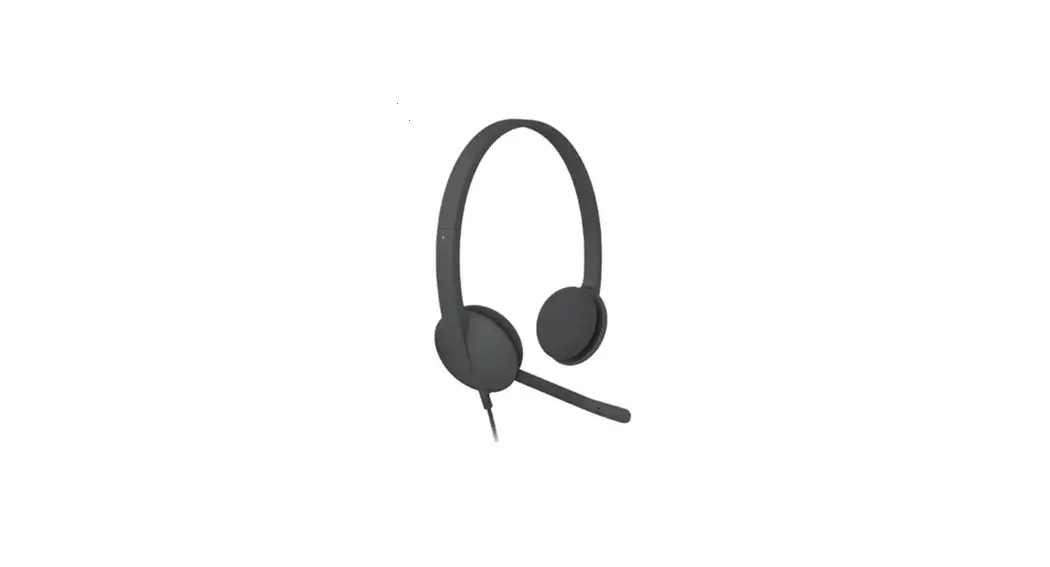
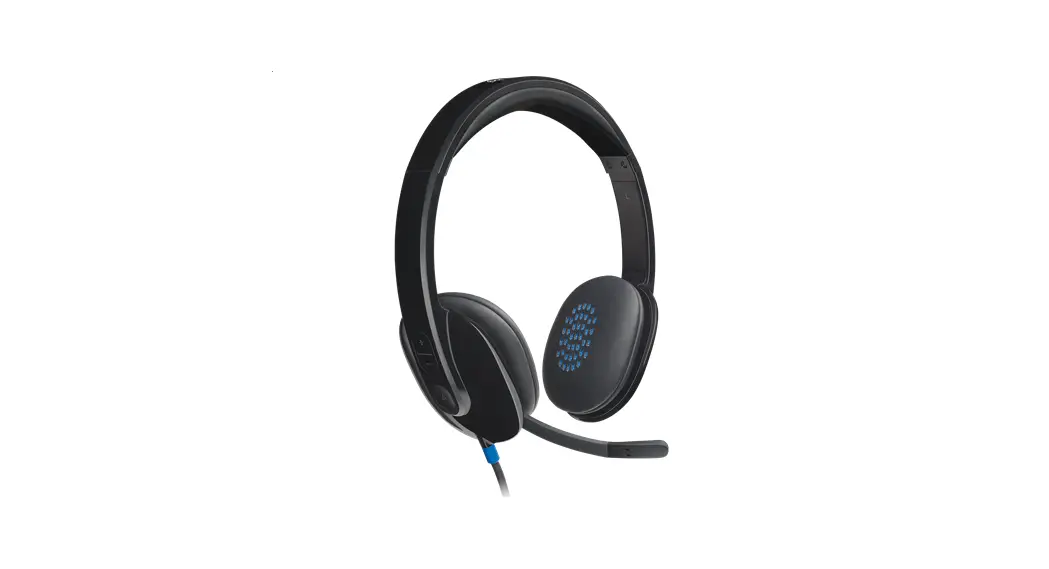
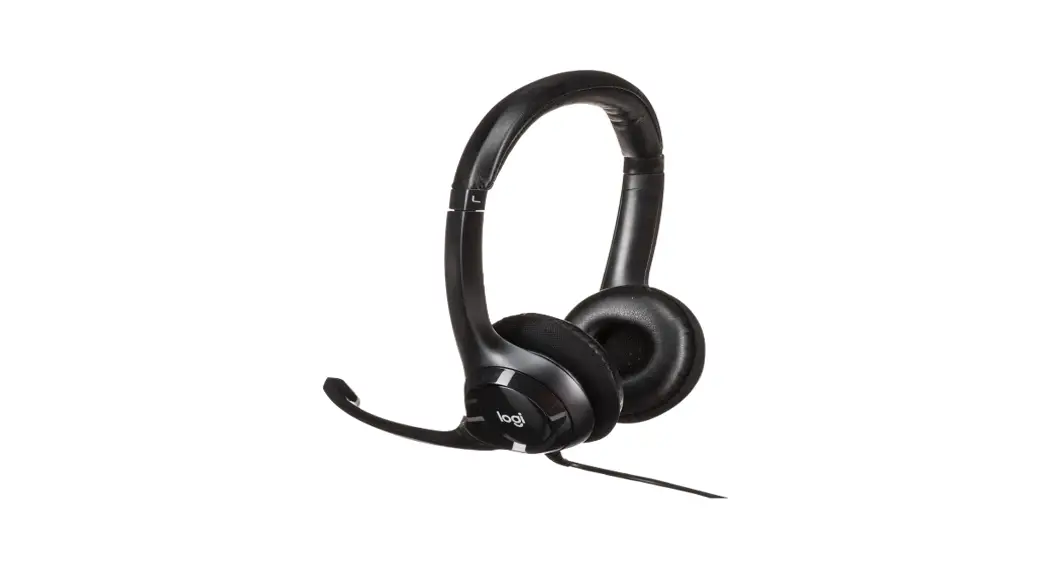
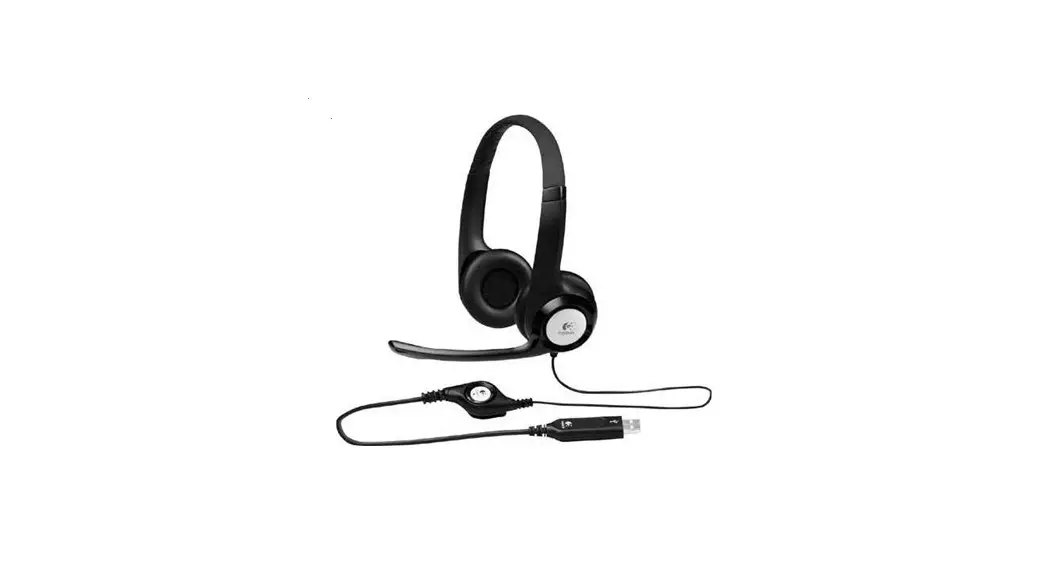
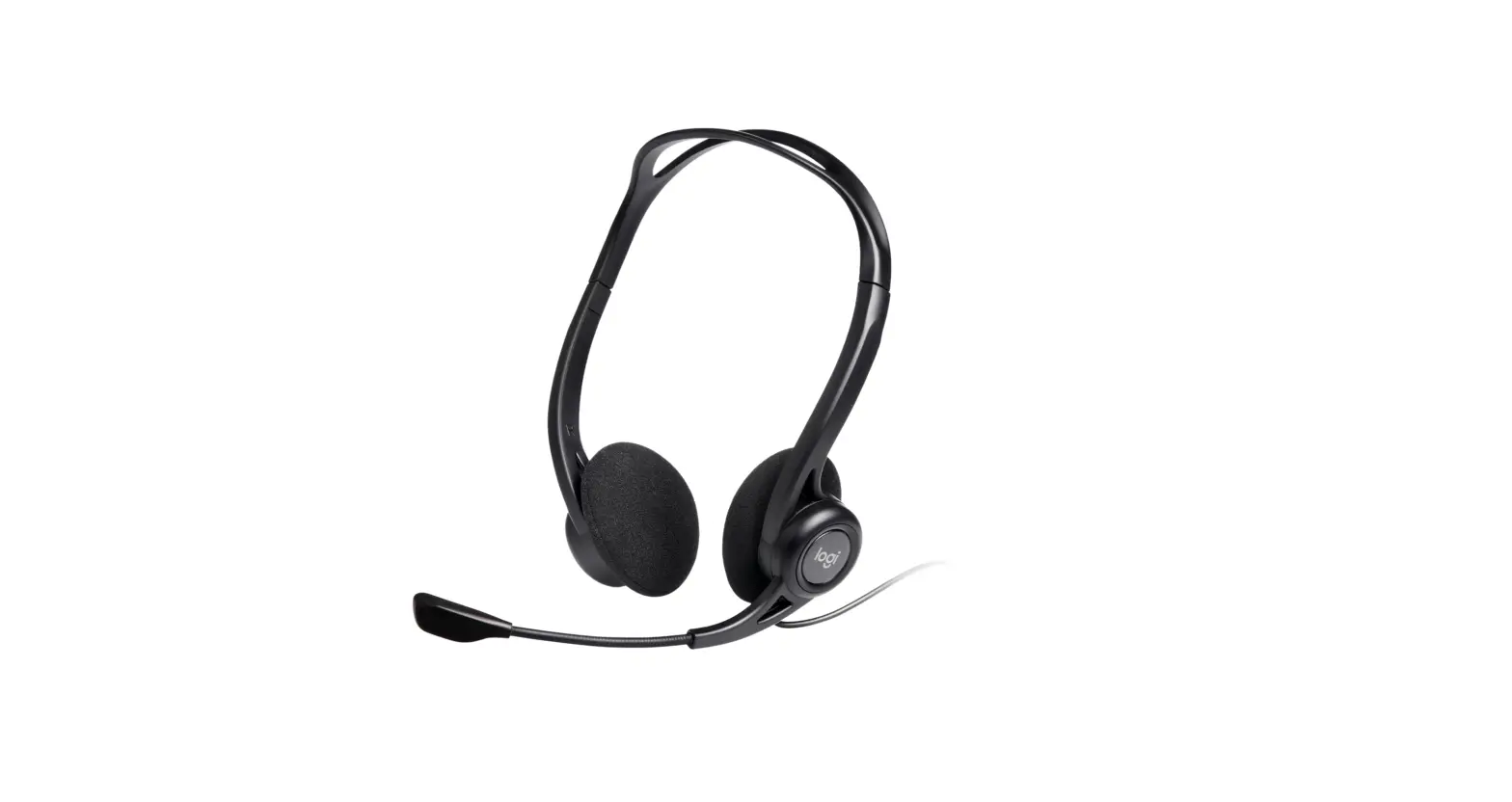
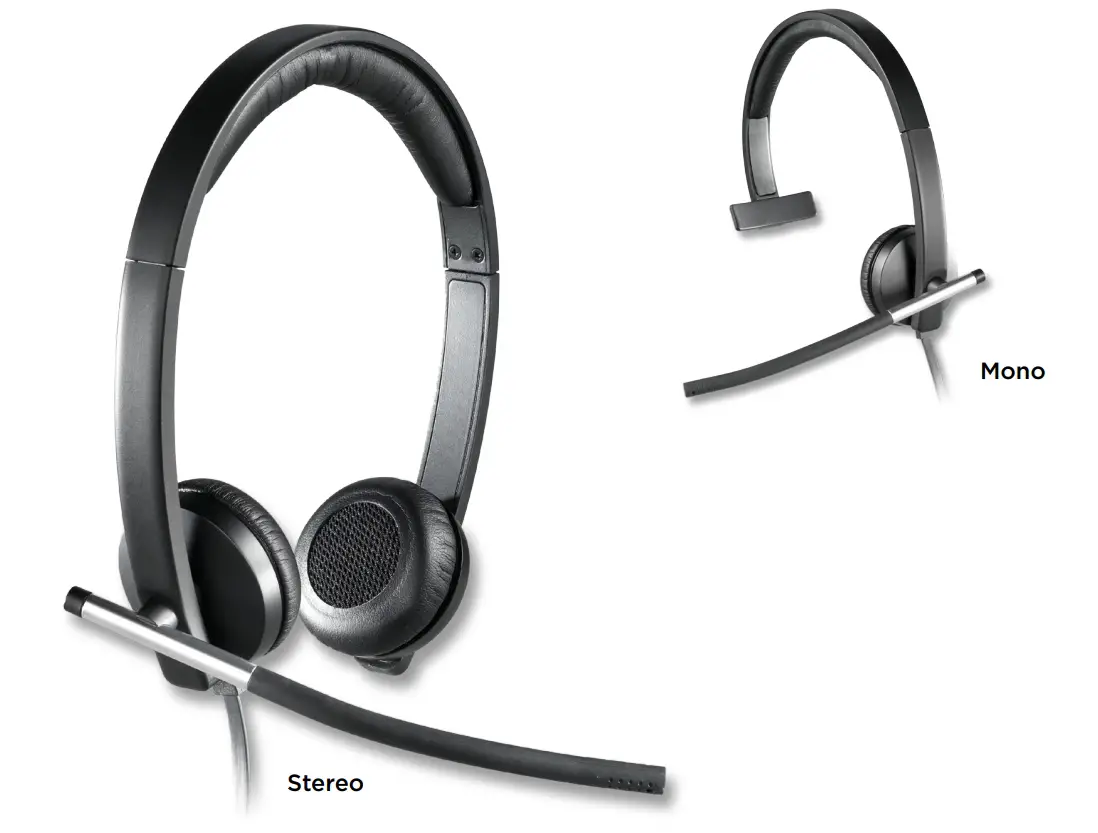
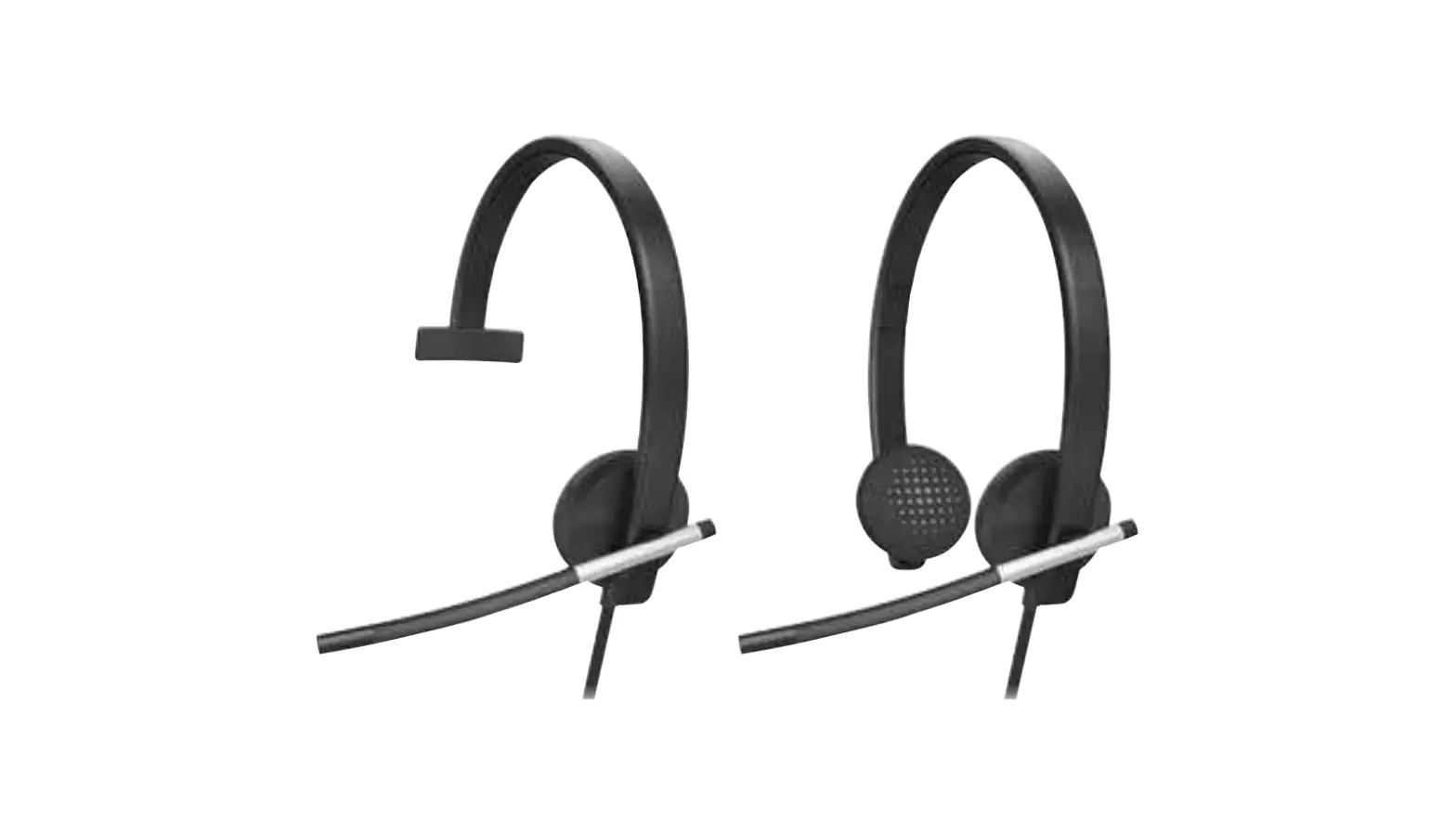
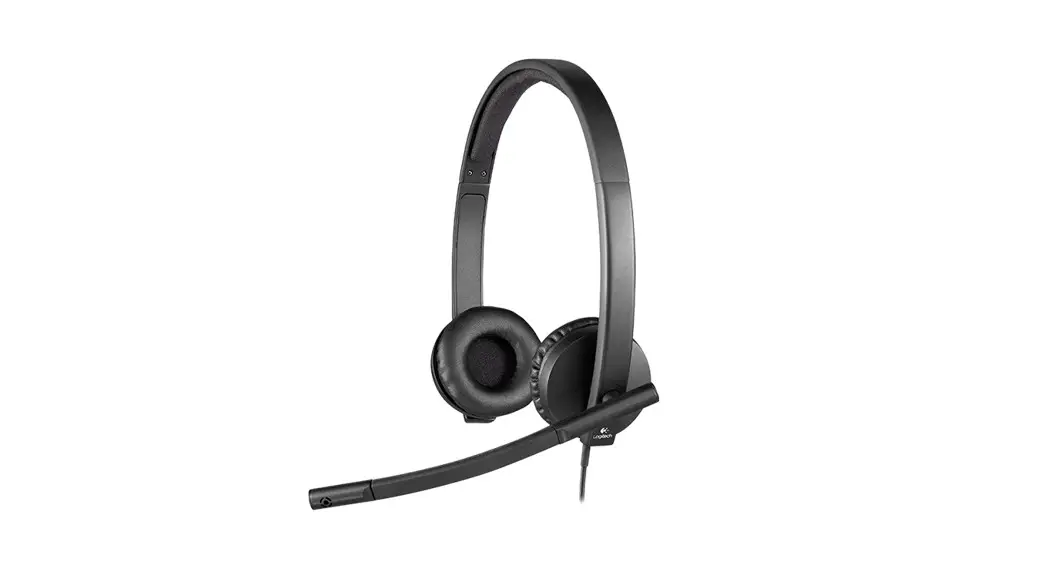
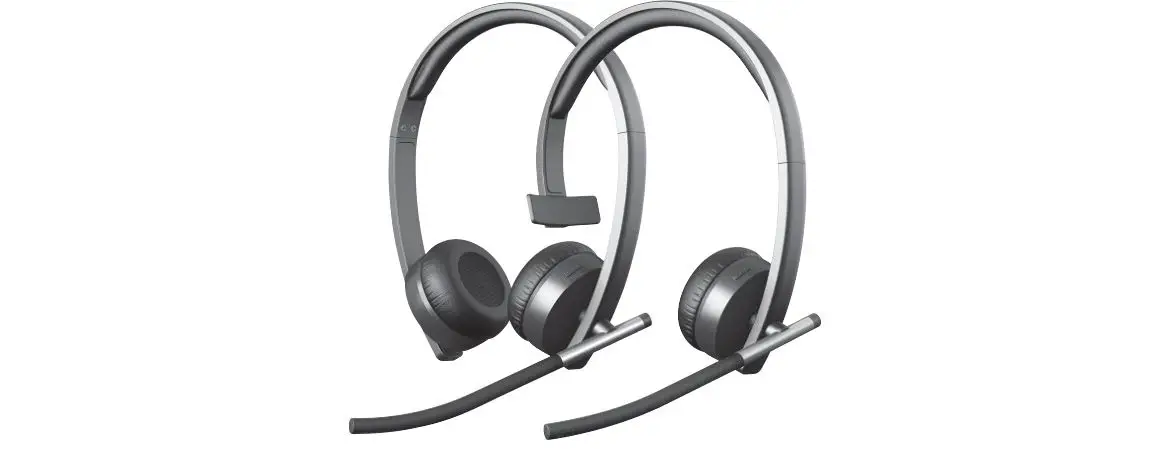
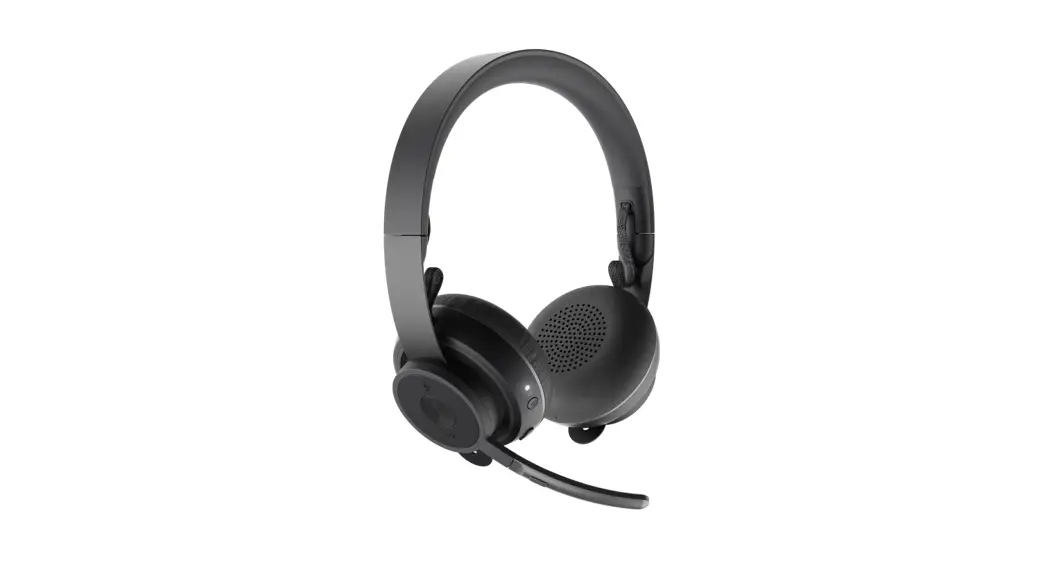
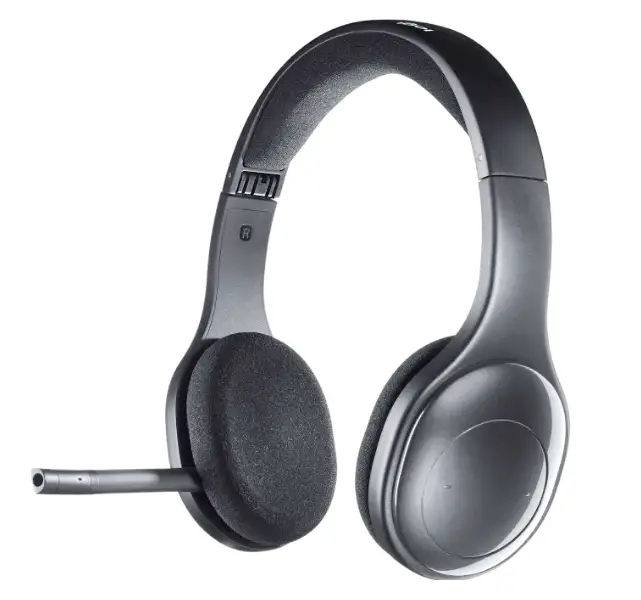
H340 USB Computer Headset
Product Information:
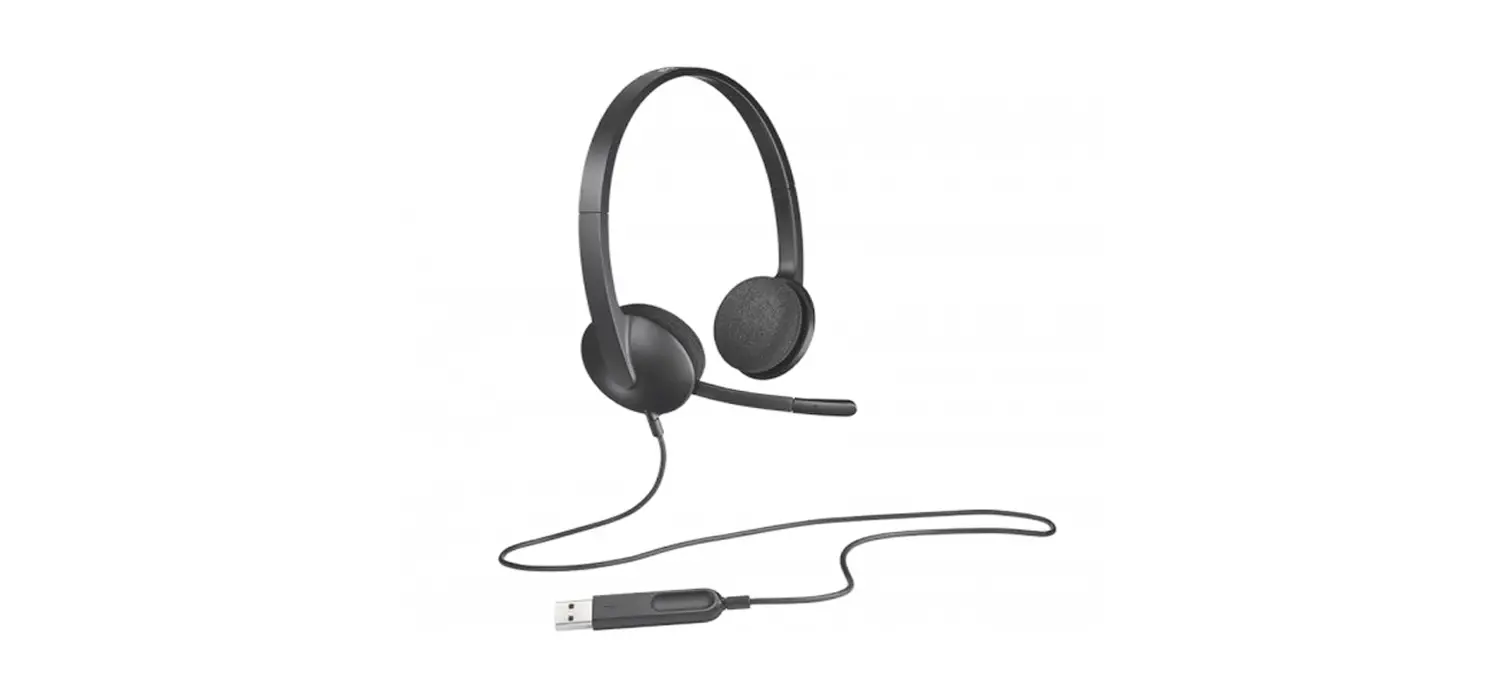
- Product Name: USB Computer Headset
- Features:
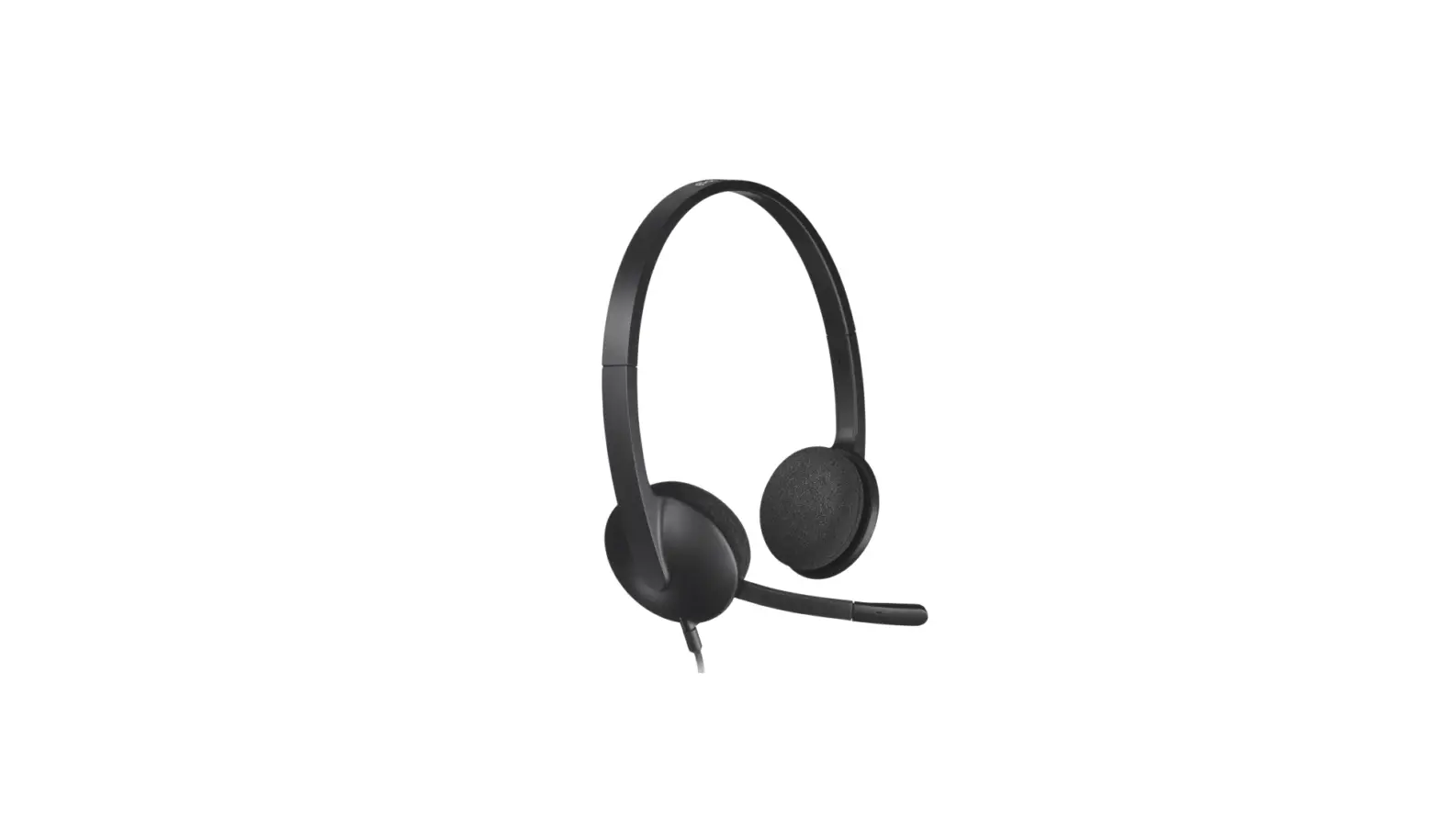
- Adjustable headband
- Swivel-mounted leatherette ear cushions
- Rotating noise-canceling microphone
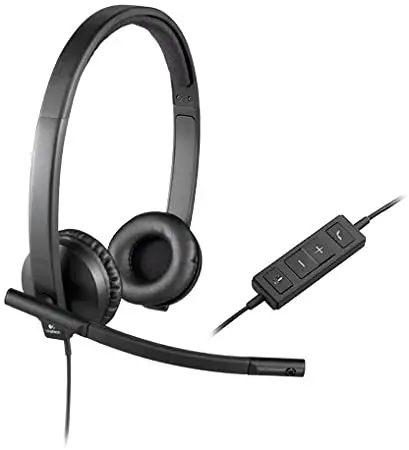
- In-line controller with mute button, mute light, and volume
up/down controls - USB-A connector for easy computer connectivity
Product Usage Instructions:
- Connecting the Headset:
- Plug the USB-A connector into the USB port of your
computer.
- Plug the USB-A connector into the USB port of your
- Headset Fit:
- To adjust the headset size, move the headband up and down until
it fits comfortably. - Move the microphone boom up or down until it is level with your
mouth for better voice capture. - The boom can be tucked out of the way when not being used.
- To adjust the headset size, move the headband up and down until
- Controls:
- To increase the volume, press the volume up button (+).
- To decrease the volume, press the volume down button (-).
- To mute or unmute, short press the center button. The mute
light will indicate the status:- Flashing RED: Mute On
- Solid RED: Mute Off
For further support or assistance, visit www.logitech.com/support/usbcomputerheadset.
USB COMPUTER HEADSET
Setup Guide Guide d’installation
CONTENTS
English Français
3
Español
9
6
Português
12
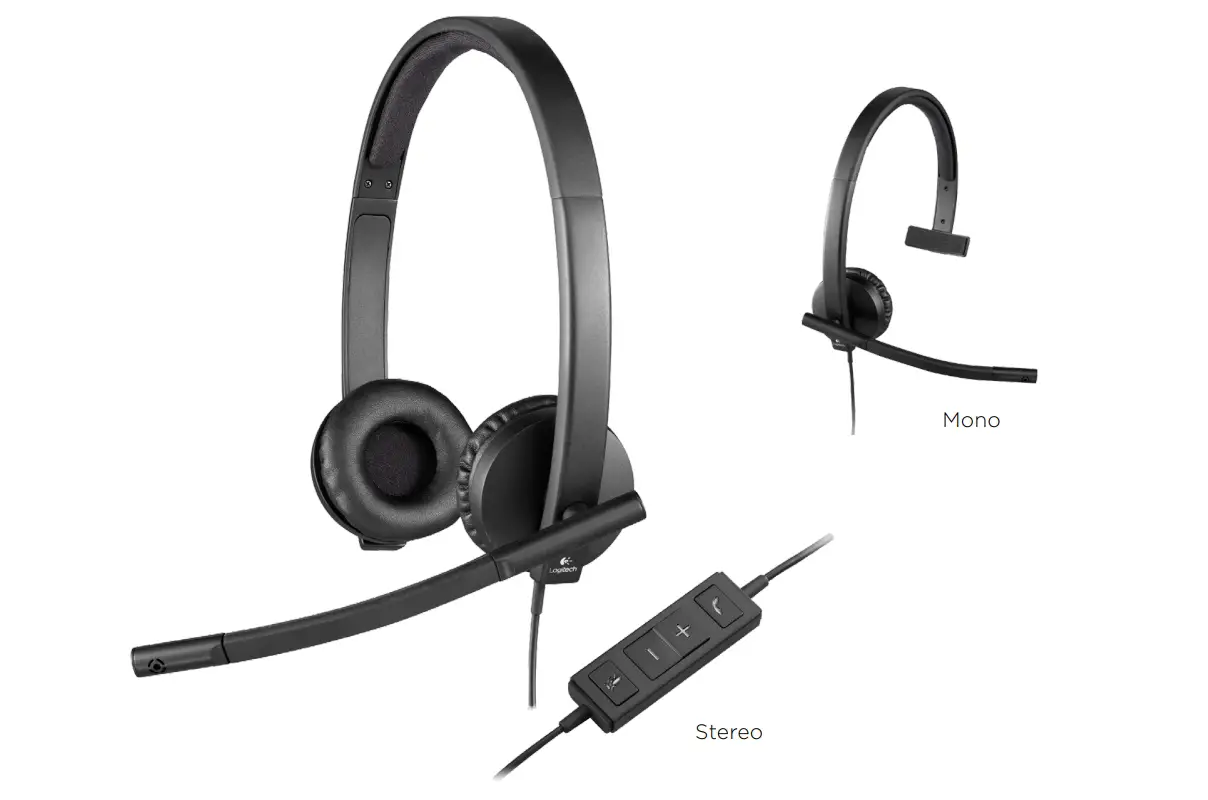
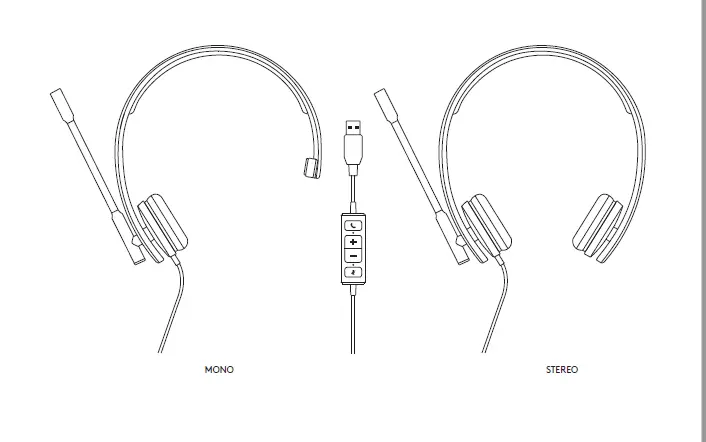
KNOW YOUR PRODUCT
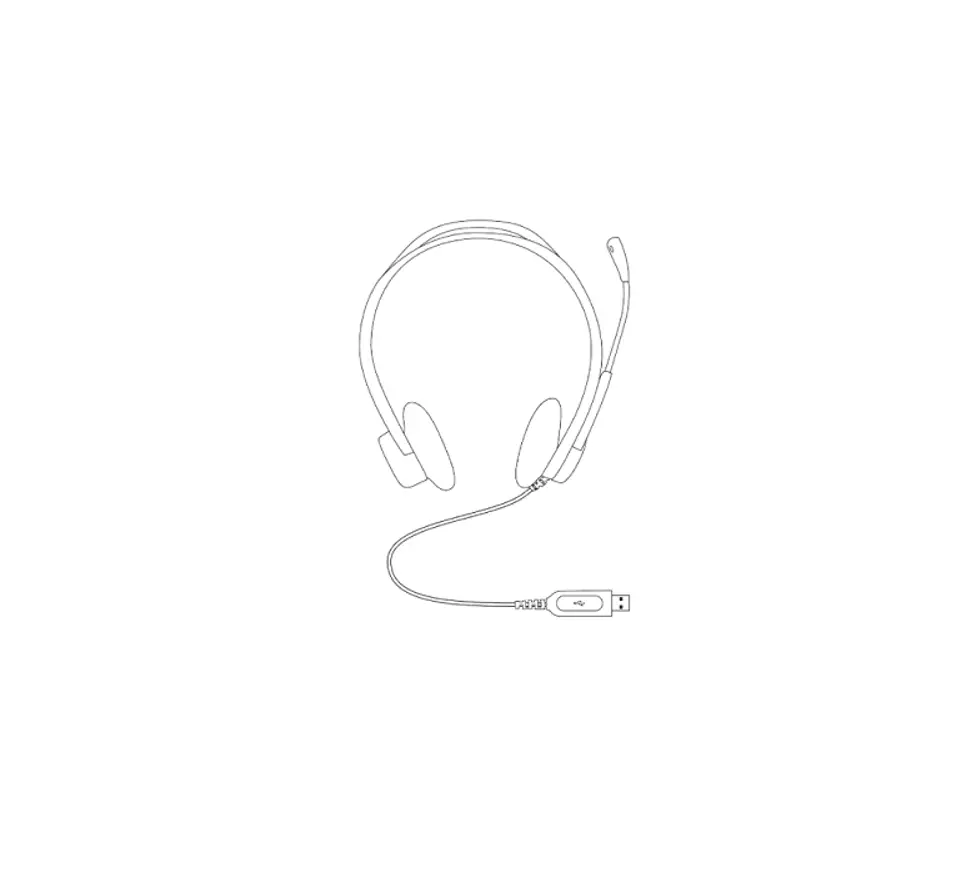
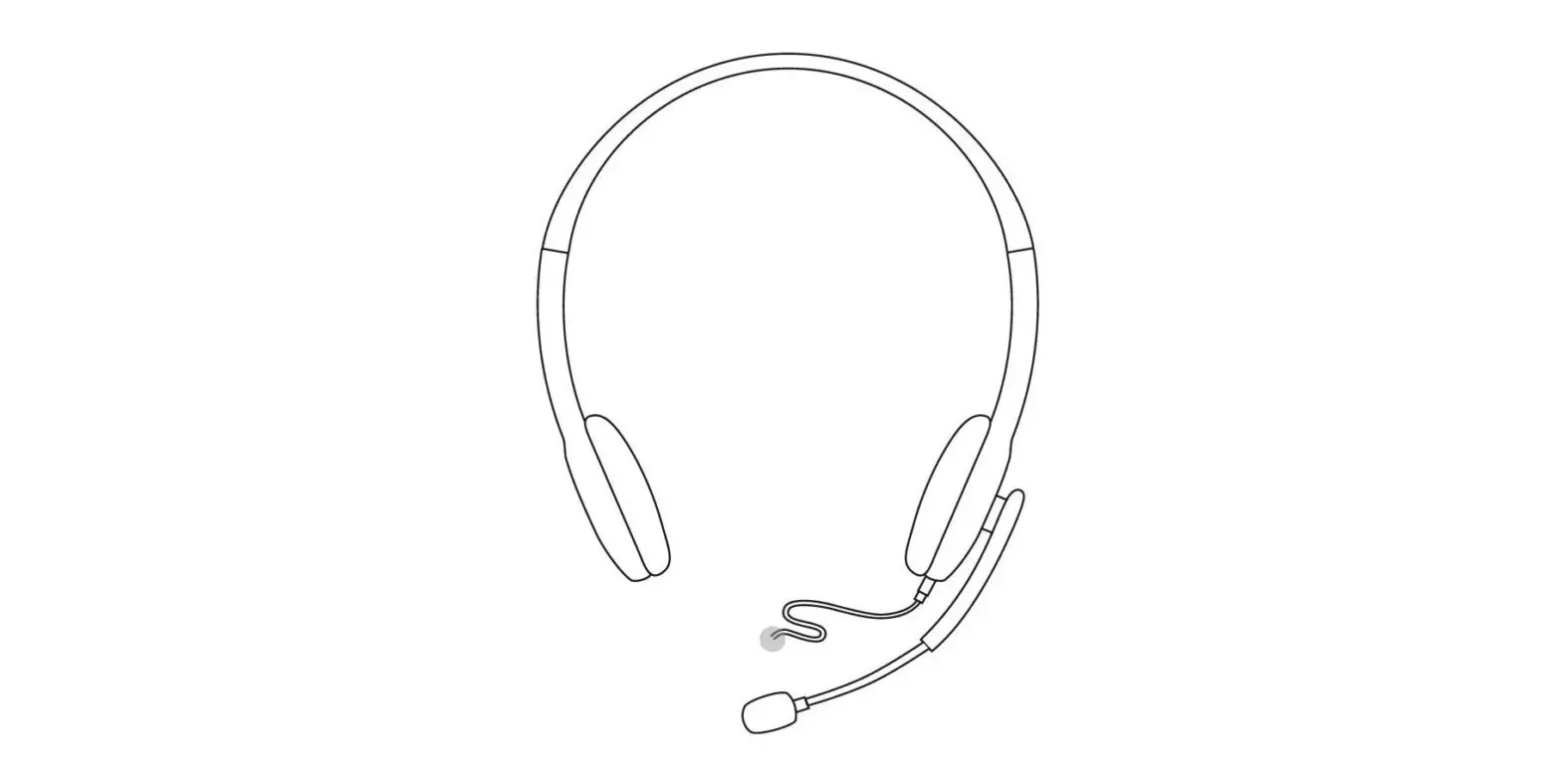
Adjustable headband
Swivel-mounted leatherette ear cushions
Rotating noise-canceling
microphone
IN-LINE CONTROLLER
Mute button Mute light
Volume up / down
USB-A connector 3English
CONNECTING THE HEADSET Plug the USB-A connector into the computer USB port
USB
HEADSET FIT 1 To adjust headset size, move the headband up
and down until it fits comfortably 2 Move the microphone boom up or down until it is
level with your mouth for better voice capture 3 Boom can be tucked out of the way when not
being used
2
1 3
4English
CONTROLS
Press + + for volume up
Press – for volume down
Short press center button to mute / unmute
Flashing RED: Mute On
Solid RED: Mute Off
www.logitech.com/support/usbcomputerheadset
© 2023 Logitech Logitech, Logi and other Logitech marks are owned by Logitech and may be registered All other trademarks are the property of their respective owners Logitech assumes no responsibility for any errors that may appear in this manual Information contained herein is subject to change without notice
PRÉSENTATION DU PRODUIT
Bandeau réglable
Embouts pivotants en cuir synthétique
Microphone antiparasite rotatif
CONTRÔLEUR INTÉGRÉ
Bouton de sourdine Témoin de sourdine
Volume +/-
Connecteur USB-A 6Français
BRANCHEMENT DU CASQUE Branchez le connecteur USB-A sur un port USB de l’ordinateur
USB
AJUSTEMENT DU CASQUE 1 Pour ajuster la taille du casque, déplacez le bandeau
de haut en bas jusqu’à ce qu’il soit confortable 2 Déplacez la tige du microphone vers le haut
ou vers le bas jusqu’à ce qu’elle soit au niveau de votre bouche pour une meilleure capture de la voix 3 La tige peut être rabattue lorsque vous ne l’utilisez pas
2
1 3
7Français
COMMANDES
Appuyez sur + + pour augmenter
le volume
Appuyez sur – pour baisser le volume
Appuyez brièvement sur le bouton central pour activer/désactiver le son
ROUGE clignotant: Silencieux
ROUGE en continu: Son rétabli
www.logitech.com/support/usbcomputerheadset
© 2023 Logitech Logitech, Logi et les autres marques Logitech sont la propriété de Logitech et sont susceptibles d’être déposées Toutes les autres marques sont la propriété exclusive de leurs détenteurs respectifs Logitech décline toute responsabilité en cas d’erreurs susceptibles de s’être glissées dans le présent manuel Les informations énoncées dans ce document peuvent faire l’objet de modifications sans préavis
COMPONENTES DEL PRODUCTO
Diadema ajustable
Almohadillas de piel sintética de montaje
giratorio Micrófono con supresiónde ruido
CONTROLADOR INTEGRADO EN EL CABLE
Botón de silencio Diodo de silencio
Subir y bajar volumen
Conector USB-A
9Español
CONEXIÓN DE LOS AUDÍFONOS Conecta el conector USB-A al puerto USB de la computadora
USB
AJUSTE DE LOS AUDÍFONOS 1 Para ajustar el tamaño de los audífonos, sube y baja
la diadema hasta que te resulten confortables 2 Mueve la varilla del micrófono hacia arriba o hacia
abajo hasta que esté al nivel de la boca para una mejor captura de voz 3 La varilla se puede guardar, para que no estorbe cuando no se use
2
1 3
10Español
CONTROLES
Presiona + + para subir el volumen
Presiona – para bajar el volumen
Pulsación corta del botón central para silenciar / reactivar sonido
Destellos ROJOS: Silencio activado
ROJO permanente: Silencio desactivado
www.logitech.com/support/usbcomputerheadset
© 2023 Logitech Logitech, Logi y otras marcas de Logitech son propiedad de Logitech y pueden estar registradas Las demás marcas comerciales pertenecen a sus respectivos propietarios Logitech no asume ninguna responsabilidad por la presencia de posibles errores en el presente manual La información aquí contenida está sujeta a posibles cambios sin previo aviso
CONHEÇA O SEU PRODUTO
Arco de cabeça ajustável
Almofadas de couro sintético com suporte
giratório
Microfone giratório com redução de ruídos
CONTROLADOR INTEGRADO NO FIO
Botão de sem som Luz de sem áudio
Mais/menos volume
Conector USB-A 12Português
CONECTANDO O HEADSET Encaixe o conector USB-A na porta USB do computador
USB
AJUSTE DO HEADSET 1 Para ajustar o tamanho do headset movendo
o arco de cabeça para cima e para baixo até que fique confortável 2 Mova o microfone para cima ou para baixo até que esteja nivelado com sua boca para uma melhor captura de voz 3 A haste do microfone pode ser levantada quando o microfone não estiver sendo utilizado
2
1 3
13Português
CONTROLES
Pressione + + para aumentar
o volume
Pressione – para diminuir
o volume
Pressione brevemente o botão central para ativar/desativar o som
Vermelho intermitente: Sem áudio ativado
Vermelho constante: Sem áudio desativado
www.logitech.com/support/usbcomputerheadset
© 2023 Logitech Logitech, Logi e outras marcas da Logitech são propriedades da Logitech e podem estar registradas Todas as outras marcas comerciais são propriedades dos respectivos titulares A Logitech não se responsabiliza por quaisquer erros possíveis neste manual As informações aqui contidas estão sujeitas a alterações sem prévio aviso WEB-621-002395 002
 USB Computer Headset – Logitech Support + Download