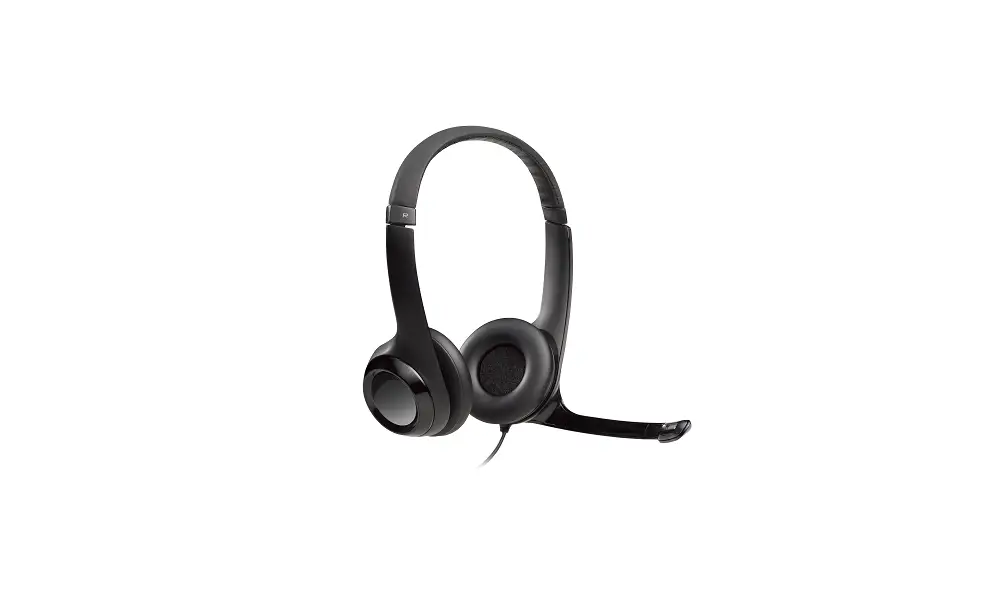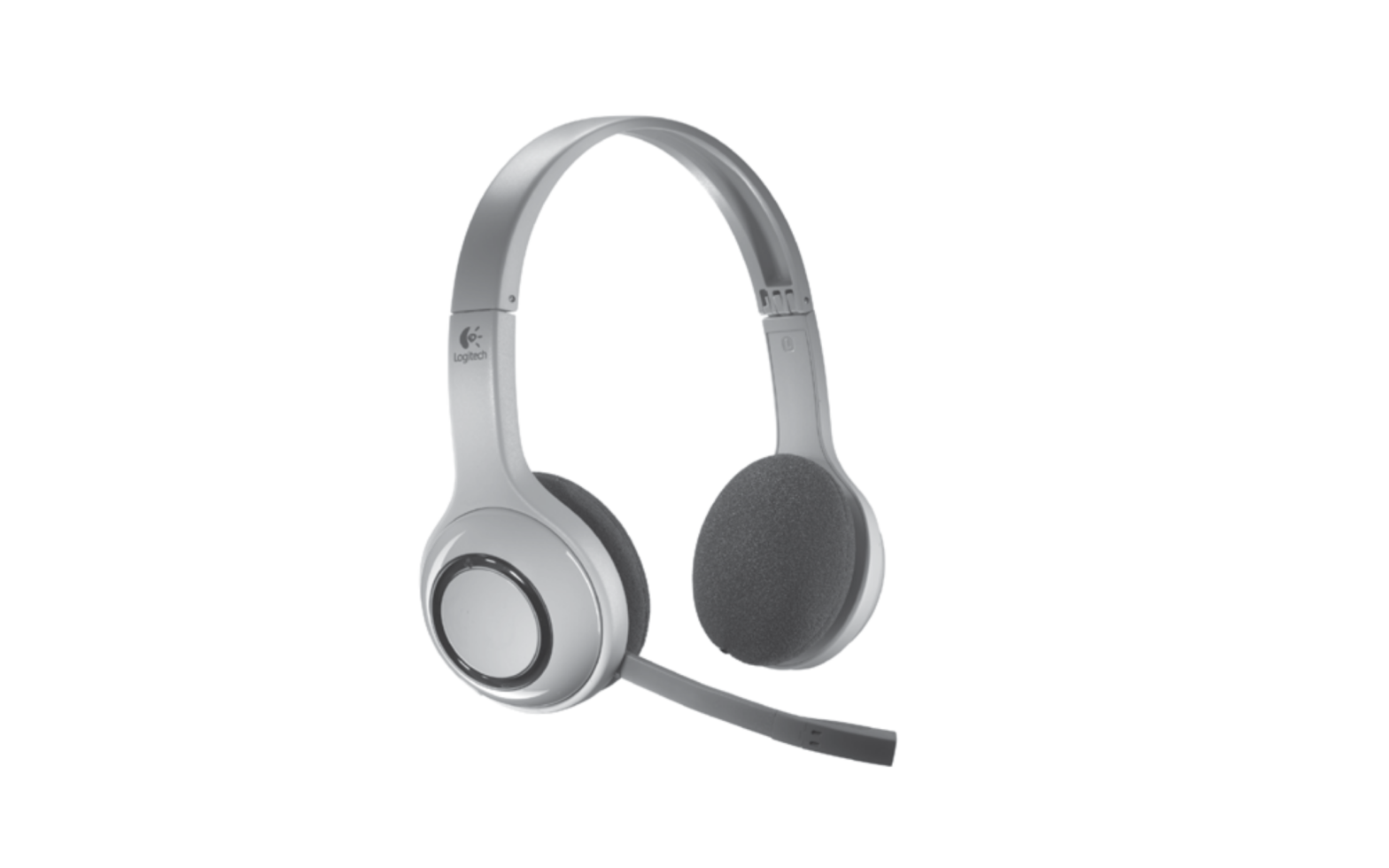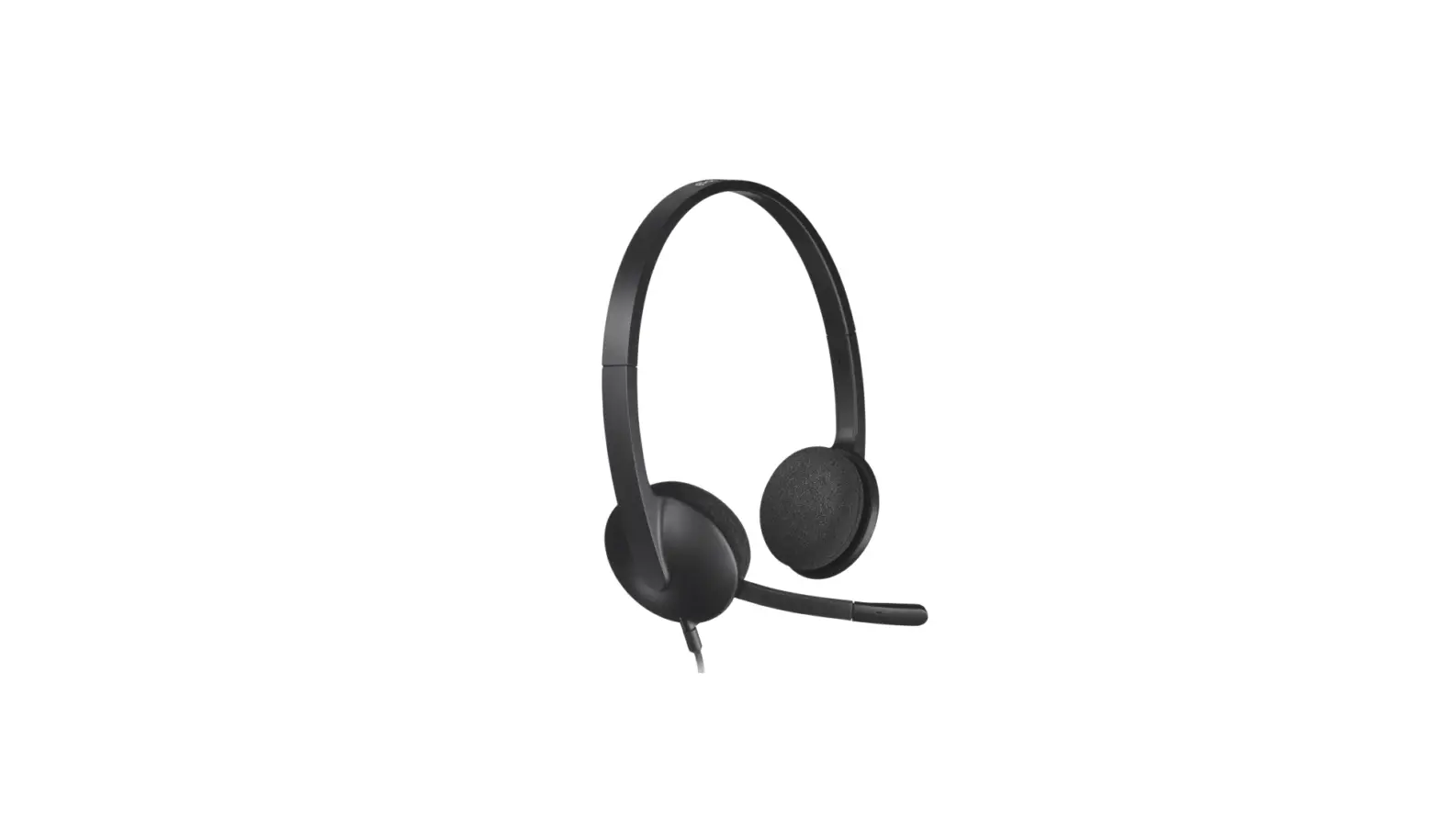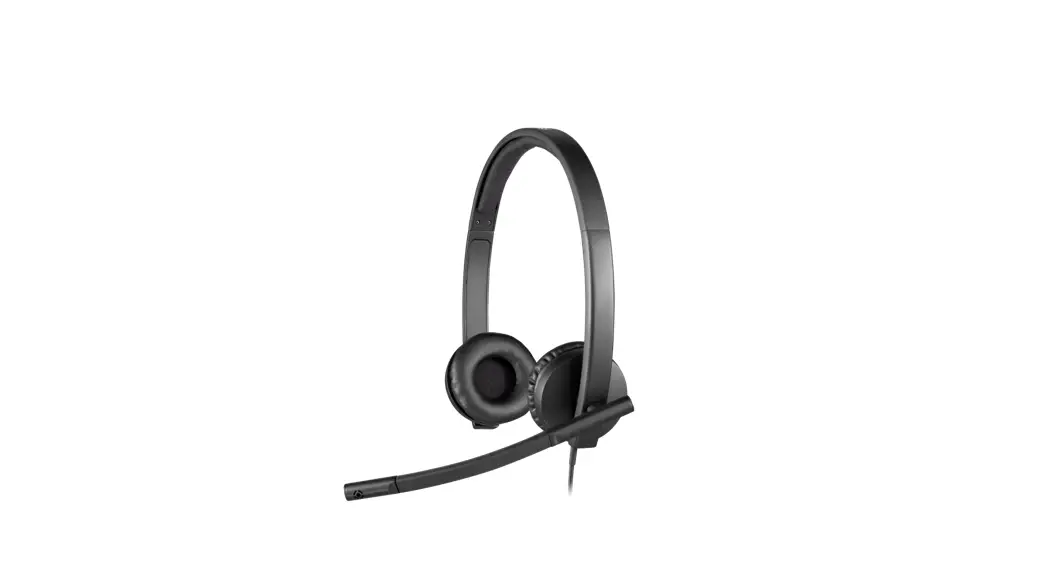
 Noise Cancelling Mic USB Headset
User Guide
H570e Noise Cancelling Mic USB Headset
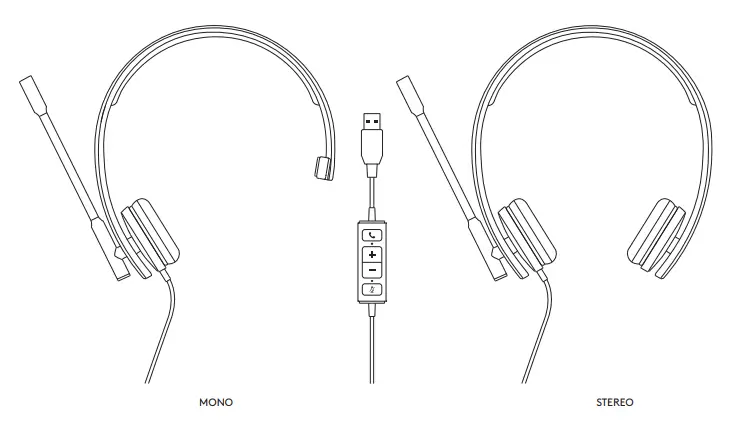
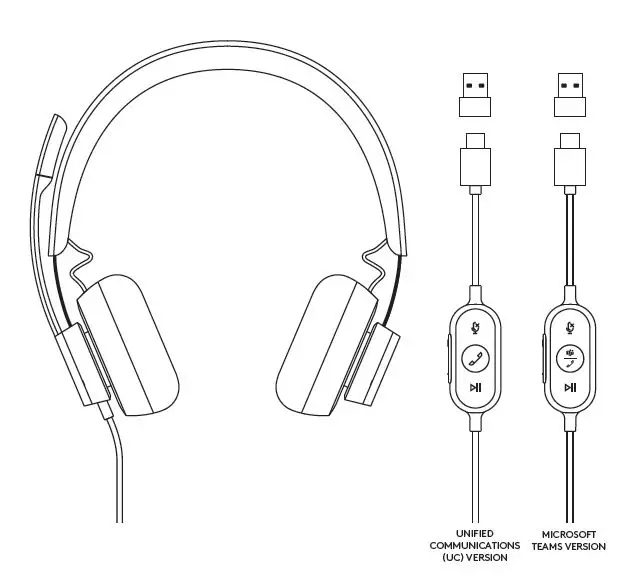
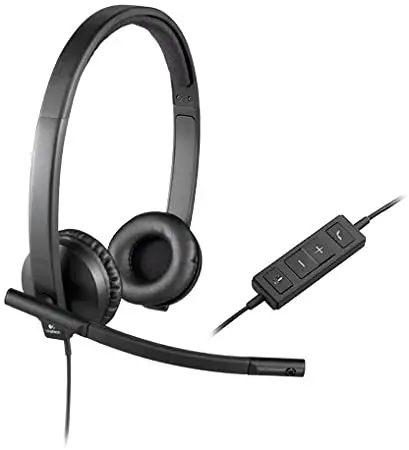
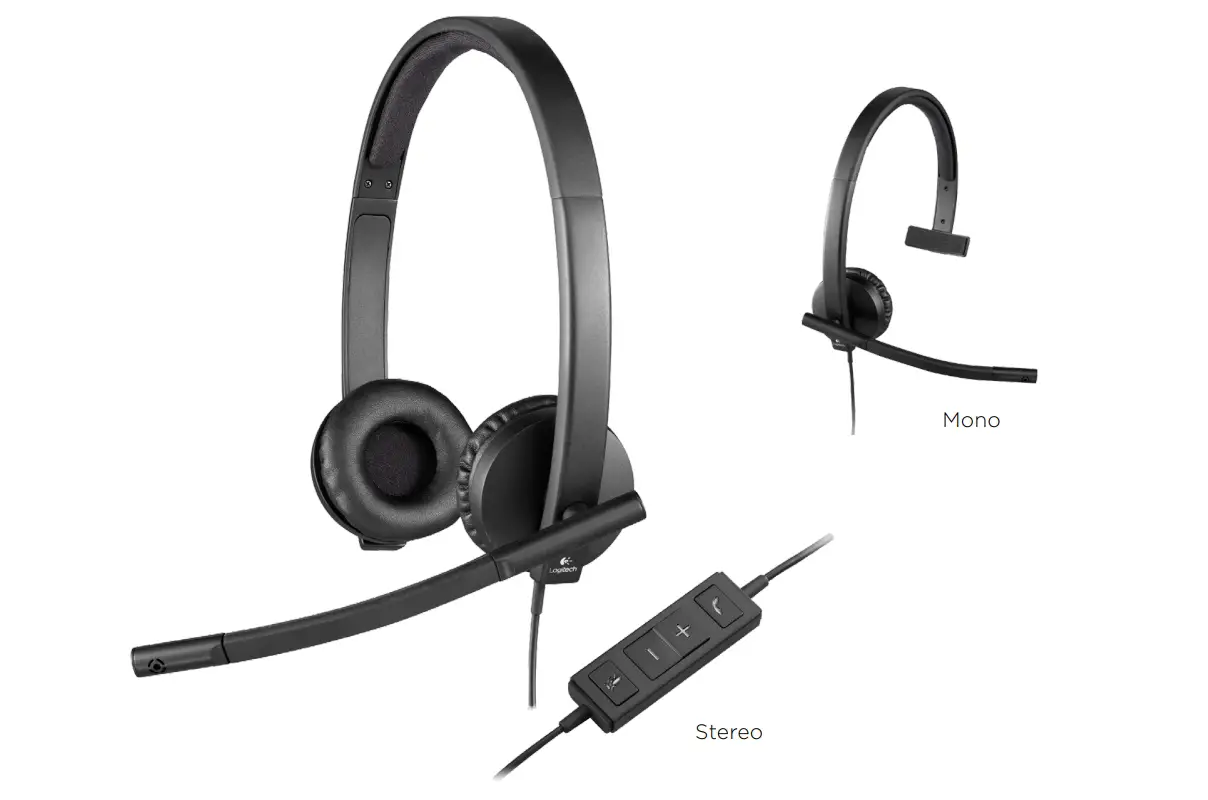
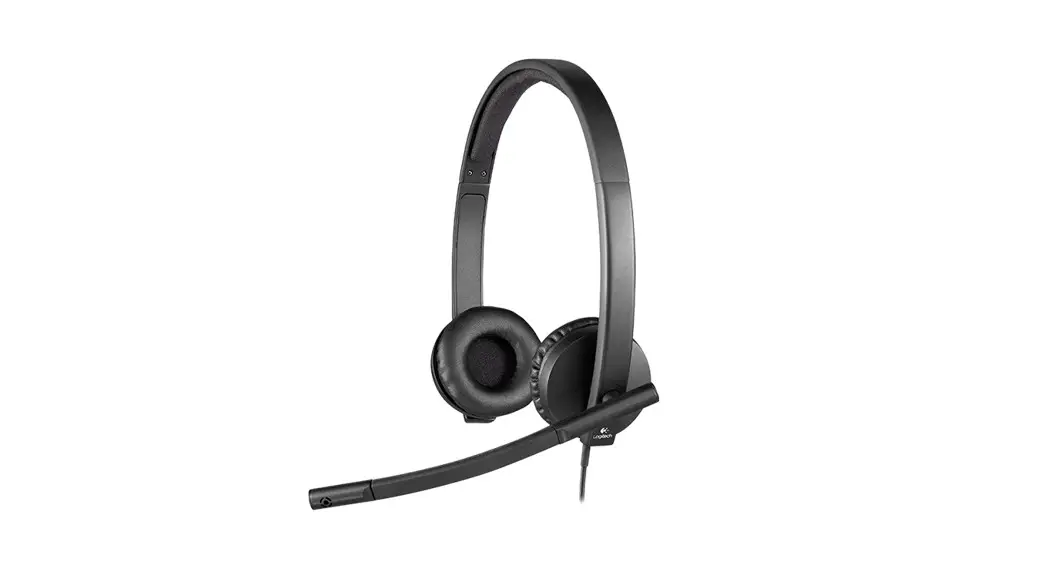
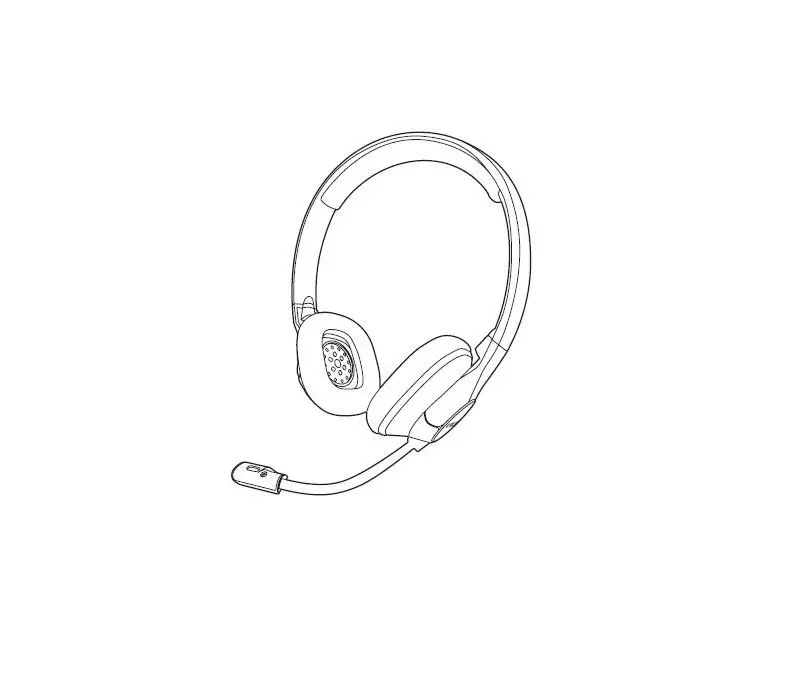
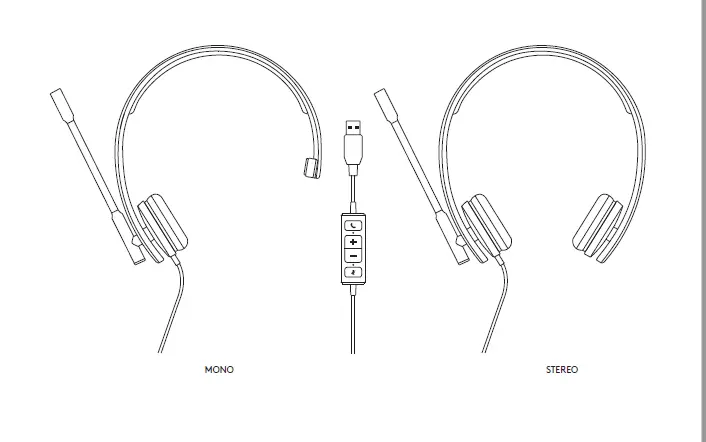
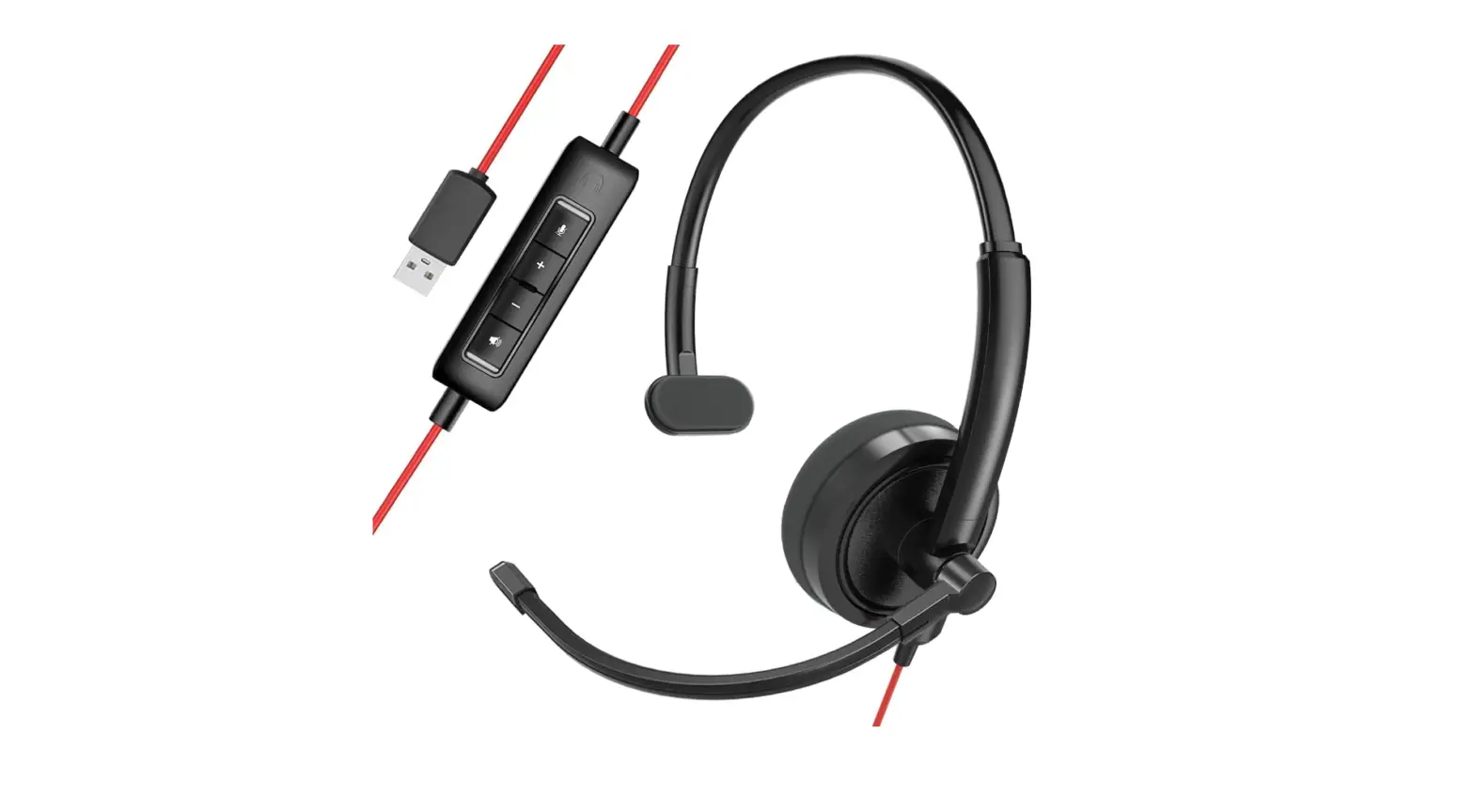
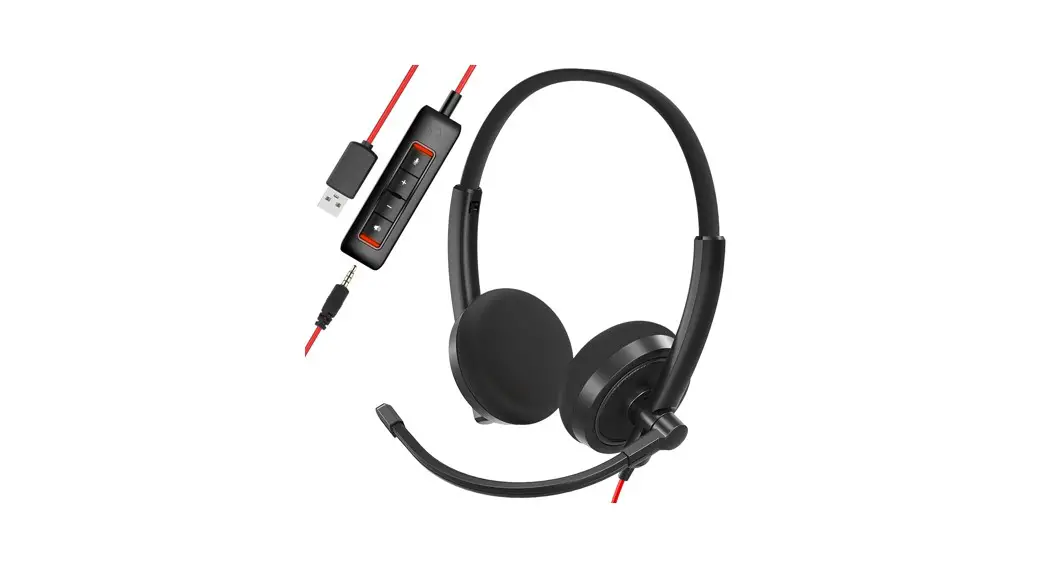
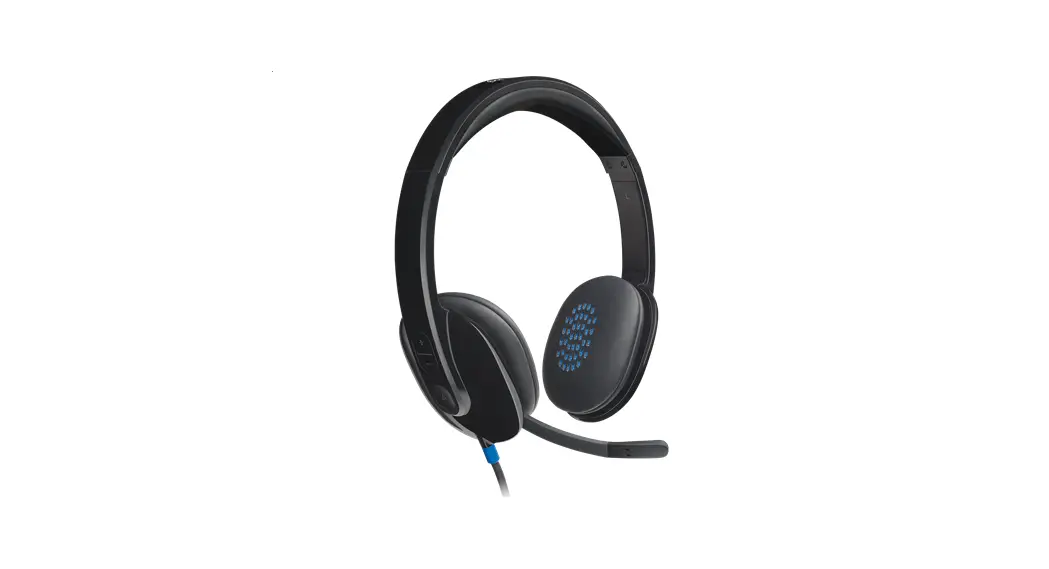
KNOW YOUR PRODUCT

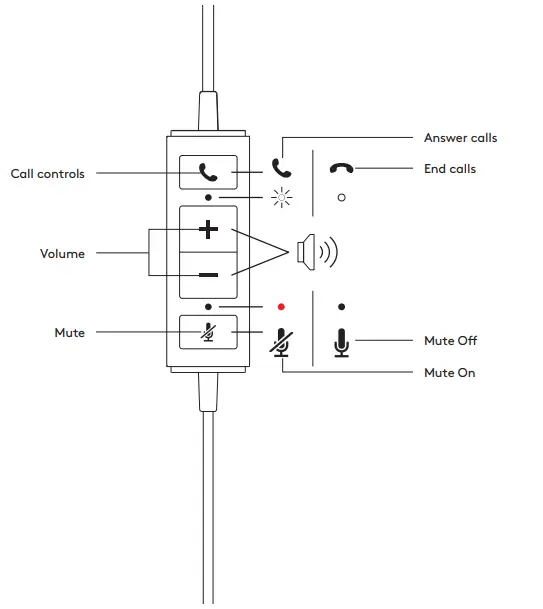
IN-LINE CONTROLLER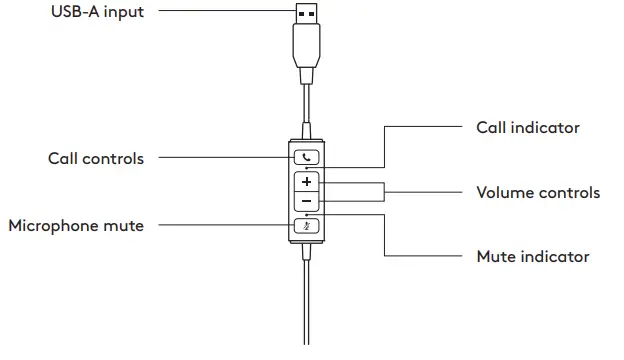
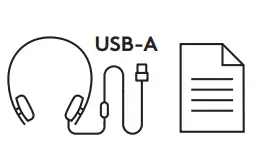
WHAT’S IN THE BOX
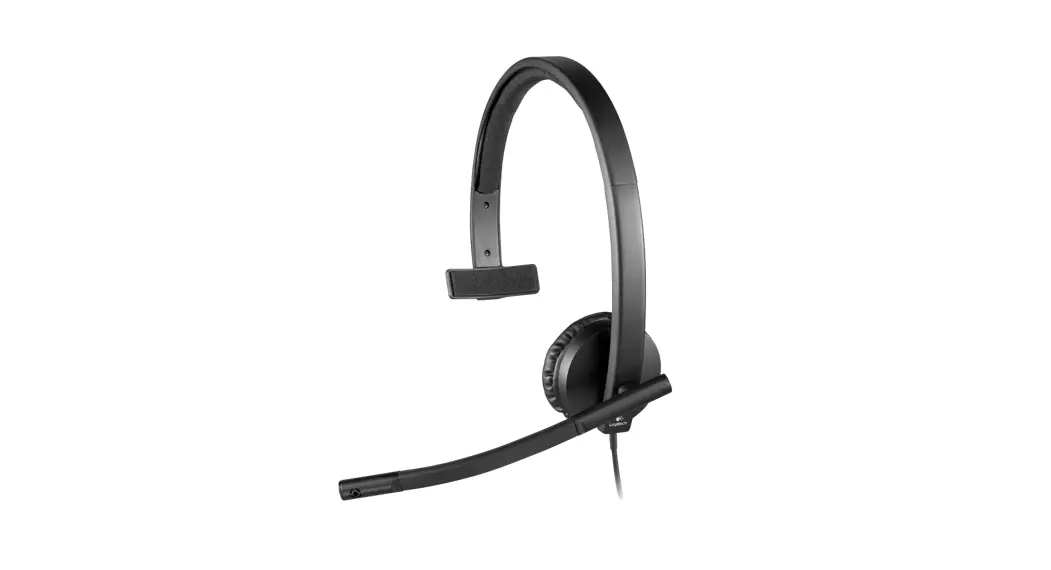
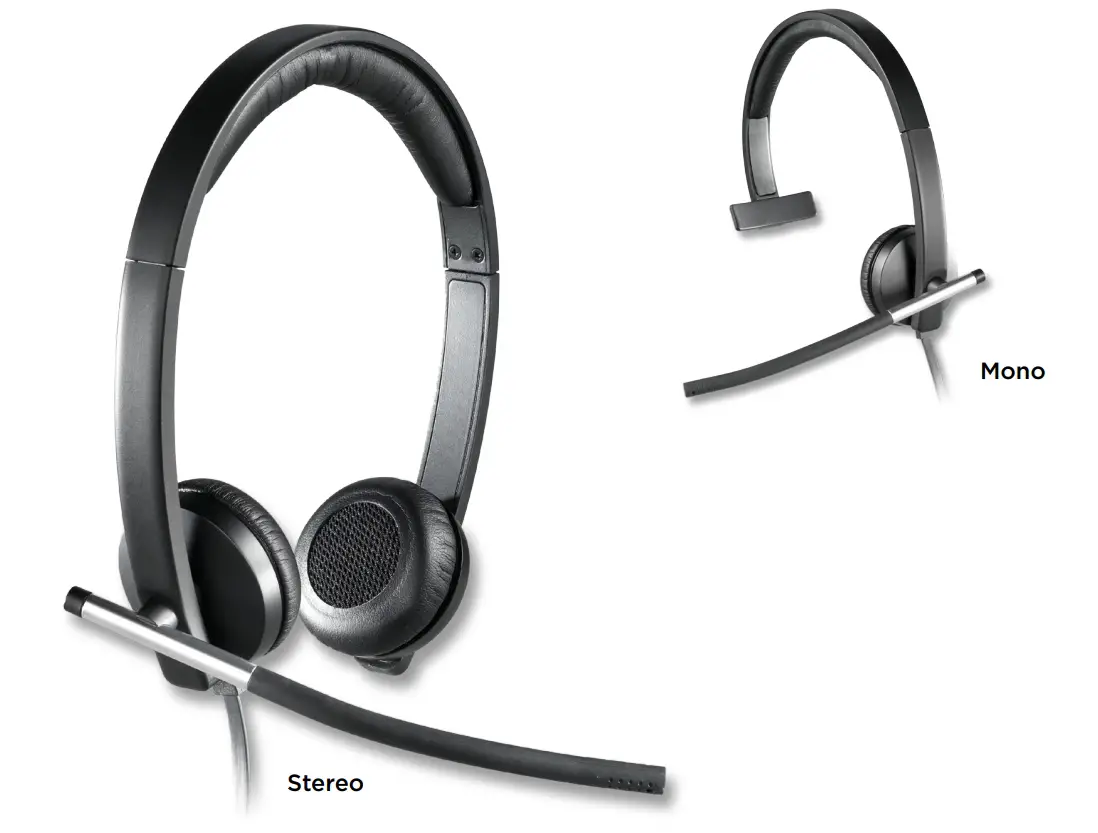
MONO
- Headset with In-line controller and USB-A connector
- User documentation

STEREO
- Headset with In-line controller and USB-A connector
- User documentation
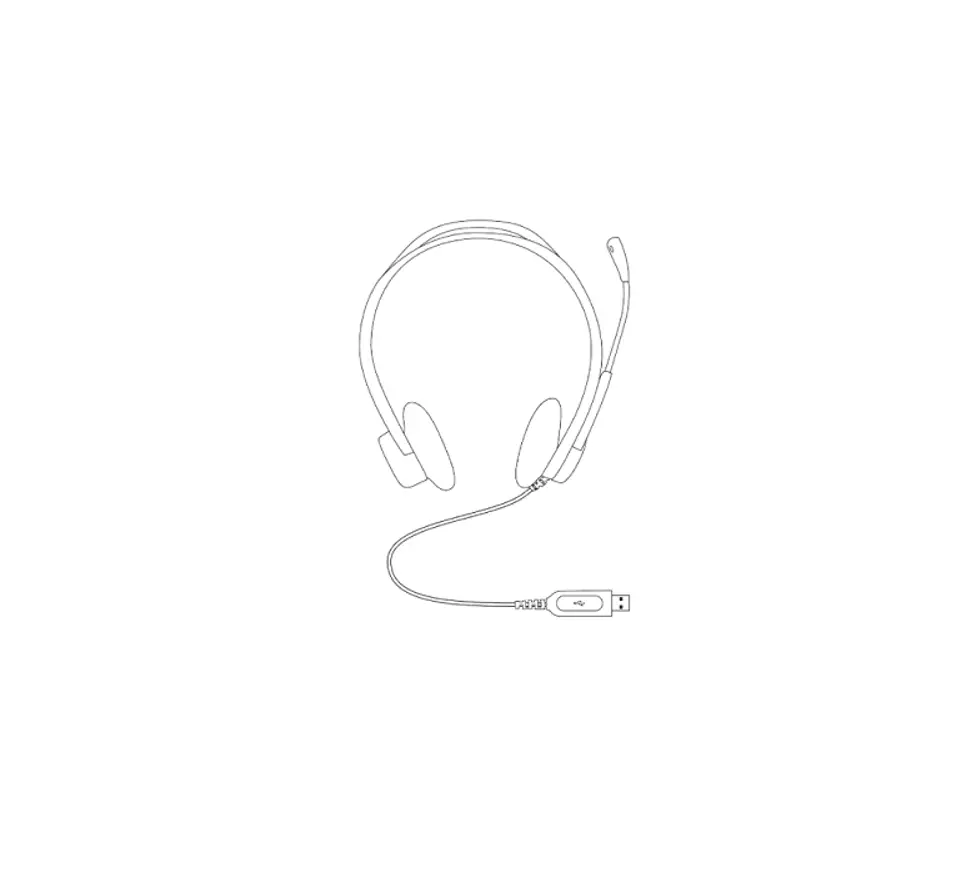
CONNECTING THE HEADSET
Plug the USB-A connector into your computer’s USB-A port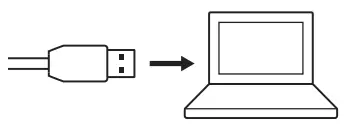 HEADSET FIT
Adjust the headset by sliding the headband open or closed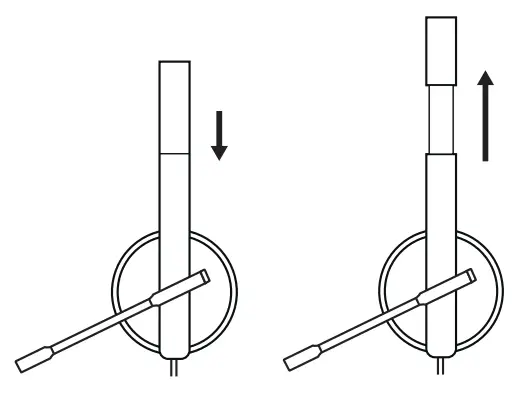
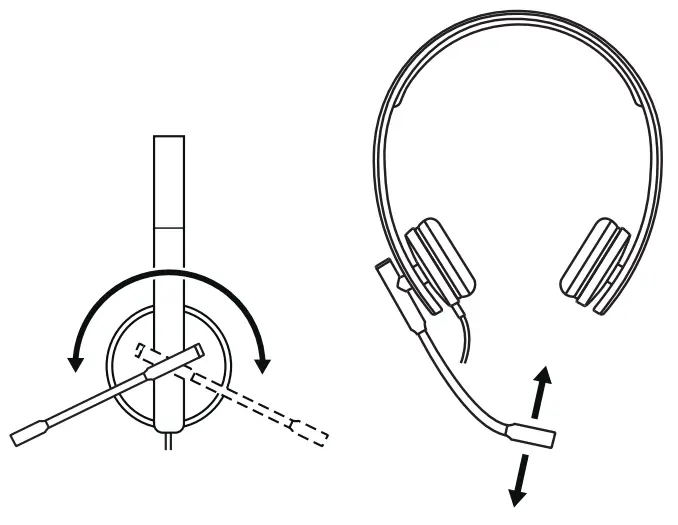
ADJUSTING THE MICROPHONE BOOM
- The microphone boom rotates 270 degrees Wear it on either left or right side
- Adjust flexible microphone boom location to capture voice better
 HEADSET IN-LINE CONTROLS AND INDICATOR LIGHT
| Button | Usage | Indicator Light | Action | |
 | Call Controls | Incoming calls | Flashing WHITE | Short press to Answer calls |
| Ongoing calls | Solid WHITE | Short press to End calls | ||
| + | Volume | No light | Short press to Volume up | |
| — | Short press to Volume down | |||
 | Mute | Mute On | Solid RED | Short press to Mute / Unmute |
| Mute Off | No light | |||
 DIMENSIONS
 DIMENSIONS
HEADSET:
Height x Width x Depth:
165 mm x 172 mm x 50 mm
Weight: MONO: 0 085 kg
STEREO: 0 111 kg
EAR PAD: Height x Width x Depth: 50 mm x 50 mm x 14 mm
SYSTEM REQUIREMENTS
Windows® 8 or higher macOS® 10 7 or higher
Linux ®One USB 2 0 port
TECHNICAL SPECIFICATIONS
Input Impedance: 32 Ohms
Sensitivity (headphone): 94 dB +/- 3 dB
Sensitivity (microphone): -47 dB +/- 3 dB
Frequency response (Headset): 31 5 Hz – 20 kHz
Frequency response (Microphone): 100 Hz – 18 kHz
Cable length: 1 9 m
www.logitech.com/support/mono-h570e
www.logitech.com/support/stereo-h570e
© 2022 Logitech, Logi and the Logitech Logo are trademarks or registered trademarks of Logitech Europe S A and/or its affiliates in the U S and other countries Logitech assumes no responsibility for any errors that may appear in this manual Information contained herein is subject to change without notice