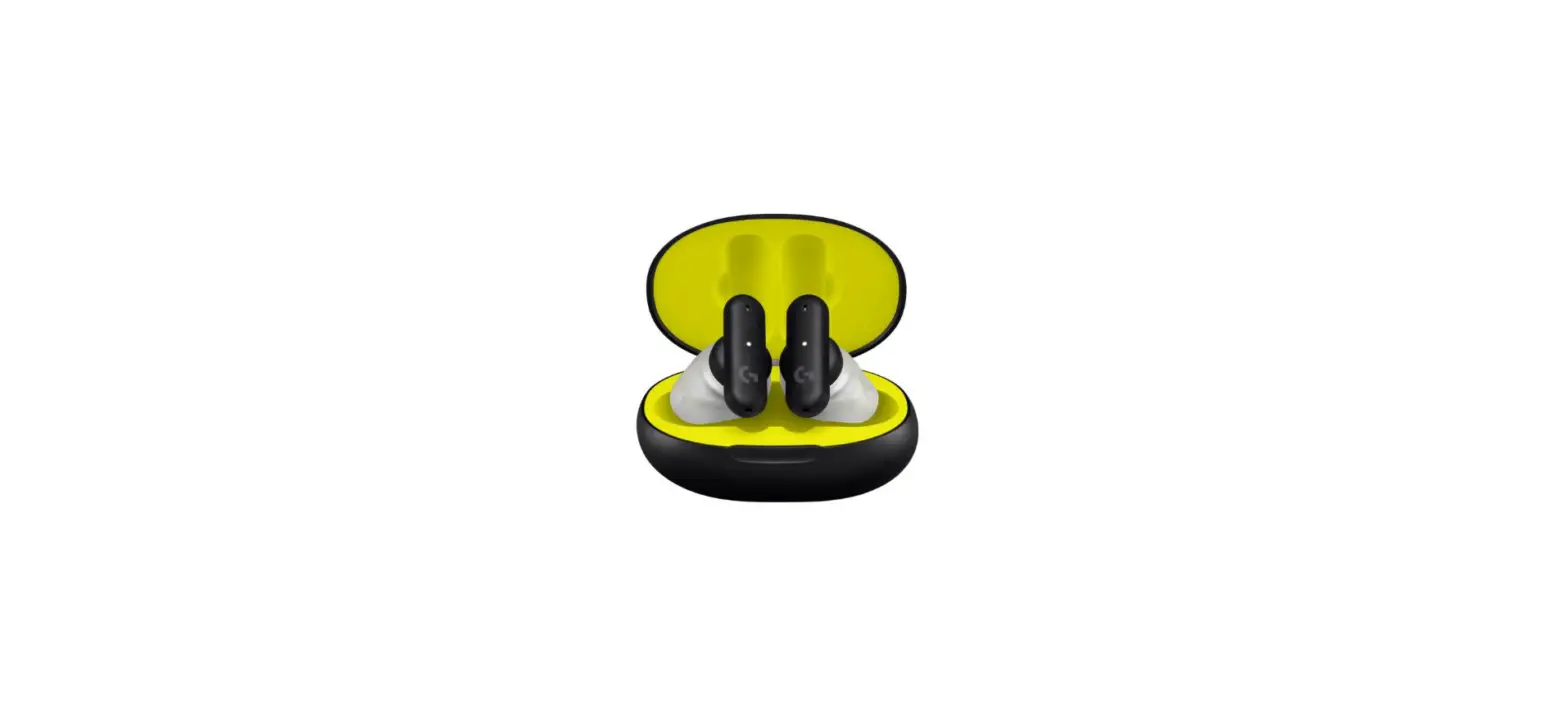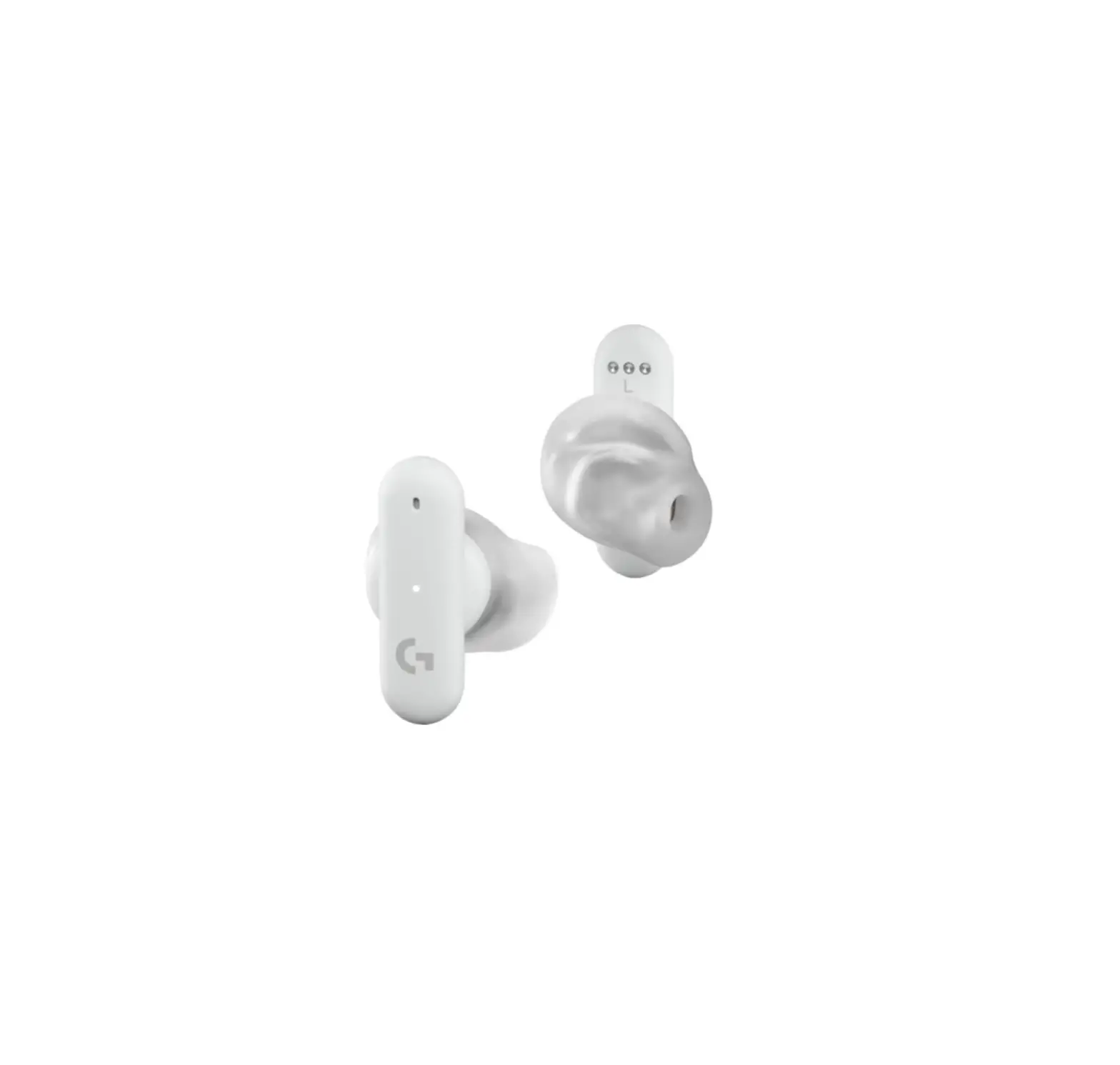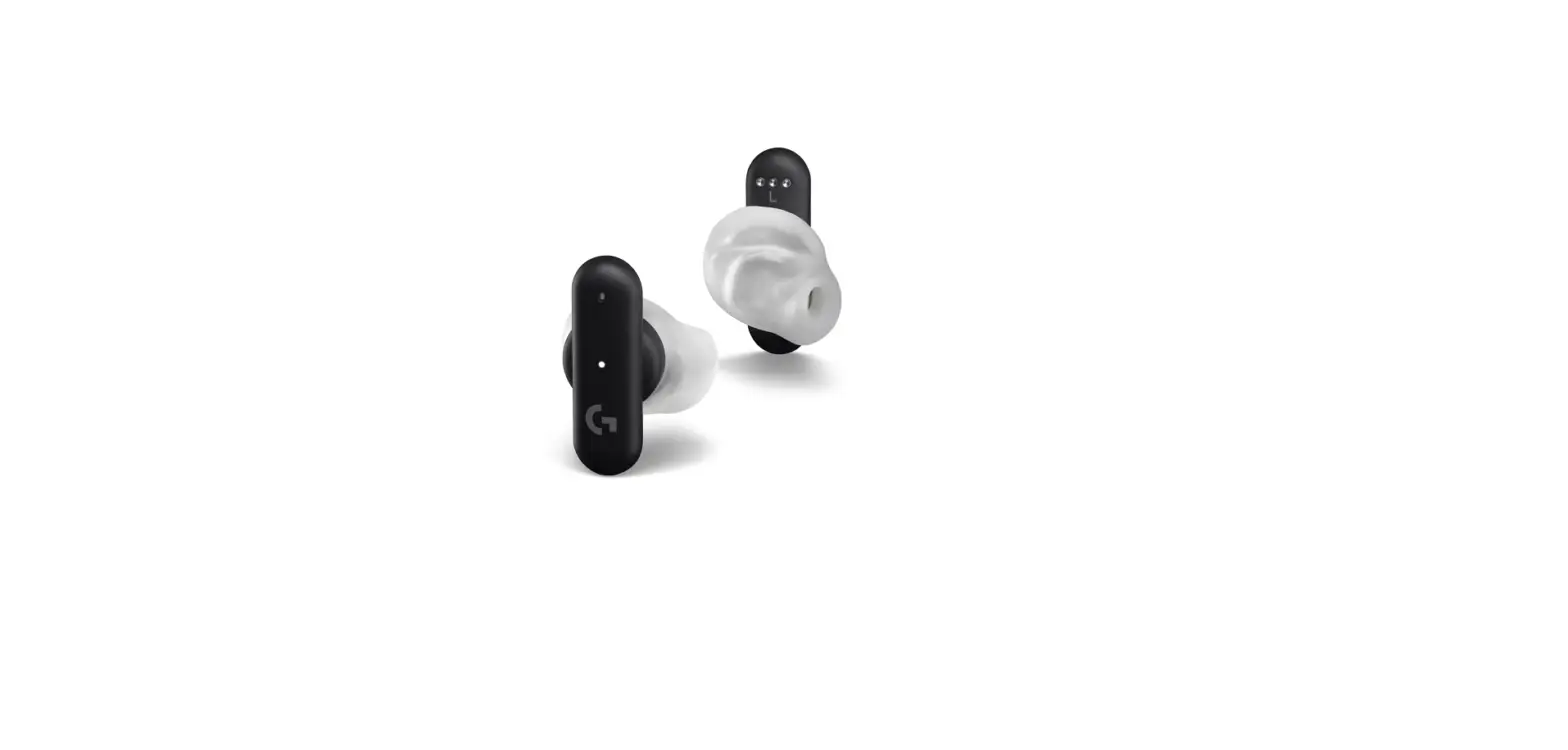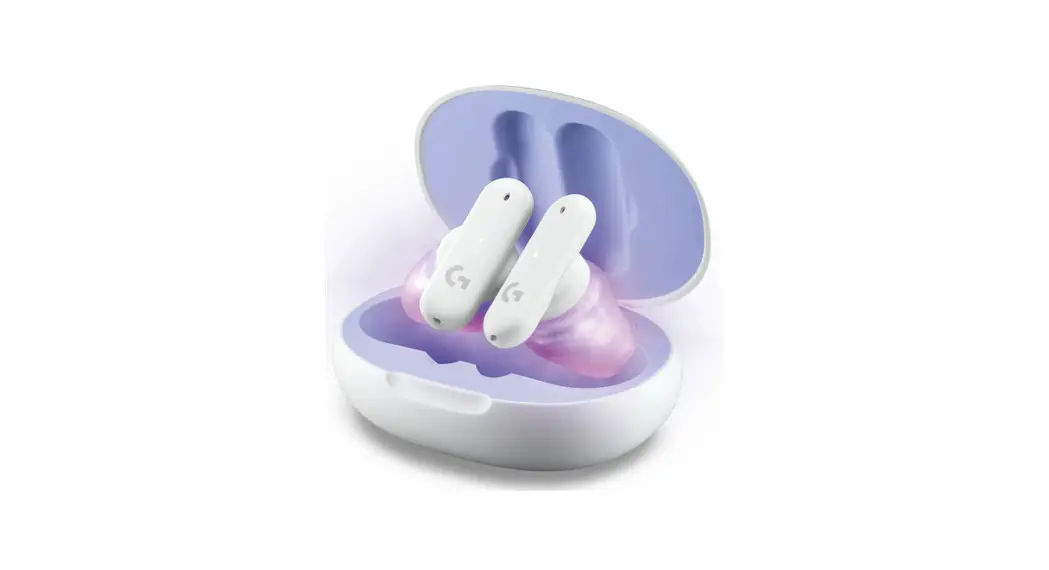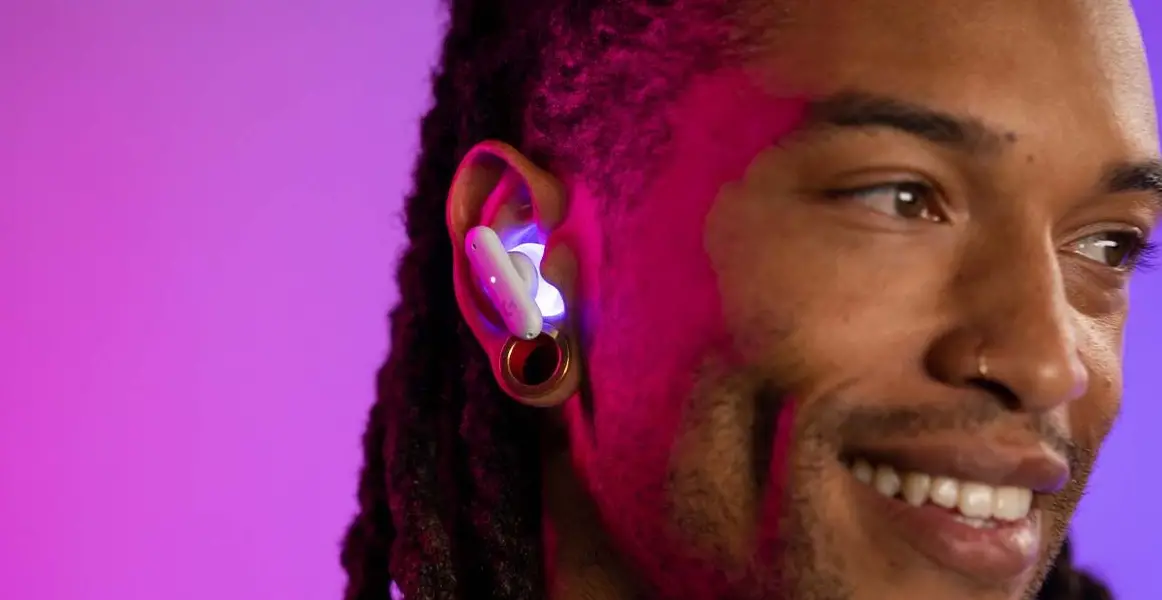

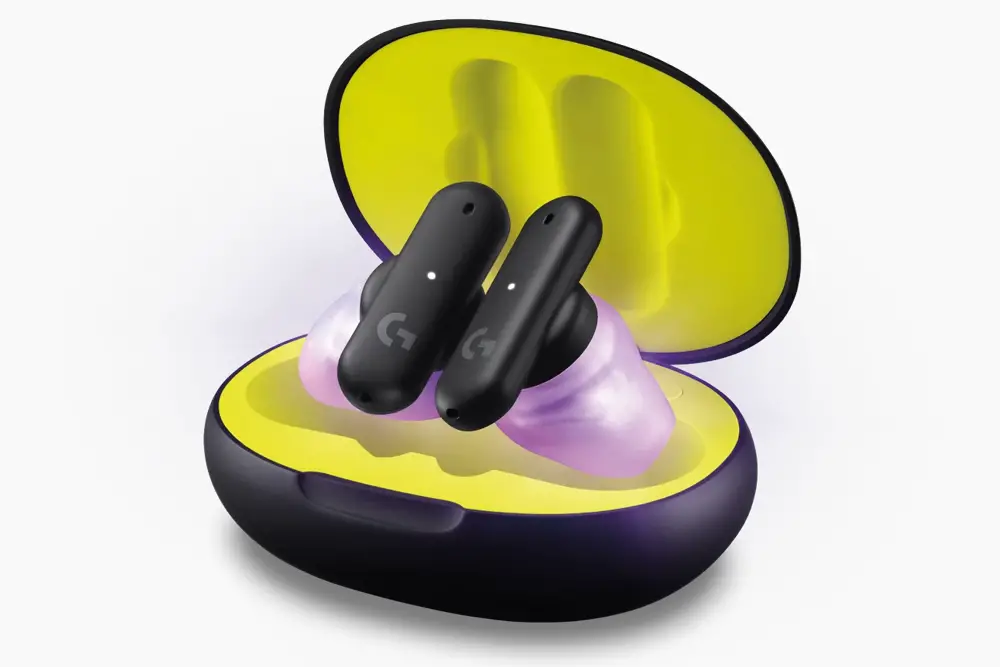
logitech FITS True Wireless Gaming Earbuds
BLUETOOTH® CONNECTION
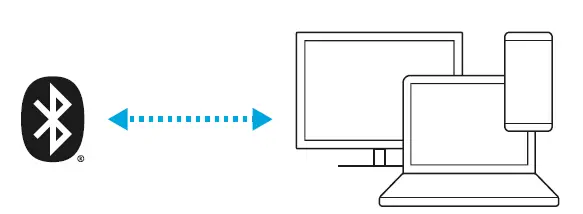
Connect to your phone, handheld gaming console, or other Bluetooth® compatible device.
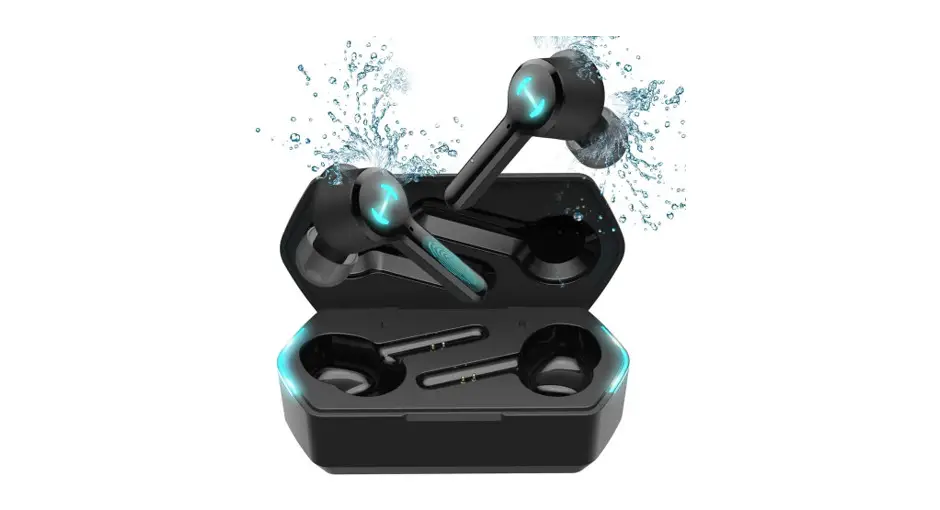
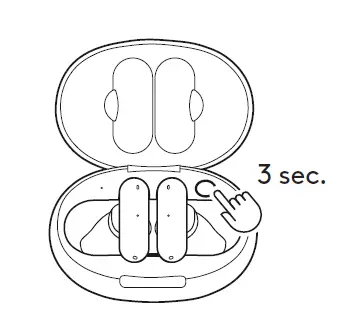
- Place earbuds in the case. Press & hold case button for 3 seconds.
- Earbud LEDs will flash white as it enters pairing mode.

- Select Logitech G FITS from your device Bluetooth® connection settings.
- Remove earbuds from the case.

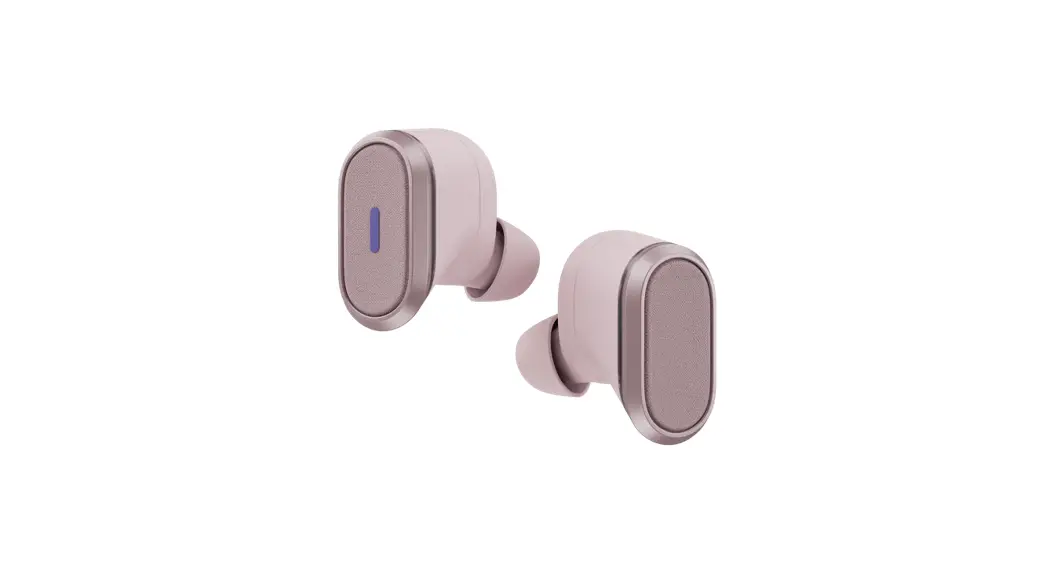
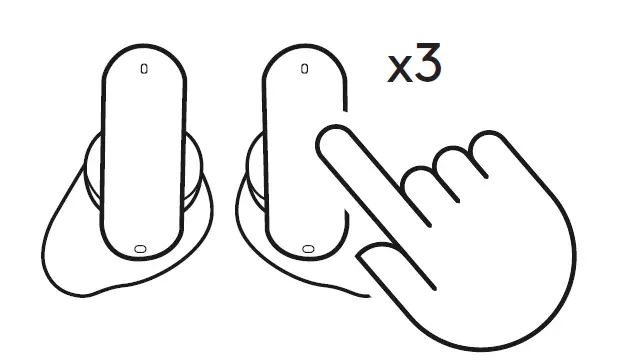
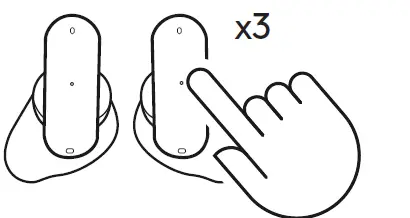
- Tap either the right or left earbud 3 times to switch between LIGHTSPEED and Bluetooth®. Tone will play to indicate a new source.

LIGHTSPEED CONNECTION
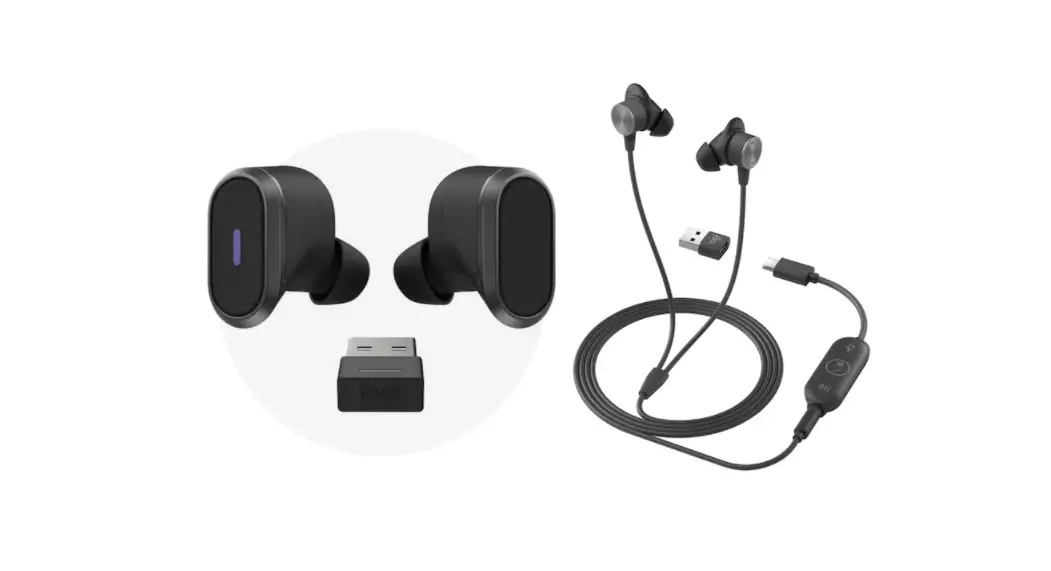
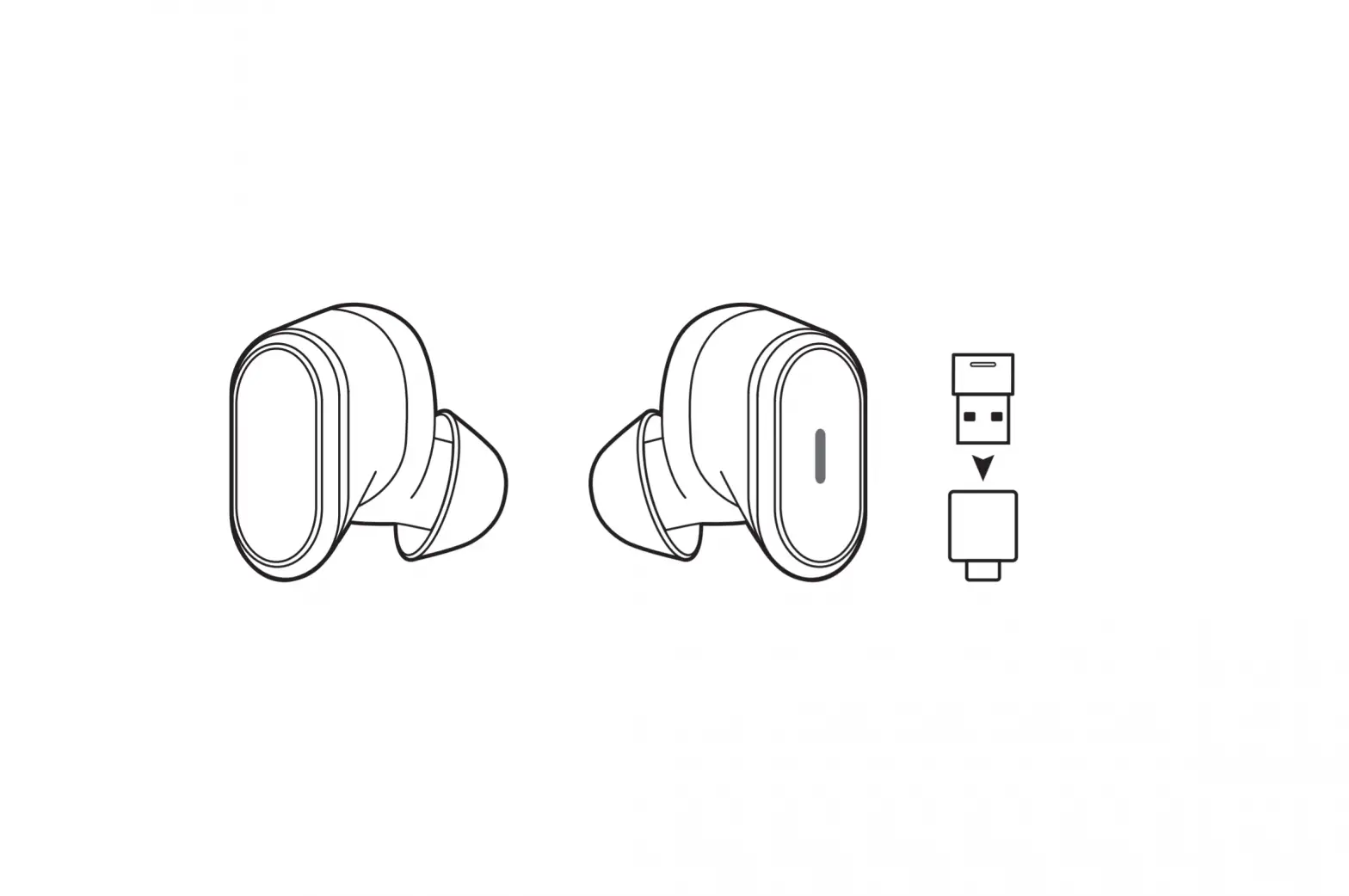
Connect to your PC, Mac, PlayStation 5, PlayStation 4 or docked Nintendo Switch with LIGHTSPEED Wireless Technology.
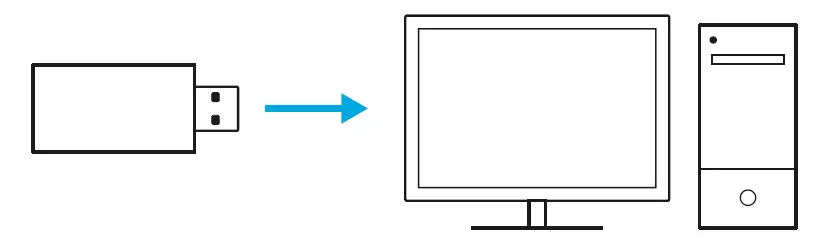
- Insert LIGHTSPEED receiver into the USB port of your device.

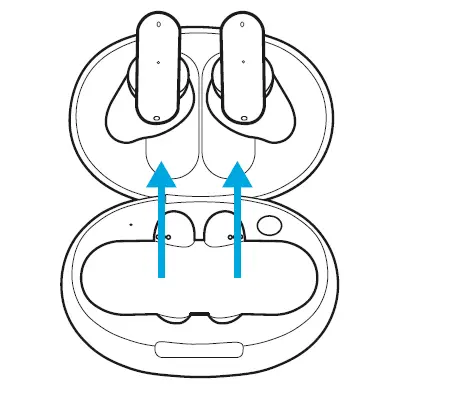
- Remove earbuds from the case.

- The LED on the receiver turns solid white once connected.

- Tap either the right or left earbud 3 times to switch between LIGHTSPEED and Bluetooth®. Tone will play to indicate a new source.
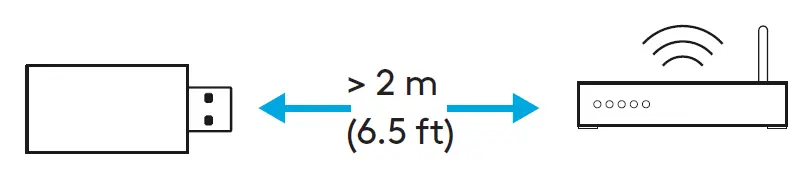
- Ensure receiver is at least 2 m away from the WIFI router.

BATTERY
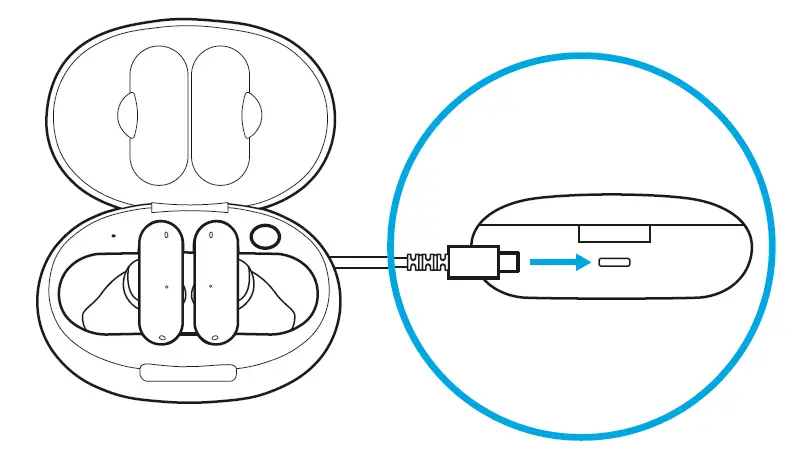
- To charge your case, plug USB-C cable into the back of case
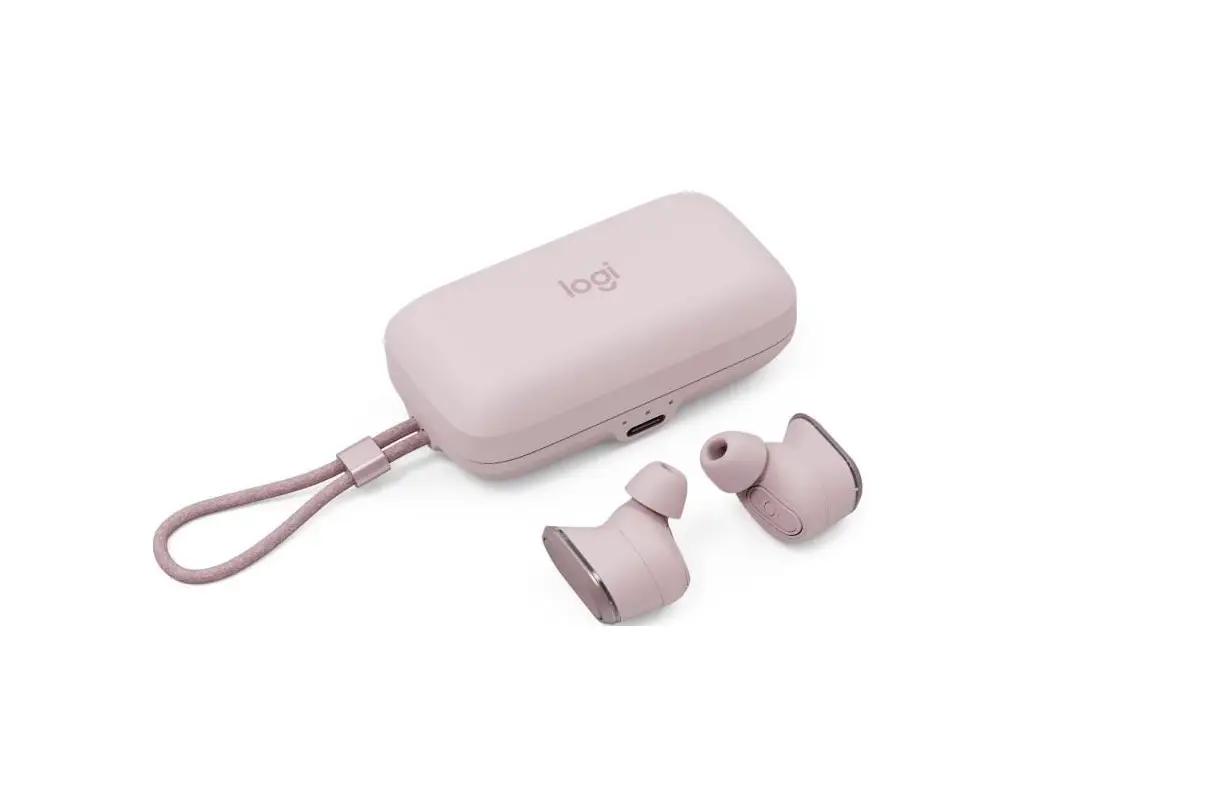
- To charge your earbuds, place earbuds inside the case
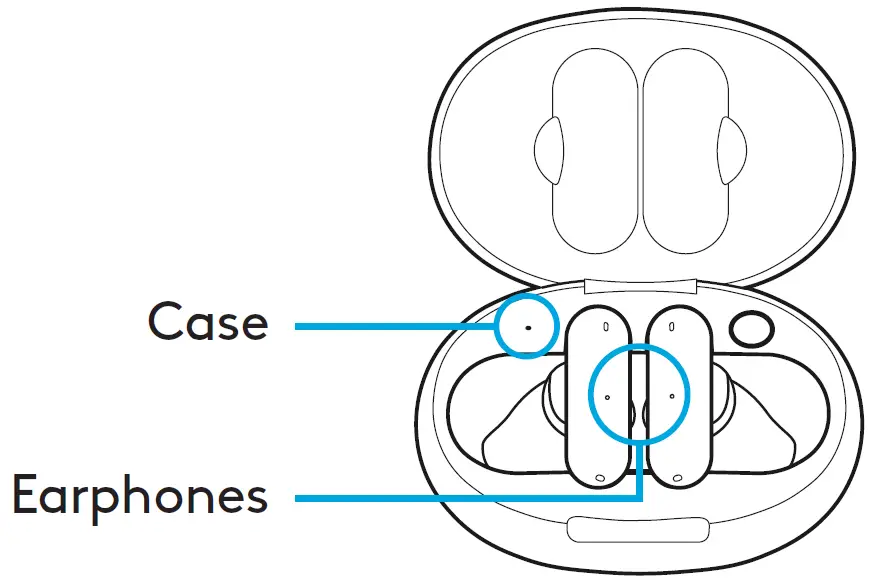
- Open case lid to check its battery level
- Place earbuds in the case to check their battery level
- To improve battery life, mute the mic when not in use
| LED INDICATORS | ||
| Status | Case | Earphones |
| Charging | Pulsing white | Pulsing white |
| Fully charged | Solid white | Solid white for 10 sec |
| Low battery | Solid amber for 10 sec | – |
| Battery above 20% | Pulsing white for 10 sec | – |
CONTROLS
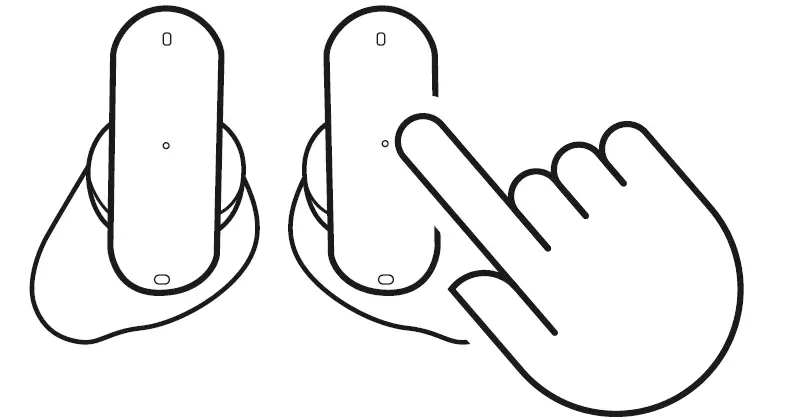
Double Tap
- On LIGHTSPEED: Mute/Unmute Mic
- On Bluetooth®: Play/Pause
Triple Tap
- Switch from LIGHTSPEED to Bluetooth®
Customize controls in the Logitech G FITS mobile app or G HUB
- Logitech com/FITS/app download
- Logitech com/grub
MOLDING NEW EARTIPS
To mold newly purchased ear tips, download the Logitech G FITS app from your device’s app/play store Then, tap on “Mold new tips” under “support” in the main menu
SPARE PARTS
- Ear tips
- Earbuds (L & R)
- Receiver
- Case
- Charging Cable
RECYCLING
We encourage you to resell or donate working products Otherwise, batteries, electronic and electrical equipment should not be disposed of with household waste Wherever possible, they should be segregated and brought to an appropriate collection point to enable recycling and avoid potential impacts on the environment and human health For more information, contact your local authorities or place of purchase, or visit www.Logitech.com/recycling
 QUESTIONS?
Logitech.com/support/FITS