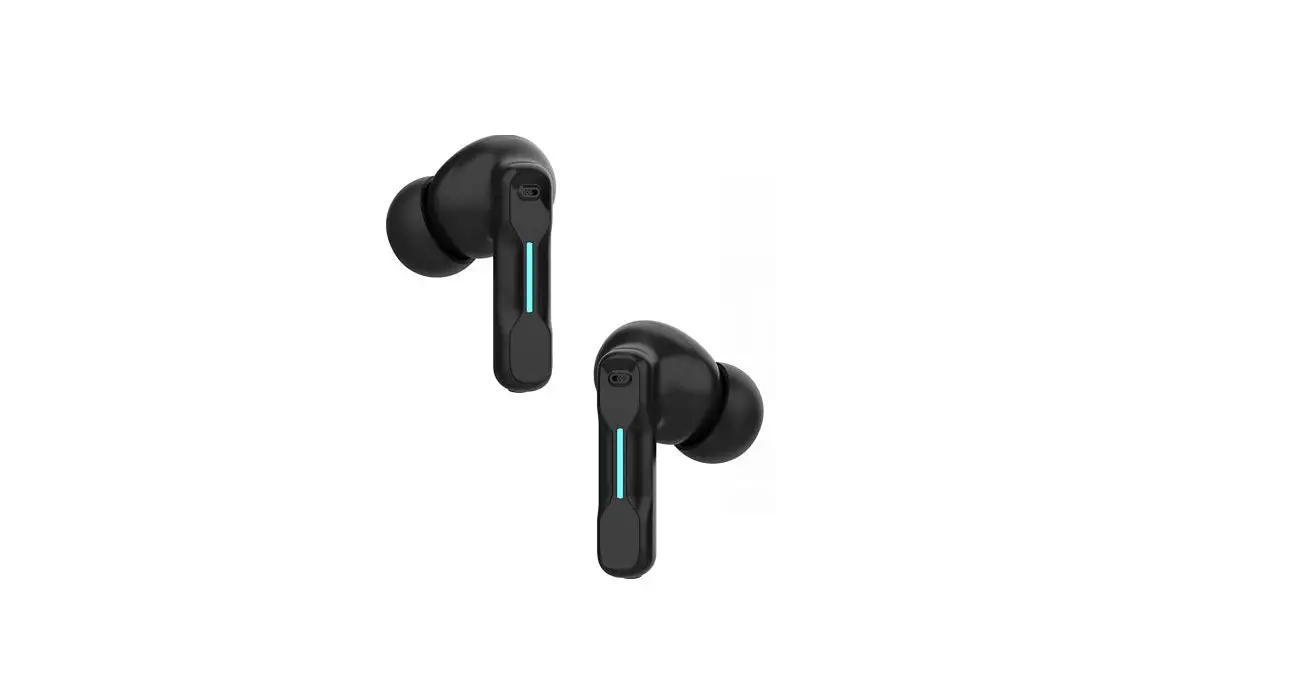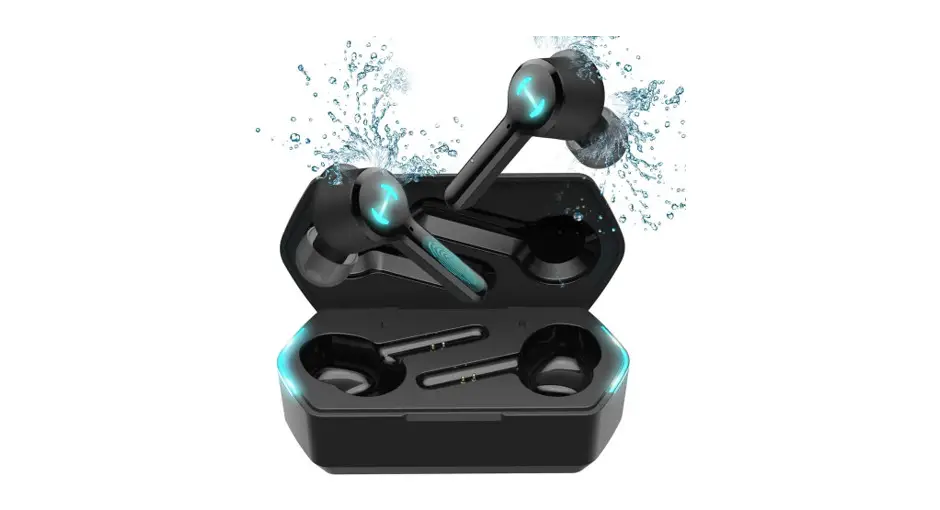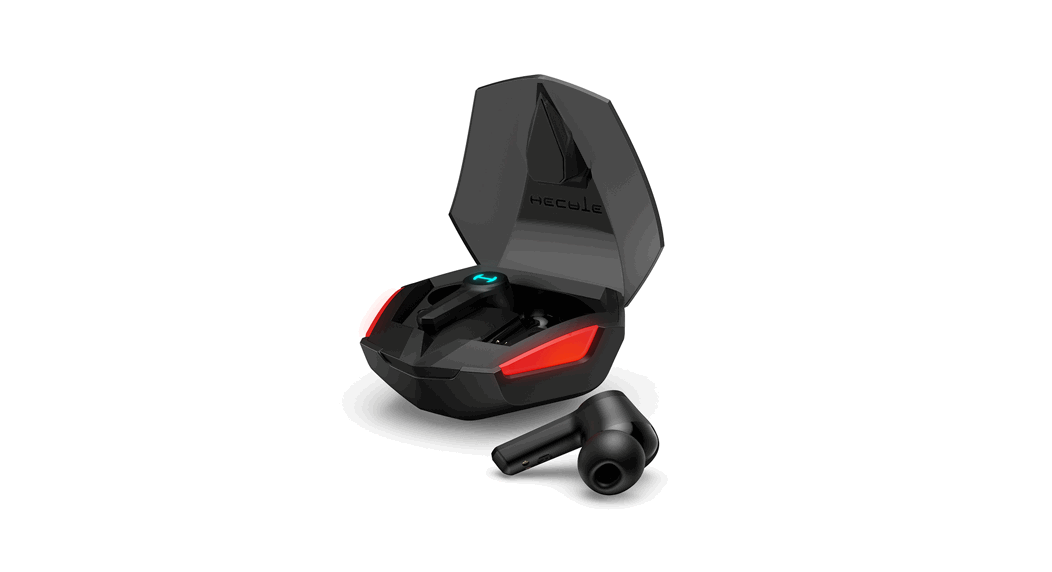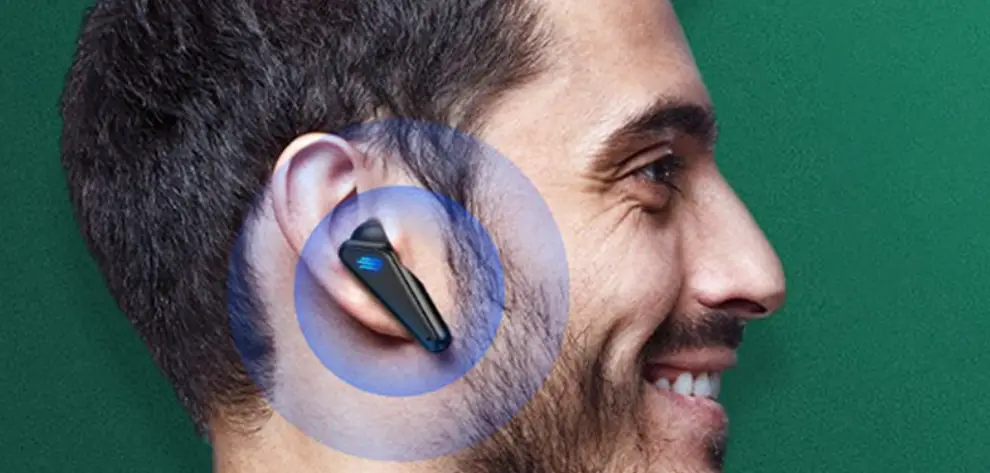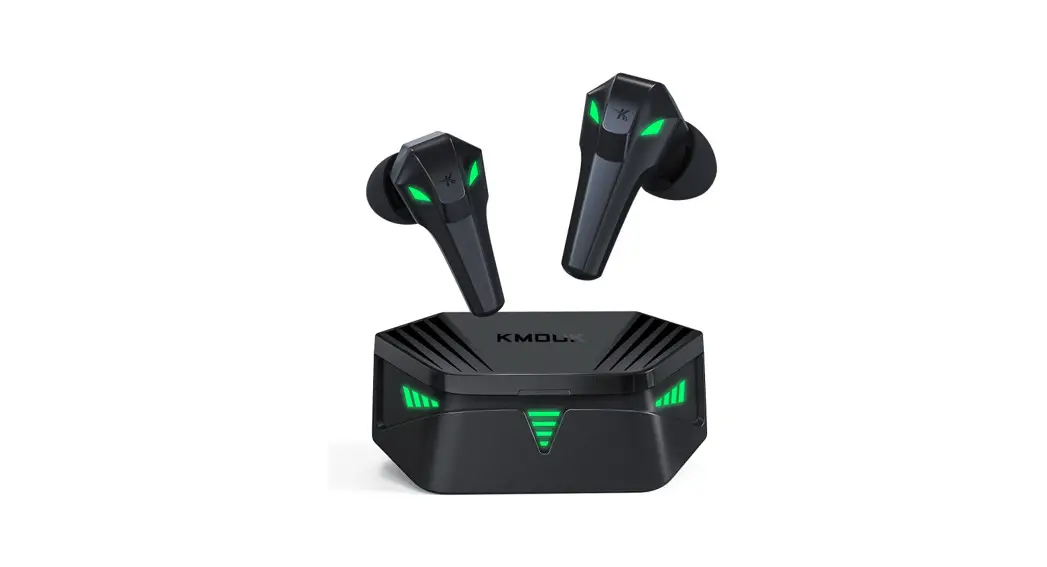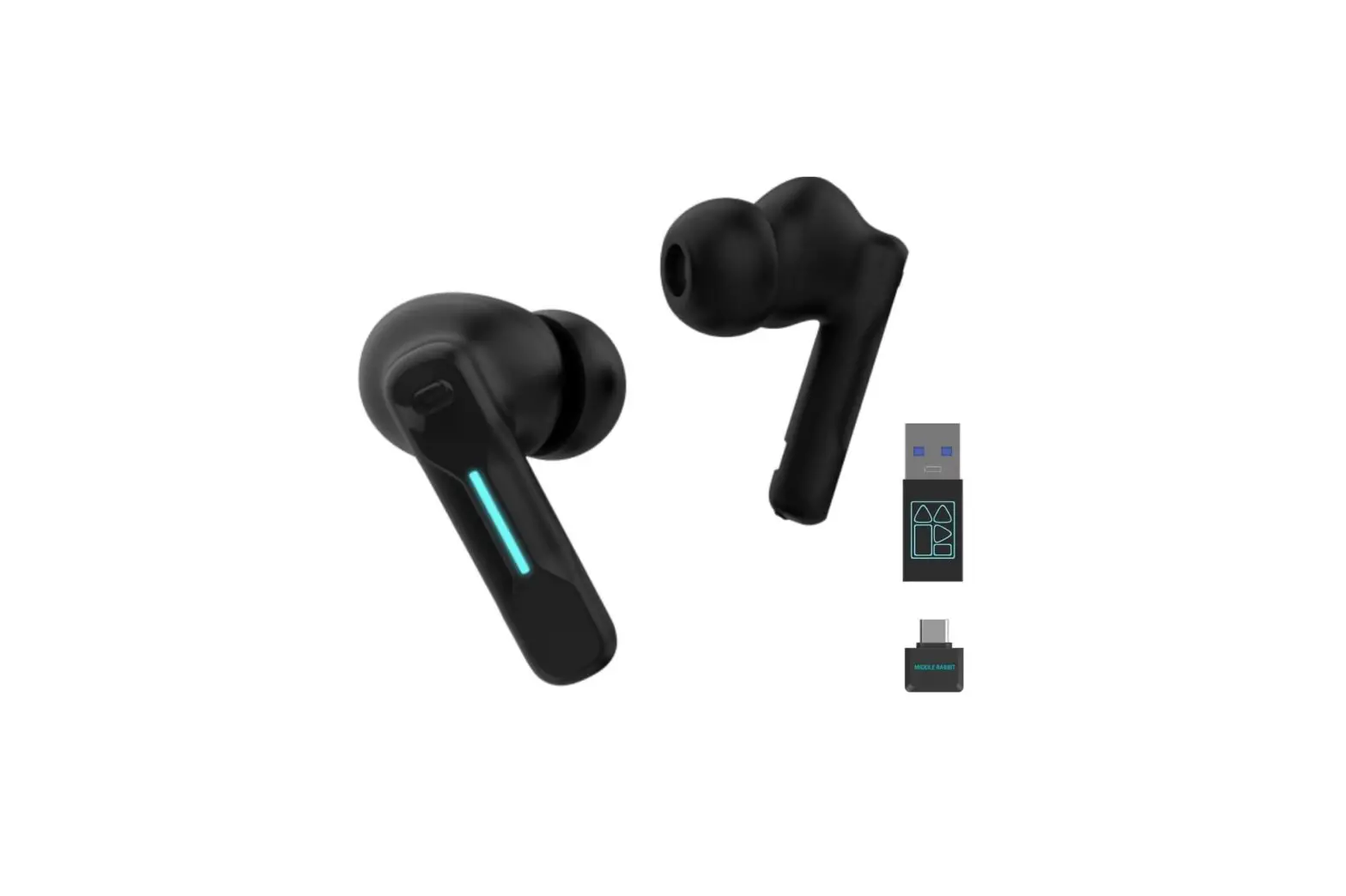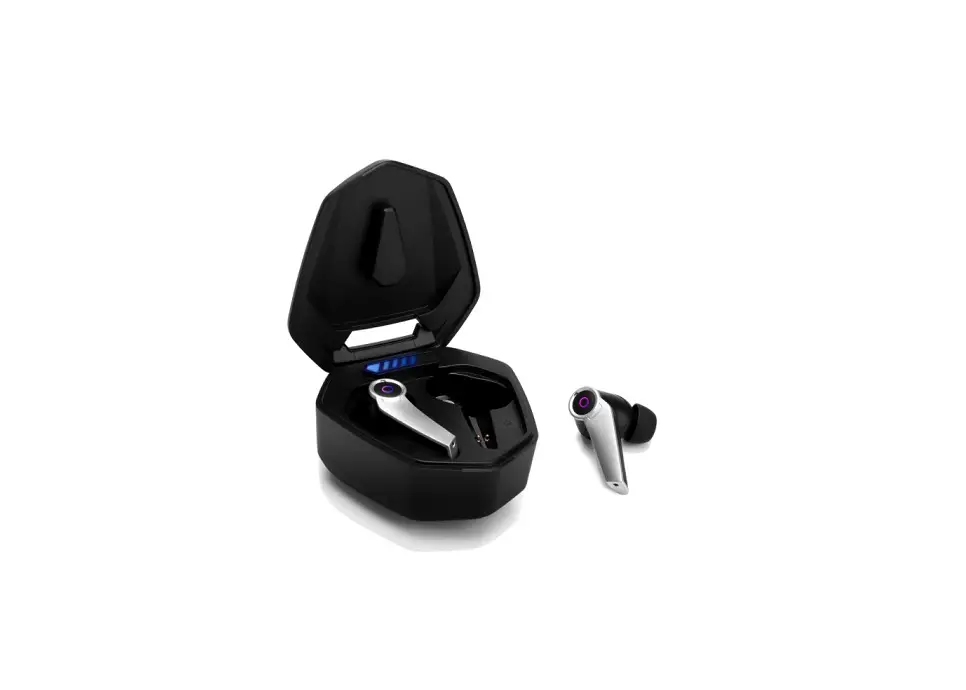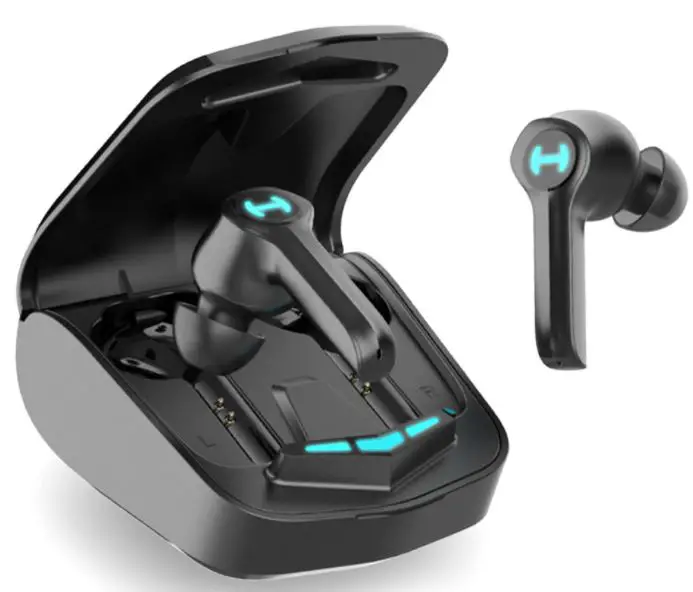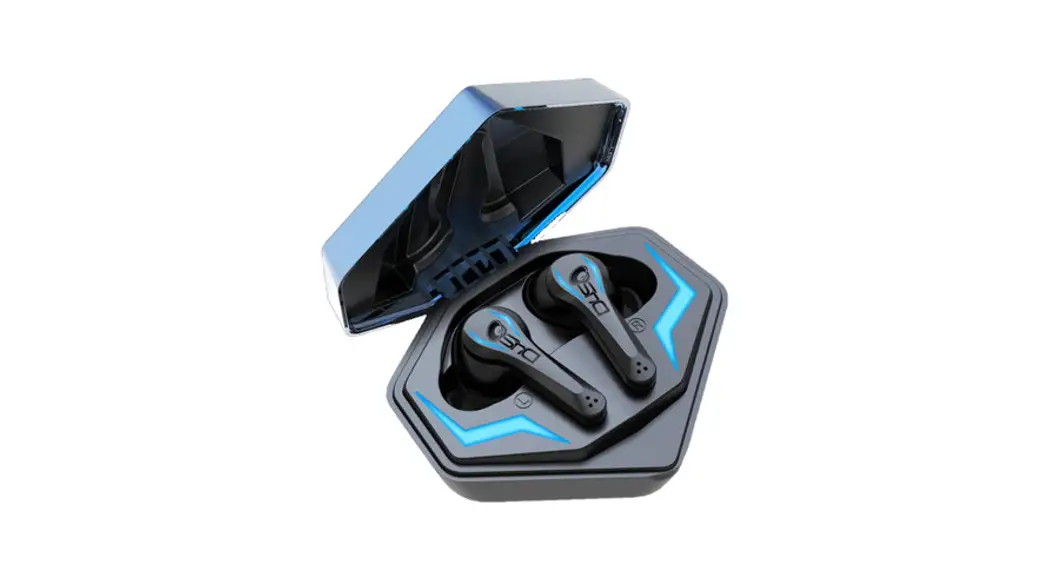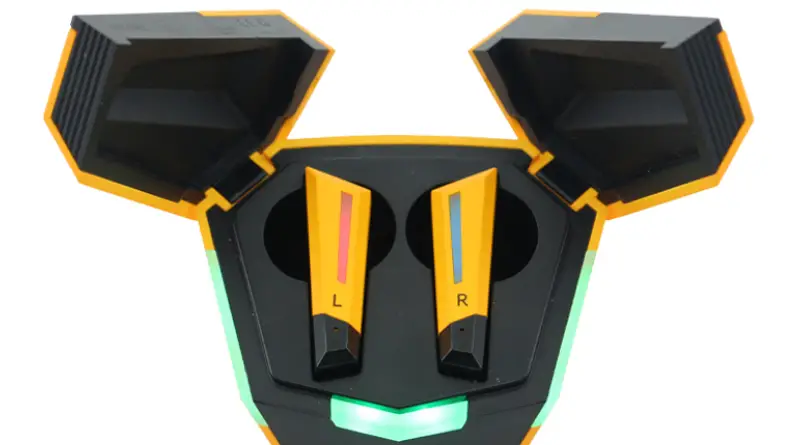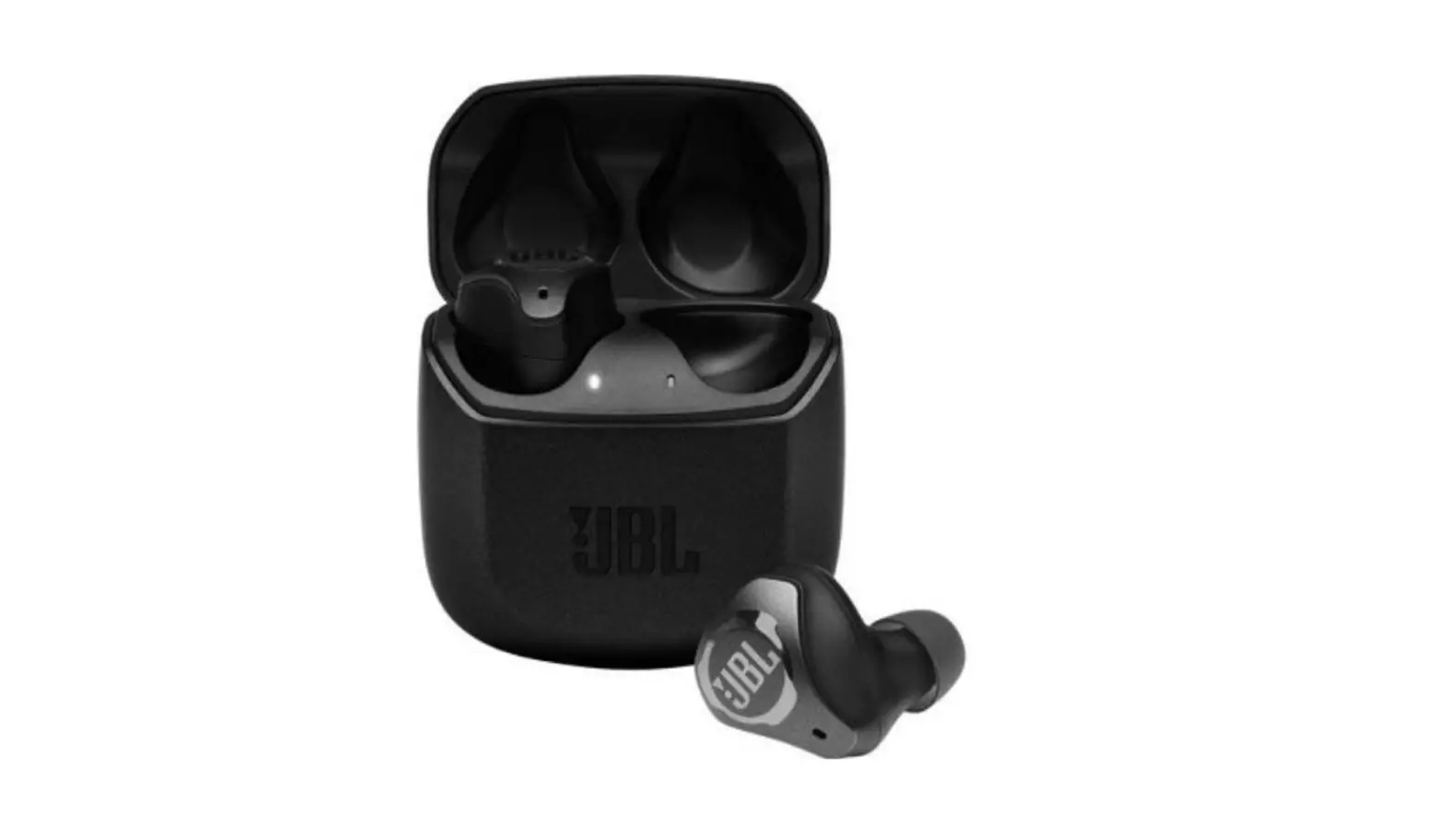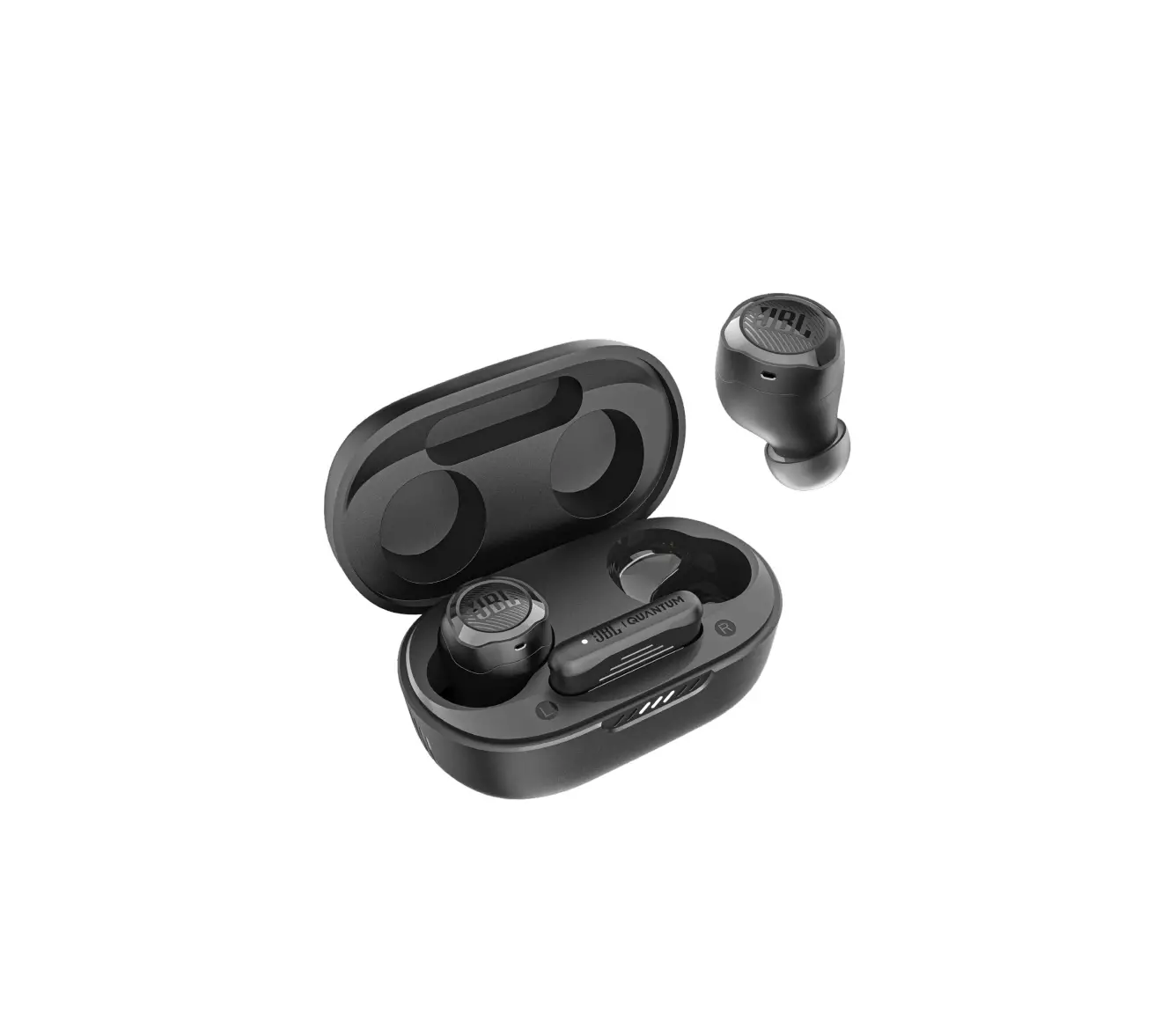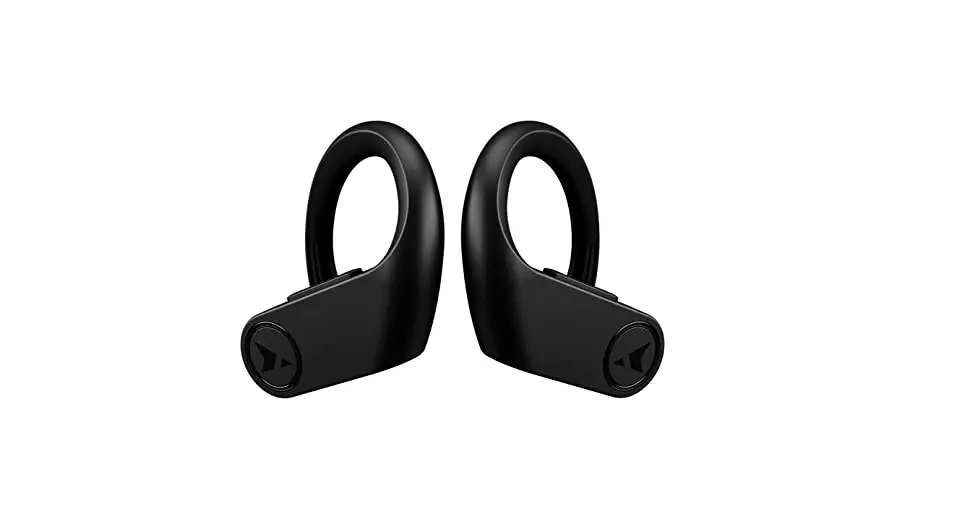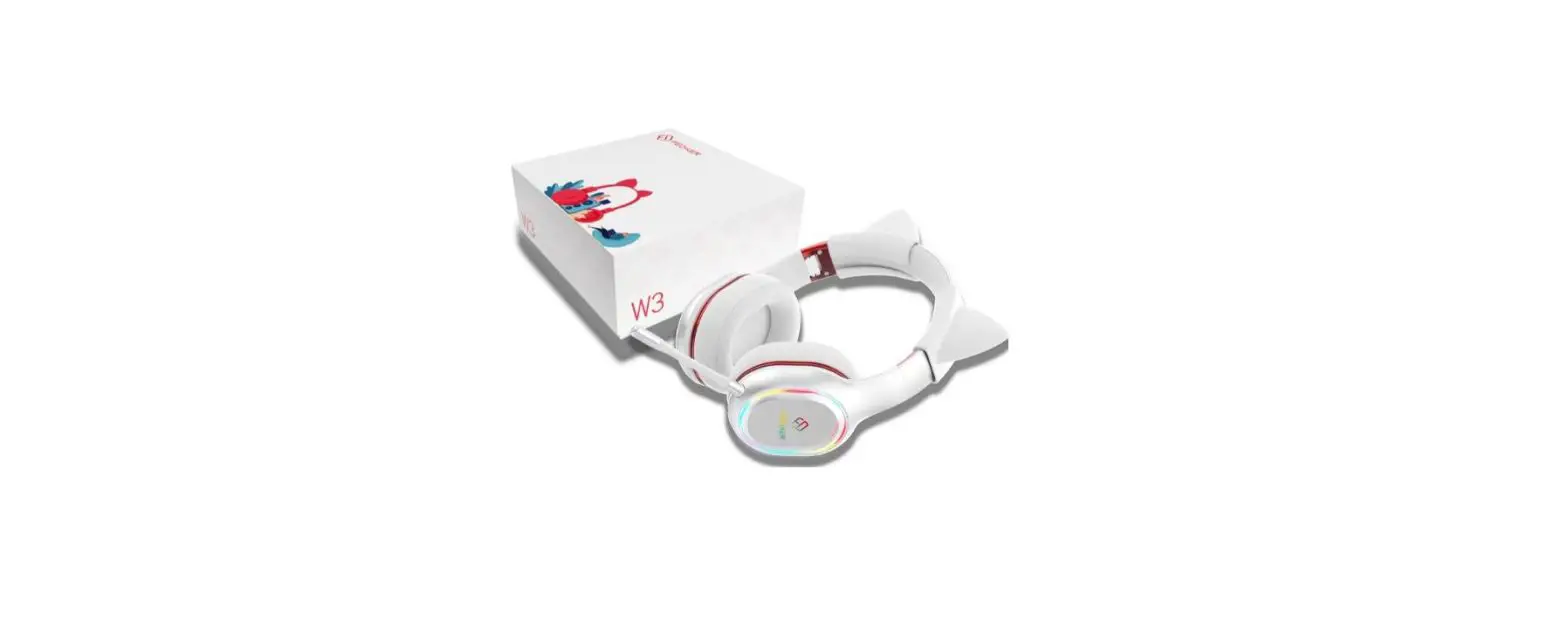

FEDIKER S-W4 Wireless Gaming Earbuds
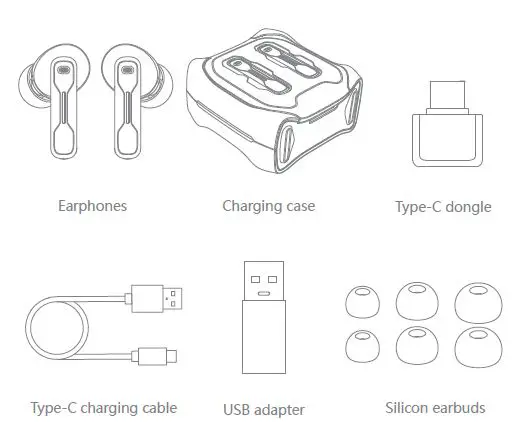
What’s in package
Power On / Off
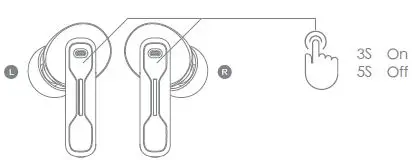
- Open charging case lid, earphones will be powered on and get connected automatically; Put earphones back into charging case and close case lid, earphones will be powered off and get charged automatically.
- Press both earphones MFB (touch button which is pointed out in the picture) Press both earphones MFB (touch button which is pointed out in the picture)
Pairing the headset with the Type-C Dongle (Please make sure Bluetooth is disconnected before using the Type-C dongle, or the earphones will pair automatically with the Bluetooth device you last used.)
- Open the lid of the charging box, press and the reset button for 3 seconds, the charging box light flashes twice, and the headset disconnects the previous pairing. Or, you can directly turn off your Bluetooth on your last pairing device.
- Insert the Type-C Dongle (directly or through the USB adapter), the indicator light flashes slowly, and the light is always on after successful pairing.
- When using the Type-C Dongle again, the headset can be automatically connected when the earphones are turned on.
Warranty Card
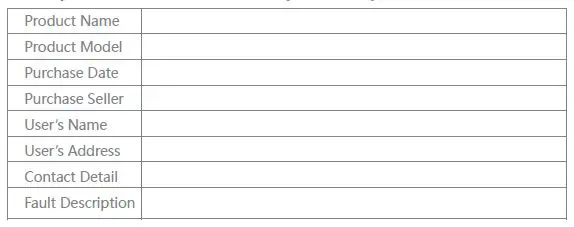
The following situations will not be repaired free of charge
- No warranty card or warranty card is damaged
- Device damage caused by self disassembly
- Damage caused by water, dropping or man-made mechanical destruction
- Damage or fault caused by force majeure
Certificate

Guide for using earphones without dongle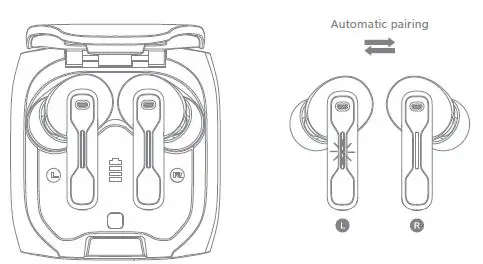
- Open charging case lid, both earphones will get paired with each other (when one icy-blue indicator light flashes slowly and the other goes out, successful pairing is done).

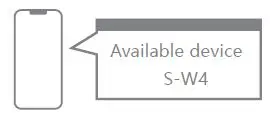
- 2. For the first time use, search for “S-W4” in the Bluetooth function of the mobile phone and click “S-W4” to pair the mobile phone with the earphones. Earphones will get connected with the device automatically for the second use after opening the charging case lid.
Earphone basic operation
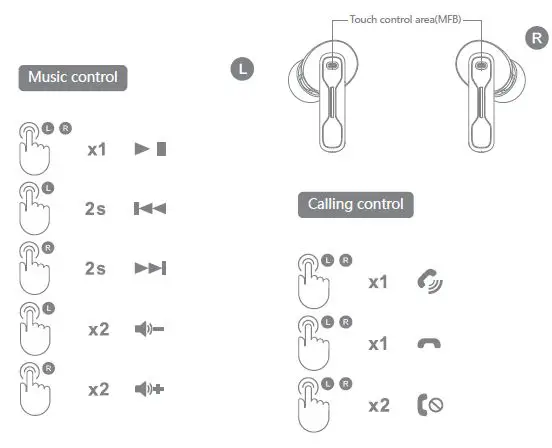
- When playing music Single click on either MFB for Play / Pause Press left MFB for 2 seconds for the previous track Press right MFB for 2 seconds for the next track Double click on the left to decrease the volume Double click on the right to increase the volume
- When receiving a call, Single click on either MFB for answering Double click on either MFB for rejecting When ending a call, Single click on either MFB for ending
Modes-switch control
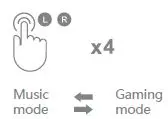
- Click 4 times on either side MFB to switch mode
Voice Assistant control
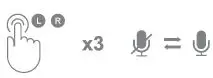
- When using dongle mode, you can click either side three times to mute or unmute your mic. (dongle mode only, not for Bluetooth mode)
Earphones Reset
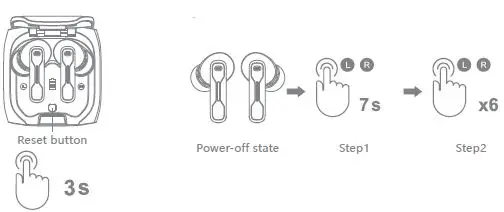
- Place earphones in charging case, a long-press reset button for 3 seconds, charging case indicator light flashes twice, all pairing info is deleted automatically.
- Under the power-off state, long press both MFB for 7 seconds to enter pairing mode (icy-blue indicator light flashes slowly), click 6 times on both MFB (icy-blue indicator light flashes 3 times) to clear all pairing info, put earphones back into charging case for new pairing operation.
Charging
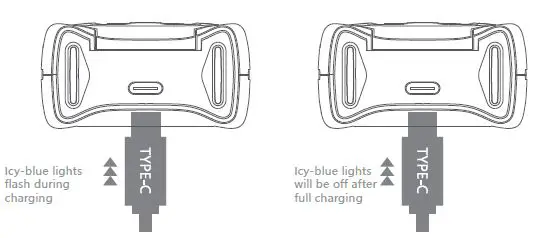
When the charging case is under a low-battery state, there will be a low battery warning tone every 2 minutes
Product Parameters
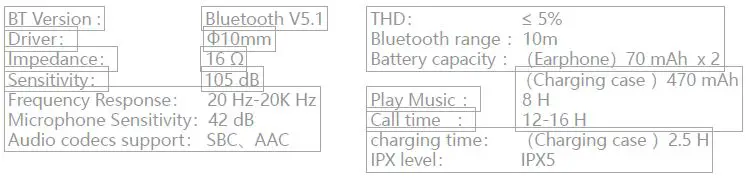
- All specifications above are based on lab testing data.
FCC
This device complies with part 15 of the FCC Rules. Operation is subject to the following two conditions: (1) this device may not cause harmful interference, and (2) this device must accept any interference received, including interference that may cause undesired operation. Any changes or modifications not expressly approved by the party responsible for compliance could void the user’s authority to operate the equipment. NOTE: This equipment has been tested and found to comply with the limits for a Class B digital device, pursuant to Part 15 of the FCC Rules. These limits are designed to provide reasonable protection against harmful interference in a residential installation. This equipment generates, uses, and can radiate radio frequency energy and, if not installed and used in accordance with the instructions, may cause harmful interference to radio communications. However, there is no guarantee that interference will not occur in a particular installation.
If this equipment does cause harmful interference to radio or television reception, which can be determined by turning the equipment off and on, the user is encouraged to try to correct the interference by one or more of the following measures:
— Reorient or relocate the receiving antenna.
— Increase the separation between the equipment and receiver.
— Connect the equipment into an outlet on a circuit different from that to which the receiver is connected.
— Consult the dealer or an experienced radio/TV technician for help.
The device has been evaluated to meet general RF exposure requirements. The device can be used in portable exposure conditions without restriction
 3.8春季特卖节