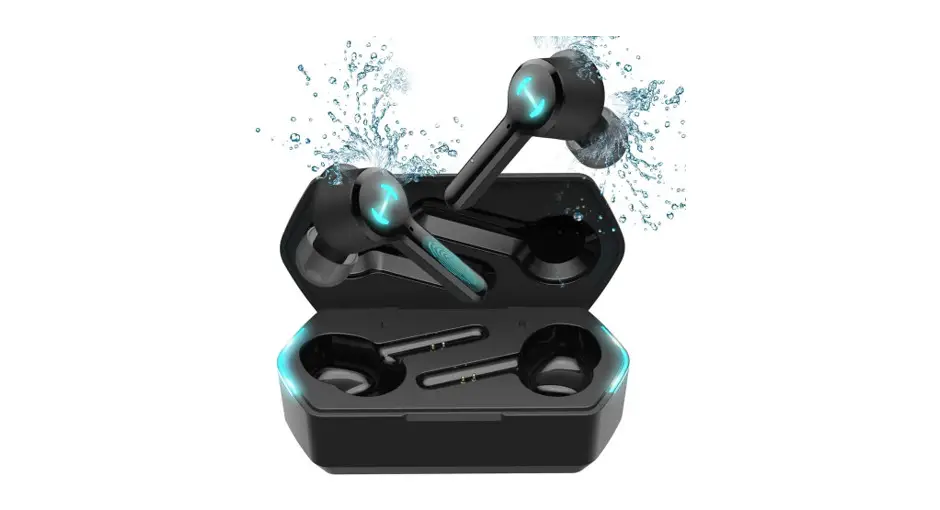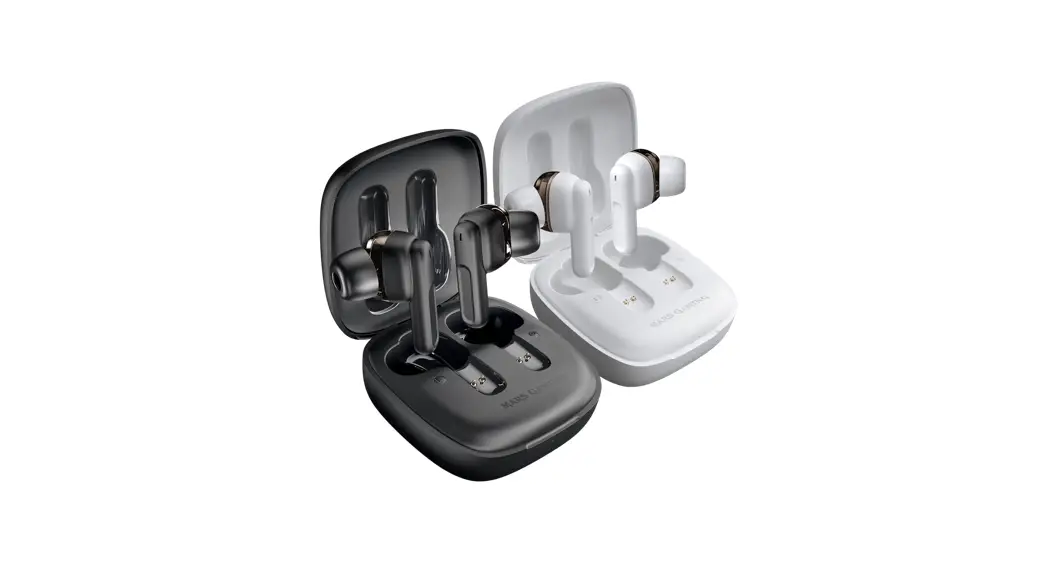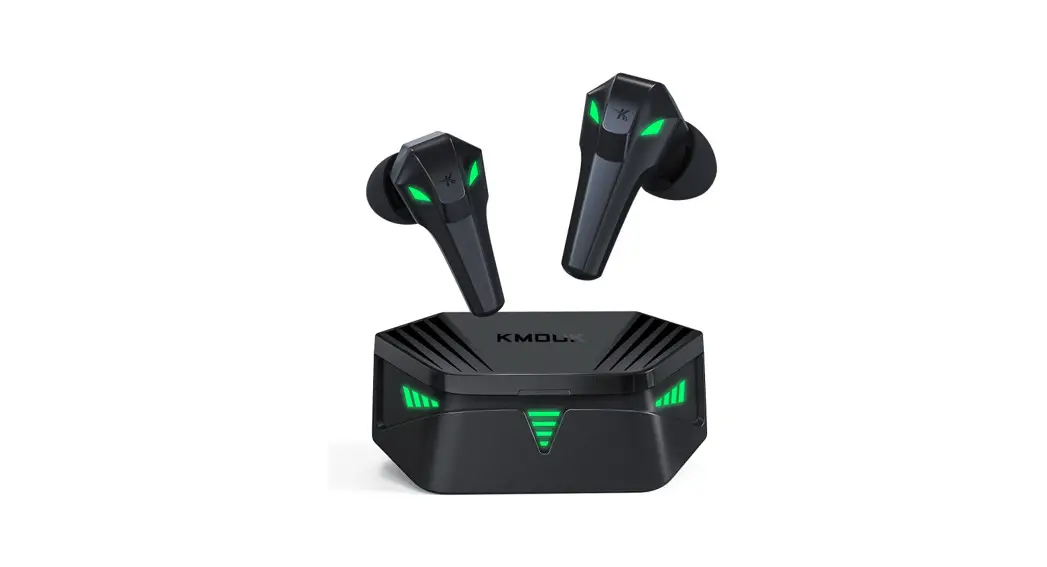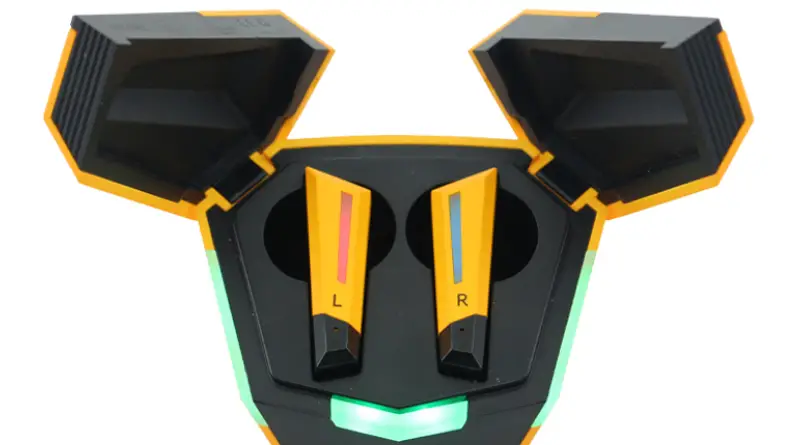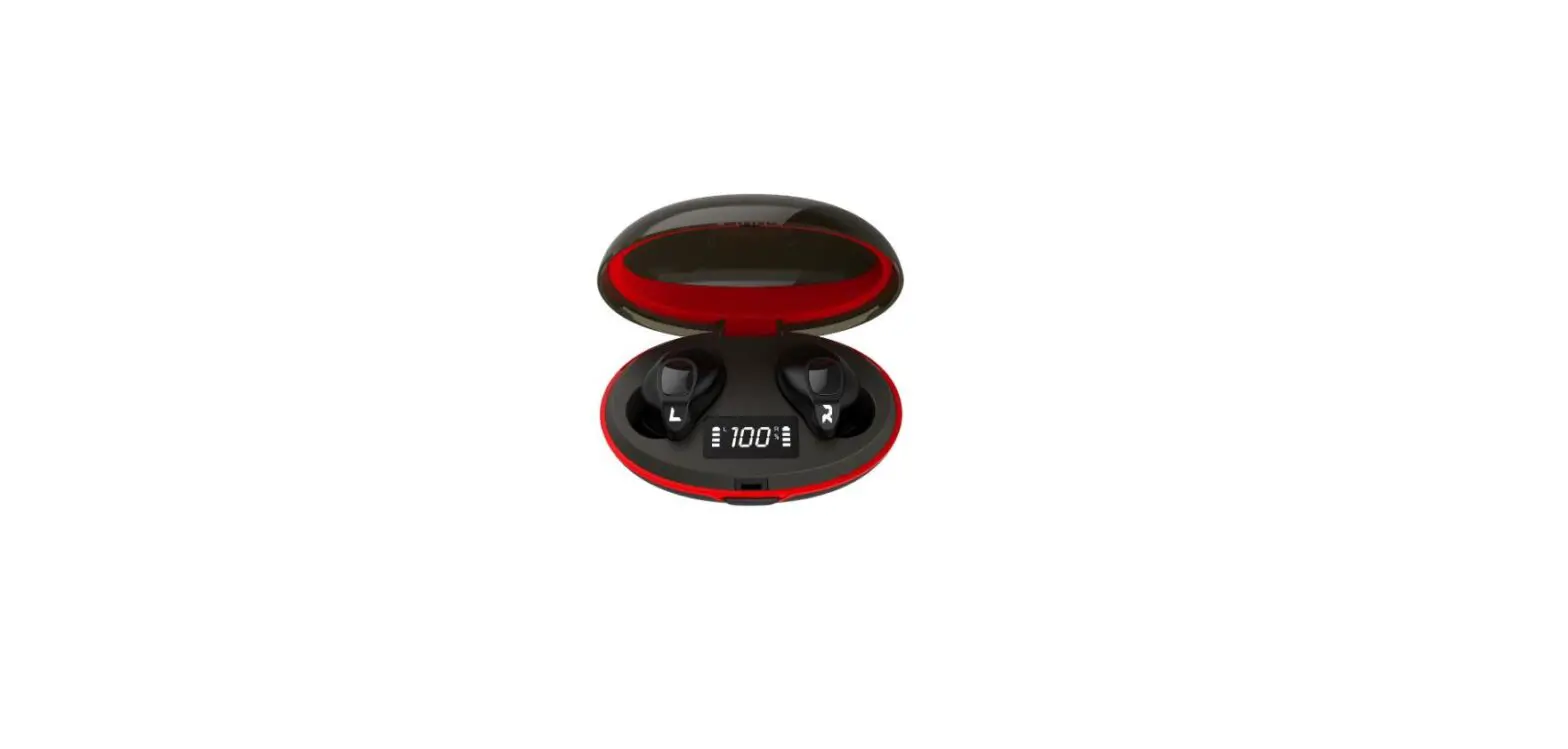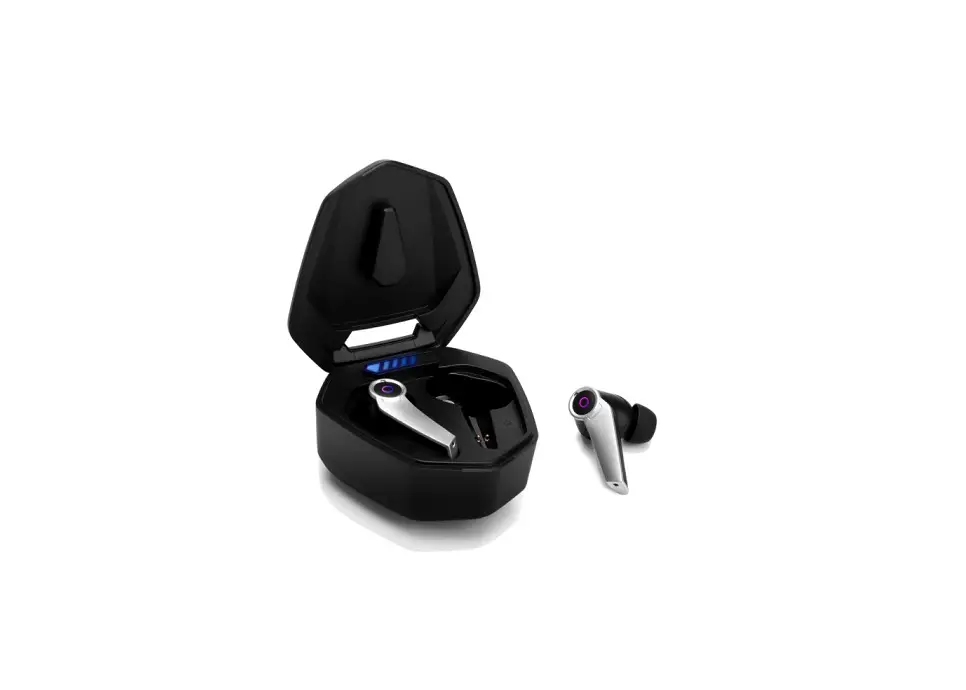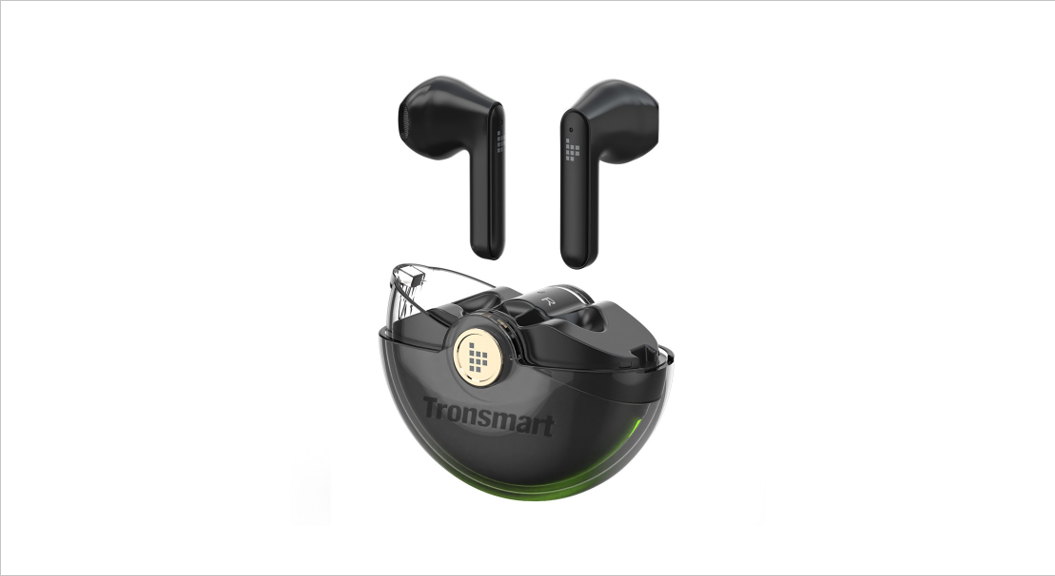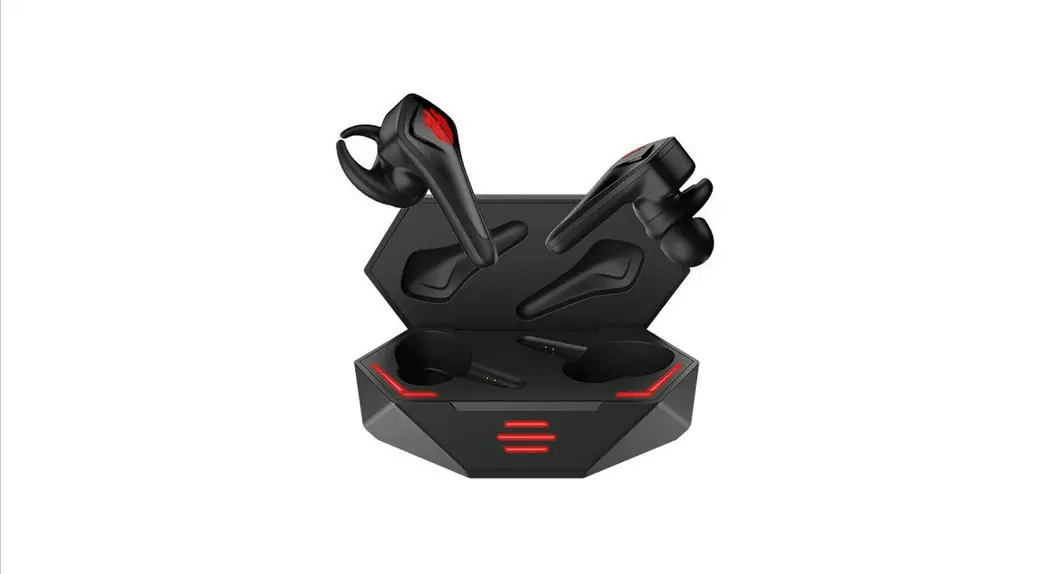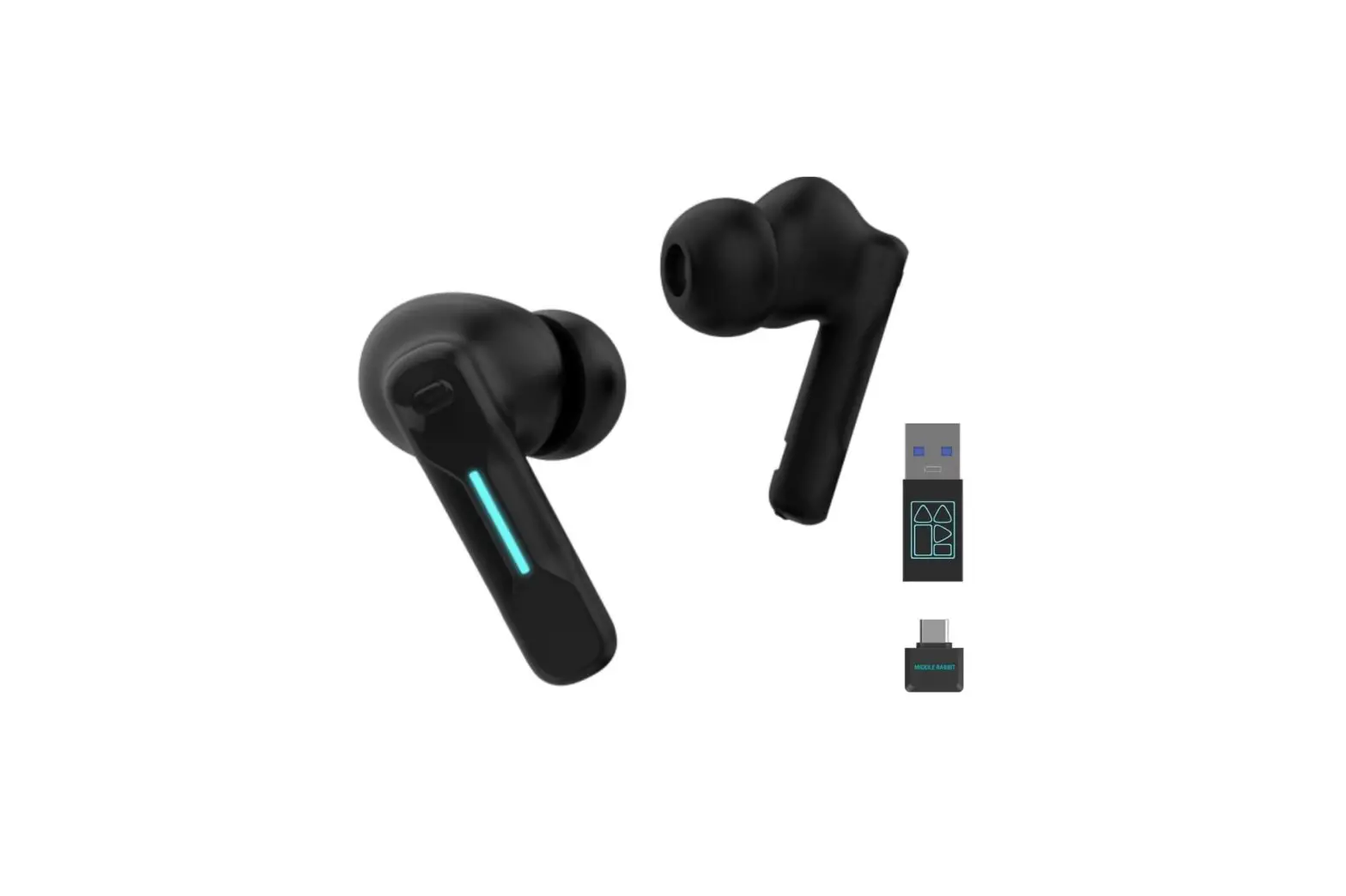
MIDDLE RABBIT SW-4 Wireless Gaming Earbuds User Guide
For after-sale5 support. please contact [email protected].
For a better user Experience, please download the “Middle Rabbit” app from the app store.
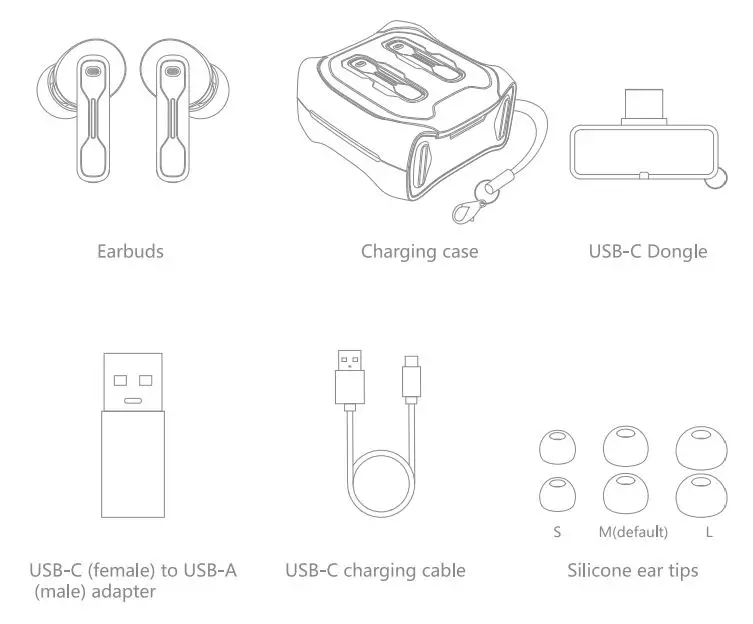
Package Contents
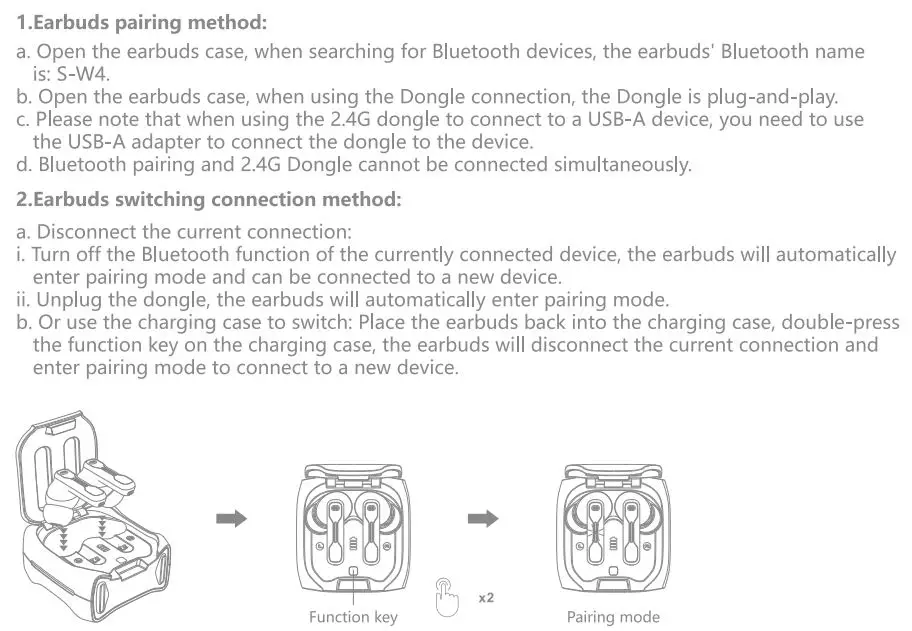
I. Earbuds Pairing and Switching Methods
II. Dongle Indicator Light Status Guide
Slow flash: Indicates the dongle is in pairing mode.
Steady on: Indicates successful pairing with the earbuds.
Fast flash: Indicates disconnection from the earbuds.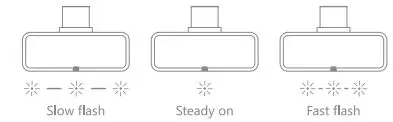
III. Basic Earbuds Operation Illustration
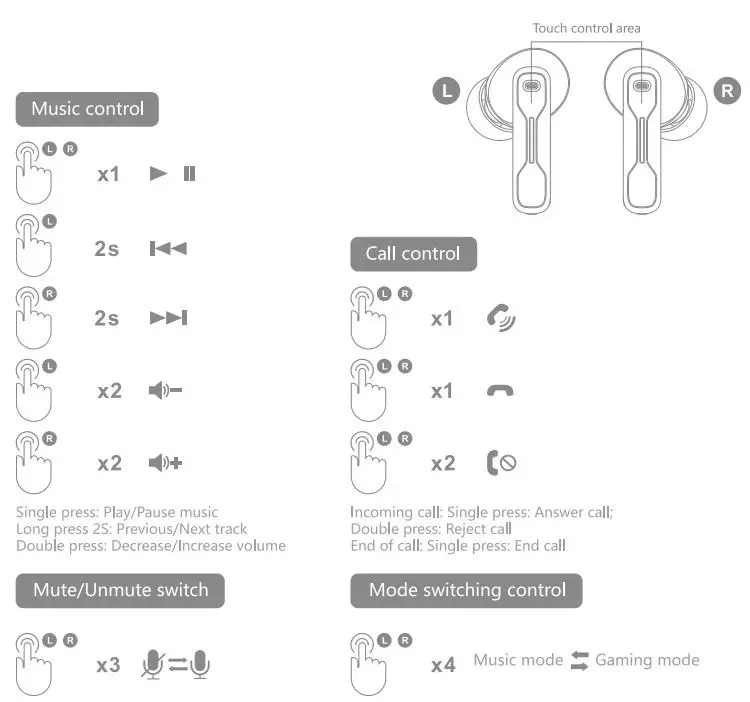
To customize touch control settings, please download the Middle Rabbit APP.
IV. Earbuds Reset
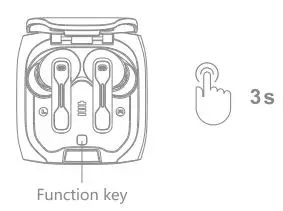
Place the earbuds into the charging case, long press the Function key for 3 seconds, the charging case indicator light will flash twice, all pairing information will be automatically deleted, and the earbuds will be restored to factory settings.
V. Middle Rabbit APP Download
Please download the Middle Rabbit App Colonize touch control settings and other feature within the APP.

Scan the QR code above to download the Middle Rabbit App, or search for “Middle Rabbit” the app store to download and install.