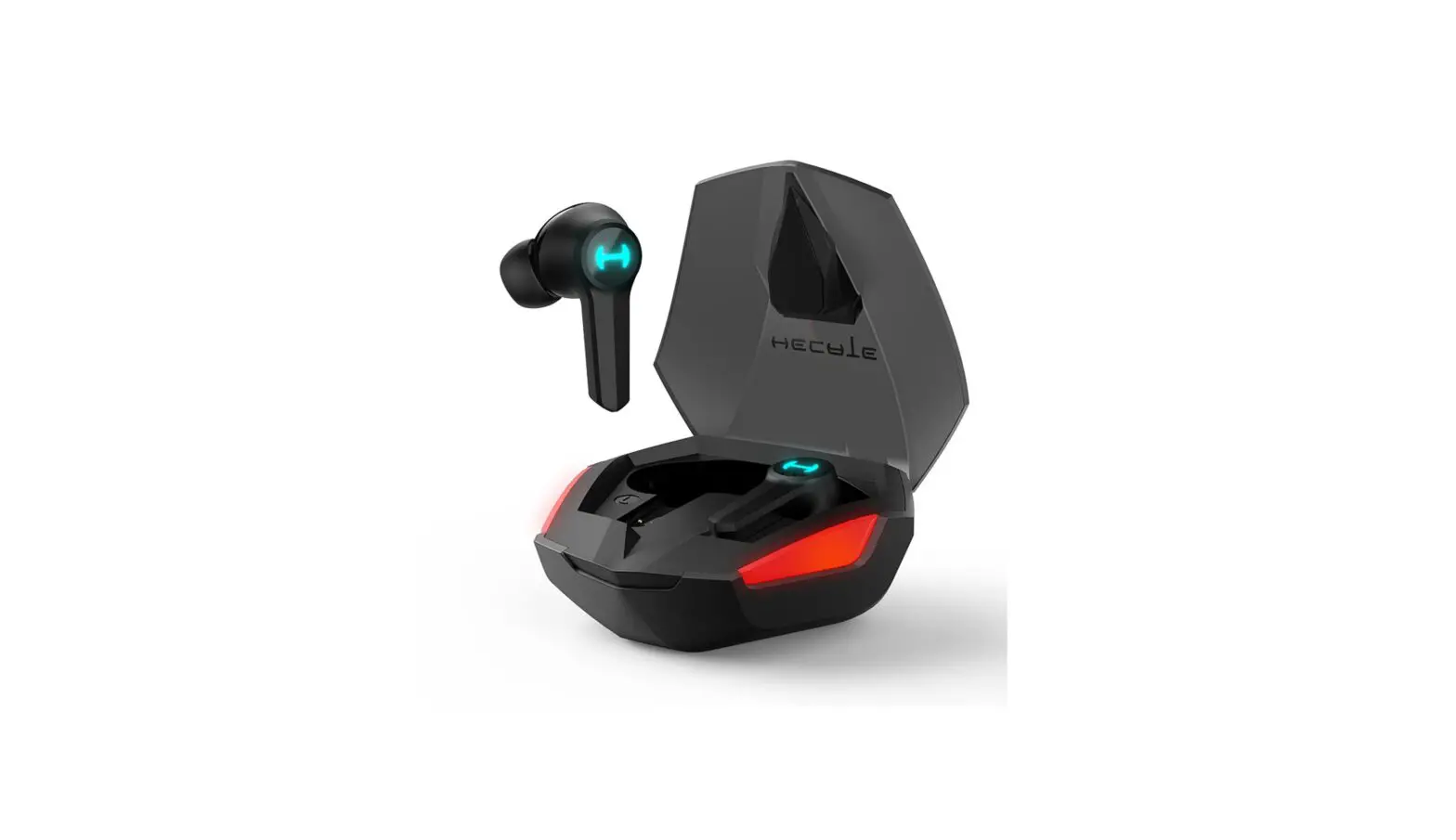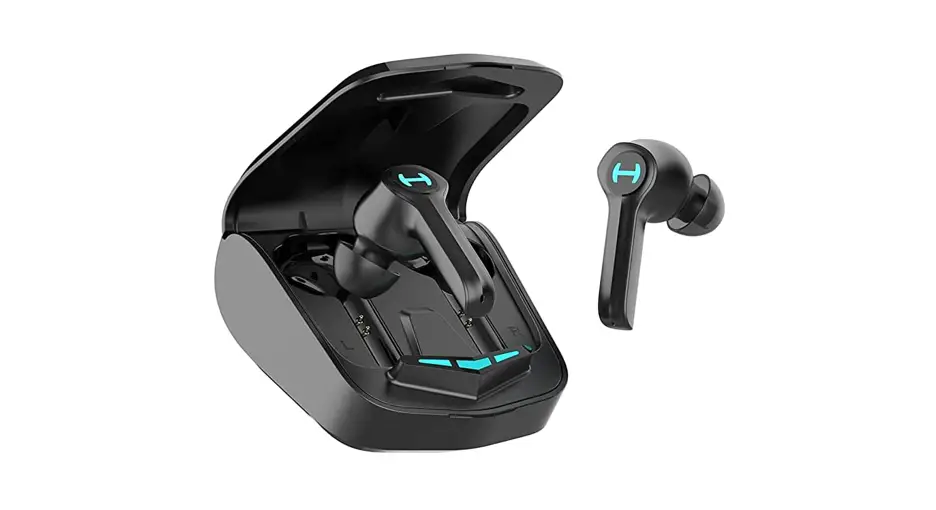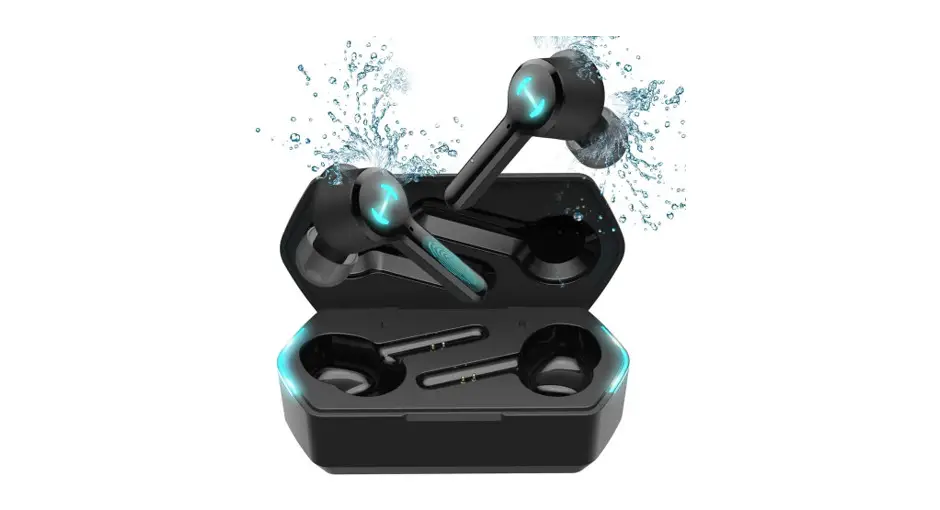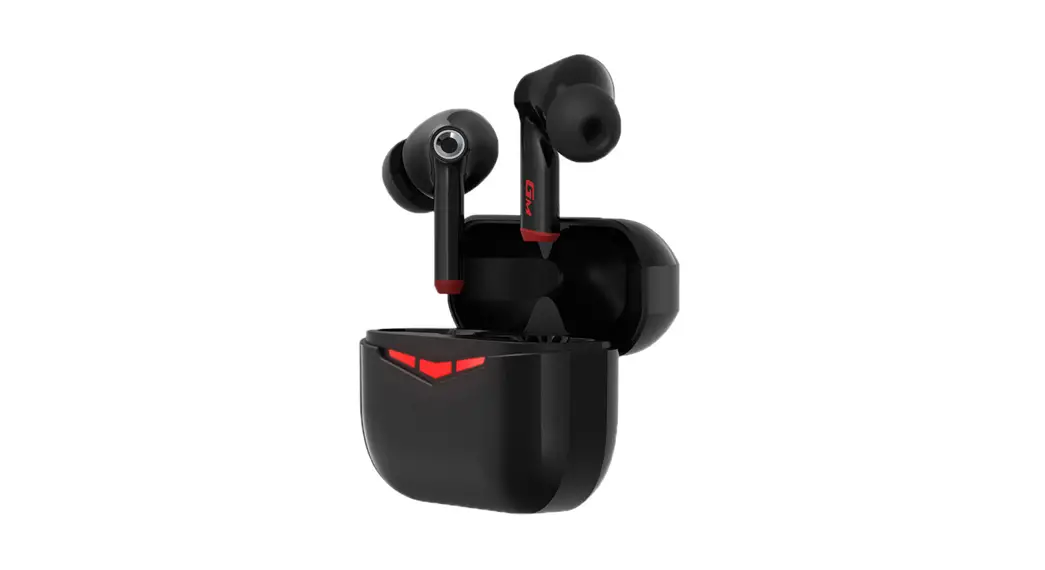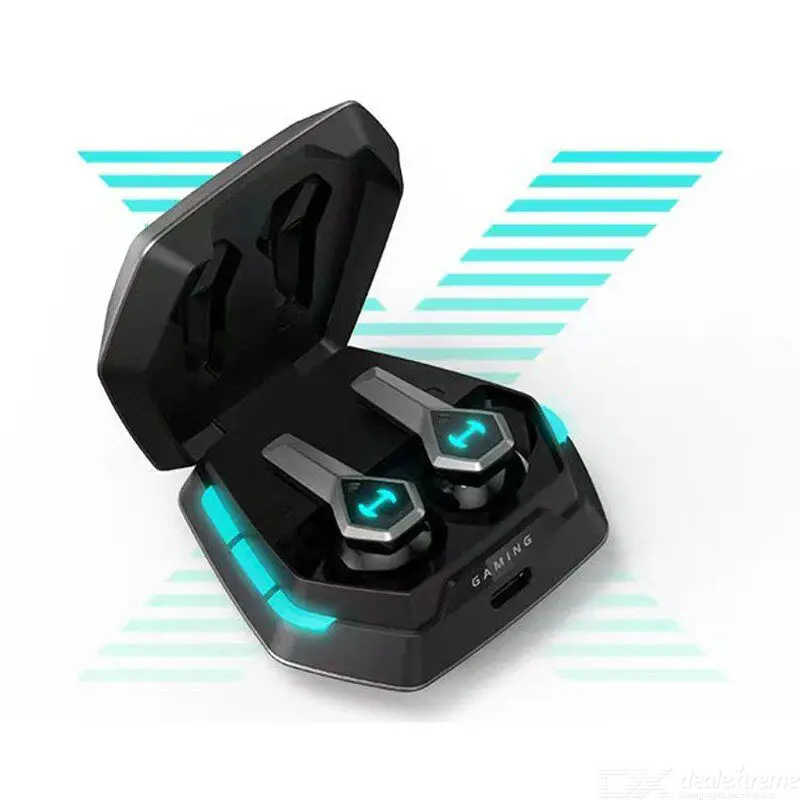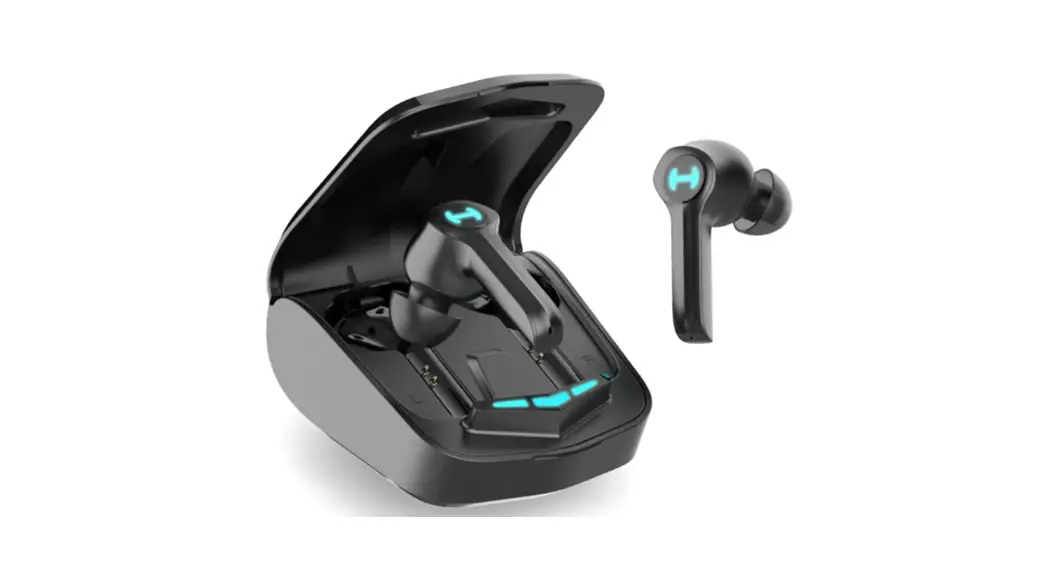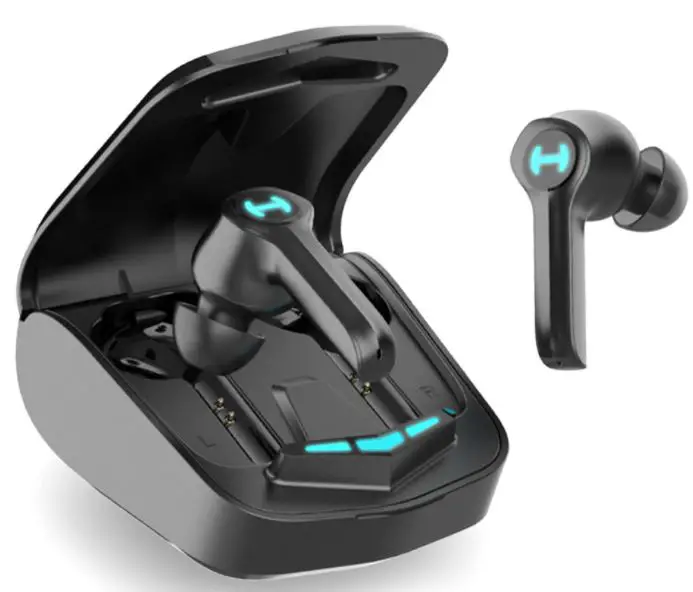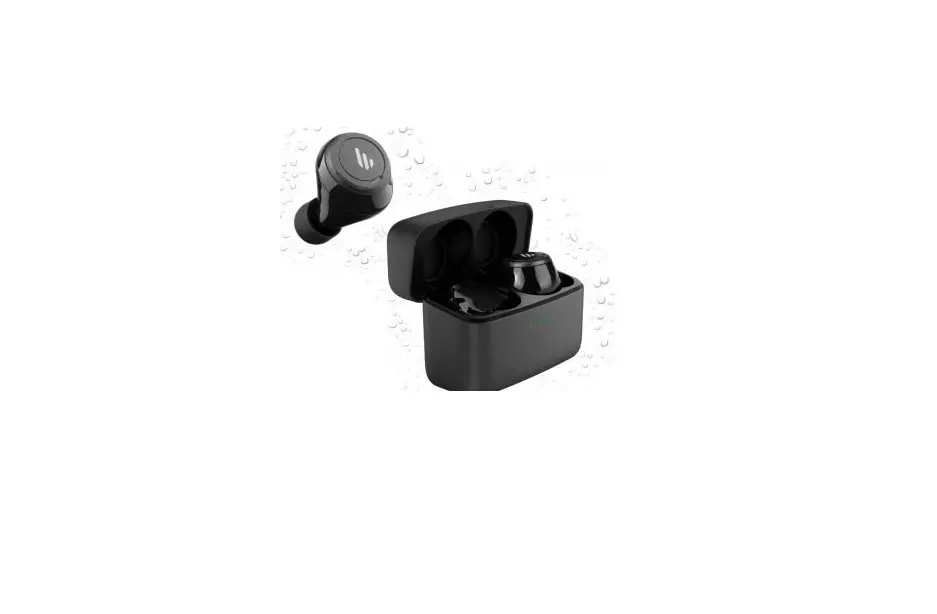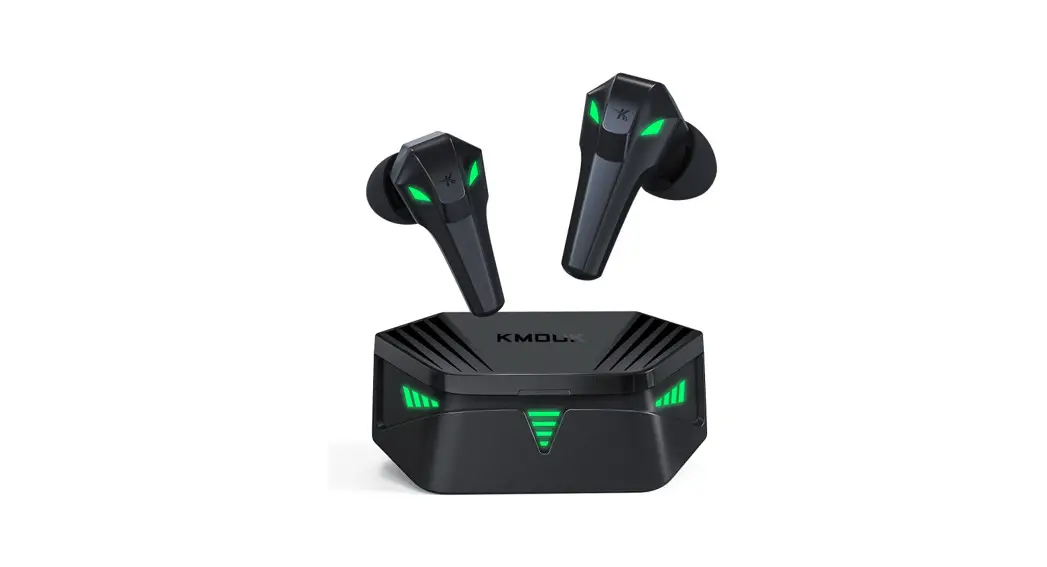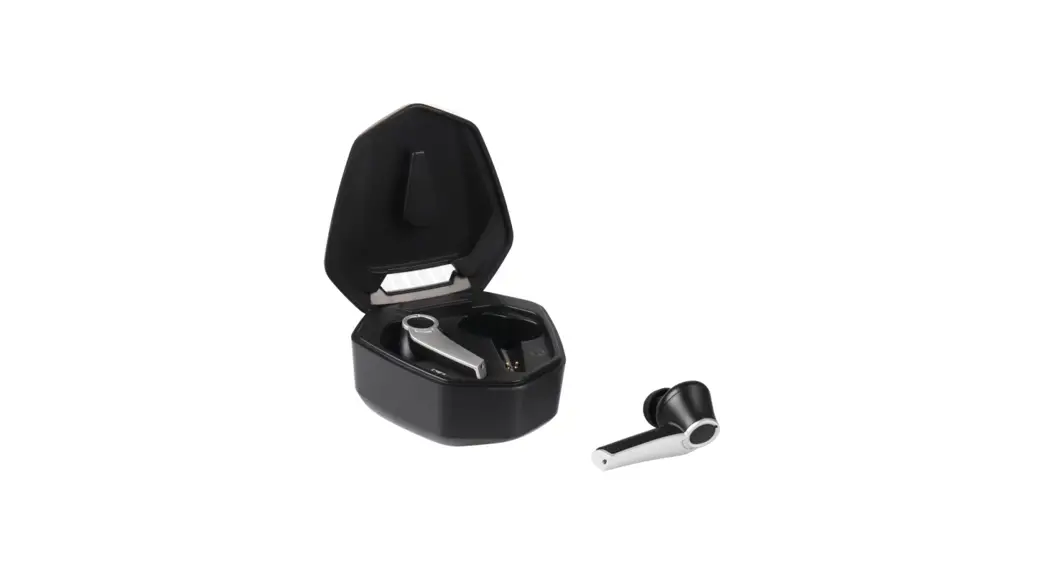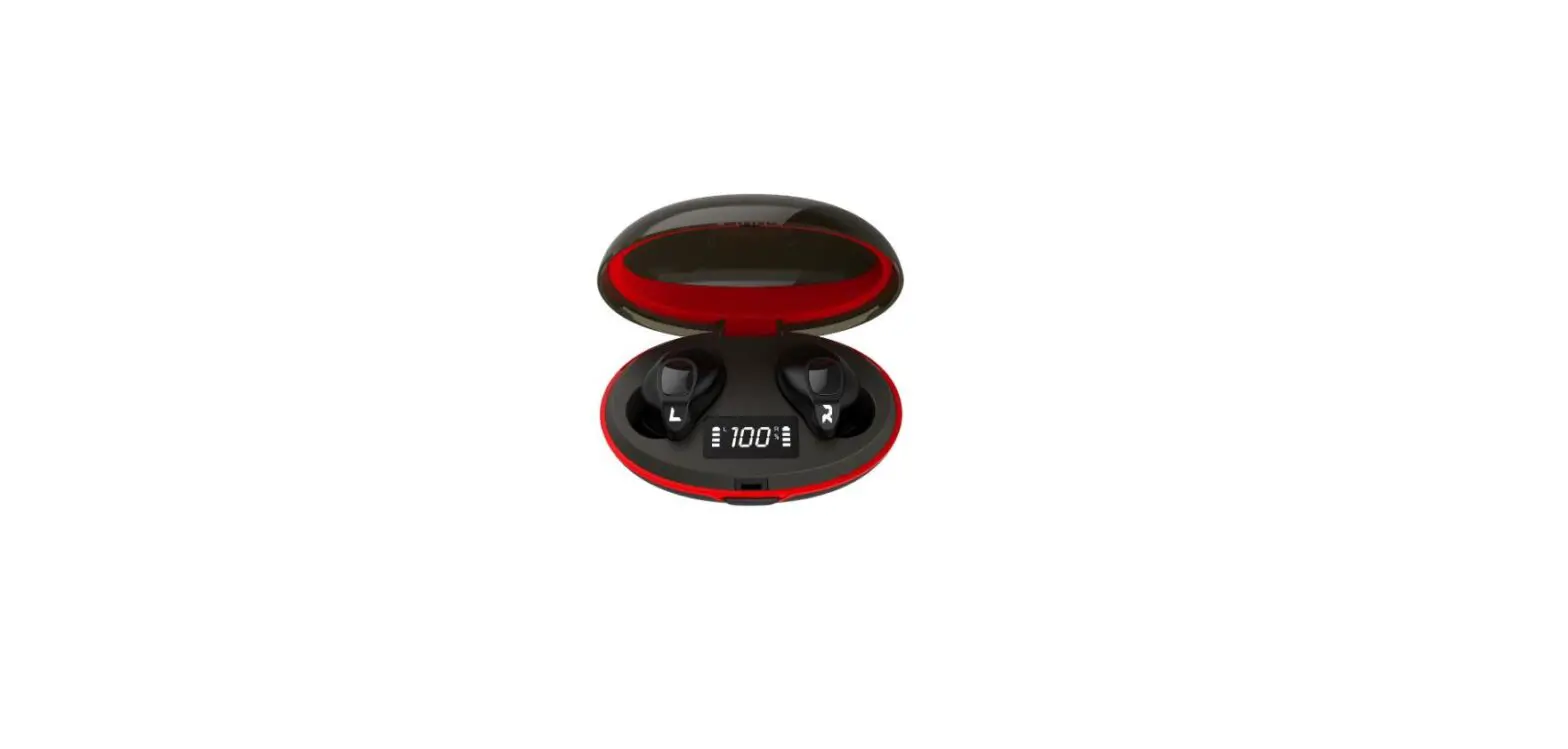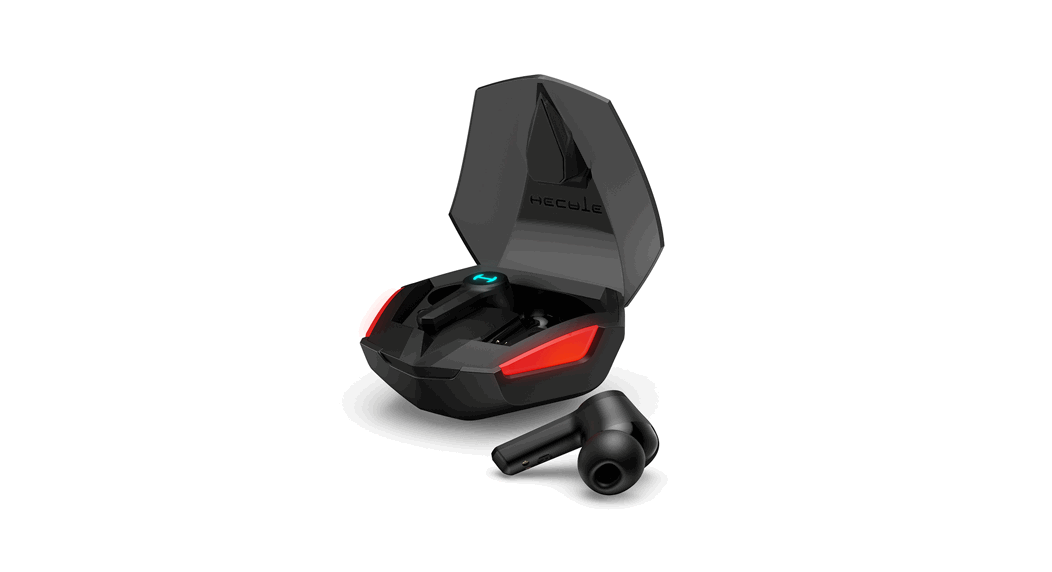
 GT4 True Wireless Gaming Earbuds
User Manual
Power on/off
Automatically
- The earbuds will power on automatically when taken out of the charging case.
- The earbuds will power off automatically when placed in the charging case.
Manually
- When the earbuds are powered off, respectively press and hold the touch zones of the left and right earbuds for around 3 seconds, then the earbuds will power on.
- When the earbuds are powered on, respectively press and hold the touch zones of the left and right earbuds for around 6 seconds, then the earbuds will power off.
Bluetooth connection
Two earbuds mode
- For initial use, take the earbuds out of the charging case and they will auto-on(prompt tone:
- Power on); then the left and right earbuds will auto-pair with each other, after pairing is successful, the earbuds will enter Bluetooth pairing state(prompt tone: Pairing);
- Set Bluetooth device to search for and connect to “”HECATE GT4″, wait until you hear the prompt tone of “Connected”, then the pairing is successful.
One earbud mode
lf use one earbud only, please take the left or right earbud out of the charging case, and refer to the procedures mentioned in “Two earbuds mode” to pair with Bluetooth devices.
Functional operation
Music playback mode

Low-latency game mode (when the right earbud is in Music mode)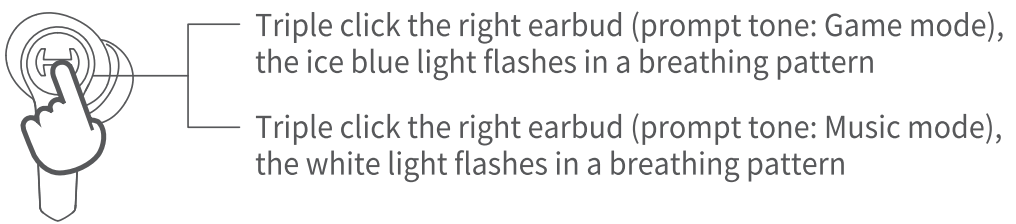
Note: It is music mode by default when leaving factory.
Call mode (same operation for the left and right earbuds)

Voice assistant
Except when you are in a conversation, triple clicking the touch zone of the left earbud can enable the voice assistant function (please ensure the connected Bluetooth device support this function).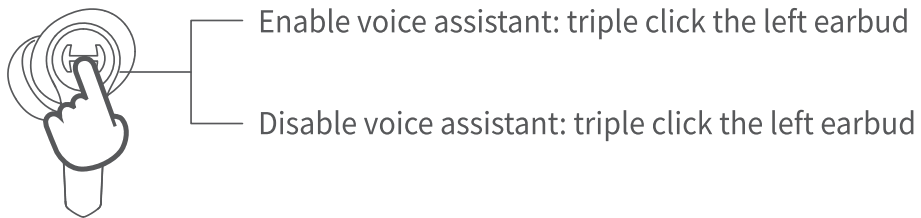
Earbuds light effects on/off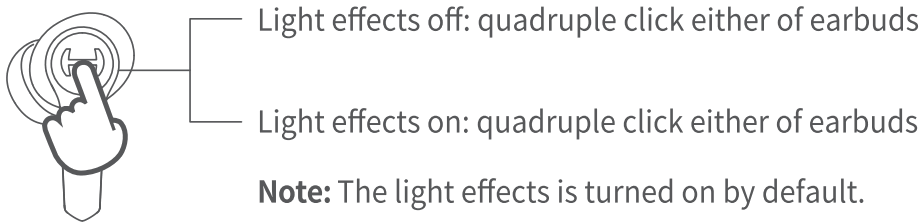
Note: Images are for illustrative purposes only and may differ from the actual product.
Model: EDF700014
FCC ID: Z9G-EDF151
IC: 10004A-EDF151
Edifier International Limited
P.Q. Box 6264 General Post Office Hong Kong www.hecategaming.com
Designed by DONGGUAN EDIFIER ESPORTS TECHNOLOGY CO.,LTD. www.edifier.com
© 2021 Edifier International Limited. All rights reserved.
Printed in China
NOTICE:
For the need of technical improvement and system upgrade, information contained herein may be subject to change from time to time without prior notice.
Products of EDIFIER will be customized for different applications.
Pictures and illustrations shown on this manual may be slightly different from actual product.
If any difference is found, the actual product prevails.
Hereby Edifier International Limited declares that the radio equipment type EDF700014 is in compliance with Directive 2014/53/EU.The full text of the EU declaration of conformity is available at the following internet address: https://www.edifier.com/int/eu-doc.html
 |  |
| @hecateglobal | @hecate_global |
 TRUE WIRELESS GAMING EARBUDS
Please visit HECATE website for the full version user manual: www.hecategaming.com
For user safety and compliances, also for the optimum performance, please carefully read safety instructions and use the product in accordance with them.
 Hecate Online Store - Professional E-sports Equipment Manufacturer – Hecate Gaming