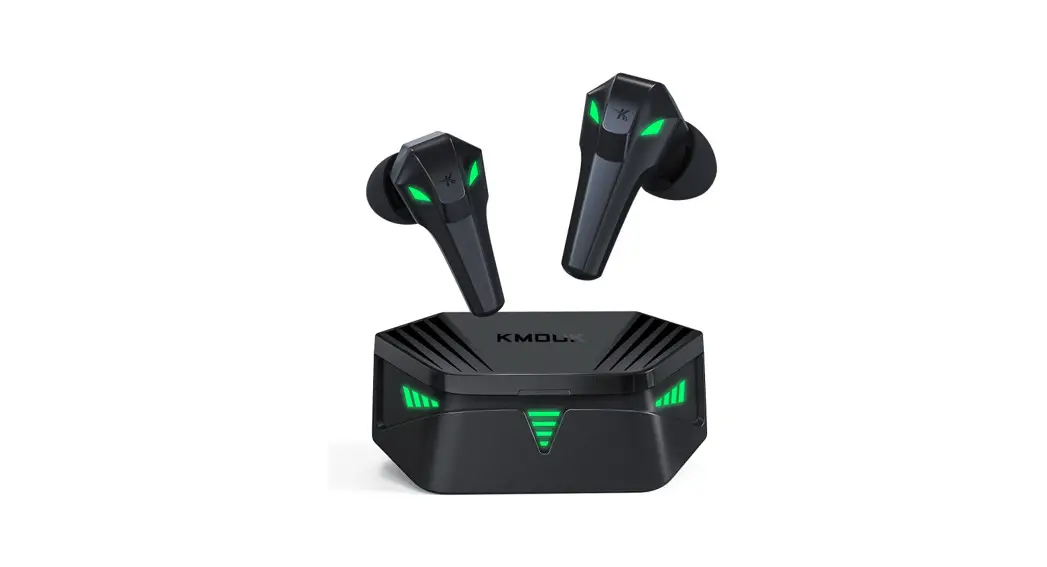
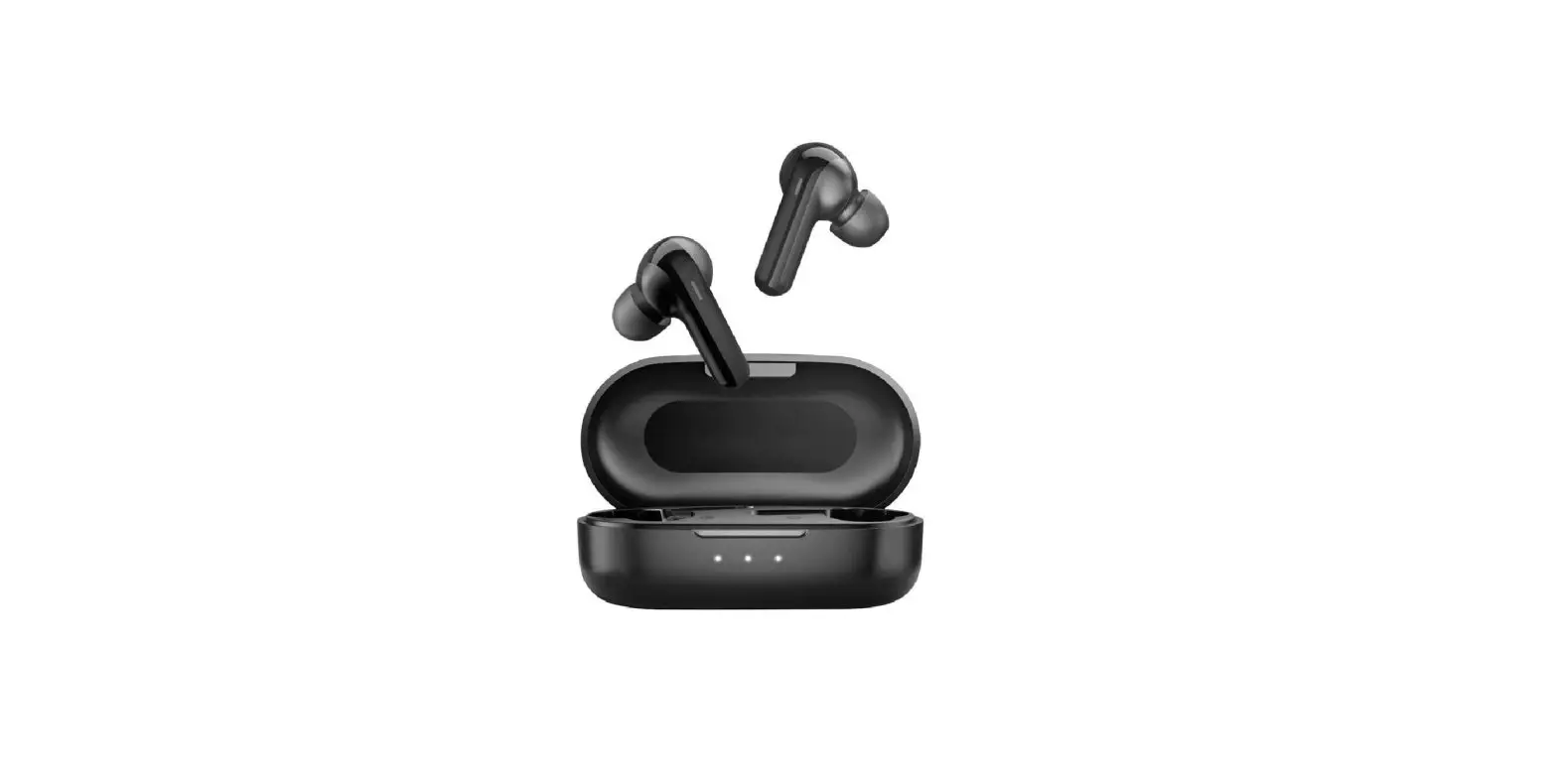
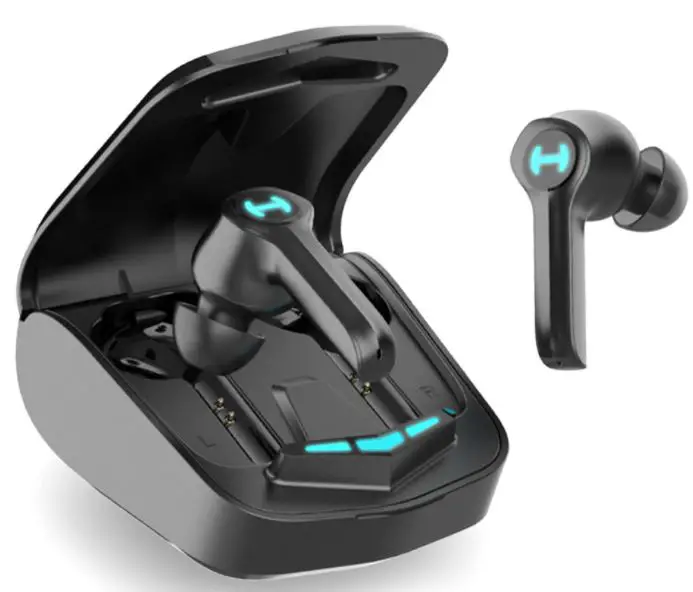
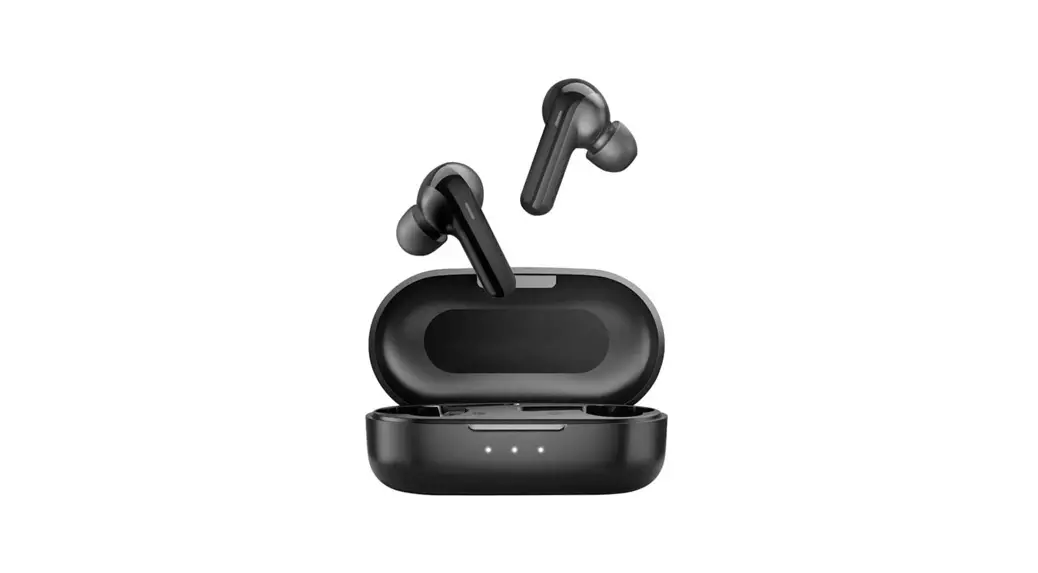
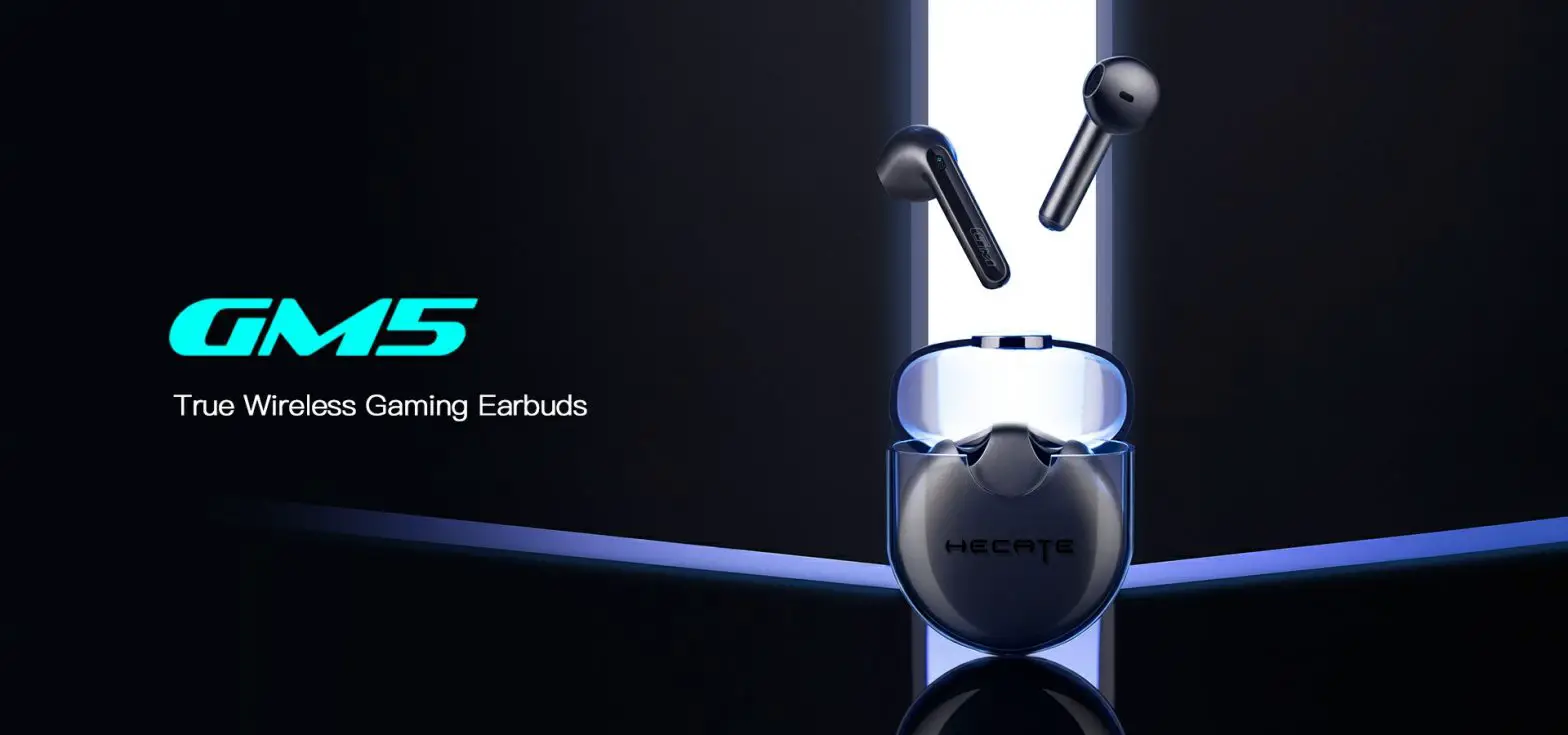
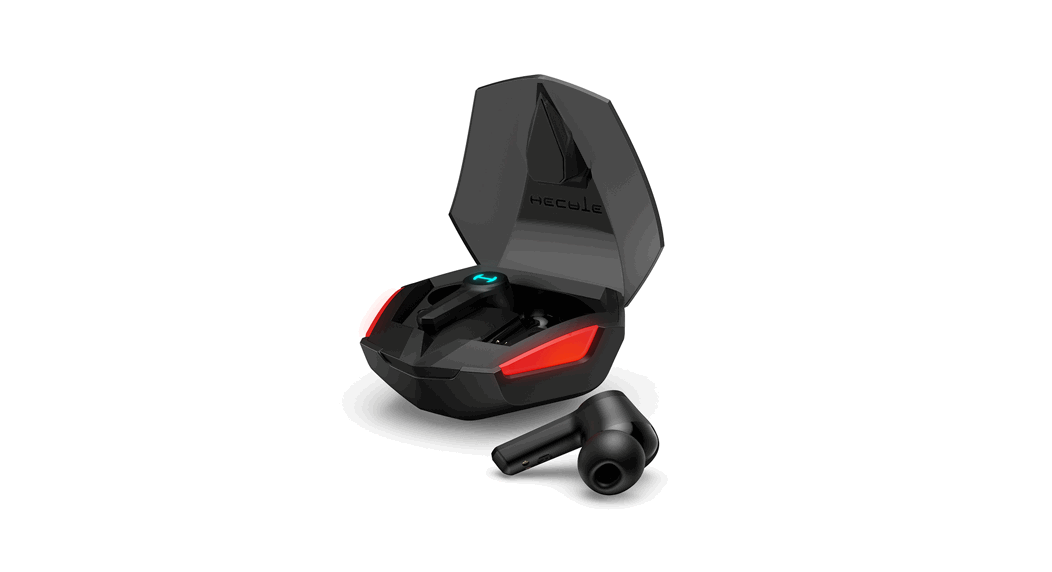
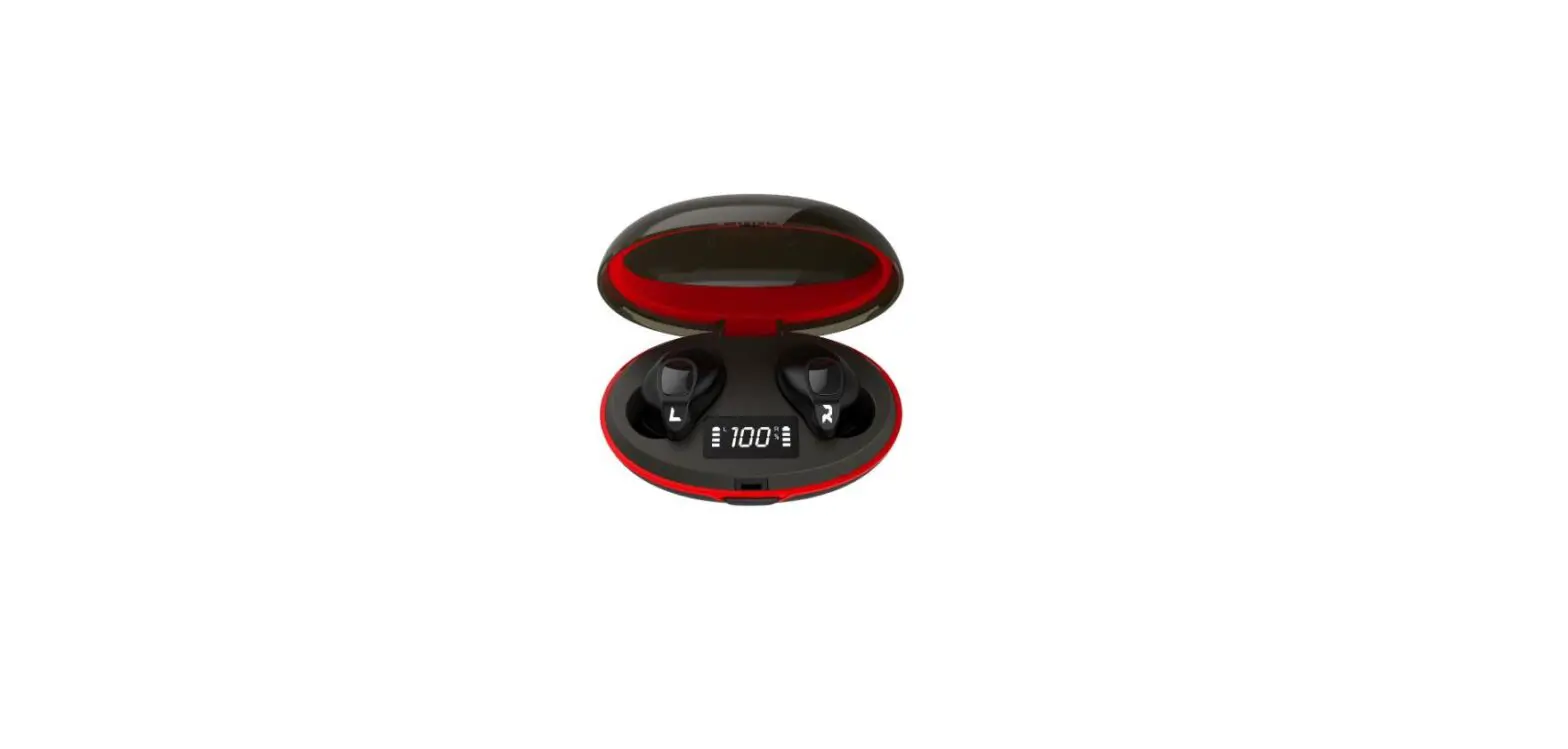
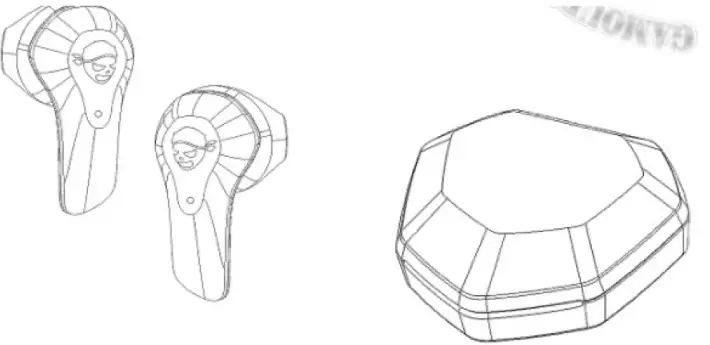
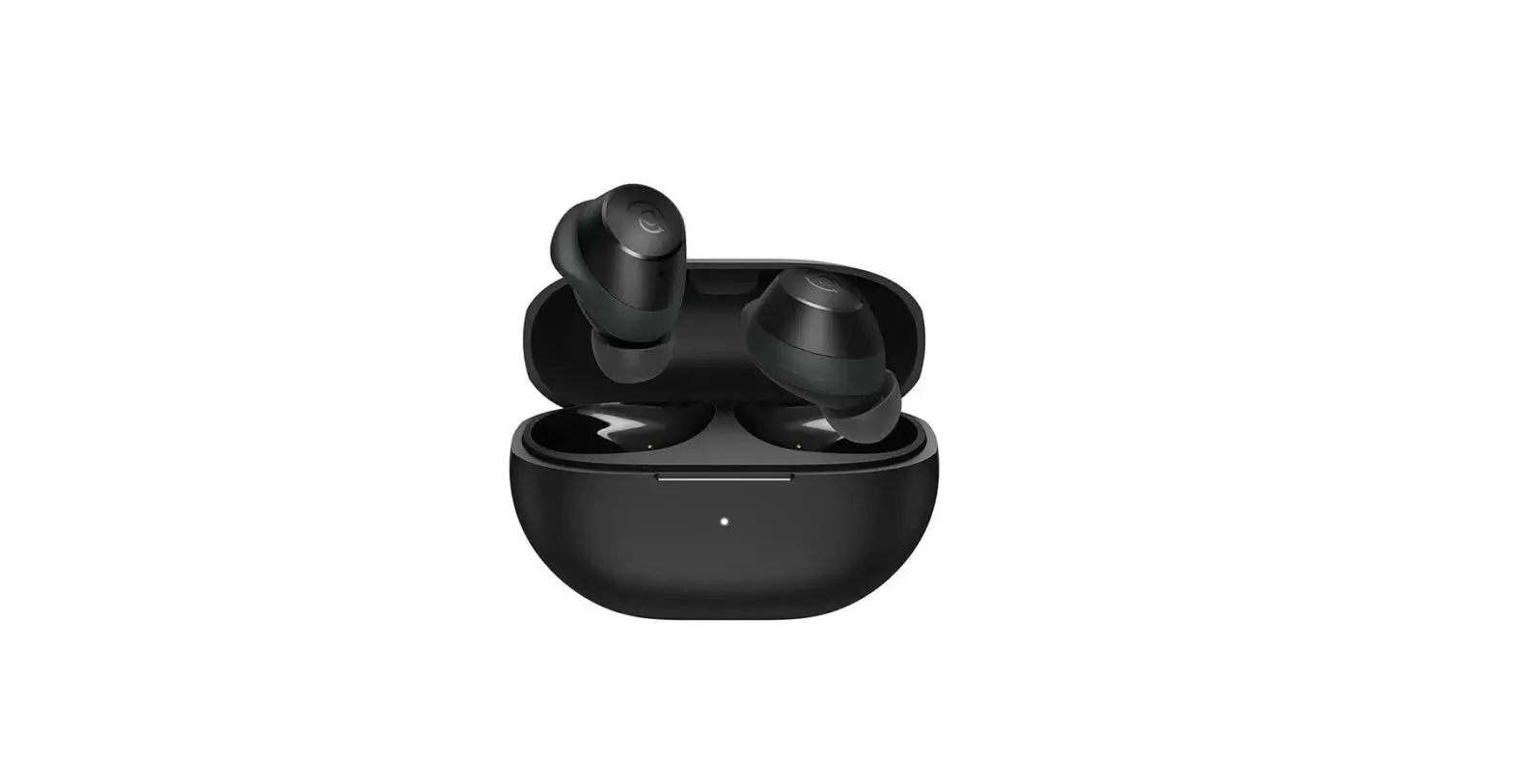
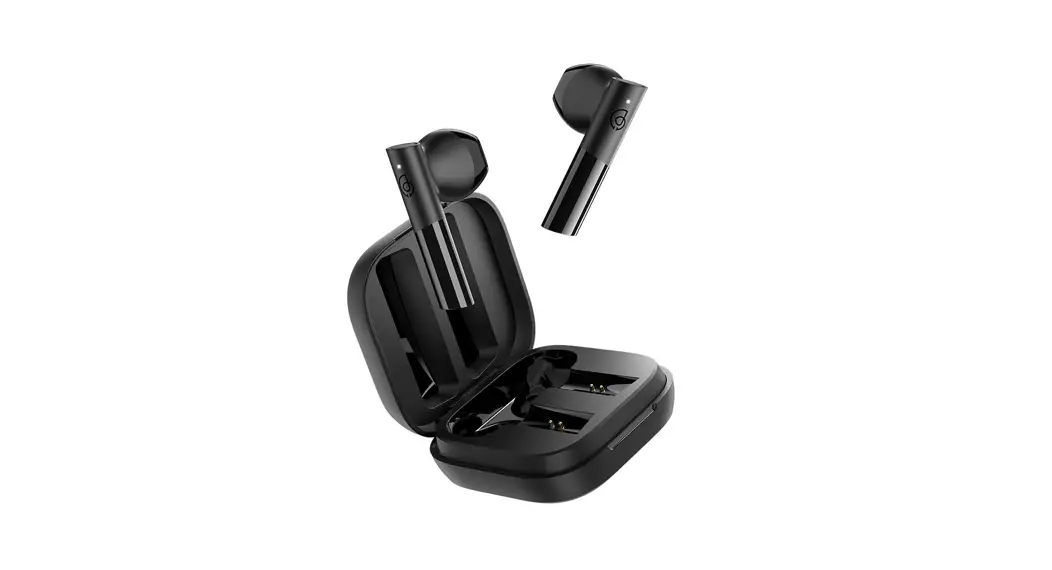
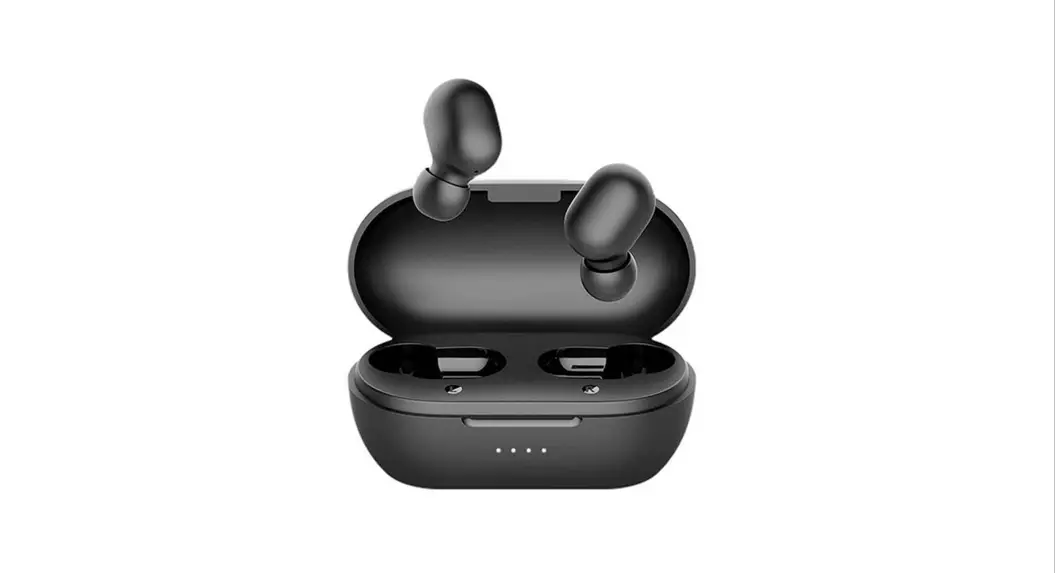
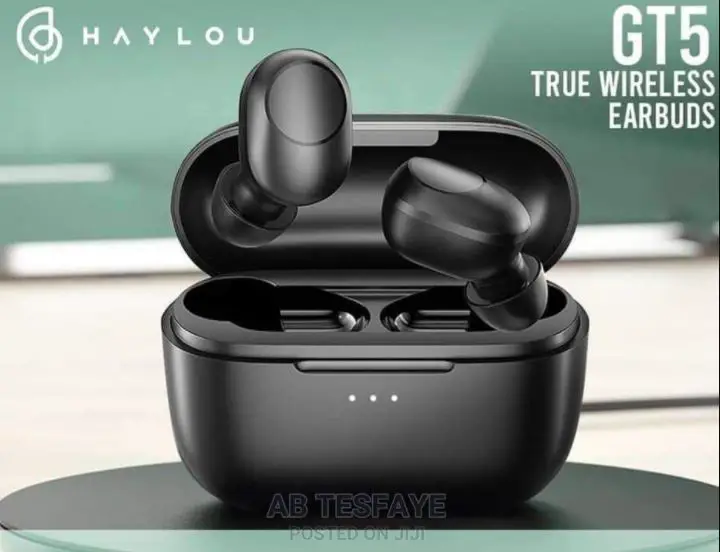
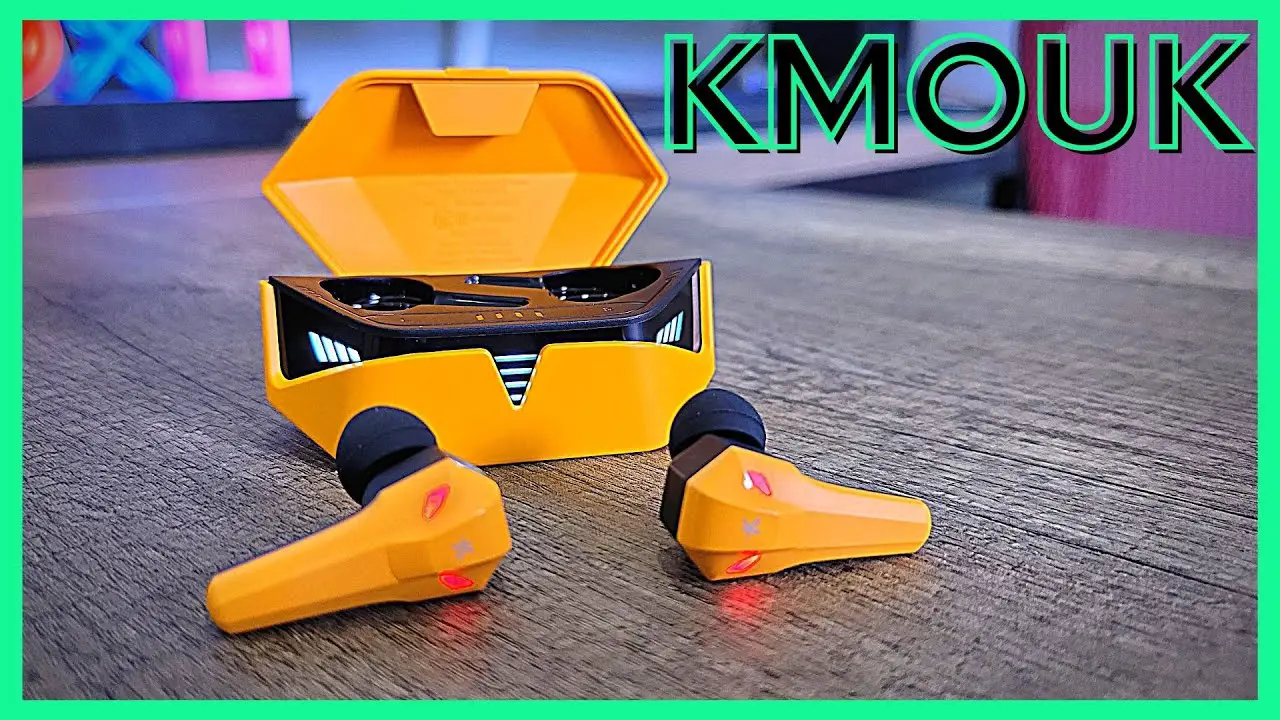
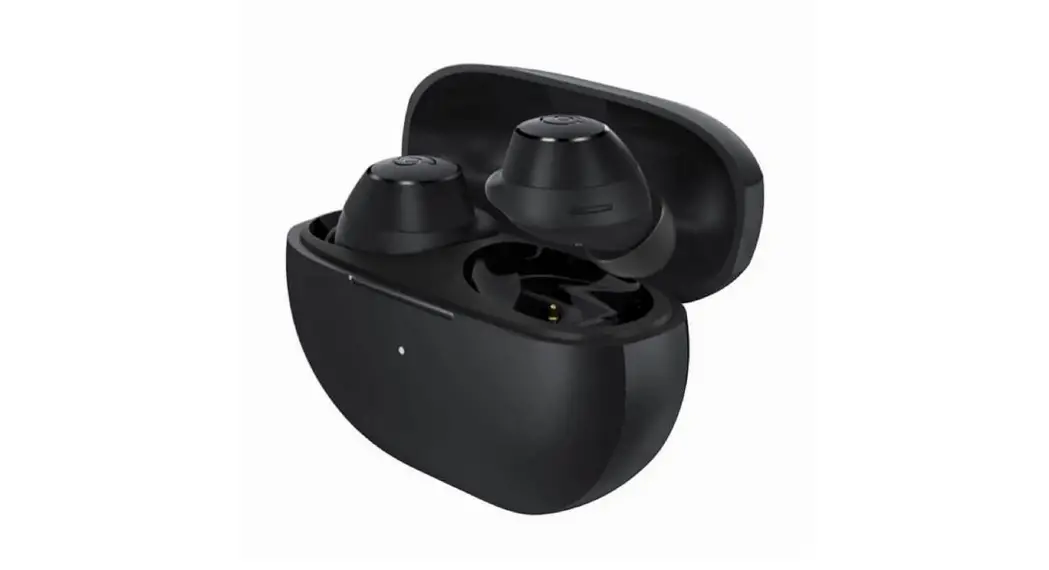
G3 True Wireless Gaming Earbuds
HAYLOU G3 True Wireless Gaming Earbuds
The HAYLOU G3 True Wireless Gaming Earbuds provide a
high-quality audio experience for gaming and everyday use. With
their advanced features and ergonomic design, these earbuds offer
comfort and convenience.
Troubleshooting
Problem: My G3 cannot be charged
What to do:
- Insert the USB-C (smaller end) connector firmly into the
charging port at the rear of the charging case. And make sure the
USB-A (larger end) connector is connected to a power source. - Make sure both ends of the charging cable are connected
properly. - If your G3 has been exposed to extreme temperatures, please
wait for it to return to room temperature before charging.
Problem: My G3 cannot automatically pair with
my mobile device again after the Bluetooth function is restarted
manually.
What to do:
The mobile device will need to initiate the connection by itself
after restarting the Bluetooth function. G3 will not initiate a
connection automatically.
Problem: There is no sound from my G3
What to do:
- Increase the volume on your device.
- Make sure that your G3 is connected with your mobile device,
and the correct device is being used. - Try connecting to a different device.
Bluetooth Pairing
- Open the lid of the charging case, the earphones enter pairing
mode. - Select Haylou G3 on the new Bluetooth device list and tap it to
pair. - Haylou G3 is now paired.
Touch Sensor
Settings:
- Power ON* – Haylou G3 will automatically power ON when the
charging case is opened. - Power OFF** – Put the earbuds into the charging case and close
the lid, they will automatically power off.
Playback Control:
- Tap once – Play/pause
- Double tap the left earbud – Skip track backward
- Double tap the right earbud – Skip track forward
- Press and hold the left earbud – Enter/exit gaming mode*
- Press and hold the right earbud – Music/cinema mode
Call Control:
- Tap once – Answer an incoming call
- Tap once – Hang up a call
- Double tap – Reject an incoming call
- Double tap – Switch a third-party call
Restore Factory Settings
- Put the earbuds back into the charging case and ensure the
earbuds have sufficient power. - Press and hold both earbuds for 10s to power off, then release
after LEDs flash rose red twice. - Press and hold again for 5s; please do not release when LEDs
flash other color during the process. - After 5s, LEDs flash rose red twice and the reset is
completed. - Close the charging case after reset; open the charging case
again to pair after the breathing lights of the earbuds are
on.
*If the operation is unsuccessful, please repeat the above
steps; or log in to the official flagship store, contact customer
service, and view the reset operation video.
Led Status
Left Earbud LED:
- Pairing mode
- Power on
- Pairing is successful, connect the mobile device
- Play music (in music/cinema mode)
- Gaming mode
- Low battery (less than 10%)
- The charging case is closed and the earbuds are charging
- The earbuds are fully charged
Right Earbud LED:
- Flash yellow and rose red alternately
- Flash blue 3 times
- Flash yellow
- Yellow breathing light effect
- Green breathing light effect
- Flash red periodically
- Yellow breathing light effect
- LED goes out
Precautions
Warning: Do not disassemble, repair or modify
the product for any reason, as this may void the warranty and cause
damage to the product.
HAYLOU G3
True Wireless Gaming Earbuds
User Manual
07 Troubleshoot
Problem
My G3 cannot be charged
What to do
Insert the USB-C (smaller end) connector firmly into the charging port at the rear of the charging case. And make sure the USB-A (larger end) connector is connected to a power source.
Make sure both ends of the charging cable are connected properly.
If your G3 has been exposed to extreme temperatures, please wait for it to return to room temperature before charging.
My G3 cannot automatically pair with my mobile device again after the Bluetooth function is restarted manually.
The mobile device will need to initiate the connection by itself after restarting the Bluetooth function. G3 will not initiate a connection automatically.
There is no sound from my G3
Increase the volume on your device.
Make sure that your G3 is connected with your mobile device, and the correct device is being used.
Try connecting to a different device.
01 Bluetooth Pairing
Pairing Mode 1. Open the lid of the charging case, the
earphones enter pairing mode. 2. Select “Haylou G3” on the new Bluetooth
device list and tap it to pair. 3. Haylou G3 is now paired.
02 Touch Sensor
Settings
Bluetooth
Bluetooth MY DEVICES Haylou G3
Not Connected i
Basic Control Press for 2 secs Press for 10 secs
Touch sensor Left
Right
2s 10s
Power ON* Power OFF**
* Haylou G3 will automatically power ON when the charging case is opened. ** Put the earbuds into the charging case and close the lid, they will automatically power off
Playback Control
Tap once
Play/pause
Double tap the left earbud
Skip track backward
Double tap the right earbud Press and hold the left earbud
LEFT
Skip track forward Enter/exit gaming mode*
Press and hold the right earbud
RIGHT
Music/cinema mode
* You can only switch between Music/Cinema Mode after turning OFF Gaming Mode.
Call Control
Tap once Tap once Double tap Double tap
Answer an incoming call Hang up a call Reject an incoming call Switch a third-party call
Restore Factory Settings
1. Put the earbuds back into the charging case and ensure the earbuds have sufficient power; 2. Press and hold both earbuds for 10s to power off, then release after LEDs flash rose red twice; 3. Press and hold again for 5s; please do not release when LEDs flash other color during the
process; after 5s, LEDs flash rose red twice and the reset is completed; 4. Close the charging case after reset; open the charging case again to pair after the breathing
lights of the earbuds are on;
*If the operation is unsuccessful, please repeat the above steps; or log in to the official flagship store, contact customer service, and view the reset operation video.
03 Led Status
RGB LED
Left
Pairing mode
Power on Pairing is successful, connect the mobile device Play music (in music/cinema mode)
Gaming mode
Low battery (less than 10%) The charging case is closed and the earbuds are charging The earbuds are fully charged
Right
Flash yellow and rose red alternately Flash blue 3 times Flash yellow Yellow breathing light effect Green breathing light effect Flash red periodically Yellow breathing light effect LED goes out
08 Precautions
Warning 1. Do not disassemble, repair or modify the product for any reason, as this may
cause fire or even completely destroy the product. 2. Do not expose the product to environments where the temperature is too low or
too high (below 0°C or above 45°C). 3. Keep the indicators away from the eyes of children and animals while using the
earphones. 4. Do not use this product during thunderstorms. Thunderstorms may cause the product to malfunction and increase the risk of electric shocks. 5. Do not wipe and clean the earphones or their case with alcohol or other volatile
liquids. 6. Avoid any contact with liquids.
Note 1. Please read this user manual carefully before using the product and please
properly store it. 2. When using for the first time, please fully charge this product. 3. Please charge the product, in case it has not been used over two weeks.
09 Warranty Card
Warranty Period 12 months after you purchase this item. ( or you may inquire your local shopper for more details.) Free Service Supposing any defects caused by quality issues occur within the warranty period, please take this warranty card and purchase receipts to your distributor for free exchange service.
Model Number Date of Purchasing User’ s Name User’ s Phone User’ s Address Shop’ s Name Shop’ s Address Comments
04 Charging Case
Power display of charging case Low battery (less than 10%) Charging case is charging The charging case is fully charged
4-stage breathing light effect display
When opening the lid, LED of the charging case flashes 3 times
The running water light effect displays the power in real time
LED goes out
LED indicator
05 Charging
1.Connect the Haylou G3 charging case to a power source with the provided charging cable.
2.The earbuds and the charging case should be fully charged in around 2 hours. 3.More than 4 hours of playtime when fully charged, up to 20 hours of playtime
with a fully charged charging case. 4.Put the earbuds into the charging case, and they will start charging after closing
the lid. *Please make sure to remove the insulation film on the earbuds before charging.
WarningThe rechargeable battery contained in this product must be properly disposed of in order to be recycled. Please do not put the battery in the fire to avoid explosion. Recommendation In order to maintain a good level of performance of the lithium battery in this product, it should be charged once every three months even it is not in use.
06 Product Specifications
Brand name: HAYLOU Product model: G003 Product description: true wireless gaming earbuds Bluetooth pairing name: Haylou G3 Bluetooth version: Bluetooth5.2 Sound modes: game/music/cinema Low latency: 45ms* Frequency response: 20Hz – 20,000Hz Driver parameters: 13mm composite diaphragm dynamic driver Product dimensions: 65 x 62 x 24 mm Product weight: 56g (total weight of earbuds and charging case) Earbud battery capacity: 4 5 mAH Charging case battery capacity: 500 mAH Charging time: 2 hours, The charging time of the earbuds and the charging case
respectively Box content:Charging case, Earbuds, Charging cable USB-C to USB-A, User manual
CMIIT ID:2022DP7348 FCC ID:2AMQ6-G003
* The data tested by different instruments and different methods will be different. This data is tested by the built-in Bluetooth box of AudioPrecison.
Manufacturer: Dongguan Liesheng Electronic Co., Ltd. Address: Room 401-410, Building 1, No. 86 Hongtu Road, Nancheng District,
Dongguan City, Guangdong, China
 Power in self – Haylou