 LOGITECH ZONE 750
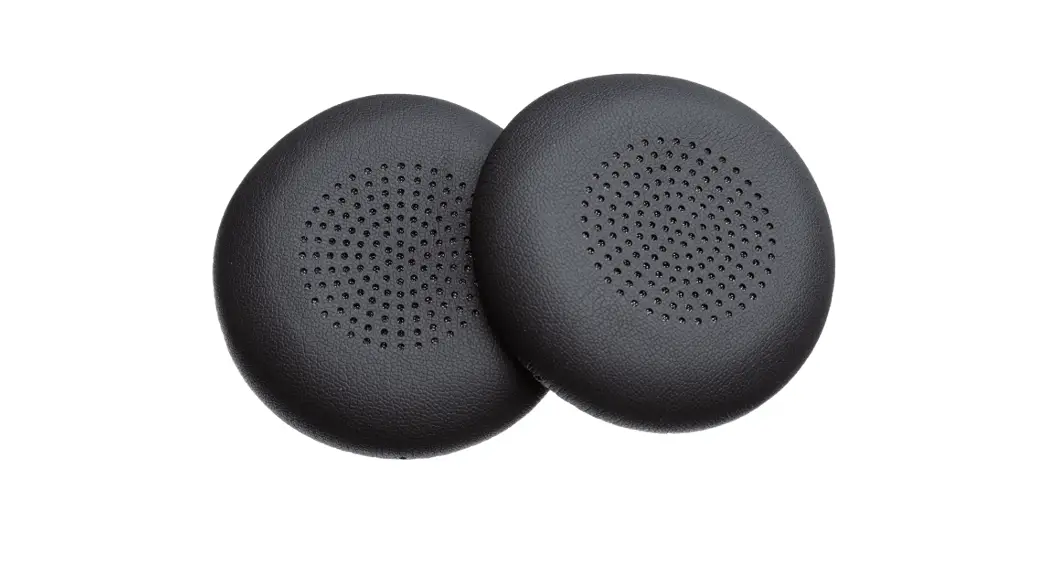
REPLACEABLE EARPAD COVERS
Complete Setup Guide
KNOW YOUR PRODUCT
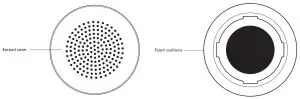
WHAT’S IN THE BOX
1 pair (2pcs) of replacement earpads covers
INSTRUCTIONS
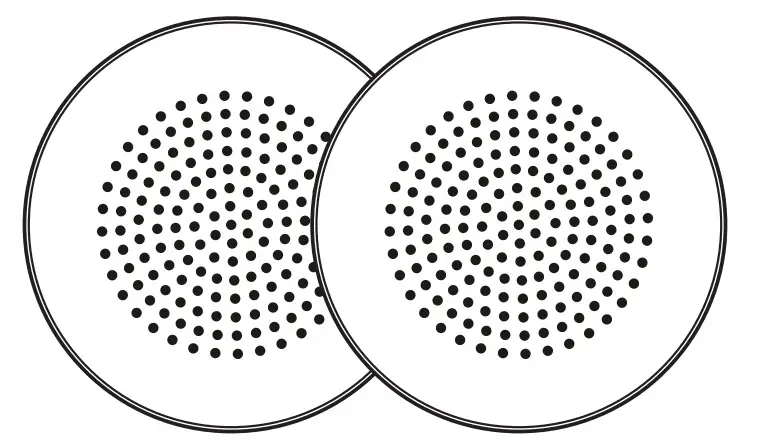
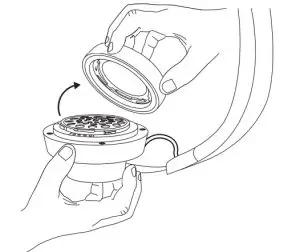
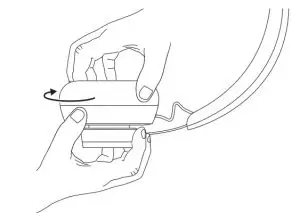
- Firmly grasp the leatherette earpad along the side with one hand and hold the can with the other hand Rotate the earpad counterclockwise to detach it from the ear can.


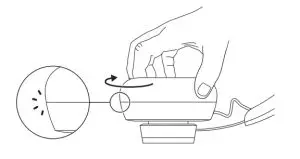
Holding the new earpad, place it on top of the ear can with one hand and use the other hand to hold the ear can Slowly rotate the earpad clockwise until you feel it click into place.


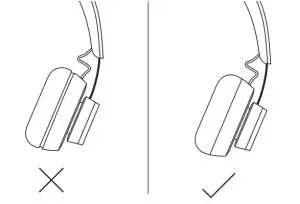
- Make sure there is no gap between the ear can and earpad
Note: Do not force the earpad to fit
DIMENSIONS
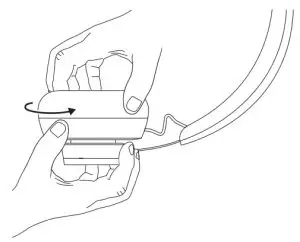
EARPAD:
Height x Width x Depth: 65 84 mm x 65 84 mm x 18 75 mm
www.logitech.com/support/zone750
© 2021 Logitech, Logi, and the Logitech Logo are trademarks or registered trademarks of Logitech Europe S A and/or its affiliates in the US and other countries Logitech assumes no responsibility for any errors that may appear in this manual Information contained herein is subject to change without notice.
WEB-621-002108 002