Hanwha Techwin SBC-165W Skin Cover Instruction Manual
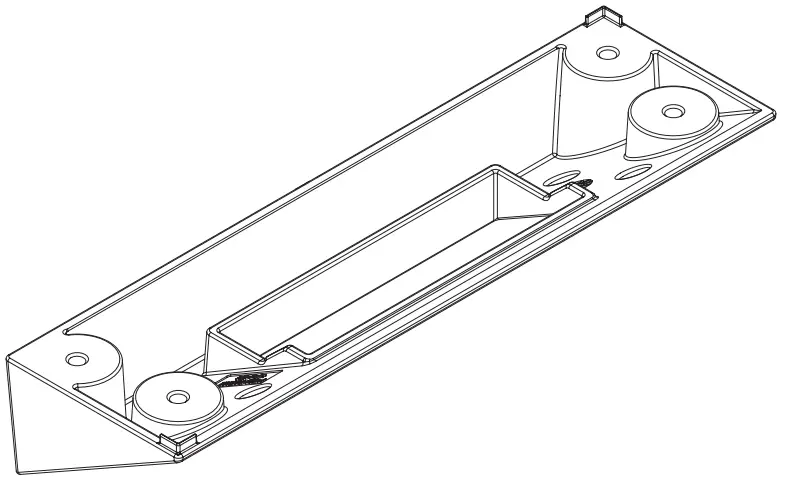
Package (SBS-165TM)
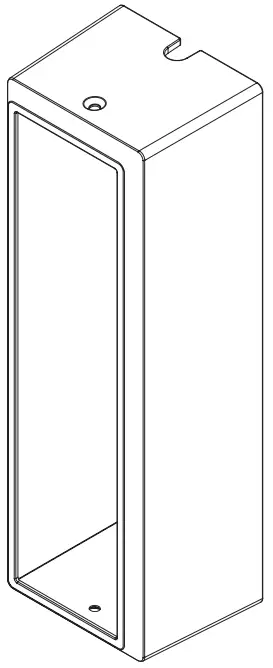
- TILT MOUNT

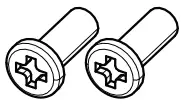
- SCREW 2EA

Package (SBC-165W)
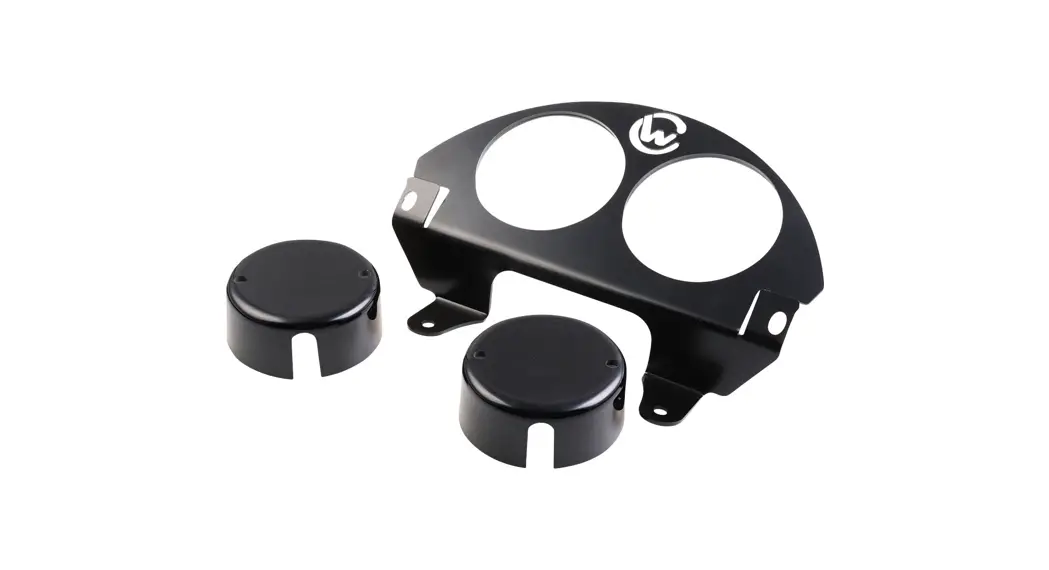
- SKIN COVER

Package (SHS-165F)
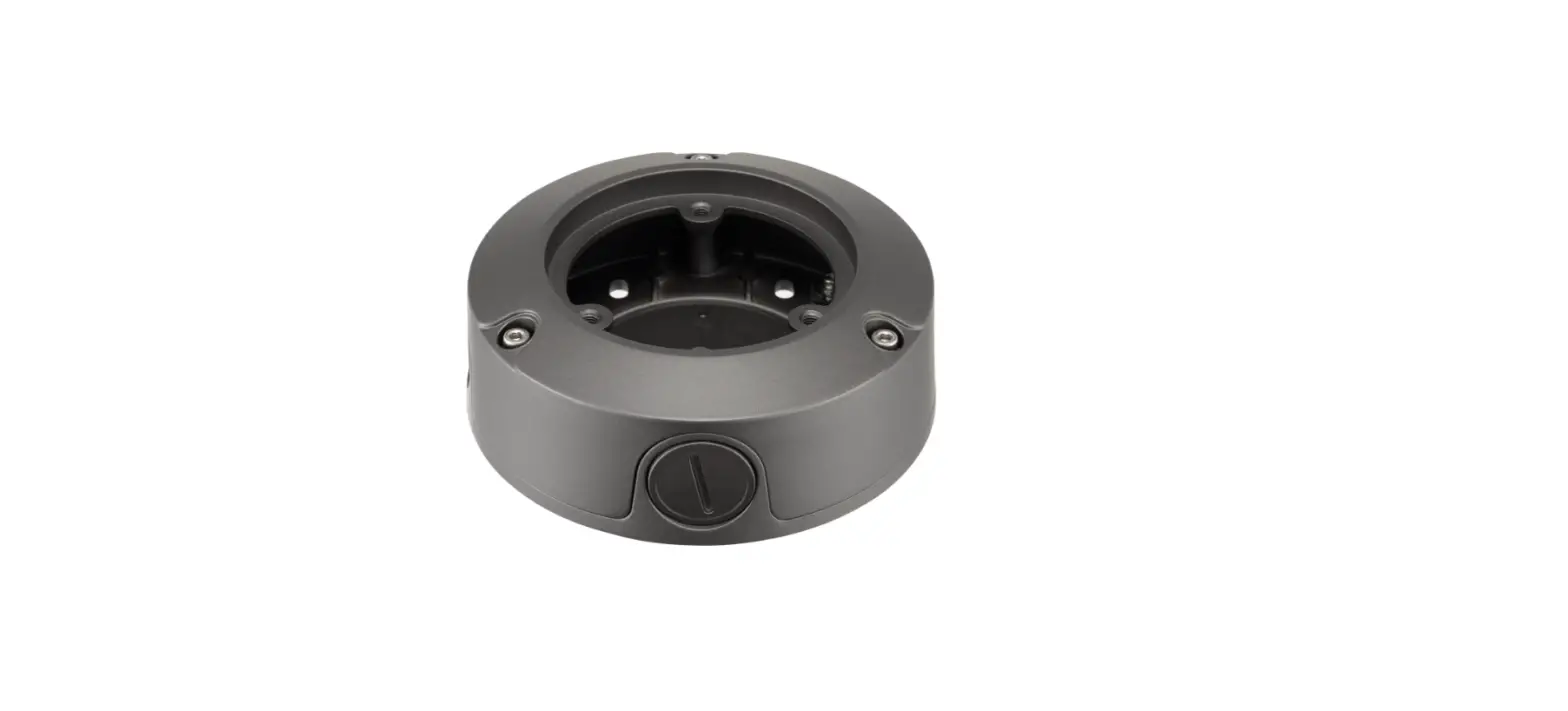
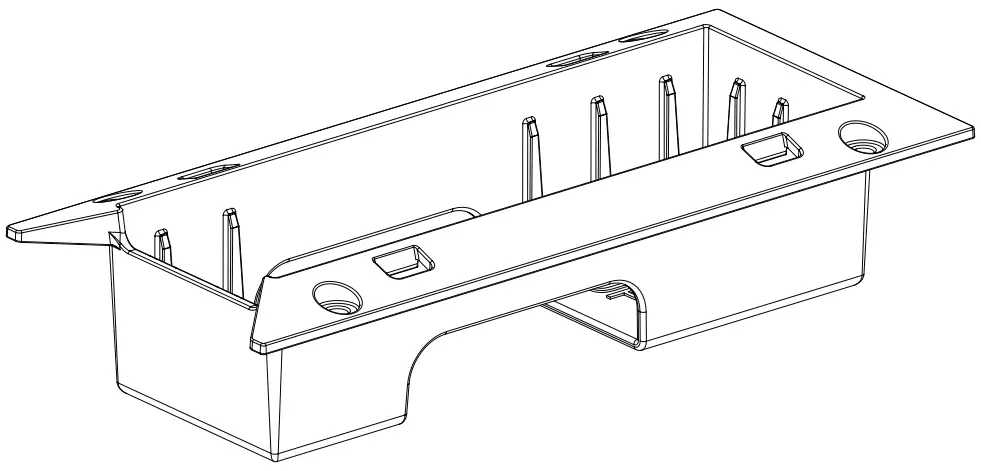
- FLUSH MOUNT- BODY

- SCREW 2EA

- FLUSH MOUNT- COVER (White)

- FLUSH MOUNT- COVER (Dark gray

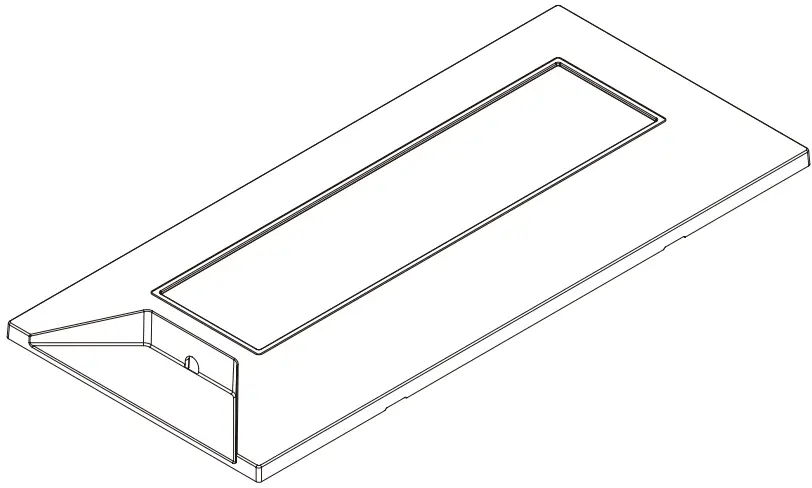
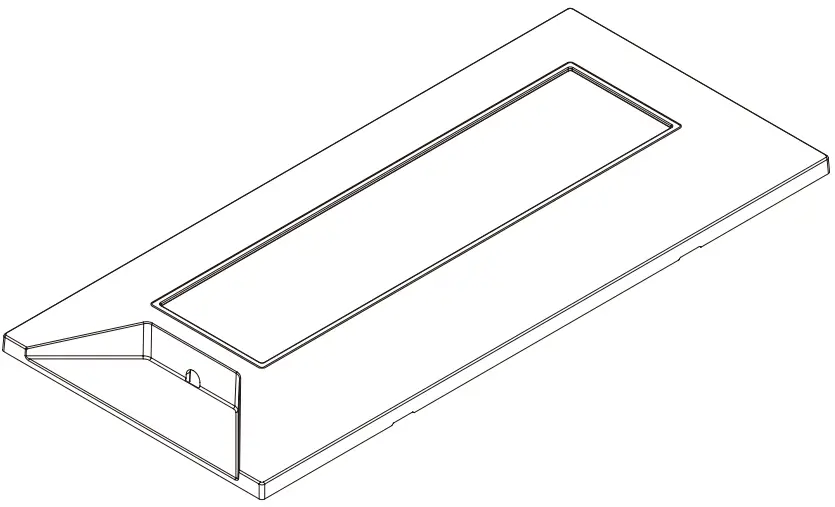
Product Overview
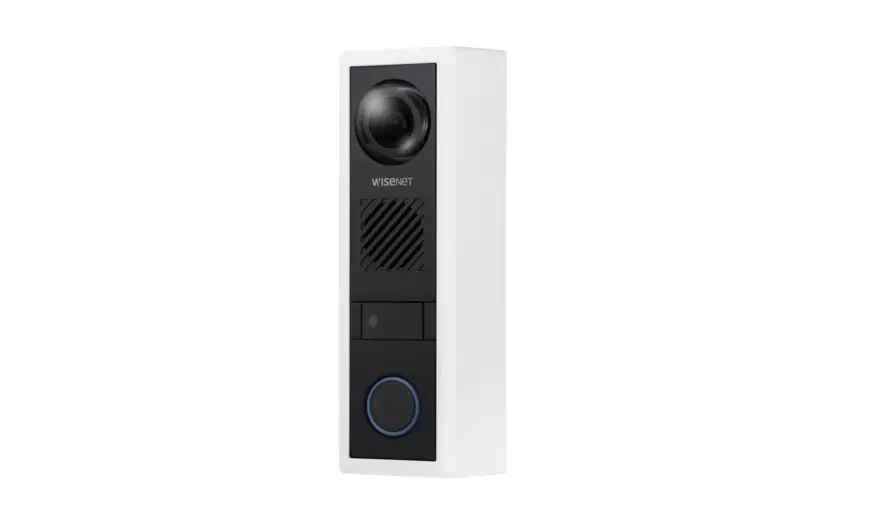
- SBC-165W is a skin cover with which the color of TID-600R Intercom can be changed to white.
- SBS-165TM is a mount for installing the TID-600R Intercom on a wall at the tilted angle of 30°.
- SHS-165F is a mount for installing the TID-600R Intercom camera in a buried type.
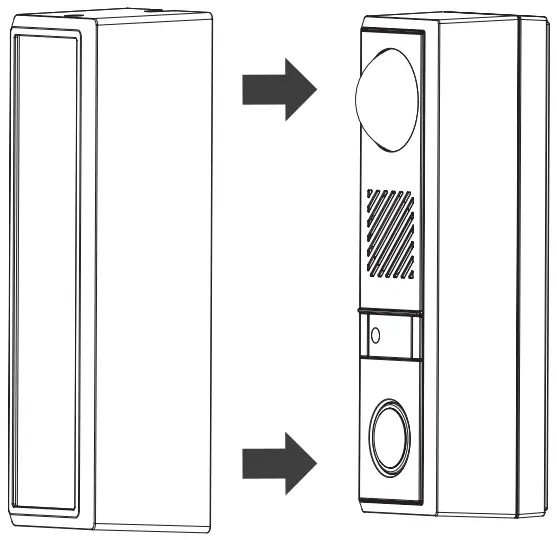
Installation (SBC-165W)
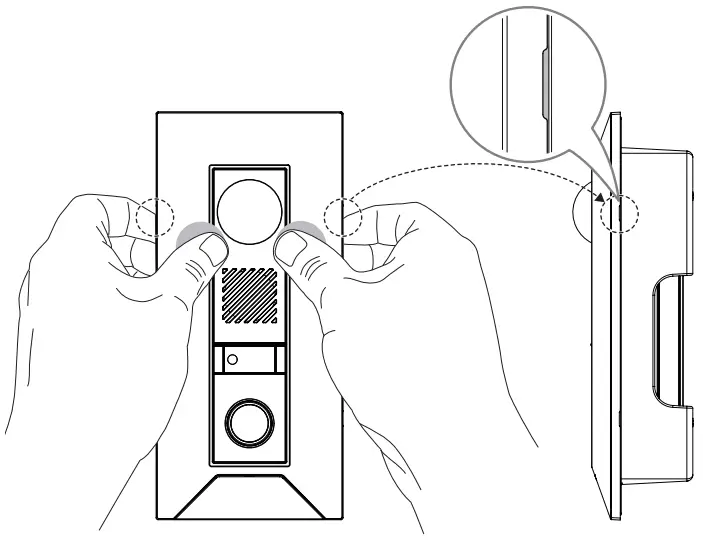
- Install the skin cover from the Intercom’s front as if covering it.

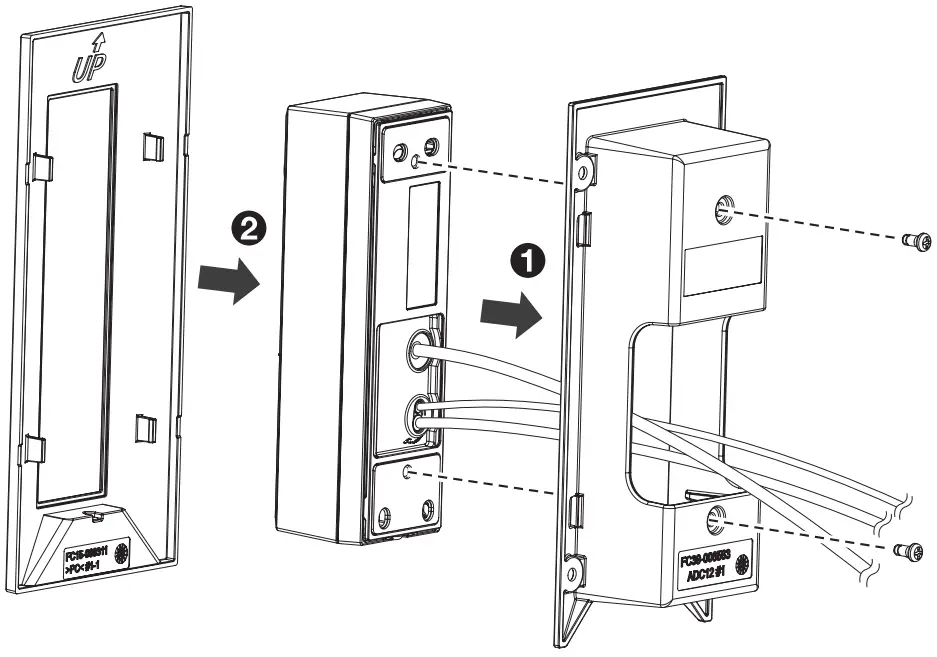
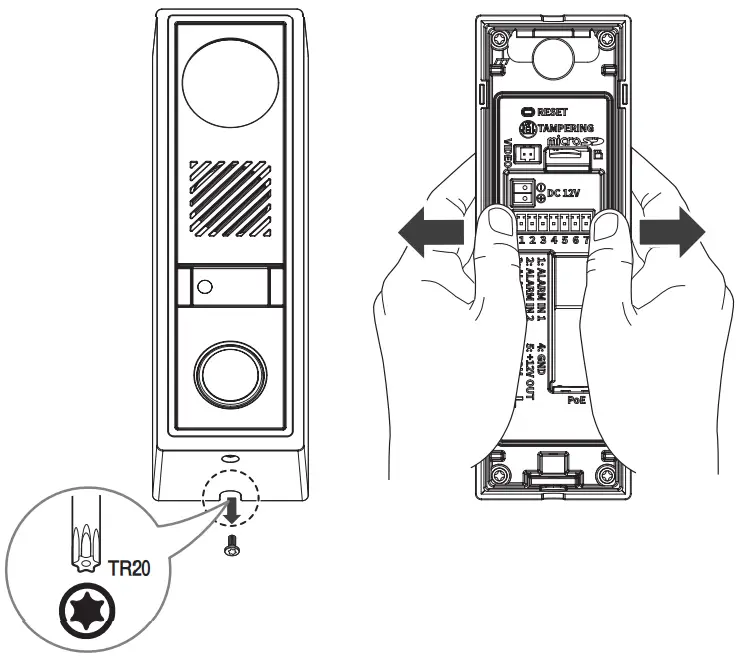
- To remove the installed skin cover, take off the screw at the bottom of the Intercom and separate the Intercom’s main body from the mount plate.
- As shown in the figure, separate it while spreading the skin cover to both ends.

Installation (SBS-165TM)
- First, attach the Intercom’s mount plate to the tilt mount on the wall, then connect it to the Intercom’s main body.

 Before installing the tilt mount on the wall, it is necessary to consider which direction the Intercom’s front side will face. As shown in the figure below, the up and down of the tilt mount changes as per the installation direction. Check the arrow indicator of a wall on the side of the tilt mount.
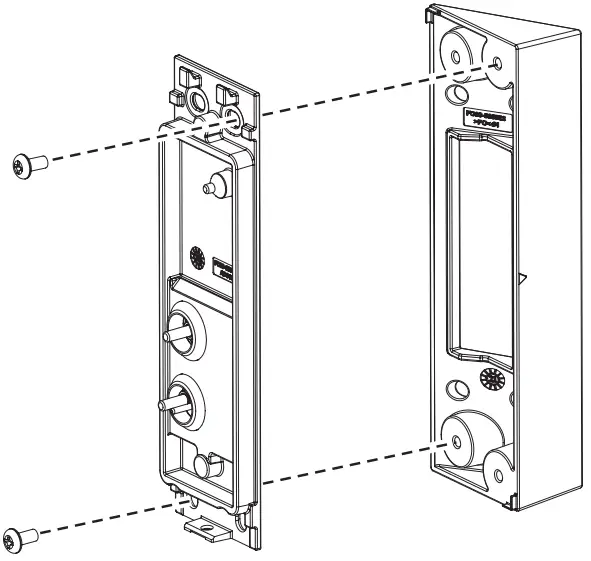
 Before installing the tilt mount on the wall, it is necessary to consider which direction the Intercom’s front side will face. As shown in the figure below, the up and down of the tilt mount changes as per the installation direction. Check the arrow indicator of a wall on the side of the tilt mount.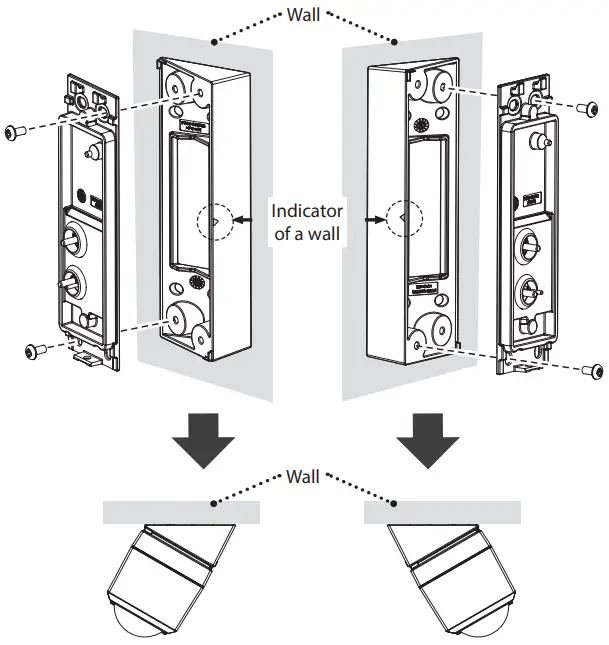
Installation (SHS-165F)
- After attaching the Intercom to the flush mount, install it on the wall.
- Before attaching the Intercom, confirm the up and down of the flush mount.
- When the installation of flush mount on the wall is completed, attach the flush mount cover.

- To take off the flush mount cover, separate it by pulling the area of a gap on both sides while pressing the front part as shown in the picture.