

QUICK START GUIDE
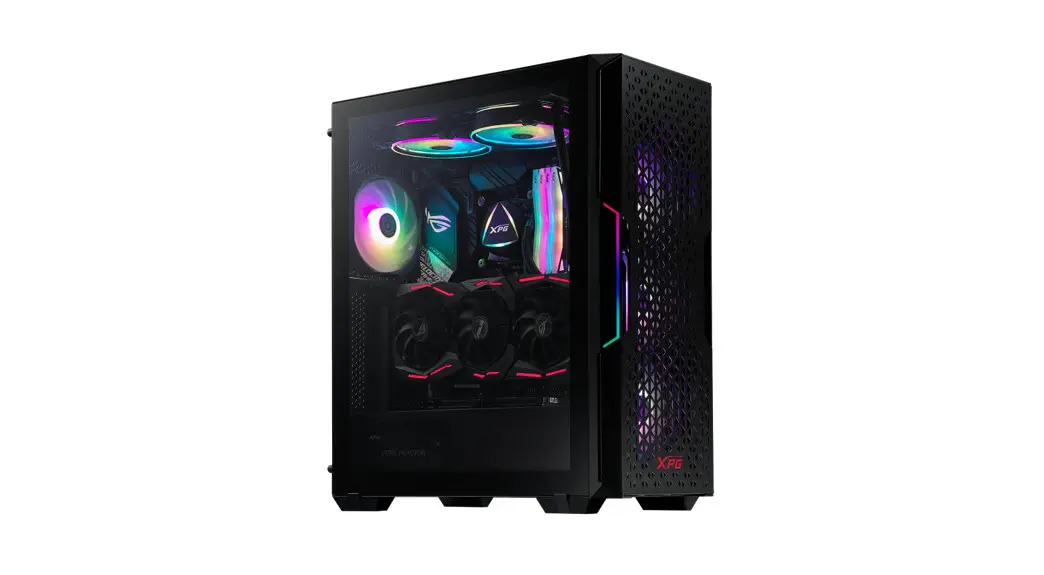
XPG STARKER AIR COMPACT MID-TOWER CHASSIS

http://www.adata.com/redirect/737
PACKAGE CONTENT
- XPG STARKER AIR Chassis
- XPG STARKER AIR Quick Installation Guide
- Warranty Guide
- VGA Bracket x1 for Vertical Installation
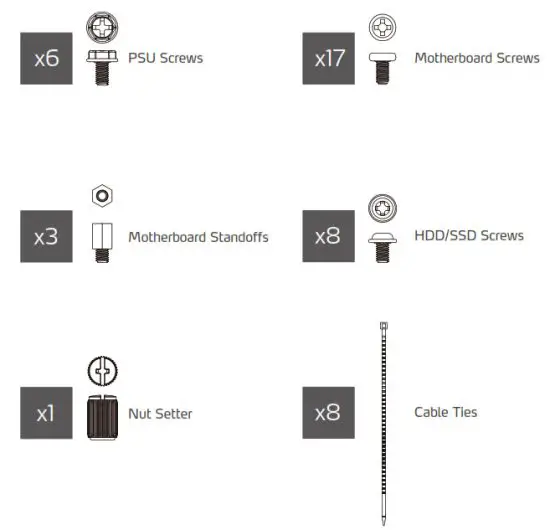
- Accessory Box
ACCESSORY BOX CONTENTS
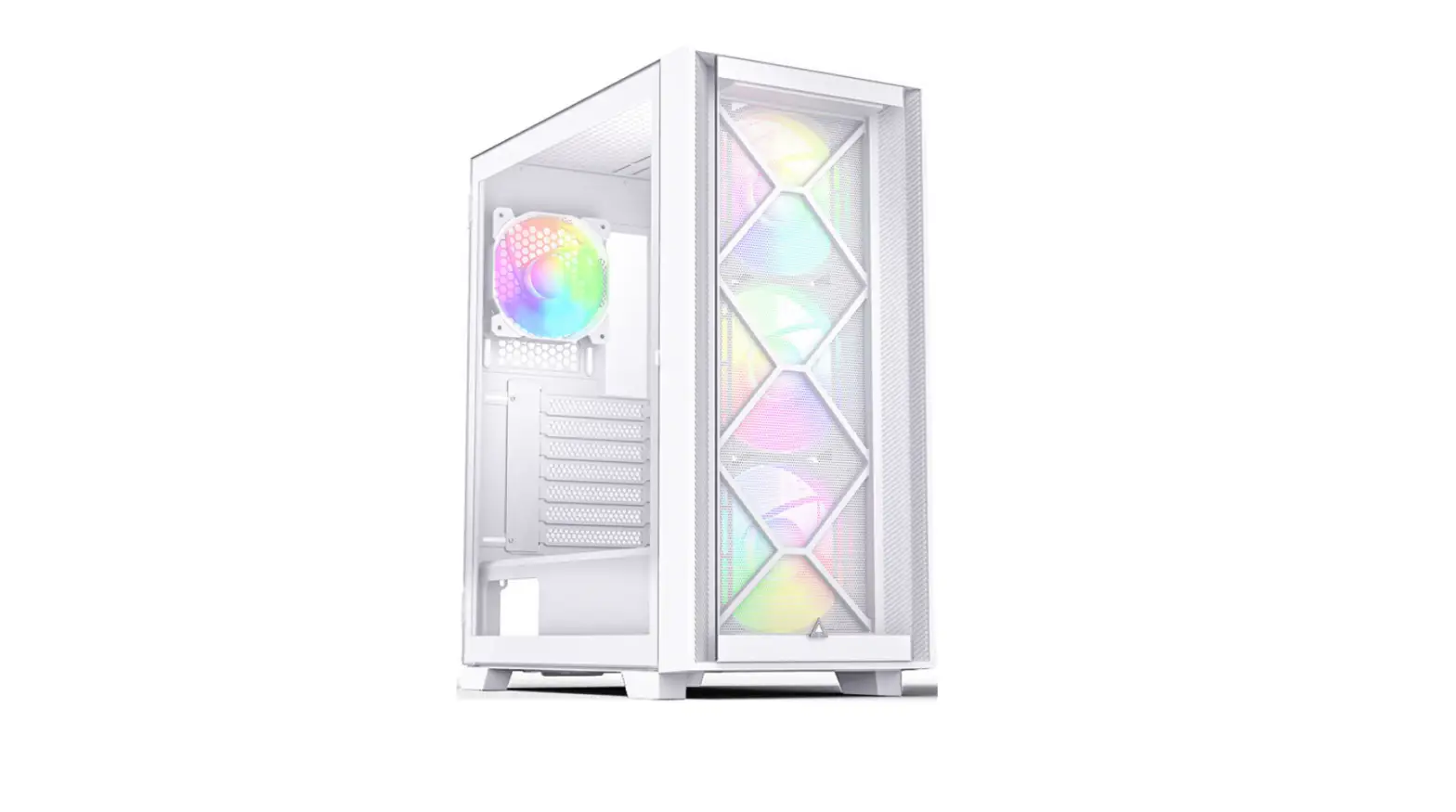
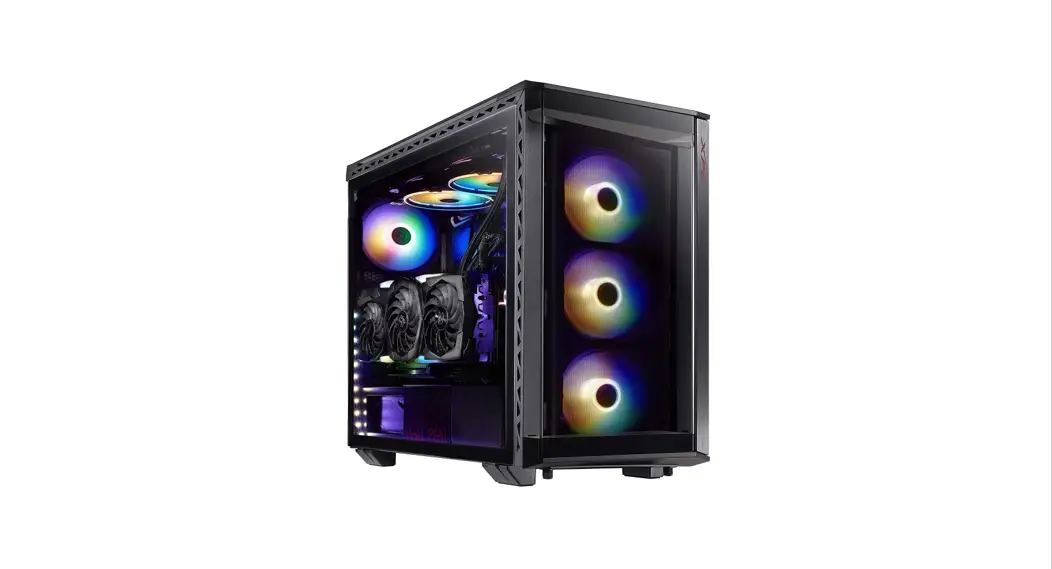
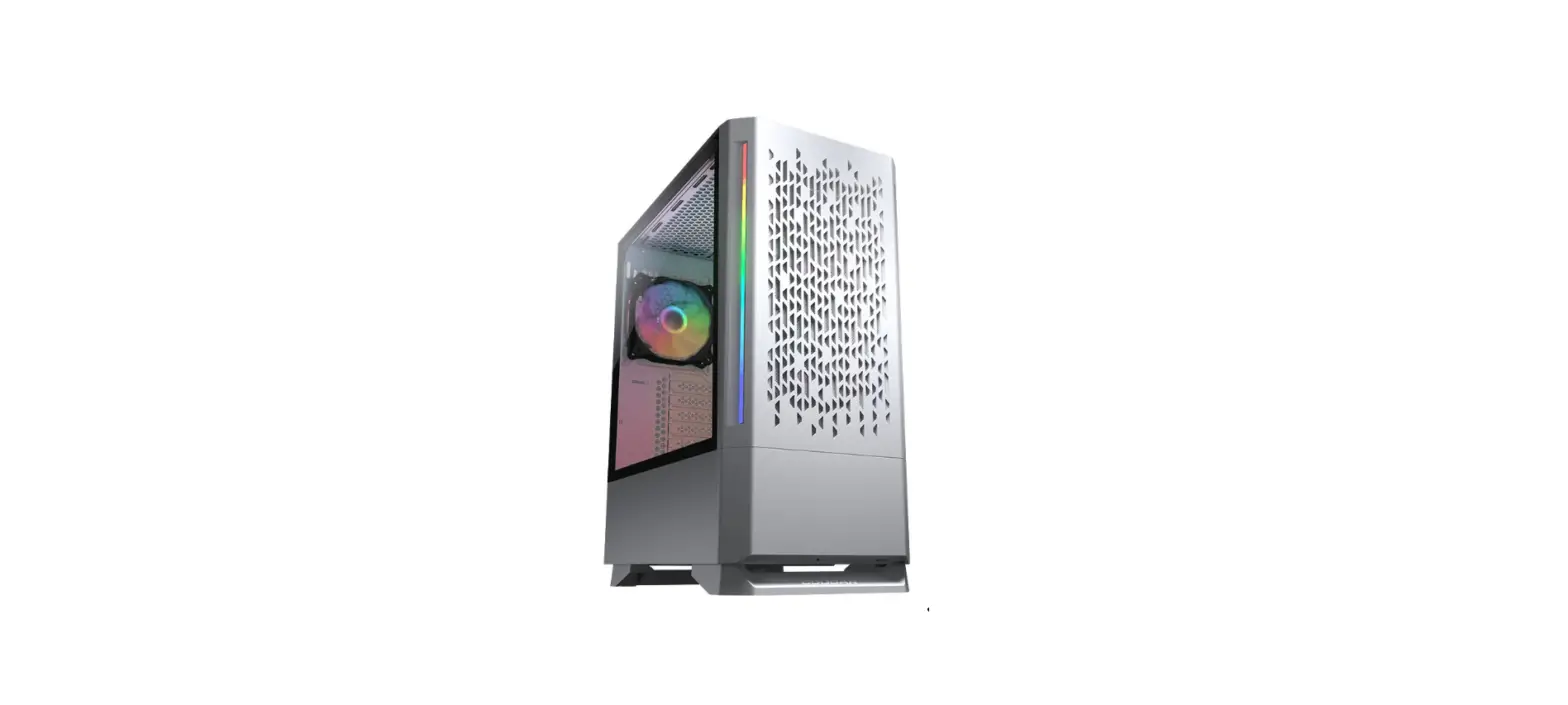
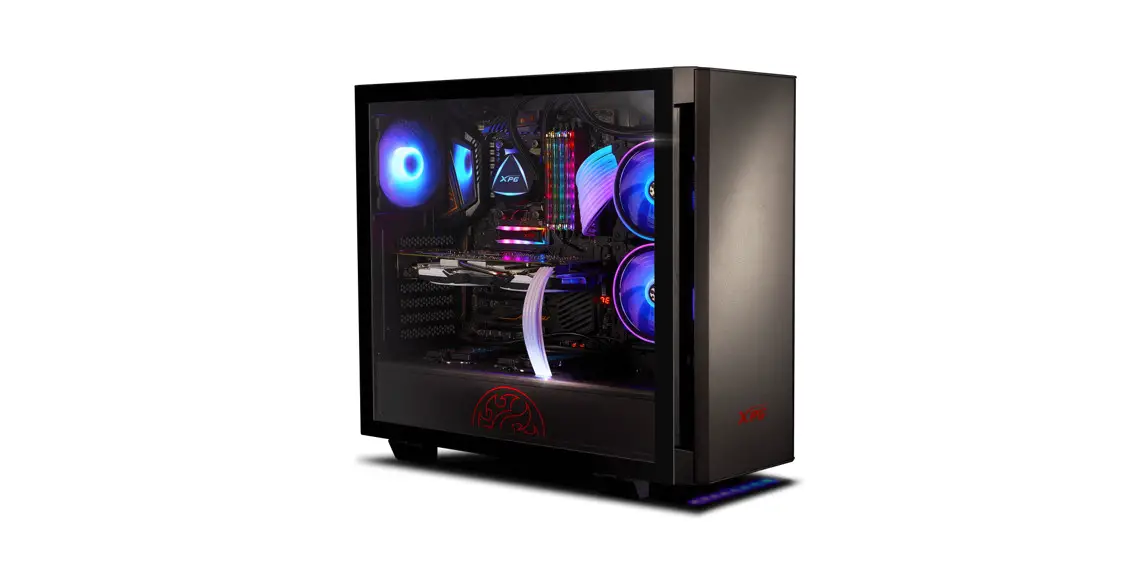
XPG STARKER AIR
COMPACT MID-TOWER CHASSIS
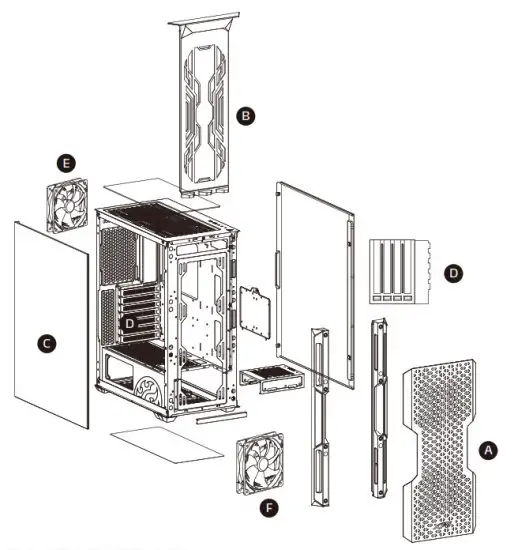
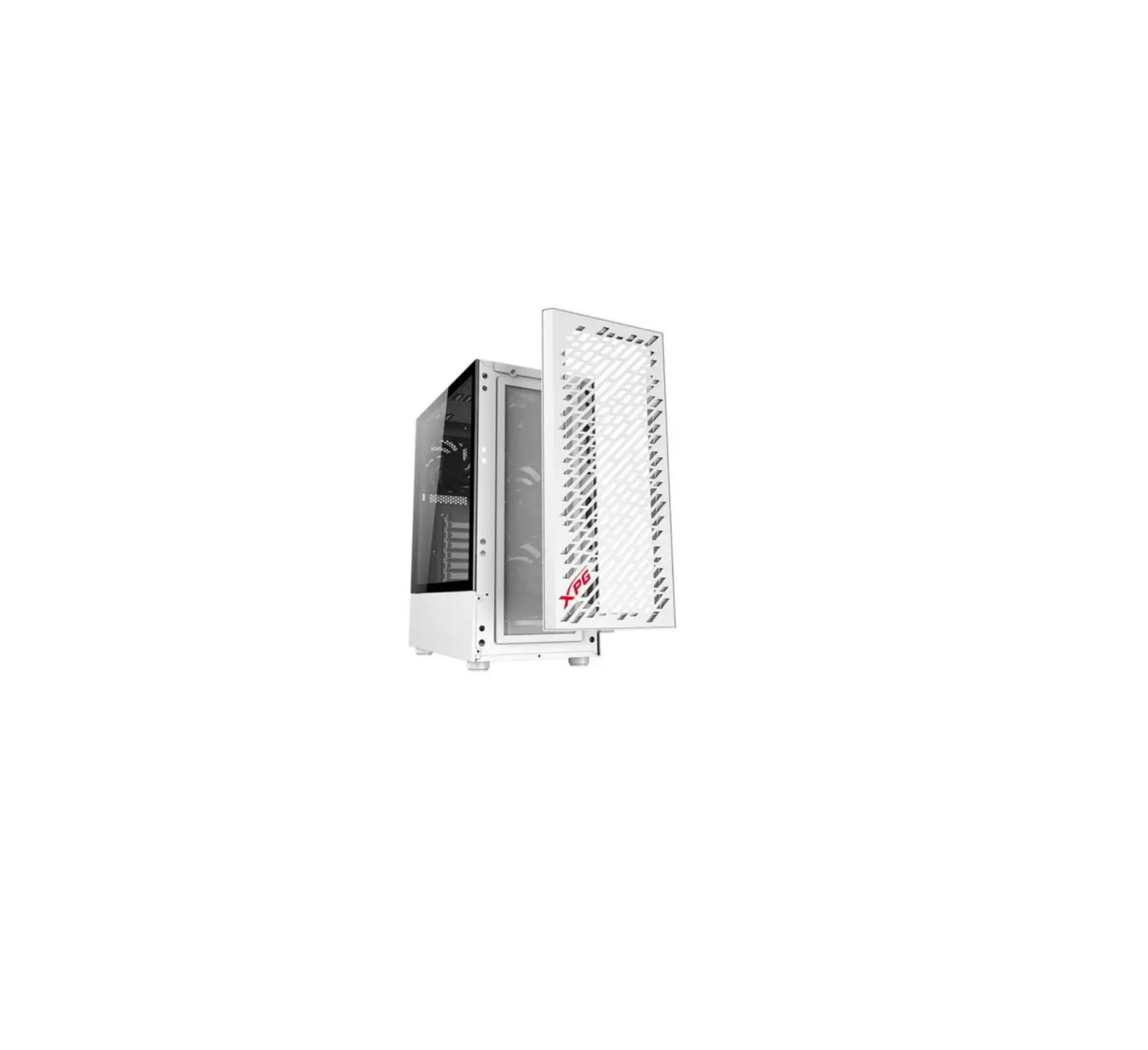
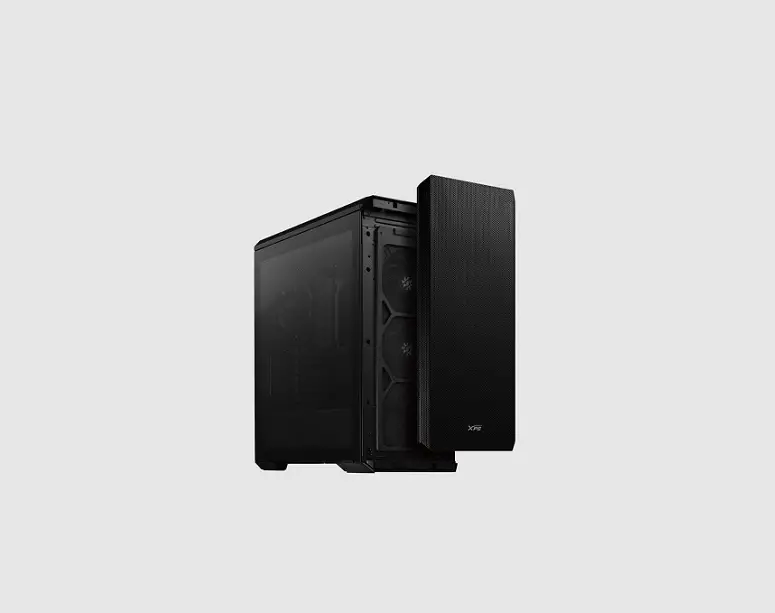
A. Magnetic Front Panel
B. “Removable-on-Rail” Dust Filter
C. Glass Panel
D. Replaceable VGA Brackets
E. 1x XPG VENTO 120 ARGB Fan Included
F. 1x XPG VENTO 120 Fan Included
SPECIFICATIONS
| Color | Black / White |
| Form Factor | Mini-ITX, Micro-ATX, ATX |
| Dimensions (H x W x D) | 465 x 215 x 400mm |
| PCI-E Slots | 7 Horizontal / 4 Vertical (Transformable for Vertical GPU Support) |
| 3.5″ Drive Bay | 2+1 (Combo 3.5” / 2.5”) |
| 2.5” Drive Bay | 2+1 (Combo 3.5” / 2.5”) |
| Fan Mounts | FRONT : 120mm x 3 / 140mm x 2 TOP: 120mm x 2 / 140mm x 2 REAR: 120mm x 1 |
| Fan Pre-Installed | FRONT: XPG VENTO 120 x 1 REAR: XPG VENTO 120 ARGB x 1 |
| Radiator Support | FRONT: 360 / 280 / 240mm x 1 TOP: 280 / 240 / 120mm x 1 REAR: 120mm x 1 |
| I/O Ports | 2 x USB 3.0 / 1 x Hybrid Audio Port 1 x LED Button /*1 x Power Button 1 x Reset Button |
| Compatibility | VGA:350mm CPU Cooler: 165mm PSU:160mm |

FRONT I/O CABLES
Please consult your user manual of motherboard manufacturer, then connect these leads to the panel header on the motherboard.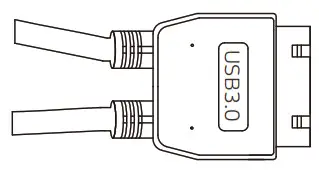 USB 3.0 Connection: Please refer to the motherboard manual for more information on the USB 3.0 connection.
 Audio Connection: Please refer to the motherboard installation to avoid the device error and cause the motherboard sound device to
be damaged.
PRE-SET LIGHTING EFFECTS
| MODE DESCRIPTIONS | ||||
| Mode 1 | Mode 2 | Mode 3 | Mode 4 | Mode 5 |
| Red | Green | Blue | Purple | Yellow |
| Mode 6 | Mode 7 | Mode 8 | Mode 9-12 | Mode 13 |
| White | Orange | Neon Green | Lighting effect No. 1-4 | Off |
DIMENSIONS and COMPATIBILITY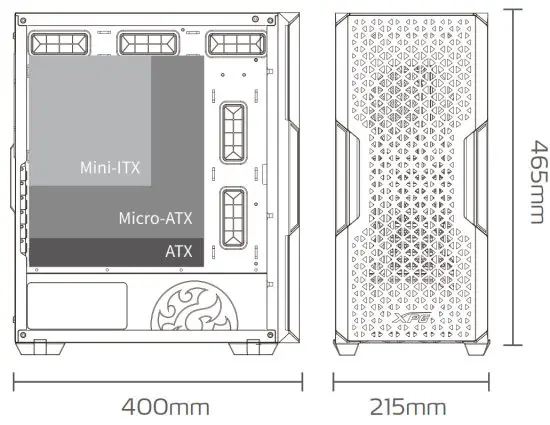
VGA Length Limitation ……………………..350mm
CPU Cooler Height Limitation…………….165mm
PSU Length Limitation ……………………….160mm
REMOVING THE FRONT PANEL and THE DUST FILTER
- Detach the Magnetic Front Panel
- Pull Up the Removable-on-Rail Dust Filter

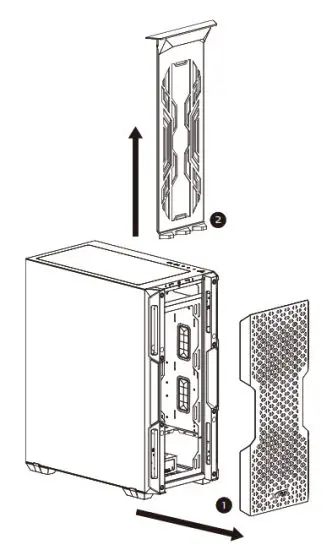
REMOVING THE GLASS SIDE PANEL
Manually unscrew the glass side panel, and pull backward with care.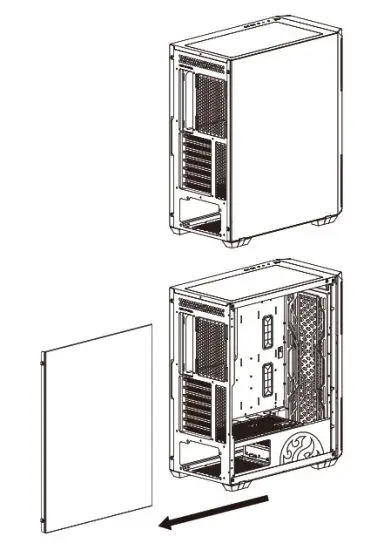
POWER SUPPLY INSTALLATION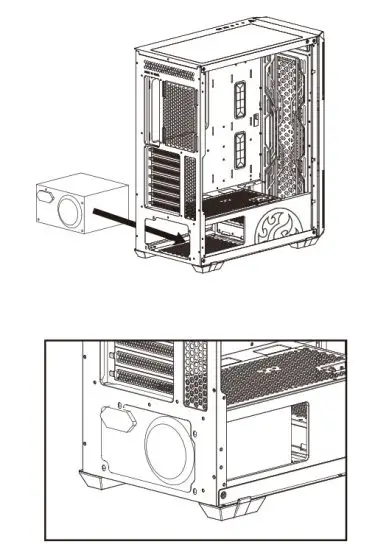
FAN LOCATIONS and RADIATOR COMPATIBILITY
Compatibility Chart: Fan | ||
| Location | Quantity | |
| 140mm | 120mm | |
Front | x2 | x3 |
Top | x2 | x2 |
Rear | — | xl |
| x2 Pre-Installed Fans: XPG VENTO 120 at Front XPG VENTO 120 ARGB at Rear | ||
Compatibility Chart : Radiator | |||
Radiator Size (mm) | Location | ||
| Front | Top | Rear | |
360 | V | — | — |
280 | V | V | — |
240 | V | V | — |
140 | V | V | — |
120 | V | V | V |
STORAGE LOCATIONS:3.5” HDD and 2.5” HDD/SSD
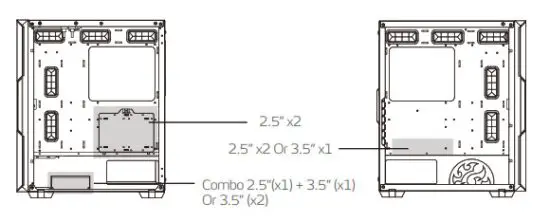
DRIVES INSTALLATION
Included Drive plate can install x1 3.5” HDD on top of PSU compartment, or x2 2.5” HDD/SSD at the back of the chassis.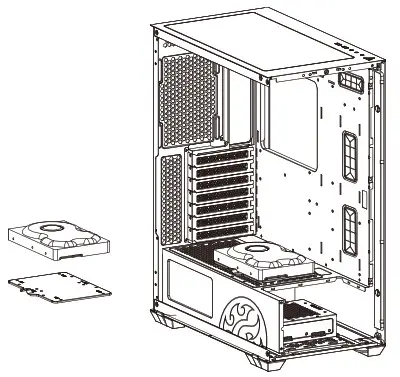
| STORAGE | |
| 3.5” HDD | 2+1(Combo 3.5”/2.5”) |
| 2.5” HDD/SSD | 2+1(Combo 3.5”/2.5”) |
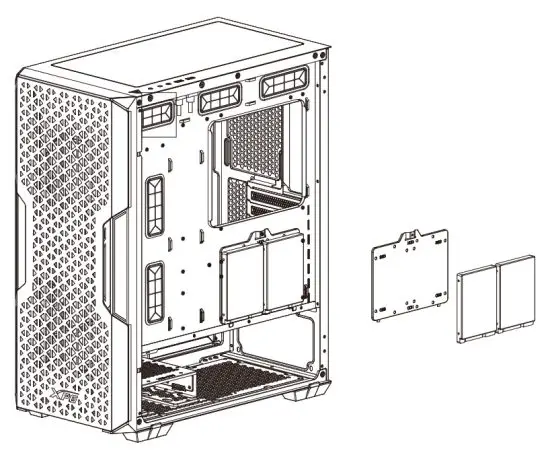
- Support up to x2 2.5” HDD/SSD
- Secure the drives to the plate with screws
INSTALLING COMBO STORAGE
Place x2 3.5” HDD on the tray and beneath it, and secure both with screws.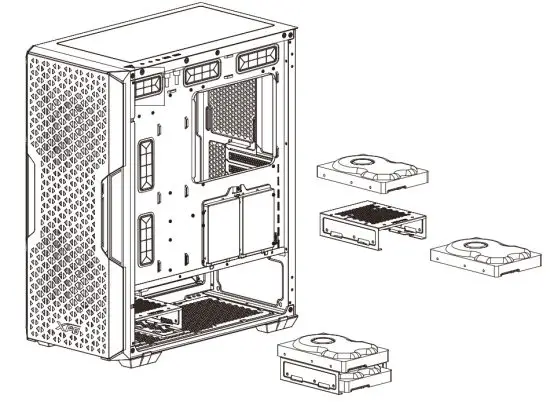
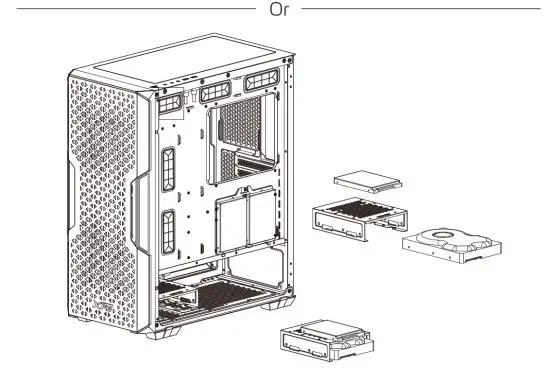
A Combo Installation with x1 2.5” HDD/SSD on top of the tray, and x1 3.5” HDD beneath it.
INSTALLING PCI-E CARD
Horizontal Installation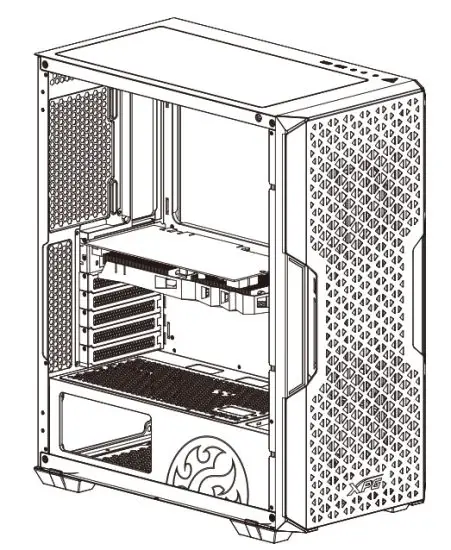
Vertical Installation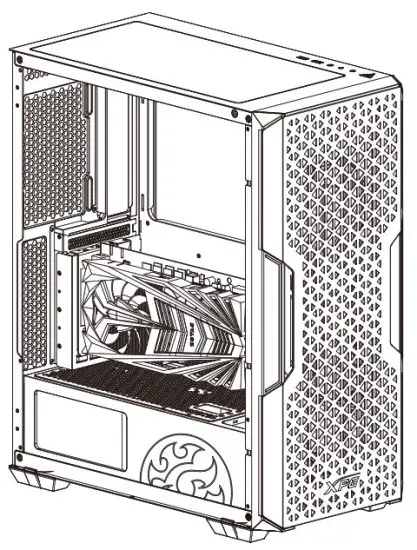
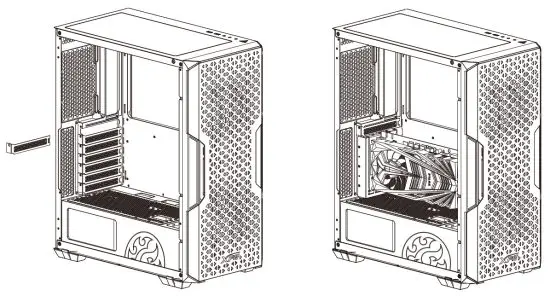
INSTALLING PCI-E CARD: Horizontal
INSTALLING PCI-E CARD:Vertical
Remove the pre-installed Horizontal VGA bracket, and replace it with the included Vertical bracket.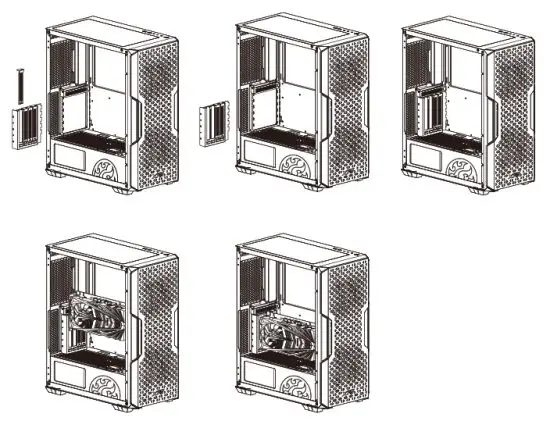
CLEANING INSTRUCTIONS
Please use a clean damp cloth to clean the product properly.
Do not apply any soap or solvent agent on the surface to preserve its integrity.
SAFETY INSTRUCTIONS
For a proper use of the product, and to ensure your safety,please follow the following instructions:
- Keep the device away from liquids, excess humidity or moisture to avoid any shock hazards. Should the device come into contact with liquids, please make sure to unplug the device immediately, store it in a dry place, and contact support for assistance.
- Operate the device only within the specific temperature range of 0°C (32°F) to 40°C (104°F). Should the temperature exceed this range, unplug and/or switch off the device in order to let the temperature stabilize to an optimal level.
- Should you have any other trouble operating the device properly and normal troubleshooting does not work, please unplug the device and contact our service for support.
- Do not attempt to service or fix the device by yourself at any time. 4.
DURATION OF WARRANTY
ADATA Technology Co., Ltd. provides a two-year warranty period for this product unless regional laws and regulations state otherwise.
IMITATION OF WARRANTY
This limited warranty covers only repairs or replacements of products manufactured by ADATA Technology Co. Ltd. and its authorized partners.
Please note that ADATA is responsible for providing free repairs except for the following reasons:
The warranty label is altered, damaged or missing.
Product serial number does not conform to our original system.
Products purchased from an unauthorized agent.
Damage caused by natural calamity
Any abuse outside the intended product operation.
ONLINE CUSTOMER SERVICE
For frequently asked questions, additional information and service instruction please visit the product page at www.xpg.com
XTREME PERFORMANCE GEAR
ADATA Technology Co., Ltd.
2F, No. 258, Liancheng Rd., Zhonghe Dist., New Taipei City 235, Taiwan
Product Name: XPG STARKER AIR
Tel: +886-2-8228-0886 Fax: +886-2-8228-0887
MADE IN CHINA
![Nzxt Premium Compact Mid-tower Atx Case [h510 Elite] User Manual](https://static-data1.manualsee.com/1/img/81/17014/2020/12/Pasted-into-Nzxt-Premium-Compact-Mid-Tower-ATX-Case-H510-Elite-User-Manual.png "Nzxt Premium Compact Mid-tower Atx Case [h510 Elite] User Manual")