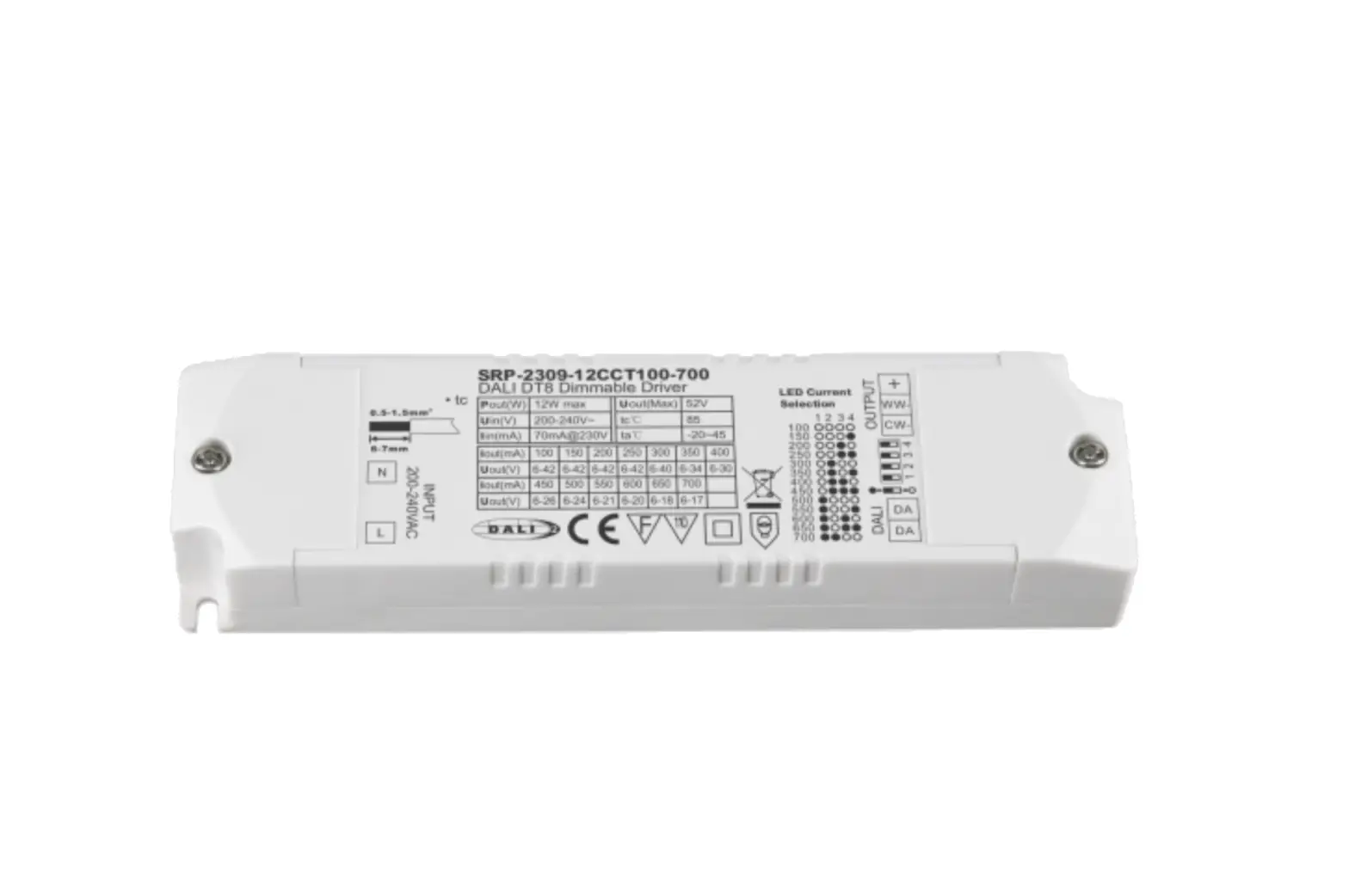
SRP-2305N-12CC100-700 DALI DT6 NFC Enabled LED Driver
Product Information
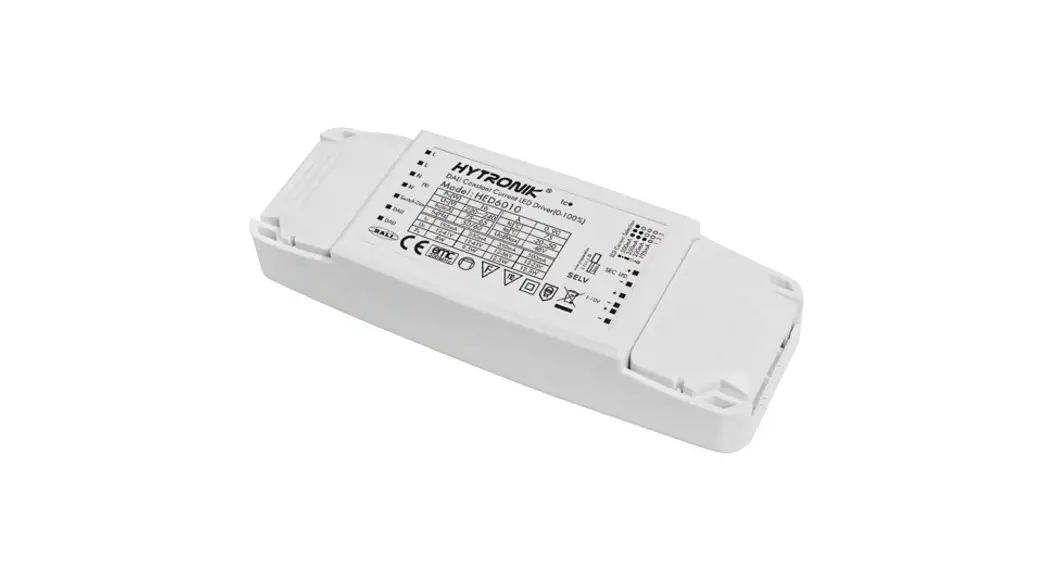
The 12W DALI DT6 NFC Enabled LED Driver is a constant current
LED driver that allows for dimming control using DALI signal input
or AC push input. It has an input voltage range of 200-240VAC and
is compatible with LED channels that operate at a DC voltage of
6-42V. The driver has a rated power of 12W and a current accuracy
that exceeds 0.96 at 230VAC.
It features a power factor of more than 0.96 at full load, with
a total harmonic distortion of less than 8% at full load and
230VAC. The driver has an efficiency of 80% at full load and
230VAC. It has a maximum inrush current of 3.96A at 230VAC for a
duration of 90 seconds.
The DALI DT6 LED driver supports dimming control through DALI
Device Type 6 or AC push interface. It offers a dimming range of
0.01% to 100% with a maximum current amplitude or CCR dimming
method. The dimming curve can be set to linear or logarithmic as
per user preference.
For safety, the driver has built-in protection against short
circuit, over current, and over temperature conditions. It
automatically recovers after the fault condition is removed. The
working temperature range is -25°C to +45°C, with a maximum case
temperature of 85°C. The driver meets safety standards EN61347-1
and EN61347-2-13, as well as EMC standards EN55015, EN61000-3-2,
EN61000-3-3, EN61547, and EN61000-4-2,3,4,5,6,8,11.
Other specifications include a minimum MTBF of 191350 hours, a
compact dimension of 135x35x20mm (L*W*H), and a warranty period of
5 years.
Product Usage Instructions
With DALI master:
- Ensure that the DALI address for the channel output is assigned
by the DALI Master controller automatically. Refer to the user
manuals of compatible DALI Masters for specific operations.
With NFC Programming devices:
- Follow the wiring diagram and power on the DALI system.
- It is recommended to set parameters without powering on the
DALI devices. - Make sure your mobile phone has NFC function and enable
it. - Download the SR NFC Tool app from the App Store or Google
Play. - Add the DALI devices in the app by tapping the “+” button.
- Unlock the device and enter the parameters configuring
page. - Select the desired settings based on your requirements.
- Save the selected configuration via NFC and power on the
device.
Tips:
- NFC function does not require any power driver.
- Many functions can be configured using NFC. Check your desired
functions. - The DALI drivers perform best when used with our DALI
master/gateway.
12W DALI DT6 NFC Enabled LED Driver(Constant Current)
2
Important: Read All Instructions Prior to Installation Function introduction
LED Output
INPUT 200-240VAC
N
NC
L
DALI Dimmable Driver –
DA DA
AC 200-240V power input
DALI signal input AC Push input
Product Data
LED Channel
DC Voltage
Output
Current Current Accuracy
Rated Power
Input
Voltage Range Frequency Range
Power Factor (Typ.) Total Harmonic Distortion Efficiency (Typ.)
AC Current (Typ.) Inrush Current (Typ.)
Leakage Current
Standby Power Consumption
Anti Surge
Dimming Interface
Control
Dimming Range Dimming Method
Dimming Curve
1
6-42V
100-700mA via NFC setting; Min.current gear lower to 0.1mA ±3%( ±1%@Certain load Max. 12W 200-240VAC/176-280VDC 0/50/60Hz
> 0.96 @ 230VAC Full load THD 8% (@ full load / 230VAC)
80% @ 230VAC full load 0.1A @ 230VAC
Max. 3.96A at 230VAC; 90s duration < 5mA /230VAC 0.5W L-N:2KV
DALI Device Type 6 (DALI consumption < 2mA)/ AC Push 0.01%-100%@ Max current
Amplitude/CCR dimming Linear/ Logarithmic optional
Short Circuit
Yes, recovers automatically after fault condition is removed
Protection
Over Current
Yes, recovers automatically after fault condition is removed
Over Temperature
Yes, recovers automatically after temperature drop
Working Temp.
-25 ~ +45
Max. Case Temp. Environment
Working Humidity
Storage Temp. & Humidity
Safety Standards
TC=85 (Ta=”45″) 10% ~ 95% RH non-condensing -40 ~ +80, 10% ~ 95% RH
EN61347-1, EN61347-2-13
Safety & EMC
Withstand Voltage Isolation Resistance
EMC Emission
I/P-O/P: 3.75KVAC I/P-O/P: 100M Ohms / 500VDC / 25 / 70% RH
En55015, EN61000-3-2, EN61000-3-3
EMC Immunity
En61547, EN61000-4-2,3,4,5,6,8,11
Others
MTBF
Dimension Warranty
191350H, MIL-HDBK-217F @ 230VAC full load and 25 ambient temperature
135x35x20mm (L*W*H) 5 Years
· In compliance with IEC 62386-101:2014, IEC 62386-102:2014, IEC 62386-207 Ed2 · Built-in DALI-2 interface, DALI DT6 device · Dimmable LED driver. Max. output power 12W · 100-700mA current selectable via NFC program tool. Min.current gear lower to 0.1mA · DALI Address/Group/Scene setting via NFC program tool. · Class power supply, full isolated plastic case · High power factor and efficiency · To switch and dim LED lighting luminaries · Amplitude/CCR dimming, smooth and deep dimming · Compatible with universal DALI masters that support DT6 commands · Error report function · IP20 rating, suitable for indoor LED lighting applications · 5 years warranty
Safety & Warnings · DO NOT install with power applied to the device. · DO NOT expose the device to moisture.
Operation
With DALI master
1. DALI Address 1 DALI address for 1 channel output are assigned by DALI Master controller automatically, please refer to user manuals of compatible DALI Masters for specific operations.
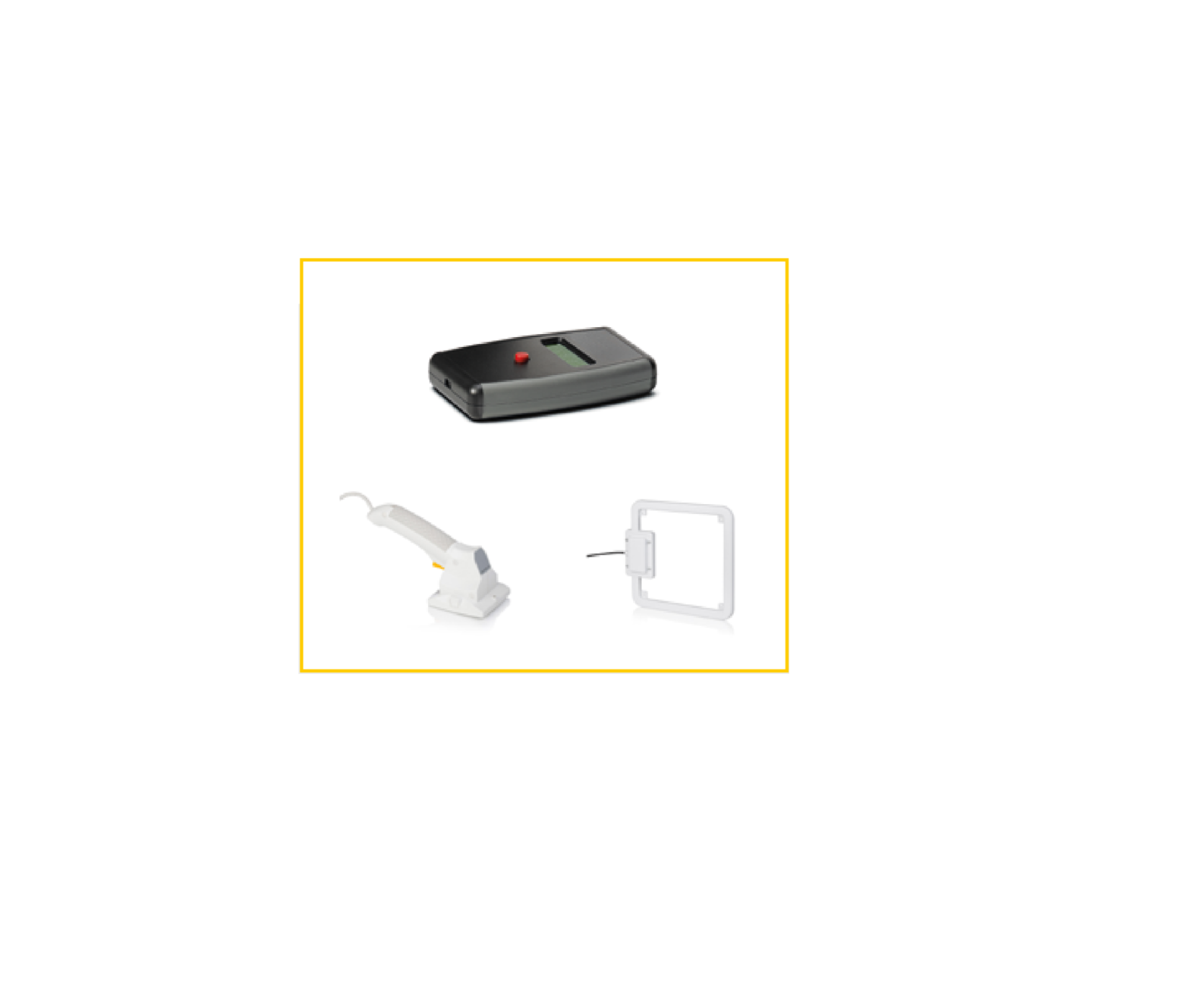
With NFC Programming devices Note 1) Do wiring according to the wiring diagram and power on the DALI system . 2) Recommend setting parameters without power-on the DALI devices . 2) Please make sure your mobile phone has NFC function and enable it . Working with “SR NFC Tool” APP Step 1: Download the APP (searching “SR NFC Tool” from App Store and Google Play) .
Then open the APP .
Tap “+” to add DALI devices
Download “SR NFC Tool ”
Note: 1. Please Make sure that you have enabled NFC function with your mobile phone/ tablet . 2. Please Make sure that the “NFC position” is matched. 3. Please do not power on the device before setting. 4. If you can’t download “SR NFC Tool”. Please contact with us.
Step 2: Add device, and name it as you wish.
Step 3: Unlock device, enter parameters configuring page.
Locked
Unlock it
Note: 1. You have to unlock the device then do some settings 2. Only when the corresponding function is selected, the function interface will be displayed.
Step 4: Few parameter interface, you can choose the setting based on your requirements.
AC PUSH SWITCH
INPUT 200-240VAC
INPUT 200-240VAC
Step 5: After setting, please save the selected configuration via NFC and power on the device.
Tips
1. NFC function doesn’t require any power driver. 2. Many functions can be configured by NFC. Kindly check your desired functions. 3. All of our DALI drivers are in the best performance within our DALI master/ gateway.
Wiring Diagram 1. With DALI bus
1With single color LED luminarie
LN
N
NC DALI Dimmable Driver
L WW-
DA DA
LED
DALI Bus
2. With PUSH dimmer
LN
N
NC DALI Dimmable Driver
L
–
LED
DA DA
N L
AC Push Function
1) Click the button to switch ON/OFF 2) Press and hold down the button to increase or decrease light intensity to desired level and release it, then repeat the operation to adjust light intensity to opposite direction. The dimming range is from 1% to 100%.
Product Dimension
20 mm
135 mm
35 mm
Operating window
Output voltage [V]
42 35 28 21 14 7
0
Dimming Curve
ULED (max), V
ULED (min), V
0,10 0,20 0,30 0,40 0,50 0,60 0,70 0,80 Output current [A]
Note: Test data under 700mA gear
Driver Performance
Note: Test data under 700mA gear
Driver Performance
Note: Test data under 700mA gear
MCB Load Quantity
Module Number
Ipeak Twidth
Max.quantity of LED Driver per MCB
B10 B13 B16 B20 B25 C10 C13 C16 C20 C25 D10 D13 D16 D20 D25
SRP-2305N-12CC100-700 3.96A 90s 37 49 60 75 94 63 81 100 125 156 80 104 128 160 200
SRP-2309N-12CCT100-700 3.96A 90s 37 49 60 75 94 63 81 100 125 156 80 104 128 160 200
I (A) Ipeak ½ Ipeak
t
T (ms)
Note:
1.Those MCB parameters are based on ABB S200 series circuit breakers.
2.For different brands and models of miniature circuit breakers, the quantity of drivers will have difference.
3.Please do not exceed the above-mentioned quantity during on-site installation, and the specific load quantity shall be subject to on-site installation.
4.When the installation environment temperature of MCBs exceeds 30°C or when multiple MCBs are installed side by side, the number of mounted drives will be reduced, which requires recalculation.
5.Type C MCB’s are strongly recommended to use with LED lighting
Update log
Date 2022-9-8
Version V1.2
Update content Parameter Update
NoteSubject to change without notice. Please contact us if you have any questions.
Update by Romeo