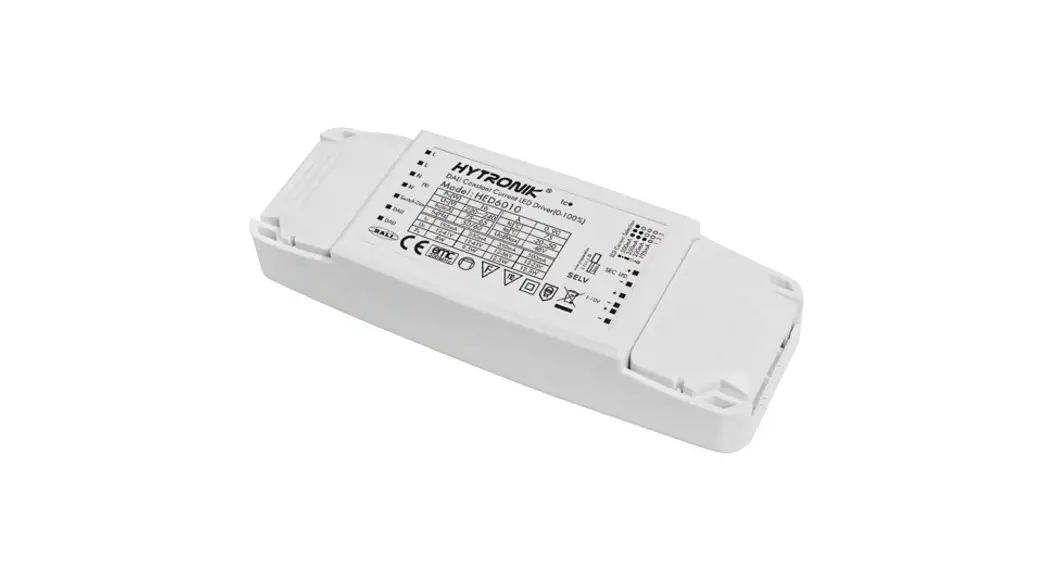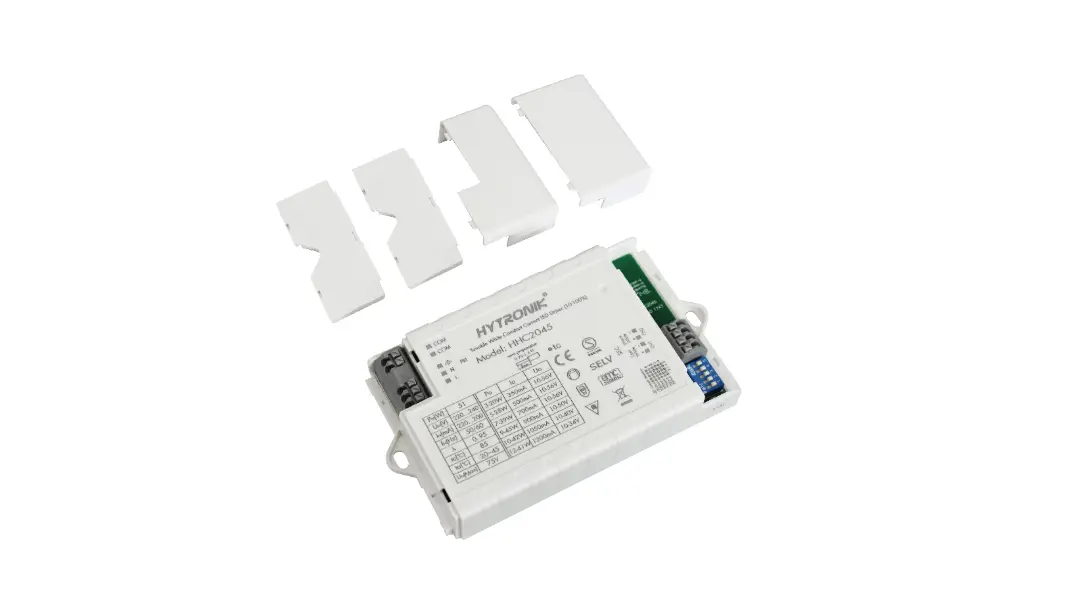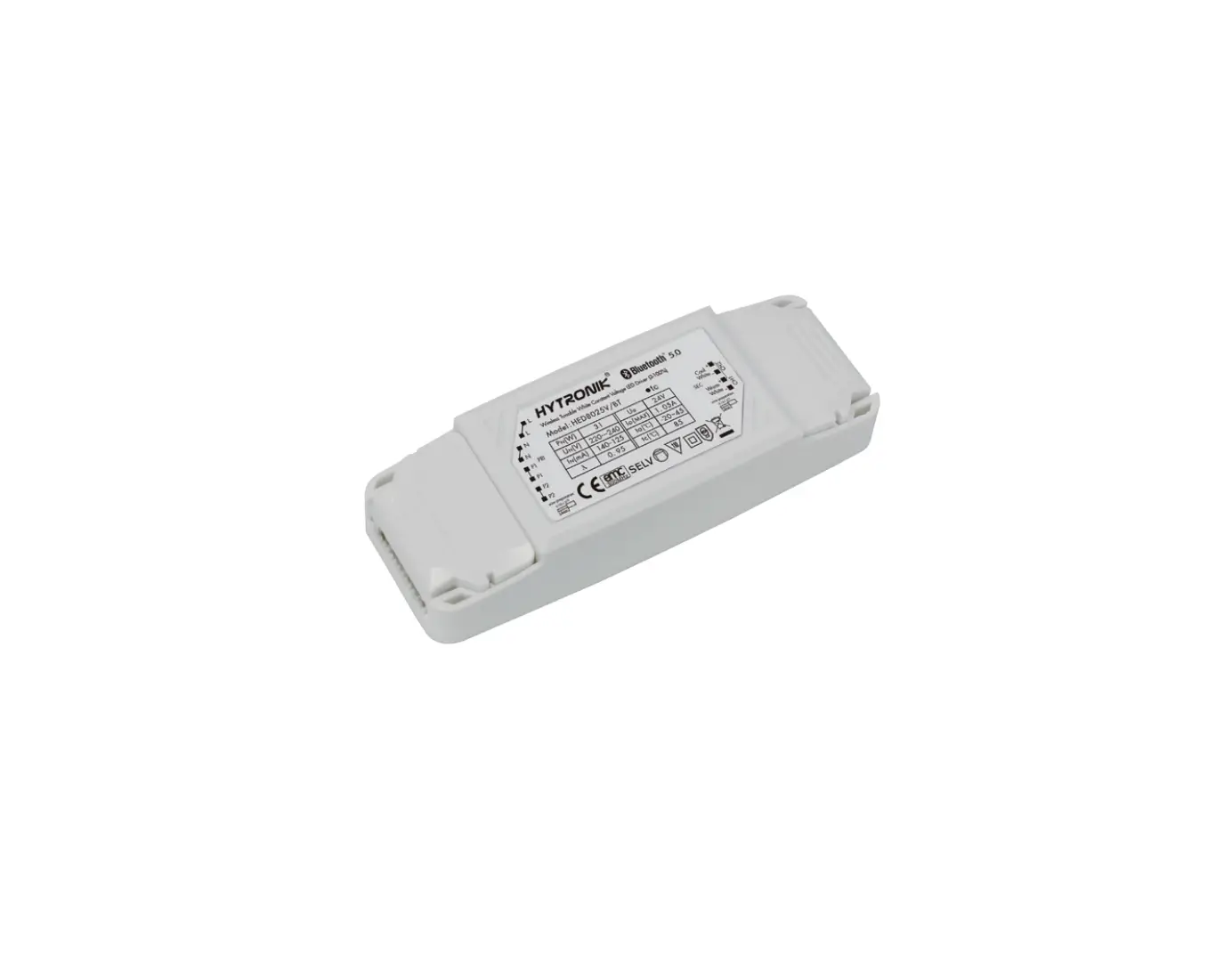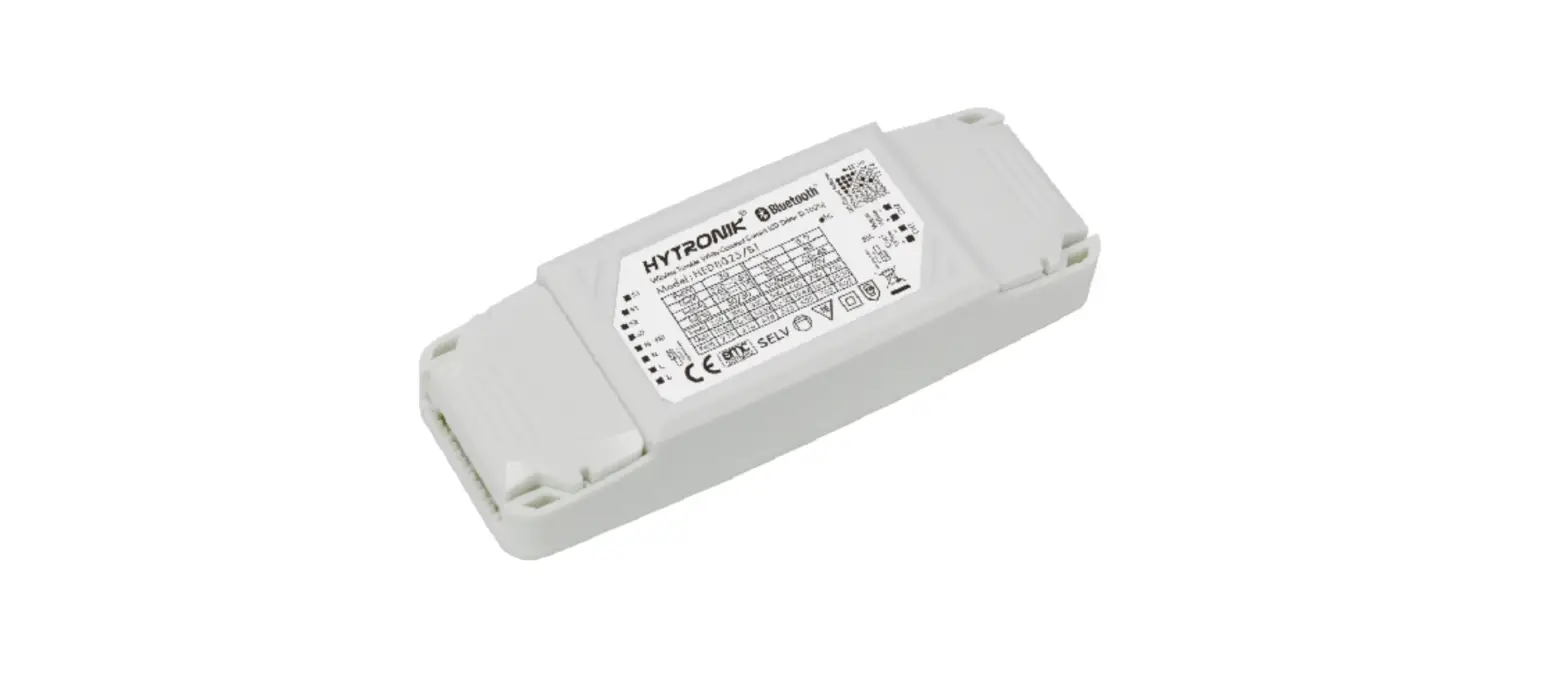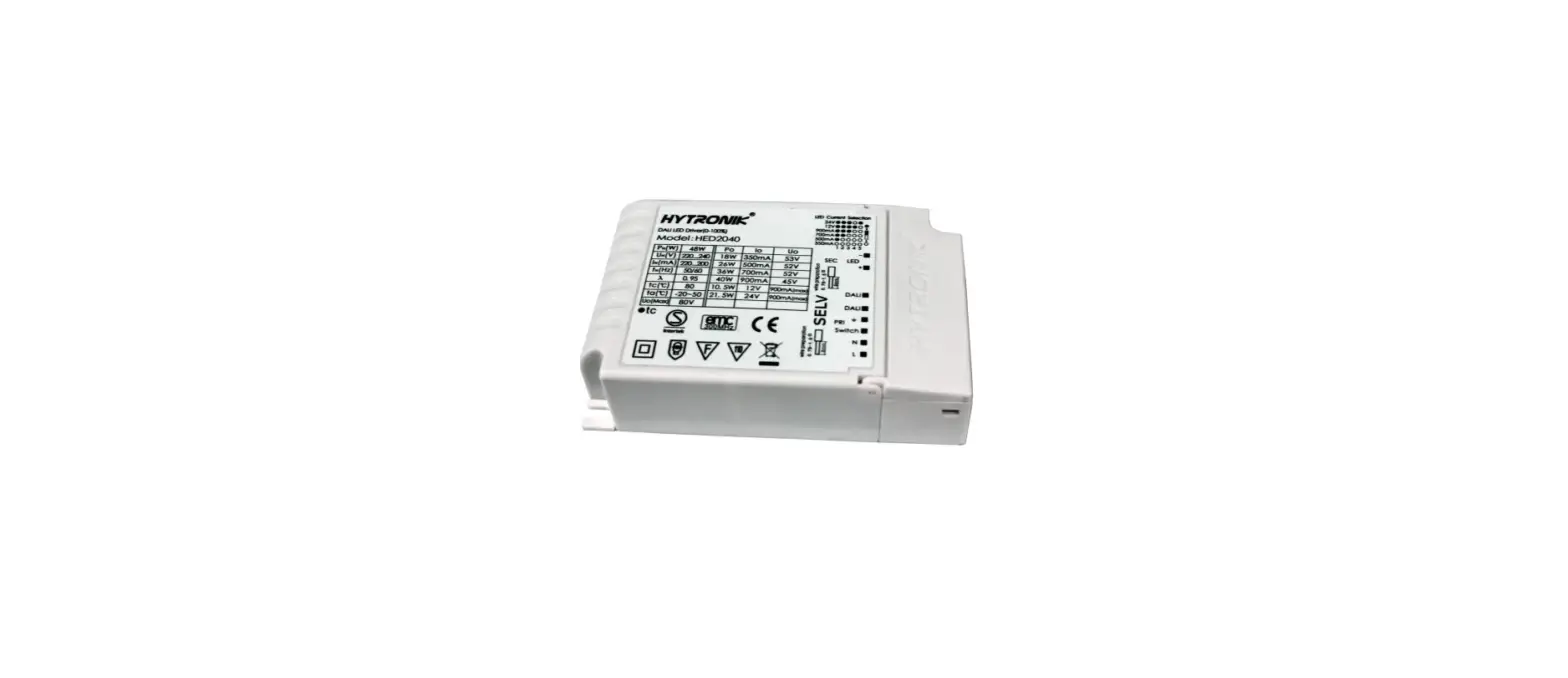

HYTRONIK HED2040 DALI LED Driver
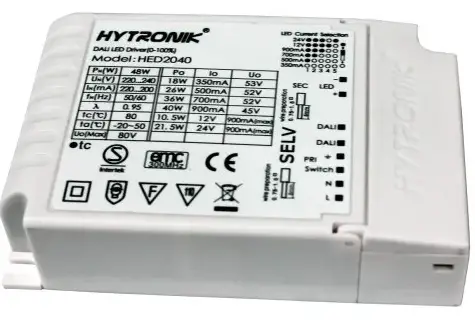
DESCRIPTION
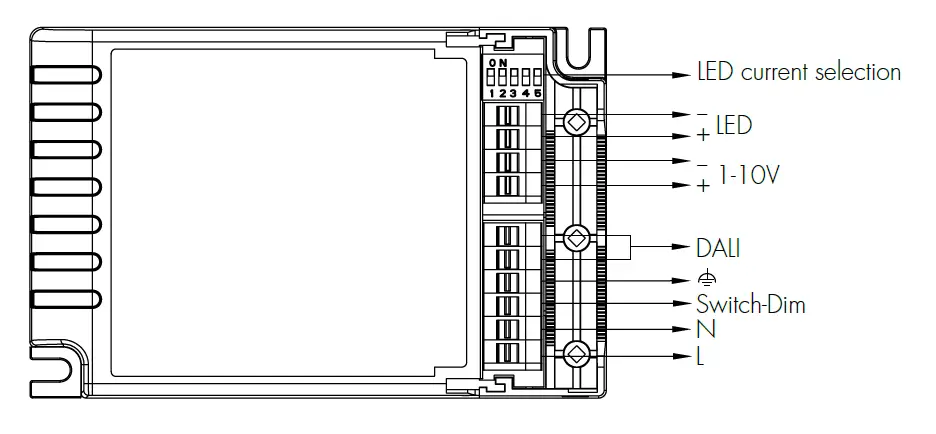
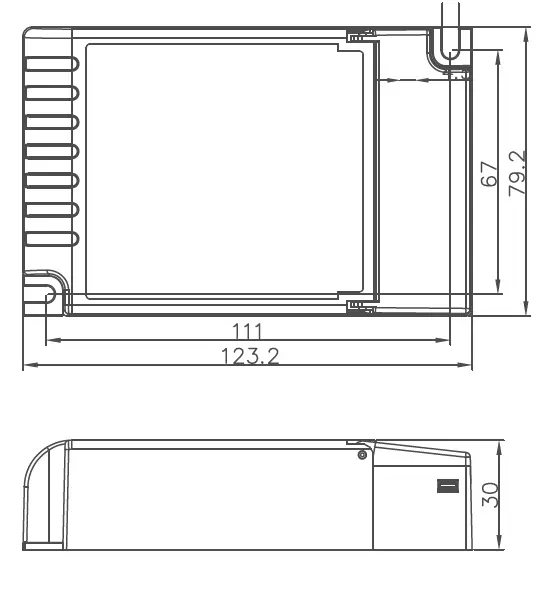
DIMENSION
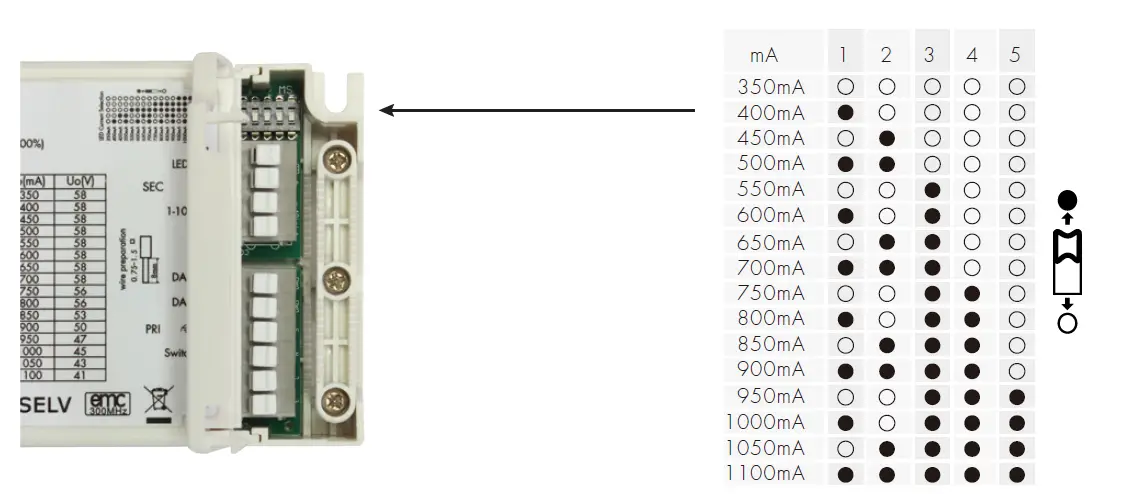
LED CURRENT SELECTION
The current can be easily configured by choosing the correct combination of the DIP switches (see table below):
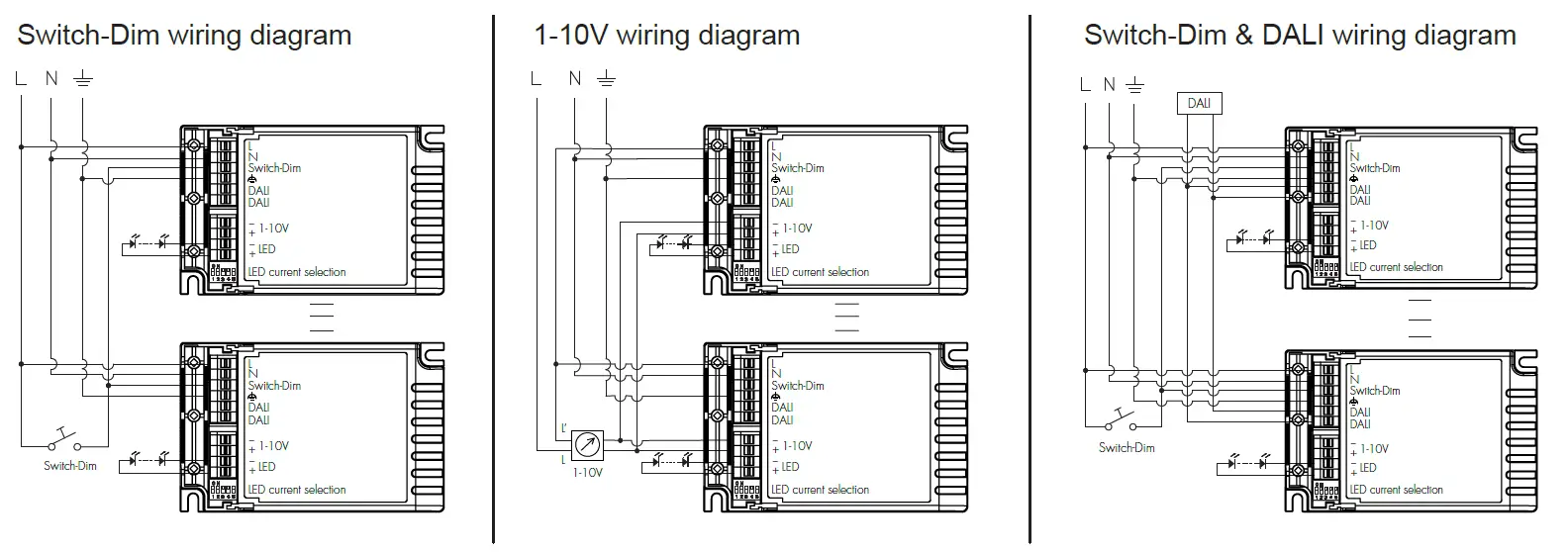
WIRING DIAGRAM
Warning: Please make sure the correct current is selected before starting the driver
Note:1. “DALI” is prior to both “Switch-Dim” and “1-10V”.
- On/Off: Short push(<0.4s) on the switch.
Note: short push should be at least 0.12s, and the time interval between two pushes should be longer than 0.12s also. - Stepless dimming: Long push(>0.9s) on the switch.
- For fine tuning of light level: With every other long push, the light level goes to the opposite direction.
- Built-in with permanent memory: Light returns to the previous state when switched off and on again, even at power failure.
SYNCHRONIZATION FOR SWITCH-DIM MODE ONLY
Up to 64pcs drivers can be connected to the same switch, thanks to the programme. This means there is no need for any additional synchrony wire in larger installations, where many drivers should be controlled by one switch. For the synchronization to work correctly when more than one driver is connected to the same push button, please follow the step below after the drivers are connected: Do a long push(>15s), the system will now be synchronized and all lights in the group dim down from 50%.
MANUAL OVERRIDE
DALI and switch-Dim can be connected at the same time, to enable manual override function for end-users to switch on/off, or adjust the dimming level with the push-switch, which makes the product more user-friendly and more options to fit for some extra-ordinary demands.
- Short push (<0.4s): On/Off
- Long push (>0.9s): Dim up/down the dimming level.
- If customers do not want to have this manual override function, we can just leave this “push” terminal alone, not connected to any wire.
- This manual override is only valid before the next DALI command, meaning the latest action, either from DALI or switch-Dim, stays in validity.
SPECIFICATION
| Mains voltage | 220-240VAC 50/60Hz | |
| Mains current | 0.23-0.21A | |
| 20W /350mA /12~58V 23W /400mA /12~58V 29W /500mA /12~58V 32W /550mA /12~58V | 26W /450mA /12~58V 35W /600mA /12~58V | |
| Max. output power/ | 38W /650mA /12~58V 40W /700mA /12~58V | 42W /750mA /12~56V |
| current / voltage | 45W /800mA /12~56V 45W /850mA /12~53V | 45W /900mA /12~50V |
| 45W /950mA /12~47V 45W /1000mA /12~45V 45W /1050mA /12~43V 45W /1100mA /12~41V | ||
| U-out max. | 80V | |
| Power factor | ≥0.95 | |
| Operation temperature | Ta: -20 … +45 Tc: +80℃ | |
| Max. Efficiency | ≥87% | |
| Dimming interface | DALI, switch-Dim, 1-10V. | |
| Abnormal protection | Output short-circuit protection with auto-reset. | |
| Over-heat protection | Over-heat protection with auto-reset. | |
| EMC standard | EN55015, EN61547, EN61000-3-2/3 | |
| Safety standard | EN61347-1, EN61347-2-13, EN60598-1 | |
| DALI standard | IEC62386-102, 207 | |
| Dielectric strength | Input→output : 3750VAC | |
| IP grade | IP20 |
 Microwave sensor_Microwave motion sensor_Hytronik Electronics Co., Ltd.