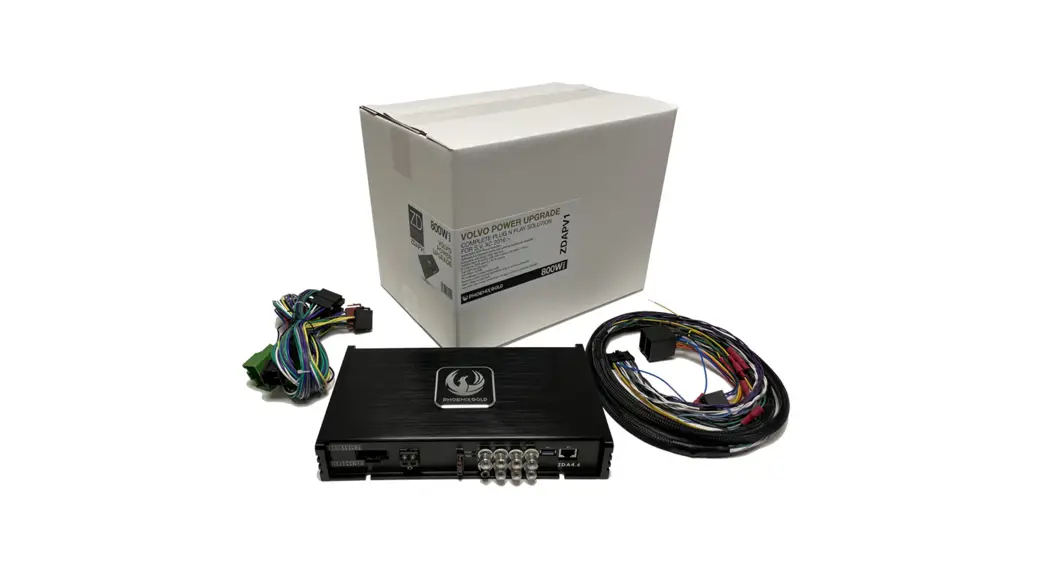
ZDAPB1 BMW DSP Power Up Kit
Product Information: ZDAPB1 for BMW 3-Series
(E90/E91/E92/E93)
The ZDAPB1 is an amplifier that can be installed in the BMW
3-Series (E90/E91/E92/E93). It is important to note that if the
amplifier is to be installed in the trunk, a separate 5m cable is
required. The passenger seat should be checked to ensure there is
enough room for installation.
Stereo Removal Instructions
- Use a tool to pop out the outer edge of the plastic panel.
- Unplug the connectors on the back of the panel or put it to the
side. - Use tools to remove the four screws with red circles. The
stereo will then be loose and ready to be taken out. - Disconnect the Fakra connector from the stereo.
Cable Installation Instructions
- If there is a green wire and a green wire with black wire loom
in the original quadlock connector, transfer that cable to the new
quadlock connector. - Use a small flat screwdriver or something tiny to loosen the
connector lock. - Connect the cables to the new quadlock connector.
- If there is no green wire and green wire with black wire loom,
skip to step 5. - Connect the ZDAISOT cable harness.
- Hide it behind the inner plastic panel behind the stereo.
- Remove the glovebox by removing the two screws and panels.
- Route the cable under the passenger seat or to the trunk.
It is important to note that the cable installation instructions
may vary depending on the type of ZDAPB1 amplifier being installed.
Refer to the product manual for specific instructions.
ZDAPB1
BMW 3-Series (E90/E91/E92/E93)
· 2005 – 2012 · E90/E91/E92/E93 · Basic Sound System
· Before installing check
placement of the amplifier. If the amplifier is to be installed in the trunk a separate 5m cable i required.
· If it is to be installed under the
passanger seat, check that there is room.
Stereo Removal 1
· Use a plastic pry tool on the
outer edge of the plastic panel to pop it out.
Stereo Removal 2
· The panel is now loose. Either
unplug the connectors on the back of the panel or put it to the side.
Stereo Removal 3
Tools required:
· PH2 Screwdriver
· Loosen the two screws marked
with red circles. Then the stereo is loose and ready to be taken out.
Stereo Removal 4
· Remove the quadlock connector
and the fakra connector from the stereo.
Cable Installation 1
· OBS! If there is a fiber optic
cable in the original quadlock connector (the green wire and the green wire with black wire loom om) then that cable needs to be transfered to the new quadlock connector.
· If there is no such cable skip to
Cable installation 3.
Cable Installation 2
· Under the fiber optical cable the
is a little lock. Use a small flat screwdriver or something tiny to loosen the connector.
Cable Installation 3
· Connect the T-ISO harness.
Cable Installation 4
· Connect the fiber optical cable
to the new quadlock connector.
· If you do not have a fiber optical
cable skip to the next step.
Cable Installation 5
· Connect the ISO connectors to
the ZDAISOT cable harness.
Cable Installation 6
· Take the ZDAISOT cable and run
it behind the inner plastic panel behind the stereo.
Cable Installation 7
Tools required:
· T20 Torx Screwdriver
· Remove the panel under the
glovebox by removing the two screws.
· Pull out the cable between the
panels.
· Continue to pull the cable either
to under the passanger seat or the the trunk.